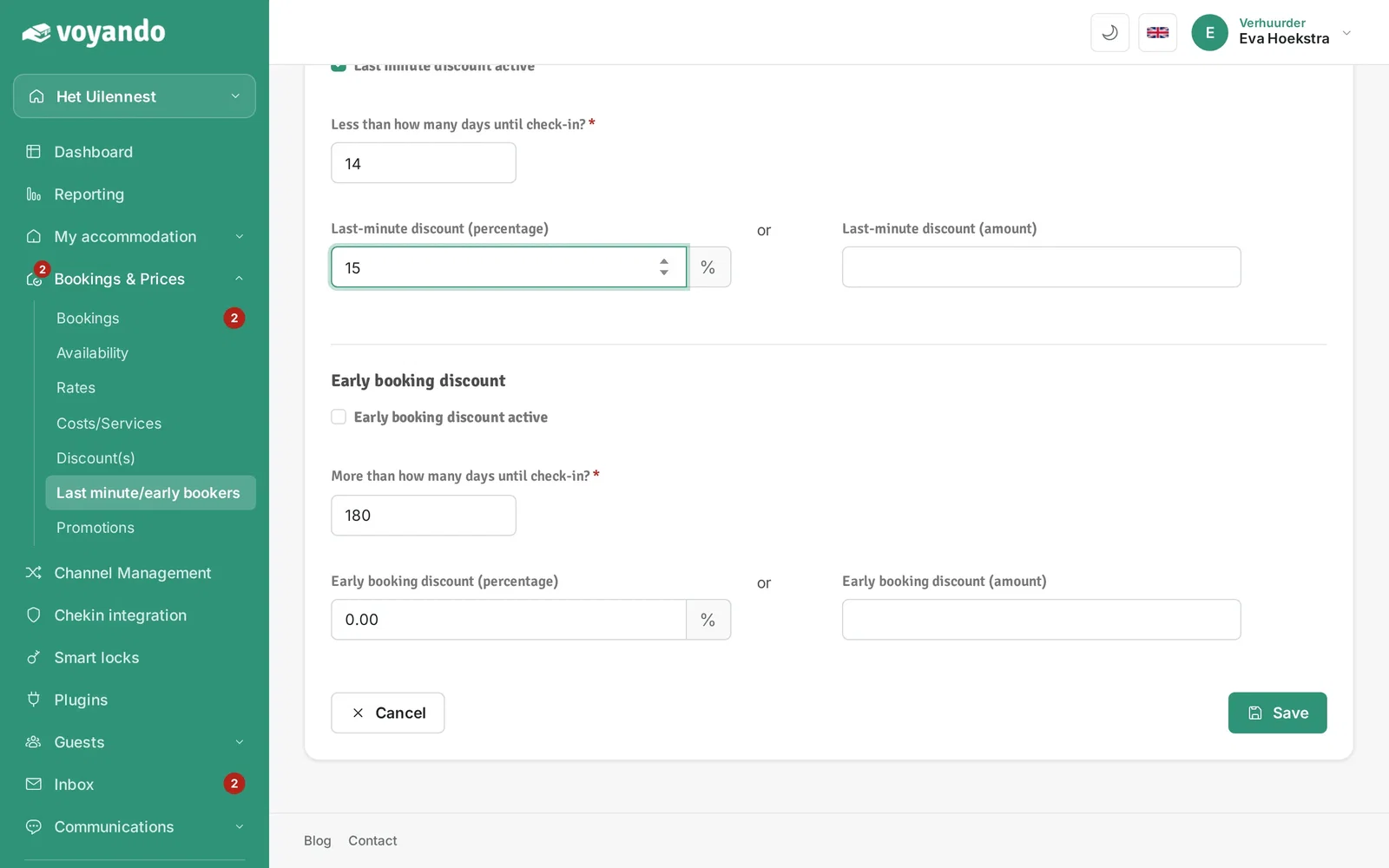
How do I set up a last-minute promotion?
You can easily set up a last-minute discount for your website by selecting the discount type and start date in the Voyando dashboard.
Step by step · 7 steps
-
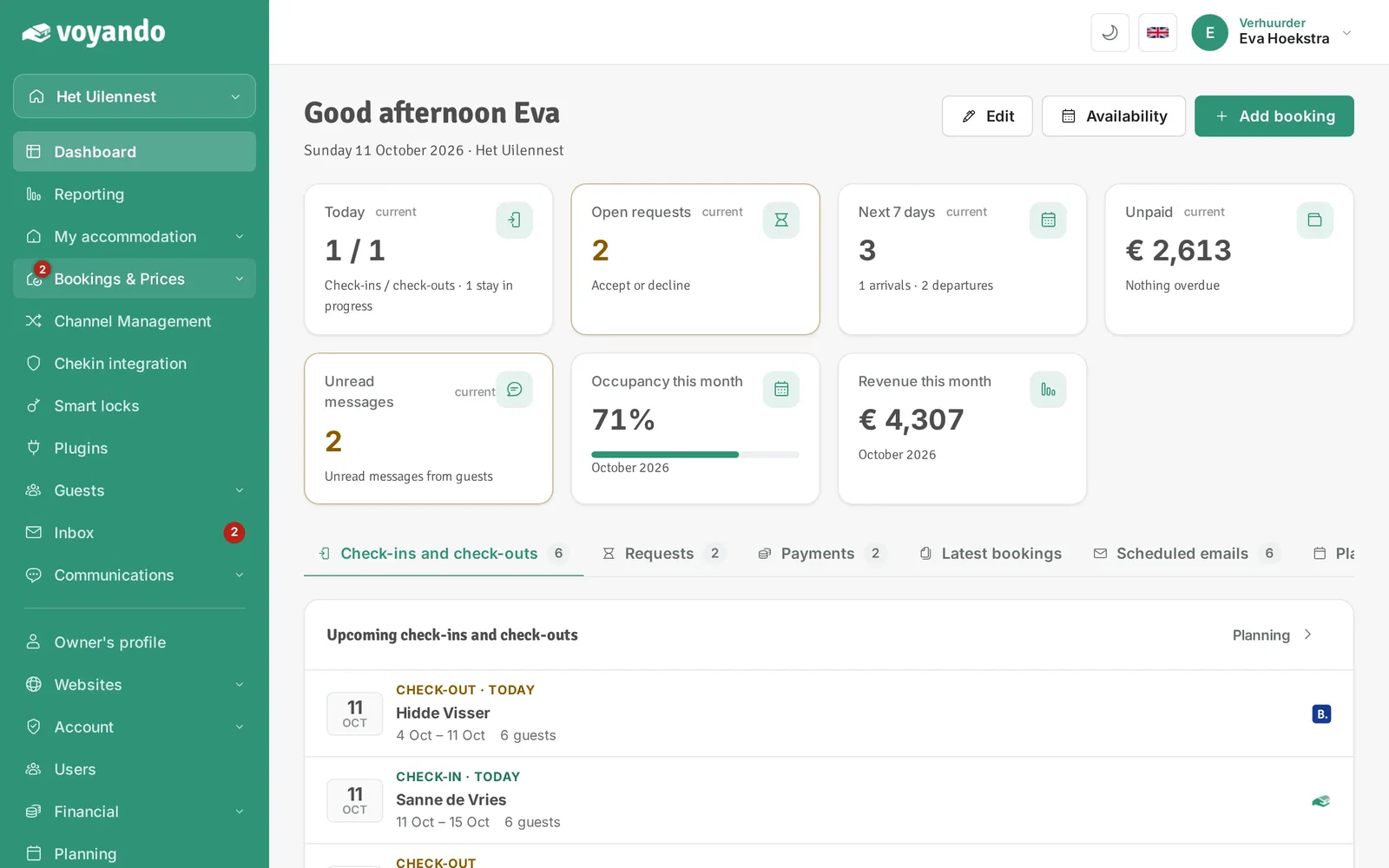
Step 1: Go to your dashboard.

-
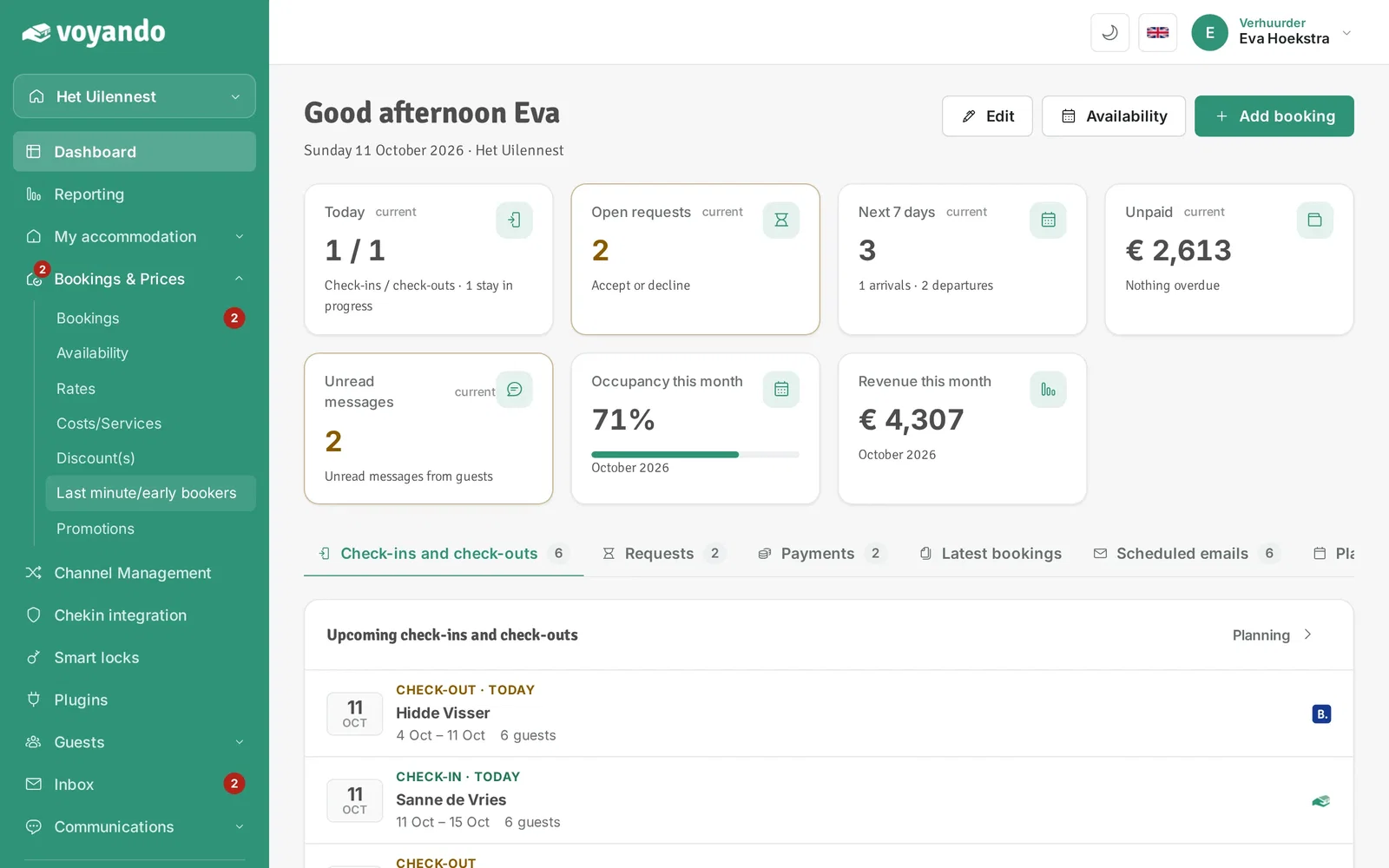
Step 2: Click Bookings & Prices in the menu.
-
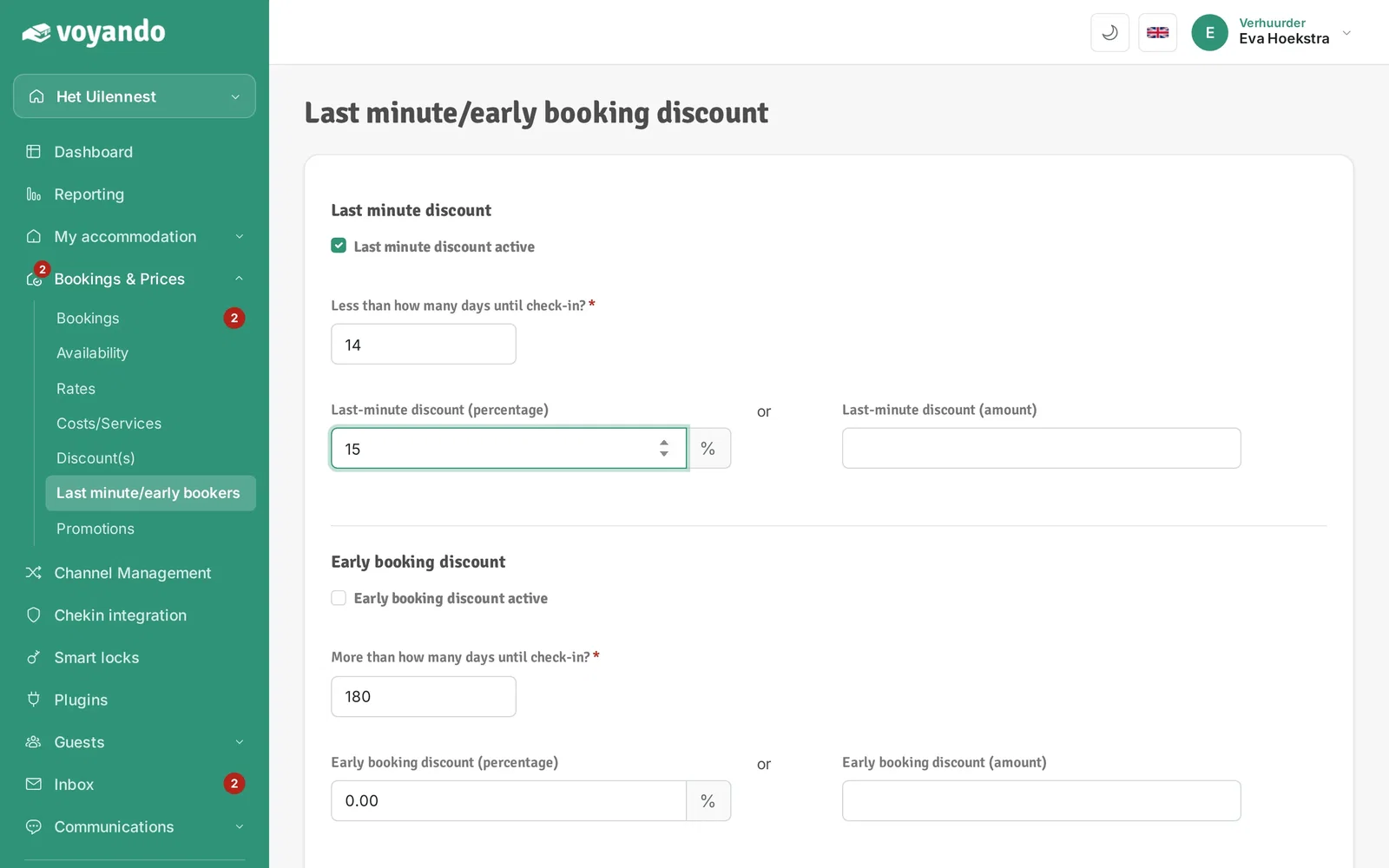
Step 3: Click Last minute/early bookers.
-
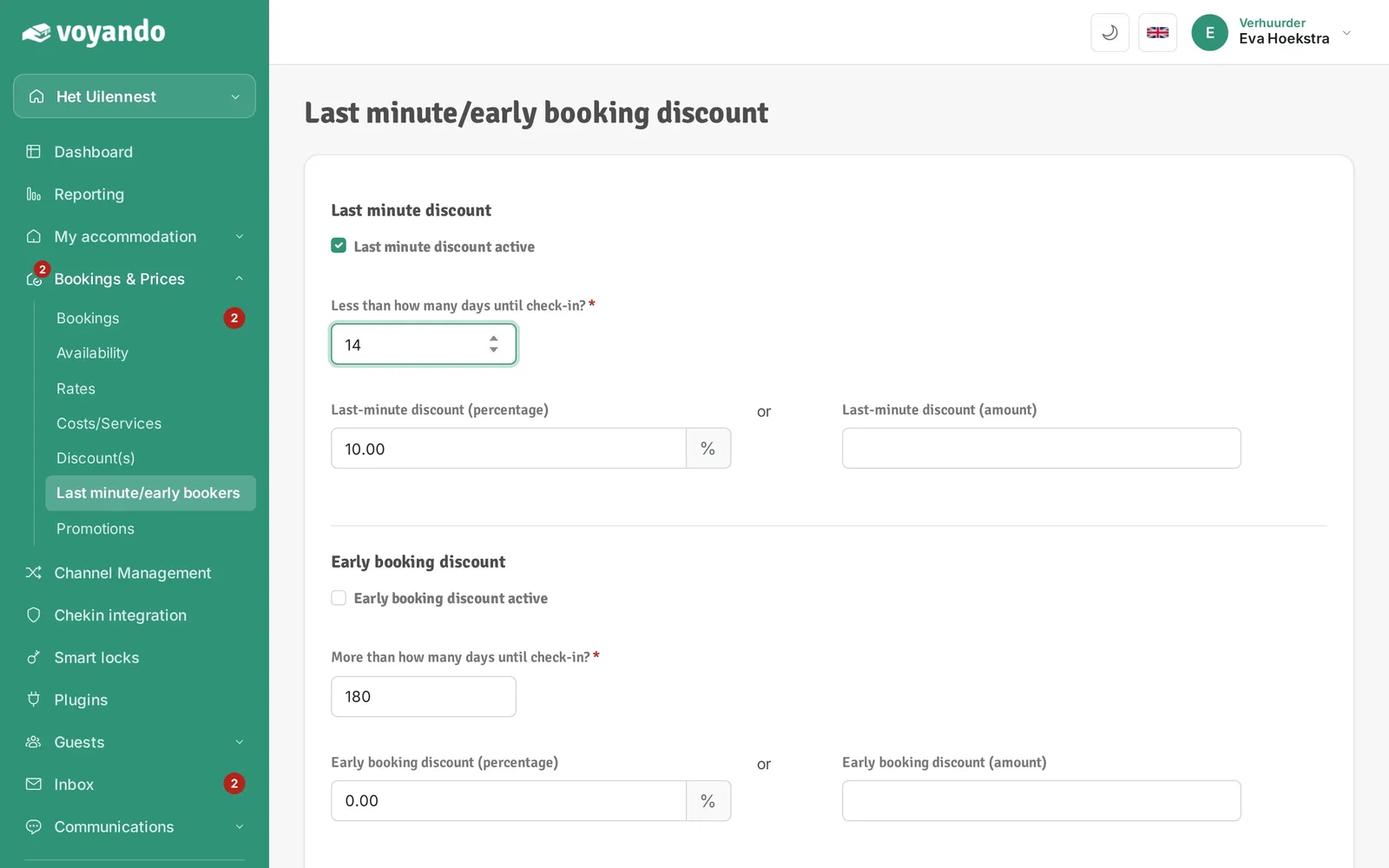
Step 4: Tick Last minute discount active. This discount applies to bookings through your own website.

-
Step 5: Enter from how many days before check-in the discount applies.
-
Step 6: Enter the discount, as a percentage or as a fixed amount.
-
Step 7: Click Save.