Set up additional charges and surcharges for bookings made via your website
Set additional costs and surcharges for your bookings, specify the type and when they are payable, and translate them for your guests.
Step by step · 12 steps
-
Step 1: Go to your dashboard.

-
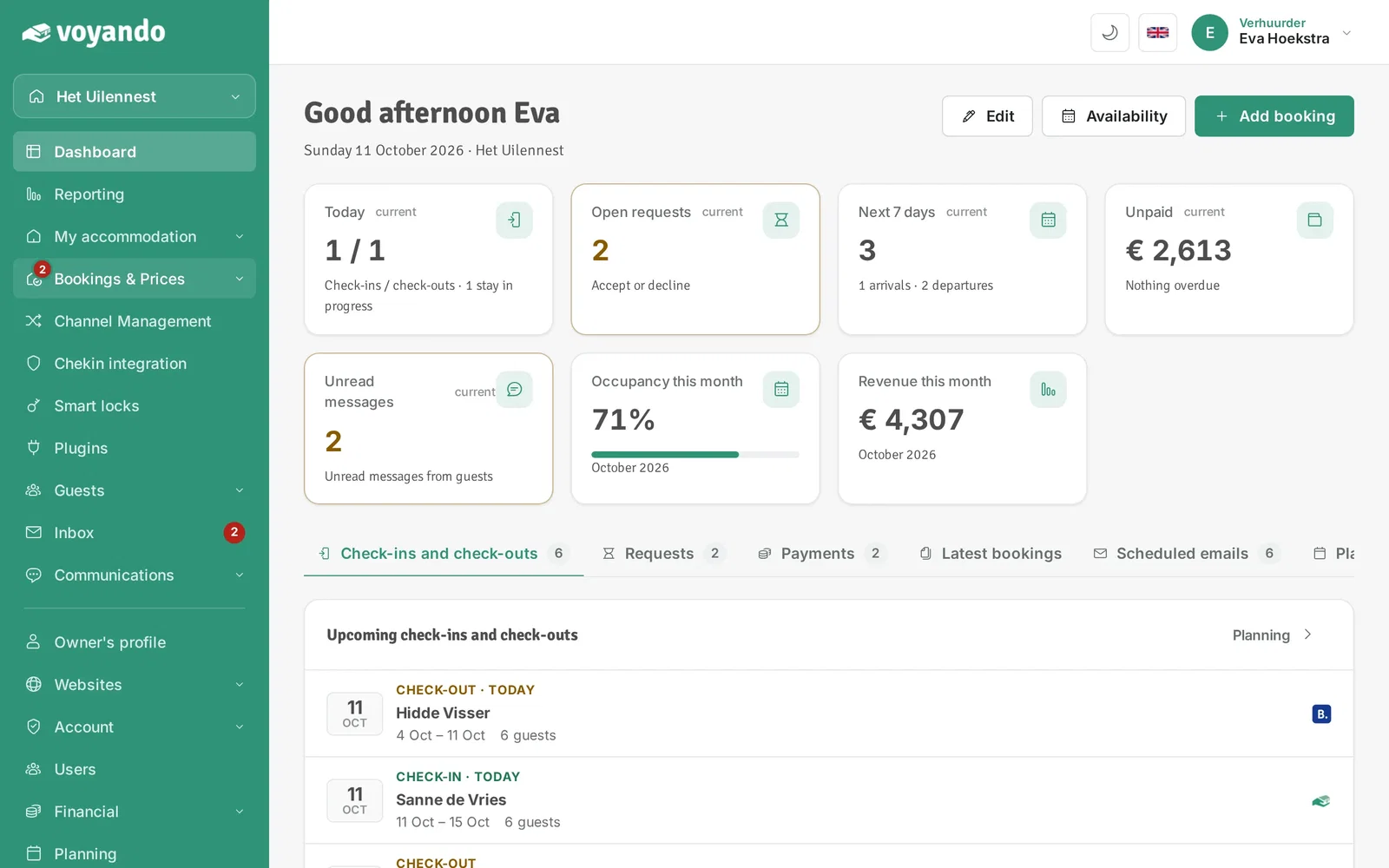
Step 2: Click Bookings & Prices in the menu.
-
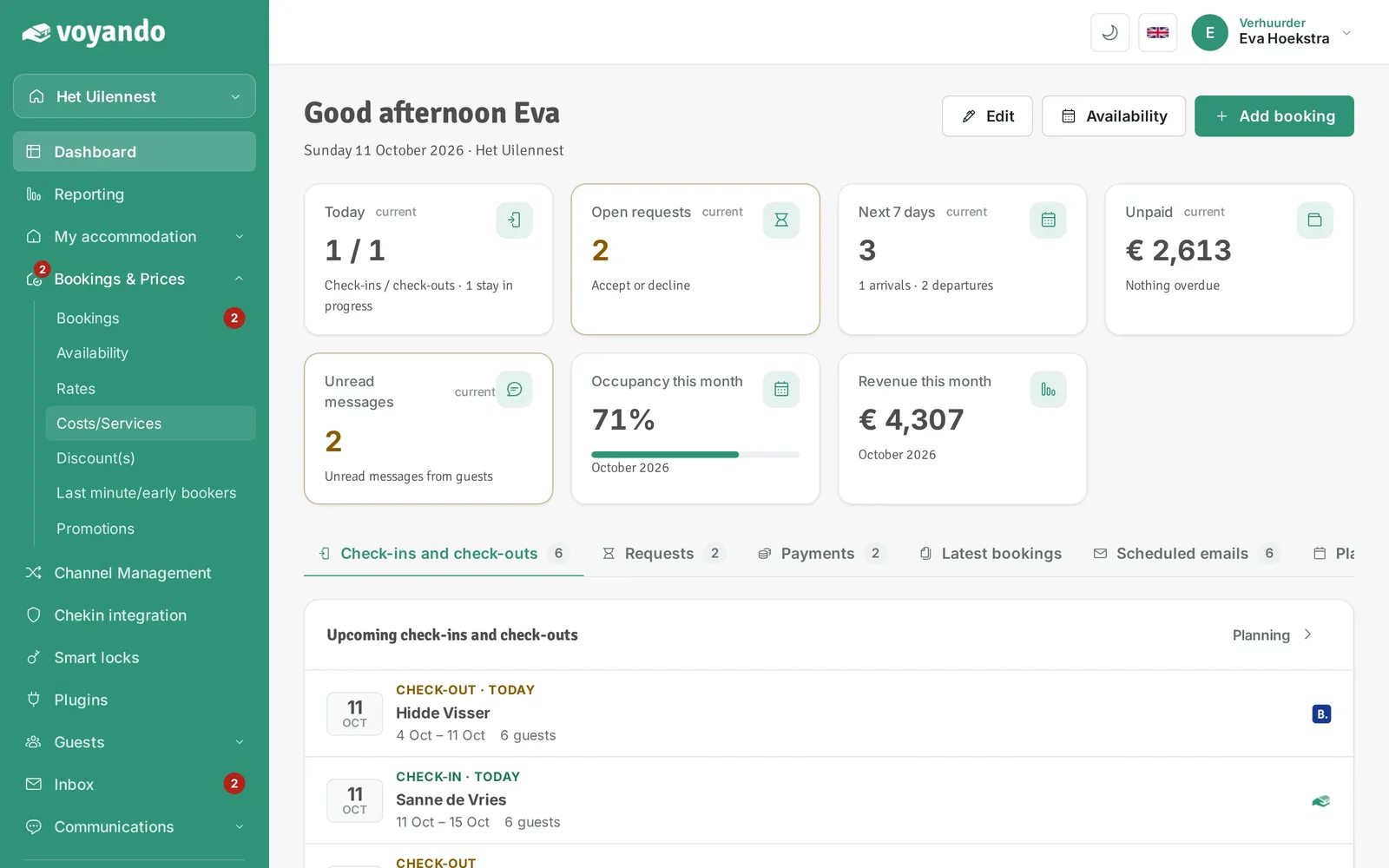
Step 3: Click Costs/Services.
-
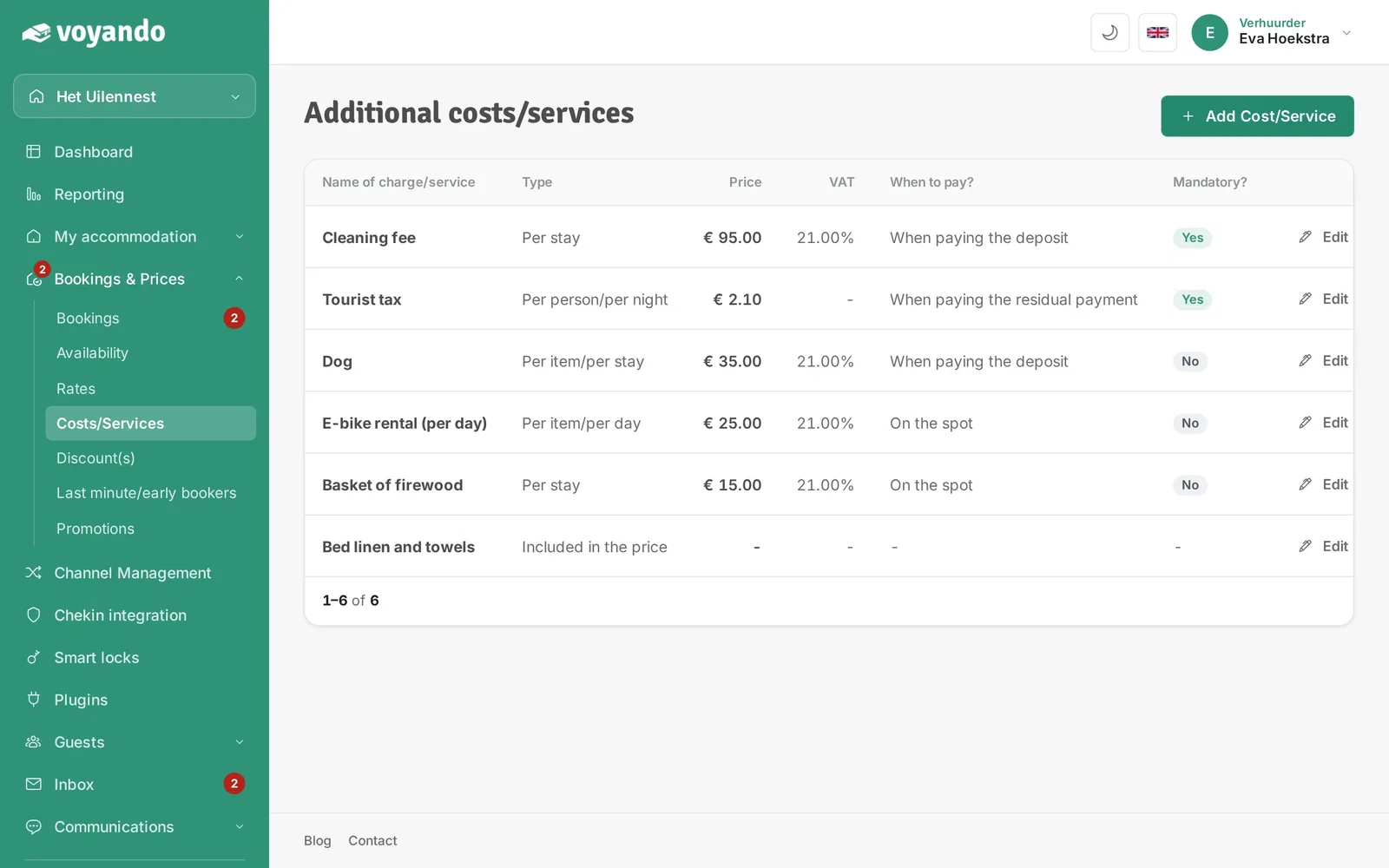
Step 4: Click Add Cost/Service.
-
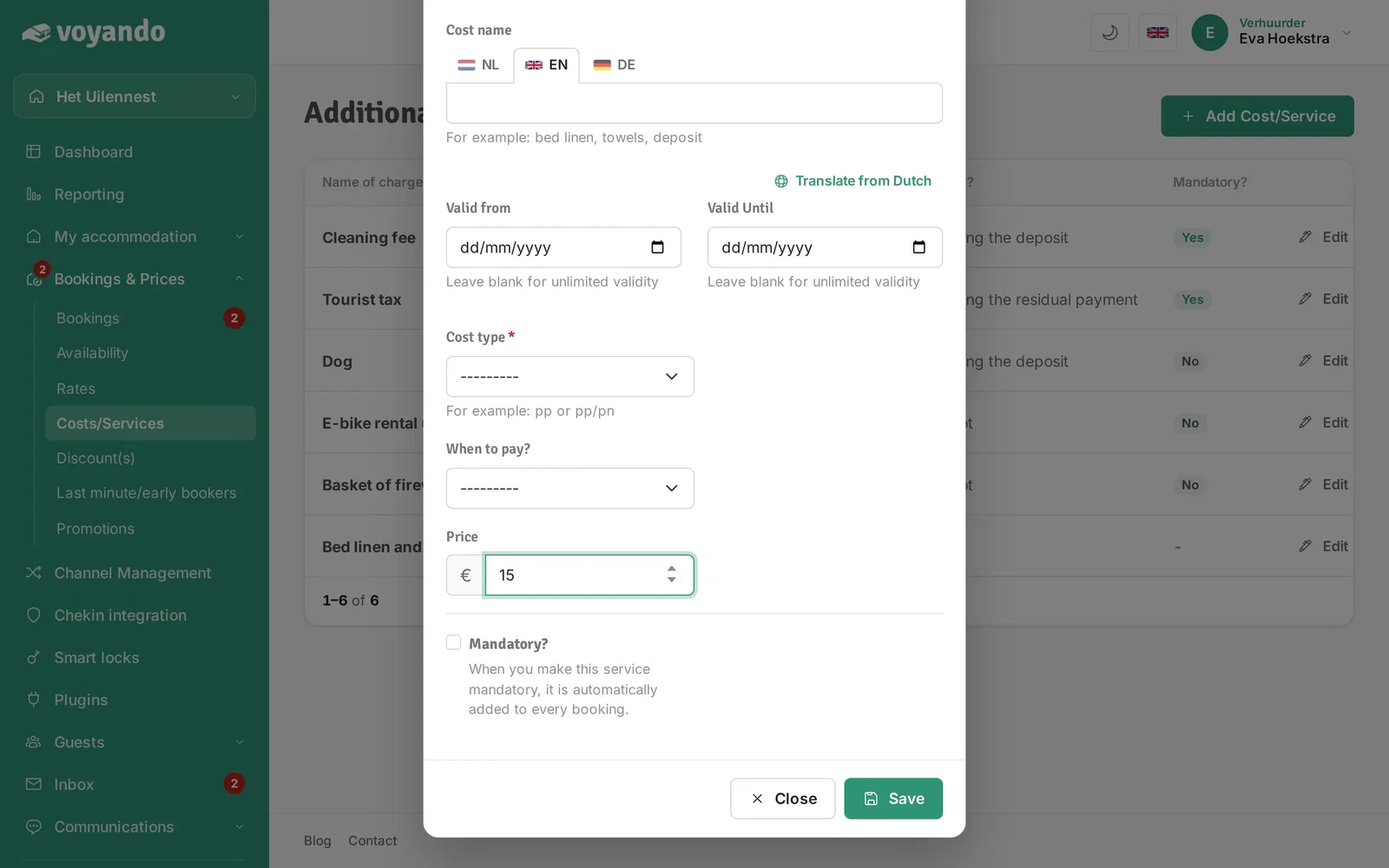
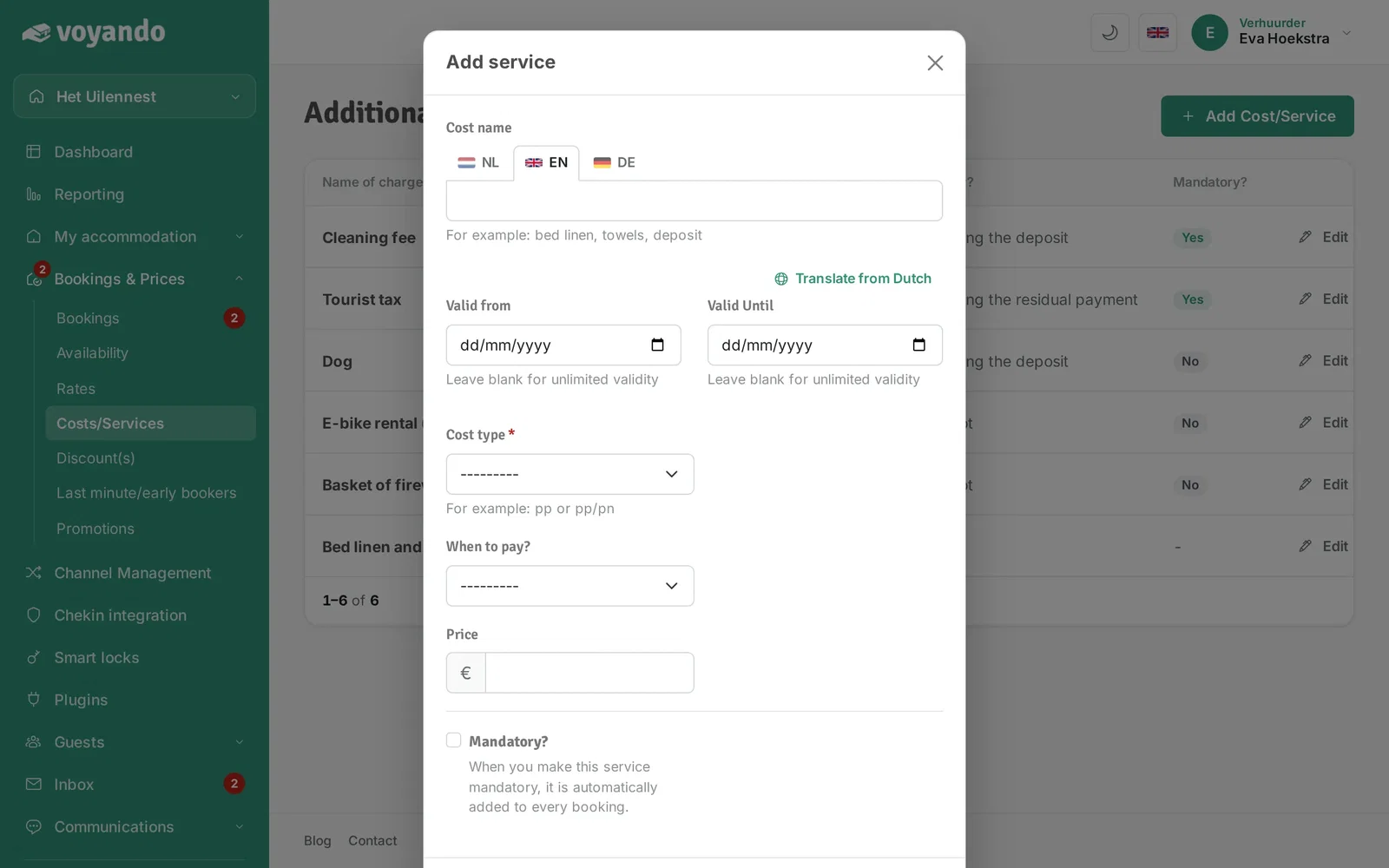
Step 5: Enter a name under Cost name. Your guests see it in the price calculation.

-
Step 6: Do you offer several languages? Click the flag and enter the name in that language too.

-
Step 7: Do the costs only apply in a certain period? Then fill in Valid from and Valid Until. Leave them empty for no limit.
-
Step 8: Under Cost type, choose how the costs are calculated, for example per person or per night.

-
Step 9: Under When to pay?, choose when your guests pay these costs.

-
Step 10: Enter the amount under Price.

-
Step 11: Are the costs mandatory? Tick Mandatory?; they are then added to every booking automatically.

-
Step 12: Click Save.