How do I change the order of the photos?
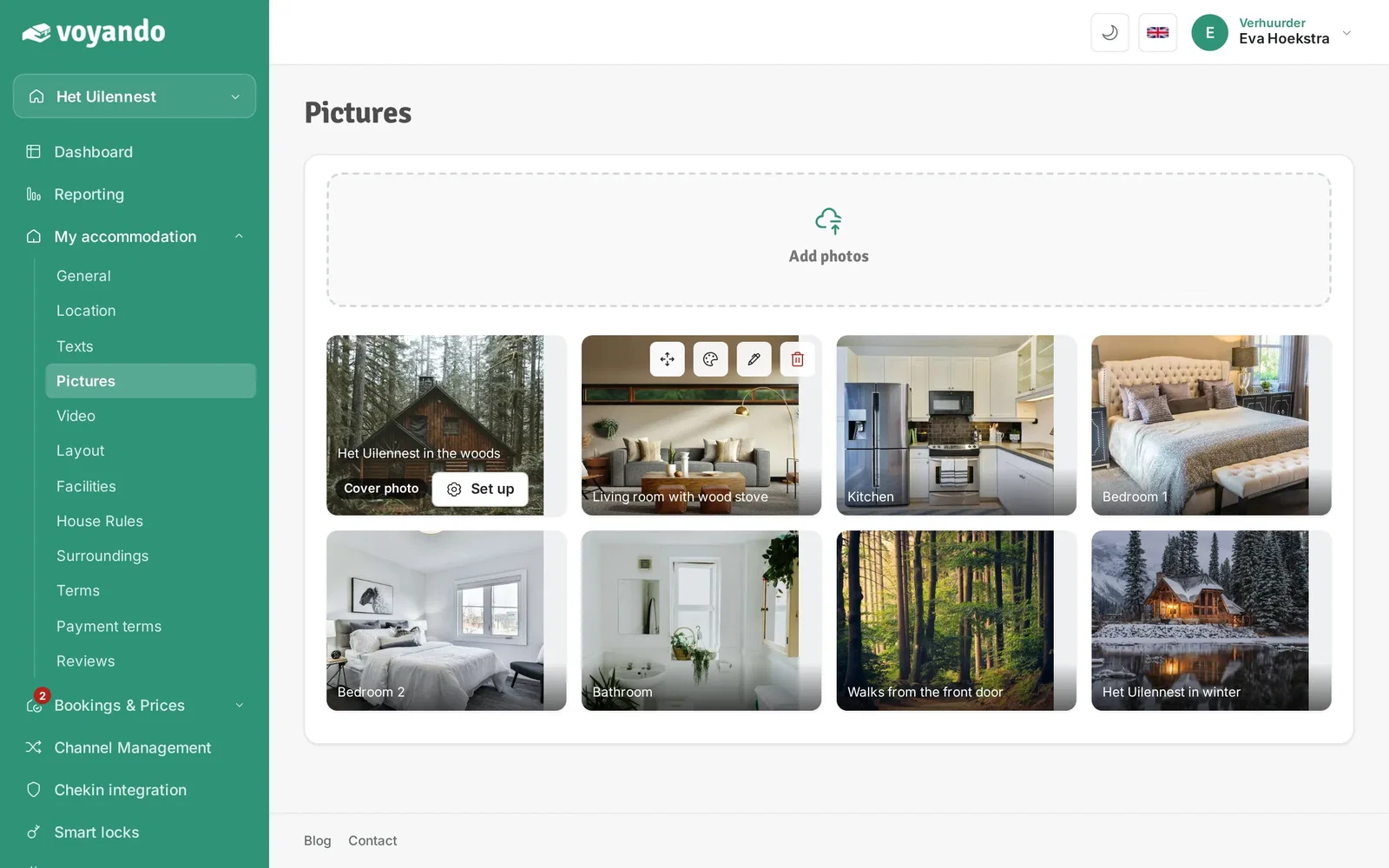
You can easily reorder your photos by dragging and dropping them on your dashboard; the first photo will automatically become the header photo.
Step by step · 6 steps
-
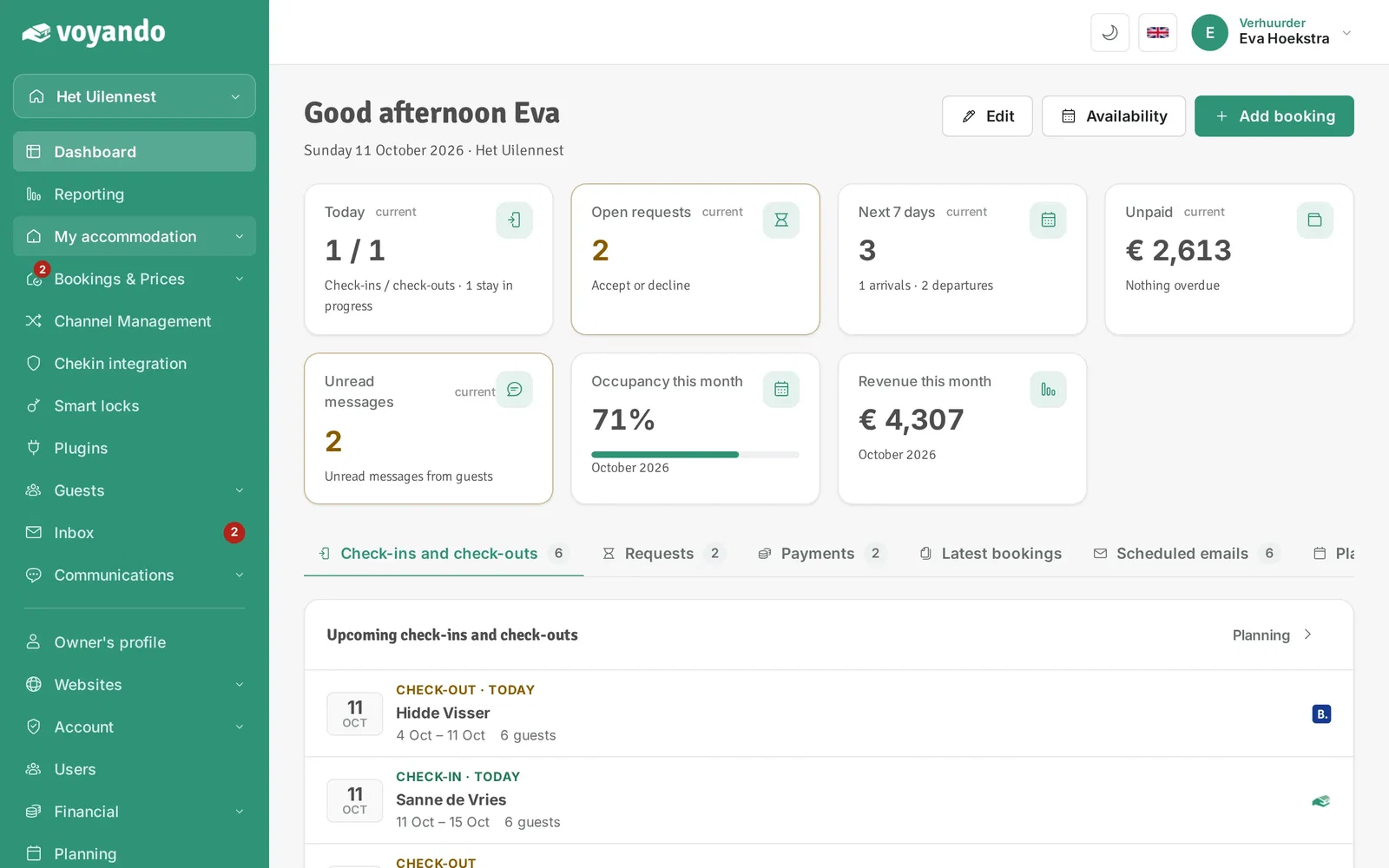
Step 1: Go to your dashboard.

-
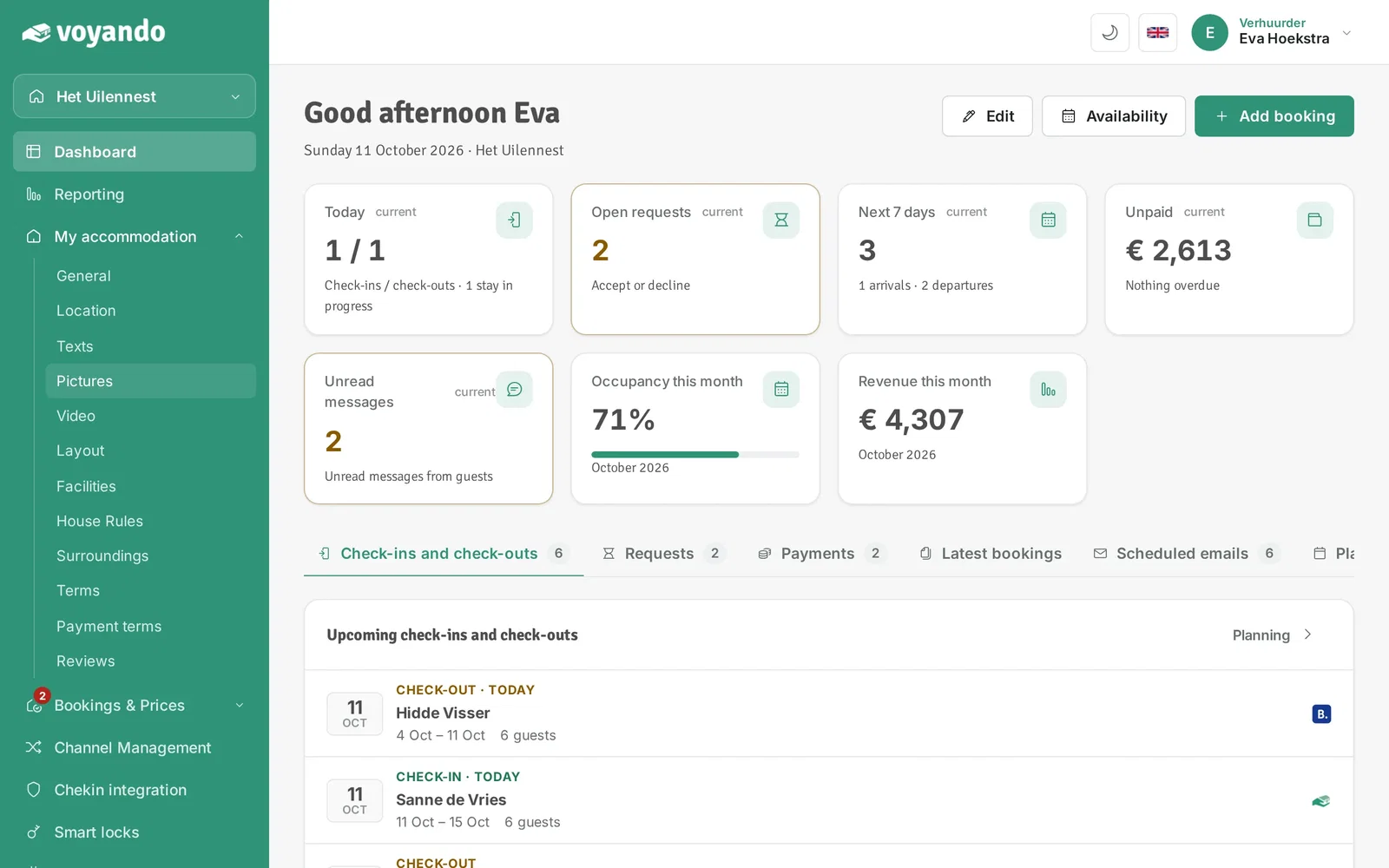
Step 2: Click My accommodation in the menu.
-
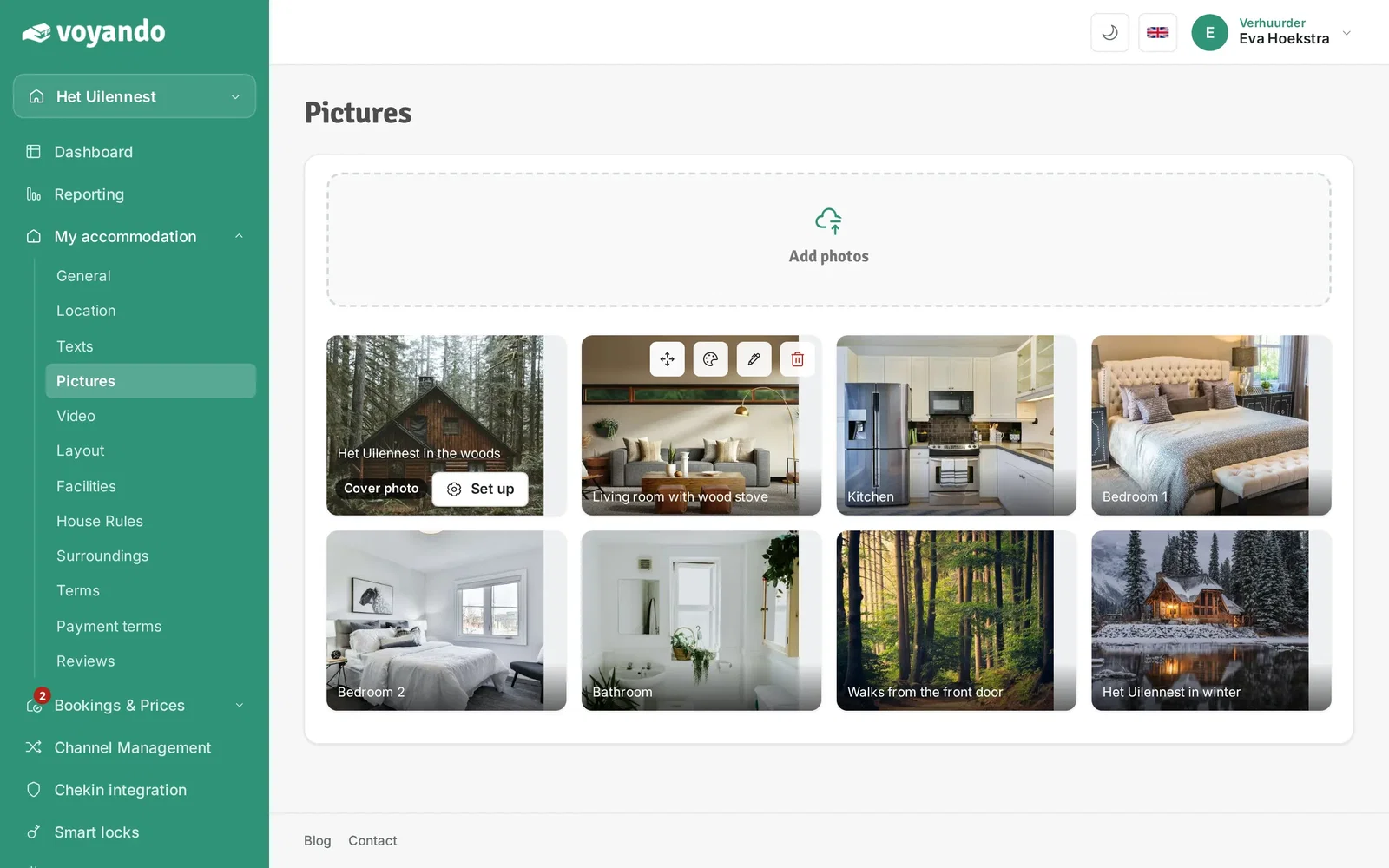
Step 3: Click Pictures.
-
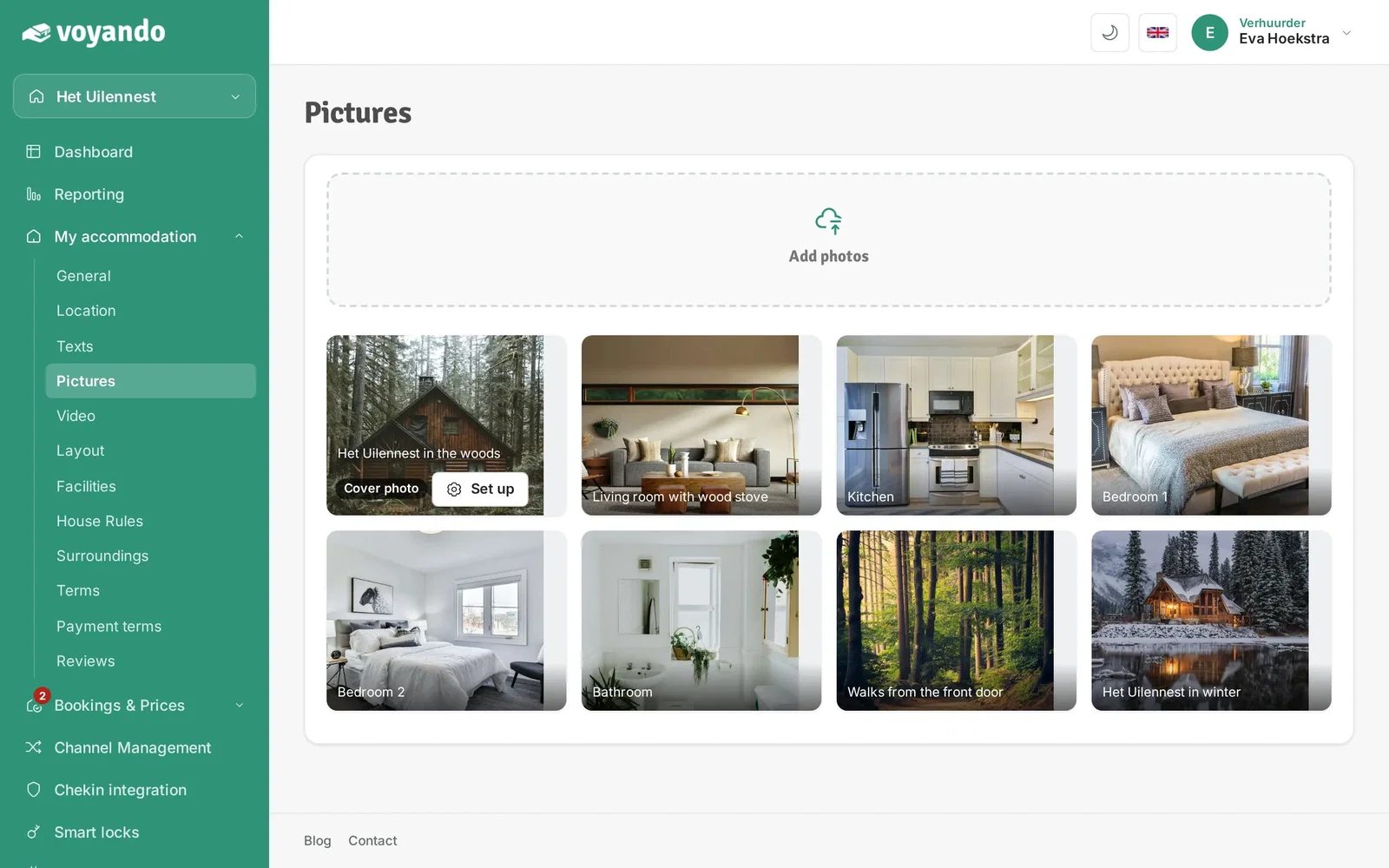
Step 4: Note that the first photo is your Cover photo, the header photo of your website.
-
Step 5: Click the arrows icon, hold the mouse button down and drag the photo to the right spot.
-
Step 6: The new order is saved automatically. Still seeing the old order on your website? Reload the page (Ctrl + F5 or Cmd + Shift + R) or open the site in another browser.