How do I switch my accommodation on or off?
Enable or disable your accommodation via voyando.com/dashboard under Website > Domain(s) > Link pages using the tick box.
Step by step · 7 steps
-
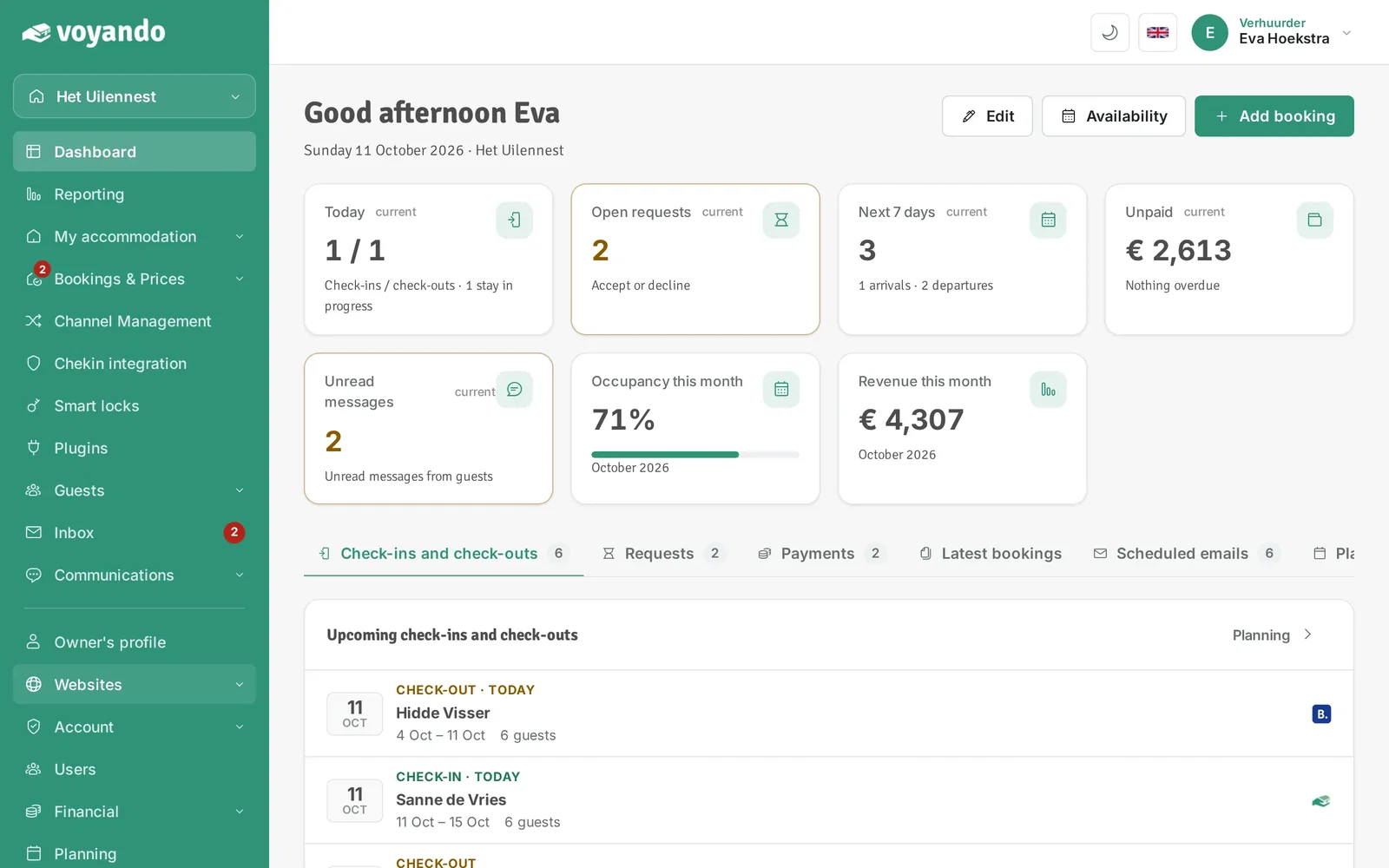
Step 1: Go to your dashboard.

-
Step 2: Click Websites in the menu.
-
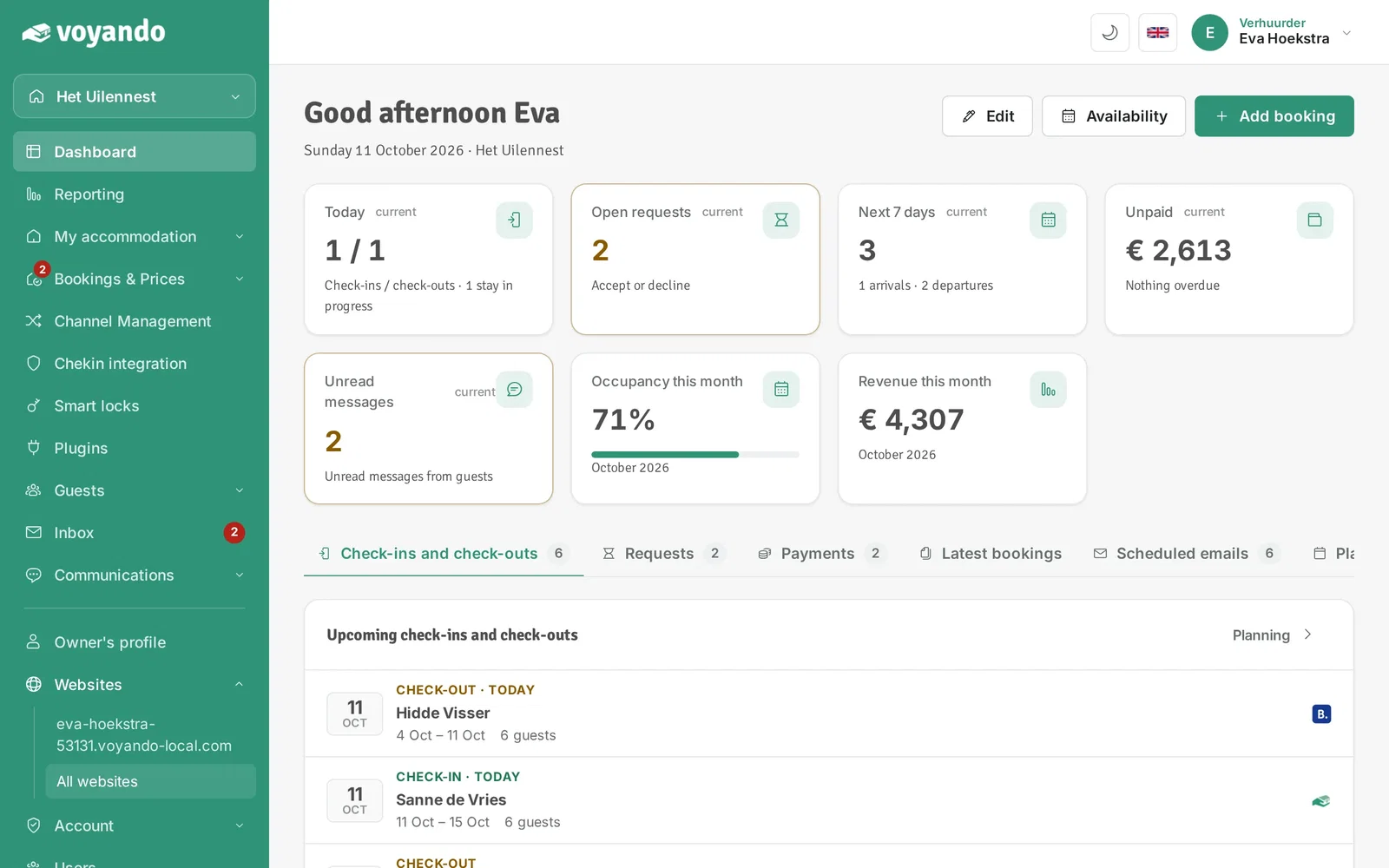
Step 3: Click All websites.
-
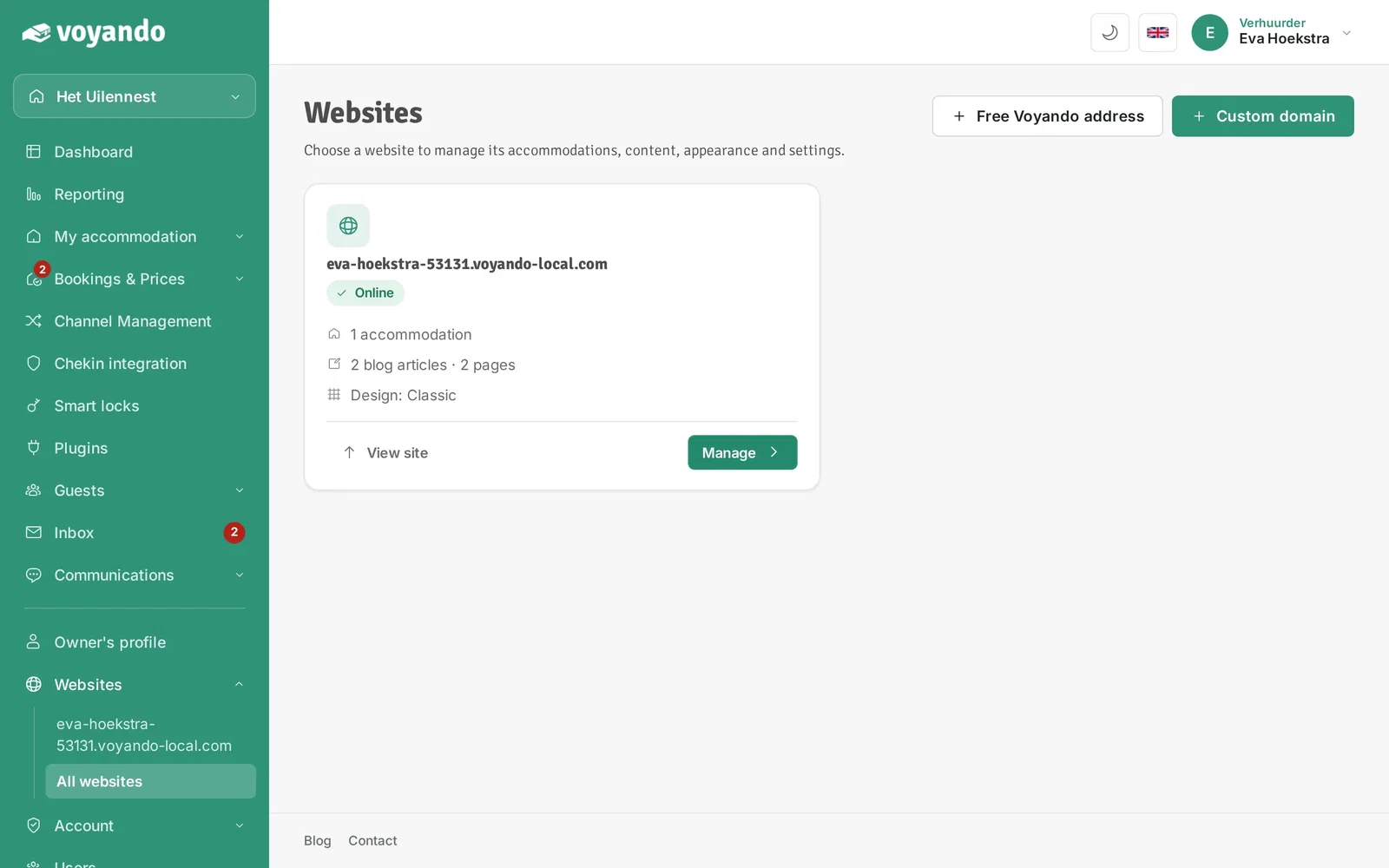
Step 4: Click Manage next to your website.
-
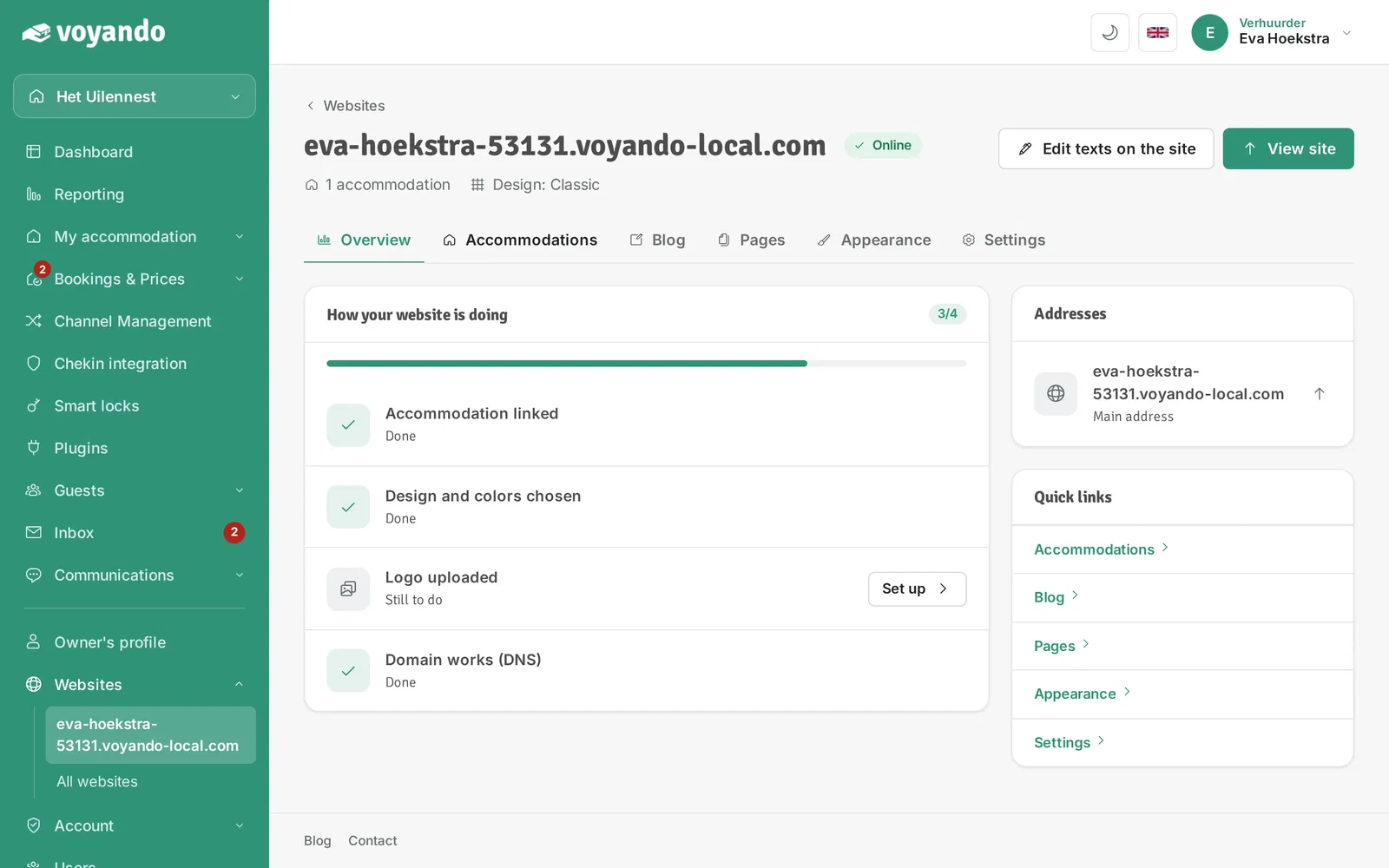
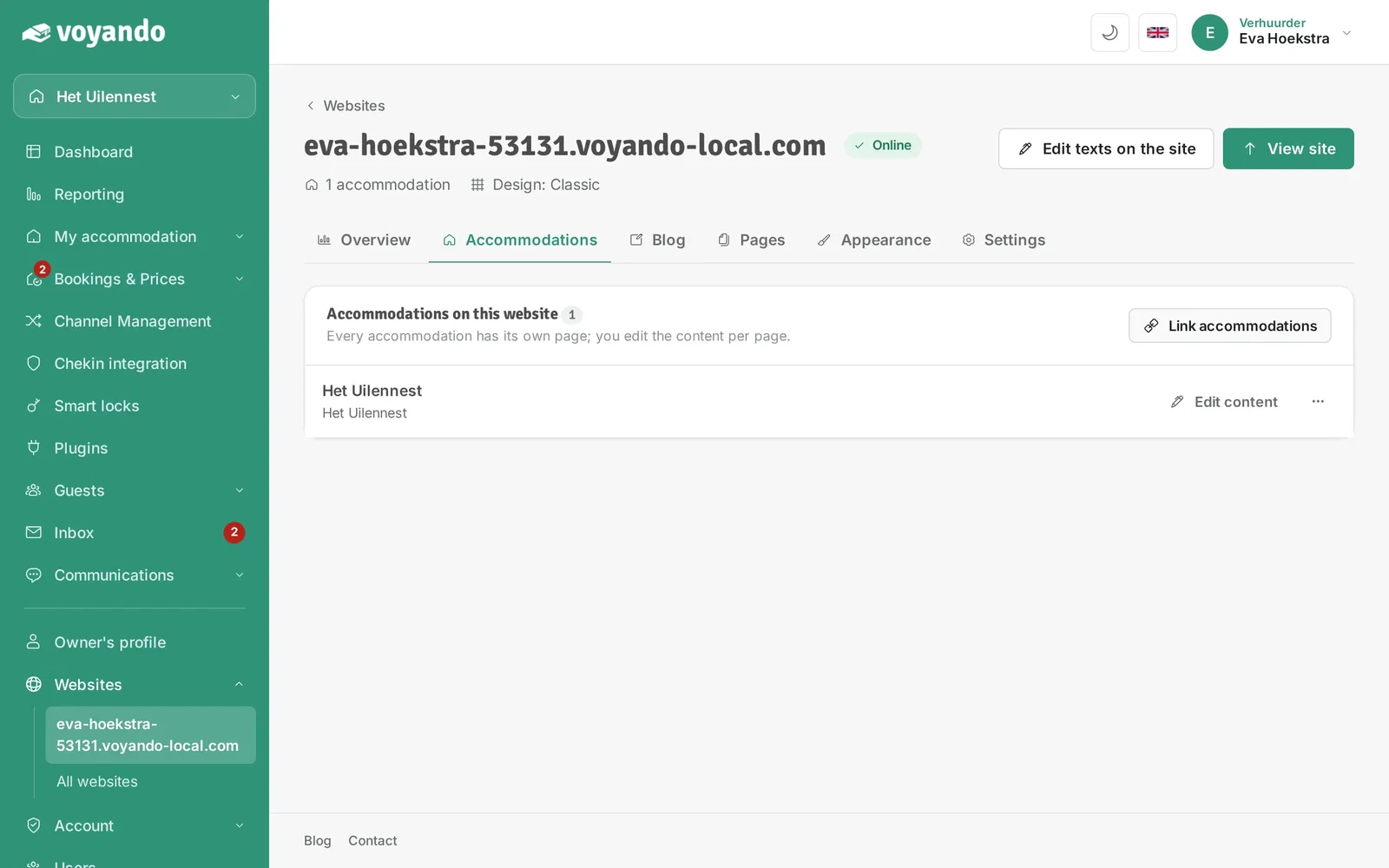
Step 5: Open the Accommodations tab.
-
Step 6: Click Link accommodations.
-
Step 7: Use the switch to turn an accommodation on or off on this website. Your choice is saved immediately.




