Skip to content
Channel Manager Everything about Channel Manager Airbnb listing for your holiday homeBooking.com listing for your holiday homeVRBO integration for international holiday rentalsGoogle Travel integration for holiday rentalsLink Airbnb to Booking.com
Website Everything about Website Website builder for your holiday homeVoyando with your own websiteSecure online payments for guests
Rental Management Everything about Rental Management Automatic emailsFull guest registrationCurrent prices and calendarSmart locksRental calendarReviews
Marketing Everything about Marketing Voyando app
Features Pricing Blog Help Sign in
Try free for 30 days Book an advice call

Where do I add my house rules?

5 steps Updated

Add your house rules via ‘My Accommodation’ in the dashboard and view them straight away in the booking module on your website.

Step by step

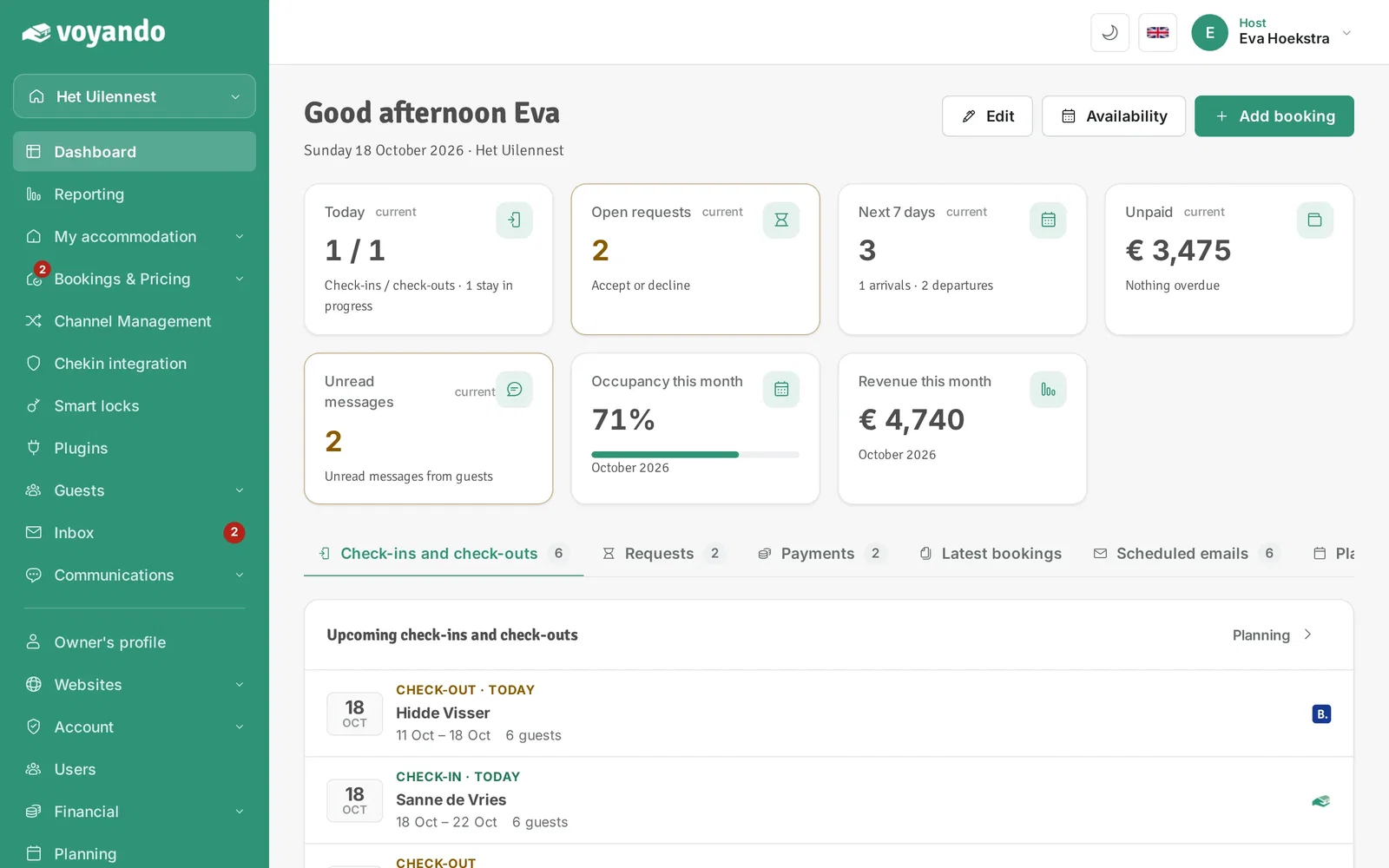
  1. Step 1: Go to your dashboard.

    Where do I add my house rules? – step 1: Go to your dashboard.
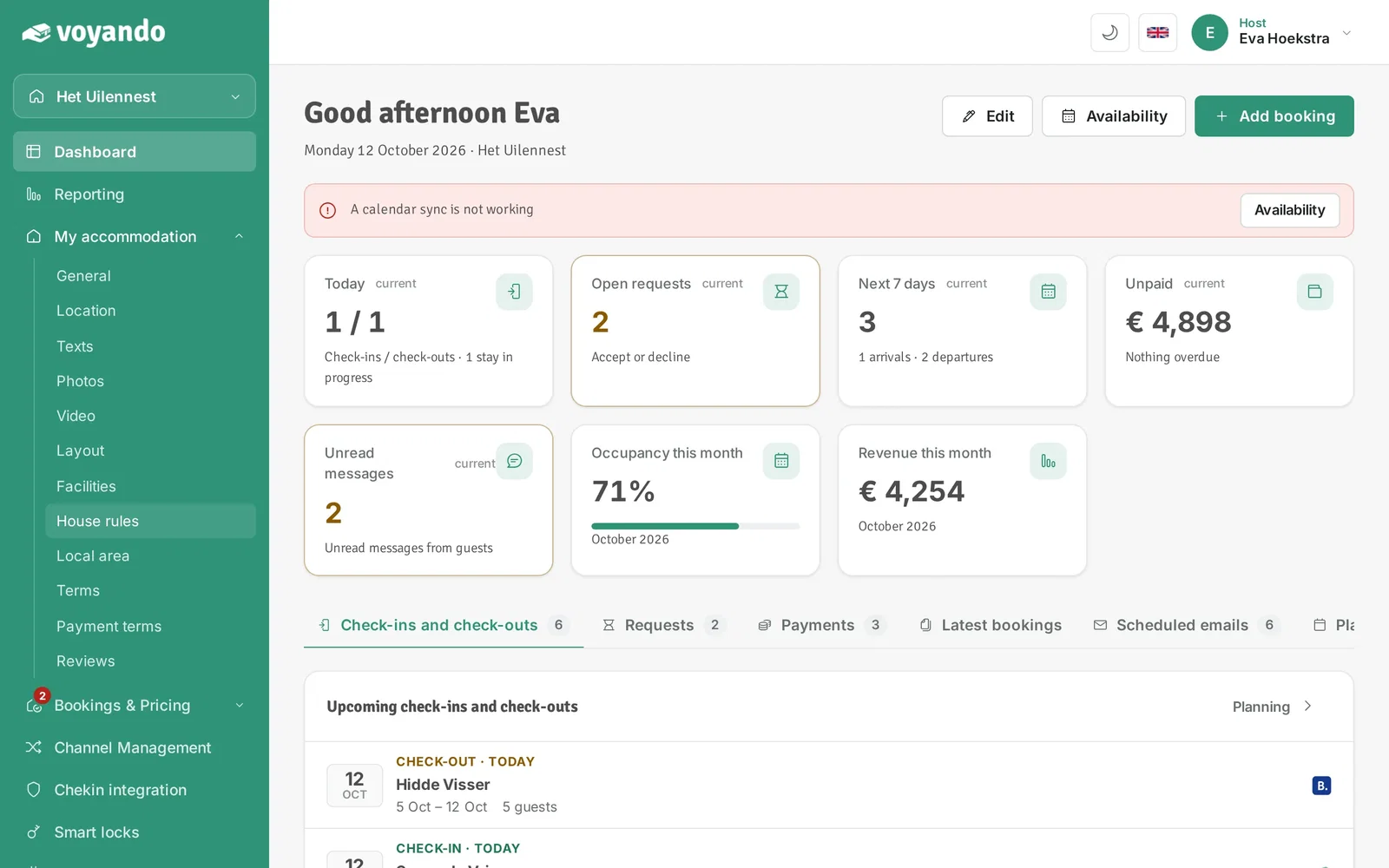
  2. Step 2: Click My accommodation in the menu.
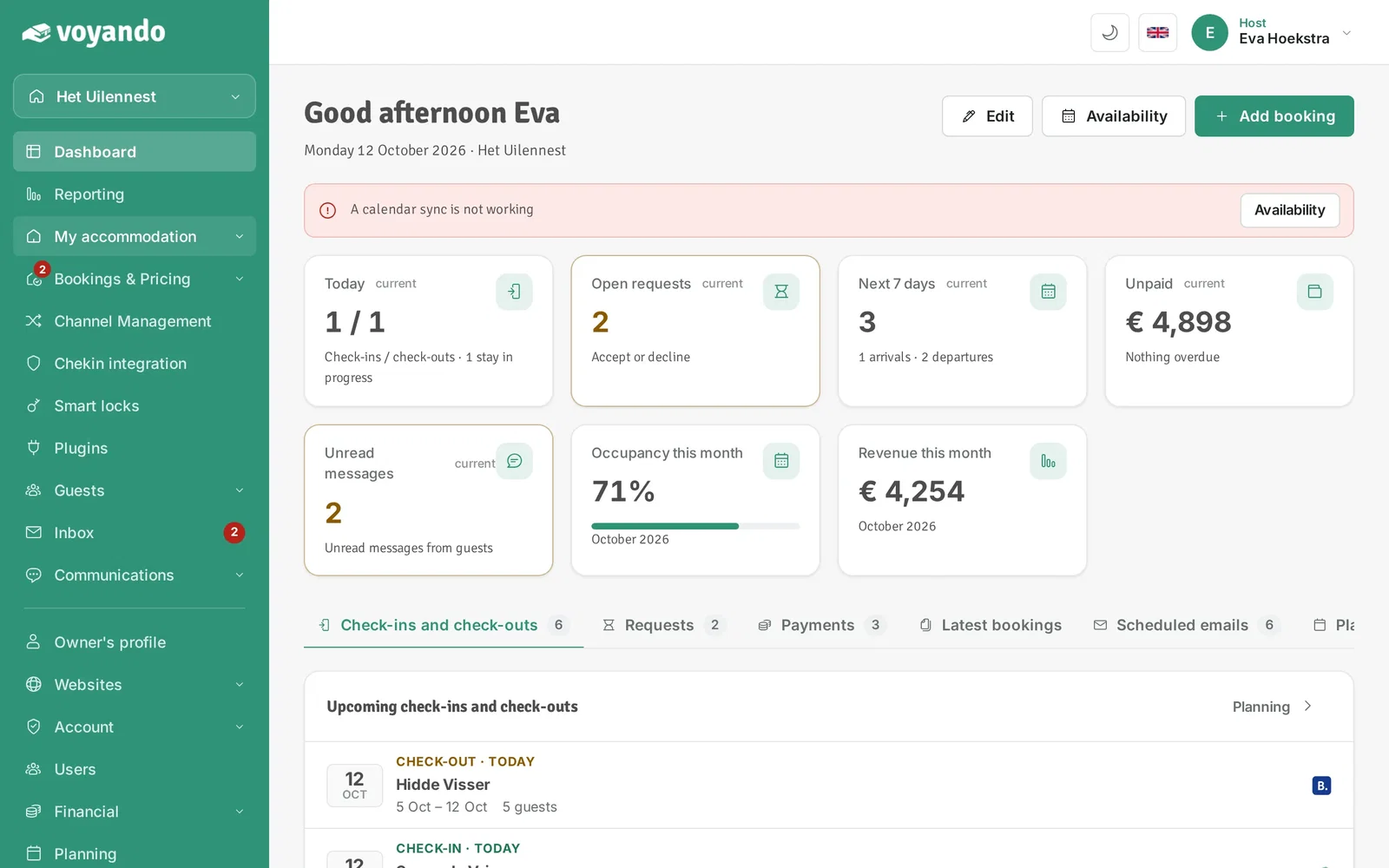
    Where do I add my house rules? – step 2: Click My accommodation in the menu.
  3. Step 3: Click House rules.

    Where do I add my house rules? – step 3: Click House rules.
  4. Step 4: Type your house rules in the text field.
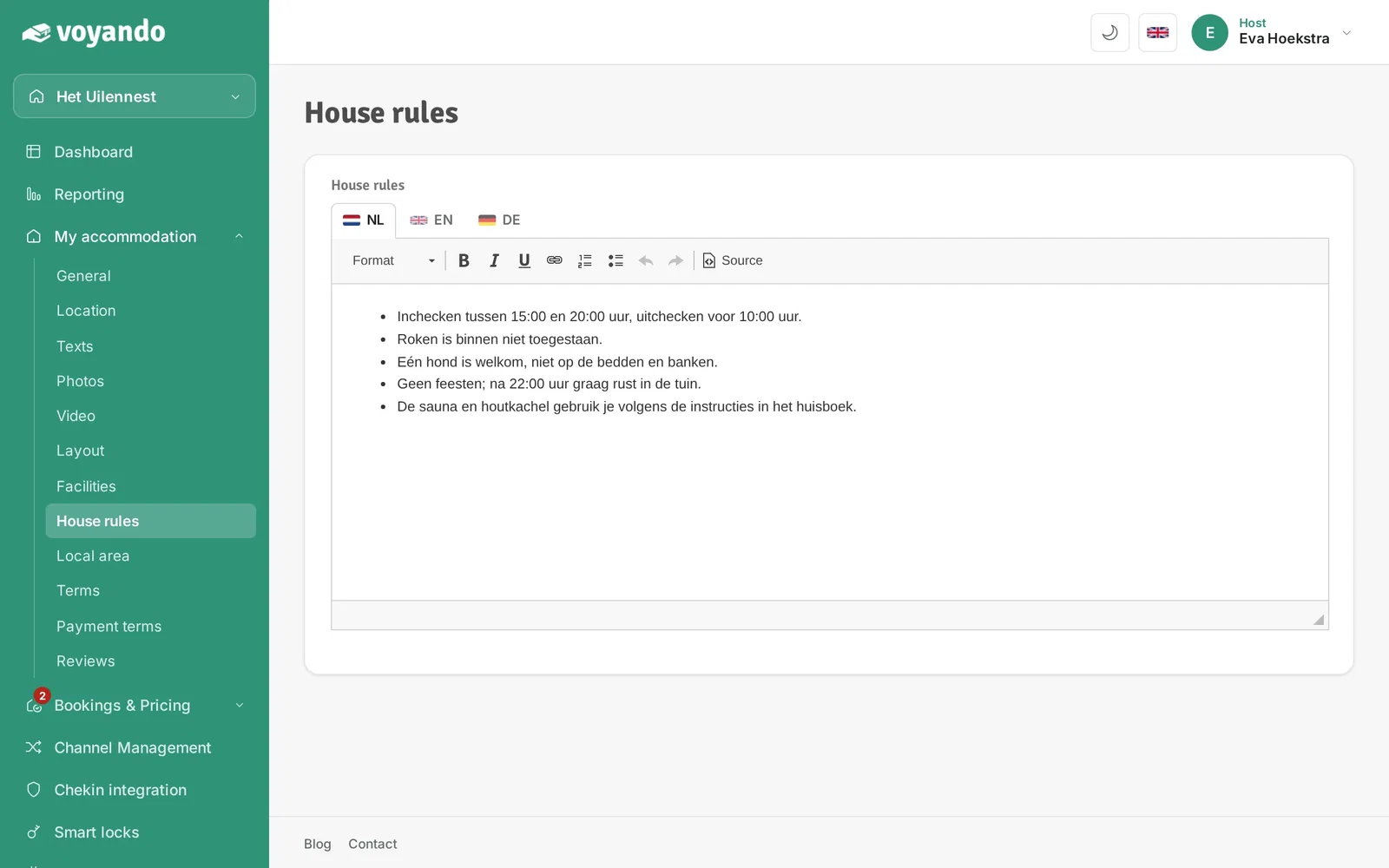
    Where do I add my house rules? – step 4: Type your house rules in the text field.
  5. Step 5: Do you offer several languages? Fill in the house rules in the other language tabs too. Then click Save in the bar that appears at the bottom.
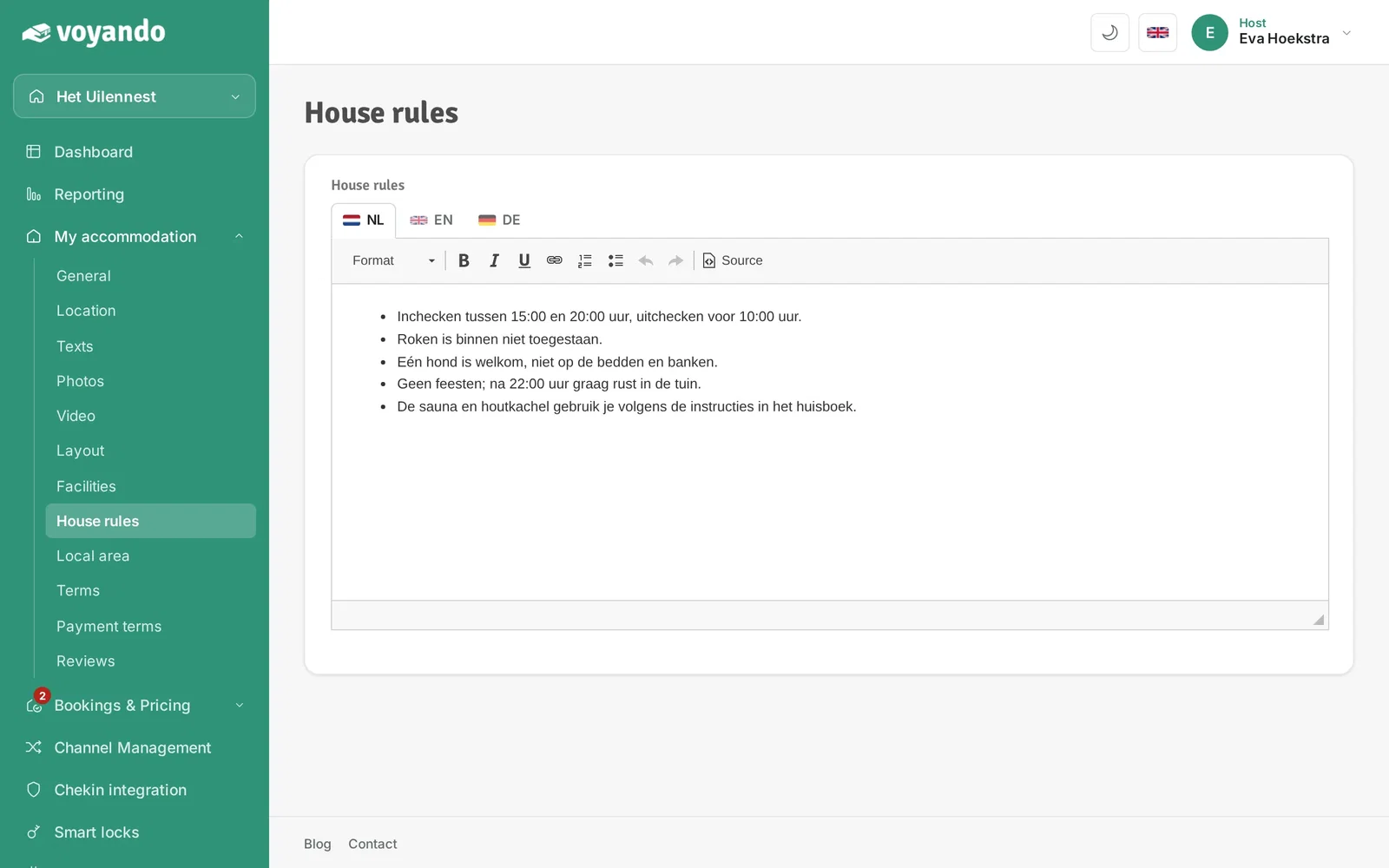
    Where do I add my house rules? – step 5: Do you offer several languages? Fill in the house rules in the other language tabs too. Then click Save in the bar that appears at the bottom.
Try for free Demo
Watch the demo

Discover how easy managing your holiday home is

See in the demo how to handle bookings, payments, your website and channels in one place. Leave your e-mail address and start watching right away.

Or try Voyando right away 30 days free.