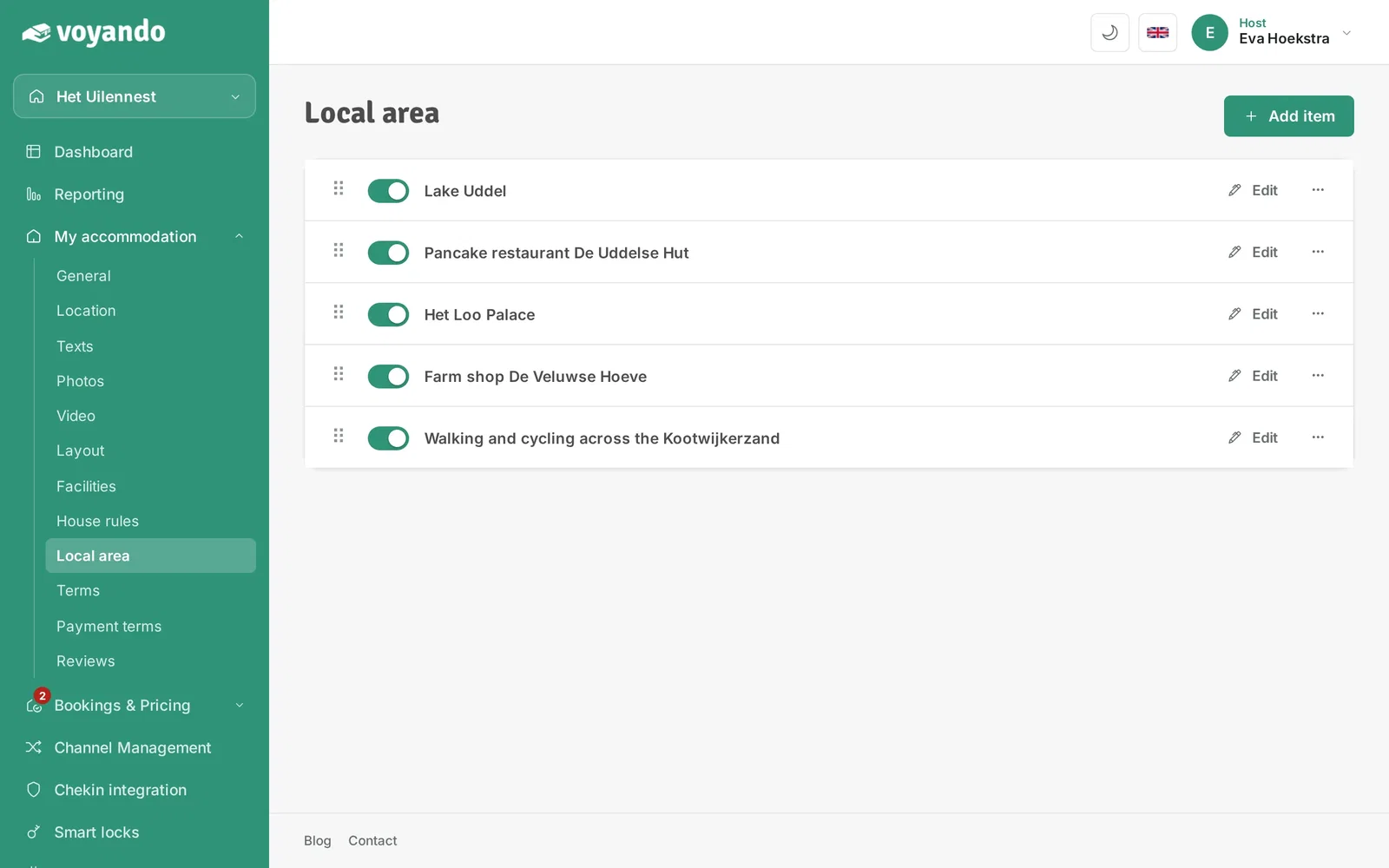
How do I add local area information?
Add environmental information by creating an item, describing it, adding a photo and toggling it on or off in your dashboard.
Step by step · 12 steps
-
Step 1: Go to your dashboard.
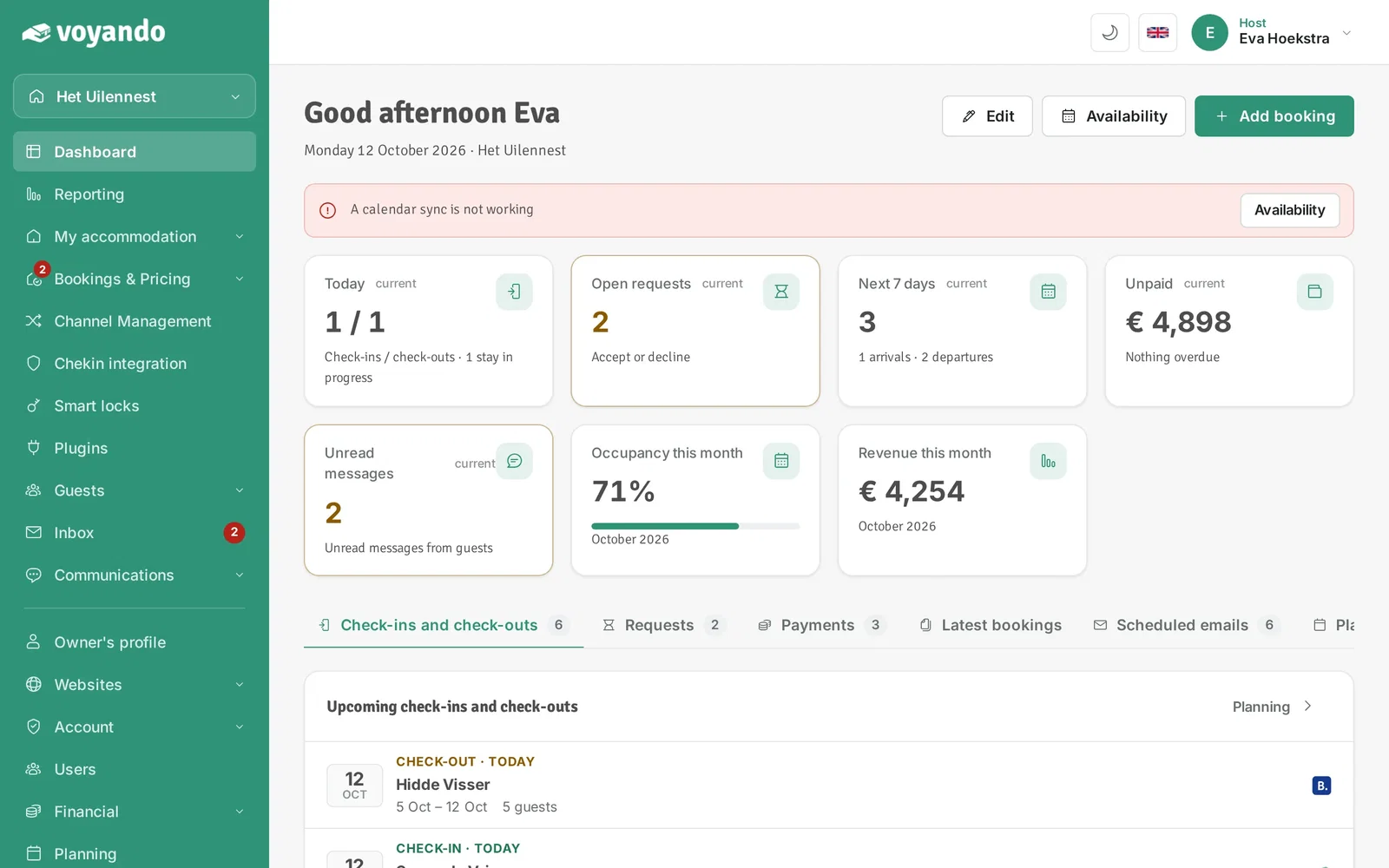
-
Step 2: Click My accommodation in the menu.
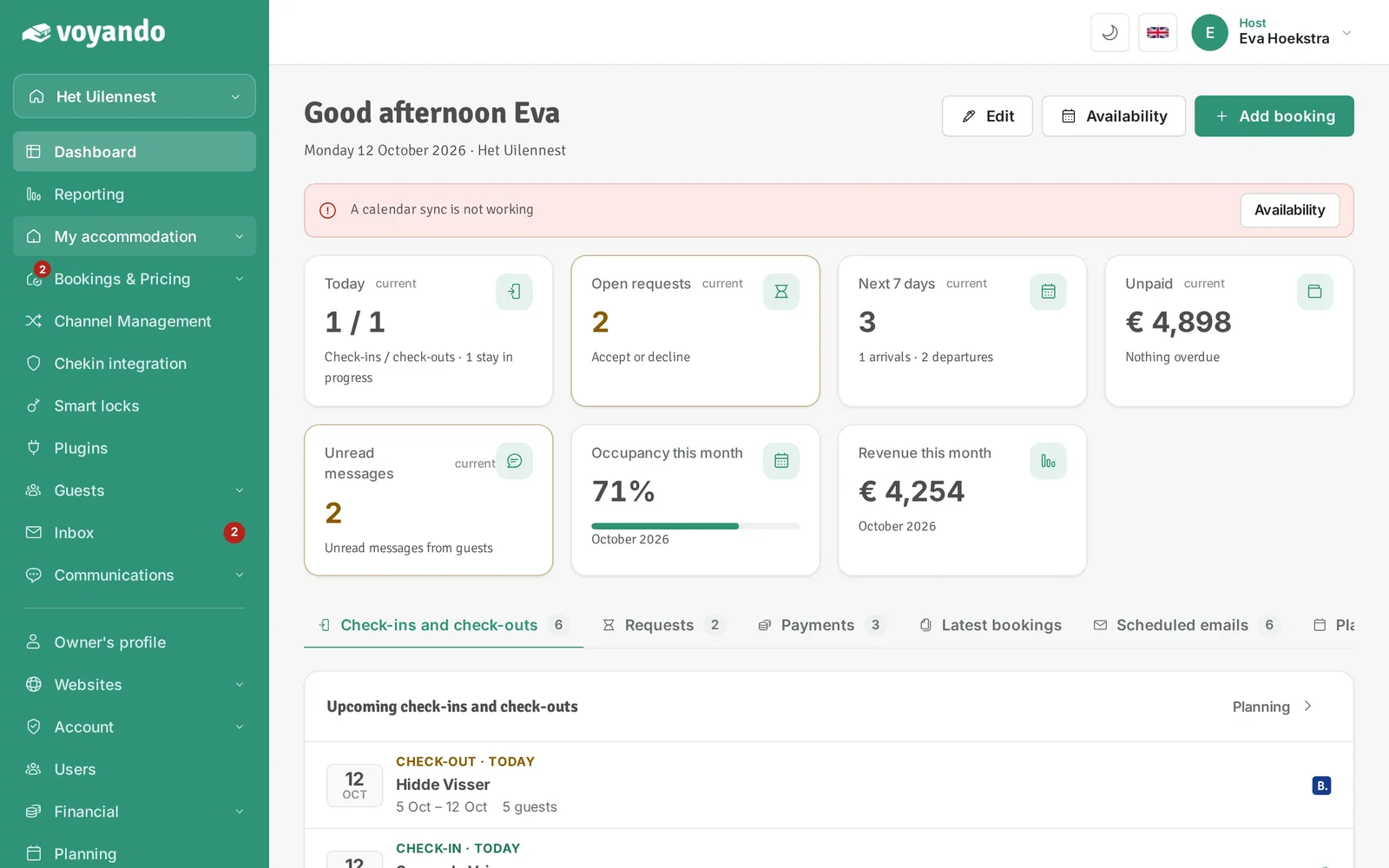
-
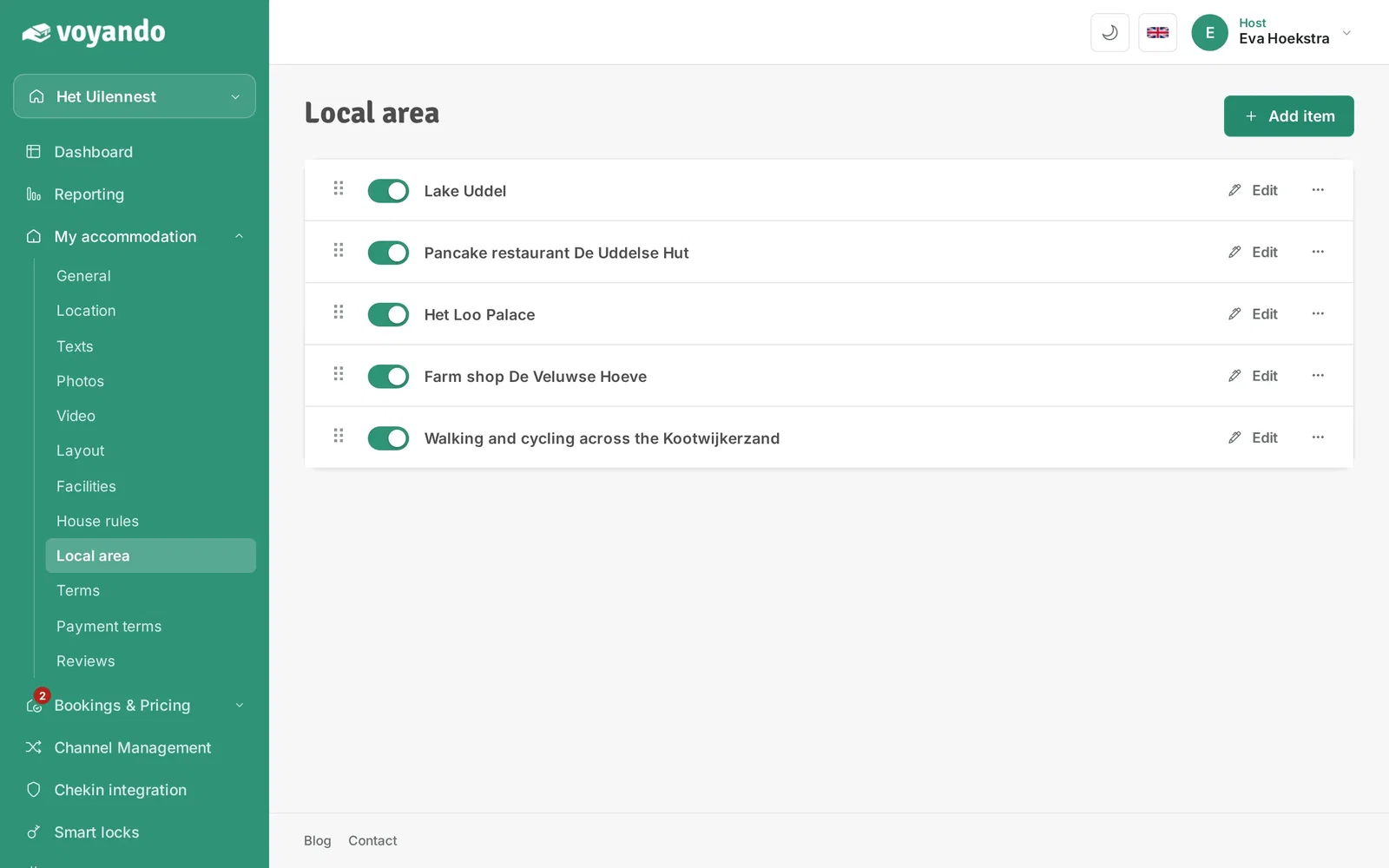
Step 3: Click Local area.
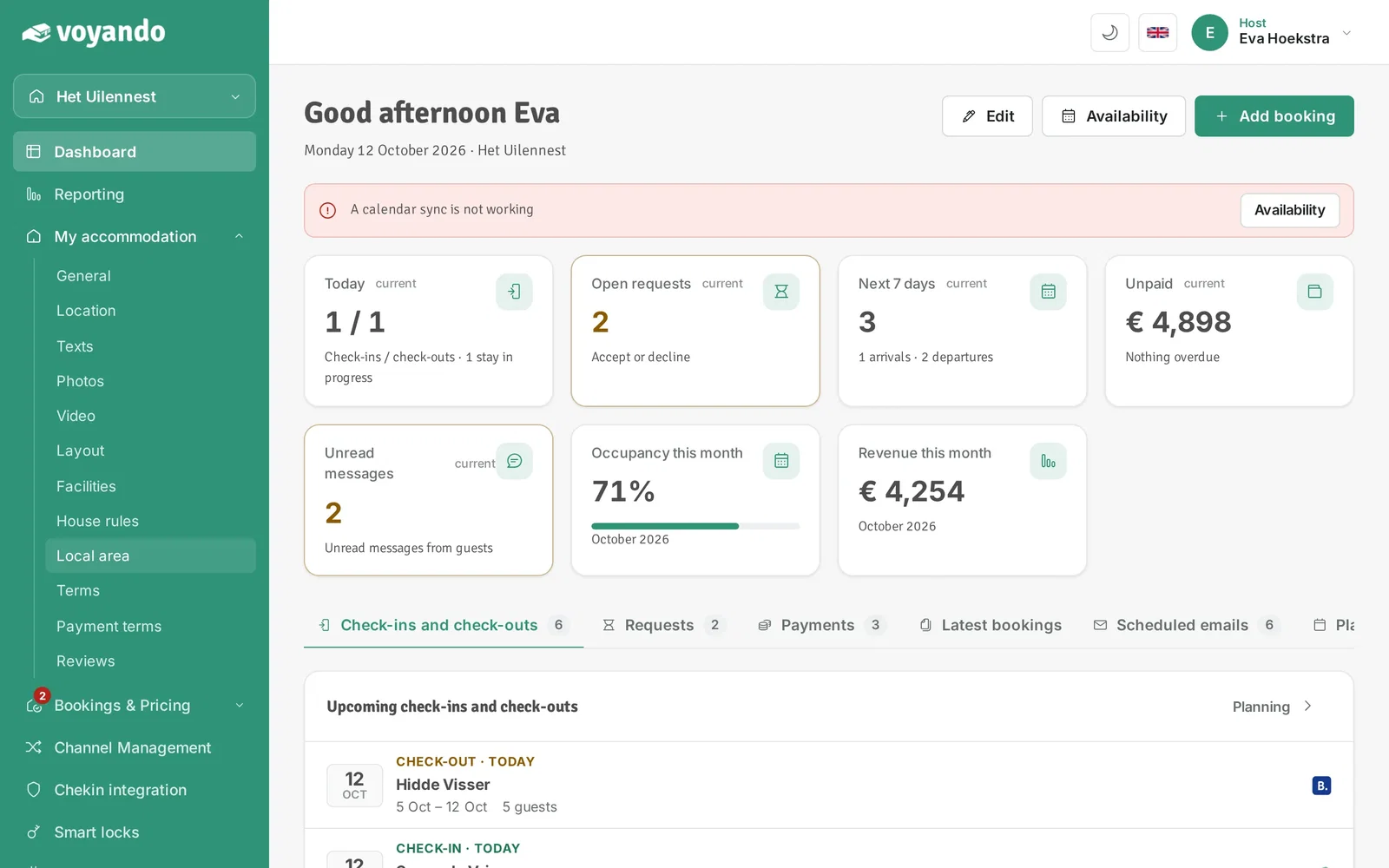
-
Step 4: Click Add item.
-
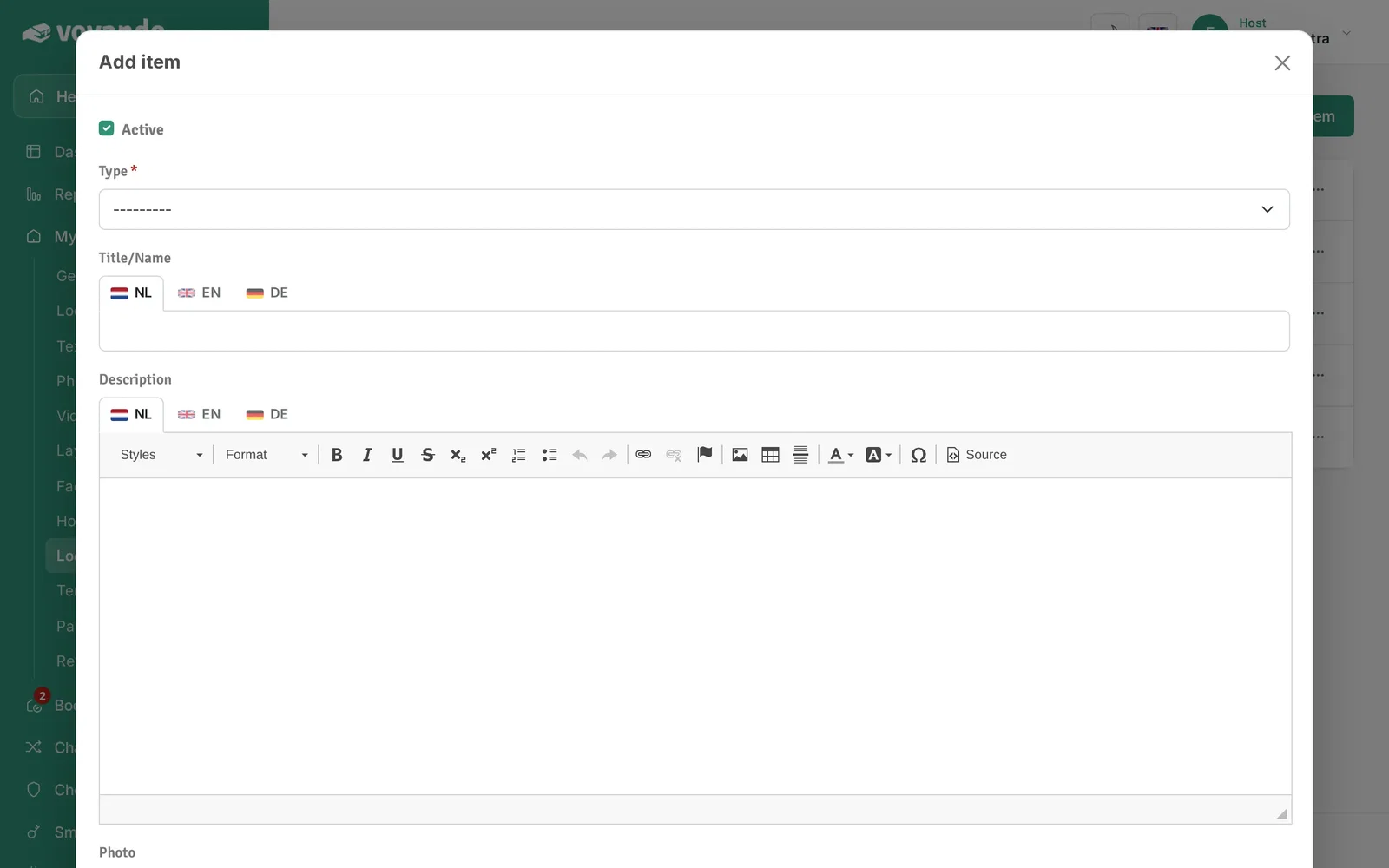
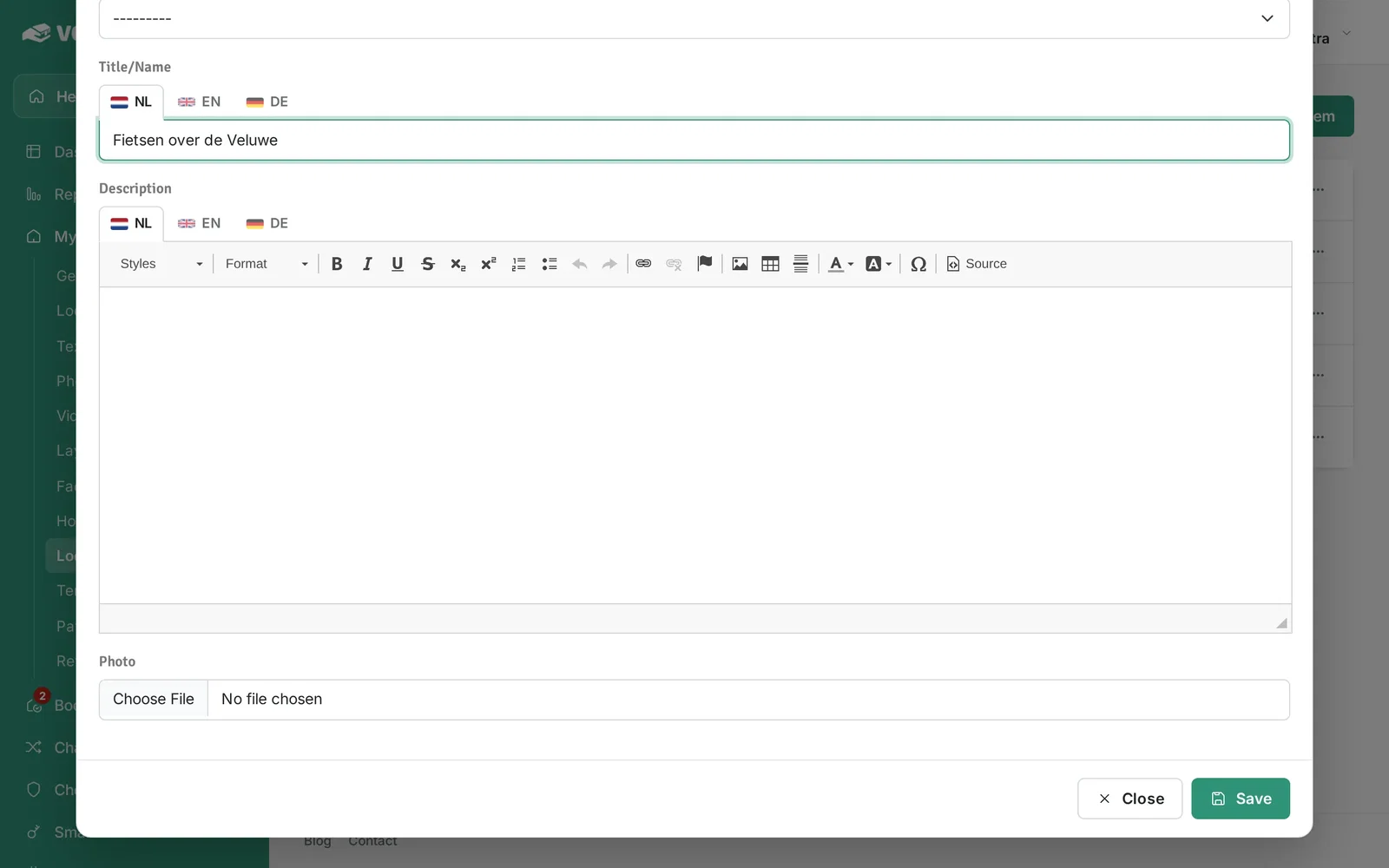
Step 5: Choose a type, for example an activity, sight, restaurant or shop.
-
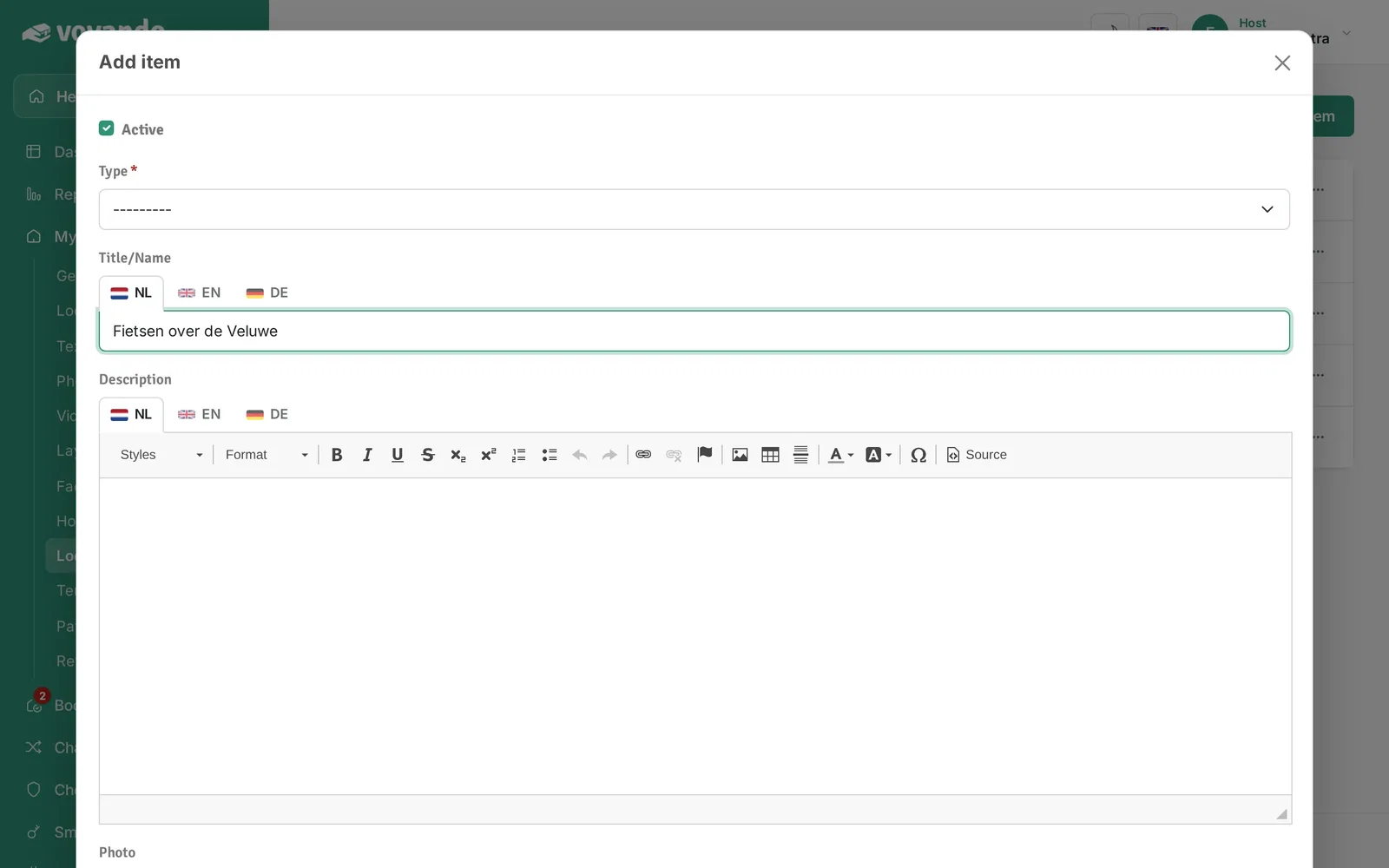
Step 6: Enter a name or title.
-
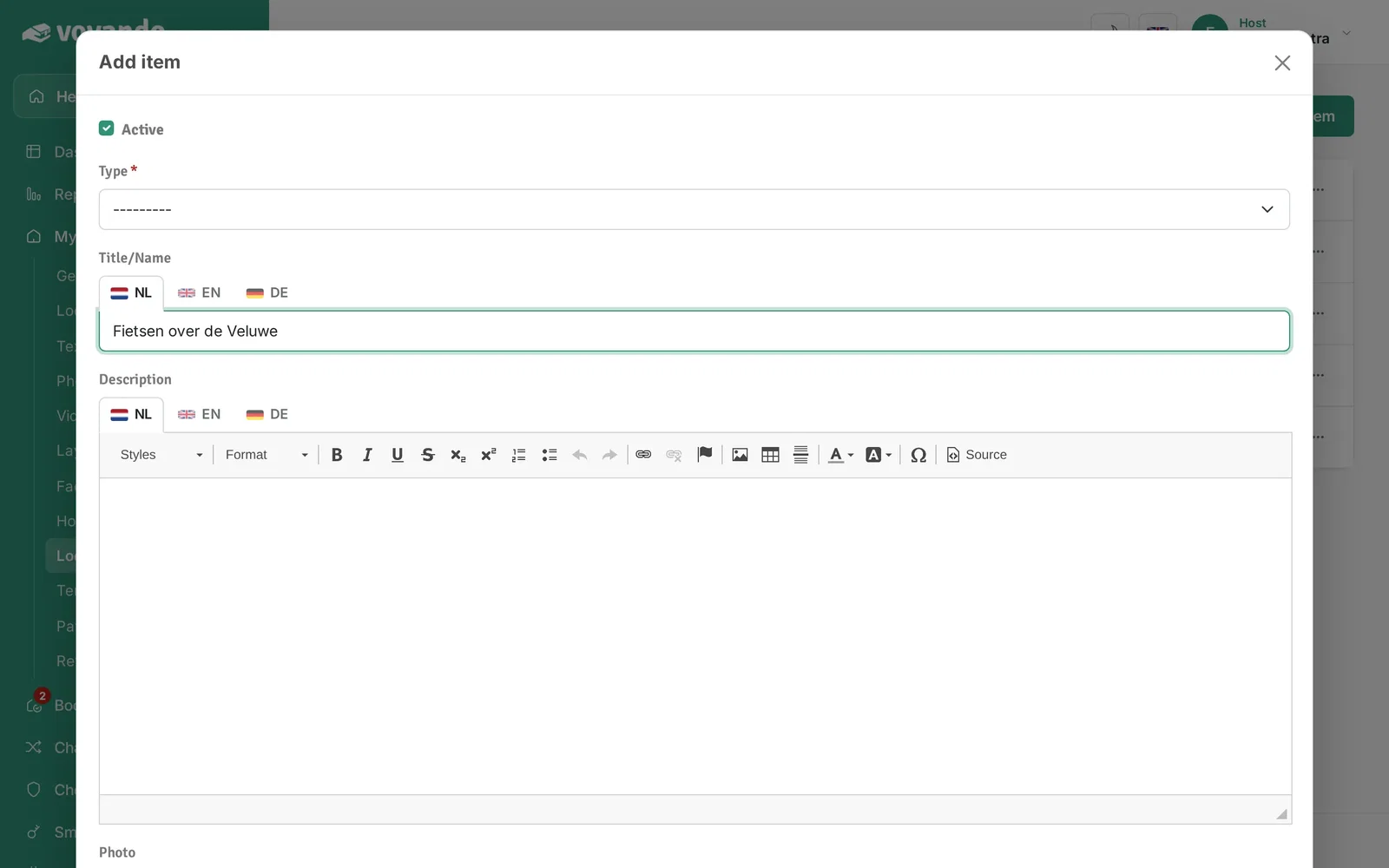
Step 7: Write a short description. If you offer several languages, fill in the other language tabs too.
-
Step 8: Optionally choose a photo.
-
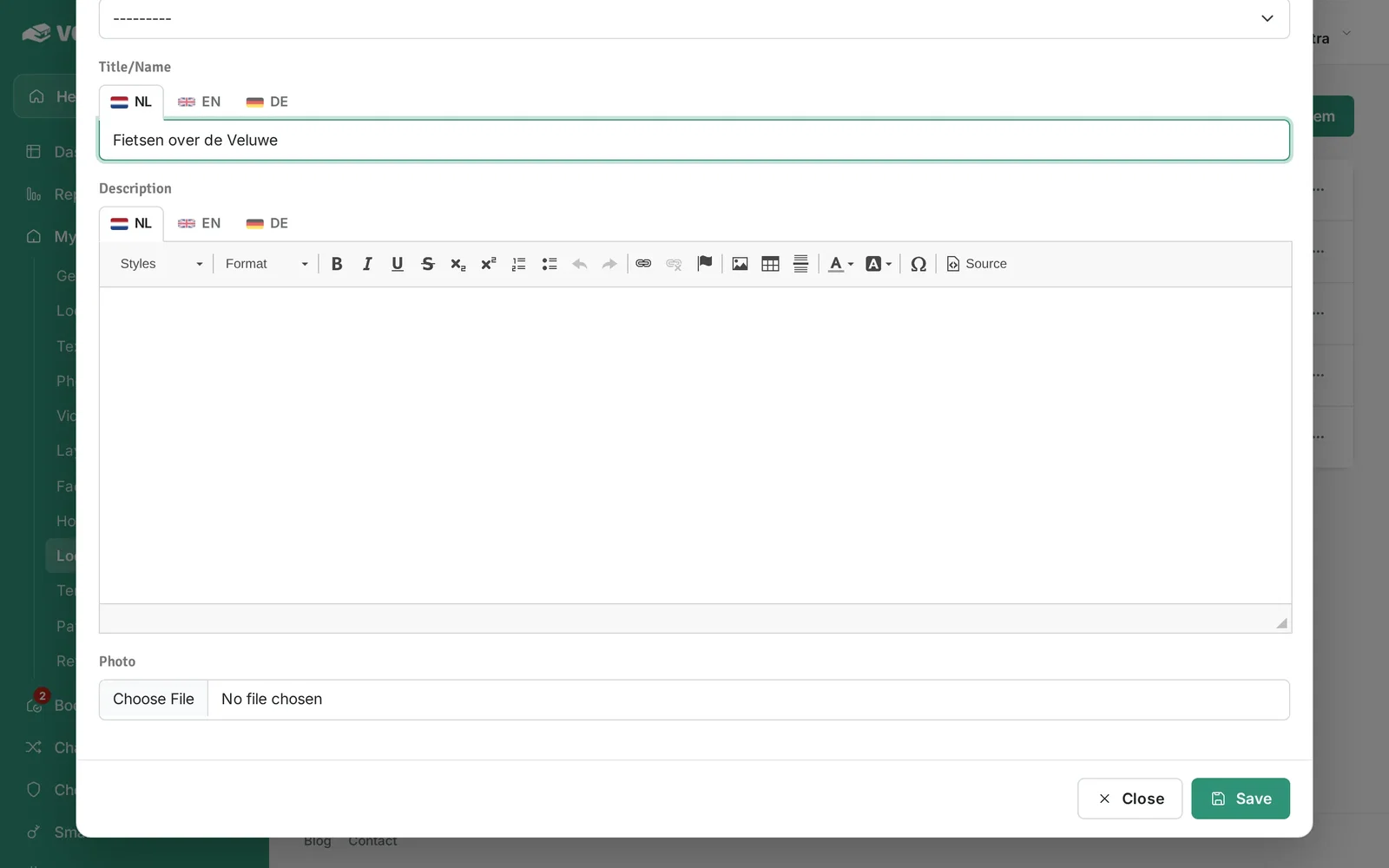
Step 9: Click Save.
-
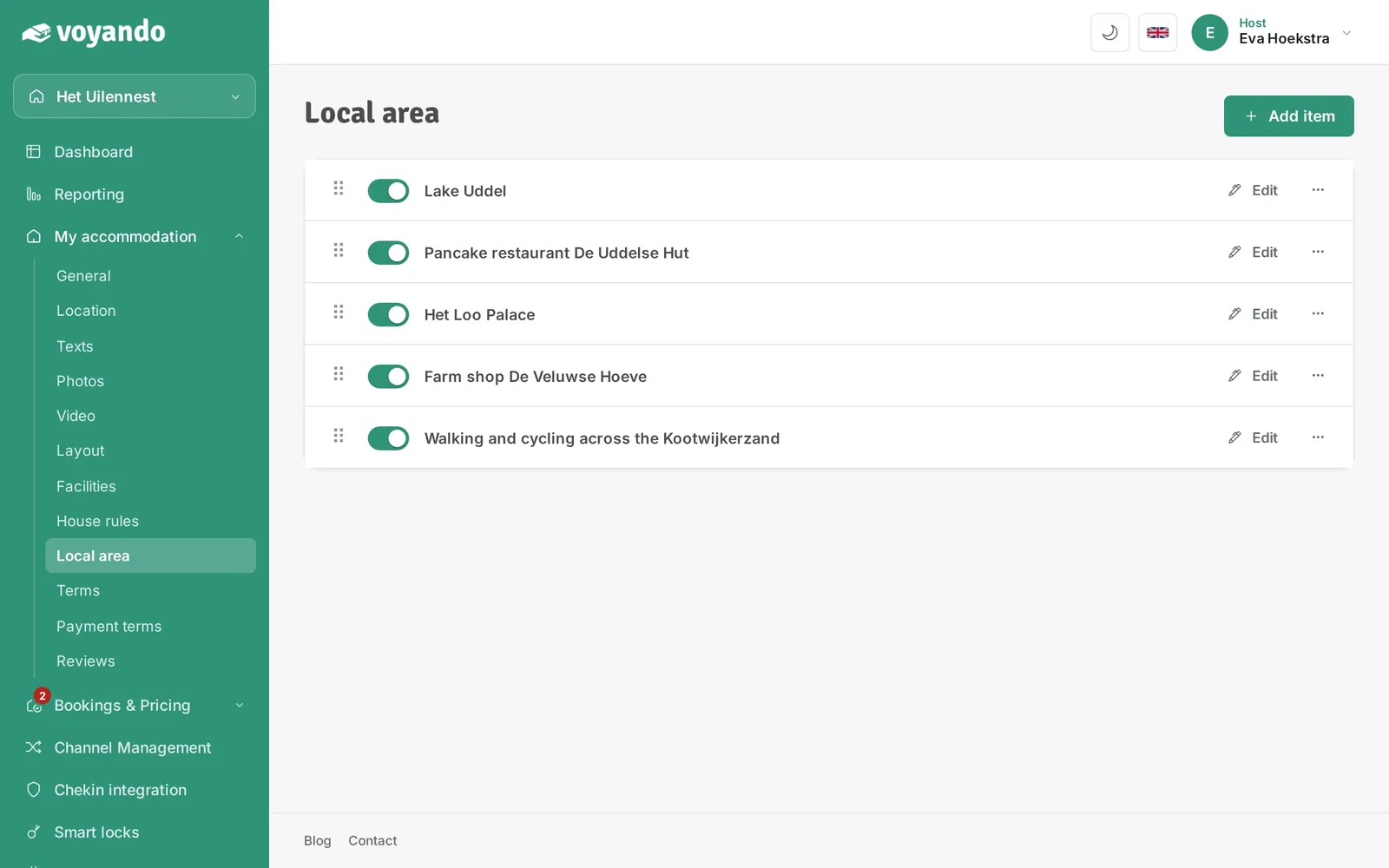
Step 10: The item then appears in the list.
-
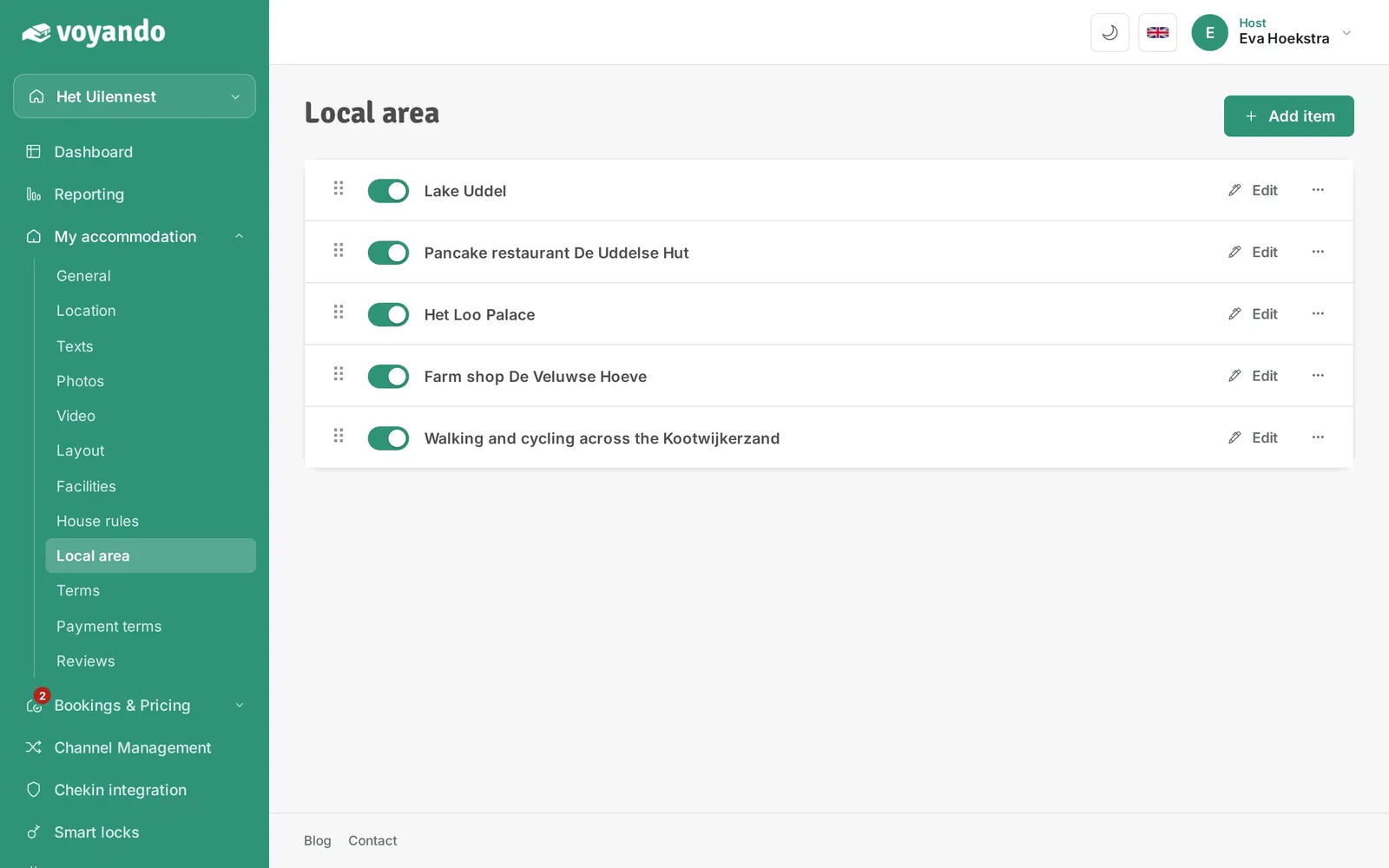
Step 11: Turn an item on or off with the switch.
-
Step 12: Drag an item by its handle to change the order.