How do I accept a review?
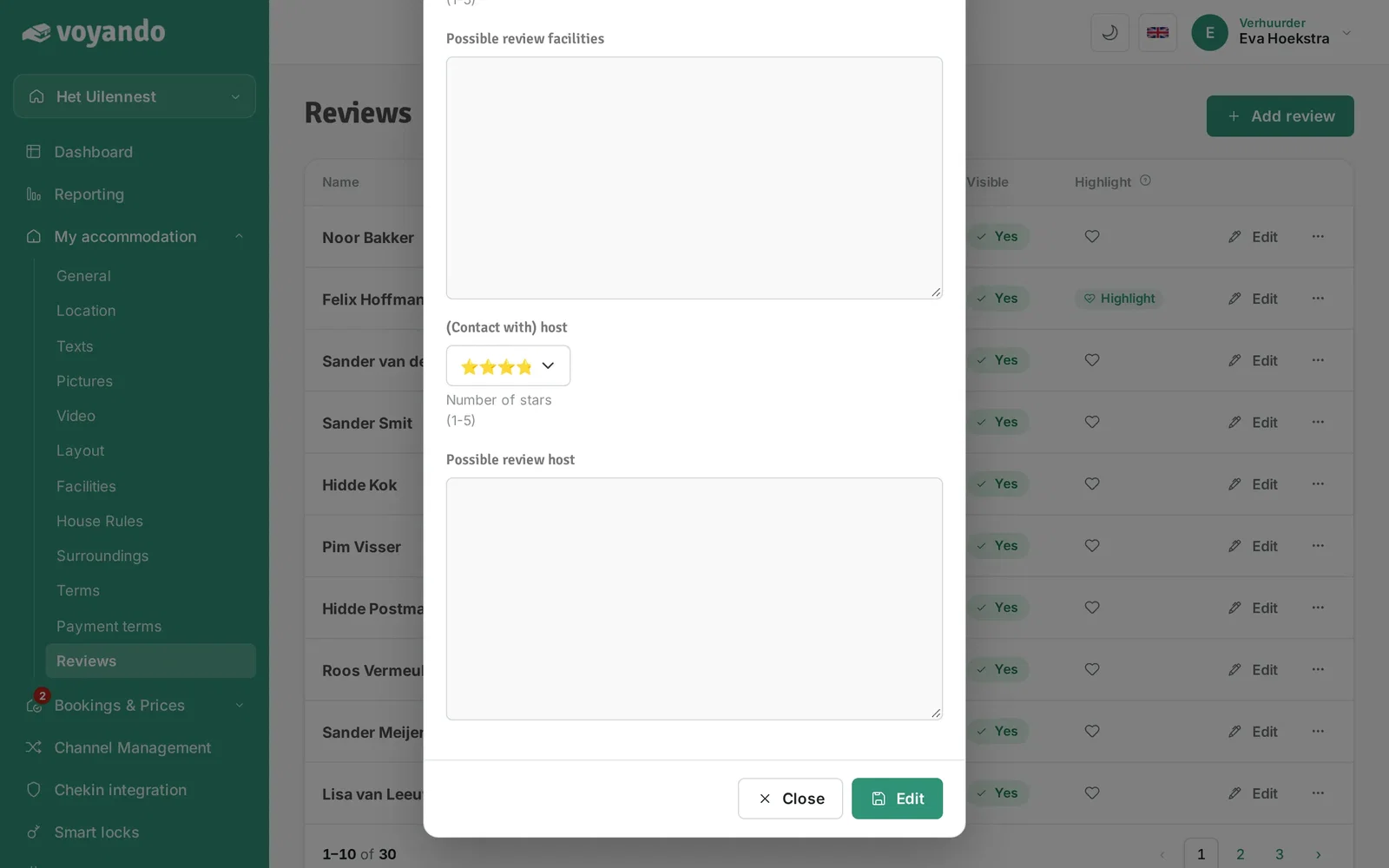
To accept reviews, go to ‘My Accommodation’ in your dashboard, edit the review and tick the ‘Visible?’ box.
Step by step · 6 steps
-
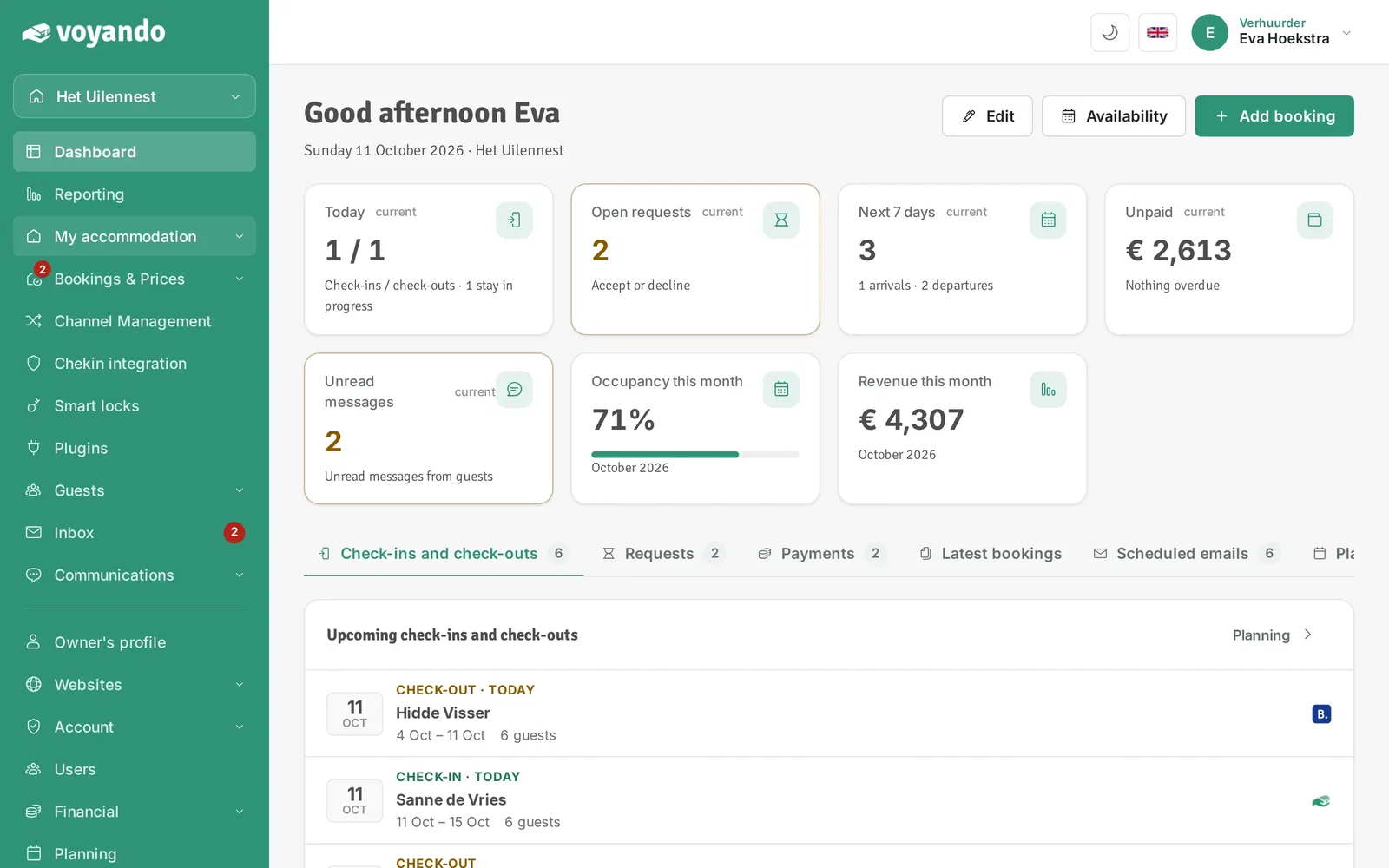
Step 1: Go to your dashboard.

-
Step 2: Click My accommodation in the menu.
-
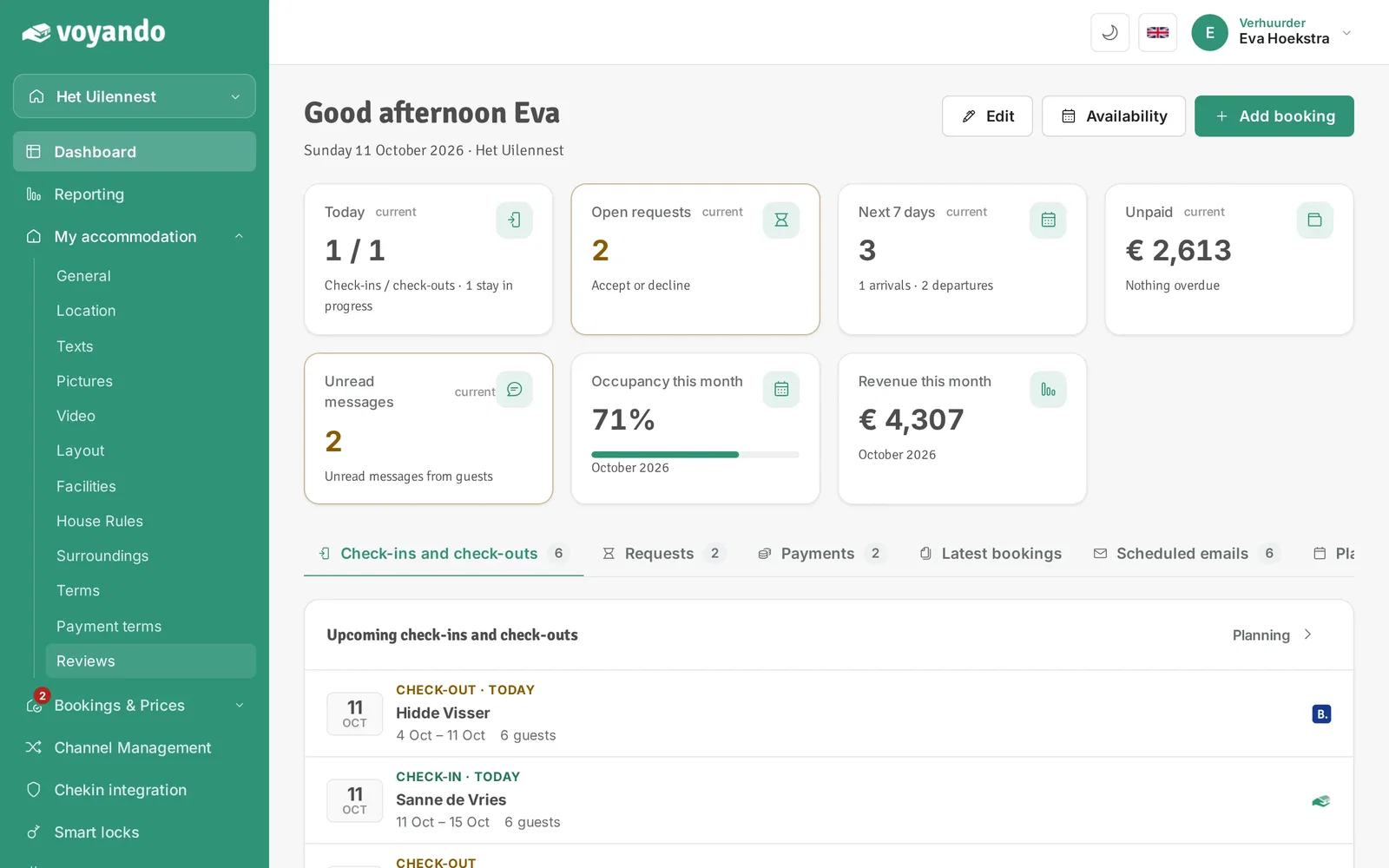
Step 3: Click Reviews.
-
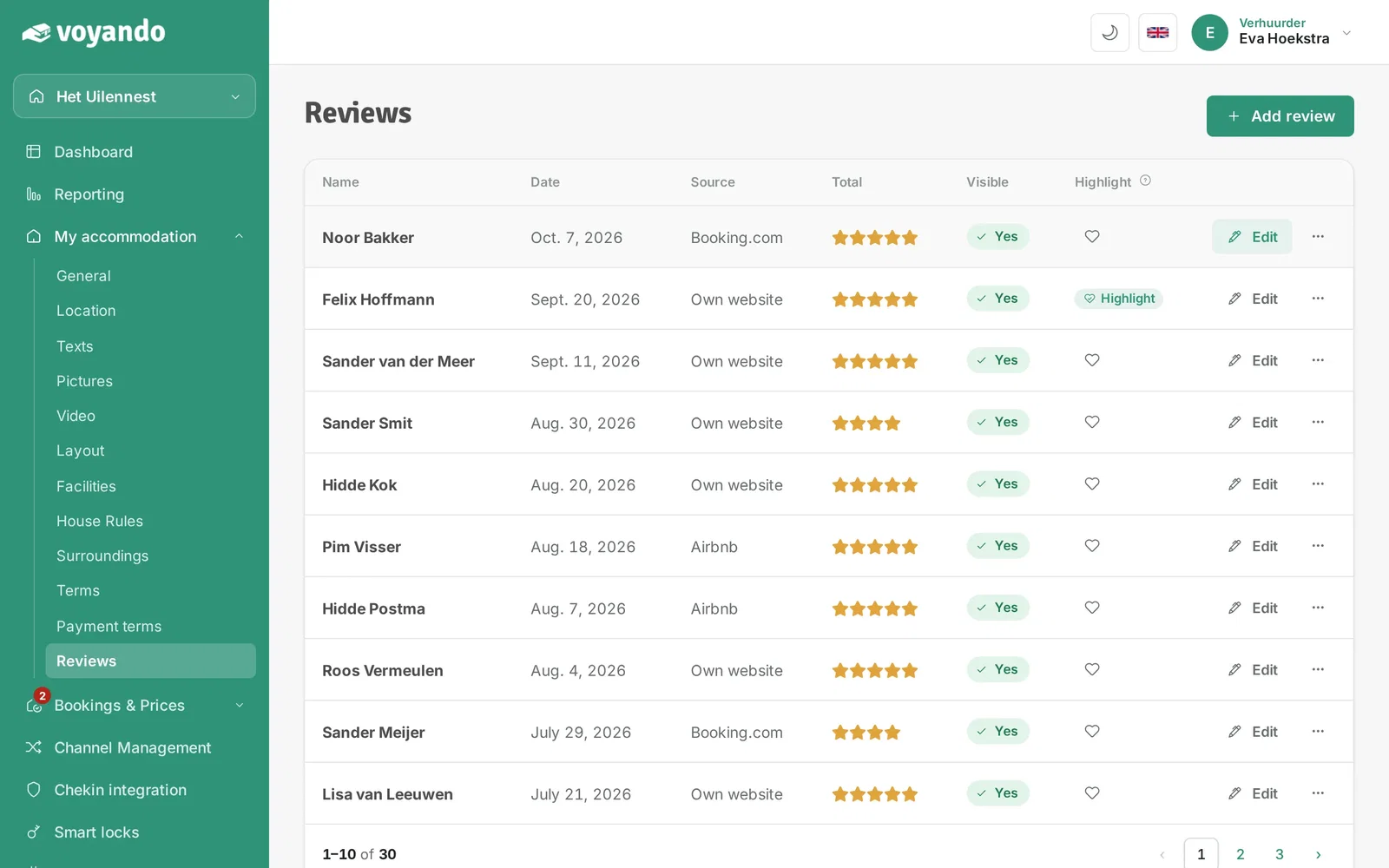
Step 4: Under Visible you see whether a review is shown on your website. Click Edit next to the review you want to accept.
-
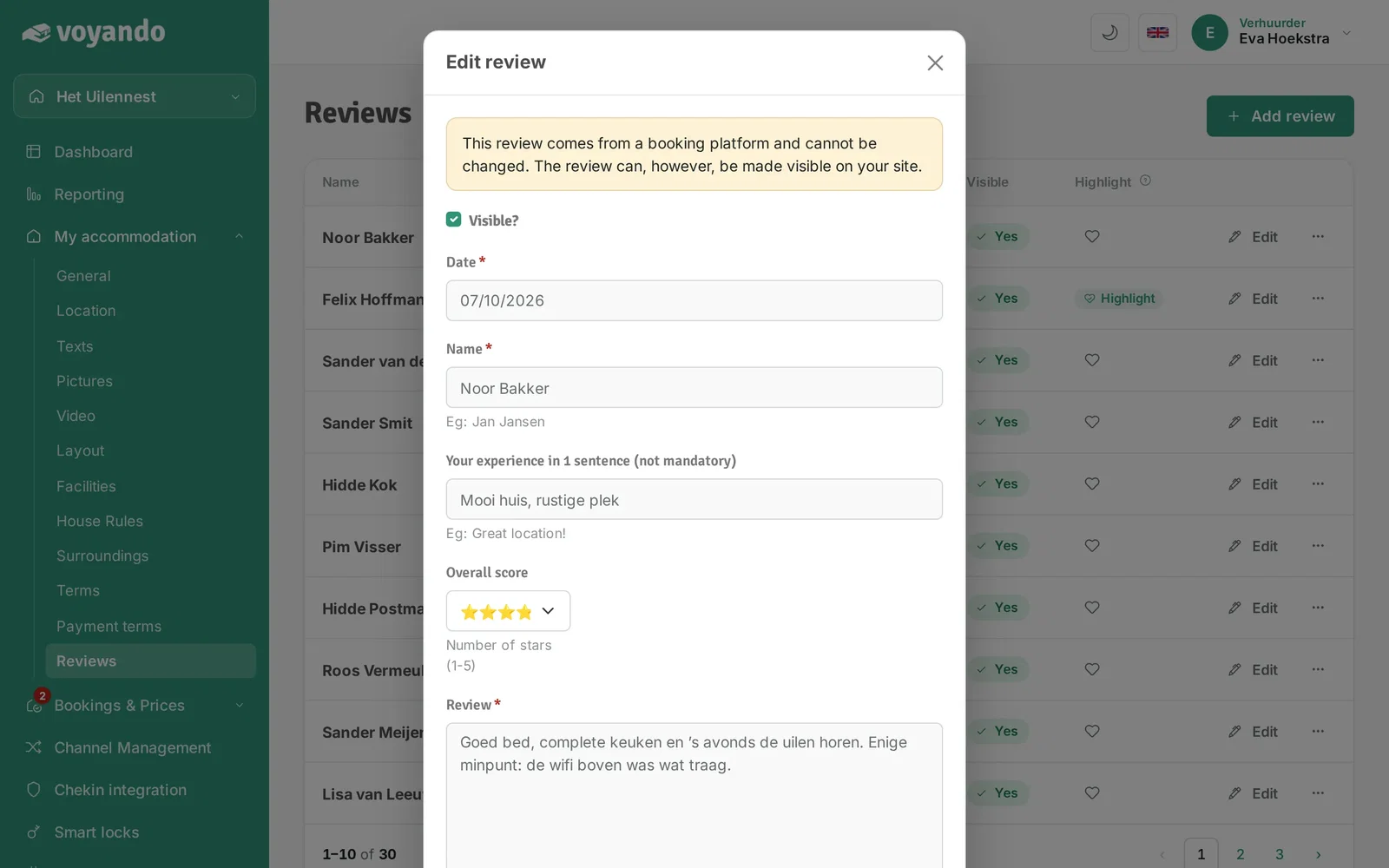
Step 5: Tick Visible?.
-
Step 6: Click Save. The review now appears on your website.