How do I change the colour scheme of my website?
Customise your website’s colour scheme via the dashboard and instantly activate your chosen design for your holiday home.
Step by step · 6 steps
-
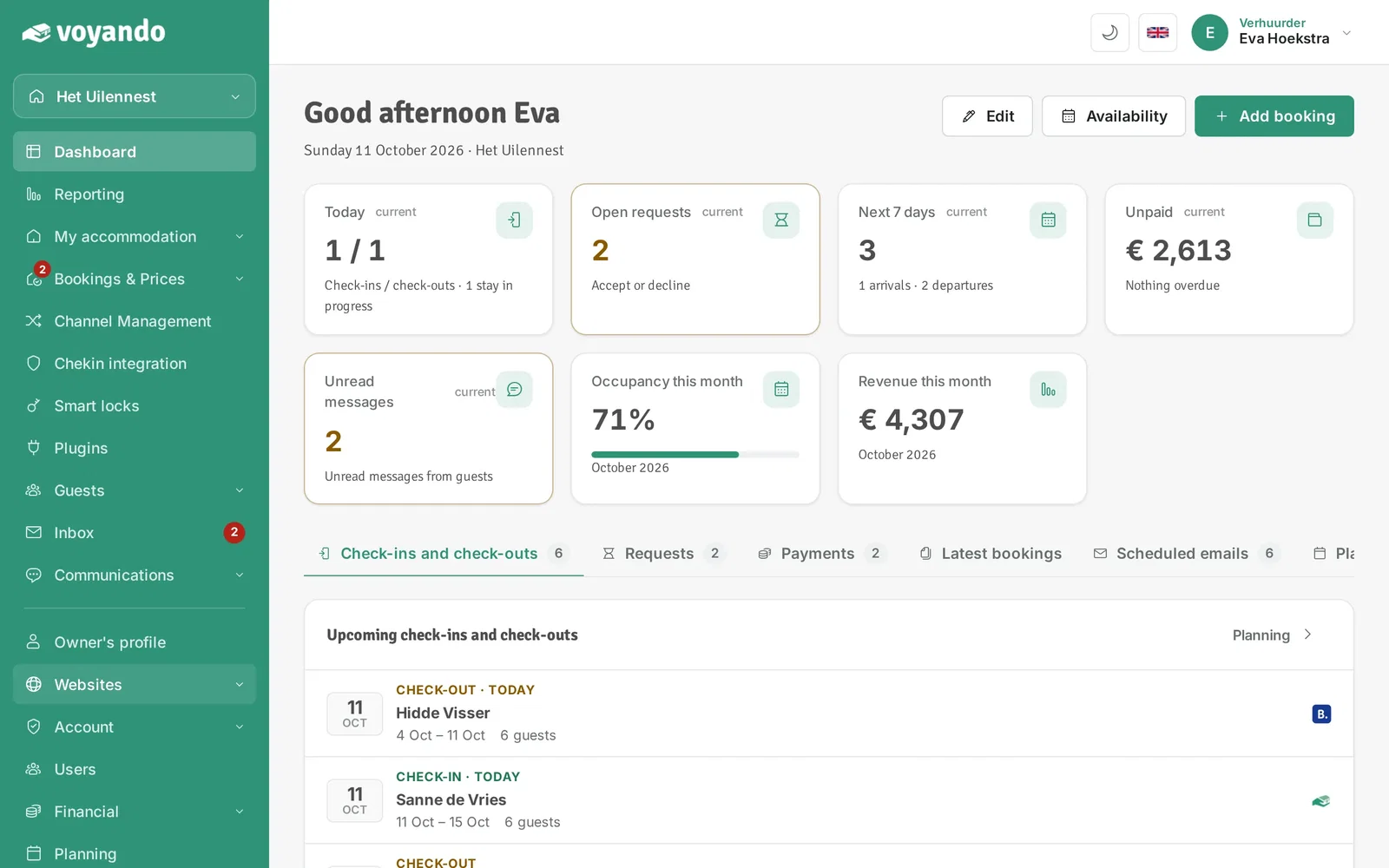
Step 1: Go to your dashboard.

-
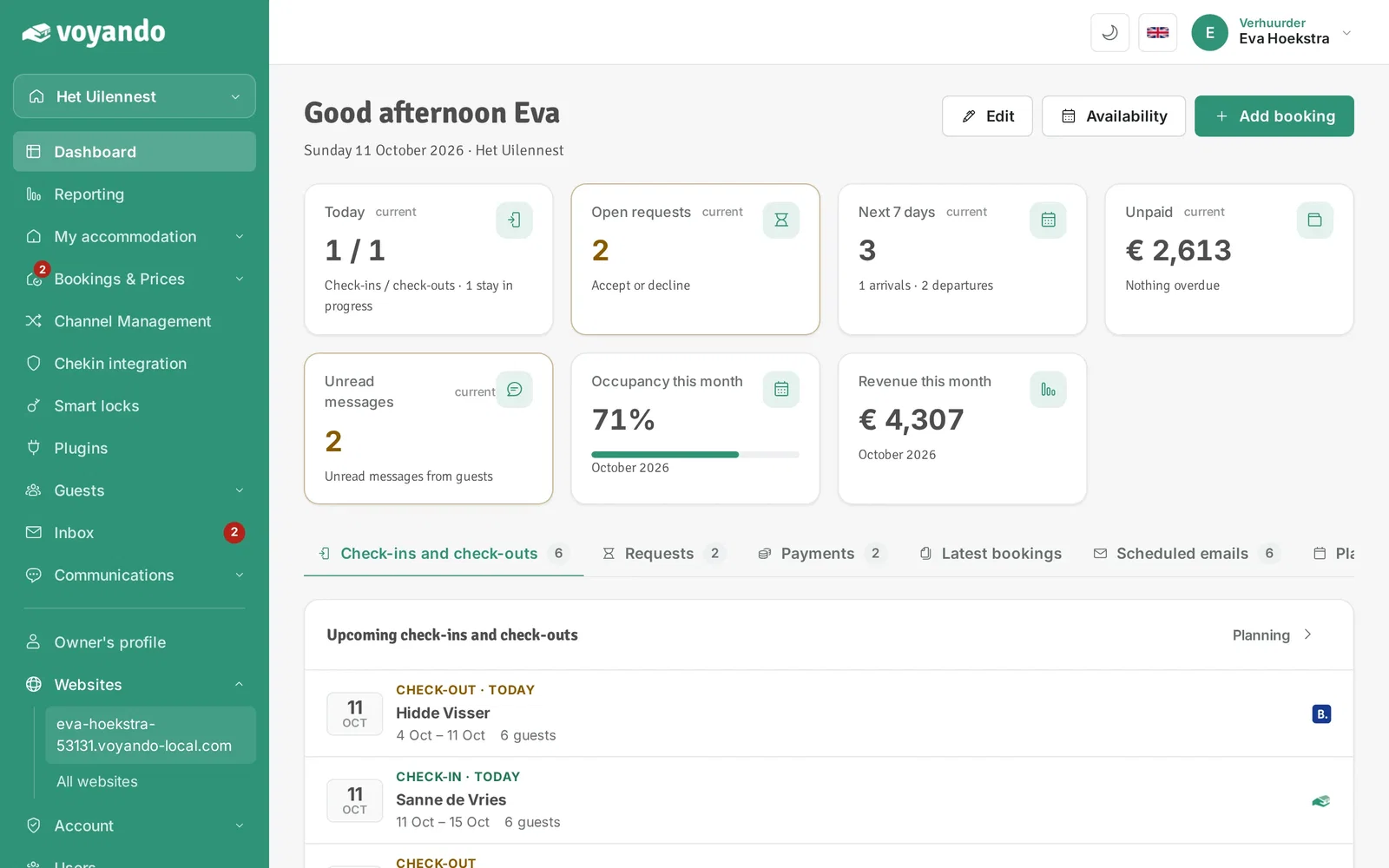
Step 2: Click Websites in the menu.
-
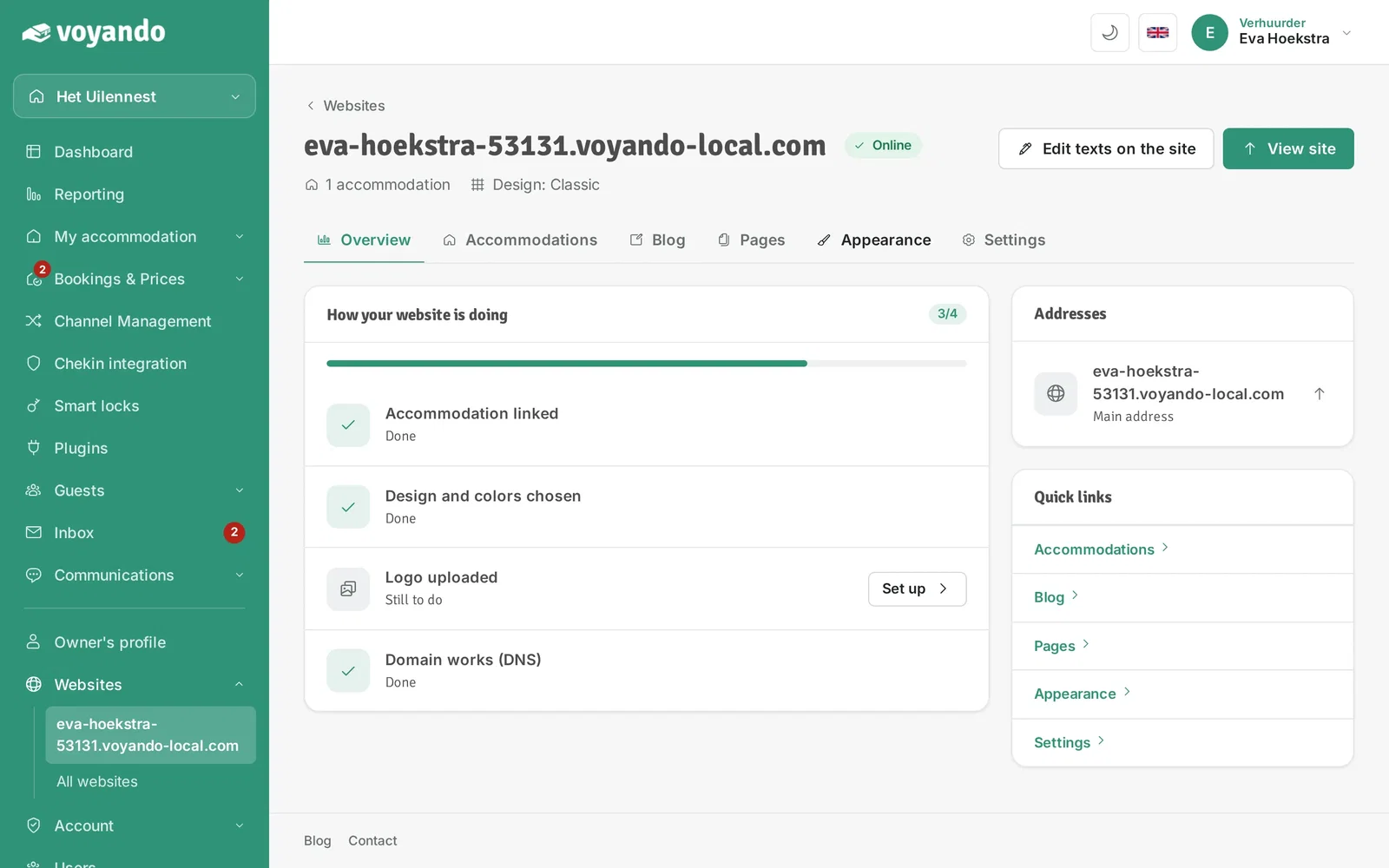
Step 3: Click the address of your website.
-
Step 4: Open the Appearance tab.
-
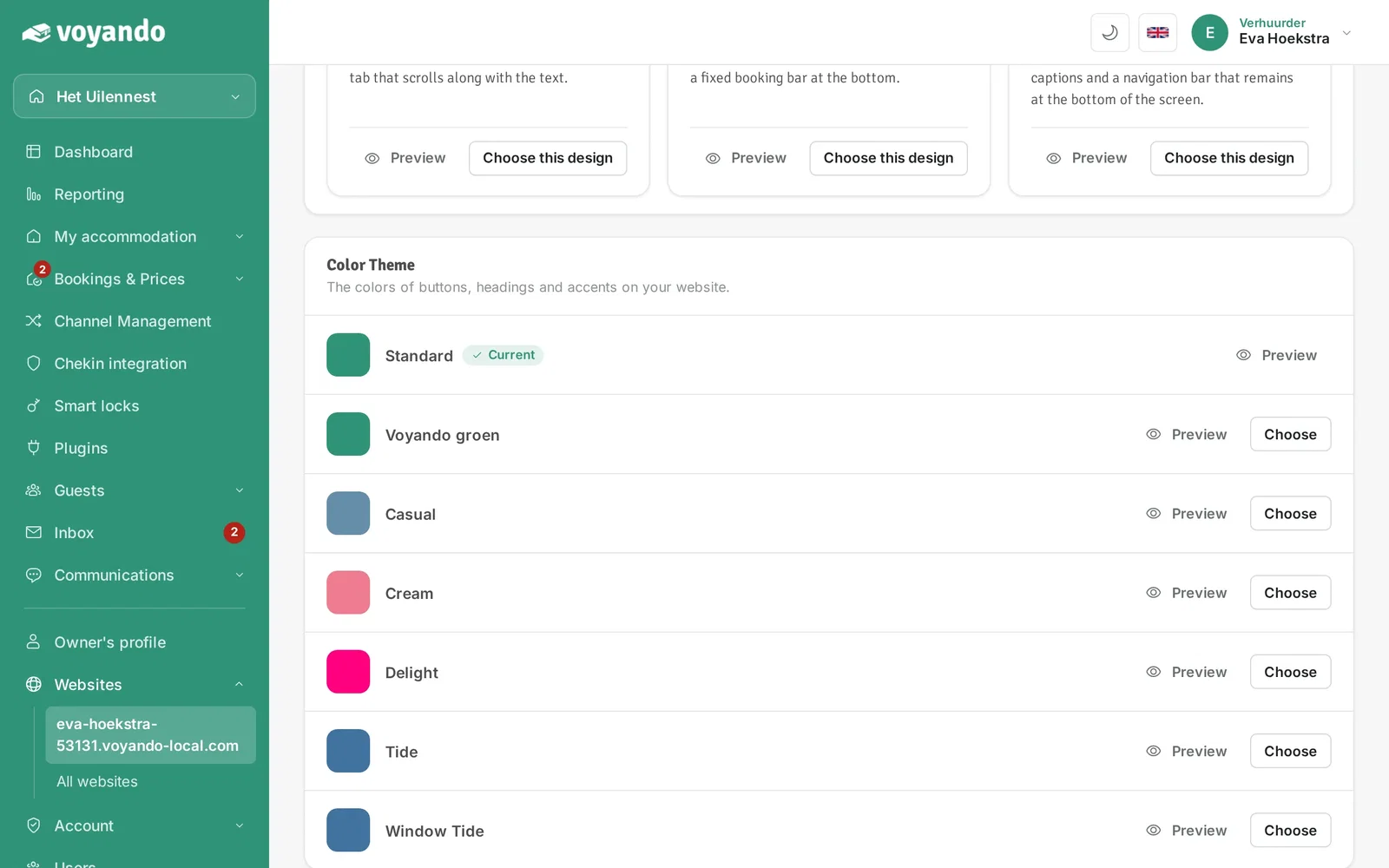
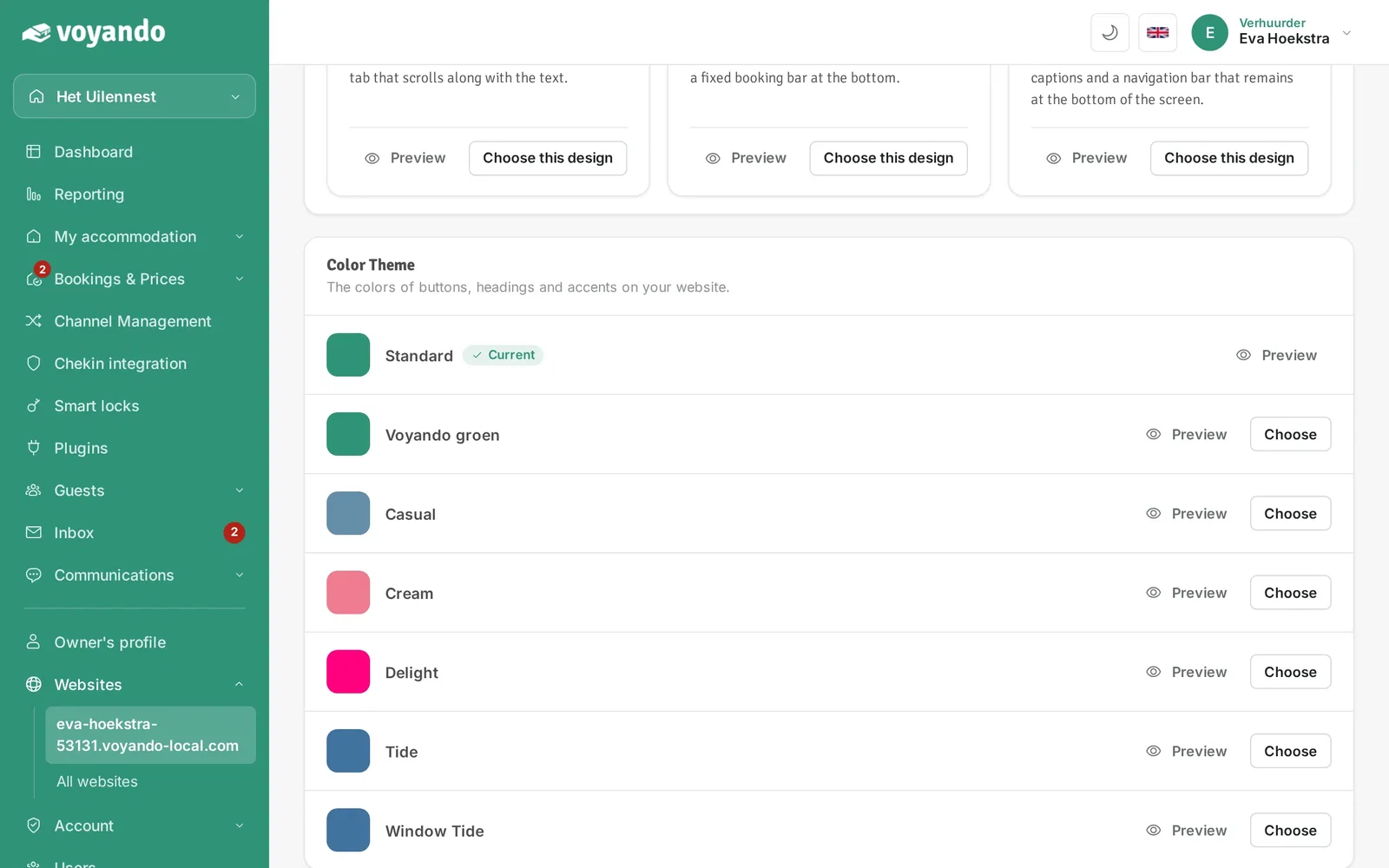
Step 5: Under Color Theme you see all colour schemes. Click Preview to try a scheme on your website first (opens in a new tab).
-
Step 6: Happy with it? Click Choose to use the colour scheme. The current scheme has the label Current.