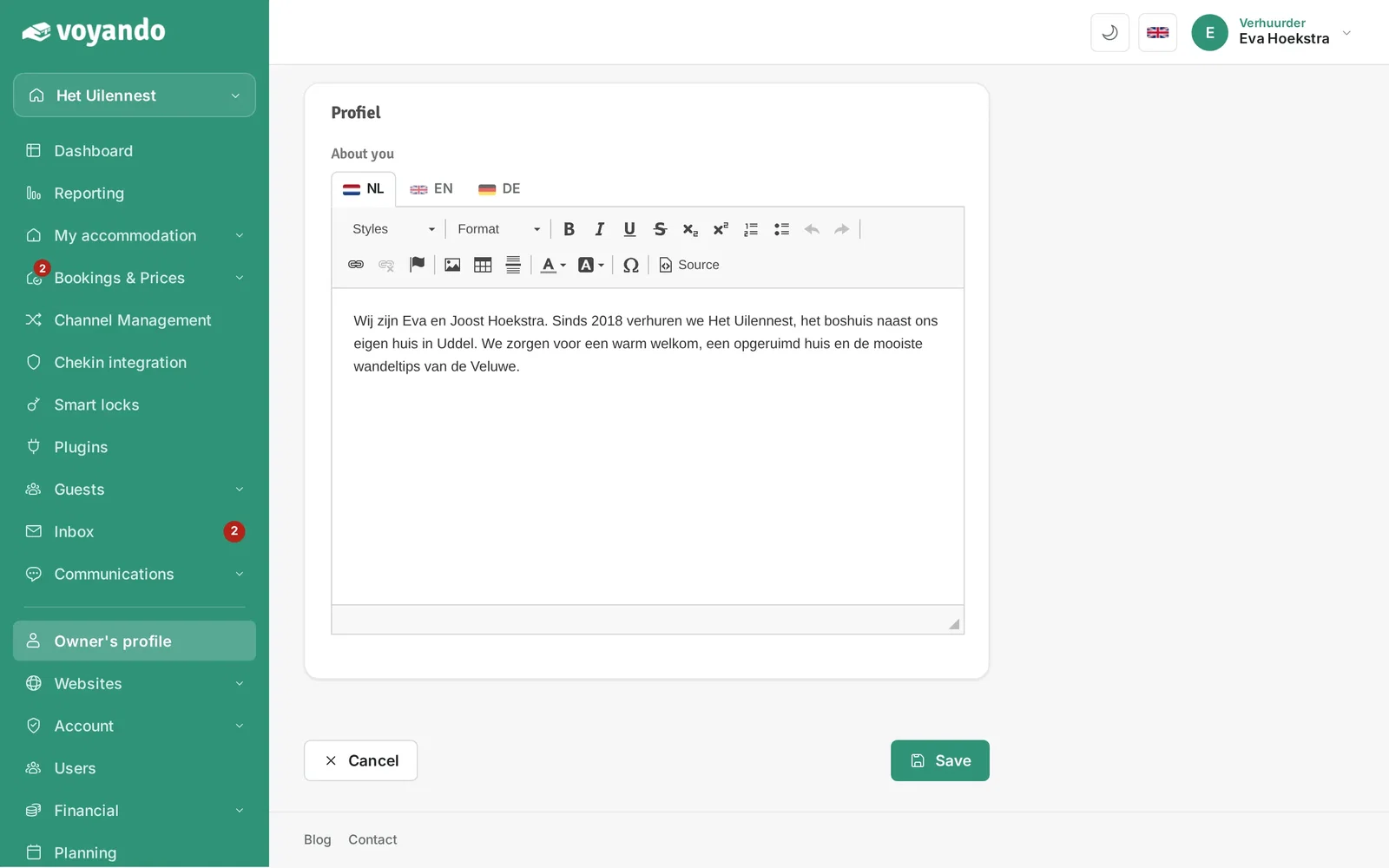
Where can I enter my company name or VAT number?
Enter your company name and VAT number under ‘Landlord Profile’ in the ‘Business’ section of your dashboard, then save the details.
Step by step · 5 steps
-
Step 1: Go to your dashboard.

-
Step 2: Click Owner's profile in the menu.
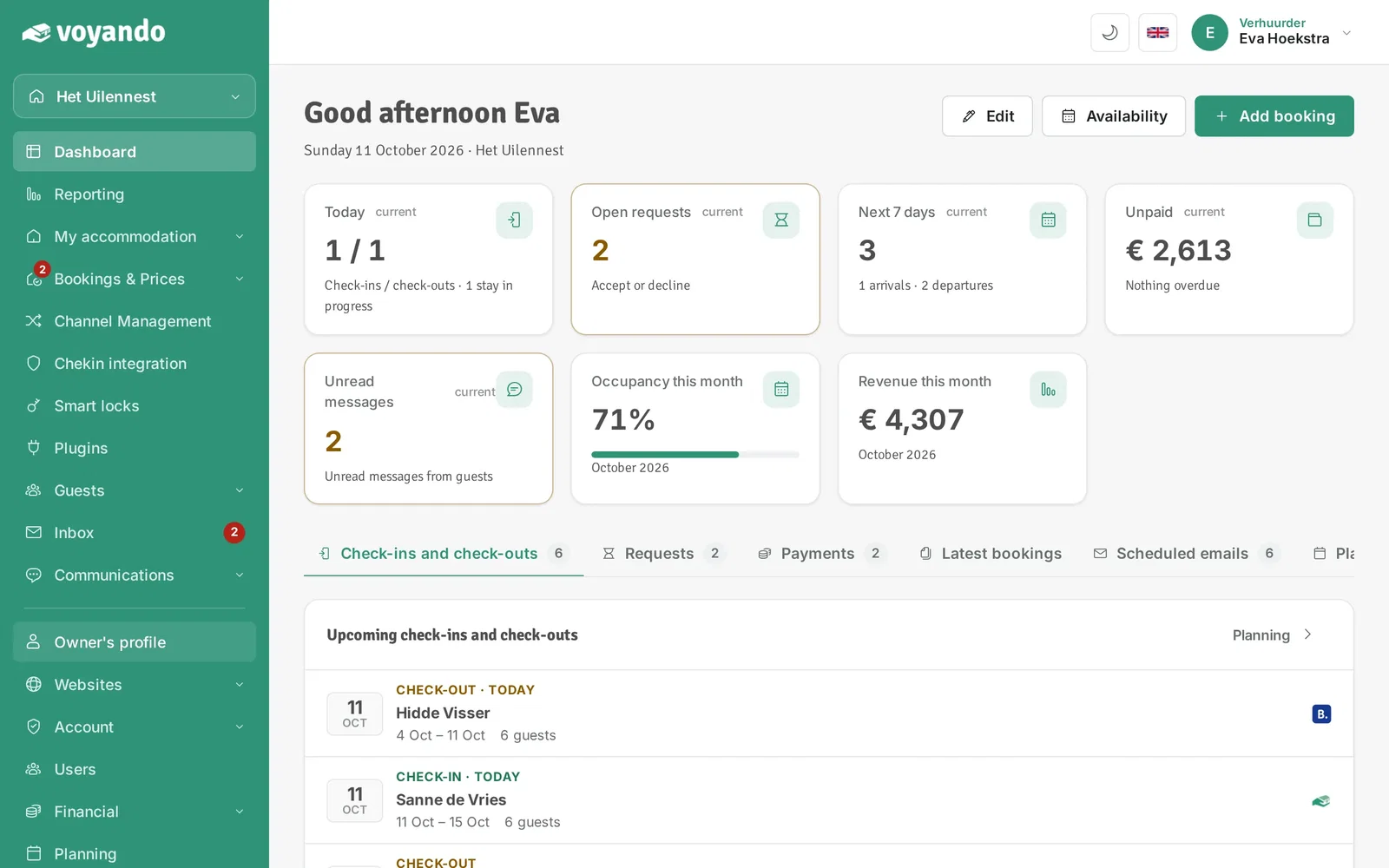
-
Step 3: Under I rent out, choose Business.
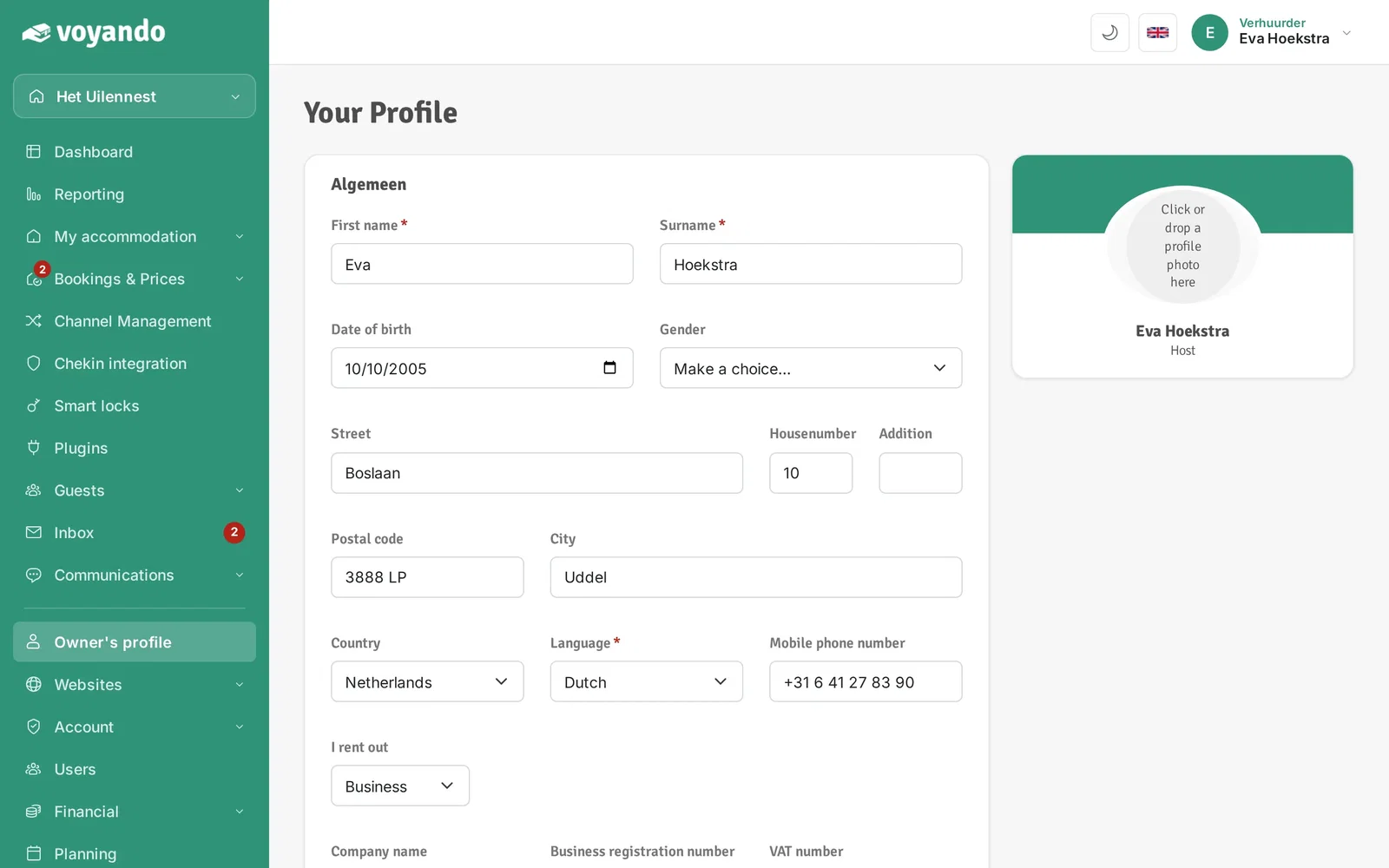
-
Step 4: The fields Company name, Business registration number and VAT number now appear. Enter your company details.
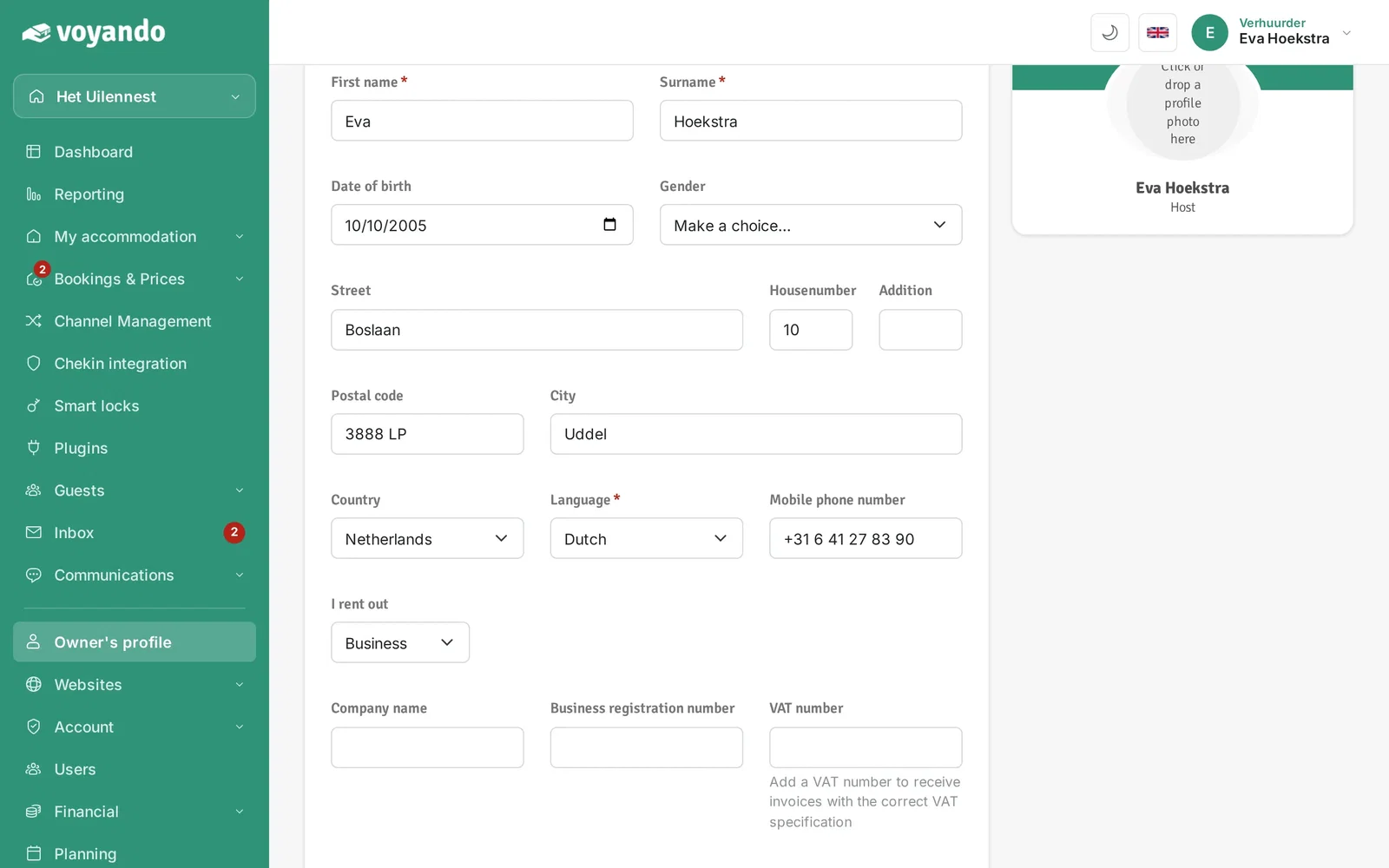
-
Step 5: Enter your company name and VAT number and click Save. With a VAT number your invoices show the correct VAT details.