Skip to content
Channel Manager Everything about Channel Manager Airbnb listing for your holiday homeBooking.com listing for your holiday homeVRBO integration for international holiday rentalsGoogle Travel integration for holiday rentalsLink Airbnb to Booking.com
Website Everything about Website Website builder for your holiday homeVoyando with your own websiteSecure online payments for guests
Rental Management Everything about Rental Management Automatic emailsFull guest registrationCurrent prices and calendarSmart locksRental calendarReviews
Marketing Everything about Marketing Voyando app
Features Pricing Blog Help Sign in
Try free for 30 days Book an advice call

How do I create a support ticket?

8 steps Updated

You can easily create a support ticket via the dashboard by typing in your query and attaching a file to get help quickly.

Step by step

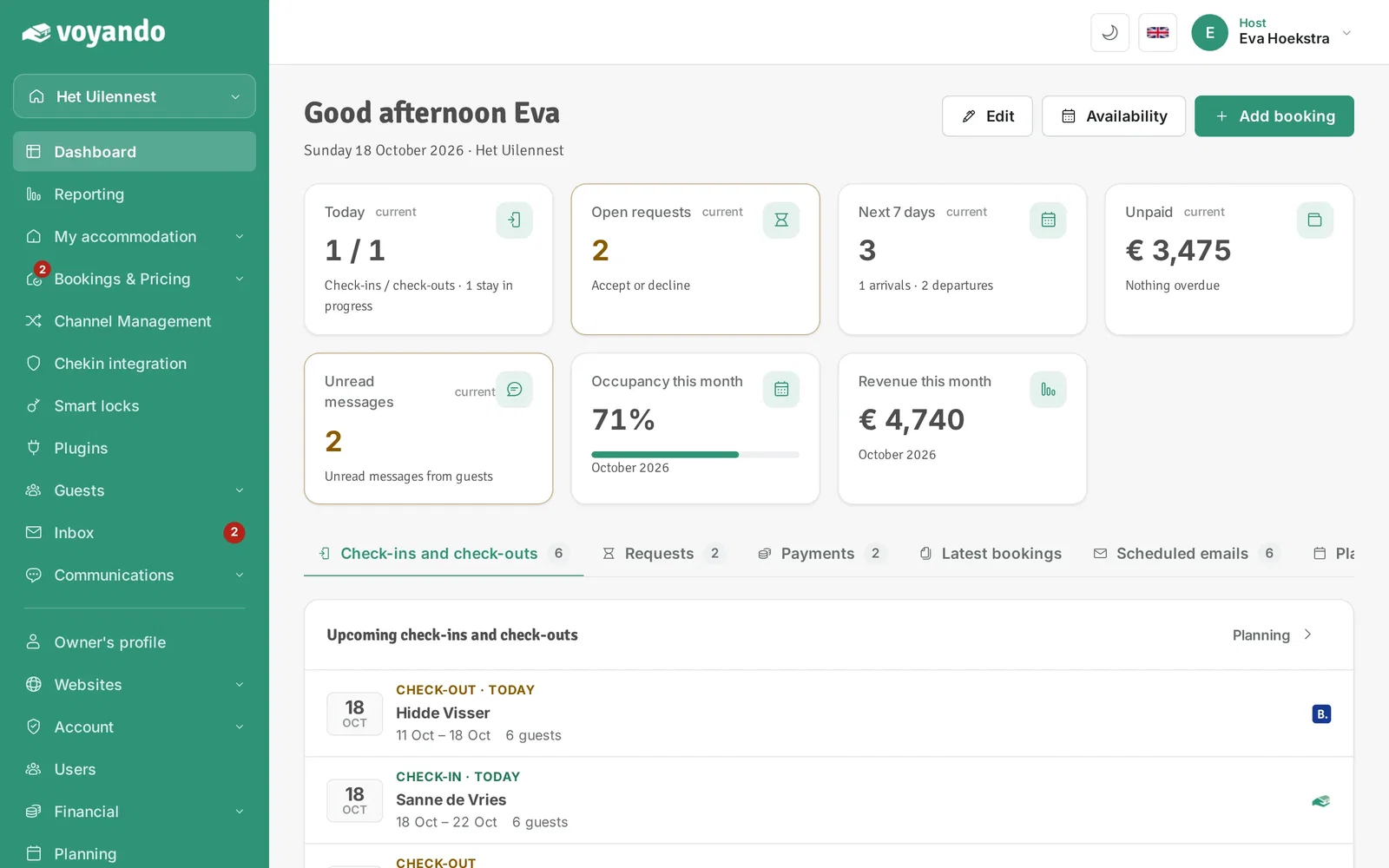
  1. Step 1: Go to your dashboard.

    How do I create a support ticket? – step 1: Go to your dashboard.
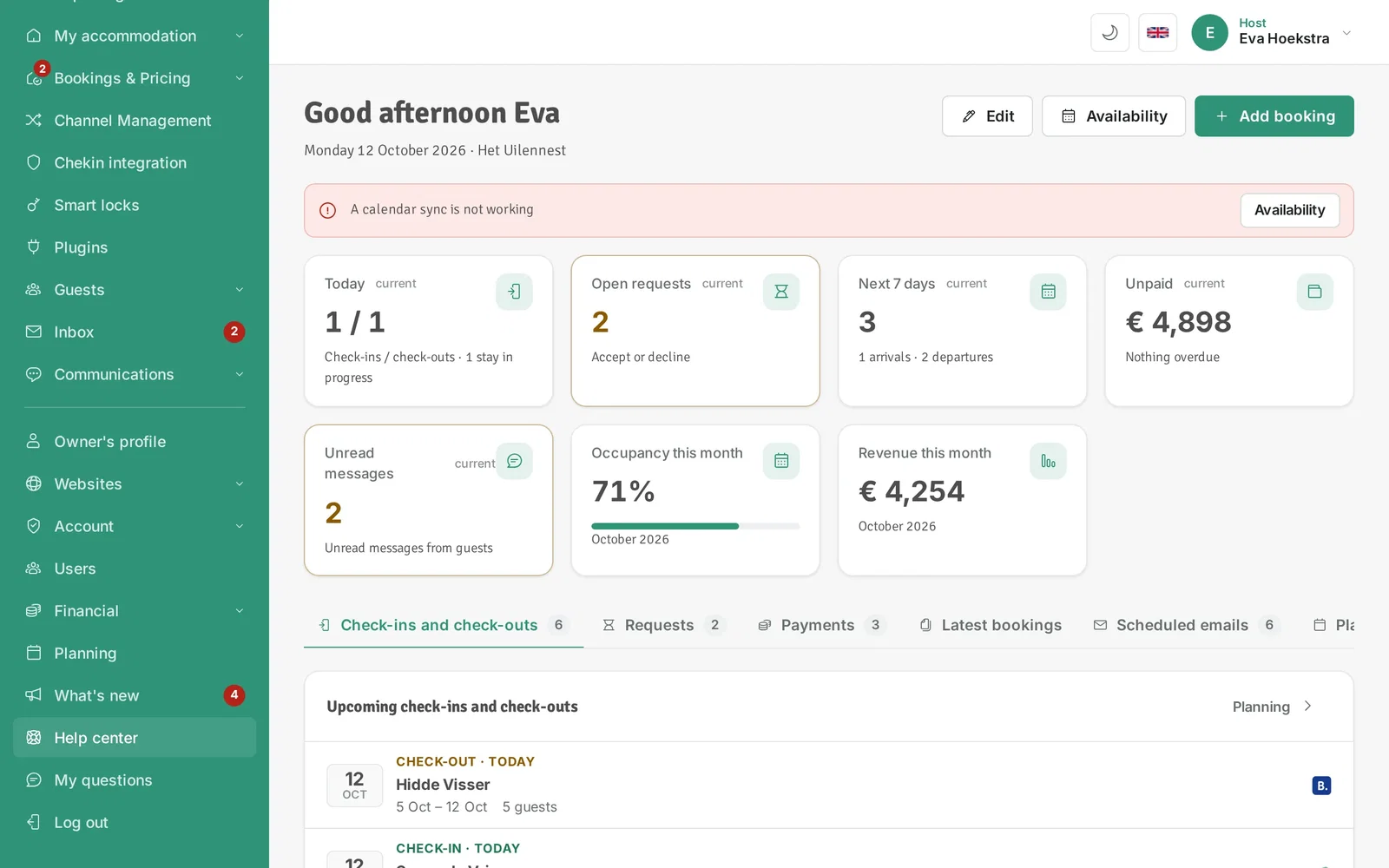
  2. Step 2: Click Help in the menu.

    How do I create a support ticket? – step 2: Click Help in the menu.
  3. Step 3: First check whether there is already an article or step-by-step guide about your question.
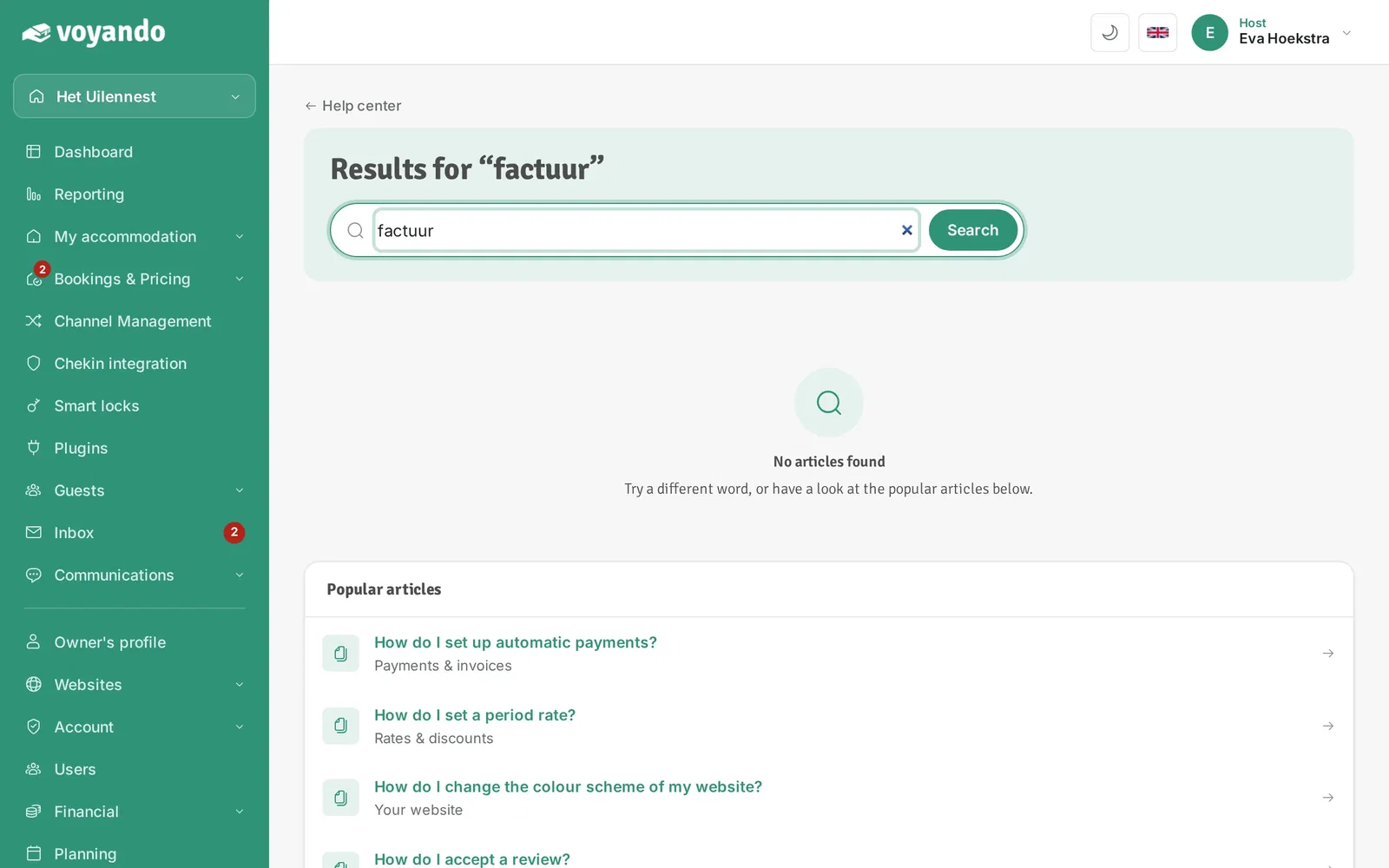
    How do I create a support ticket? – step 3: First check whether there is already an article or step-by-step guide about your question.
  4. Step 4: Can't find the answer? Go back to Help and scroll down.
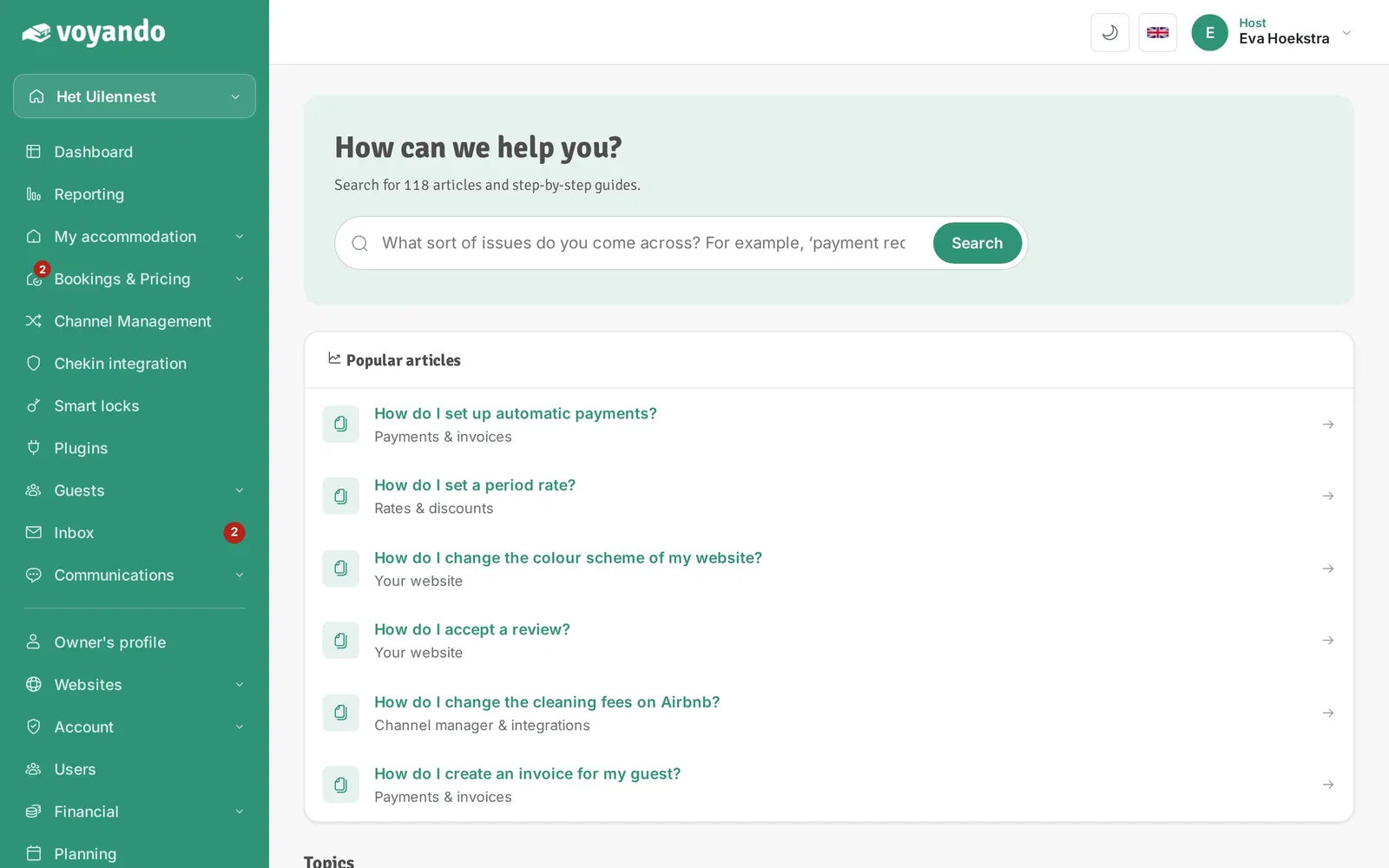
    How do I create a support ticket? – step 4: Can't find the answer? Go back to Help and scroll down.
  5. Step 5: Still no answer? Click Ask a question.
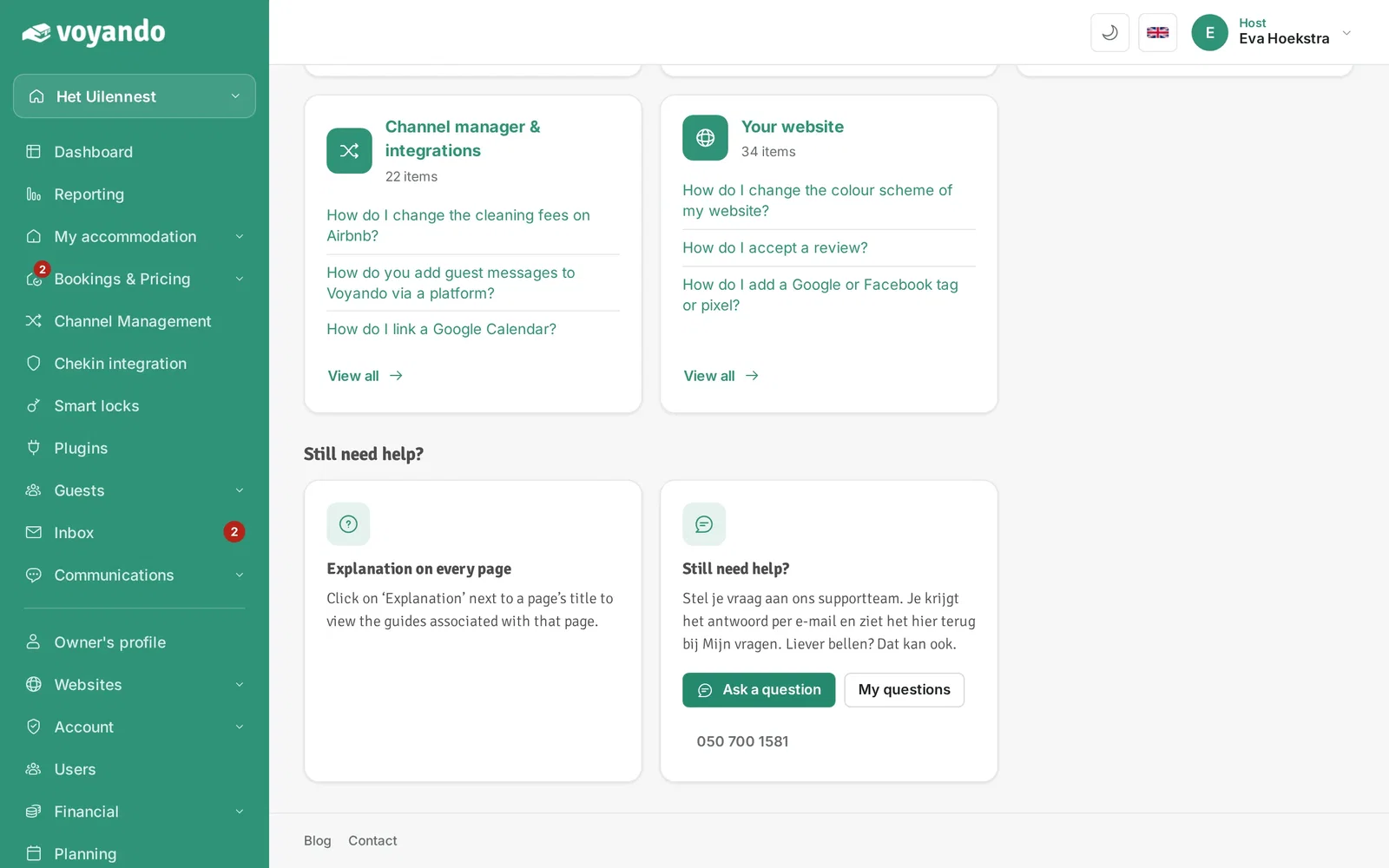
    How do I create a support ticket? – step 5: Still no answer? Click Ask a question.
  6. Step 6: Give your question a short Subject.
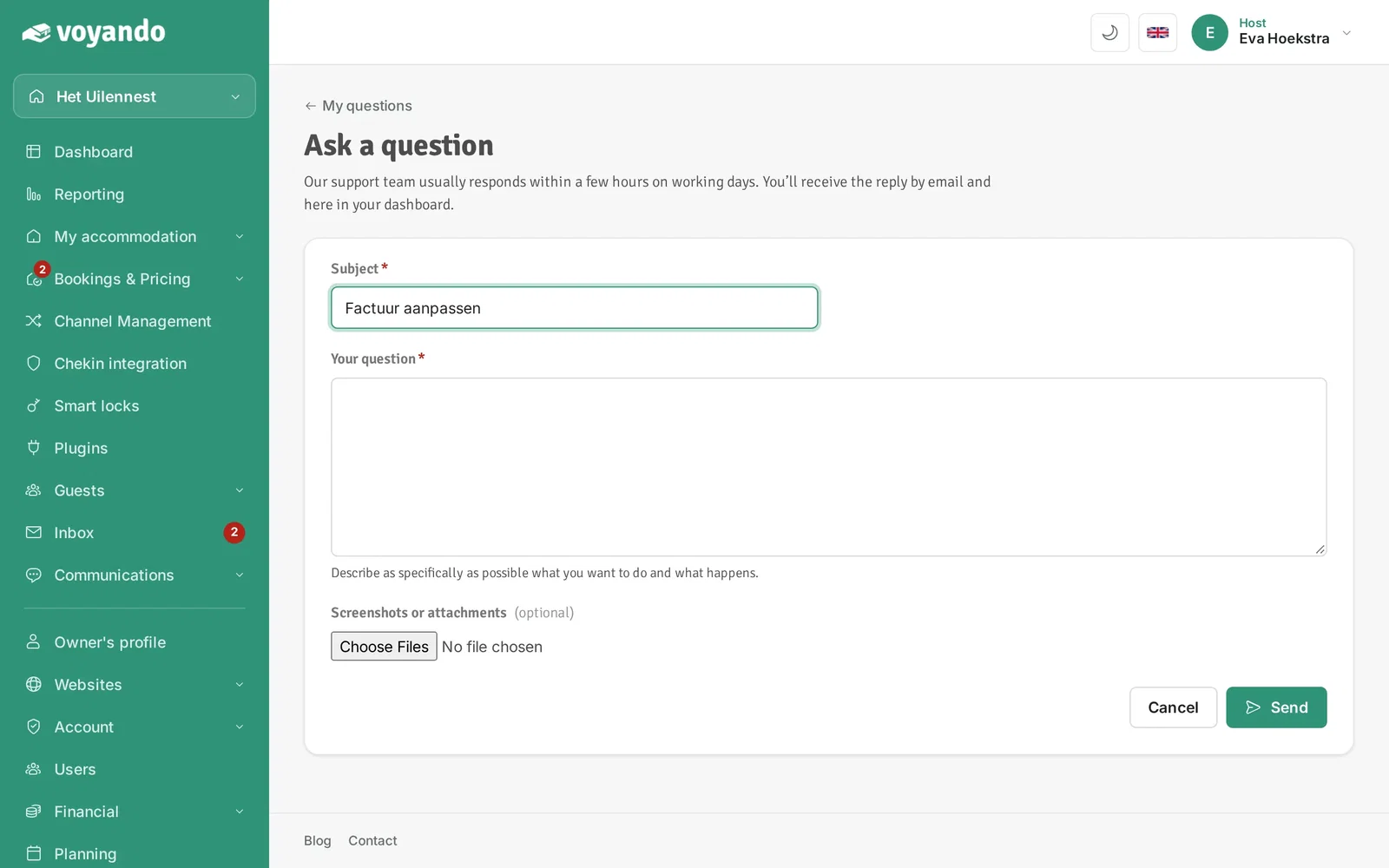
    How do I create a support ticket? – step 6: Give your question a short Subject.
  7. Step 7: Describe as precisely as possible what you want to do and what happens. You can add a screenshot as an attachment.
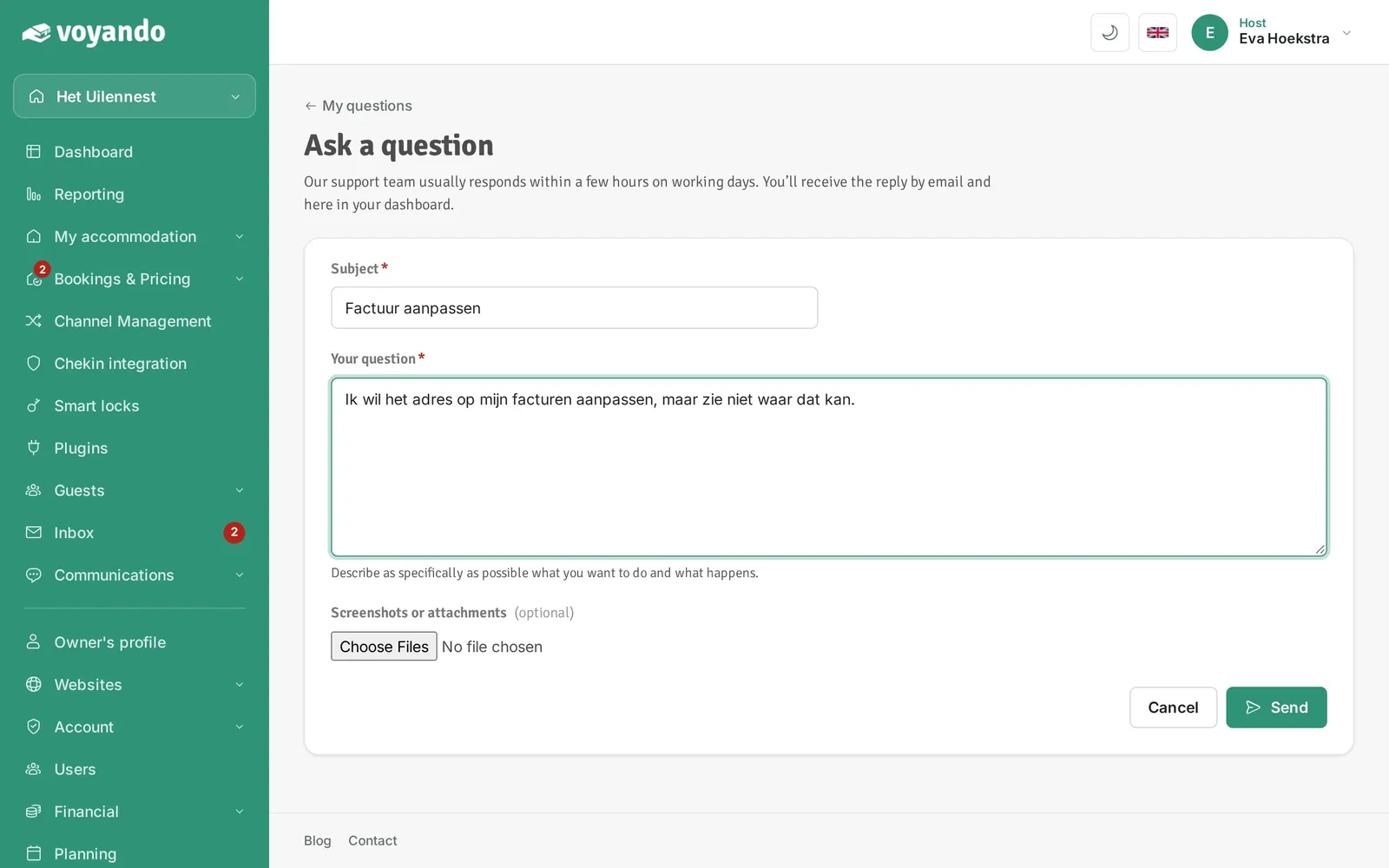
    How do I create a support ticket? – step 7: Describe as precisely as possible what you want to do and what happens. You can add a screenshot as an attachment.
  8. Step 8: Click Send. You'll get the answer by e-mail and can find it under My questions. Prefer to call? Ring 050 700 1581 on working days between 09:00 and 17:00.
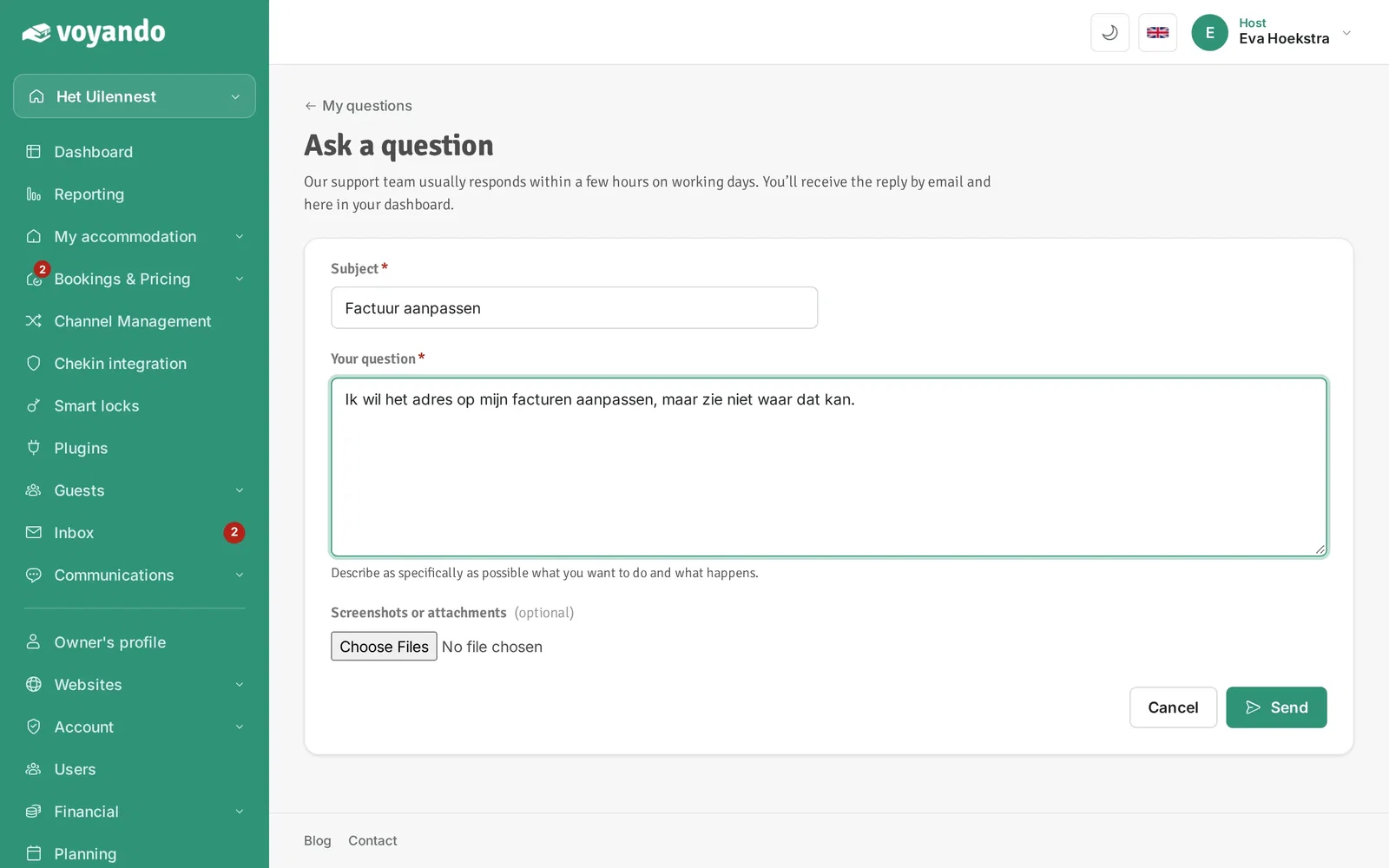
    How do I create a support ticket? – step 8: Click Send. You'll get the answer by e-mail and can find it under My questions. Prefer to call? Ring 050 700 1581 on working days between 09:00 and 17:00.
Try for free Demo
Watch the demo

Discover how easy managing your holiday home is

See in the demo how to handle bookings, payments, your website and channels in one place. Leave your e-mail address and start watching right away.

Or try Voyando right away 30 days free.