Where can I find the list of Chekin registrations?
You can easily view all your Chekin bookings at voyando.com/dashboard under ‘Chekin integration’ and ‘Bookings’.
Step by step · 12 steps
-
Step 1: Go to your dashboard.

-
Step 2: Click Chekin integration in the menu.
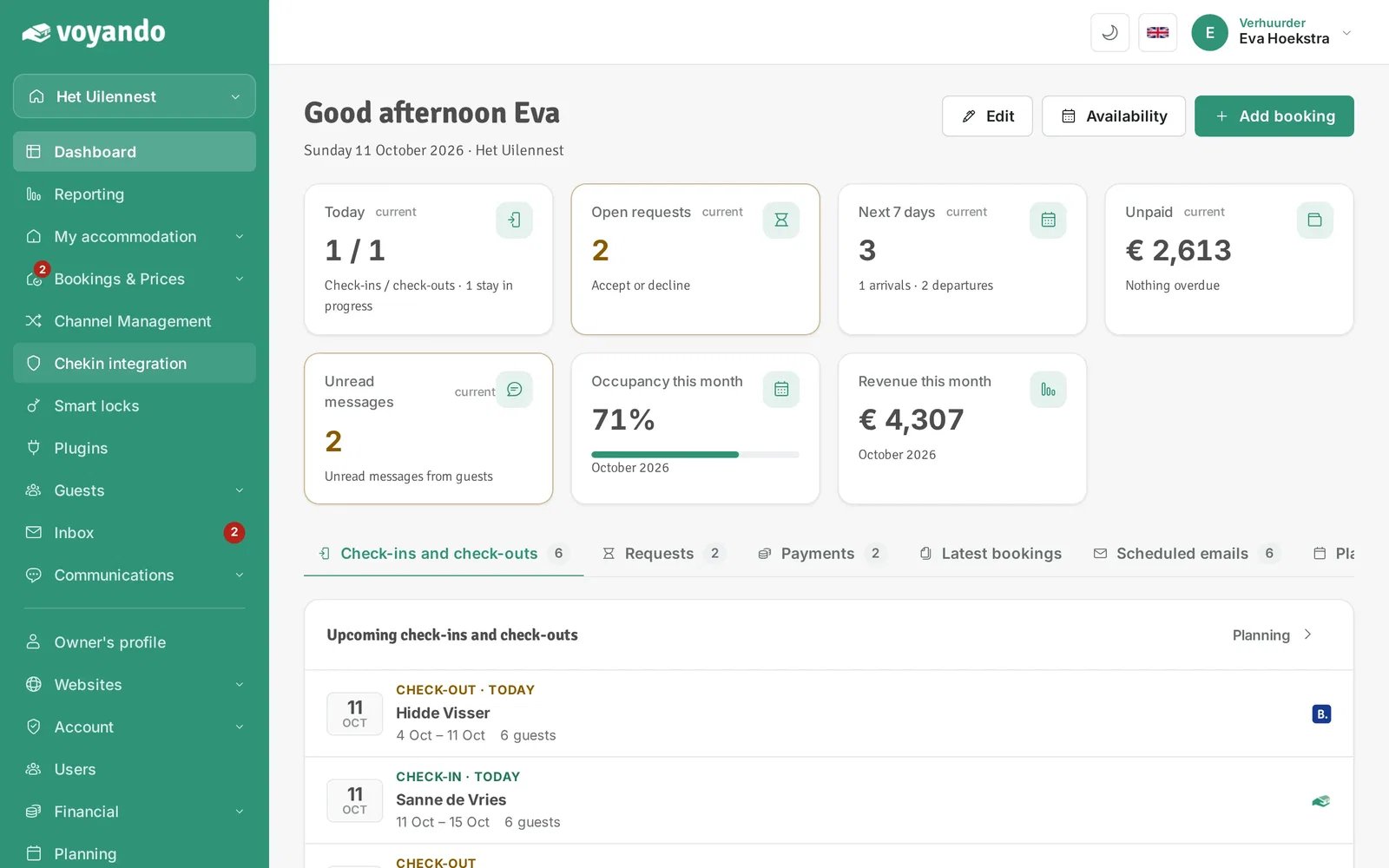
-
Step 3: Click Configure Chekin.
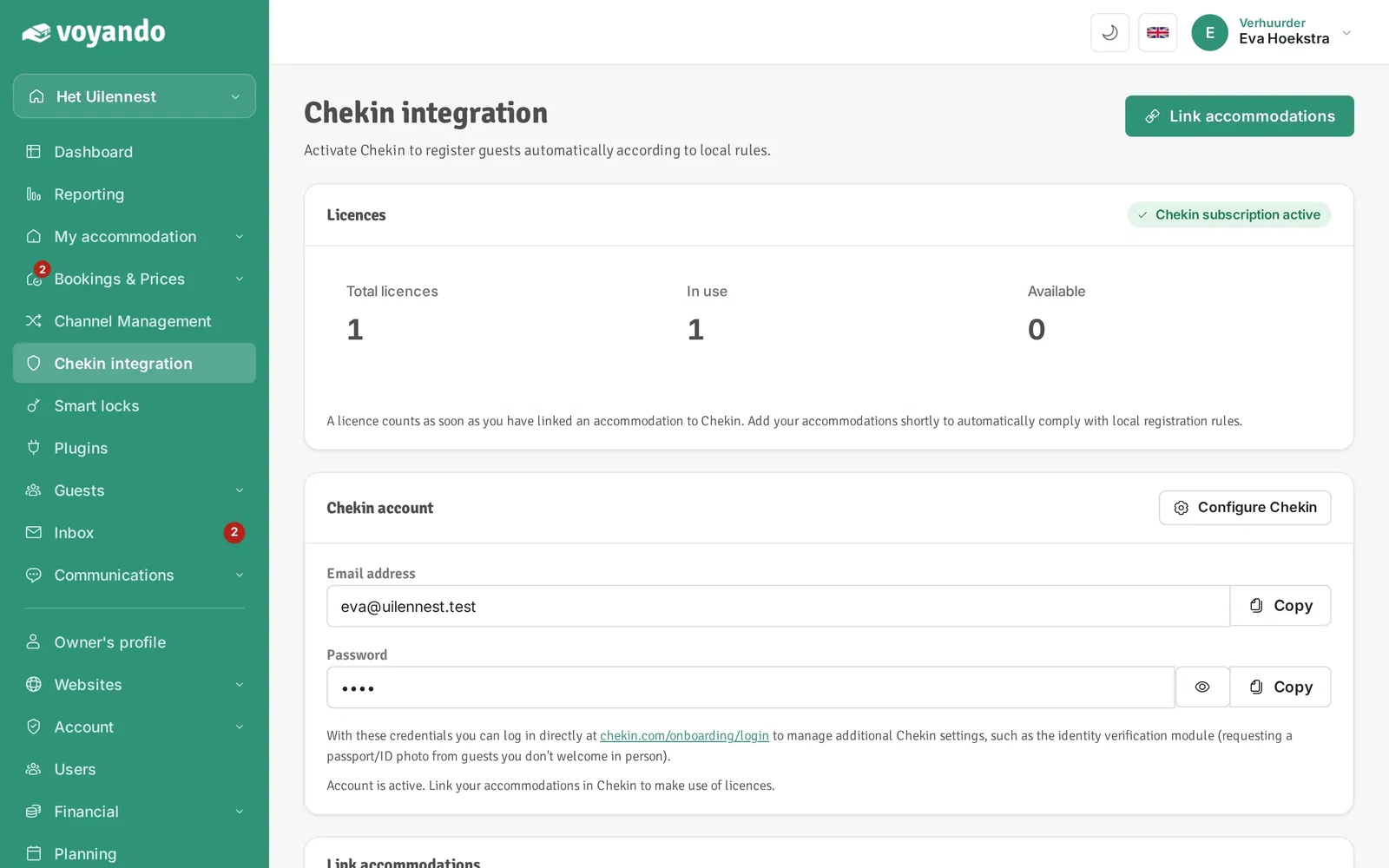
-
Step 4: In Chekin, click Bookings.
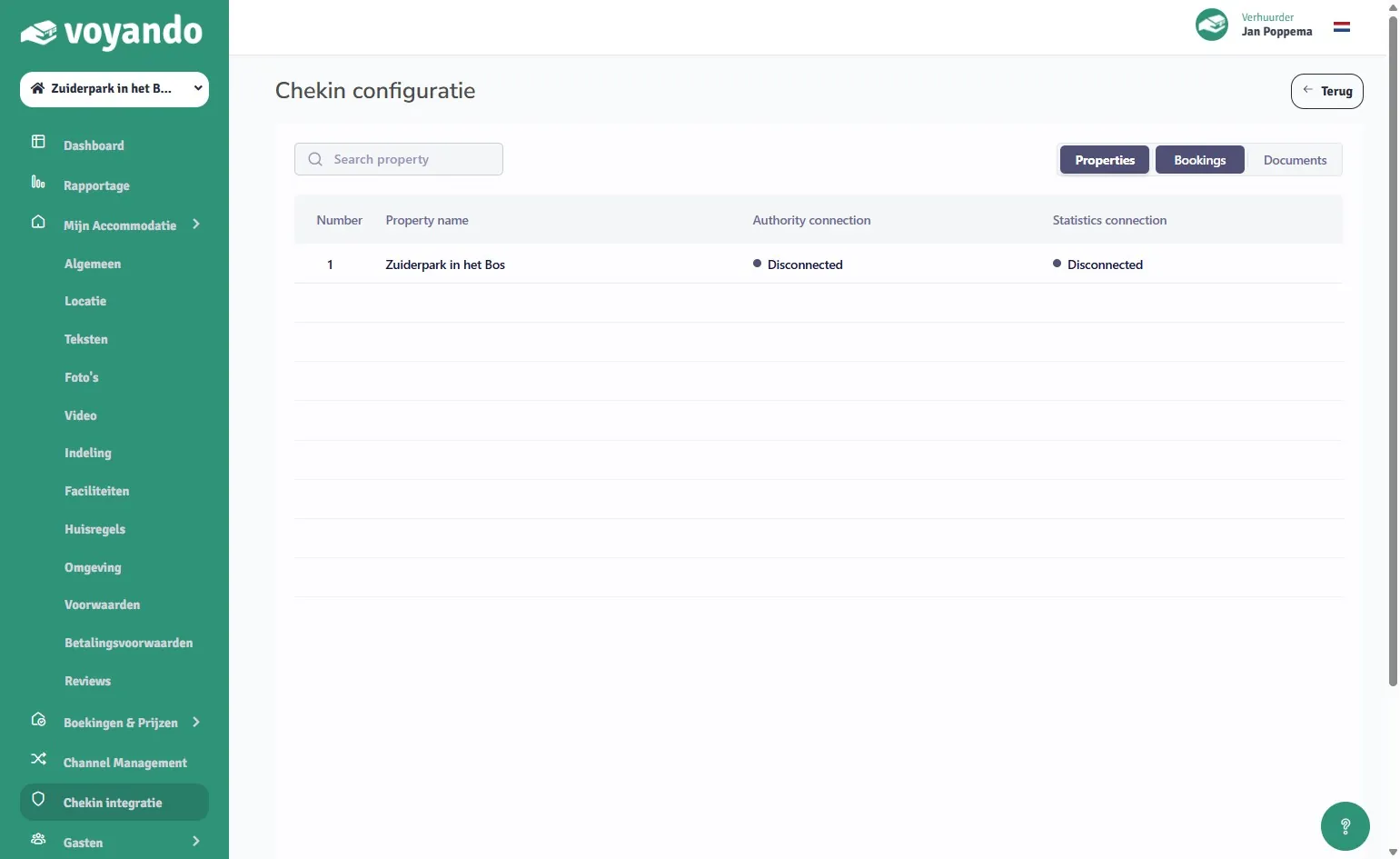
-
Step 5: Here you find the Chekin registrations of all your guests. Click a guest to view the registration.
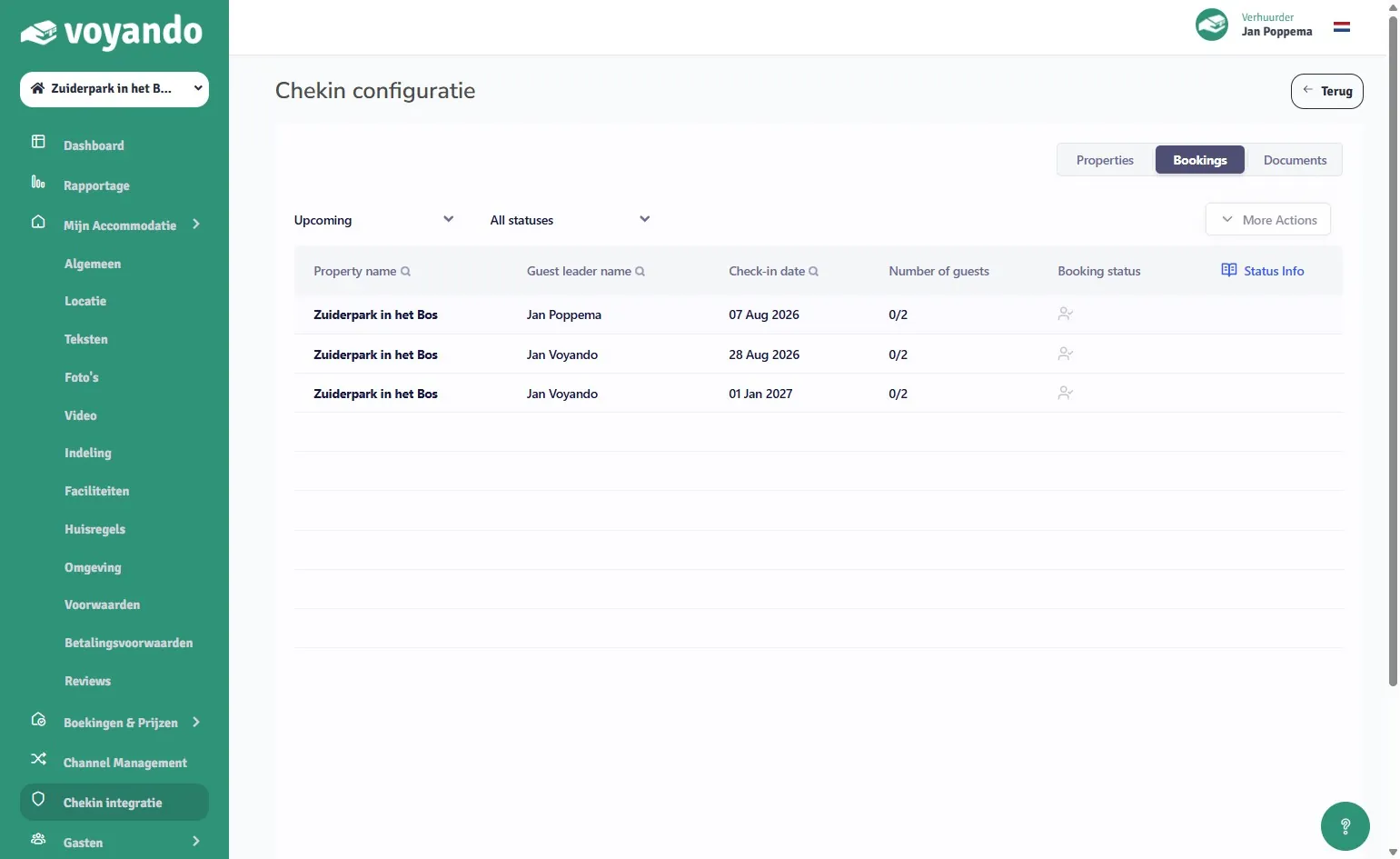
-
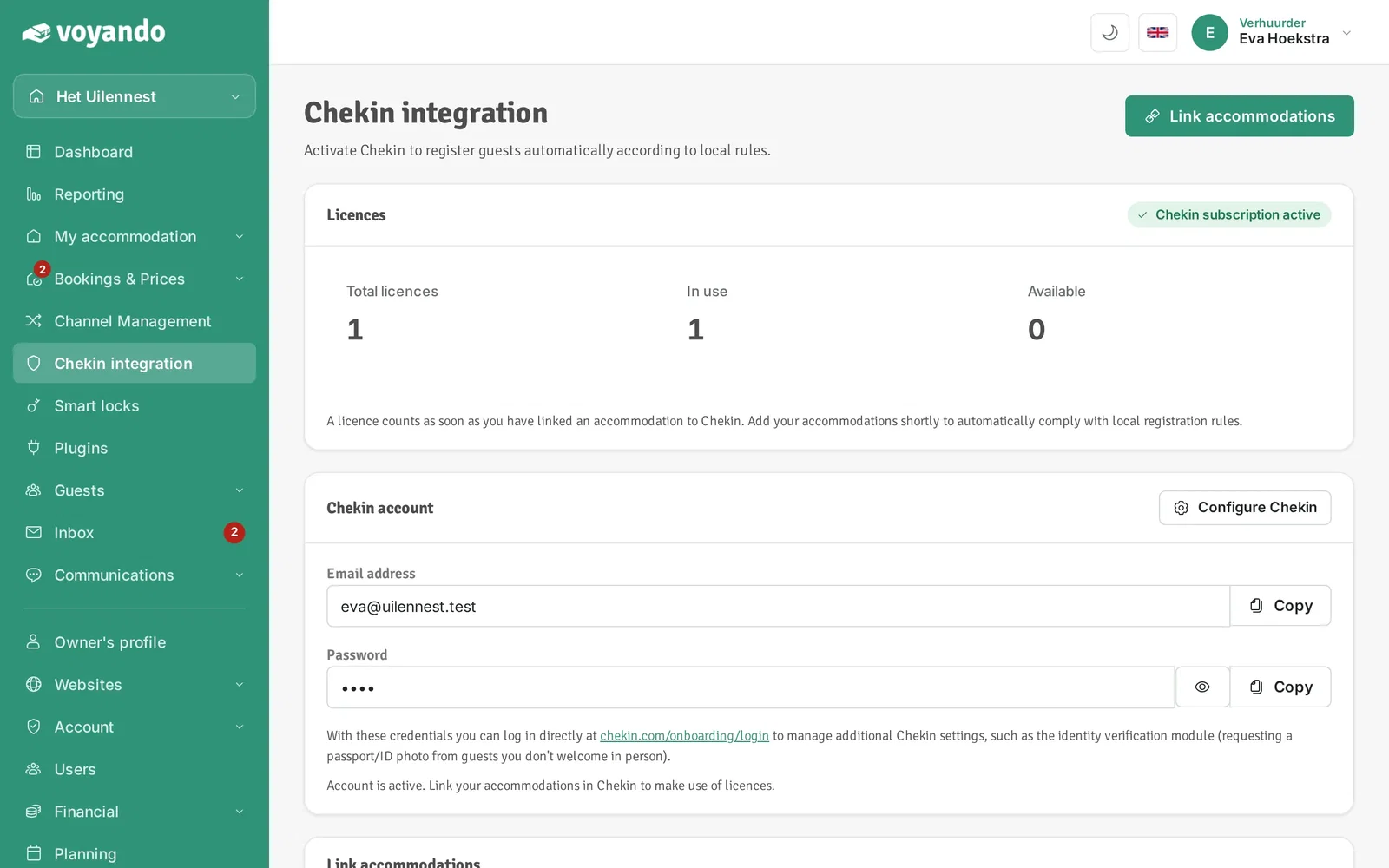
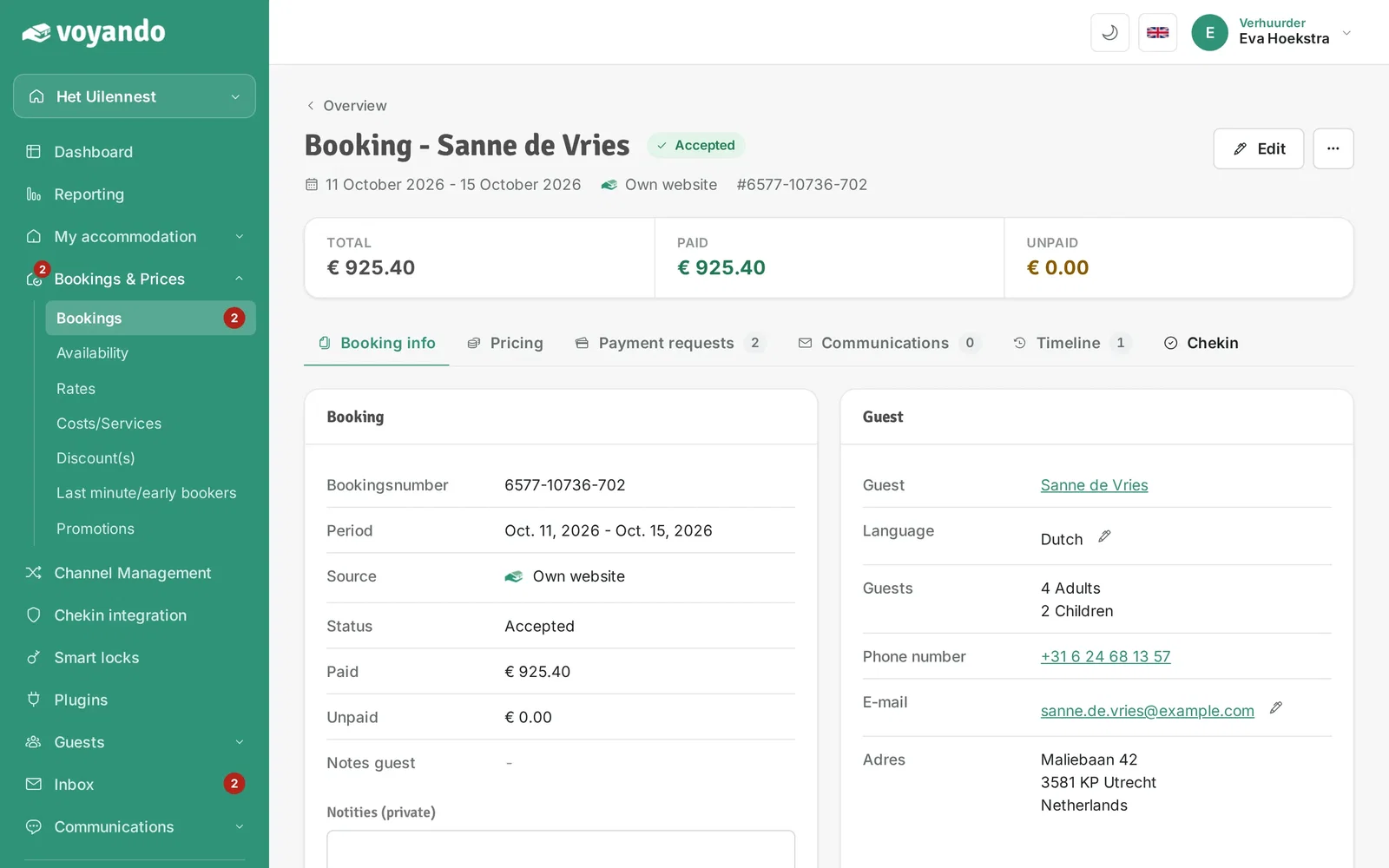
Step 6: You can also see a single guest's registration on the booking in Voyando.
-
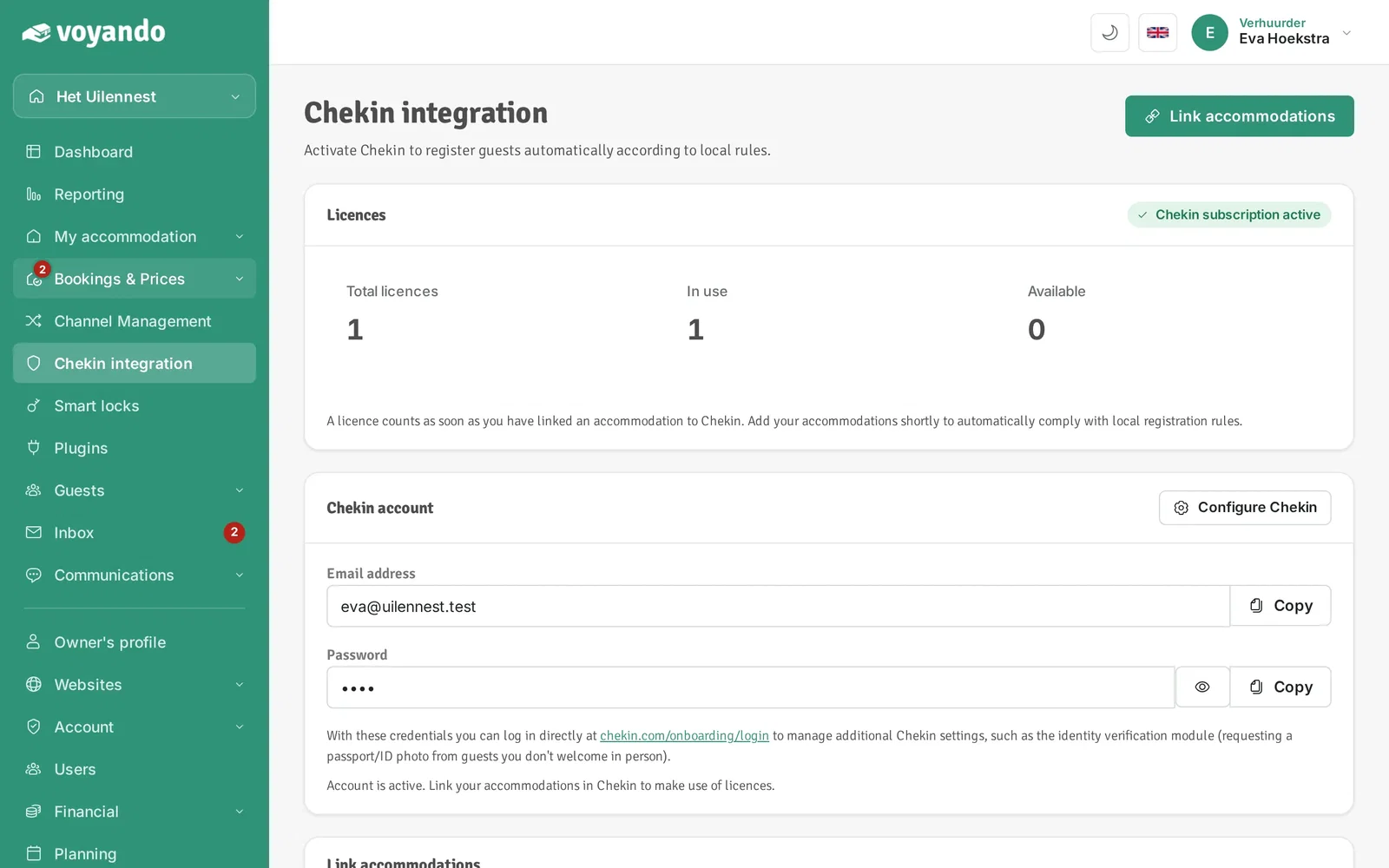
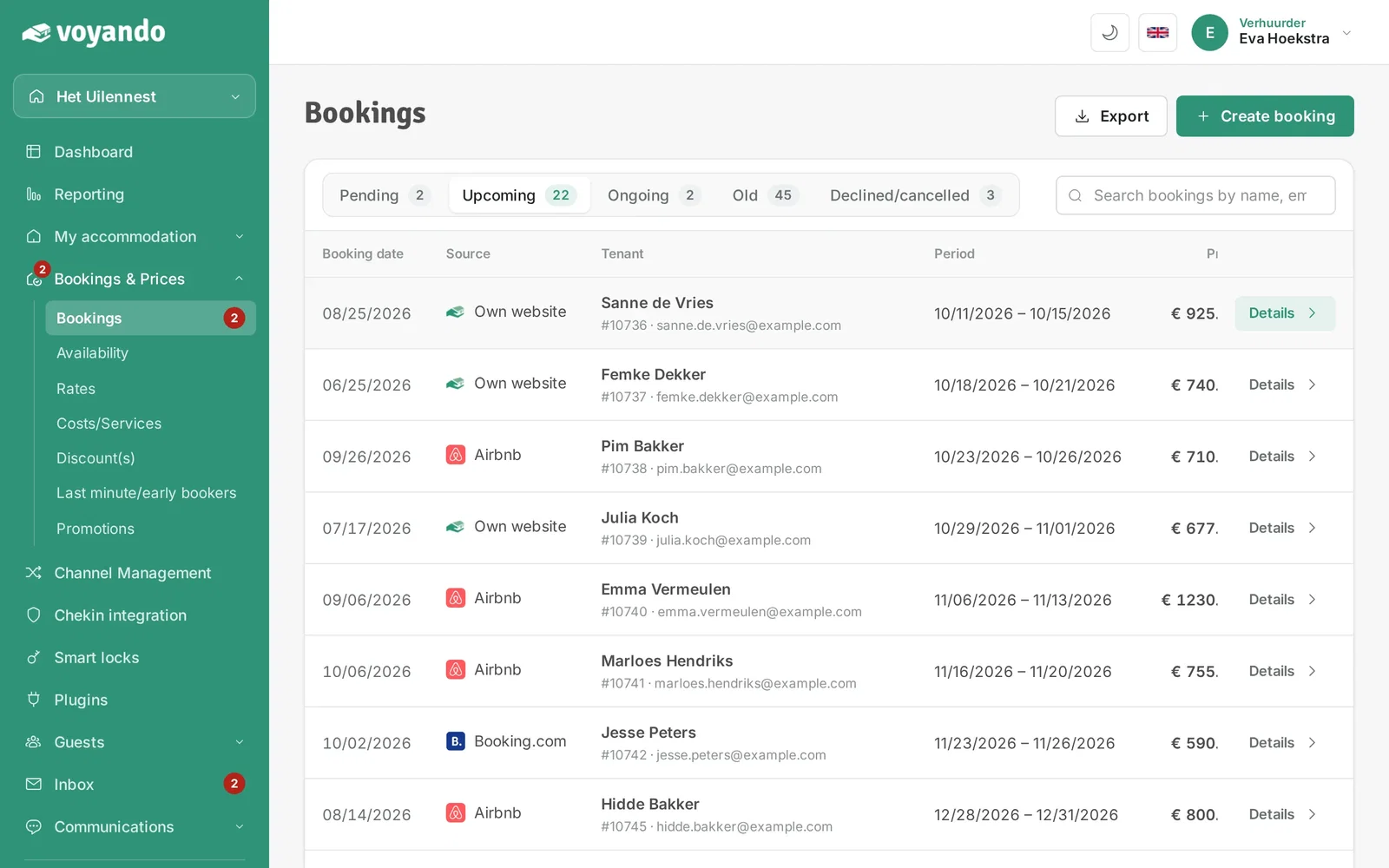
Step 7: Click Bookings & Prices.
-
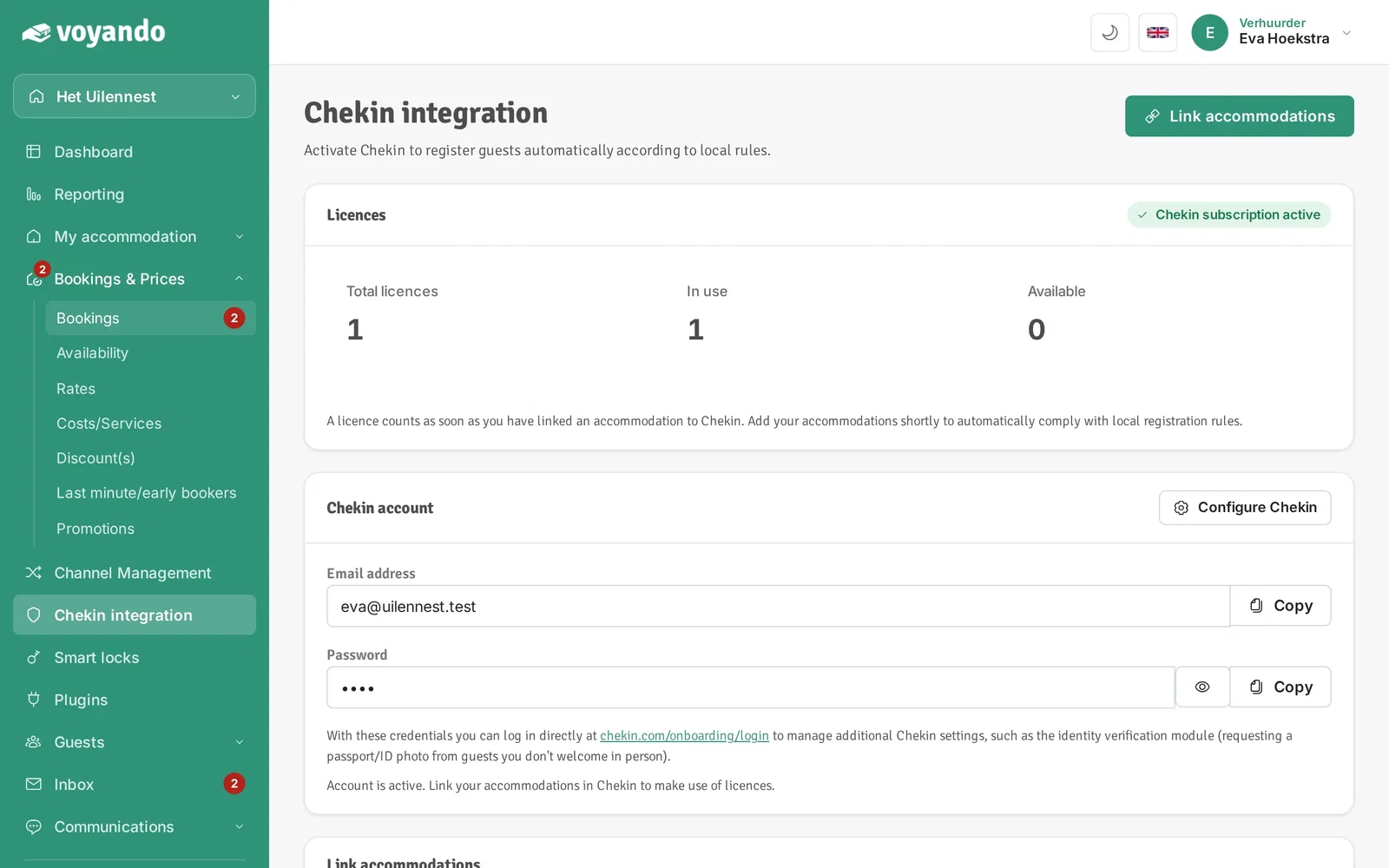
Step 8: Click Bookings.
-
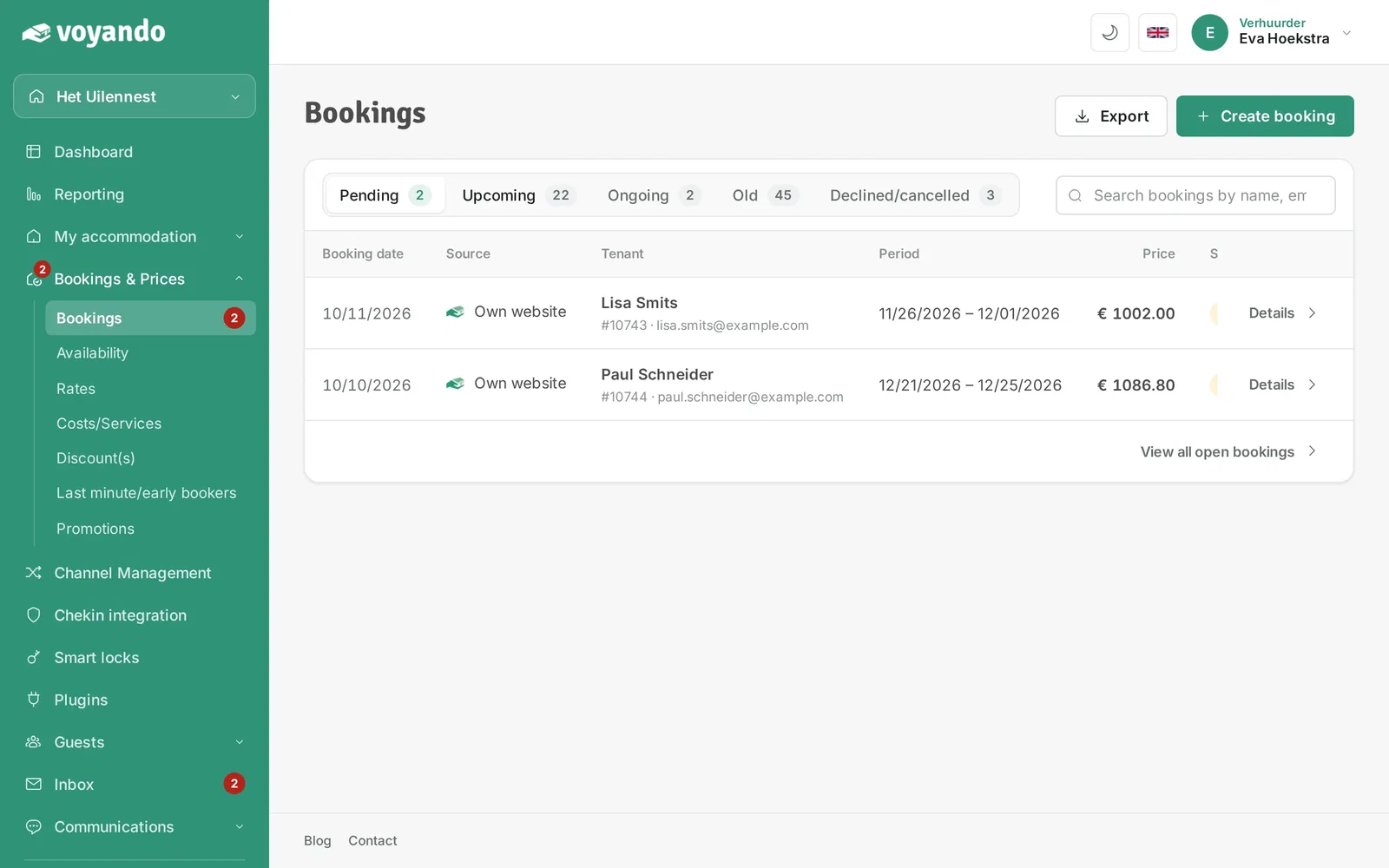
Step 9: Click Upcoming.
-
Step 10: Click Details next to the booking.
-
Step 11: Click the Chekin tab.
-
Step 12: Here you see the status of this booking's Chekin registration.




