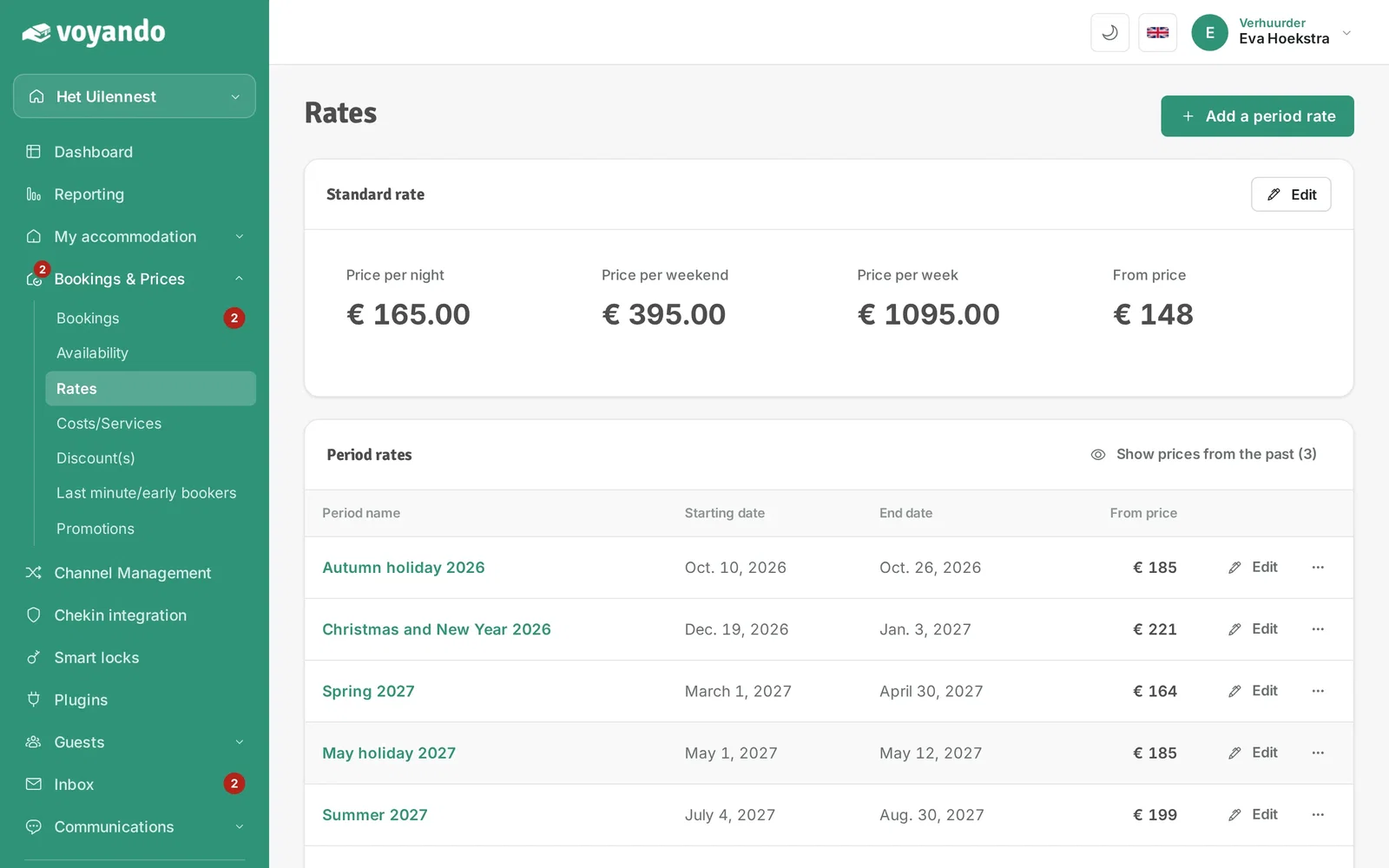
How can I easily adjust the price and/or restrictions for an existing period-based rate?
Easily adjust prices and restrictions by duplicating an existing period-based rate, updating the dates and saving the changes.
Step by step · 12 steps
-
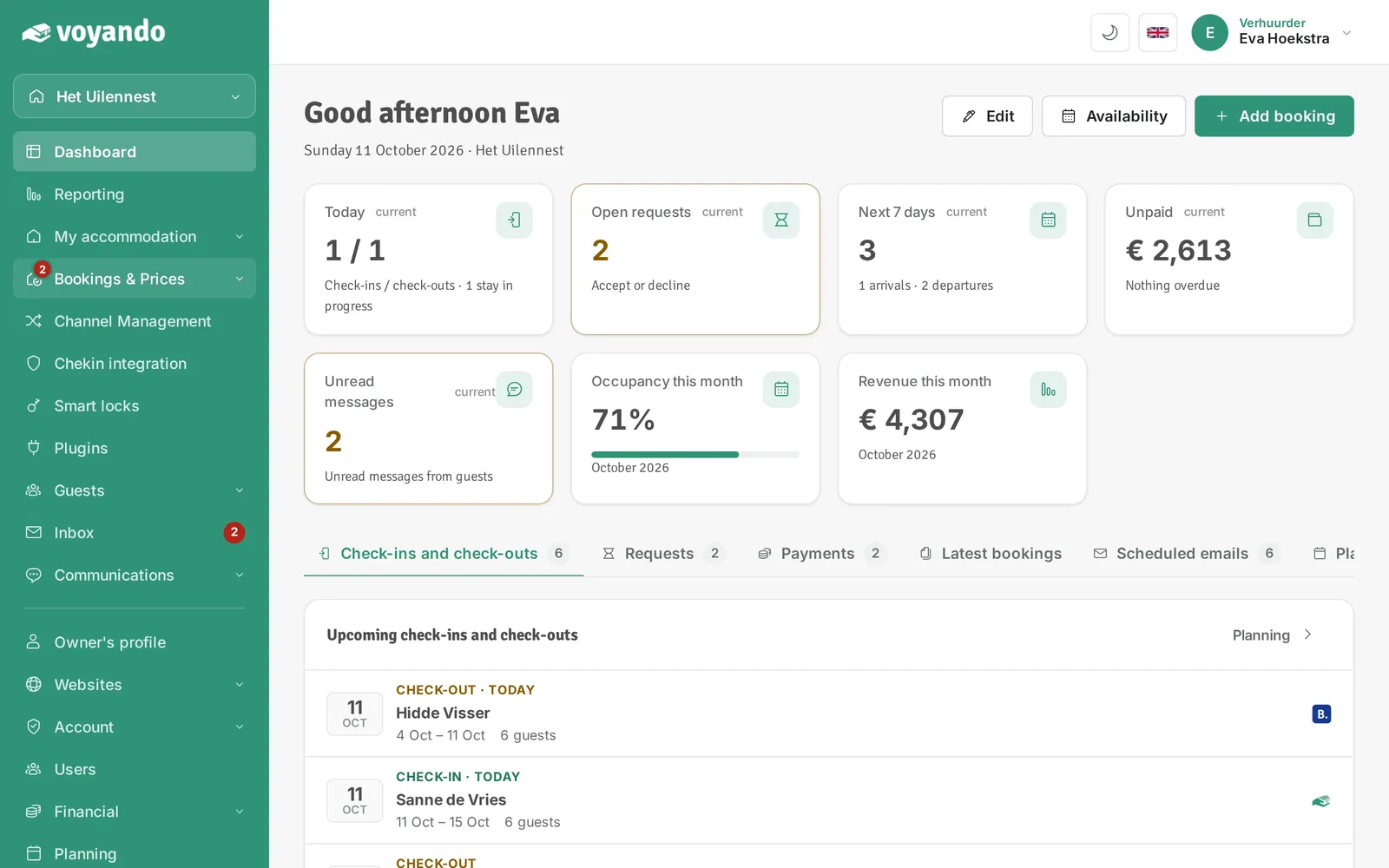
Step 1: Go to your dashboard.

-
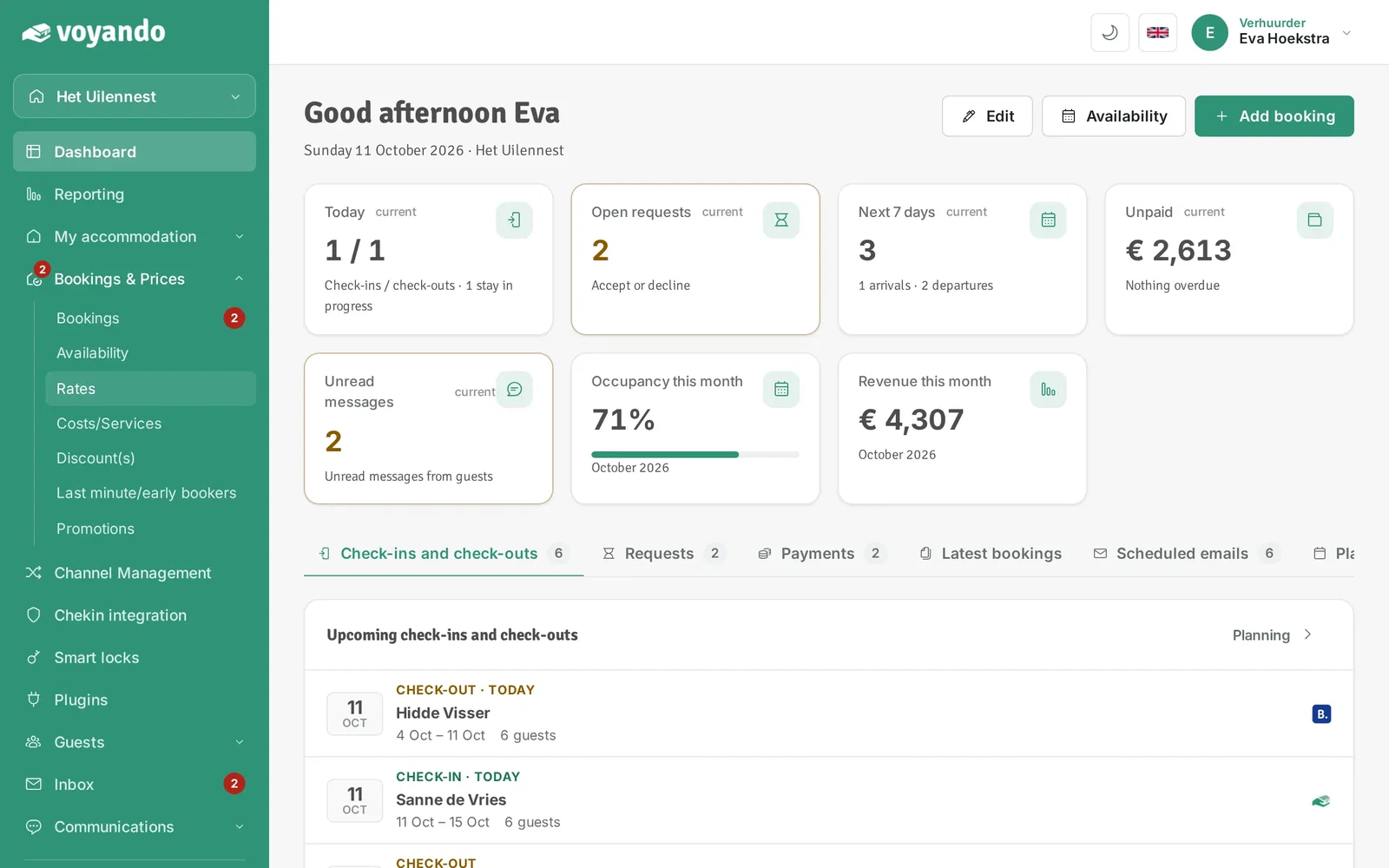
Step 2: Click Bookings & Prices in the menu.
-
Step 3: Click Rates.
-
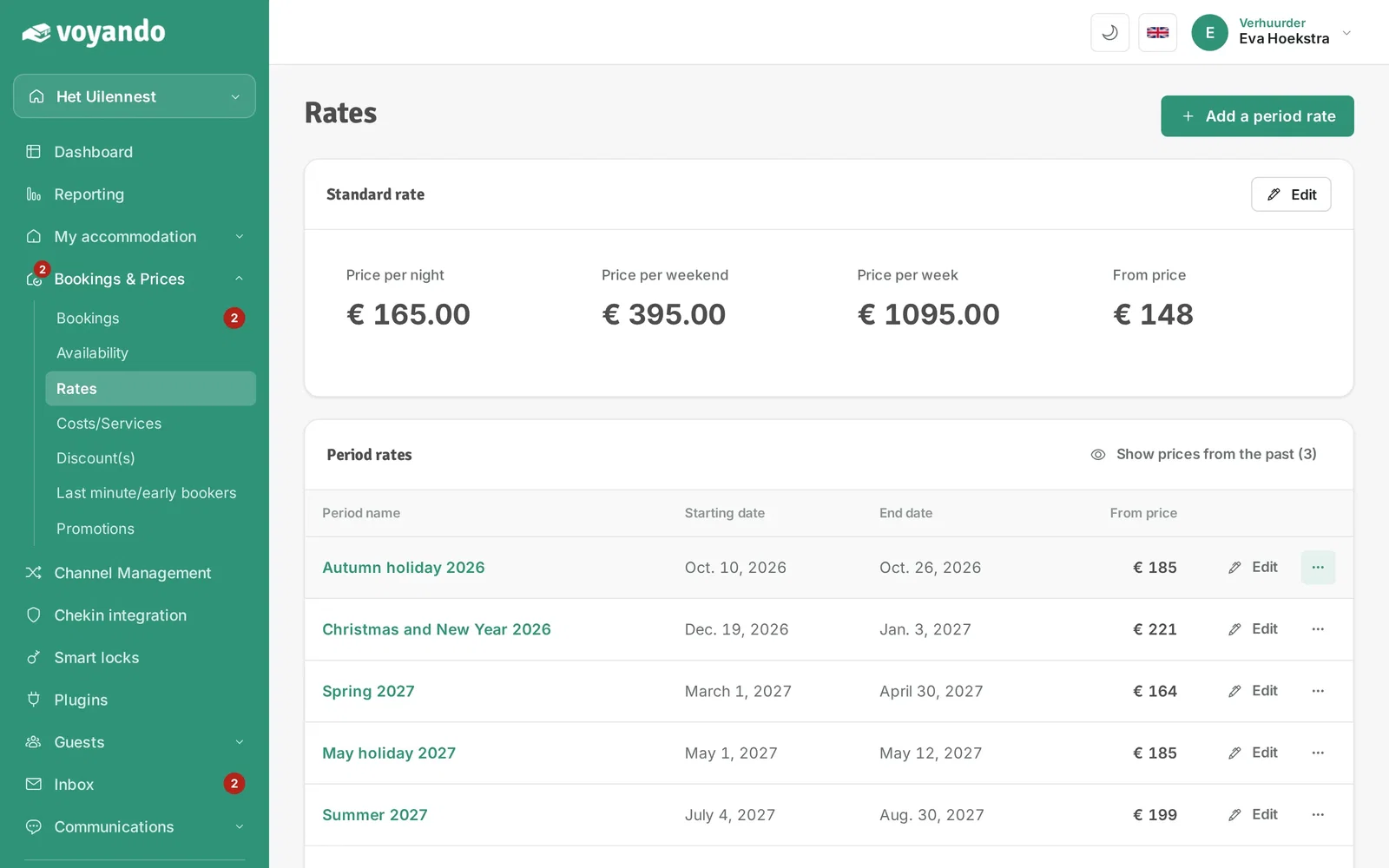
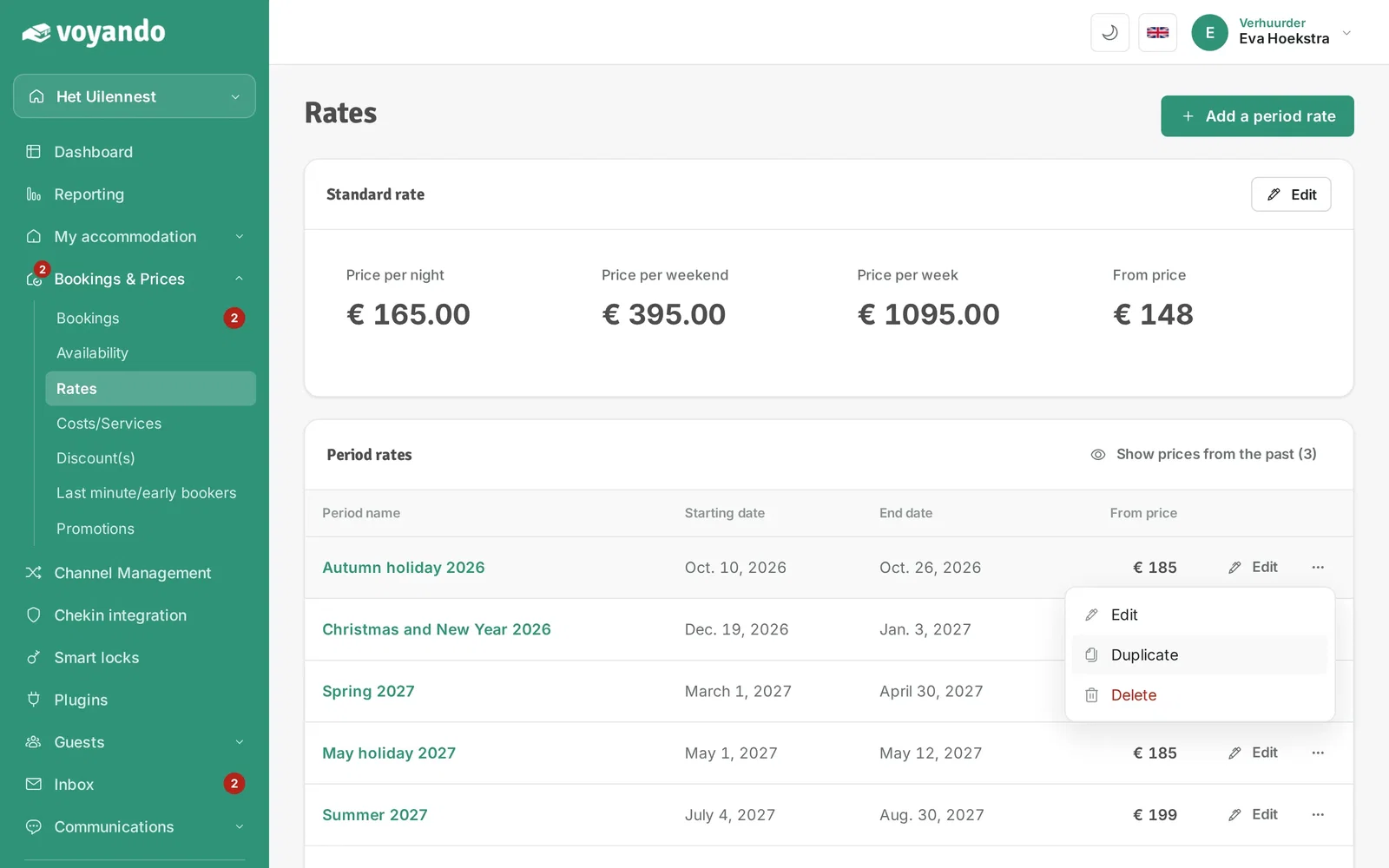
Step 4: Find the period rate and click the three dots.
-
Step 5: Click Duplicate.
-
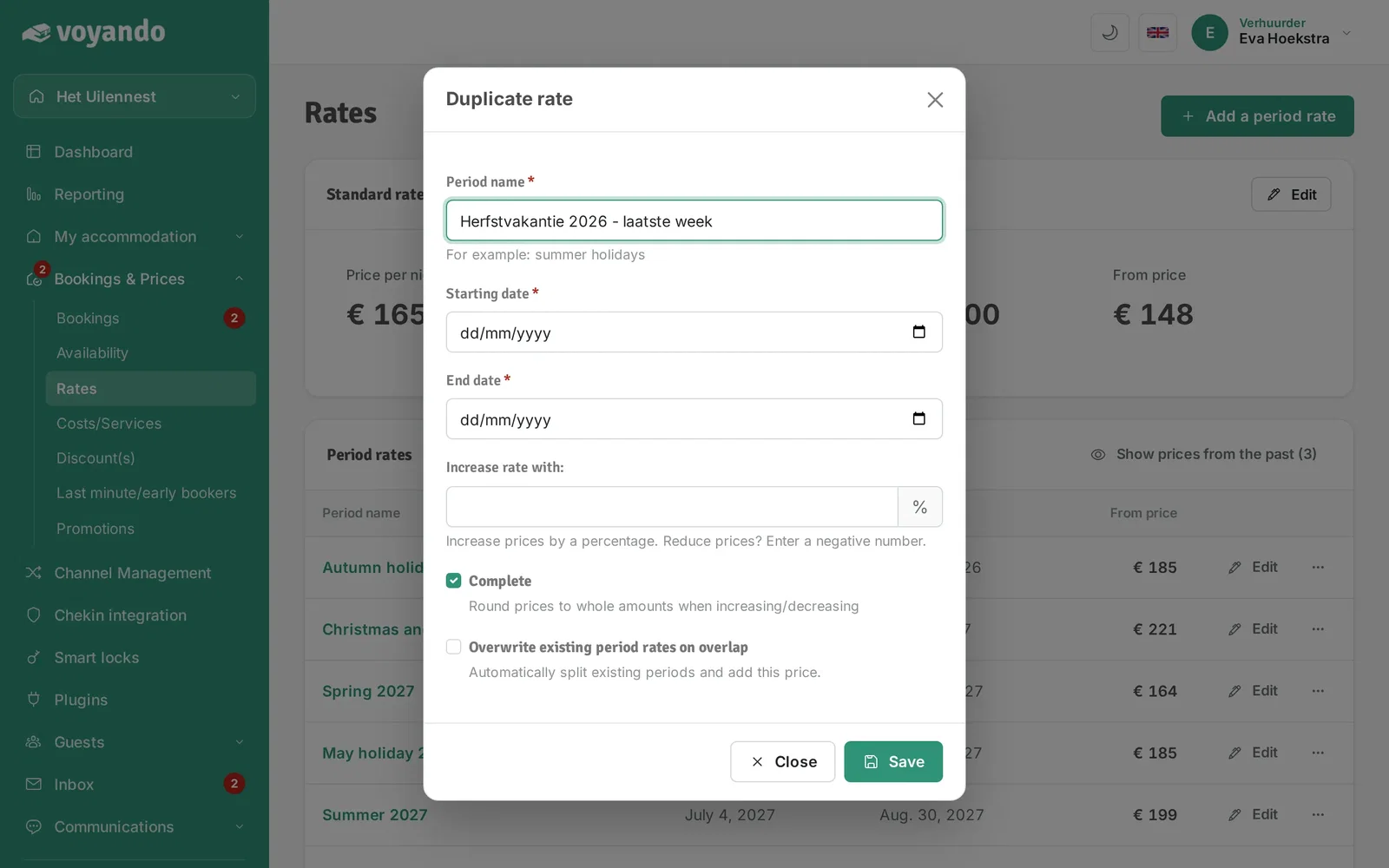
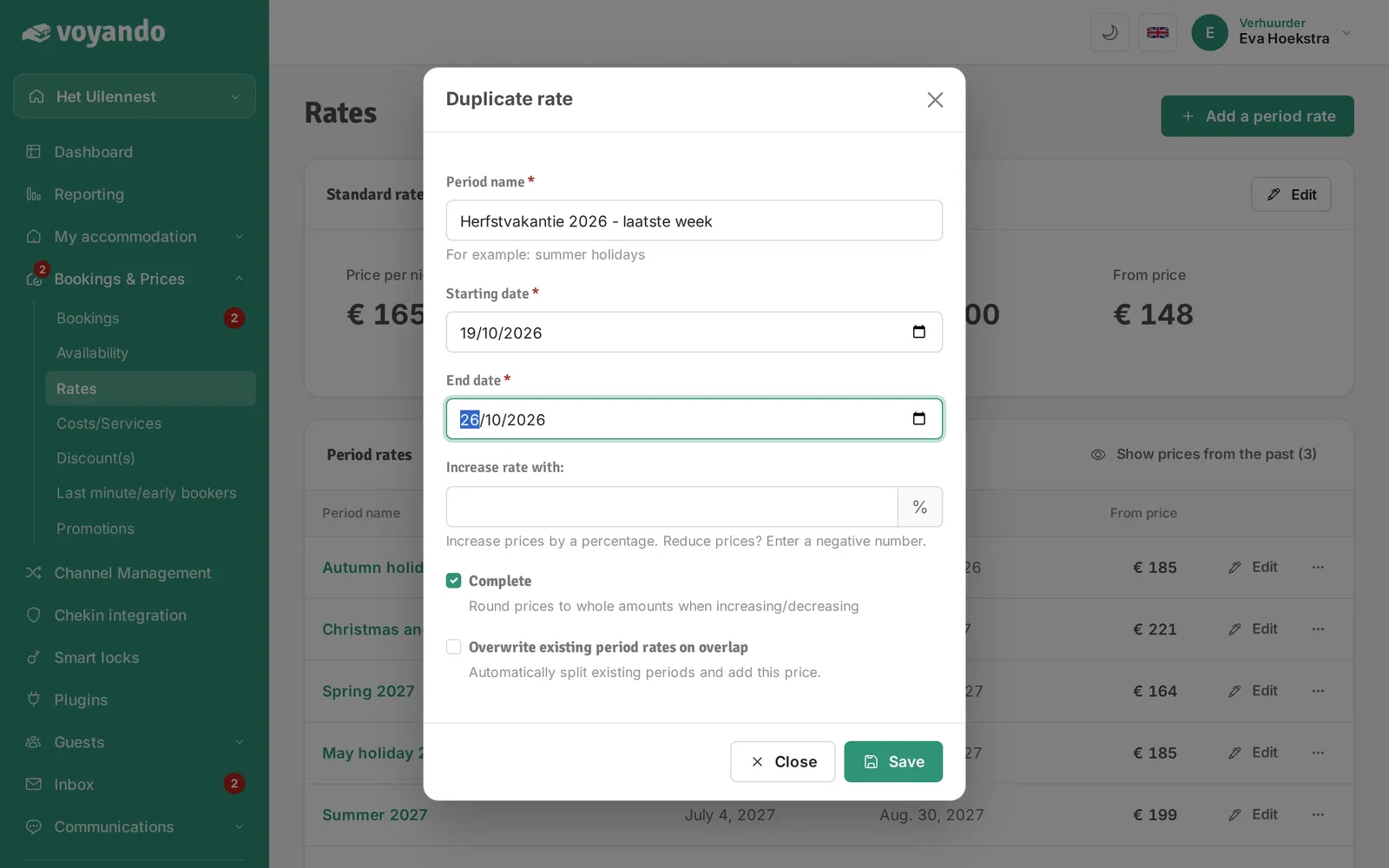
Step 6: Change the Period name if needed.
-
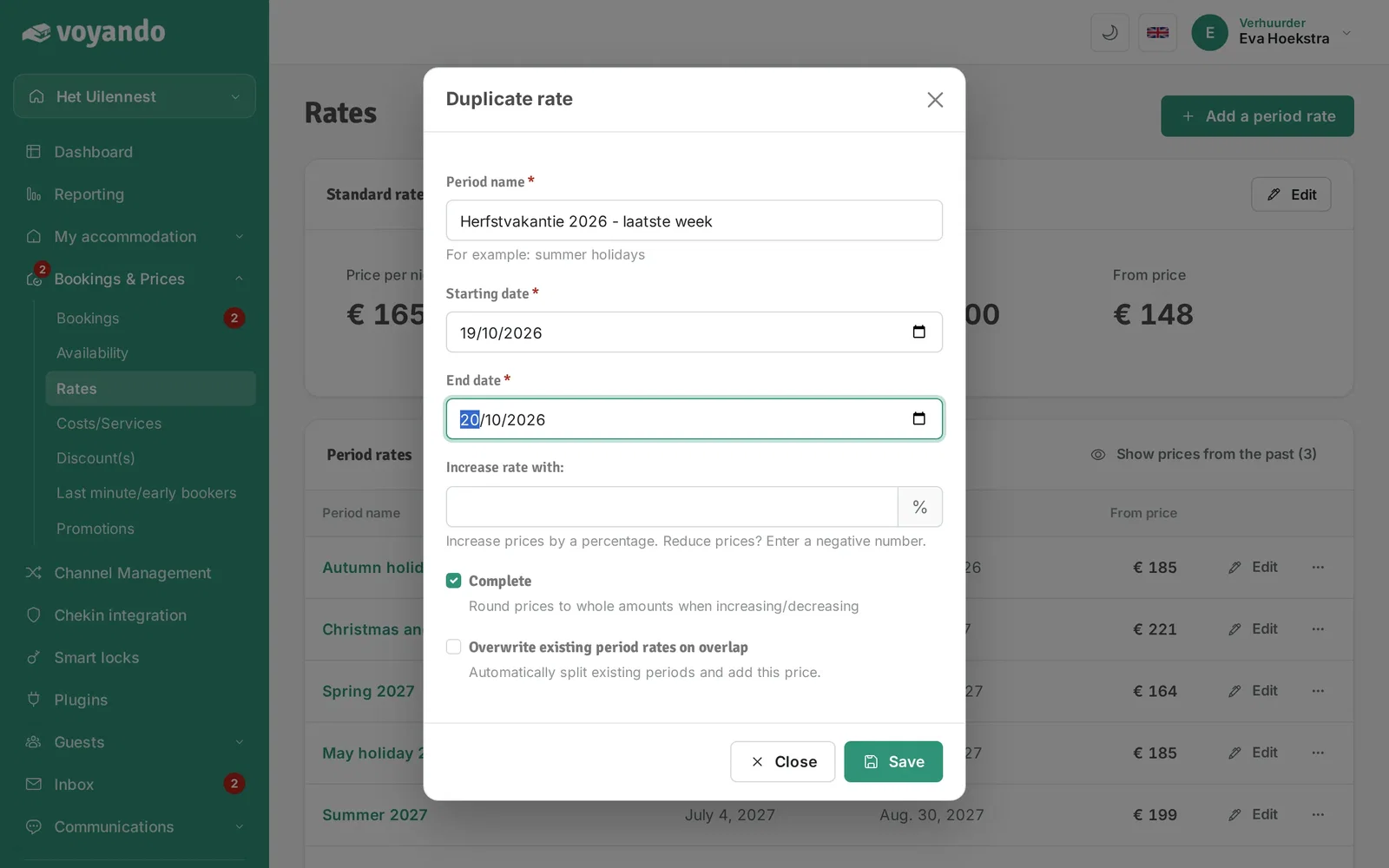
Step 7: Enter the Starting date of the part that should be different.
-
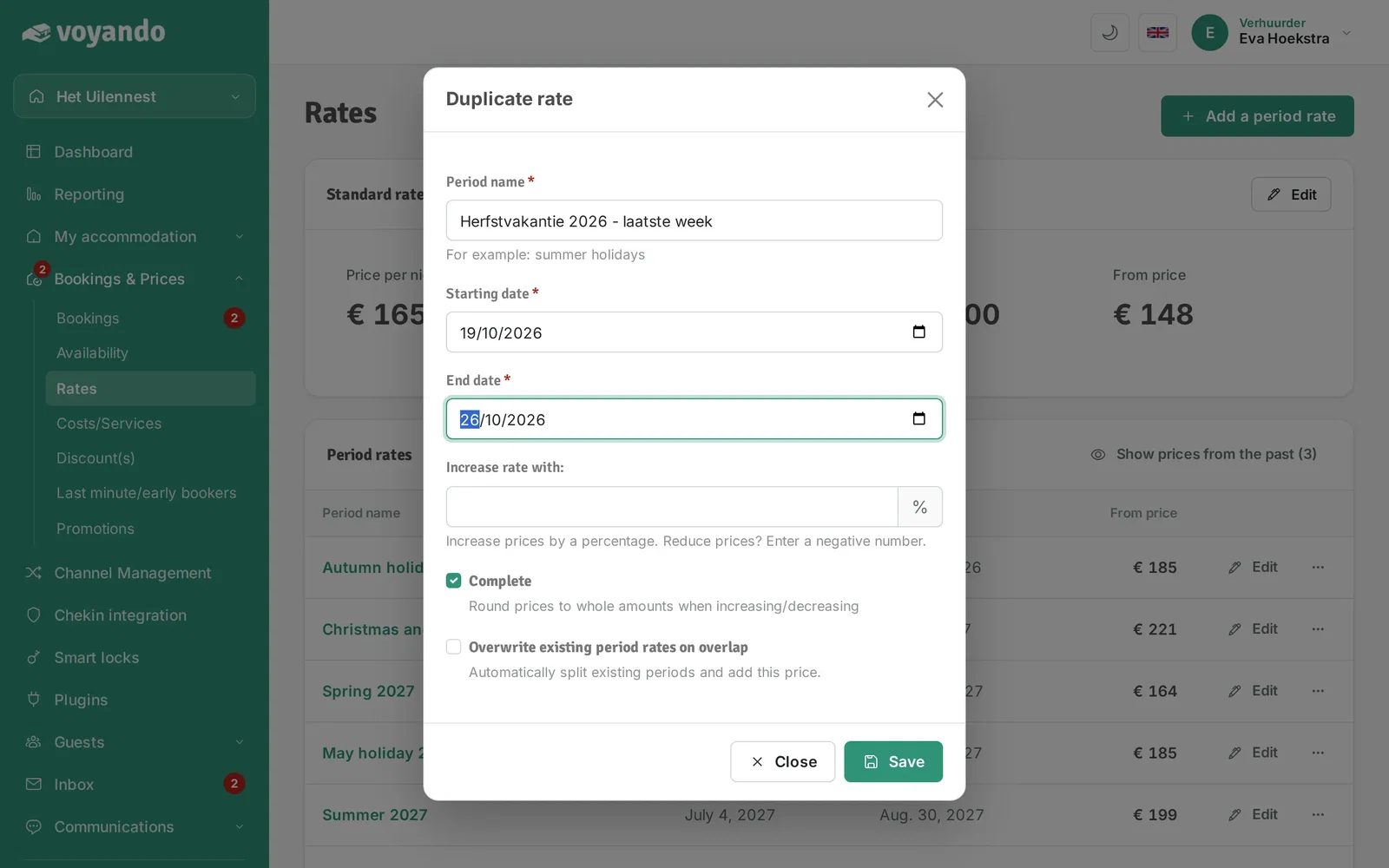
Step 8: Enter the End date.
-
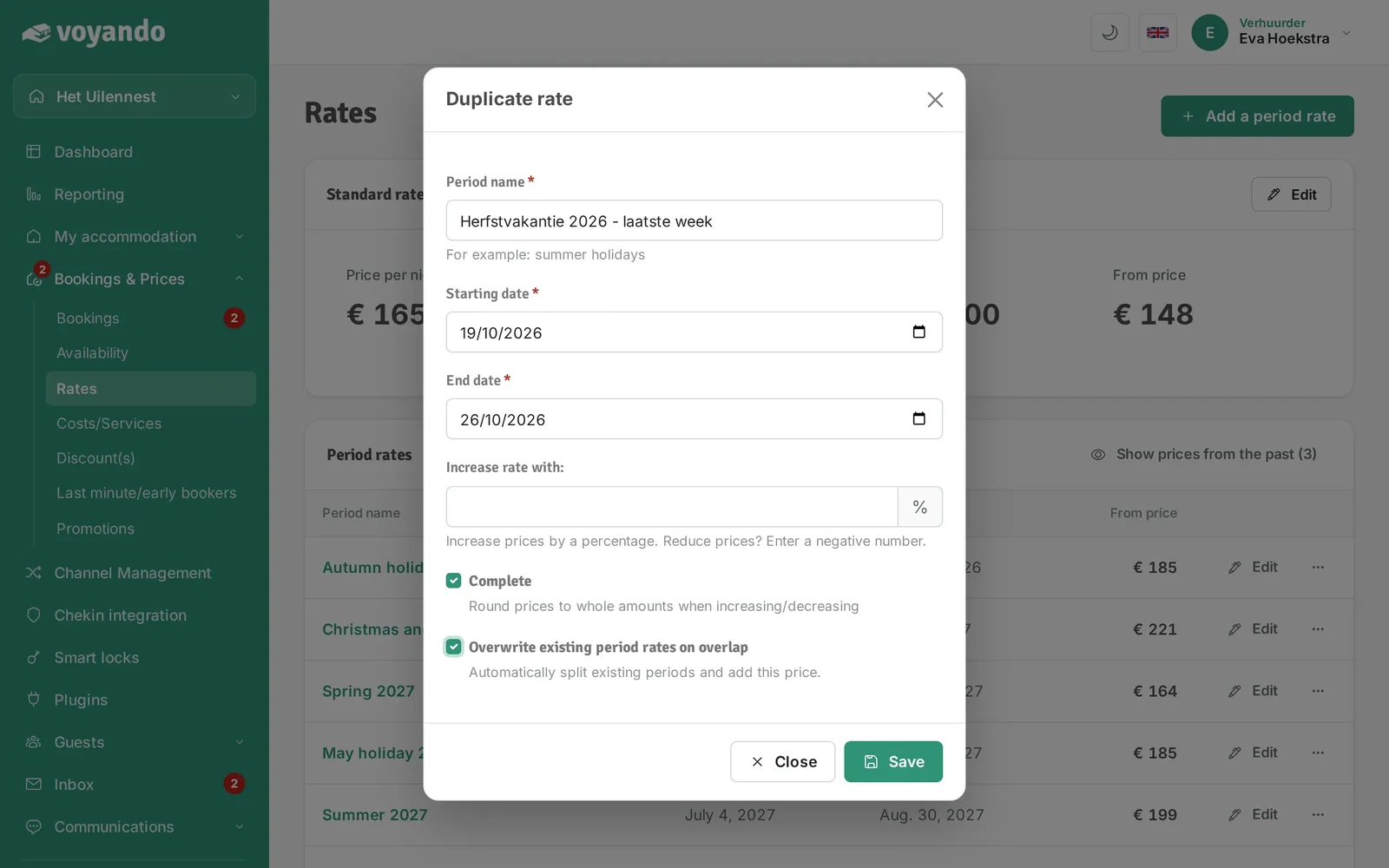
Step 9: Tick Overwrite existing period rates on overlap. The existing period rate is then split automatically.
-
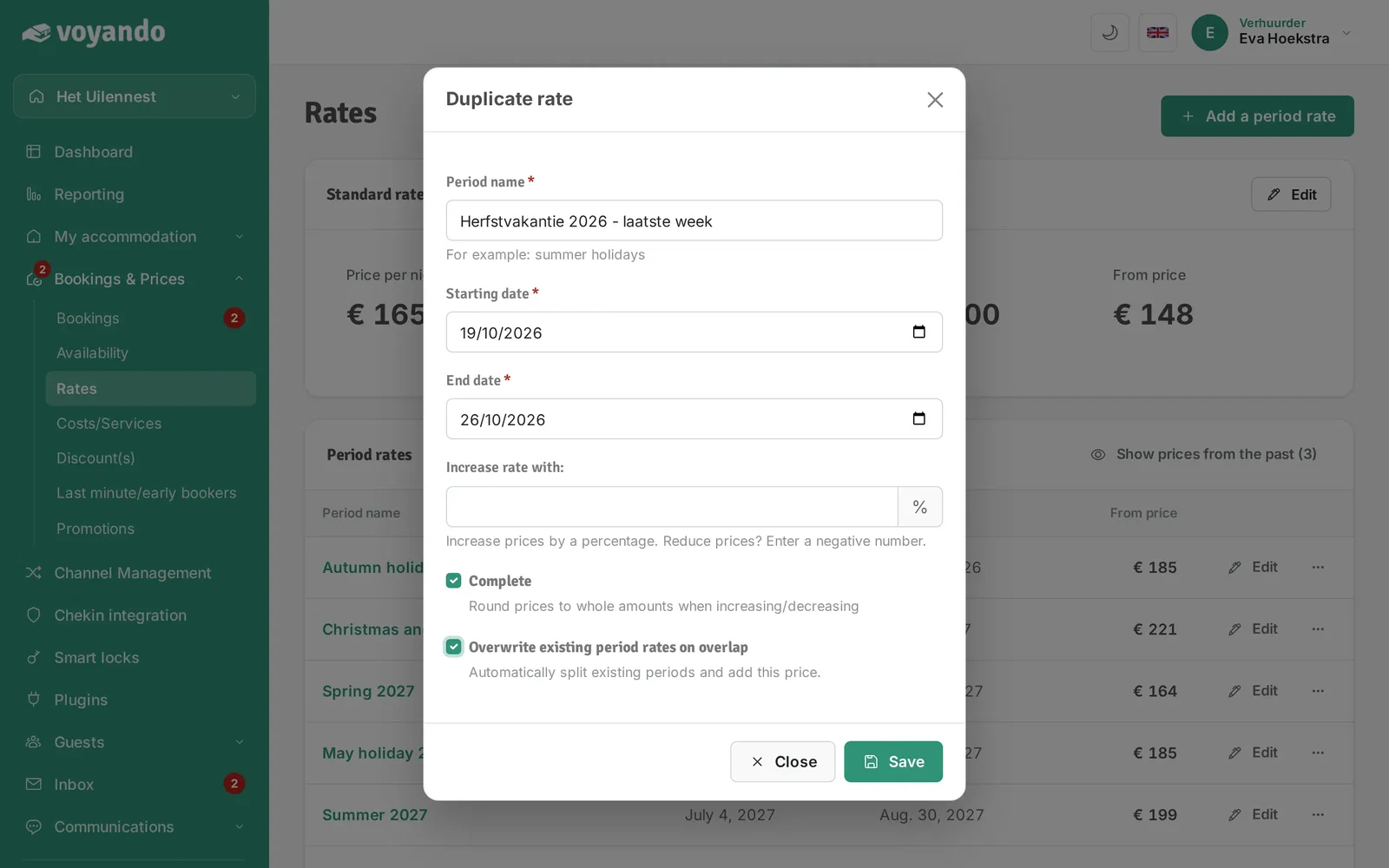
Step 10: Click Save.
-
Step 11: Then find the new period rate in the list...
-
Step 12: ...and click Edit next to it. Change the price and the check-in and check-out days there and click Save.