How do I set up a discount for a long stay on my own website?
You can easily set up a discount for long stays by entering the minimum number of nights and the discount percentage; the discount will appear automatically on your website.
Step by step · 8 steps
-
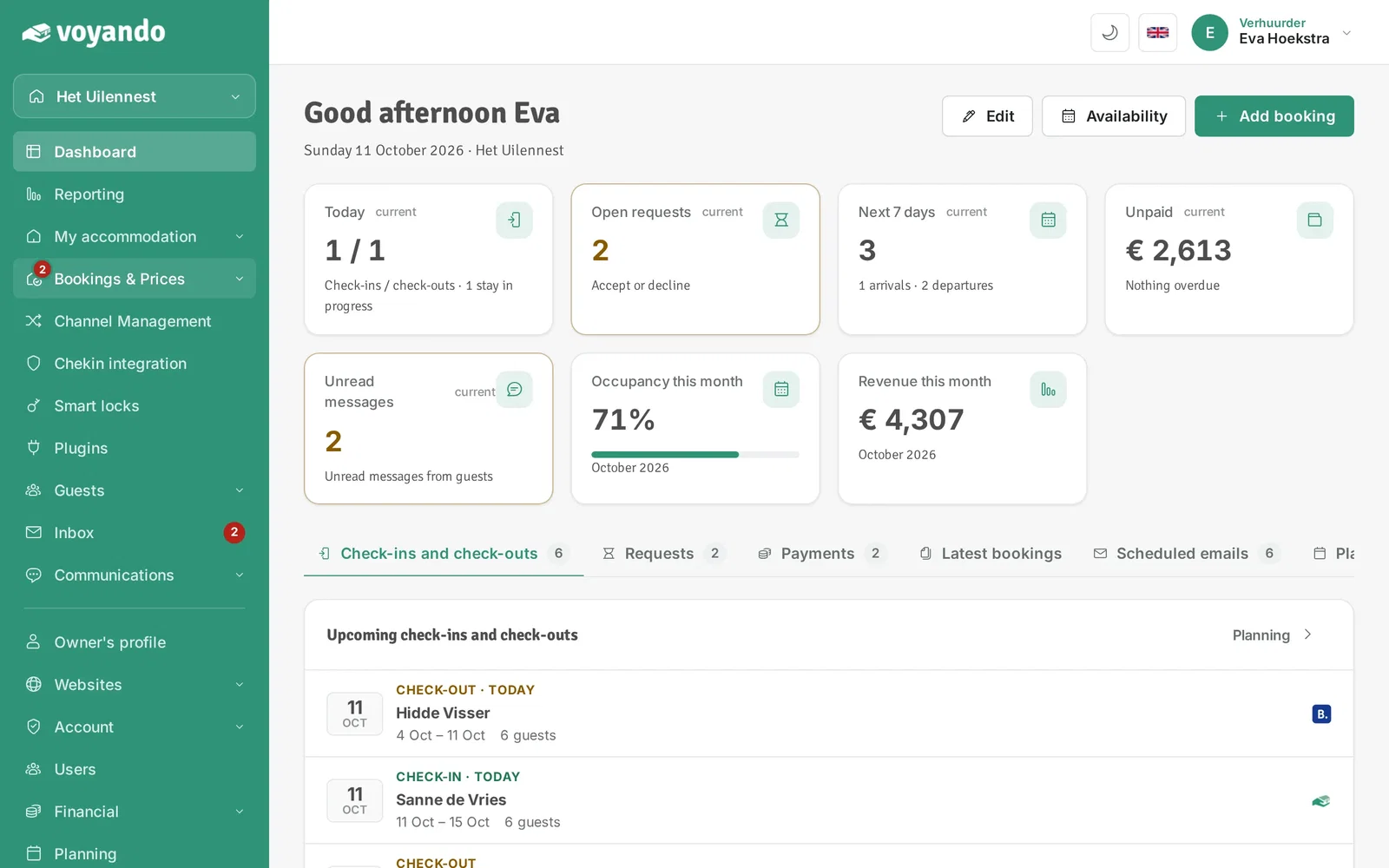
Step 1: Go to your dashboard.

-
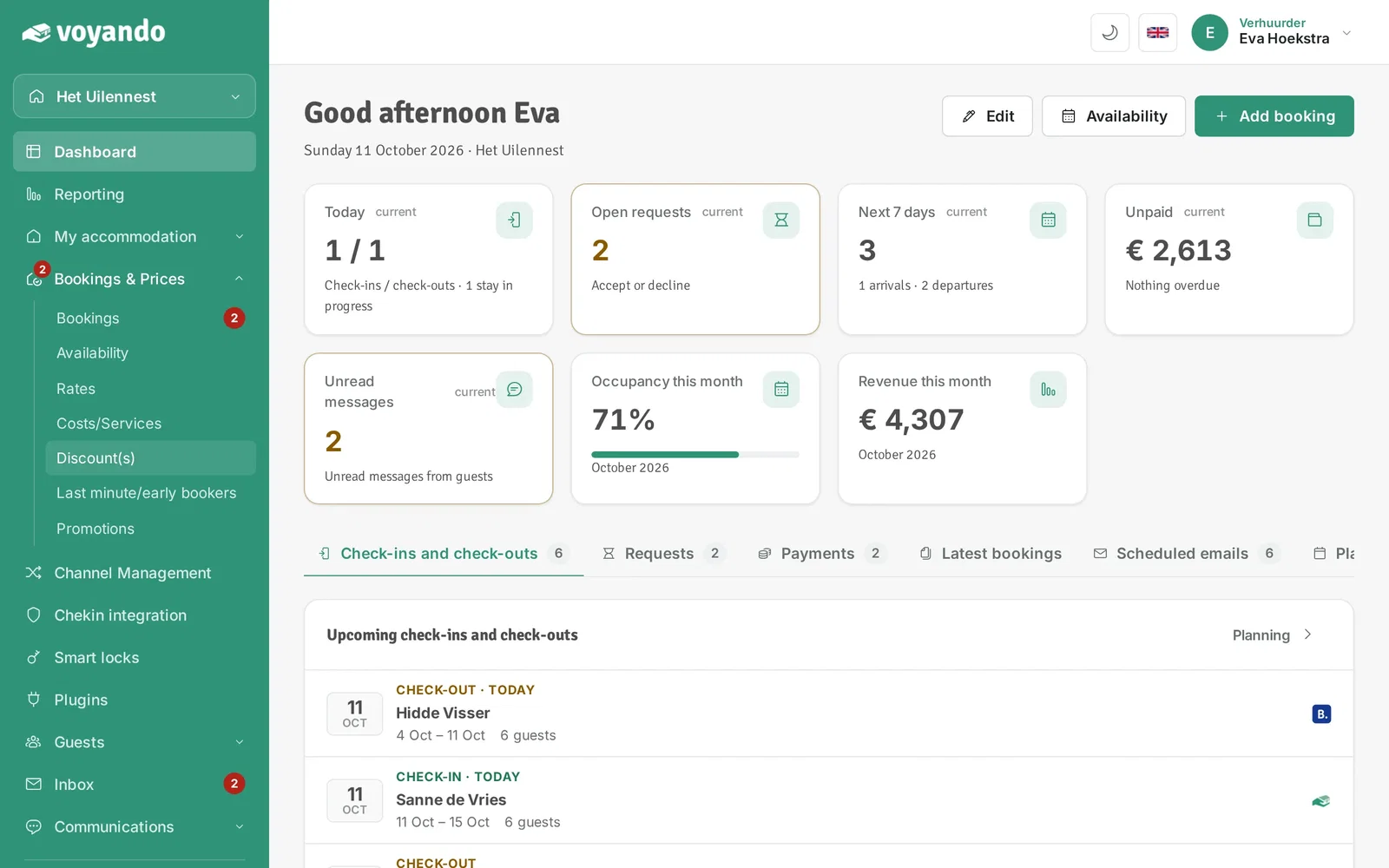
Step 2: Click Bookings & Prices in the menu.
-
Step 3: Click Discount(s).
-
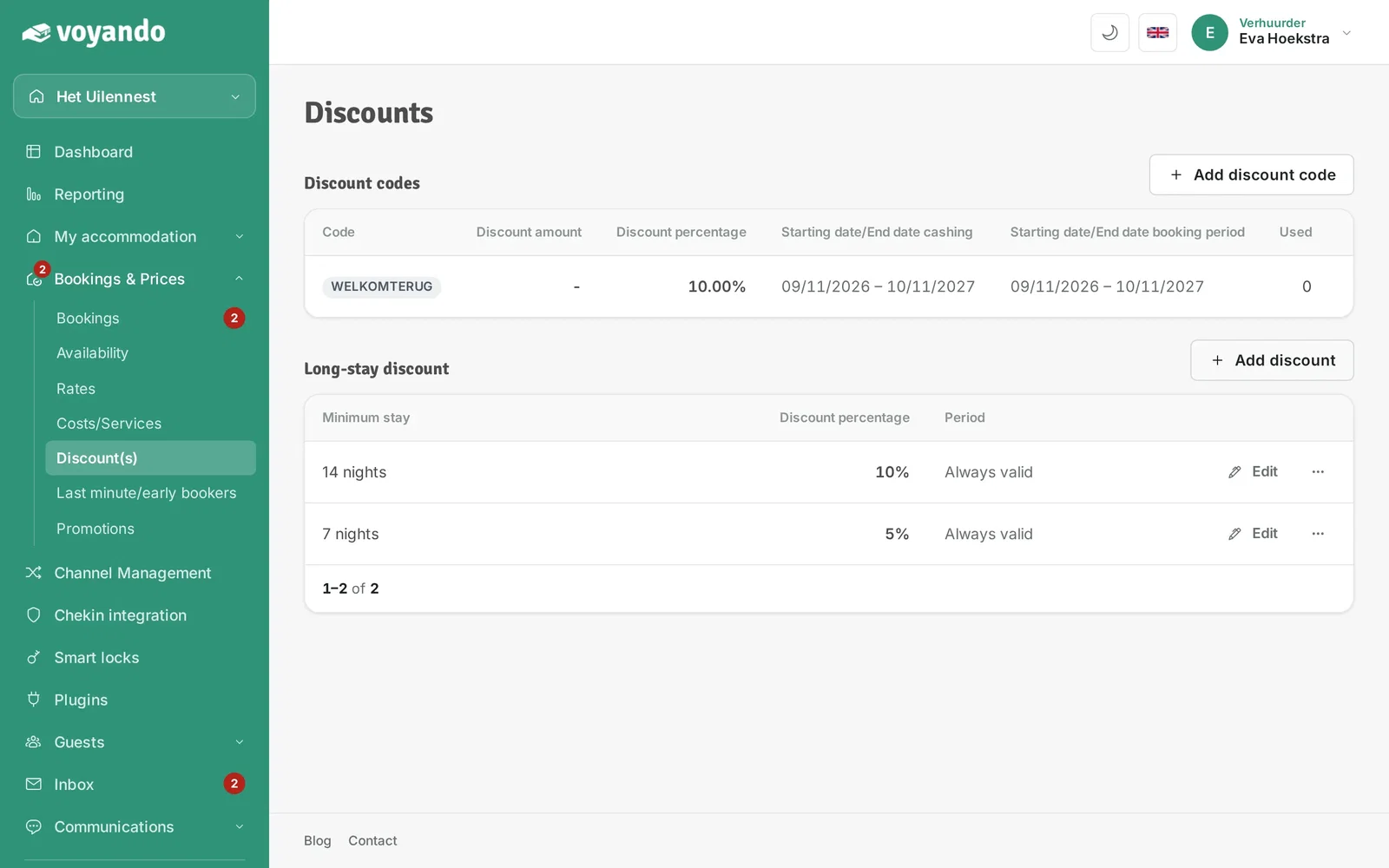
Step 4: Click Add discount.
-
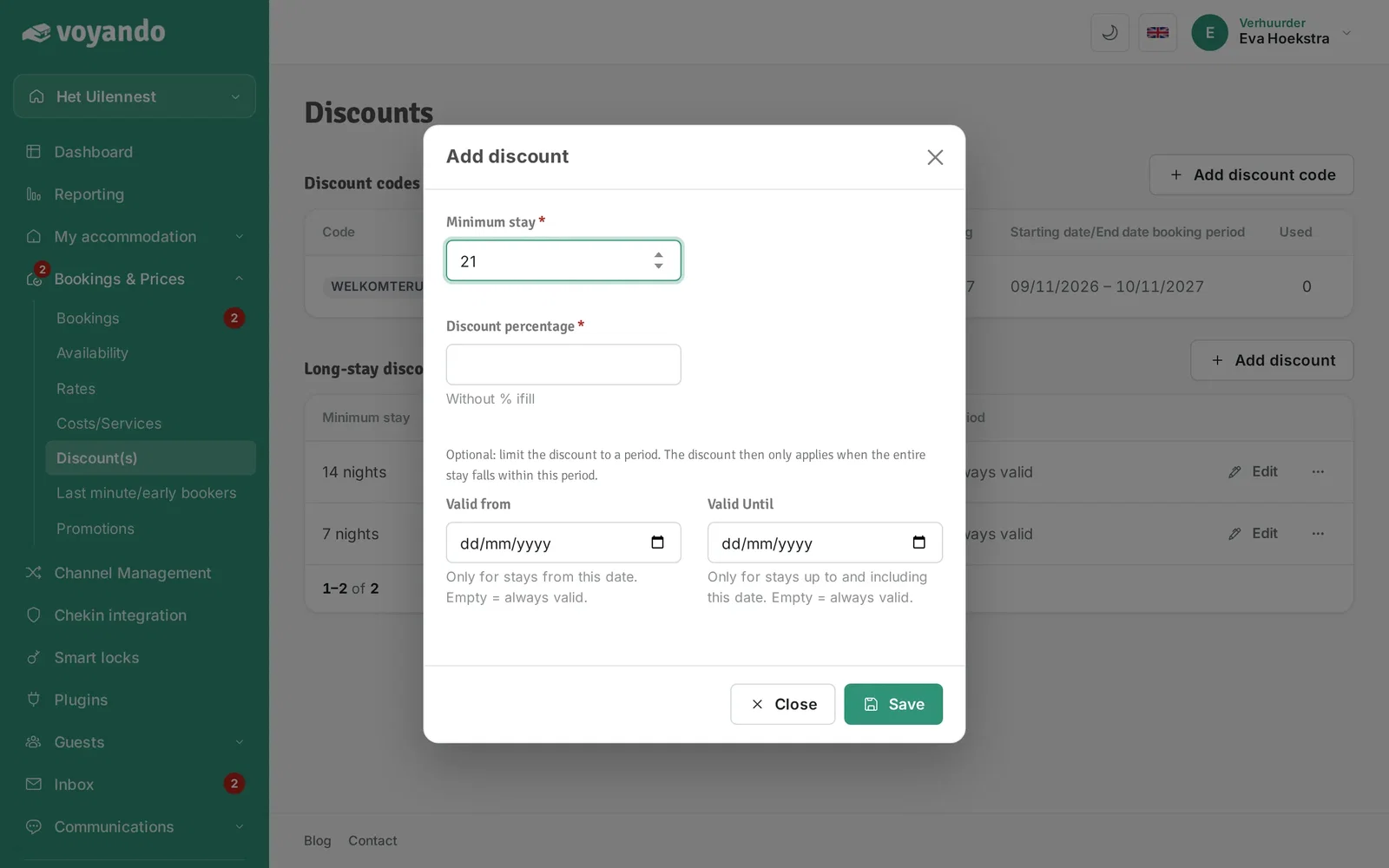
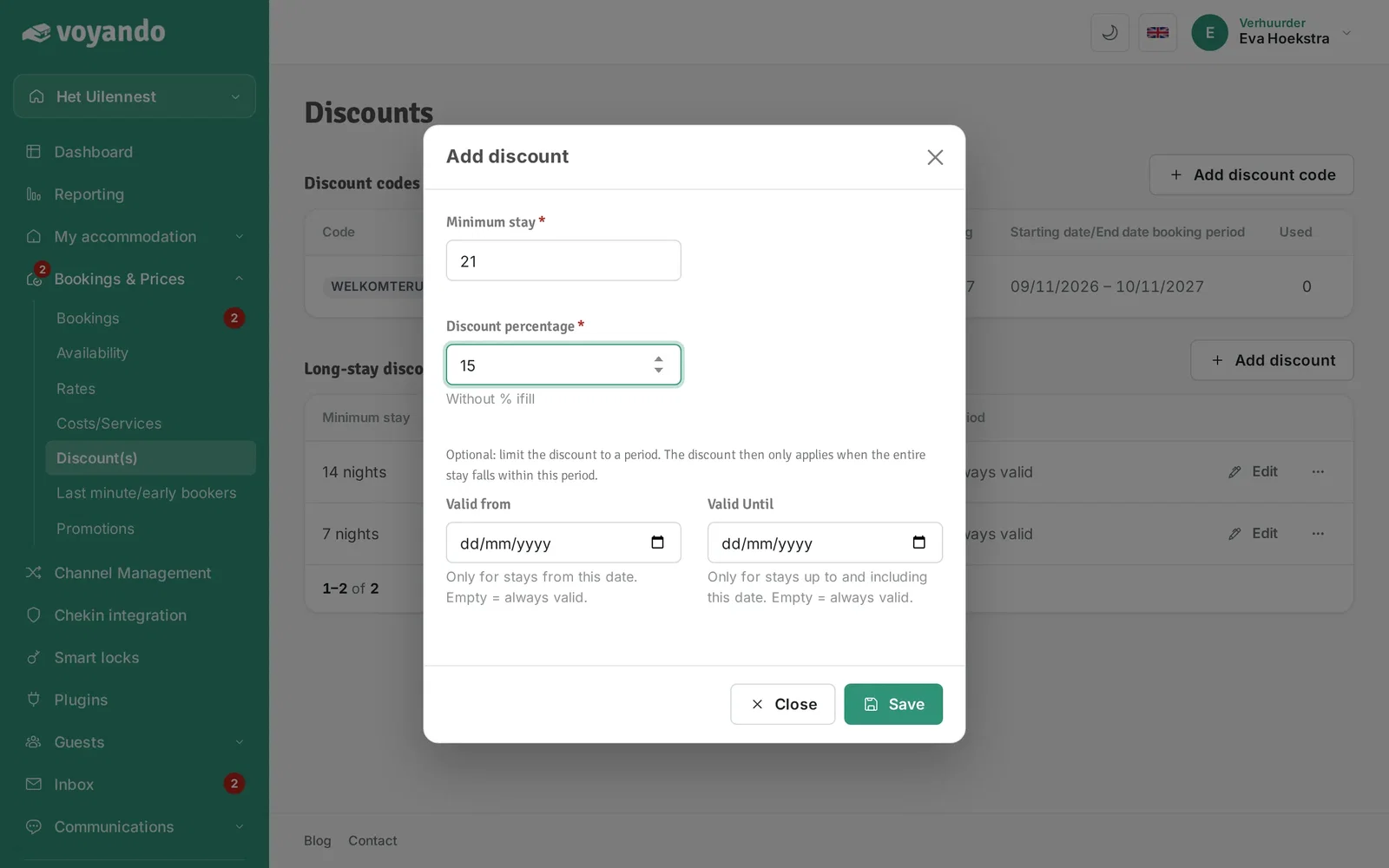
Step 5: Enter the minimum number of nights from which the discount applies.
-
Step 6: Enter the discount percentage you want to give.
-
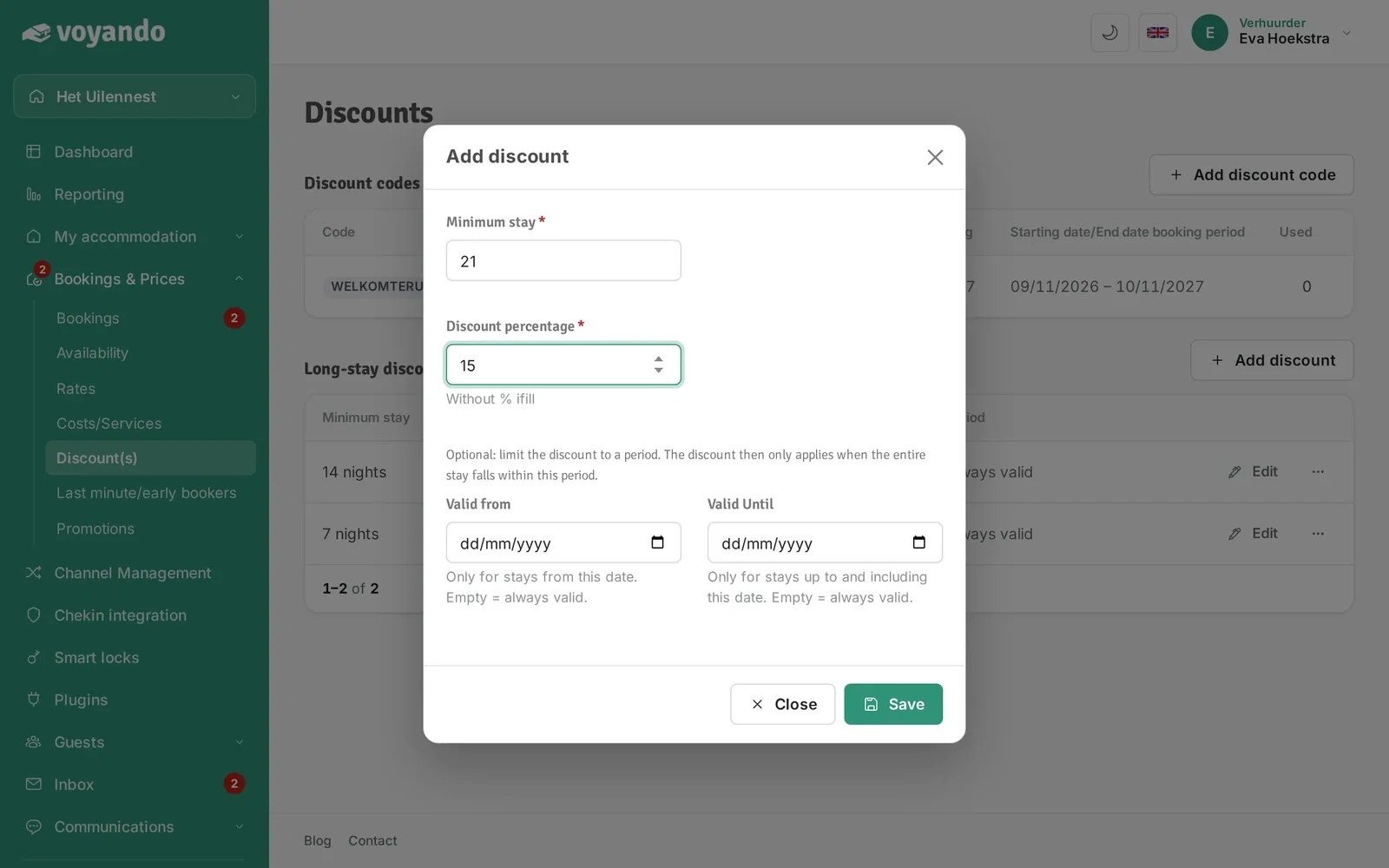
Step 7: Does the discount only apply in a certain period? Fill in the dates; leave them empty for always valid.
-
Step 8: Click Save. The discount is shown on your website automatically.




