How can I upload a PDF file so that it can then be downloaded from my website?
Create a clickable link in your text and upload a PDF file so that visitors can download it via your website.
Step by step · 12 steps
-
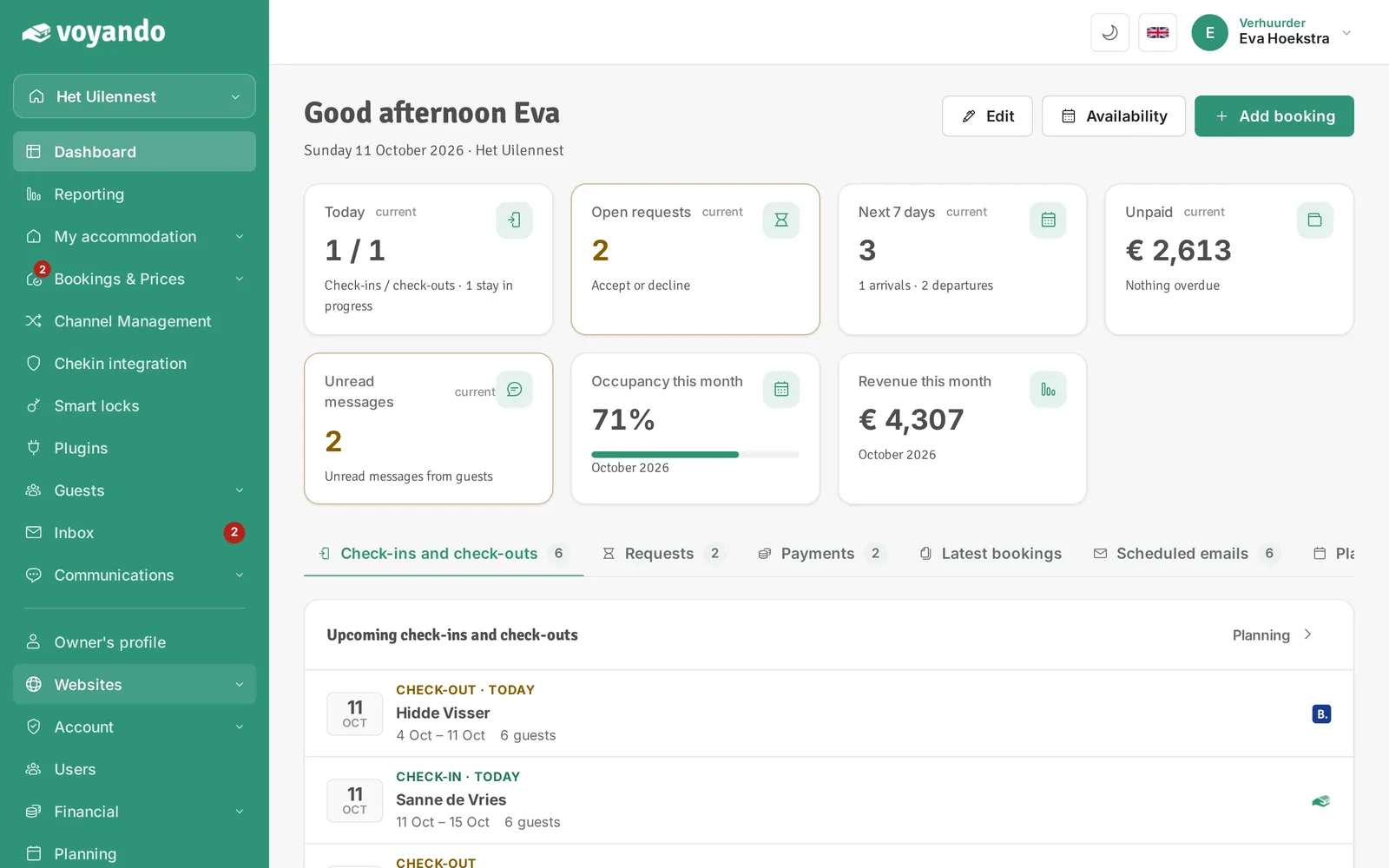
Step 1: Go to your dashboard.

-
Step 2: Go to the text box where the download link should go, for example a custom text block on your website. Click Websites in the menu.
-
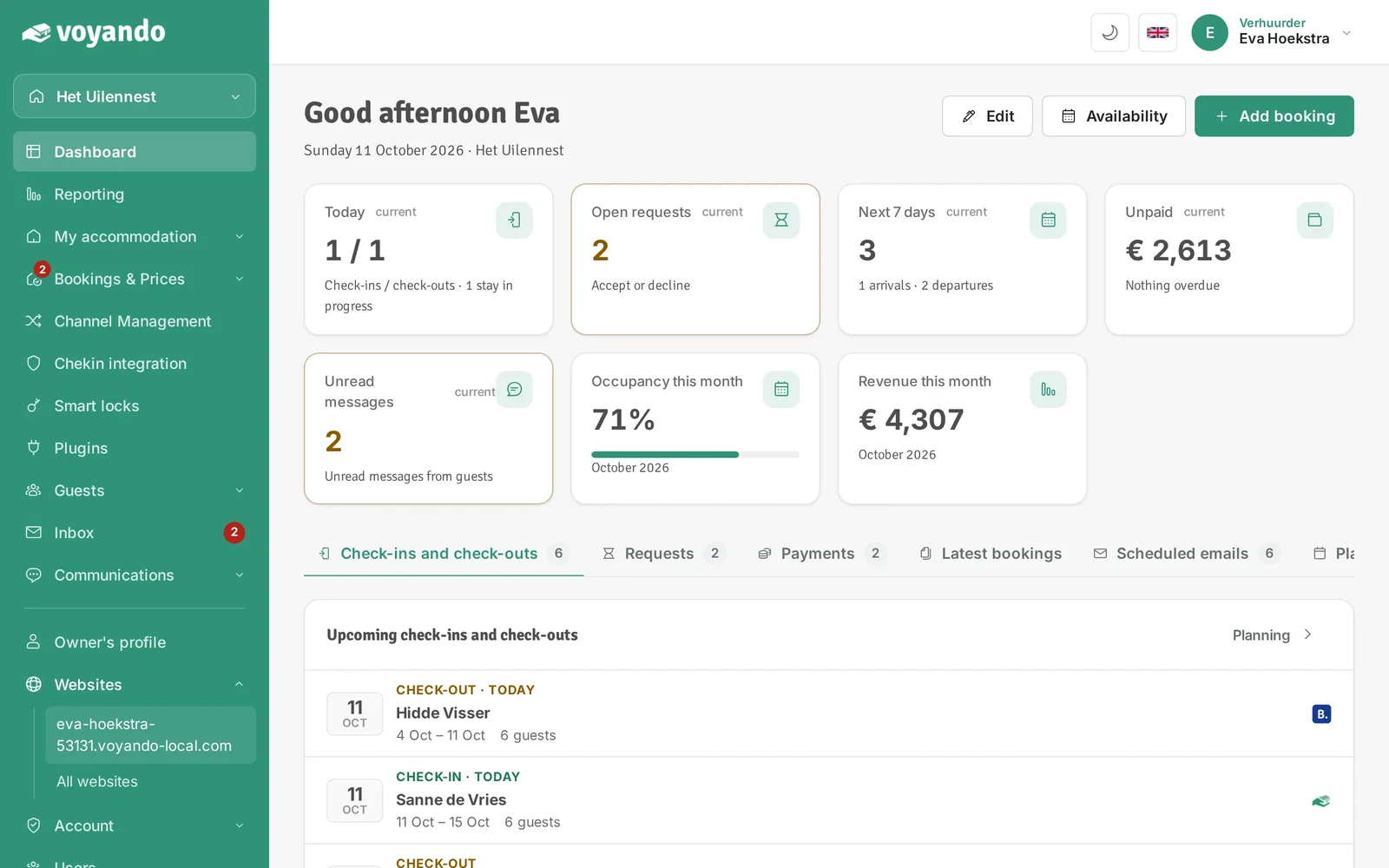
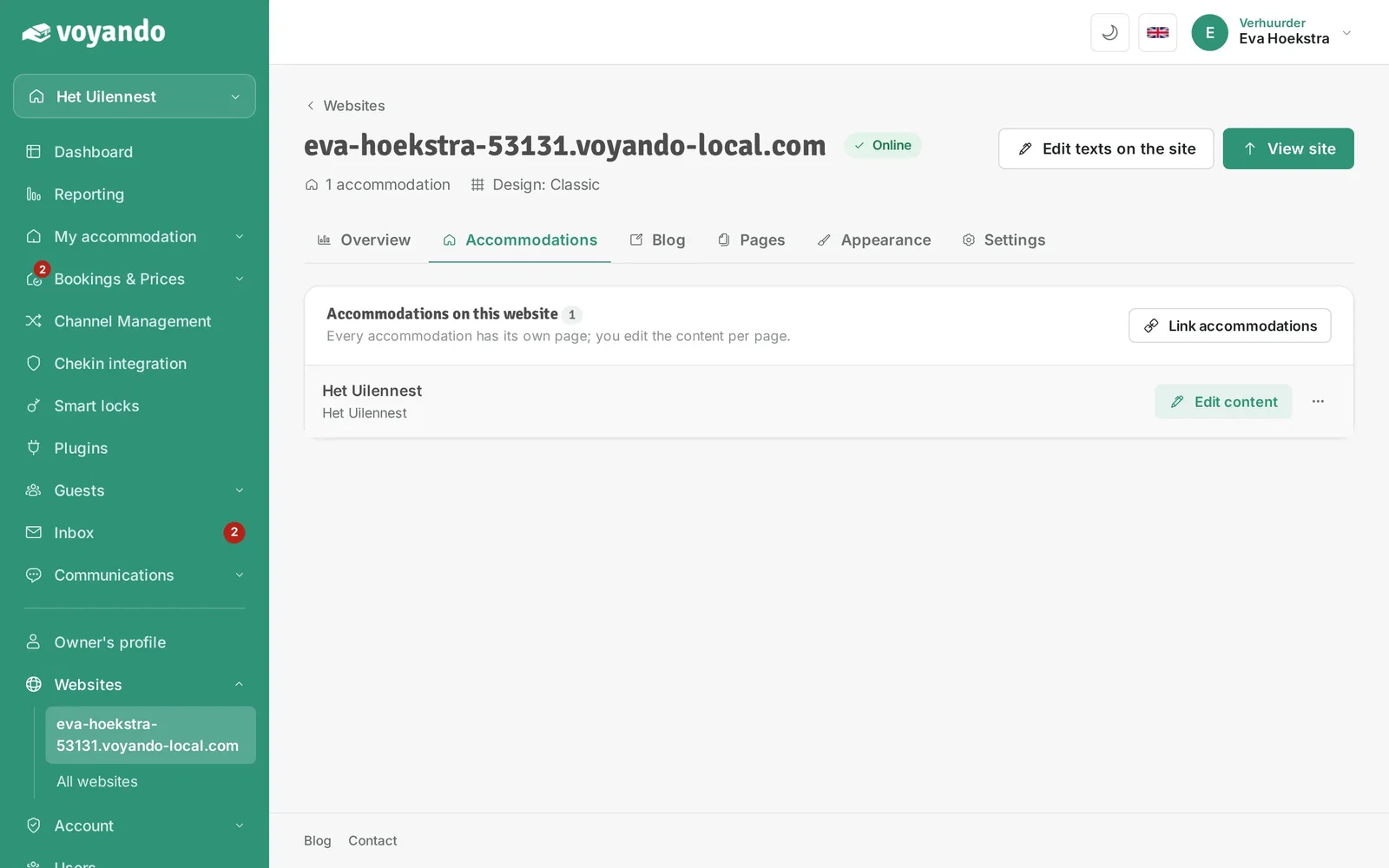
Step 3: Click your website.
-
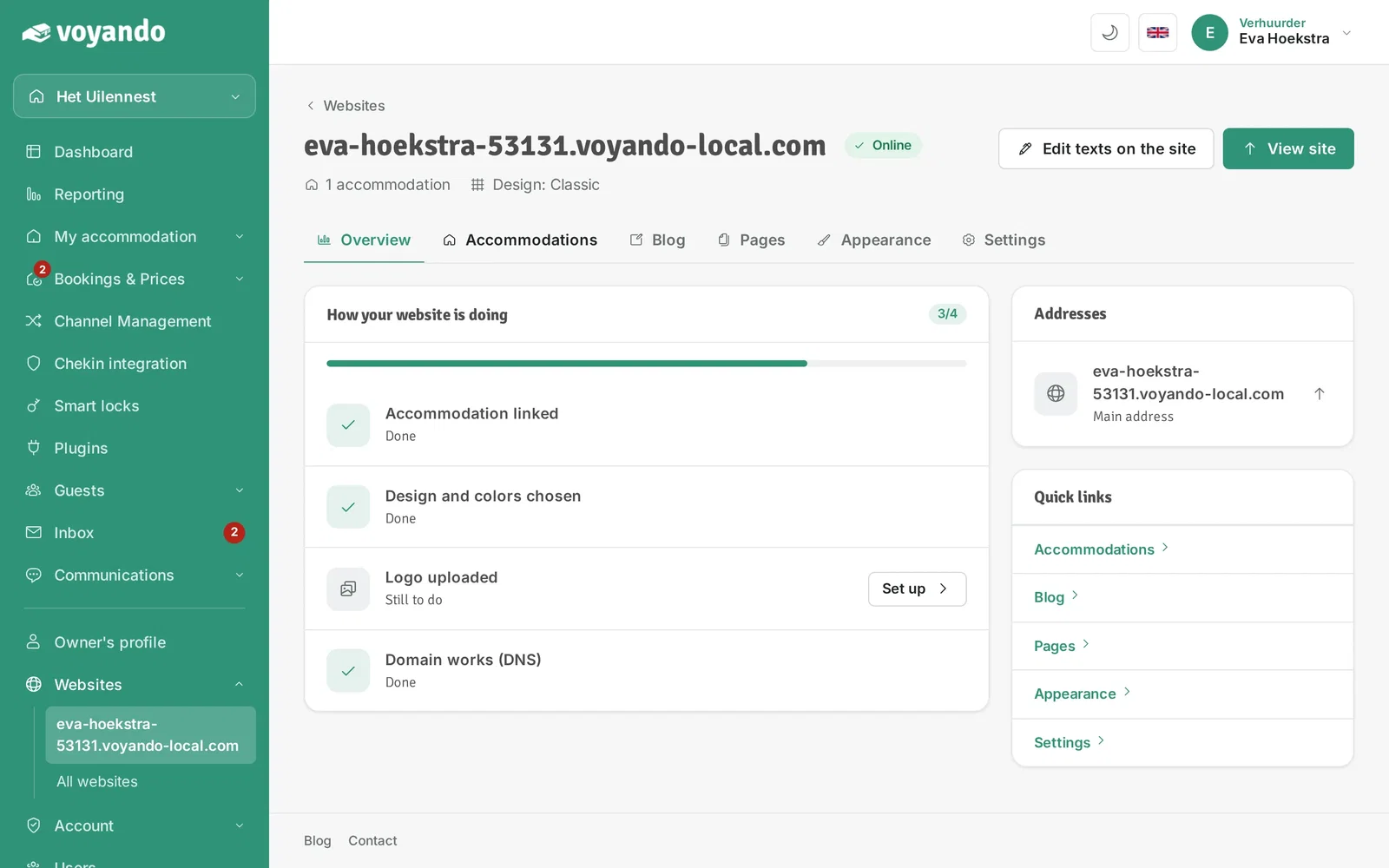
Step 4: Open the Accommodations tab.
-
Step 5: Click Edit content next to the accommodation.
-
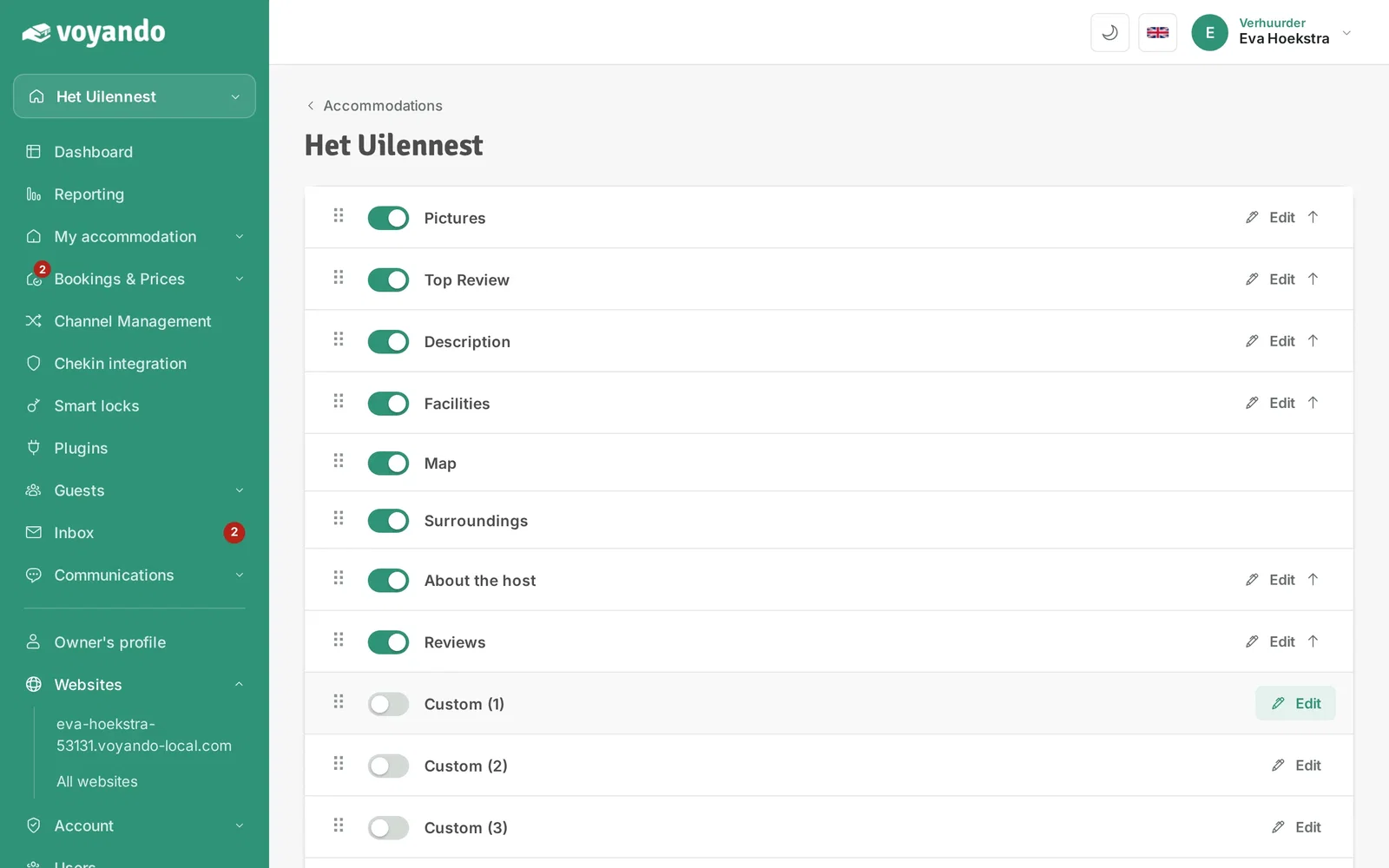
Step 6: Click Edit next to a custom text block.
-
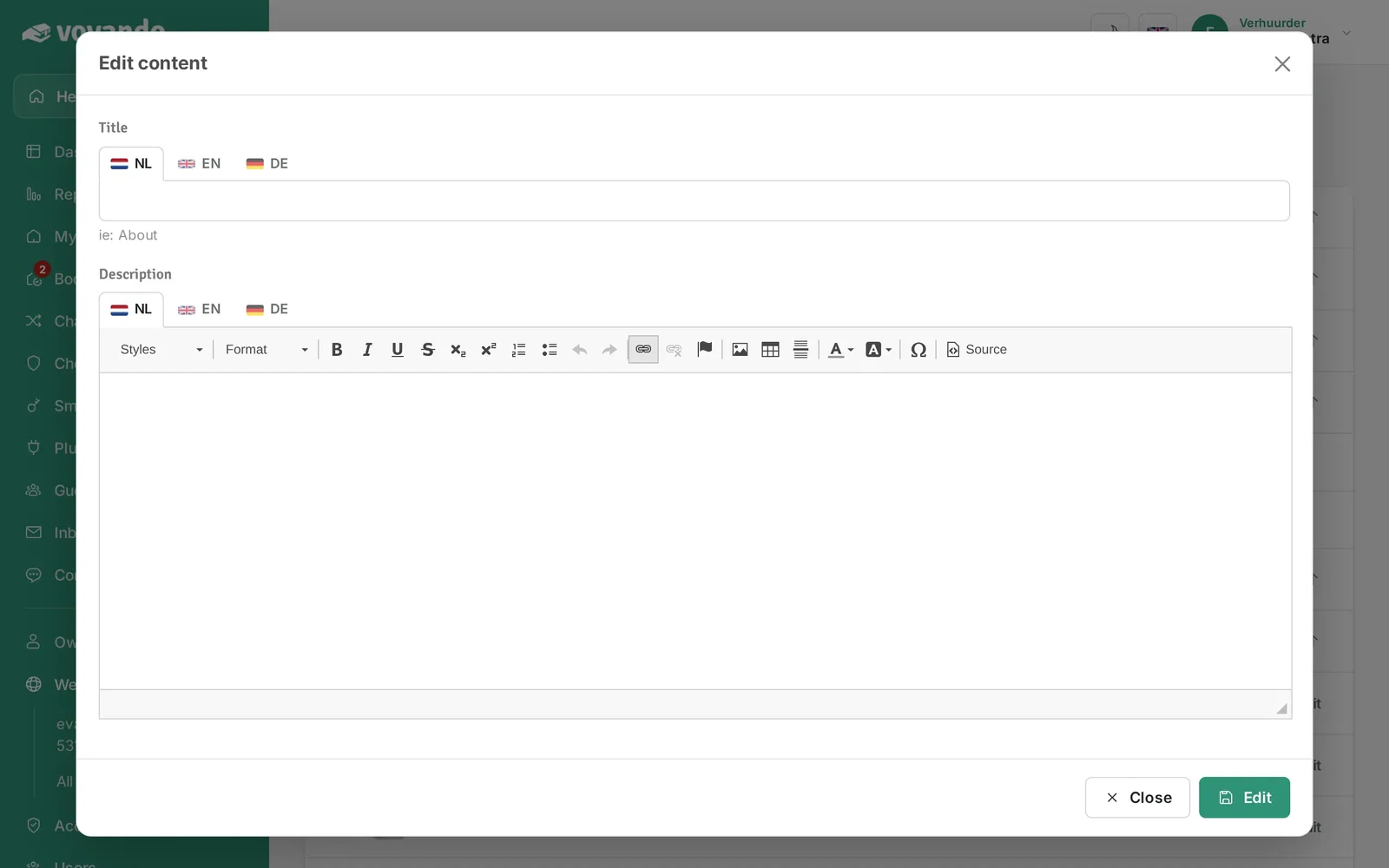
Step 7: In the text box, select the text that should become clickable, for example "Download the directions".

-
Step 8: Click the link icon.
-
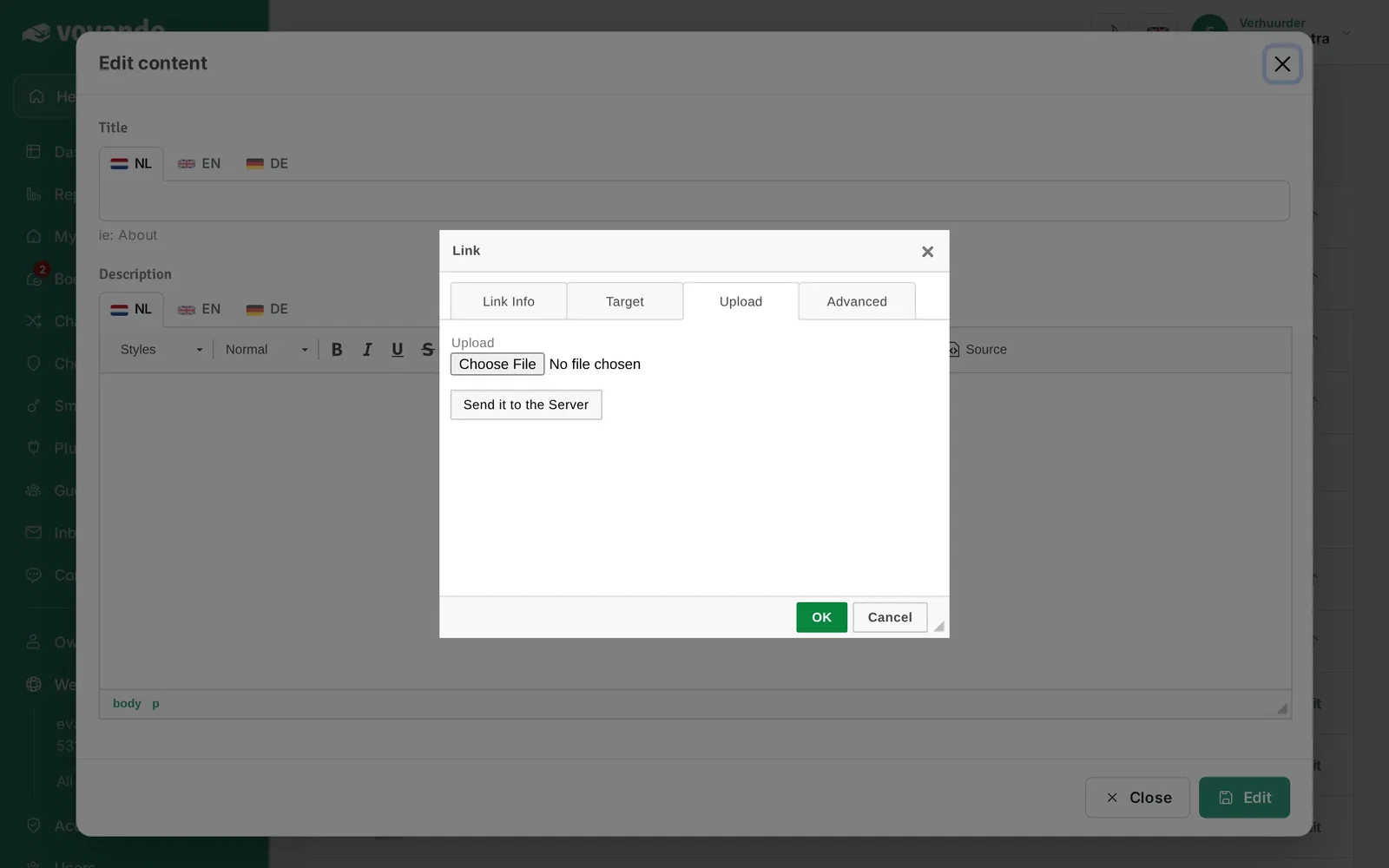
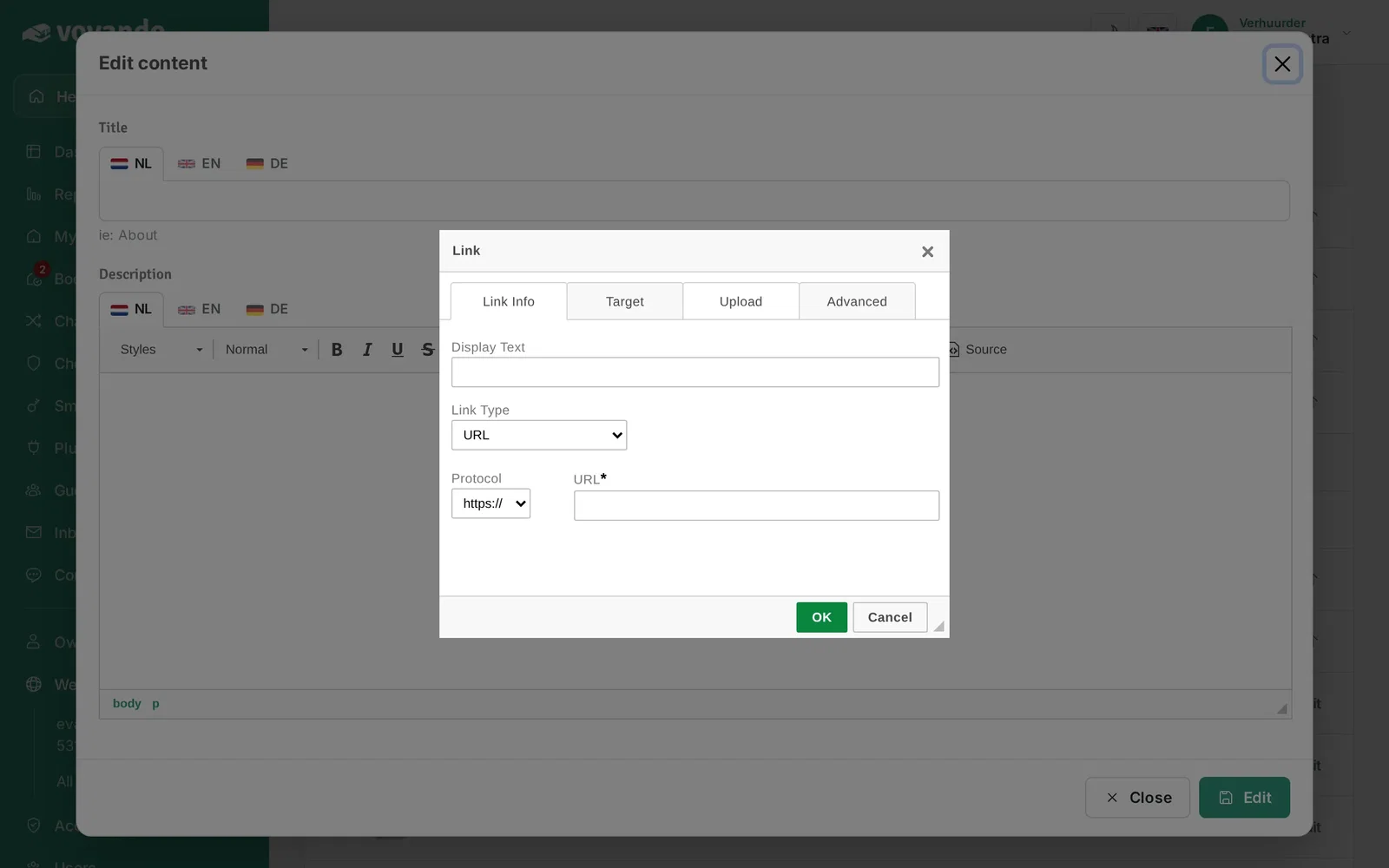
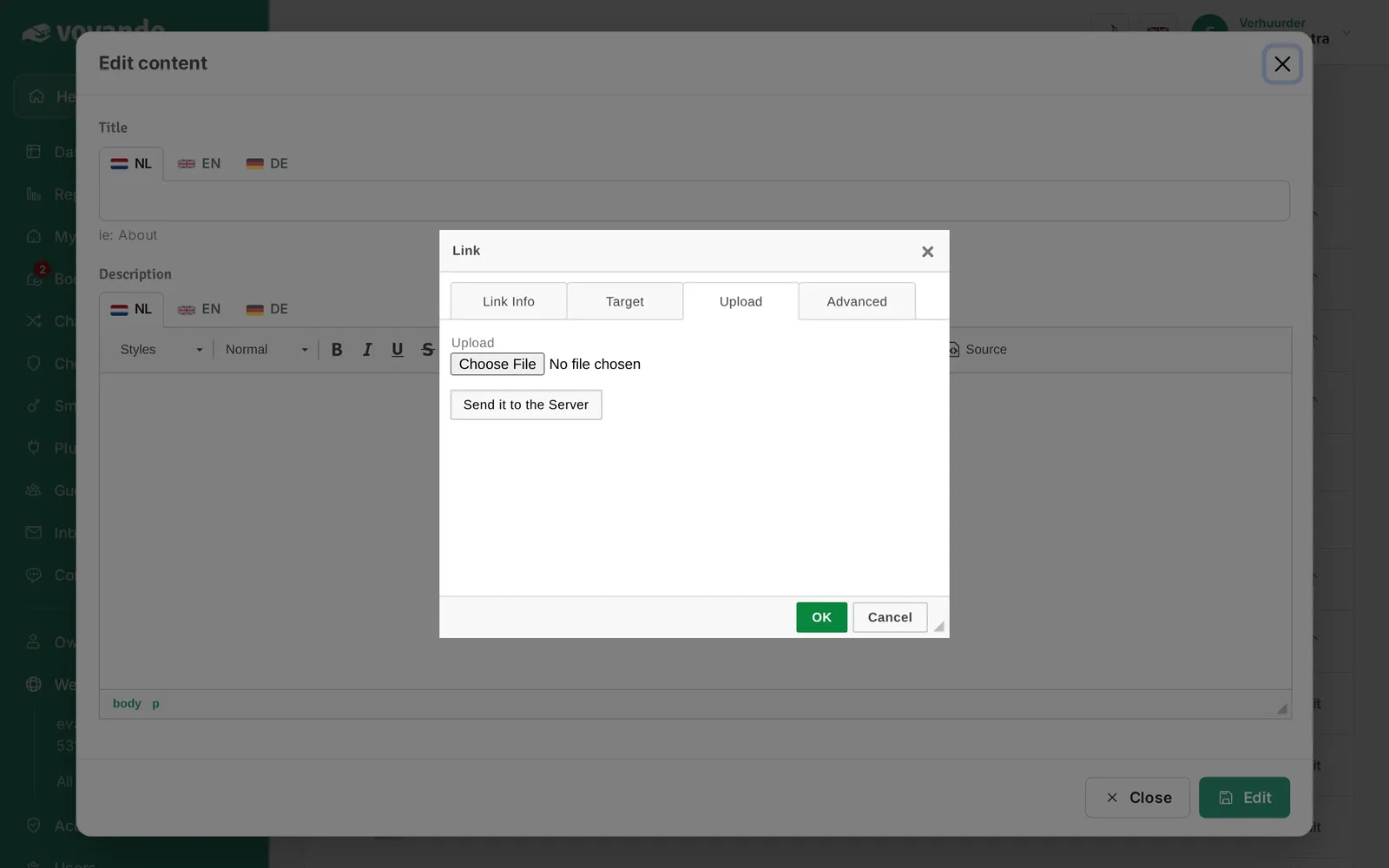
Step 9: Click the Upload tab.
-
Step 10: Click Choose file and select the PDF file on your computer.
-
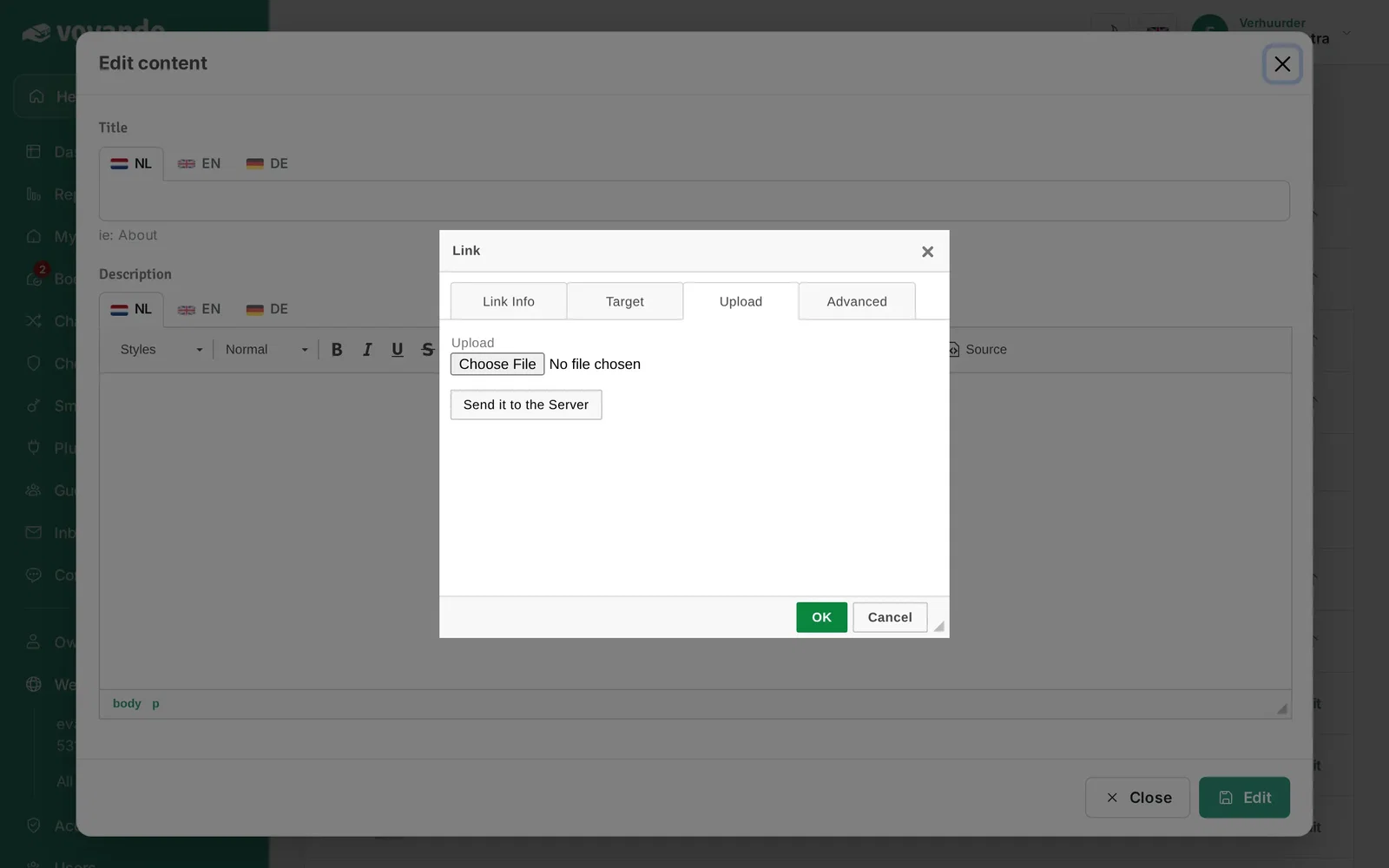
Step 11: Click Send it to the Server. The file is uploaded and the link is filled in.
-
Step 12: Click OK, change the colour of the text if you like, then click Edit to save the text block.