How do I add a hyperlink in a text box?
You can easily add a hyperlink to text or images in a text box by using the hyperlink icon and entering the desired link and settings.
Step by step · 10 steps
-
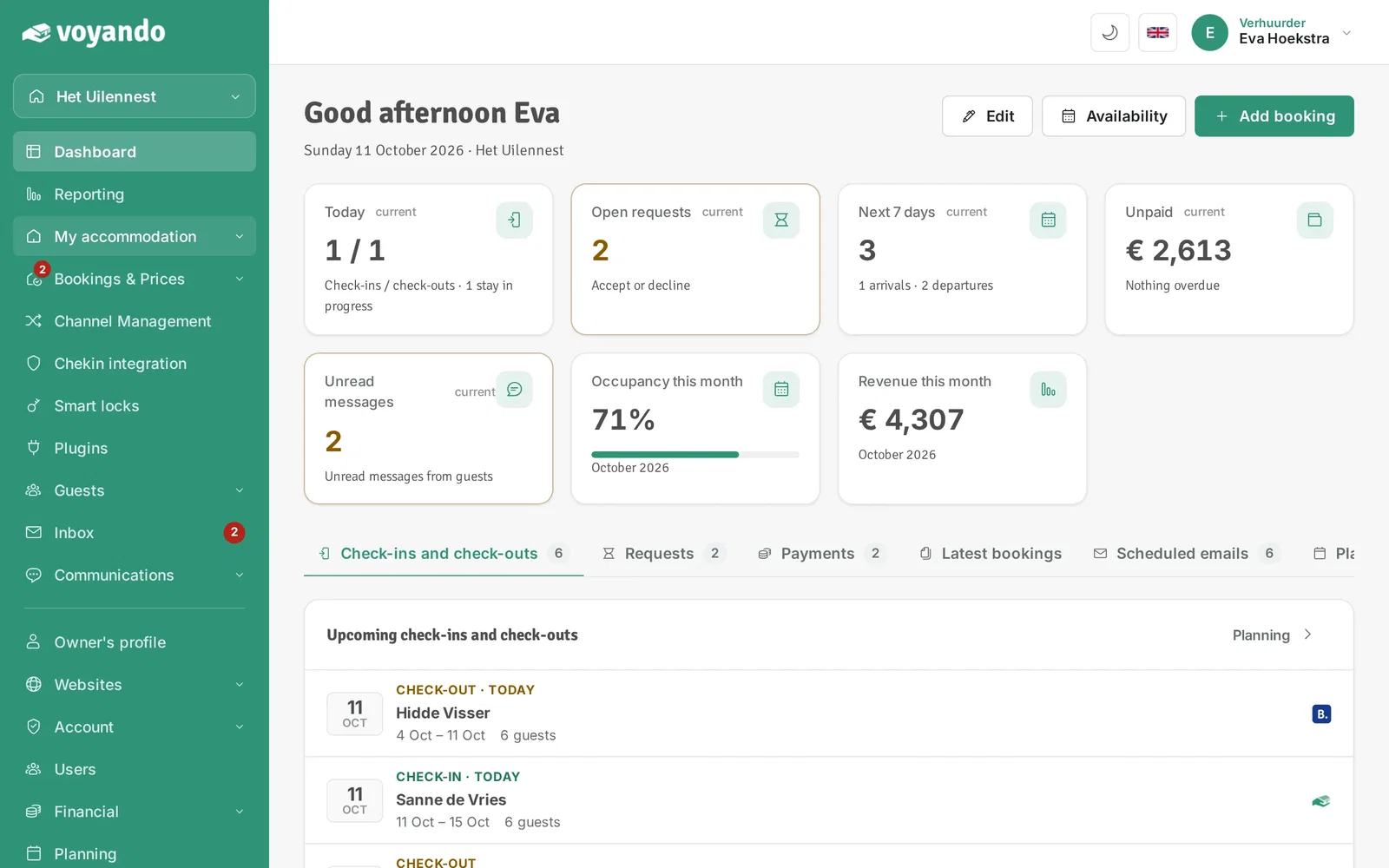
Step 1: Go to your dashboard.

-
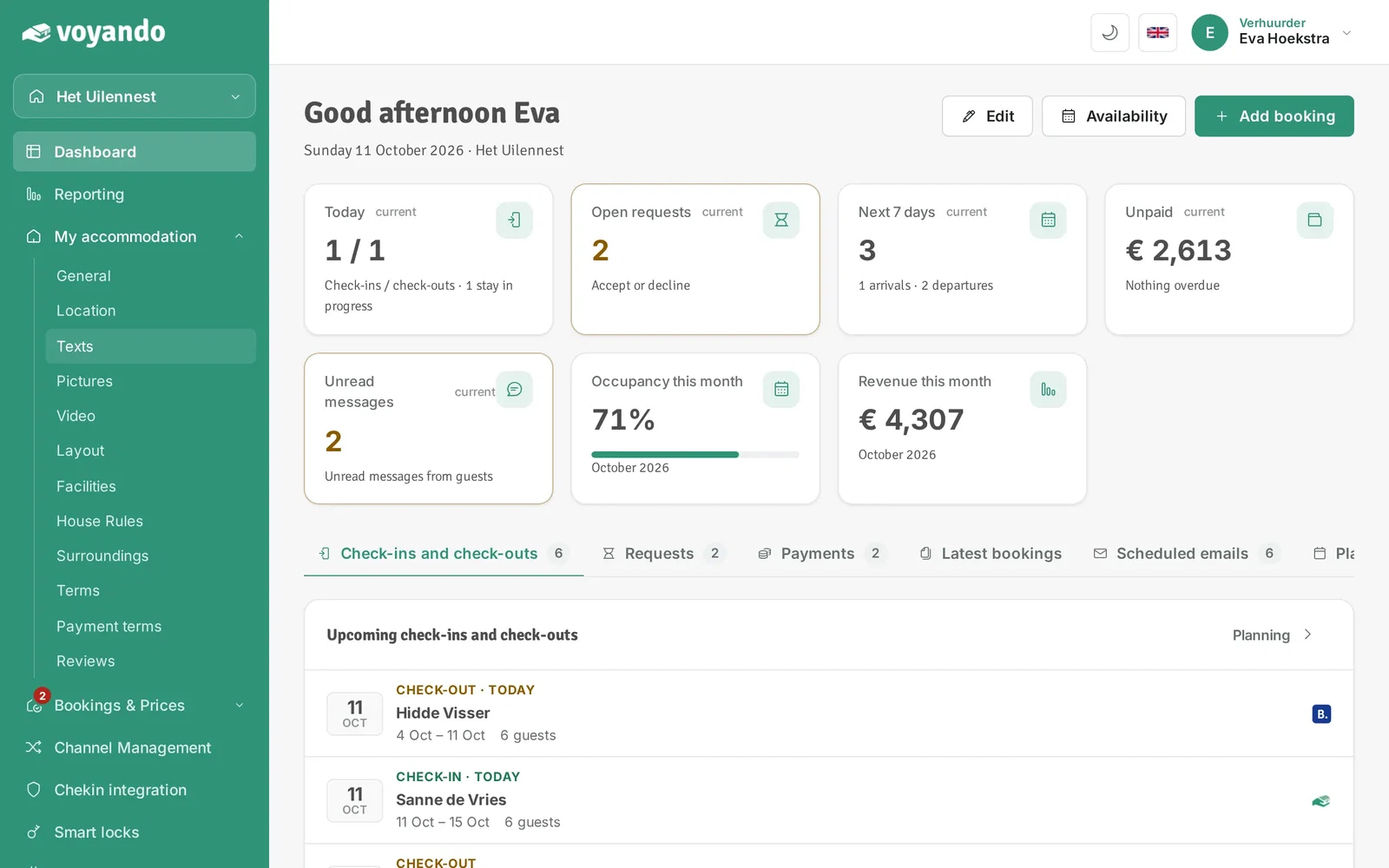
Step 2: Go to the text box where you want to add a link, for example via My accommodation.
-
Step 3: Click Texts.
-
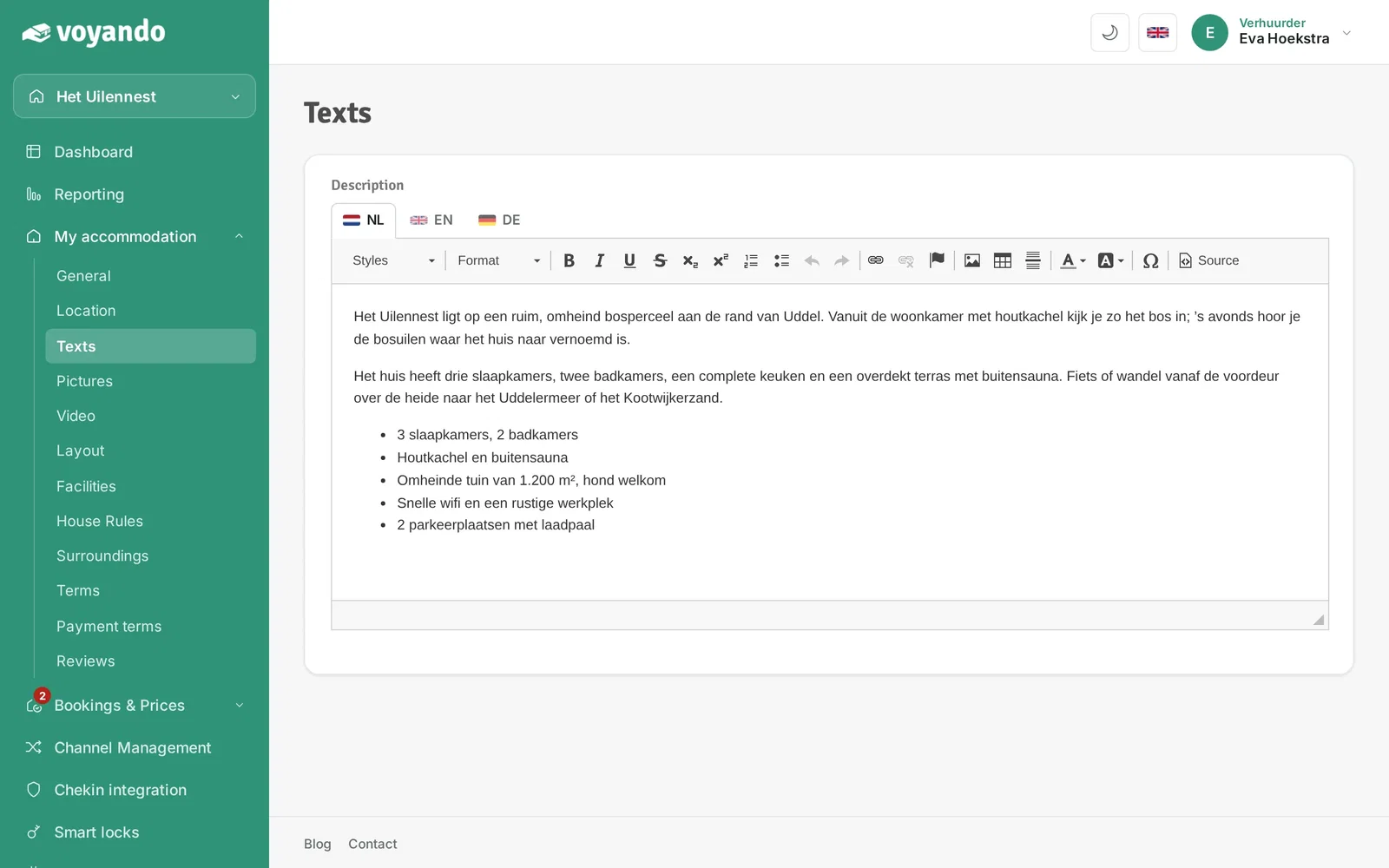
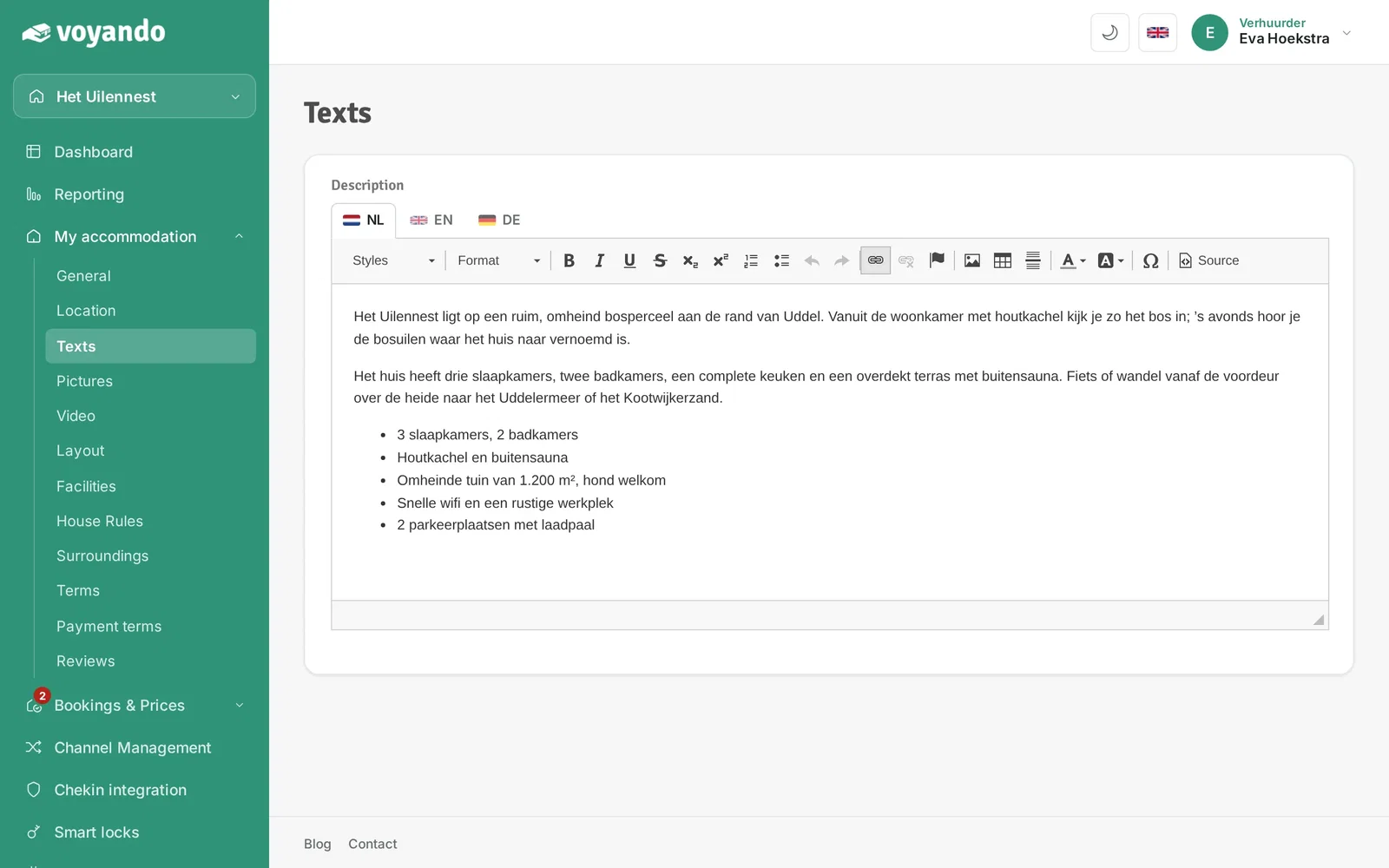
Step 4: In the text box, select the text or image you want to turn into a link.
-
Step 5: Click the link icon.
-
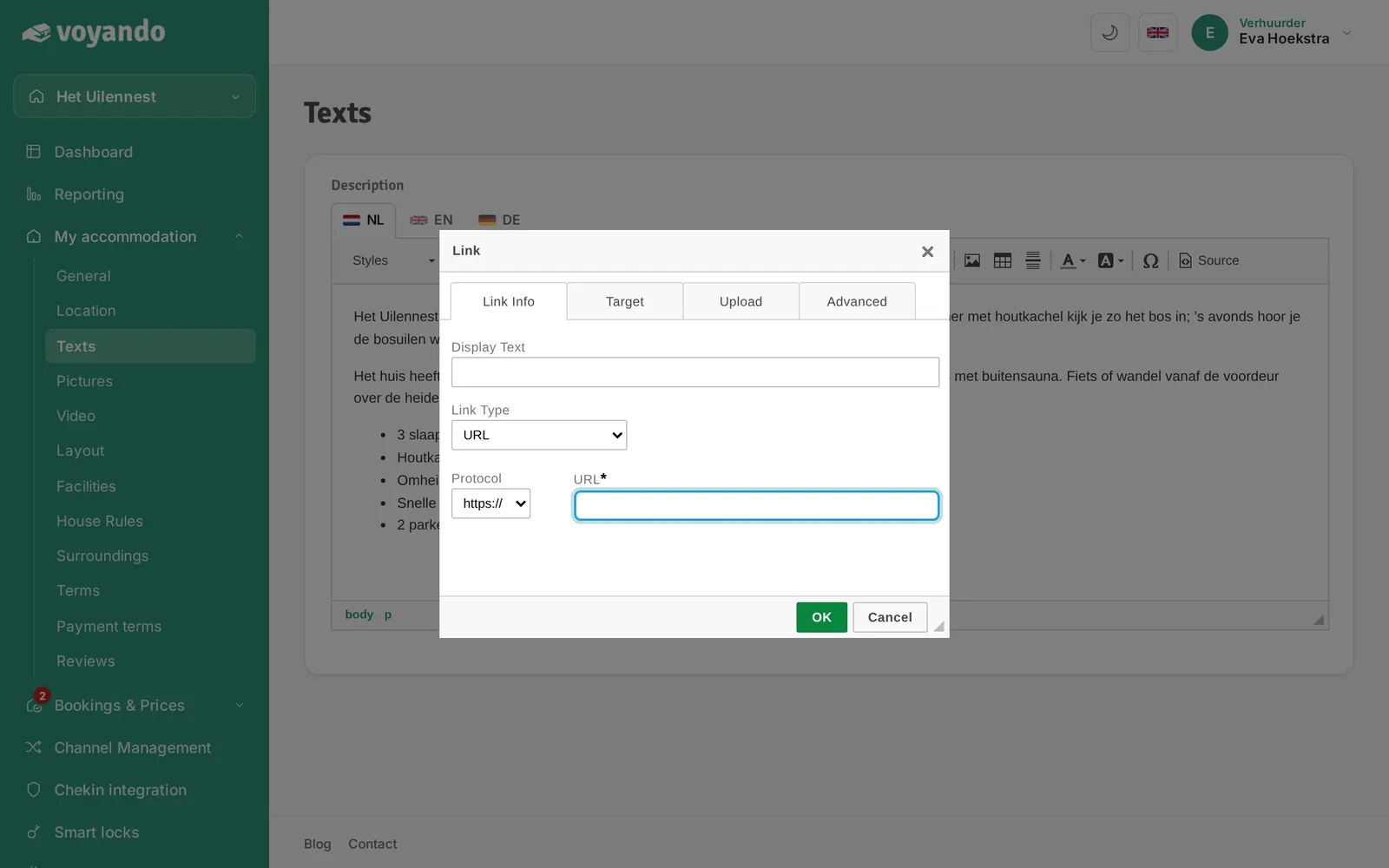
Step 6: Under Link Type, choose the kind of link, usually URL.
-
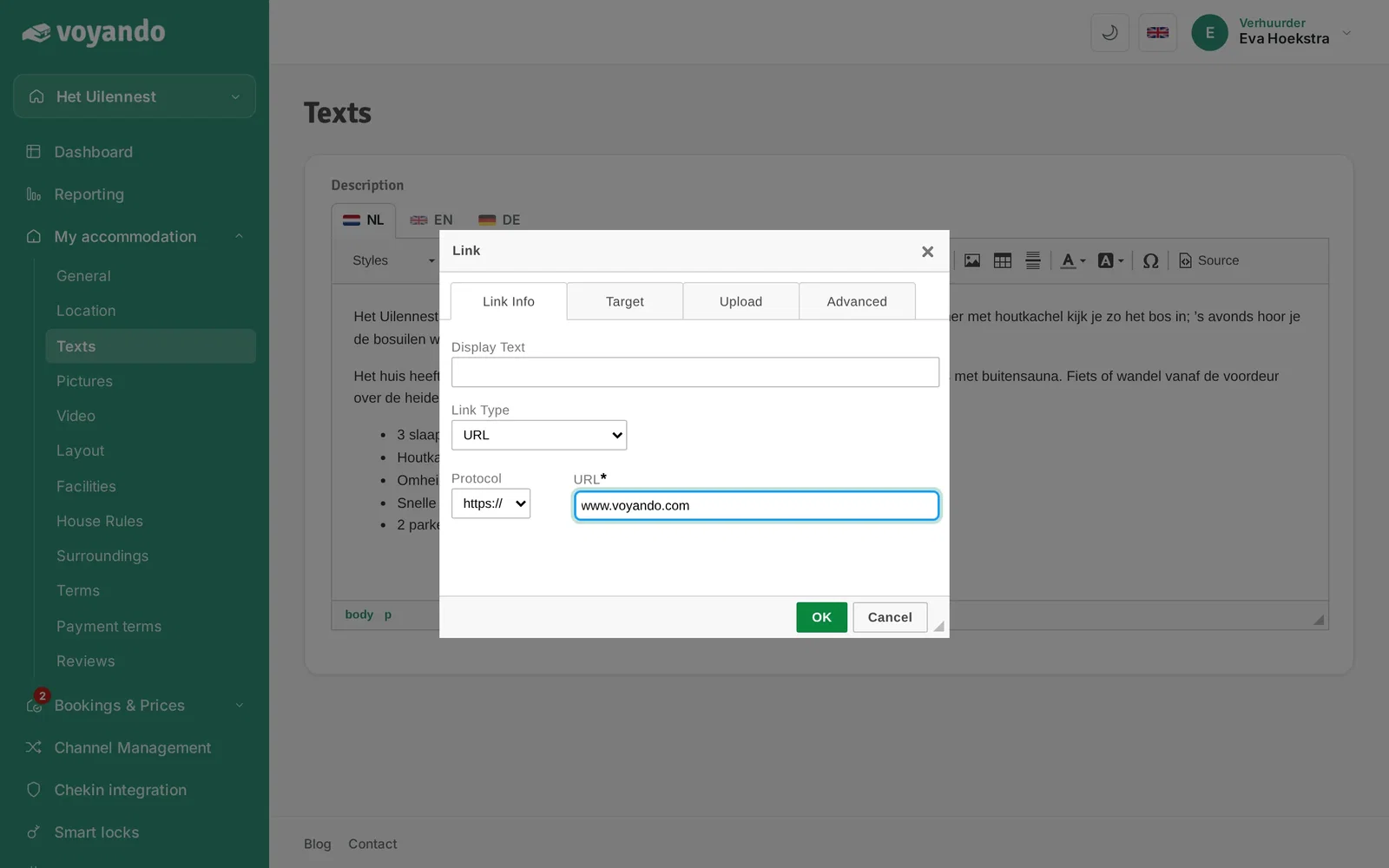
Step 7: Enter the web address under URL.
-
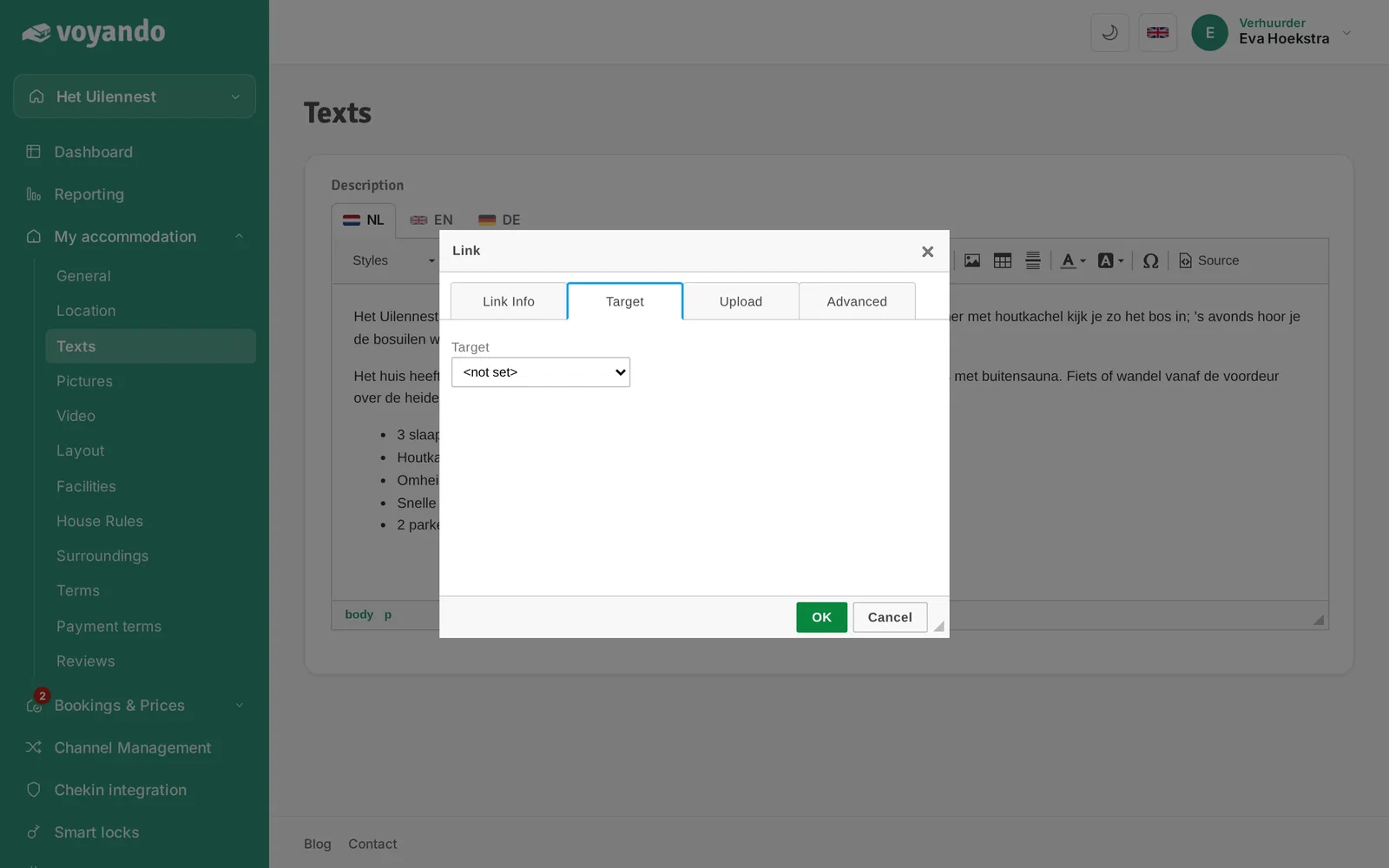
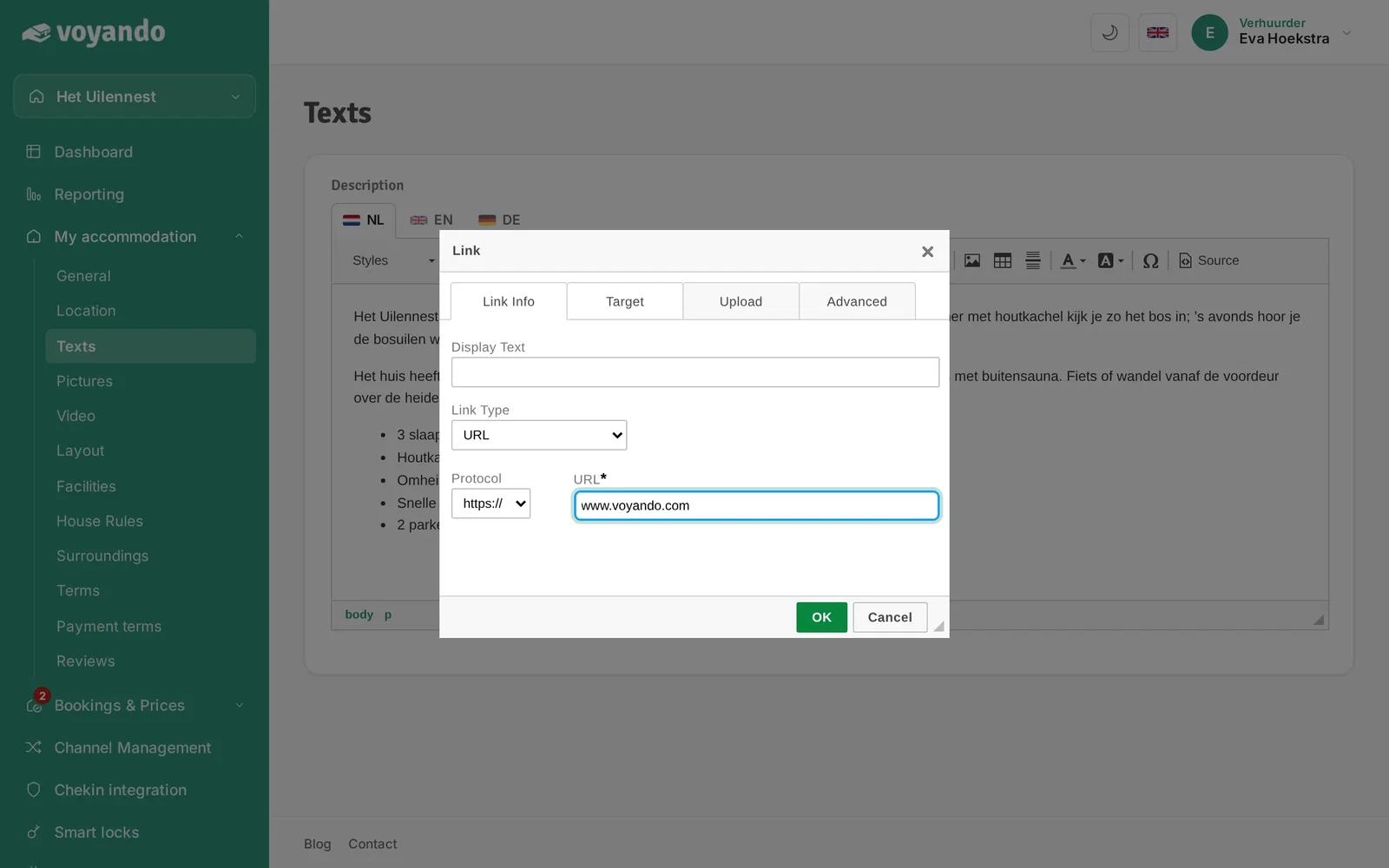
Step 8: Click the Target tab.
-
Step 9: Choose in which window the link opens, for example New Window (_blank) so your own website stays open.
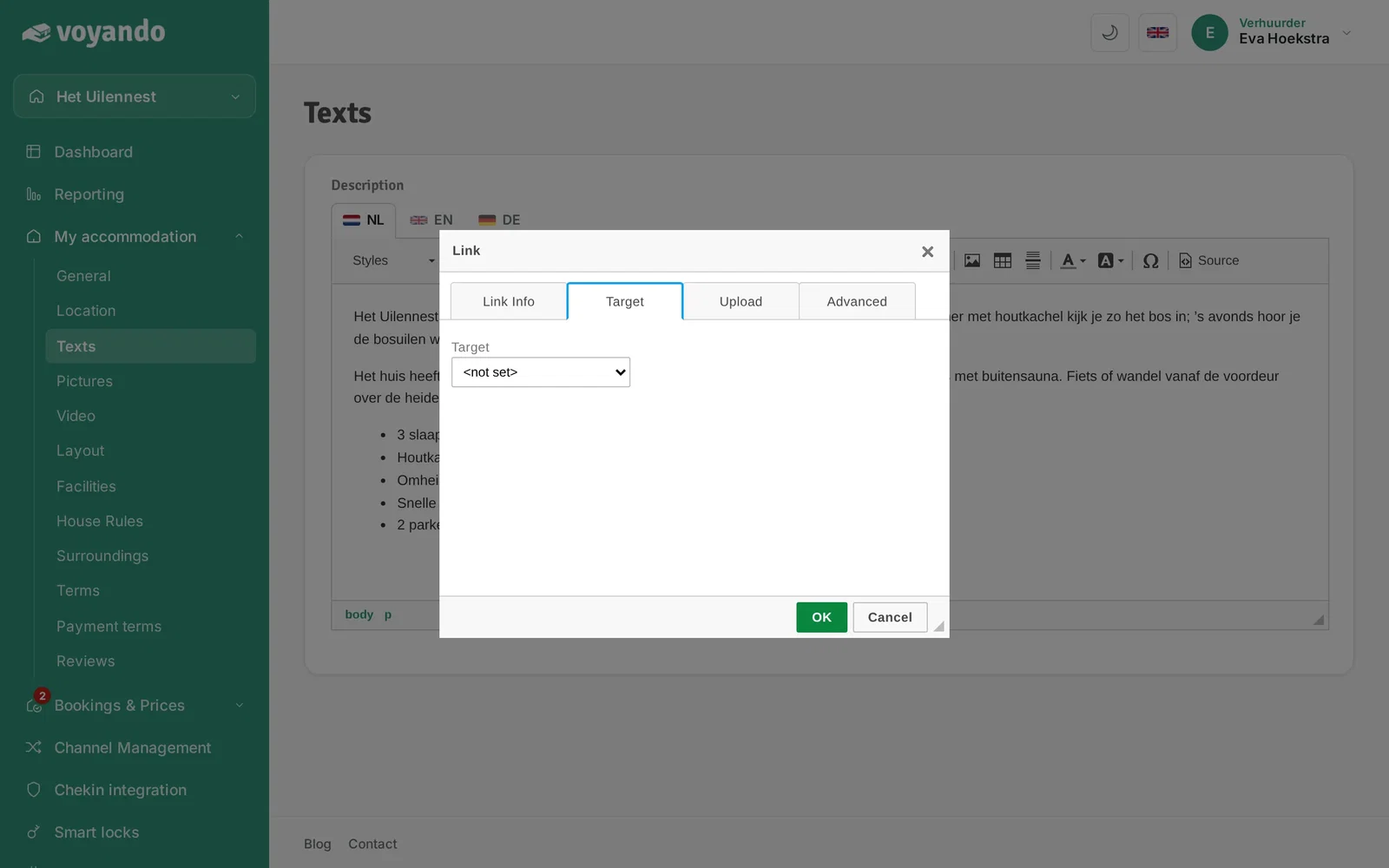
-
Step 10: Click OK to add the link, then save the page with Save.