How do I add a language to my website?
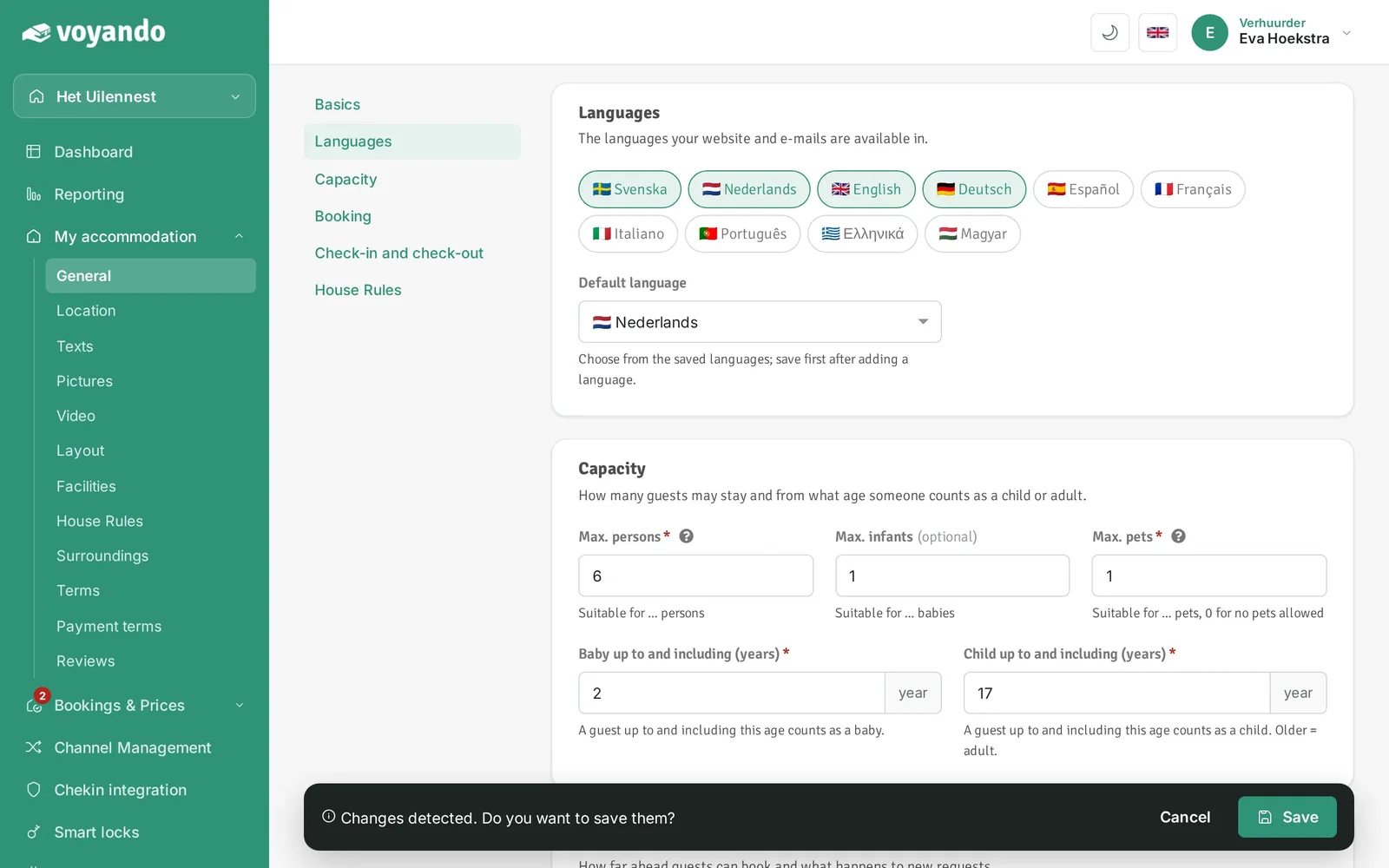
You can easily add languages to your website via the dashboard and set the default language under ‘My Accommodation’ in the ‘General’ section.
Step by step · 7 steps
-
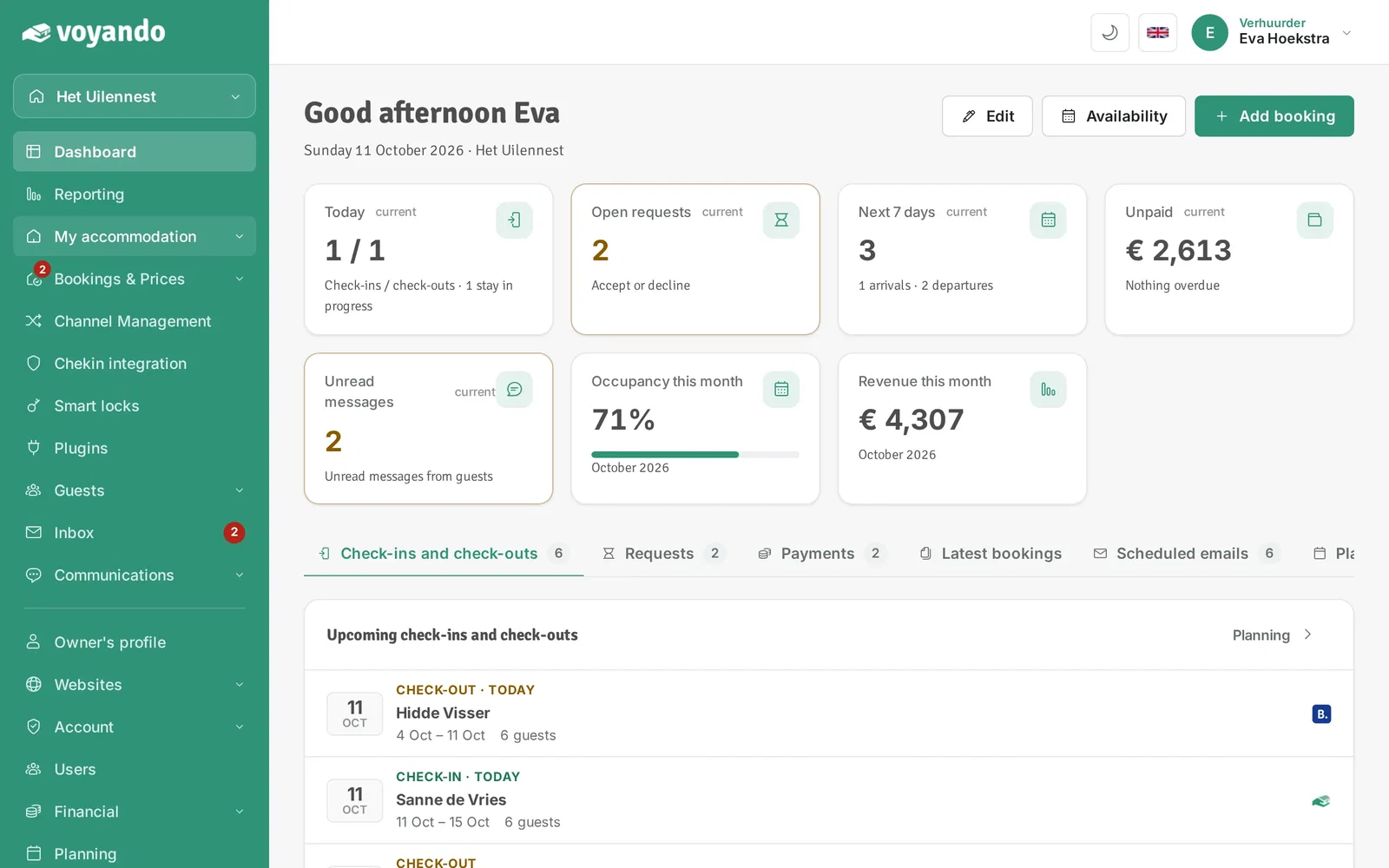
Step 1: Go to your dashboard.

-
Step 2: Click My accommodation in the menu.
-
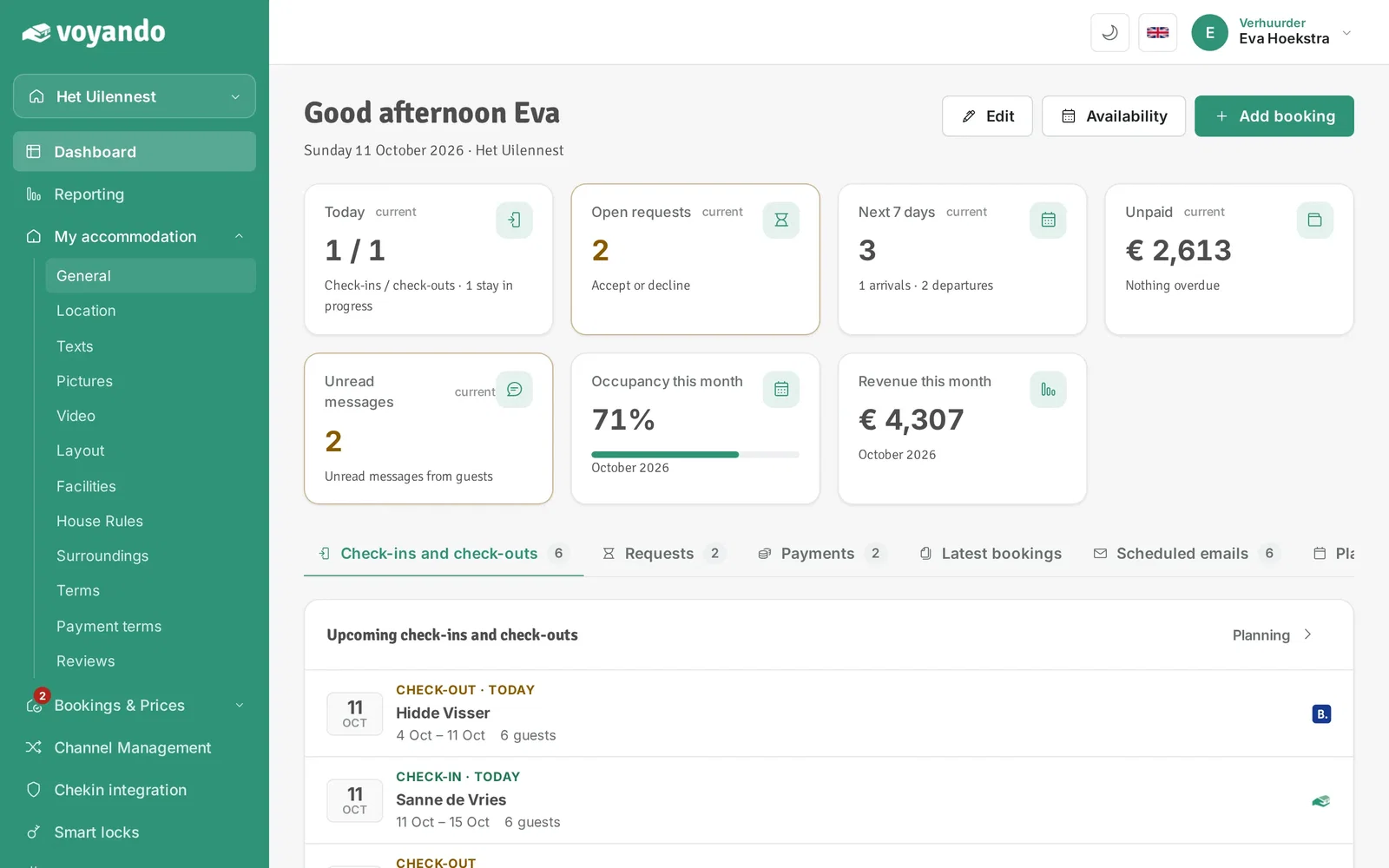
Step 3: Click General.
-
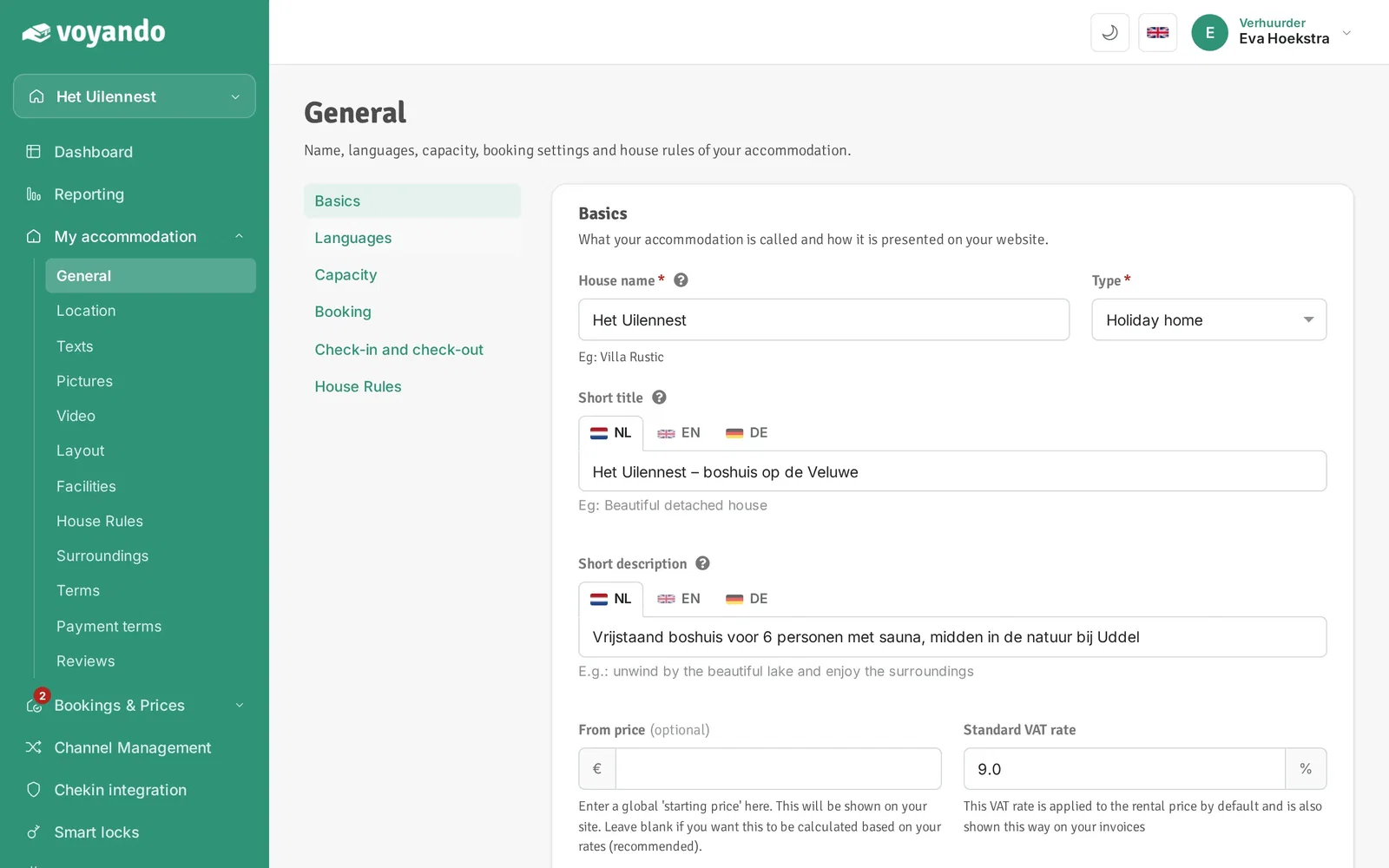
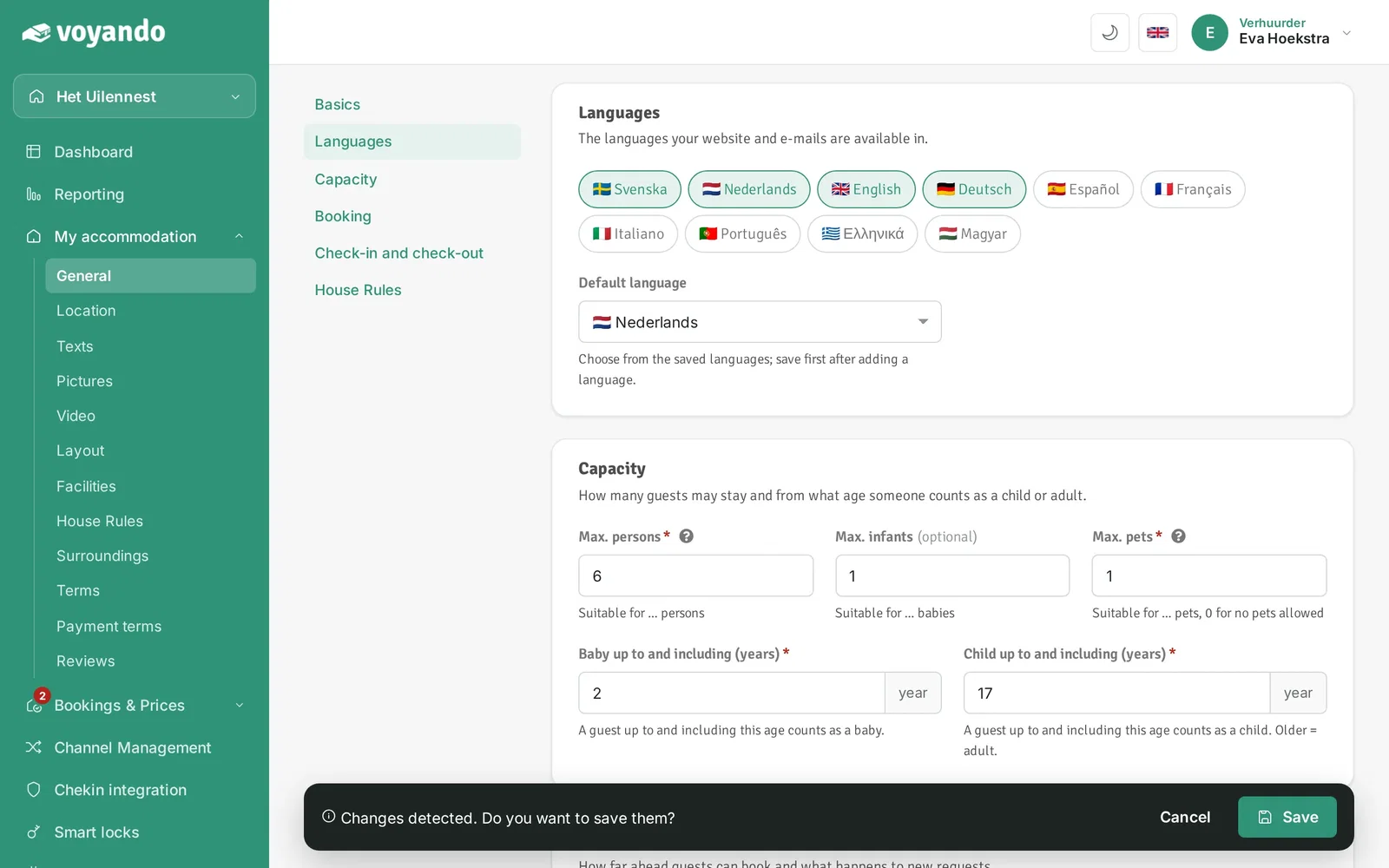
Step 4: Go to Languages.
-
Step 5: Select the languages your website and e-mails should be available in.

-
Step 6: Under Default language, choose the language your website opens in. A new language can only be chosen here after saving.
-
Step 7: Click Save in the bar at the bottom.