How do I add a video to my website?
You can easily embed a video on your website by adding the URL in the dashboard and activating the video on your accommodation page.
Step by step · 12 steps
-
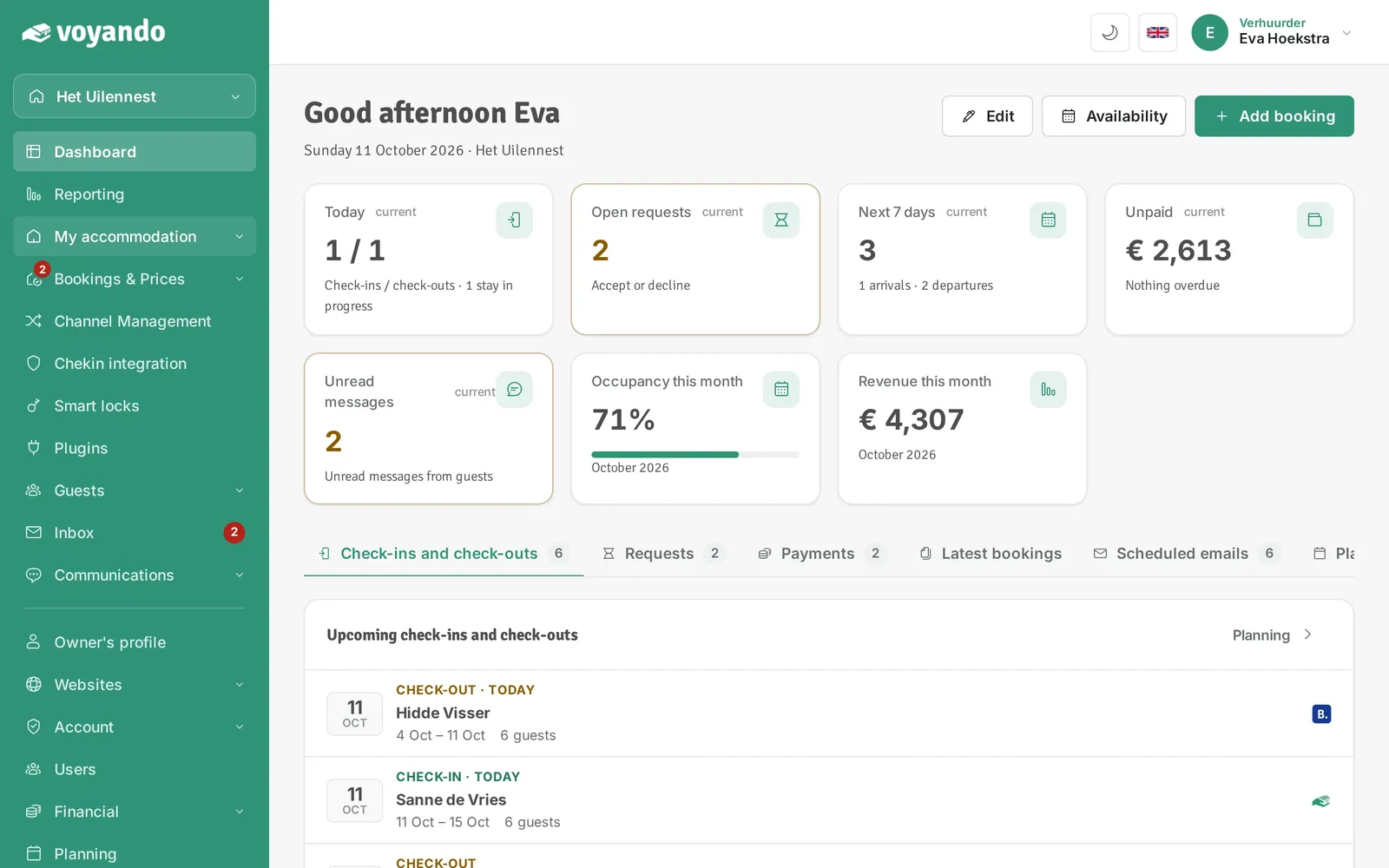
Step 1: Go to your dashboard.

-
Step 2: Click My accommodation in the menu.
-
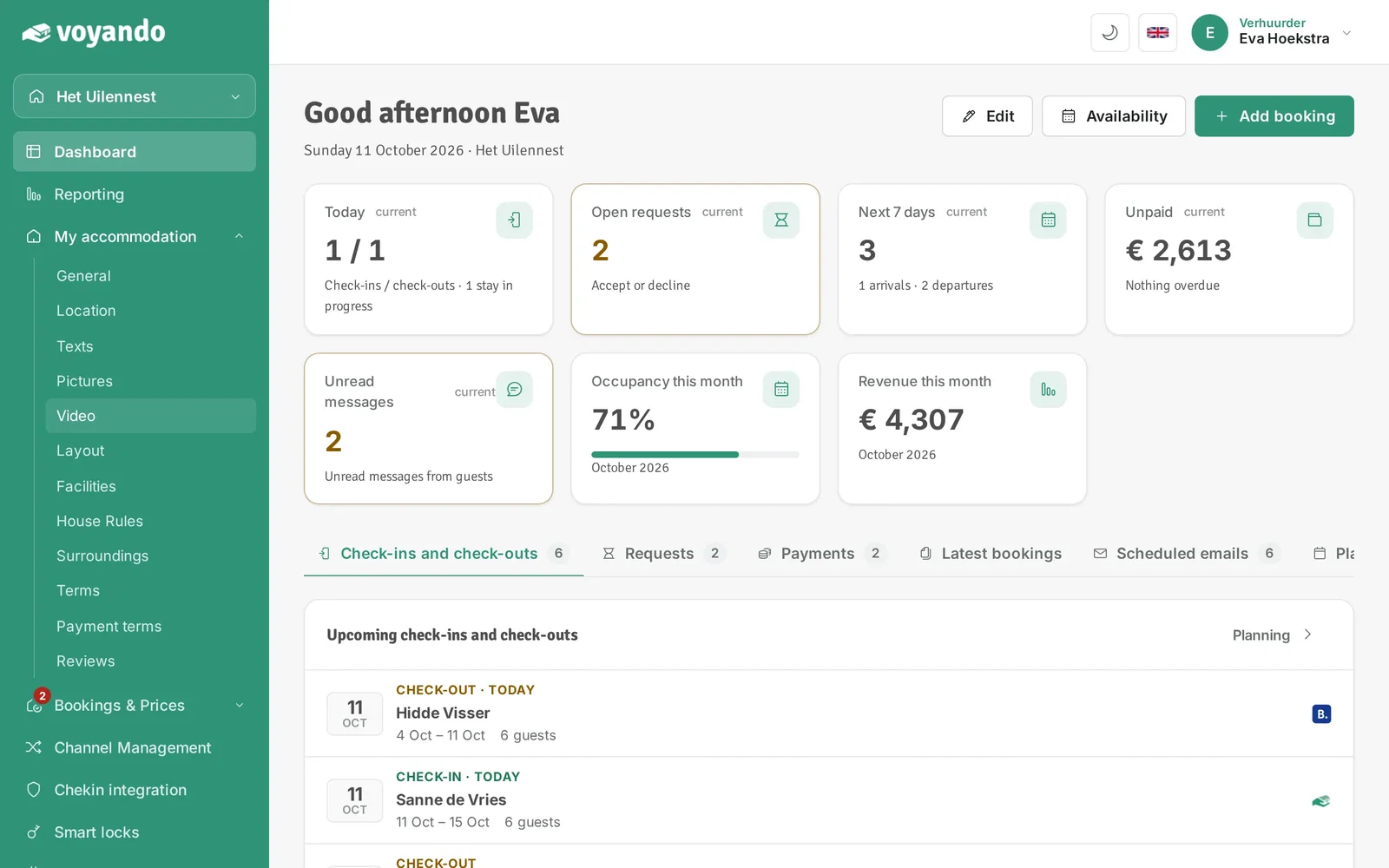
Step 3: Click Video.
-
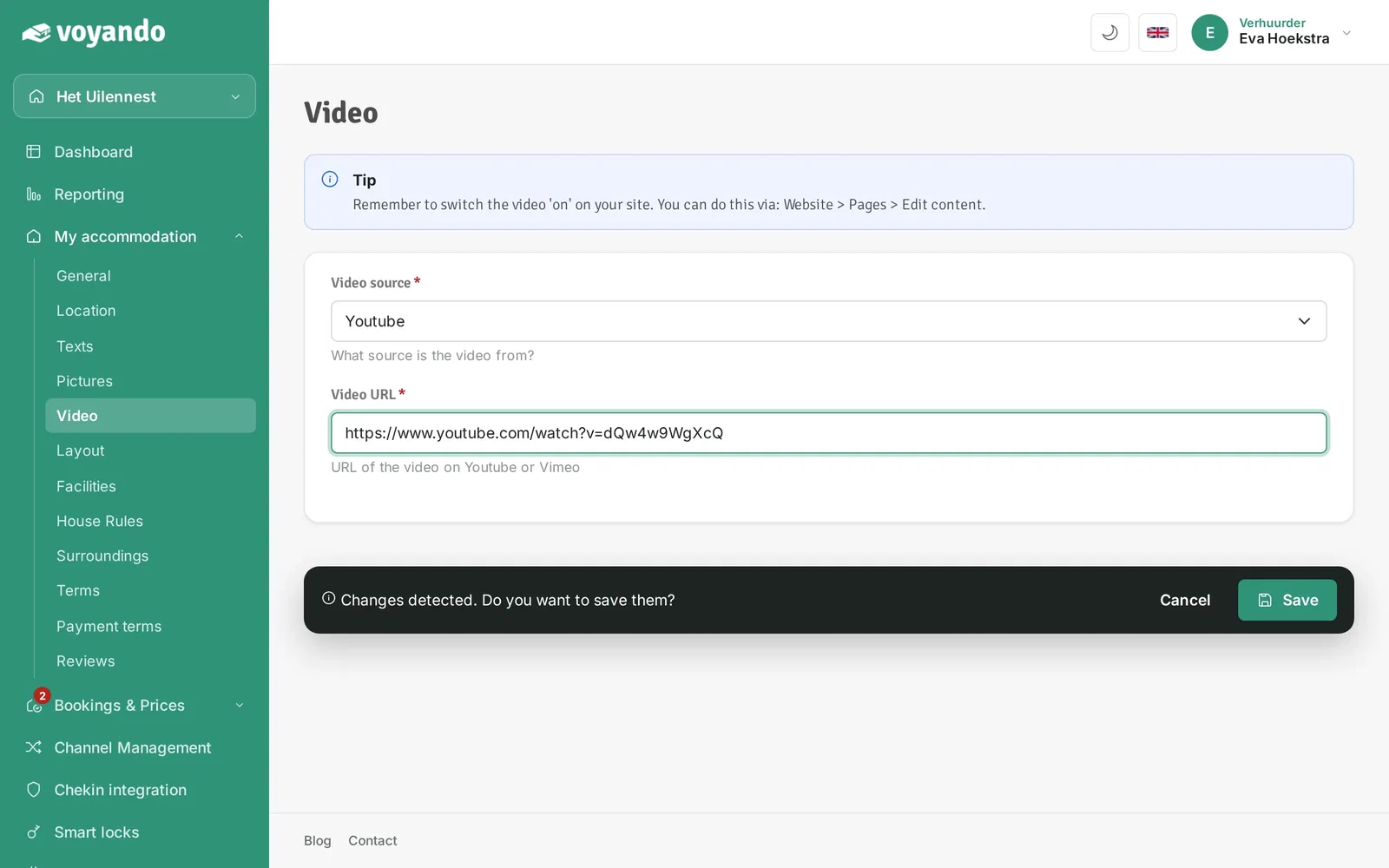
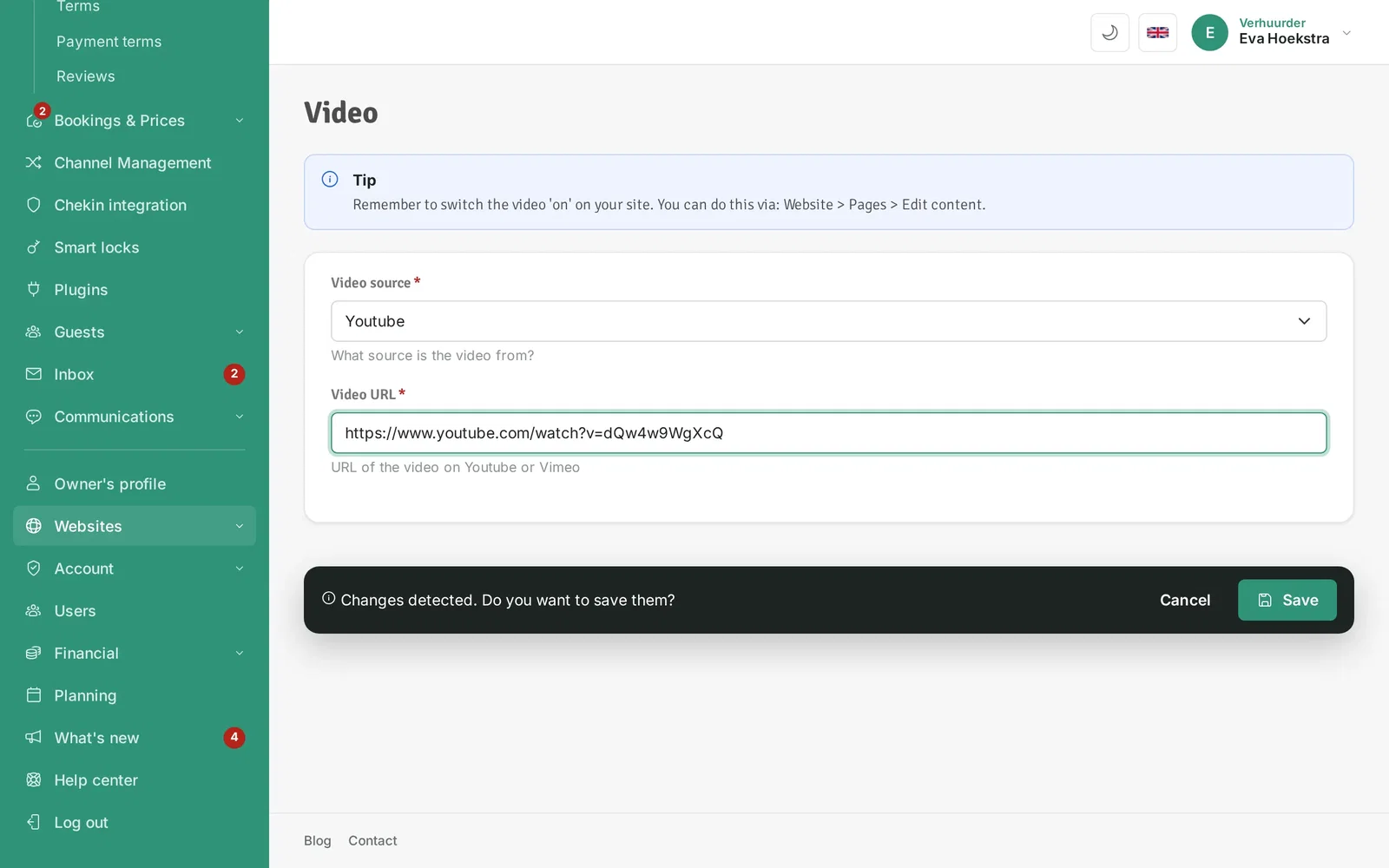
Step 4: Choose the source of your video, YouTube or Vimeo.

-
Step 5: Paste the link to your video under Video URL.

-
Step 6: Click Save.
-
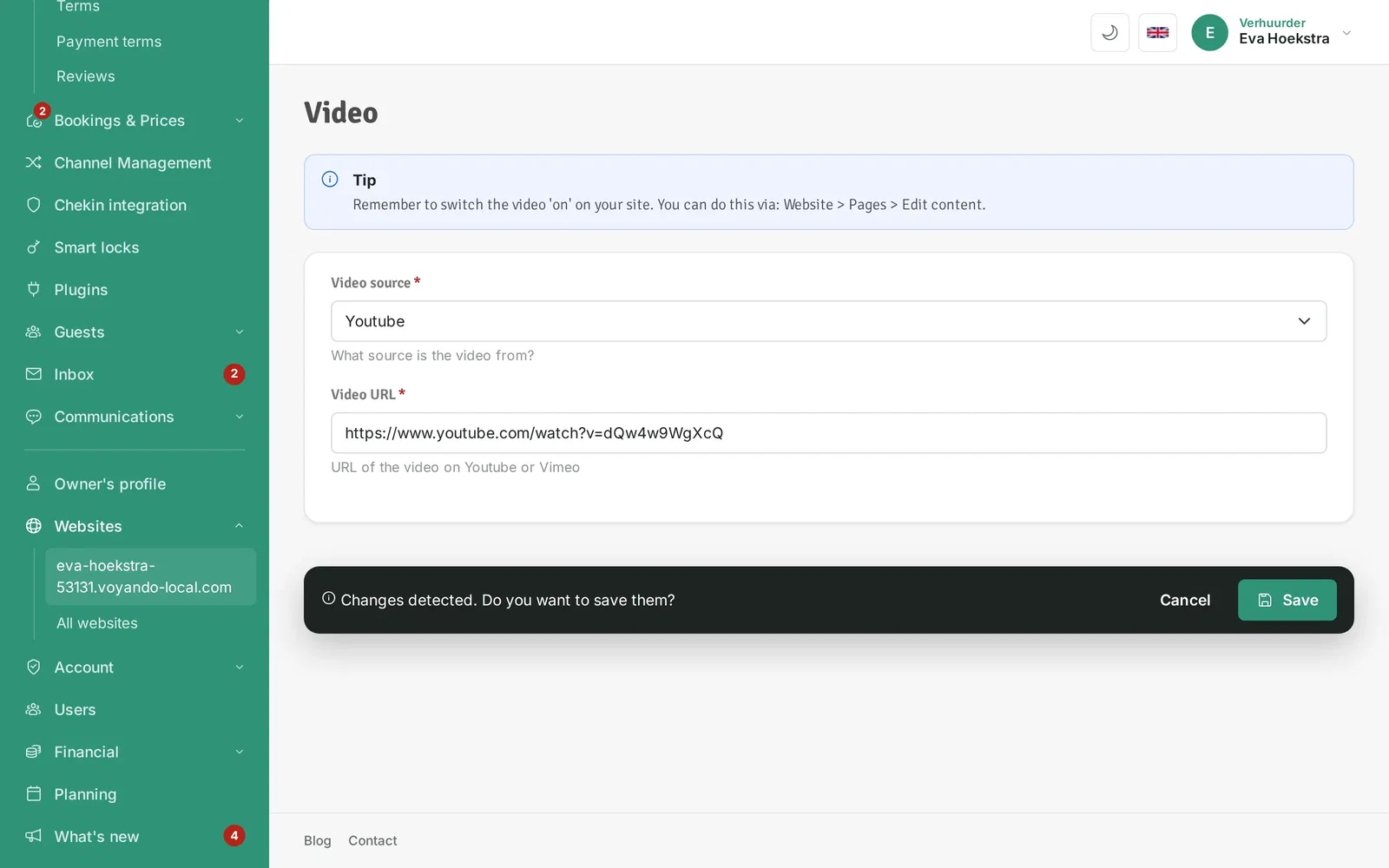
Step 7: Now switch the video on for your website. Click Websites in the menu.
-
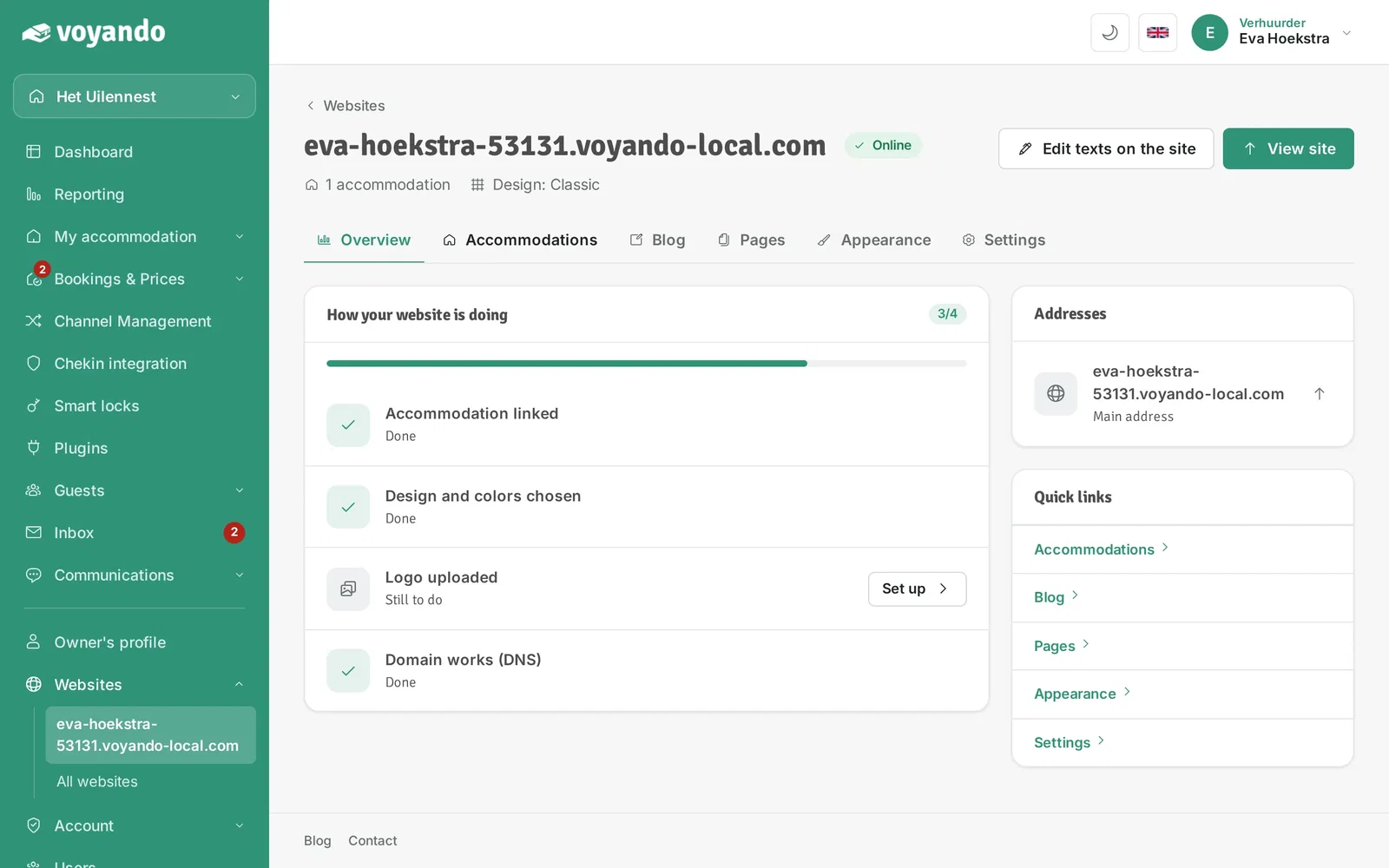
Step 8: Click your website.
-
Step 9: Open the Accommodations tab.
-
Step 10: Click Edit content next to the accommodation.

-
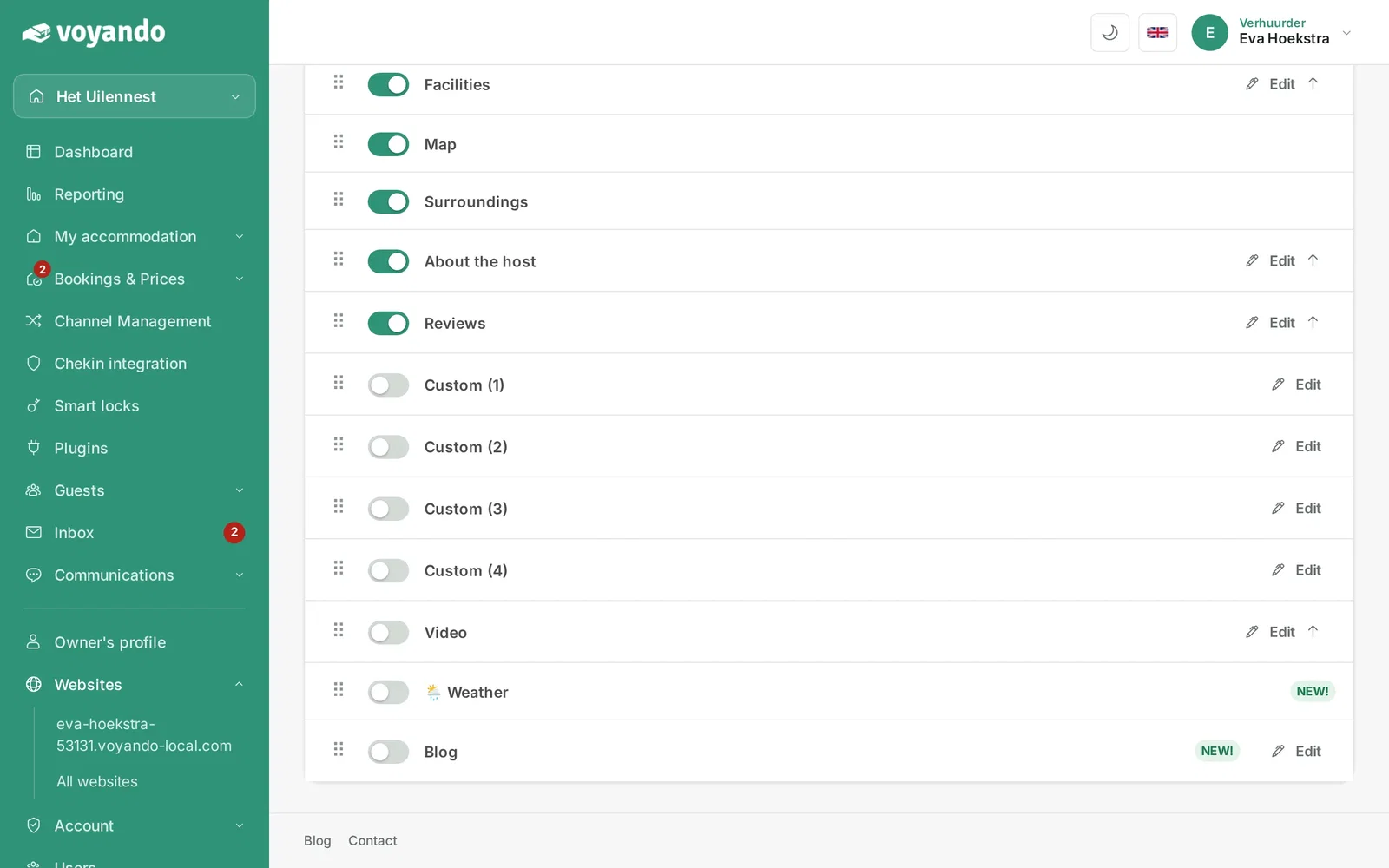
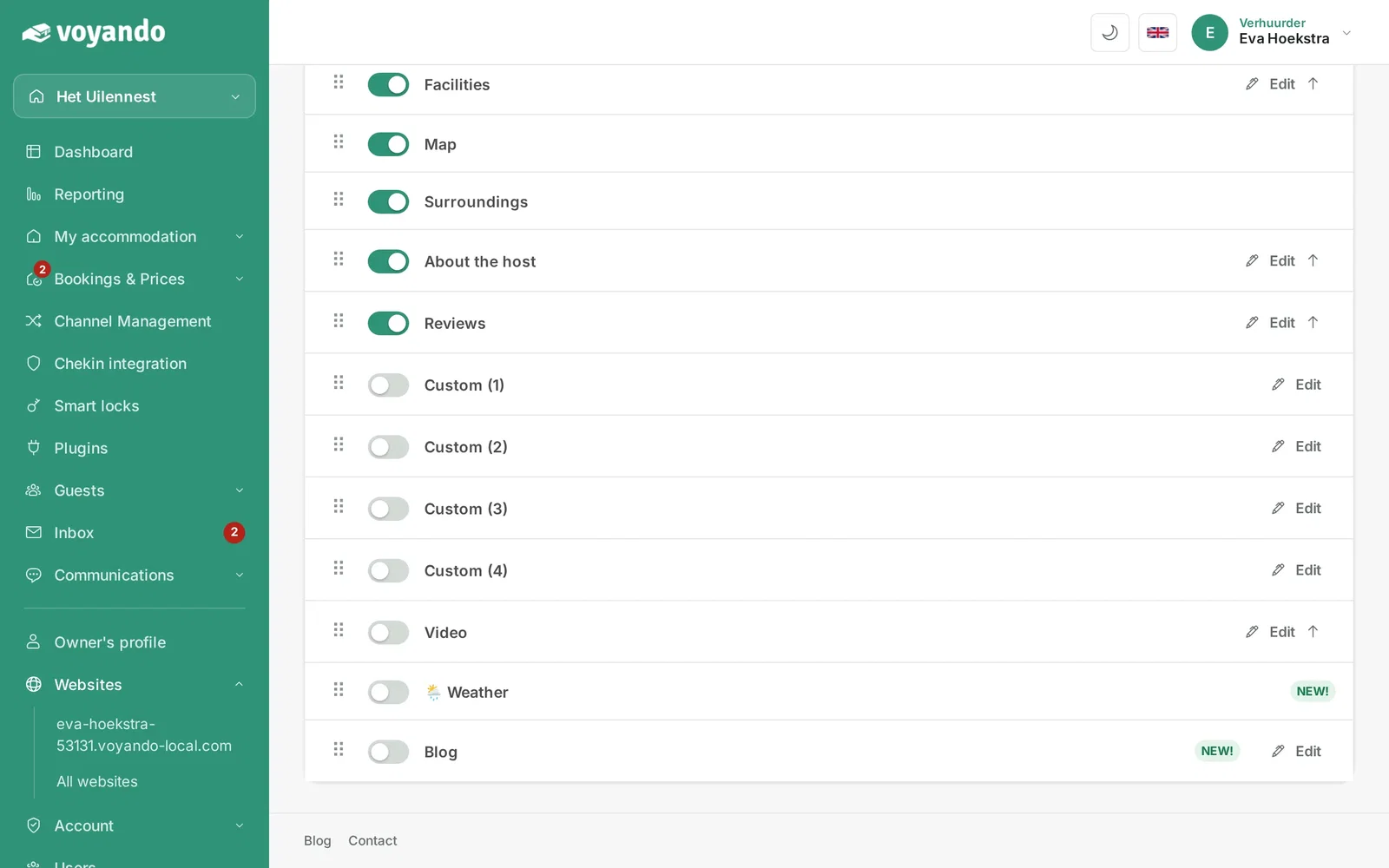
Step 11: Switch on Video to show the video on the page.
-
Step 12: Drag the block by its handle to the place on the page where you want the video.