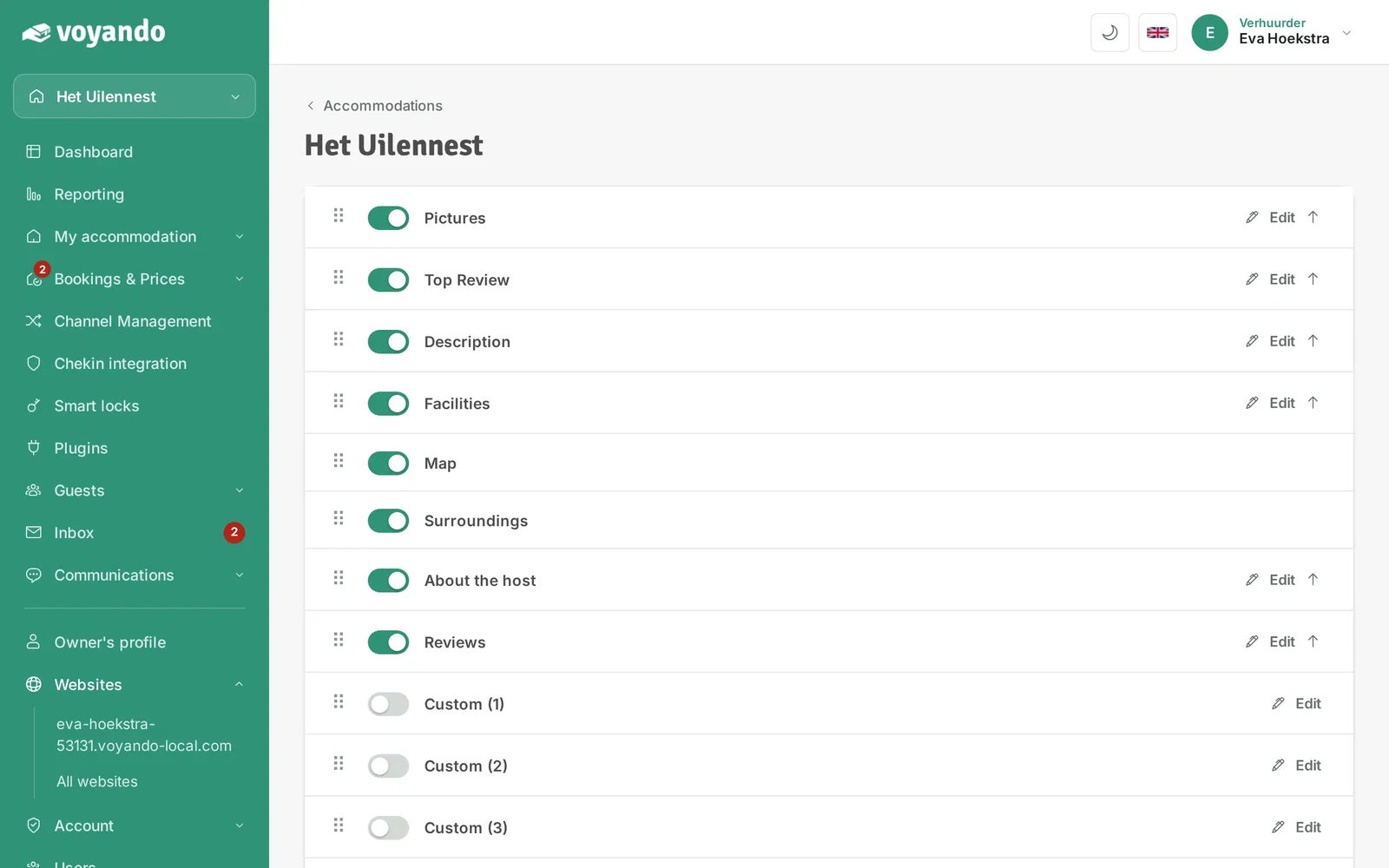
How do I edit the content on my website?
You can easily edit the content and order of your website pages via the dashboard; changes are saved automatically.
Step by step · 8 steps
-
Step 1: Go to your dashboard.

-
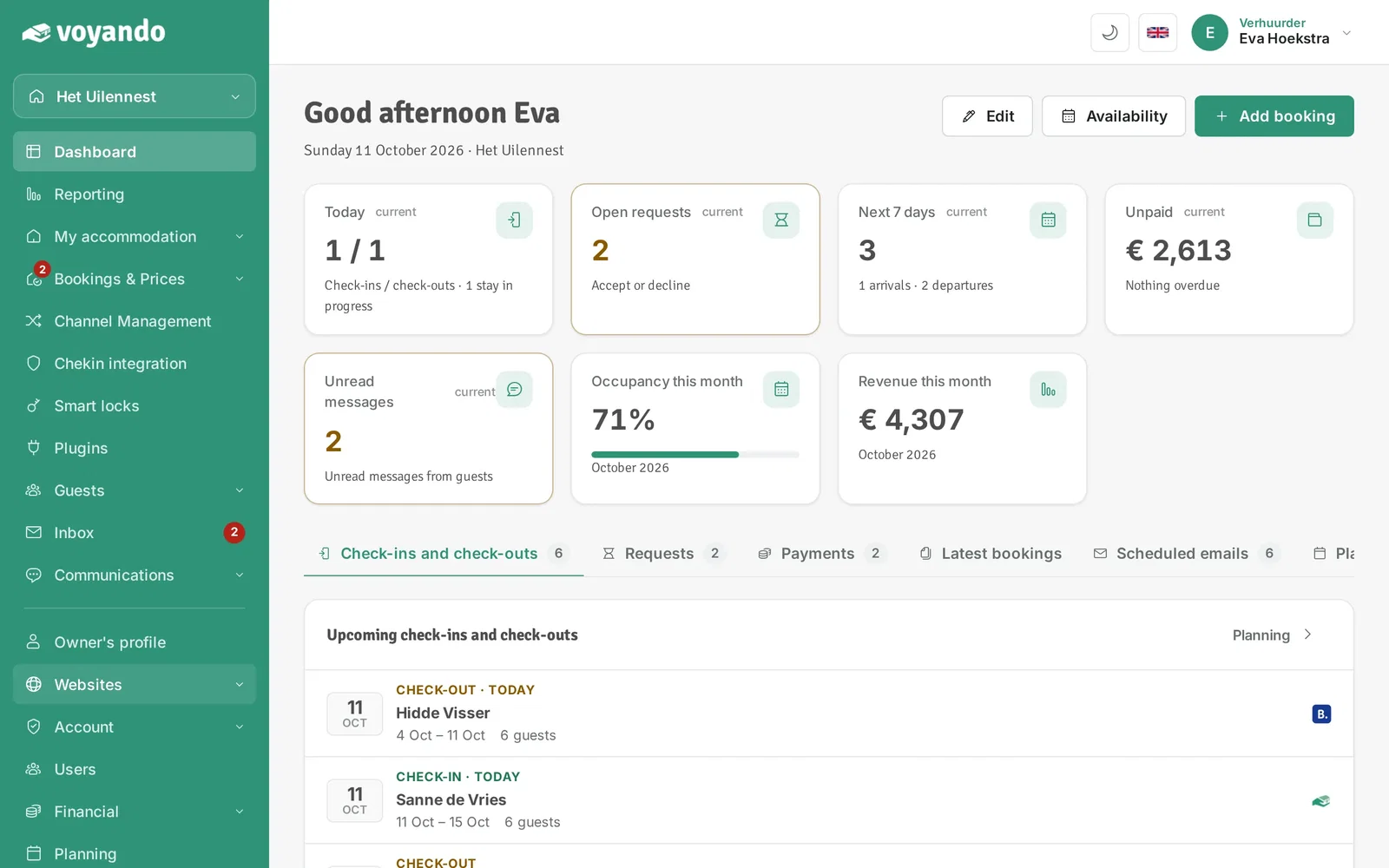
Step 2: Click Websites in the menu.
-
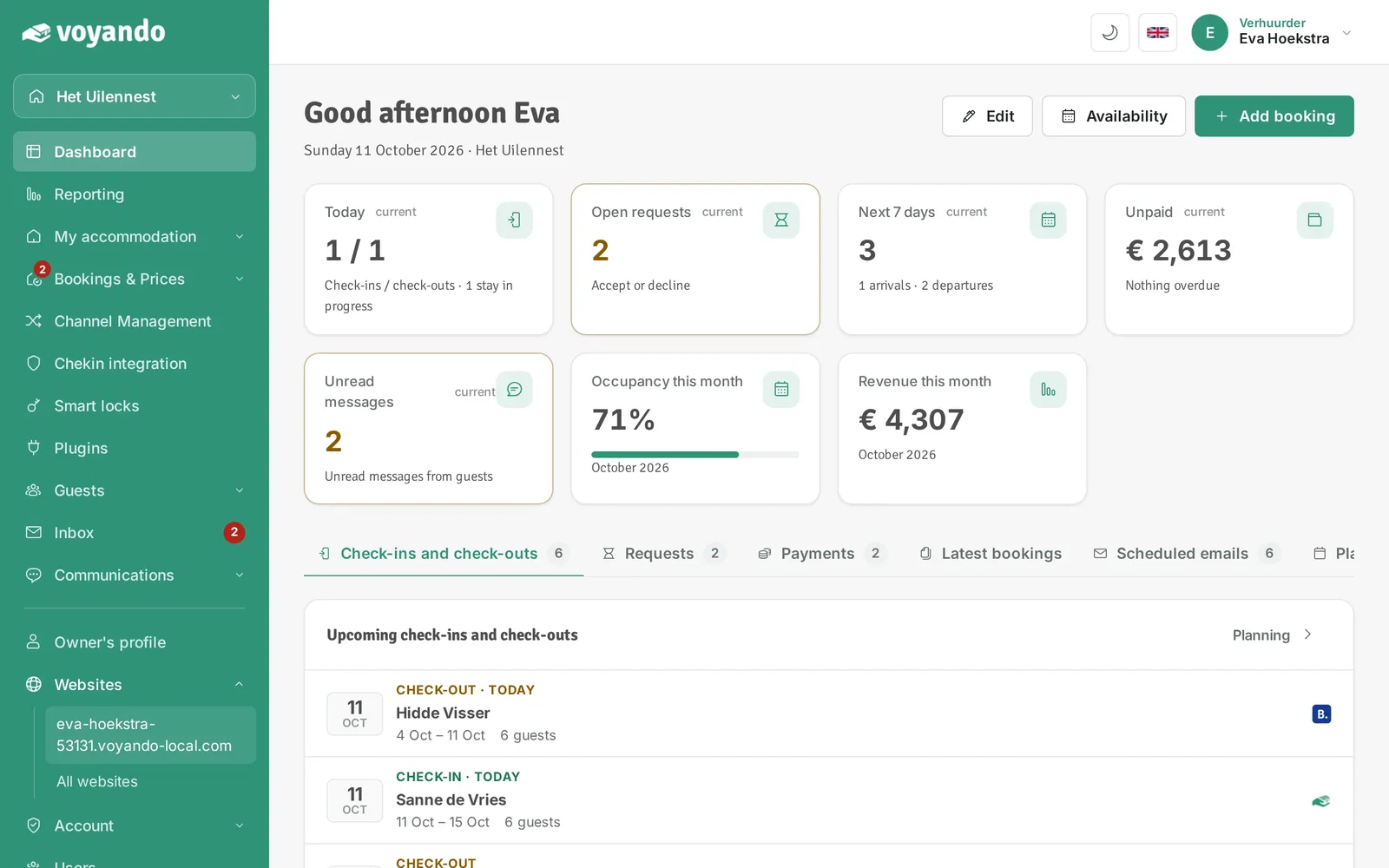
Step 3: Click the address of your website.
-
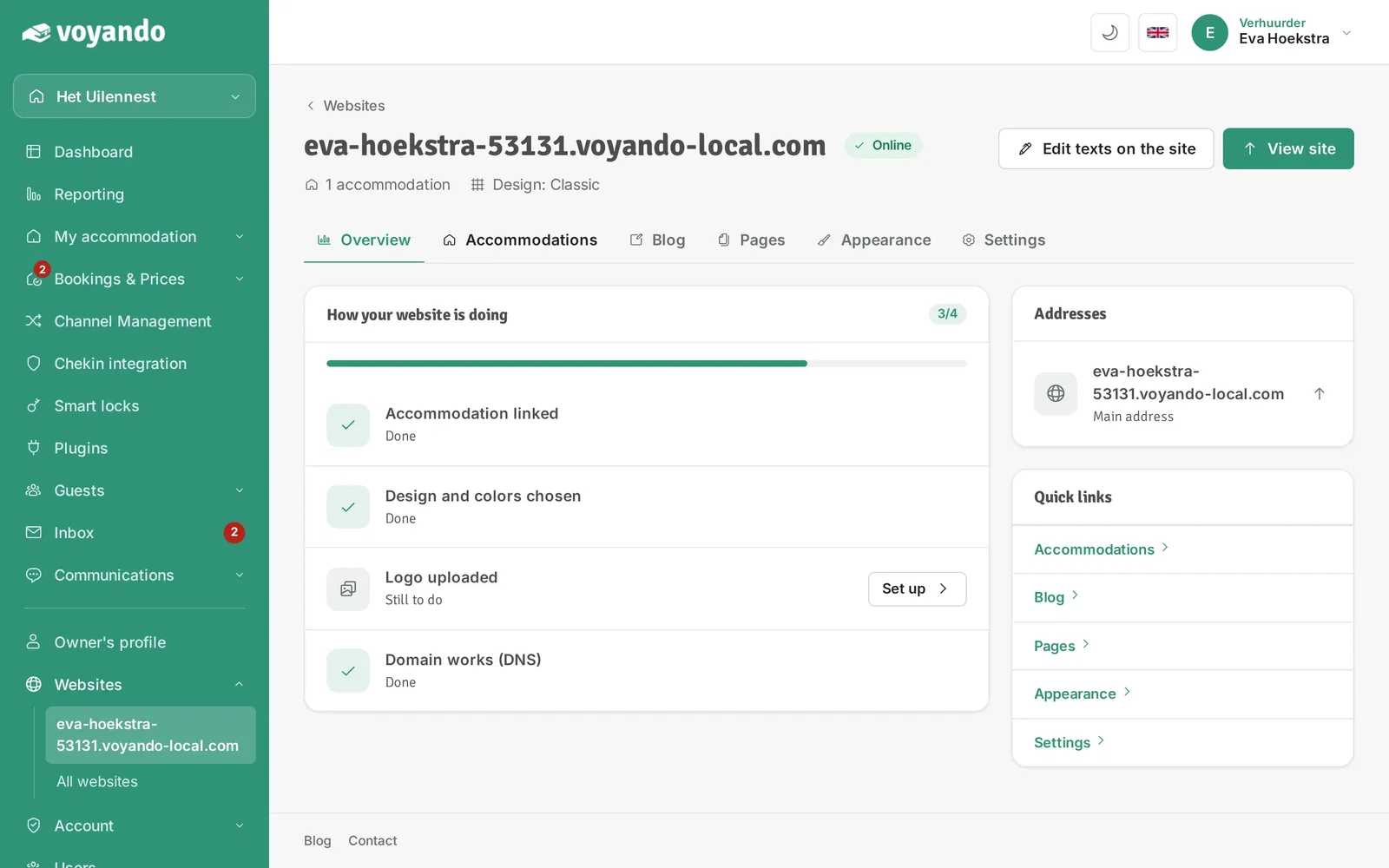
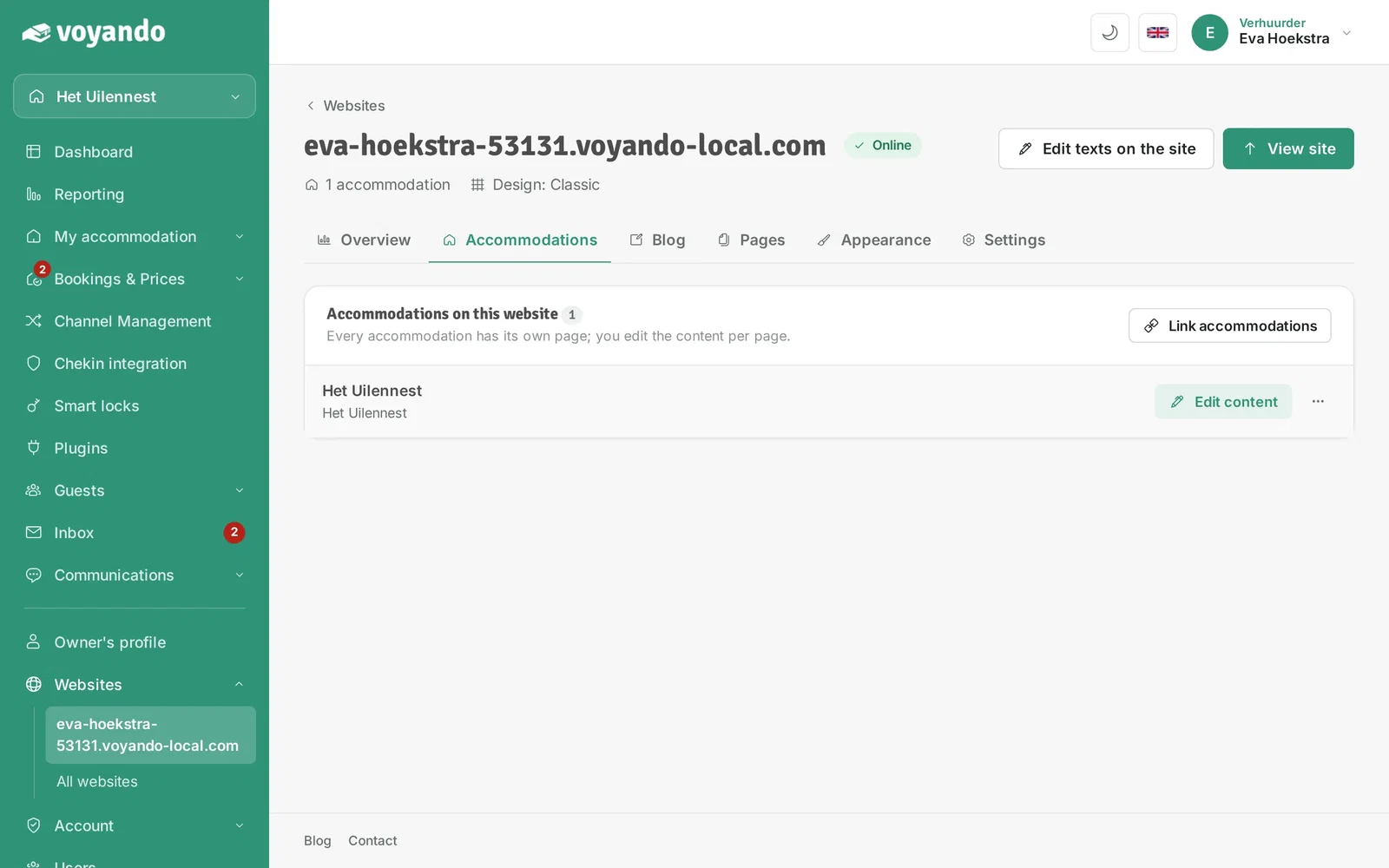
Step 4: Open the Accommodations tab.
-
Step 5: Next to your accommodation, click Edit content.
-
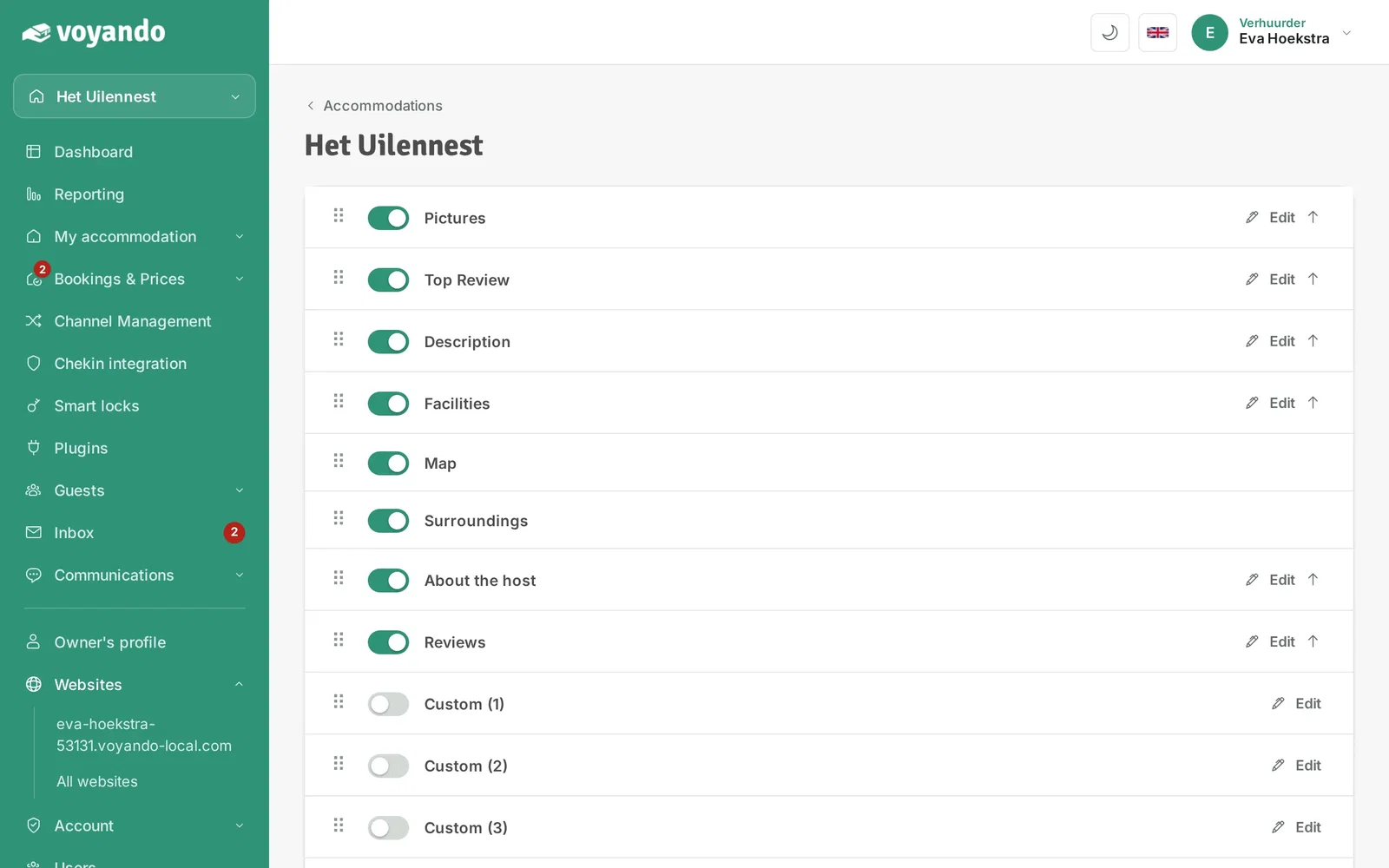
Step 6: Every block on your accommodation page is listed here. Use the switch to turn a block on or off.
-
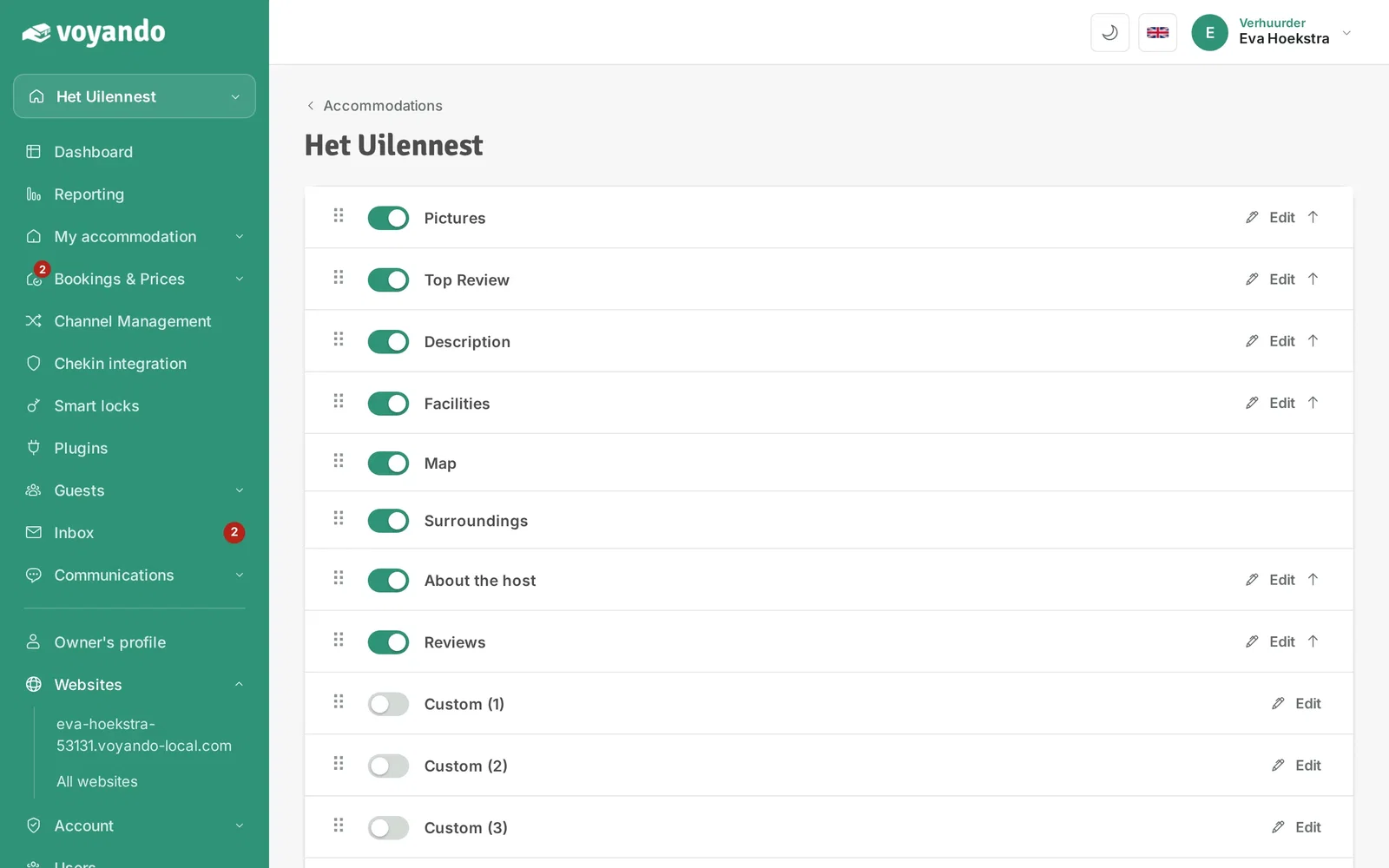
Step 7: Want to change the order? Grab the block by the dots and drag it to the right position.
-
Step 8: Use Edit to change the content of a block. Changes in this list are saved automatically.