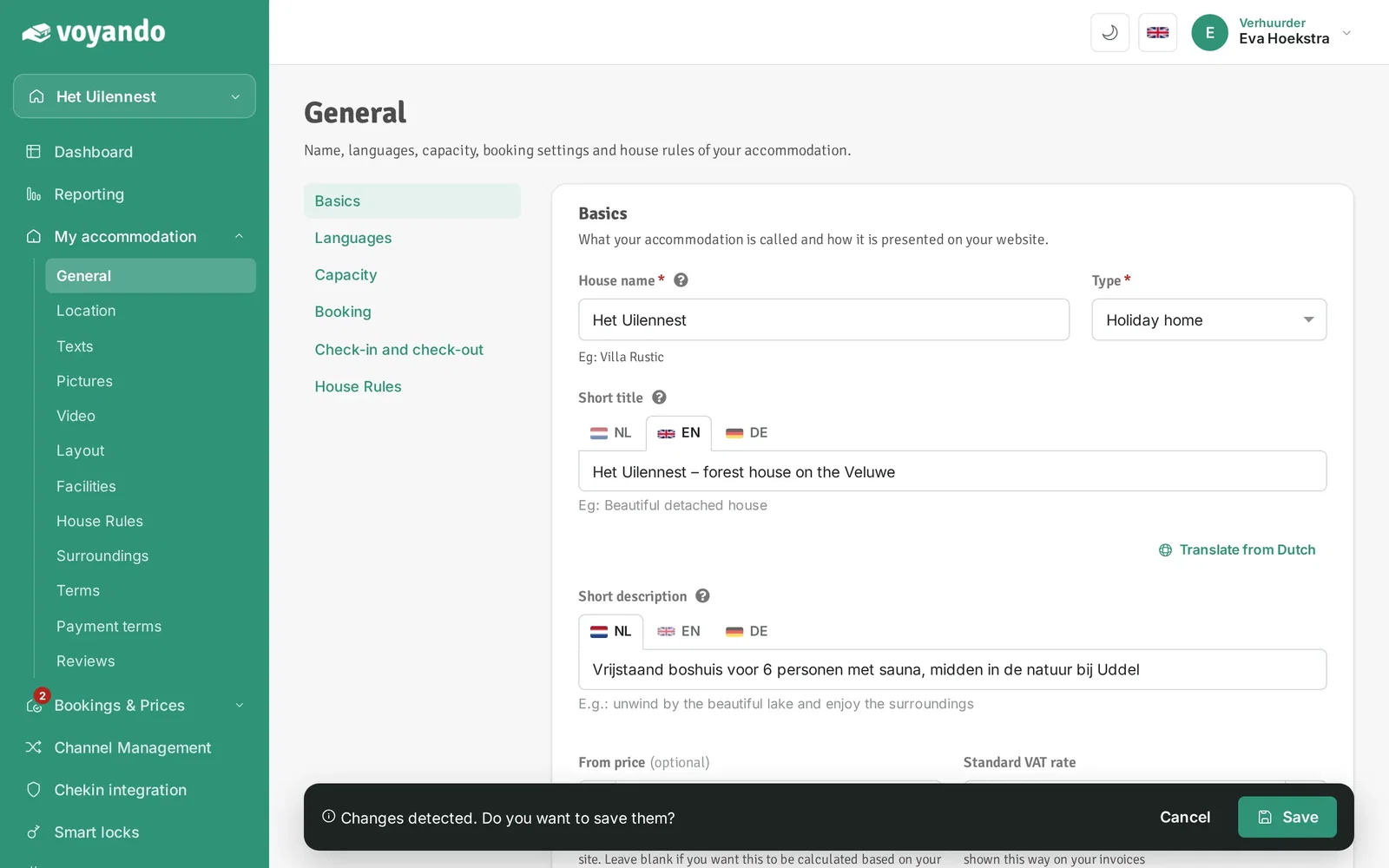
How do I edit the text in the header image?
Edit the text in the header image via My Accommodation > General by editing the short title and description and then saving your changes.
Step by step · 7 steps
-
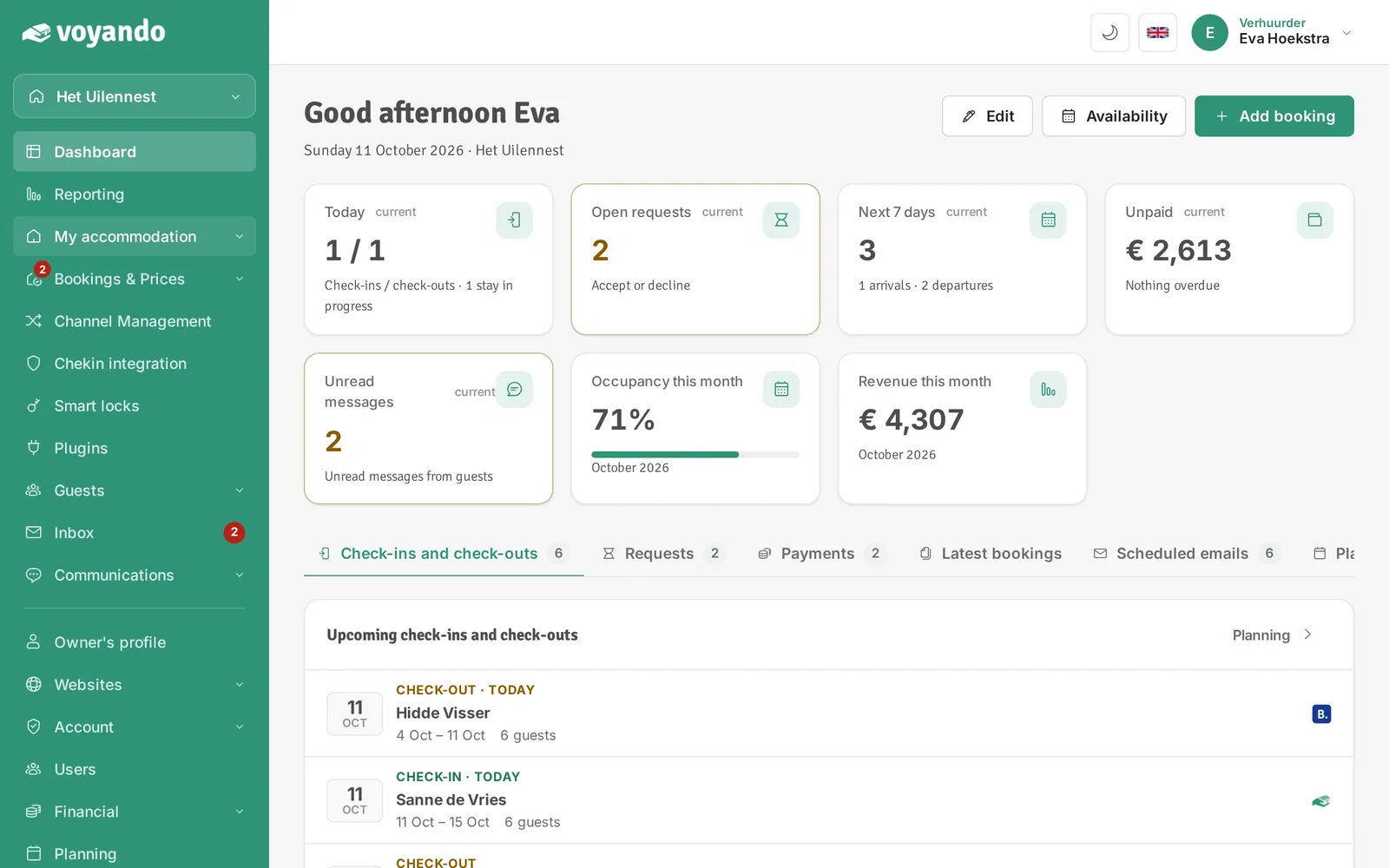
Step 1: Go to your dashboard.

-
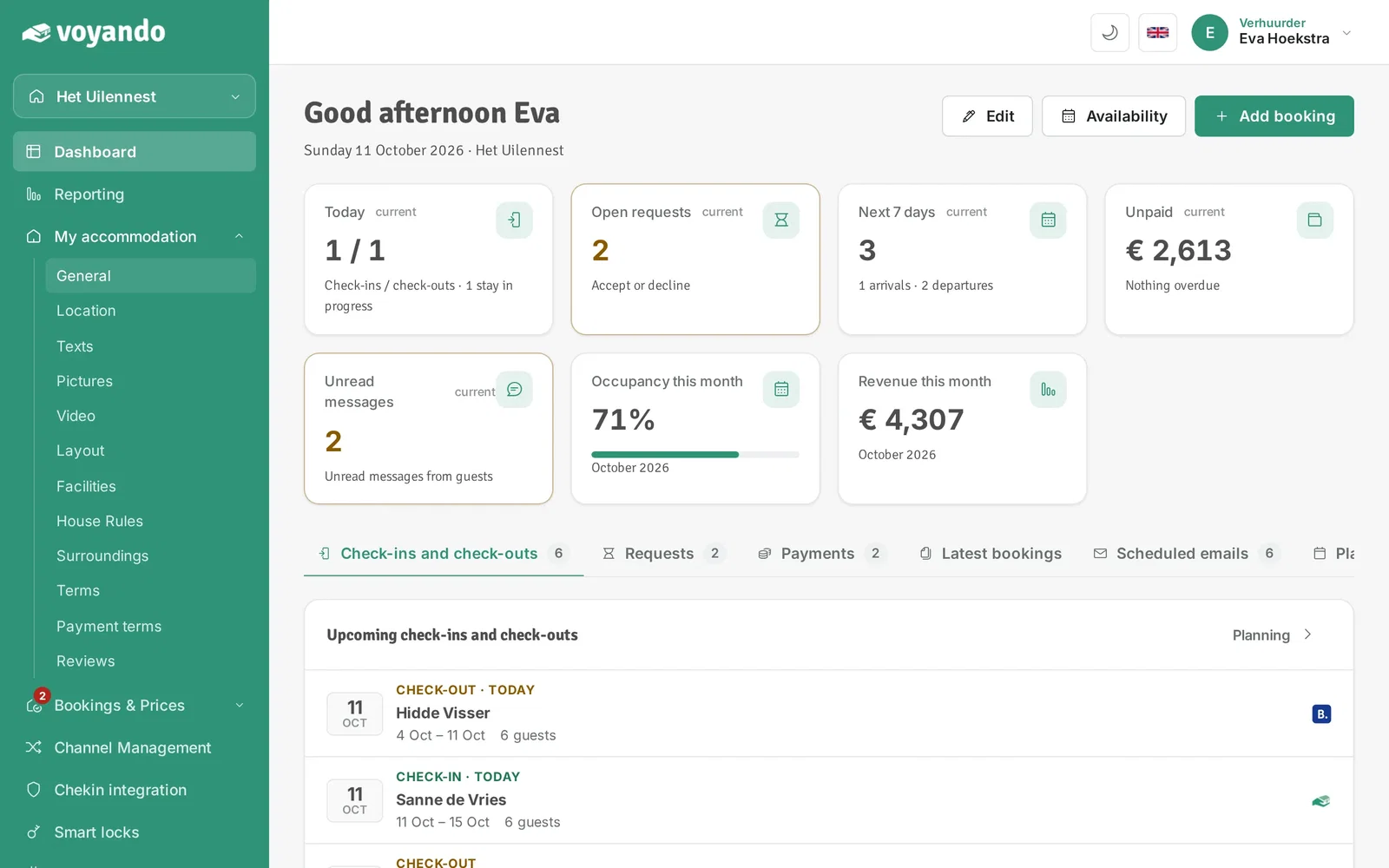
Step 2: Click My accommodation in the menu.
-
Step 3: Click General.
-
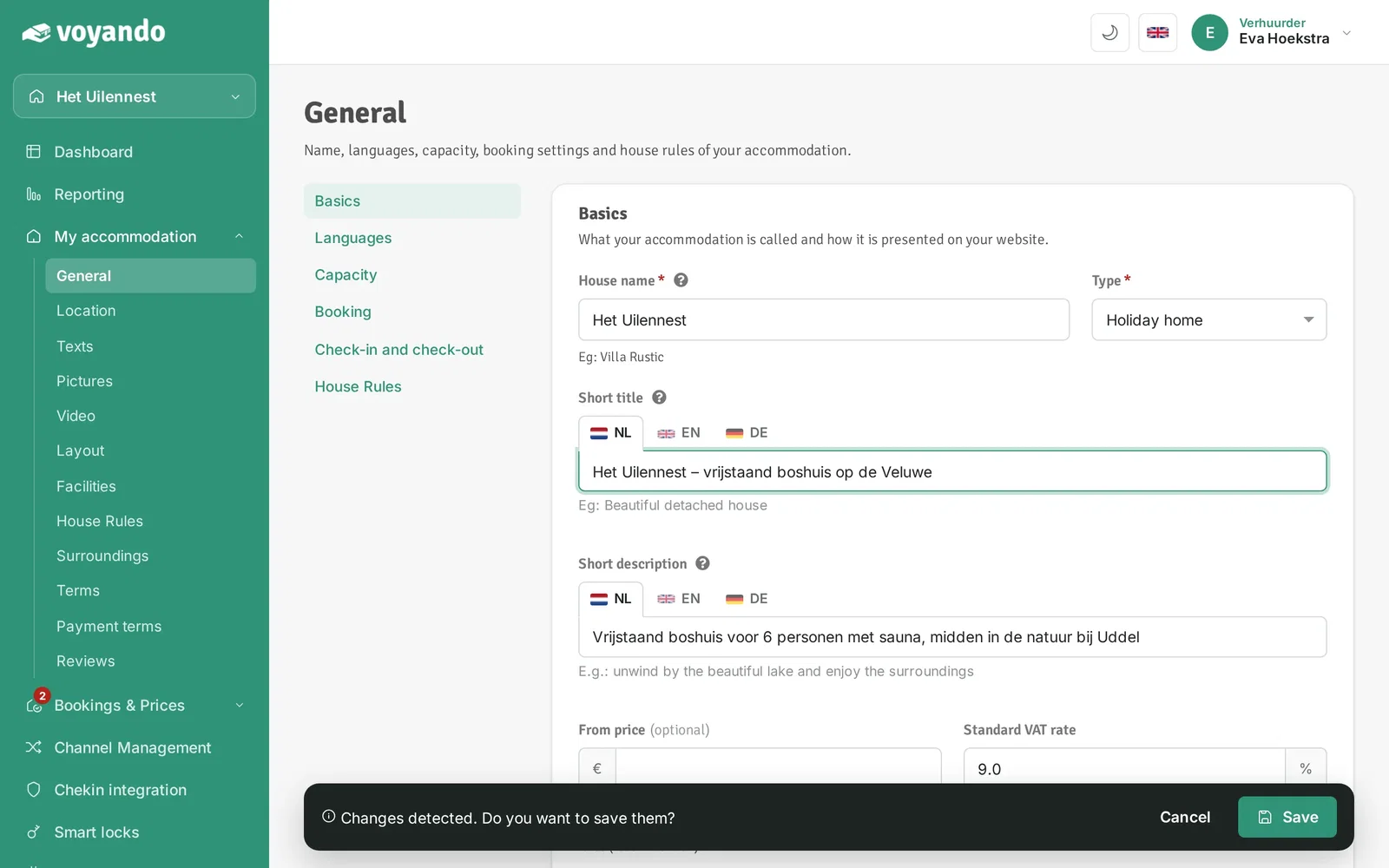
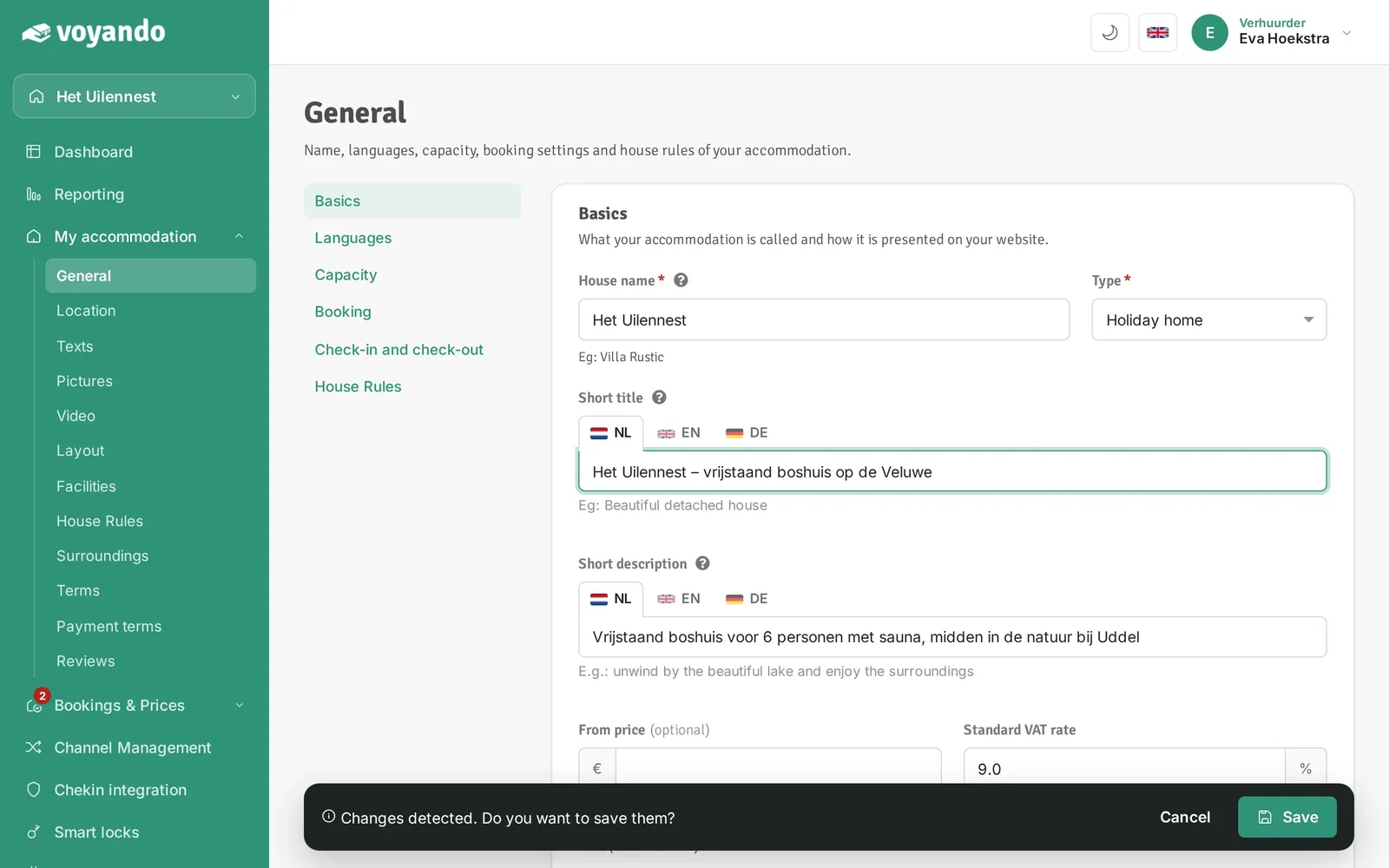
Step 4: The Short title is the large line in the header image of your website.
-
Step 5: The Short description is the smaller line in the header image.
-
Step 6: Do you offer more languages? Click the flag of a language and fill in both texts there too.
-
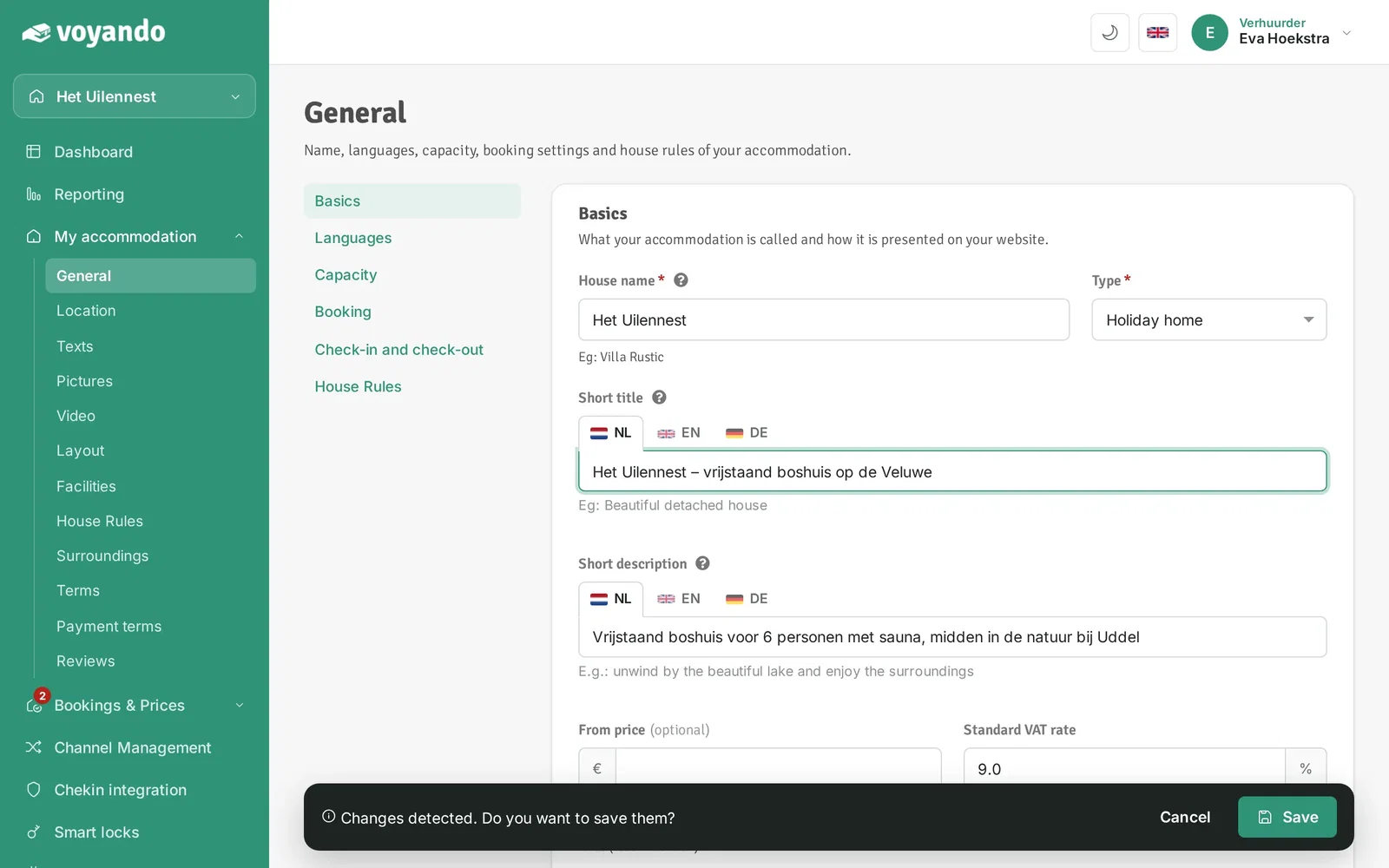
Step 7: Click Save in the bar at the bottom.