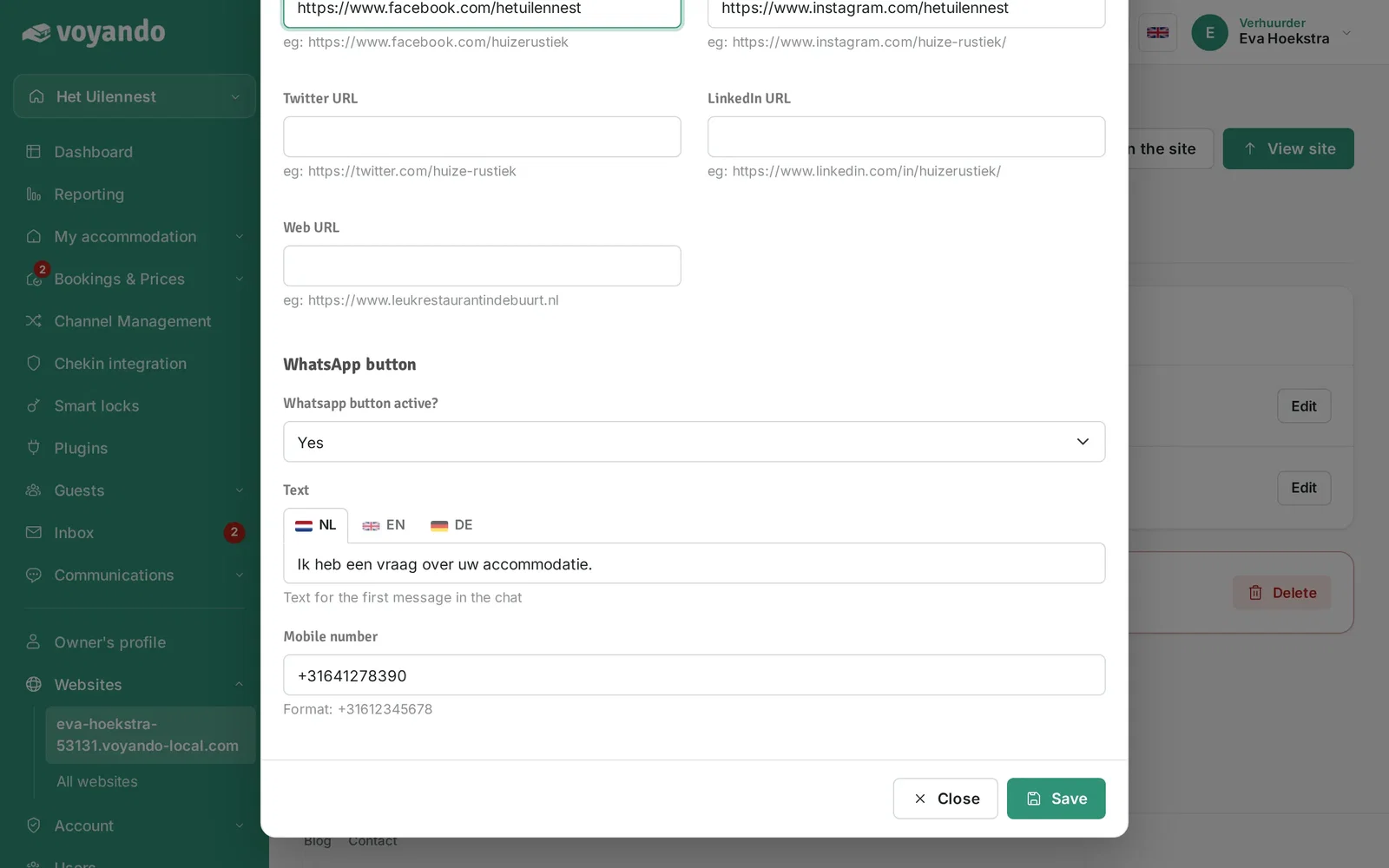
How do I set up social media and WhatsApp chat on my website?
Easily set up your social media links and WhatsApp chat on your website via the Voyando dashboard to enable direct contact with guests.
Step by step · 10 steps
-
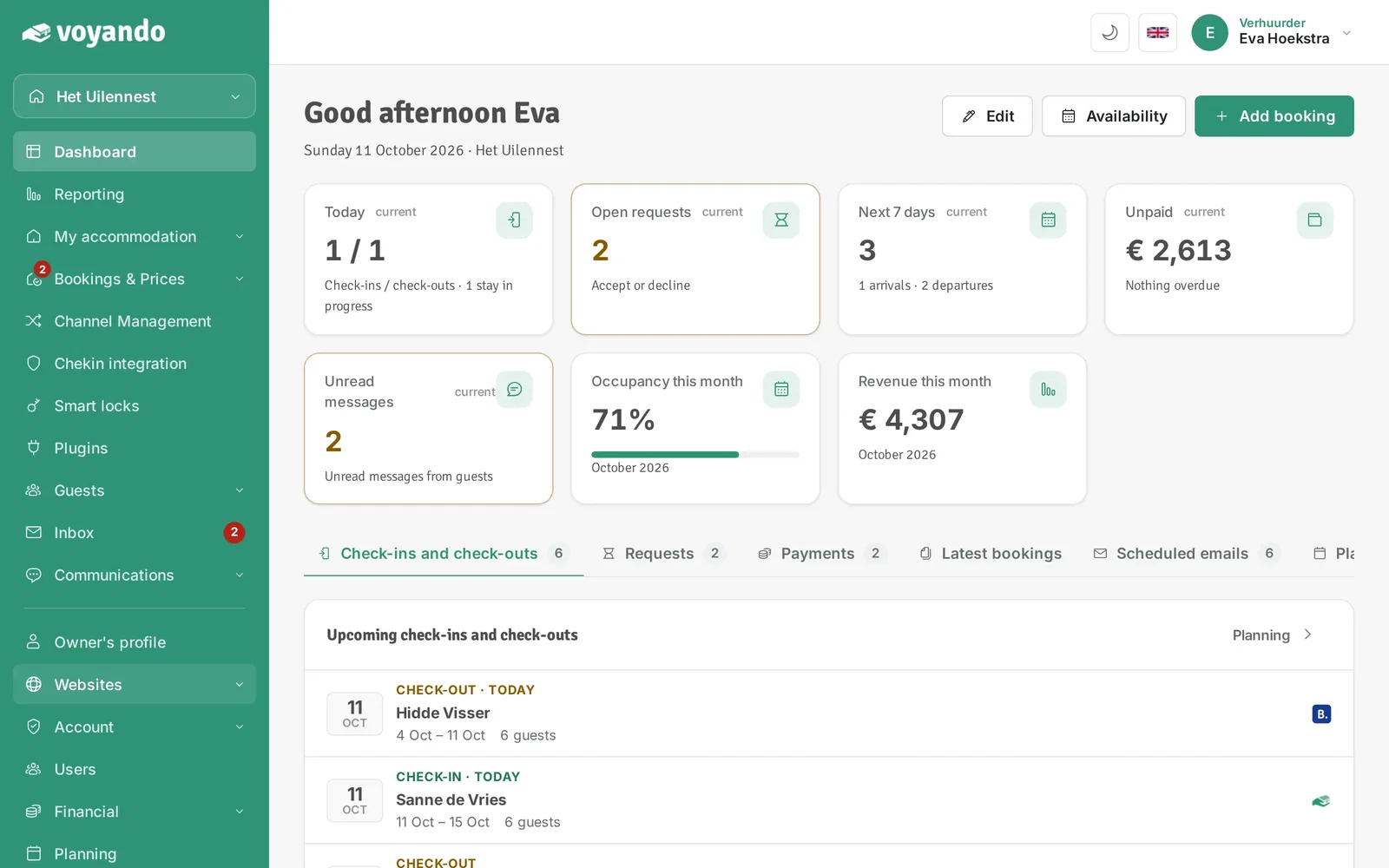
Step 1: Go to your dashboard.

-
Step 2: Click Websites in the menu.
-
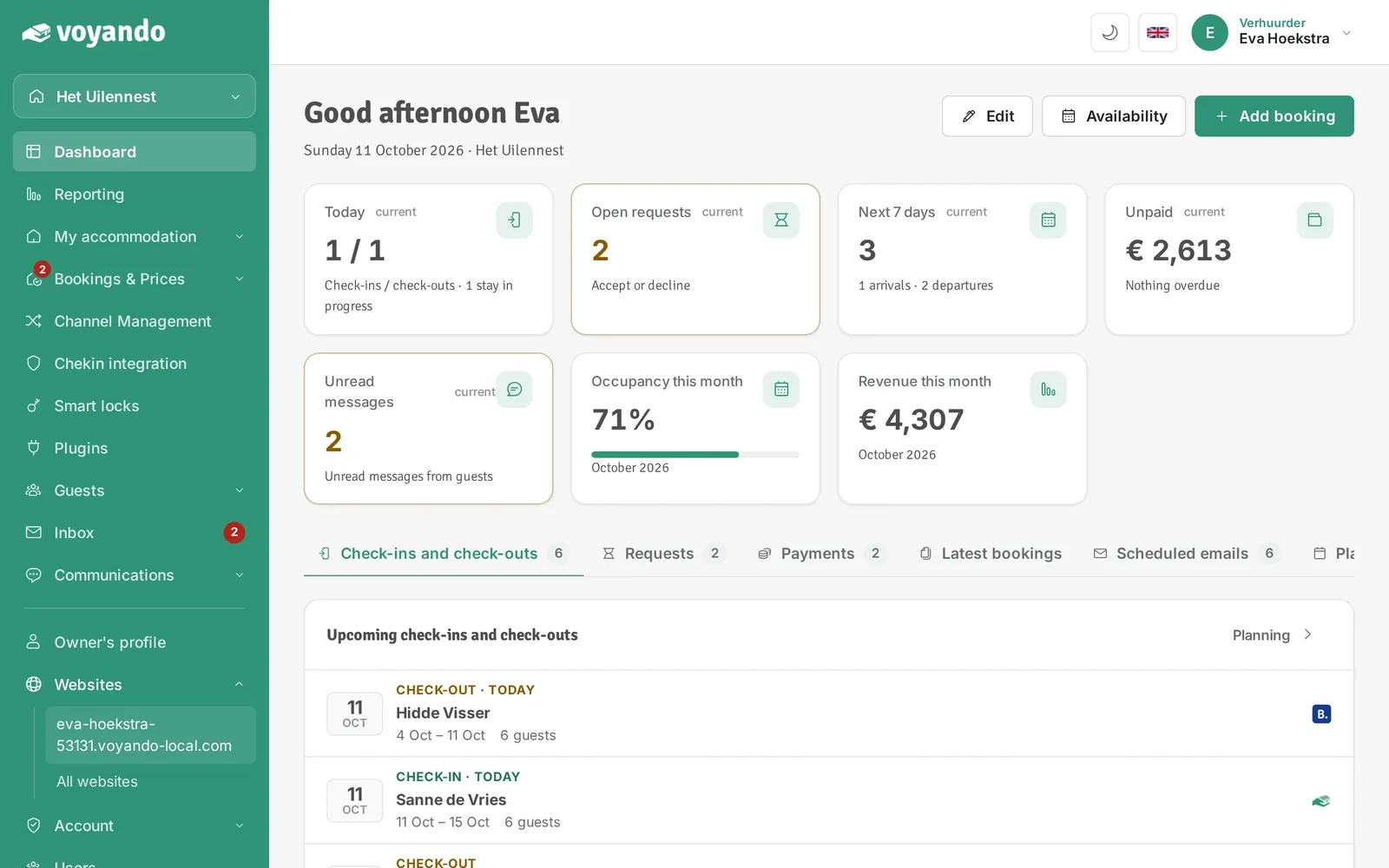
Step 3: Click the address of your website.
-
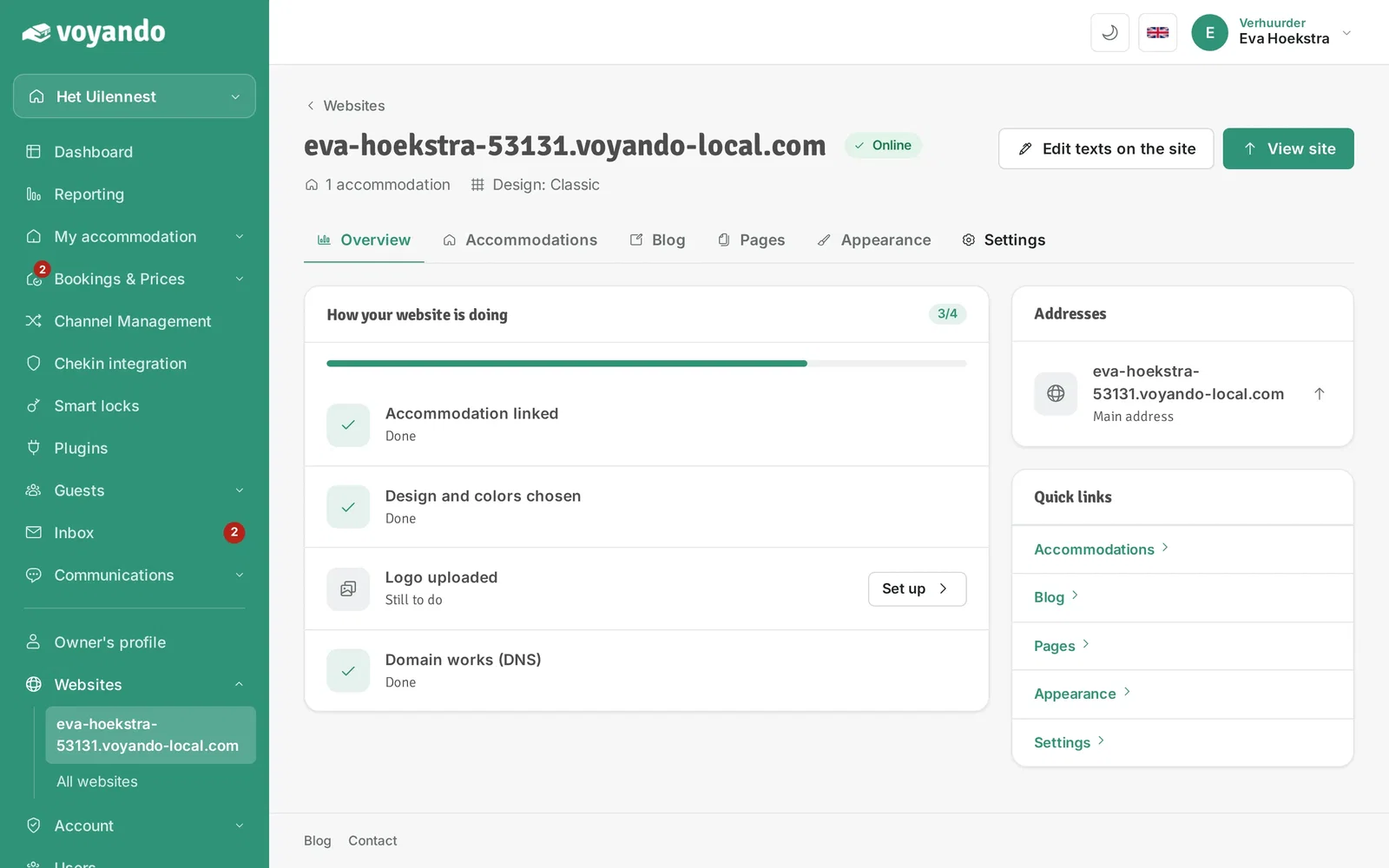
Step 4: Open the Settings tab.
-
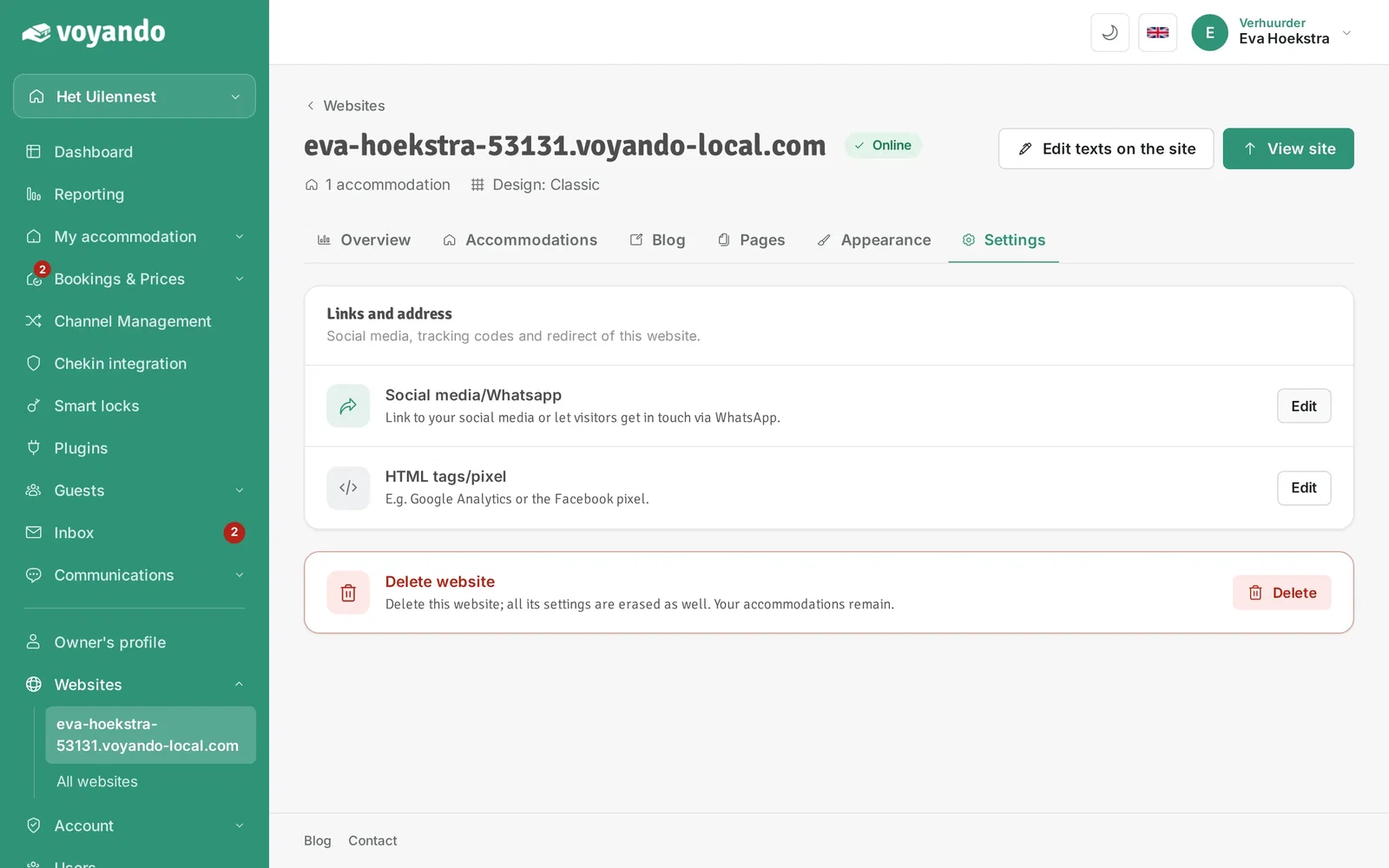
Step 5: Next to Social media/Whatsapp, click Edit.
-
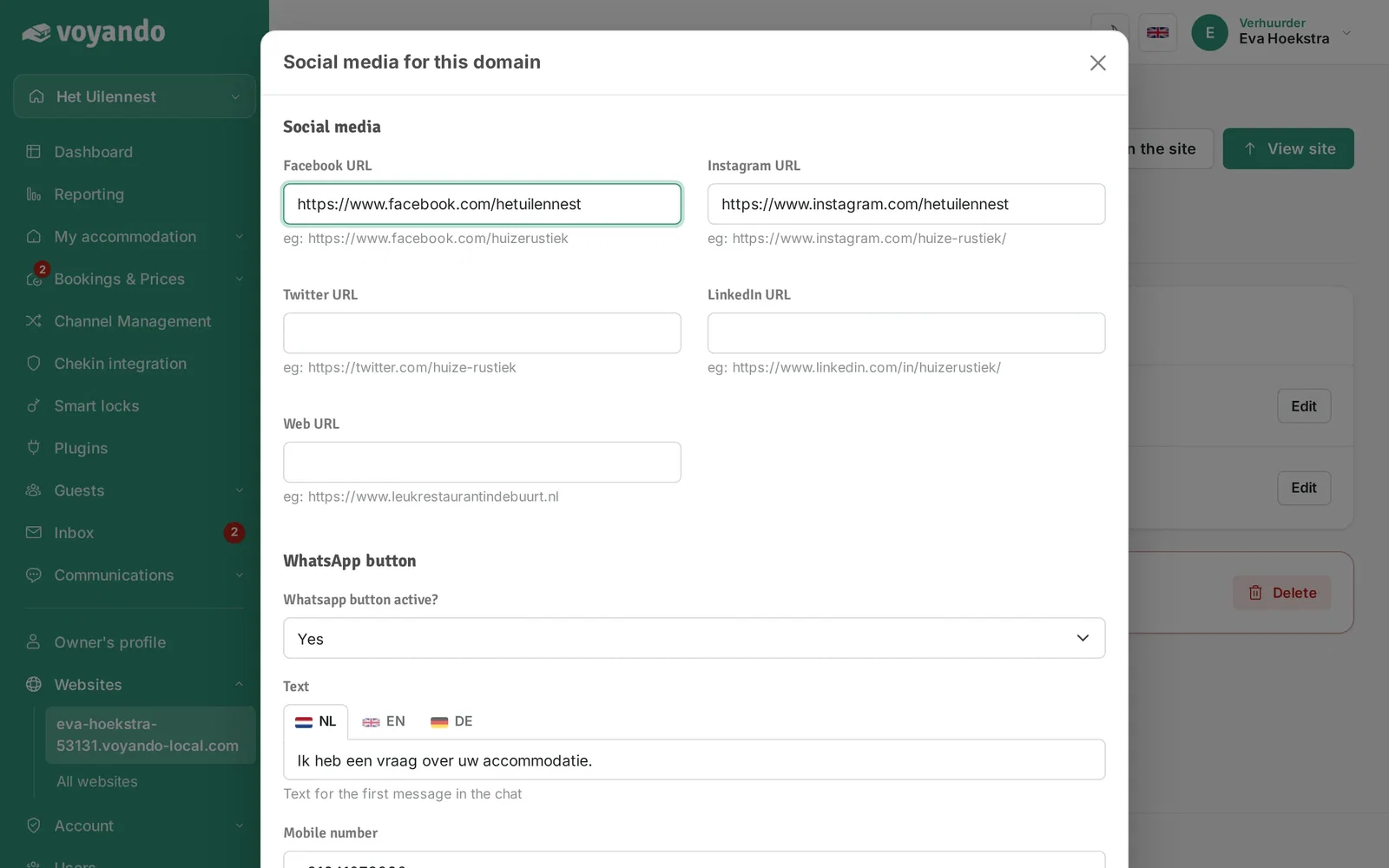
Step 6: Under Facebook URL, enter the link to your Facebook page.
-
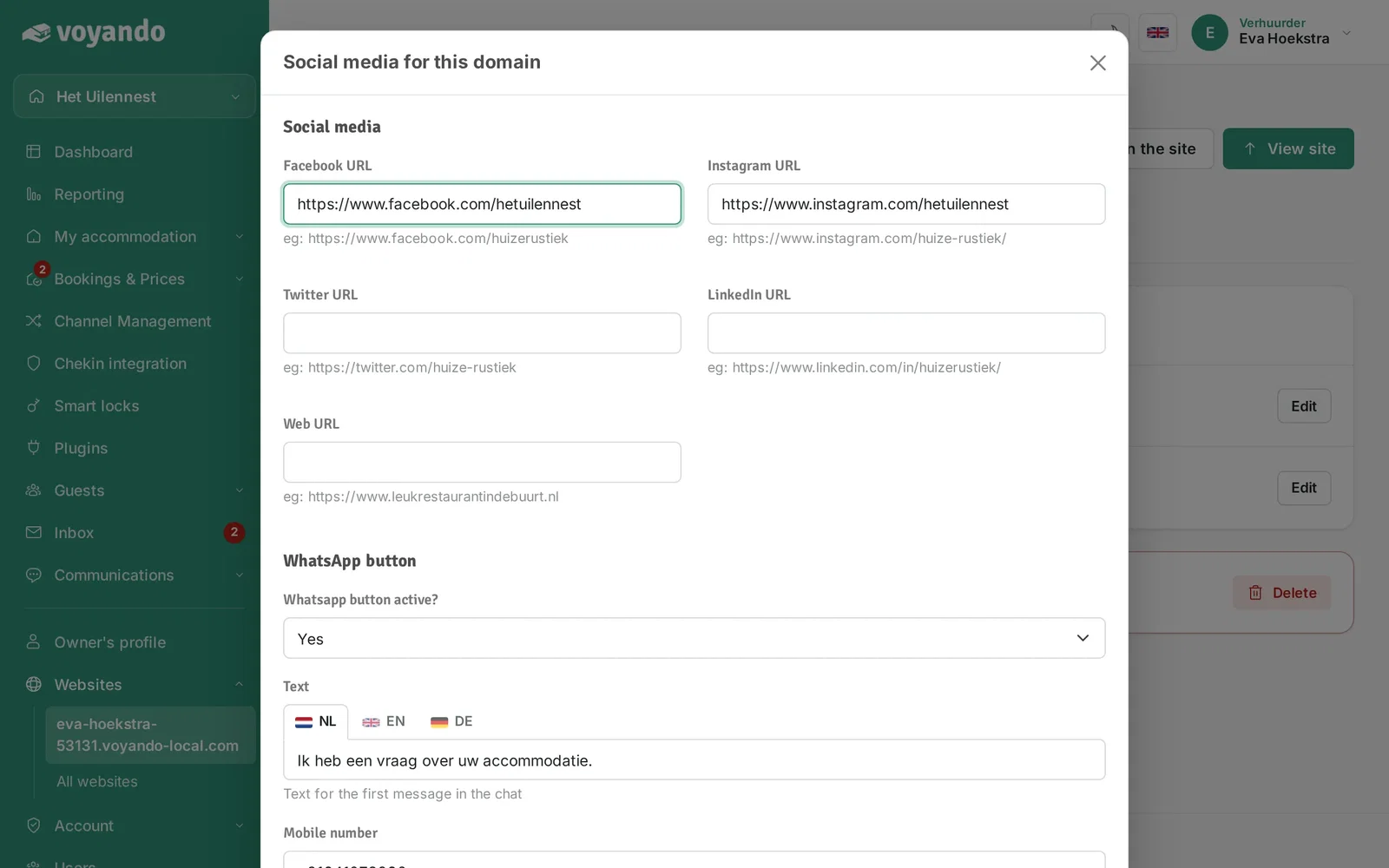
Step 7: Do the same for Instagram, X (Twitter) and LinkedIn. Fields you leave empty do not appear on your website.
-
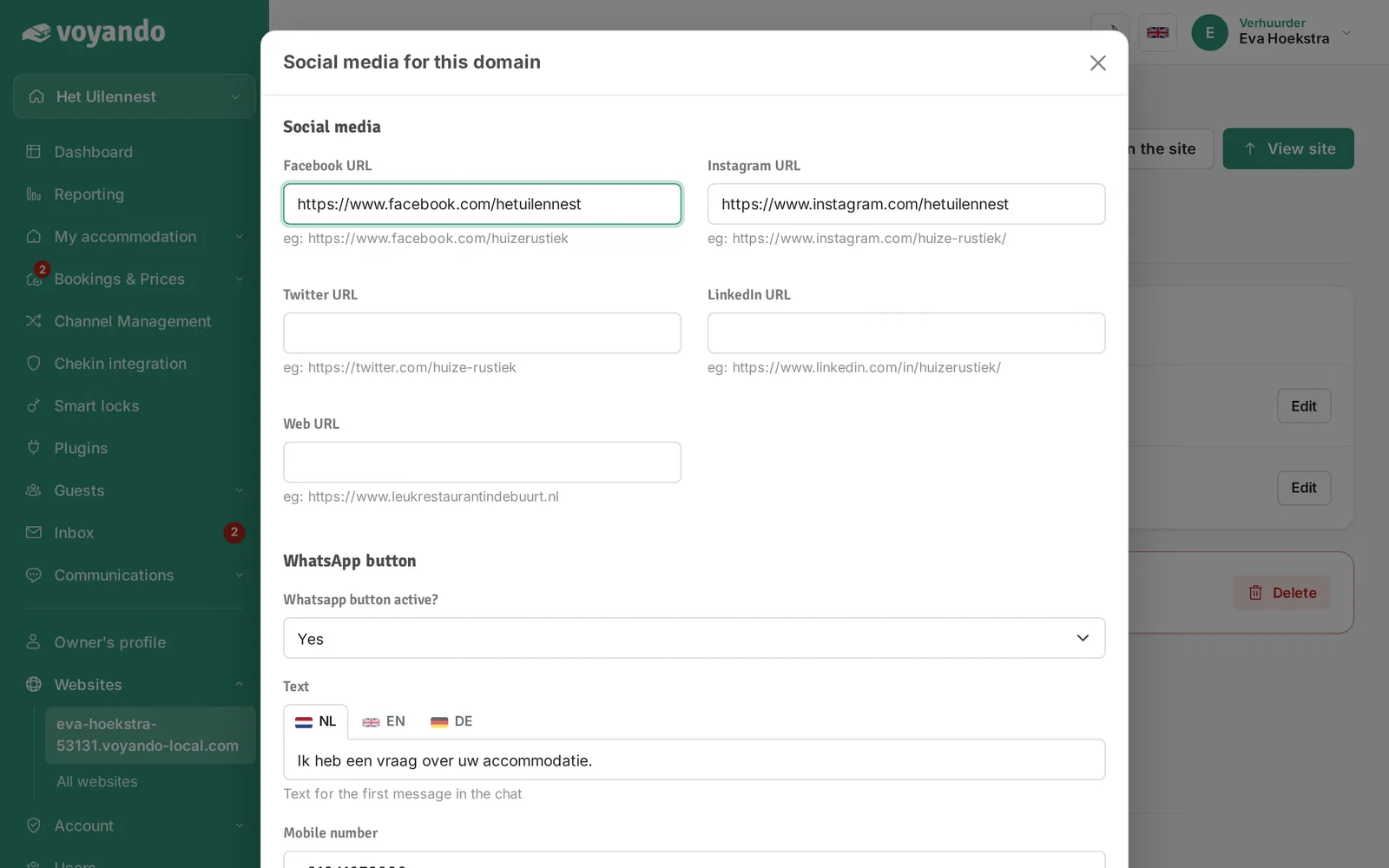
Step 8: Want guests to be able to ask questions via WhatsApp? Choose Yes for the WhatsApp button.
-
Step 9: Enter your mobile number including the country code.

-
Step 10: Click Save.