Where can I enter my booking terms and conditions?
Simply enter your booking terms and conditions via the dashboard and they will automatically appear on your booking page for all your guests.
Step by step · 6 steps
-
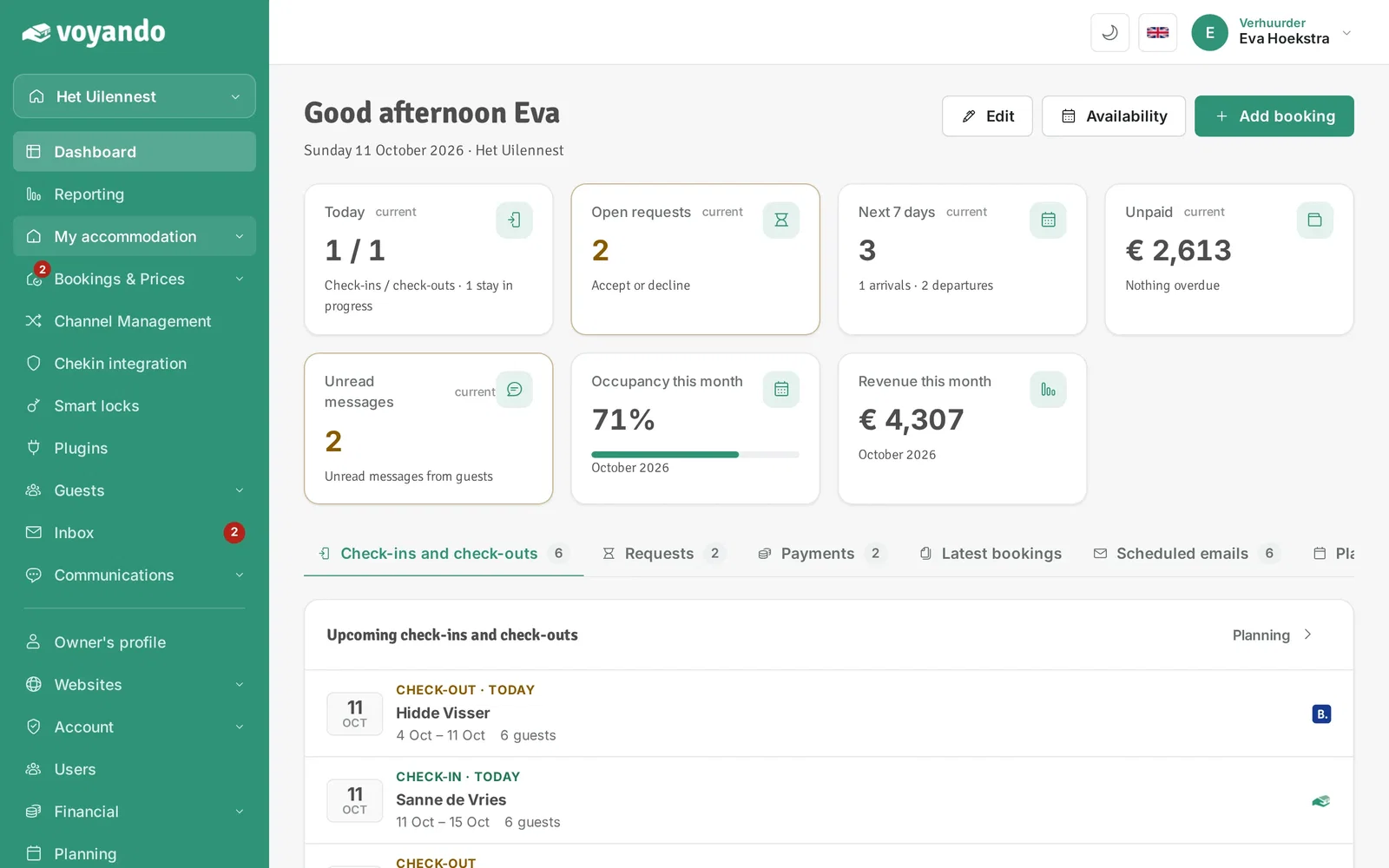
Step 1: Go to your dashboard.

-
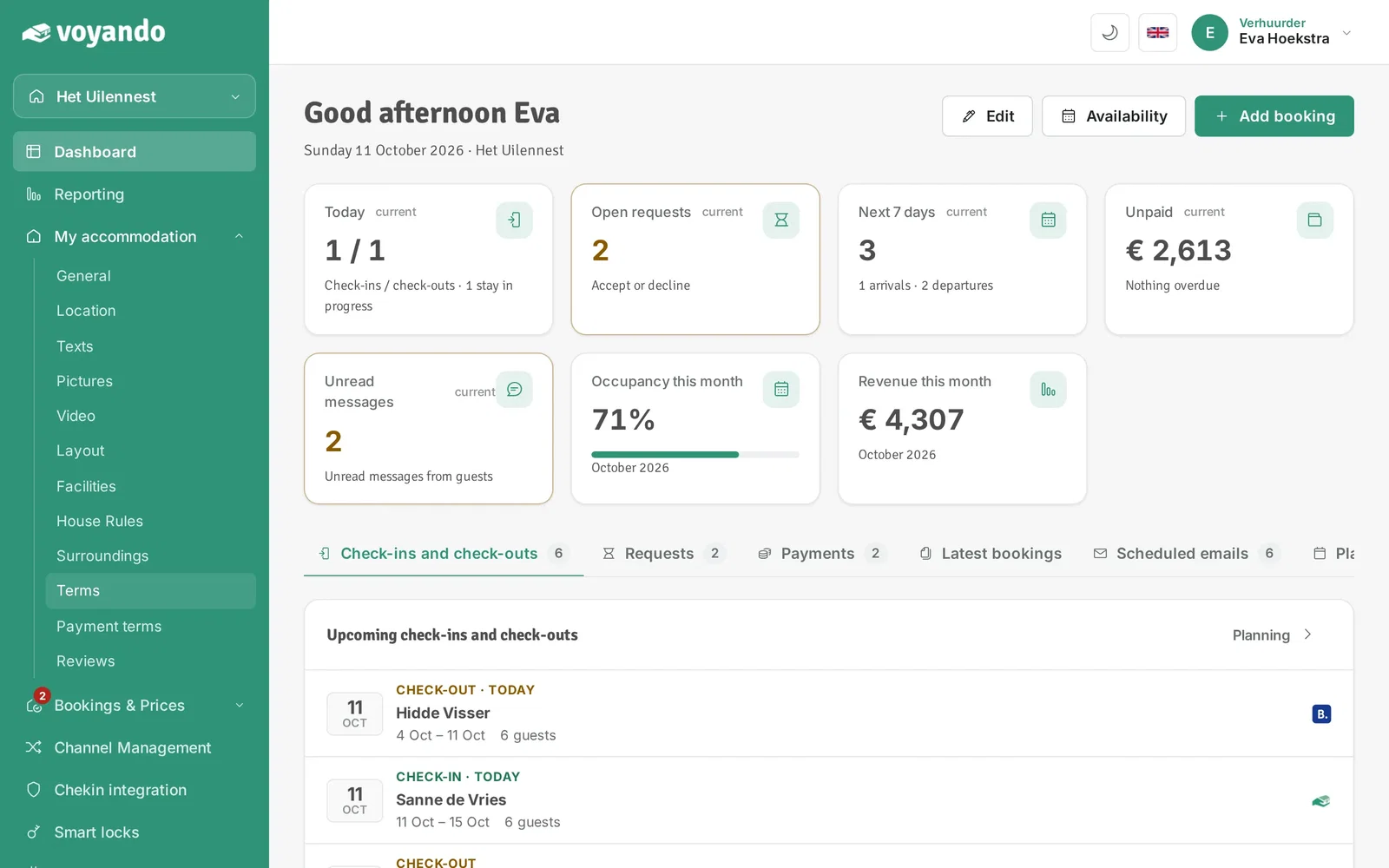
Step 2: Click My accommodation in the menu.
-
Step 3: Click Terms.
-
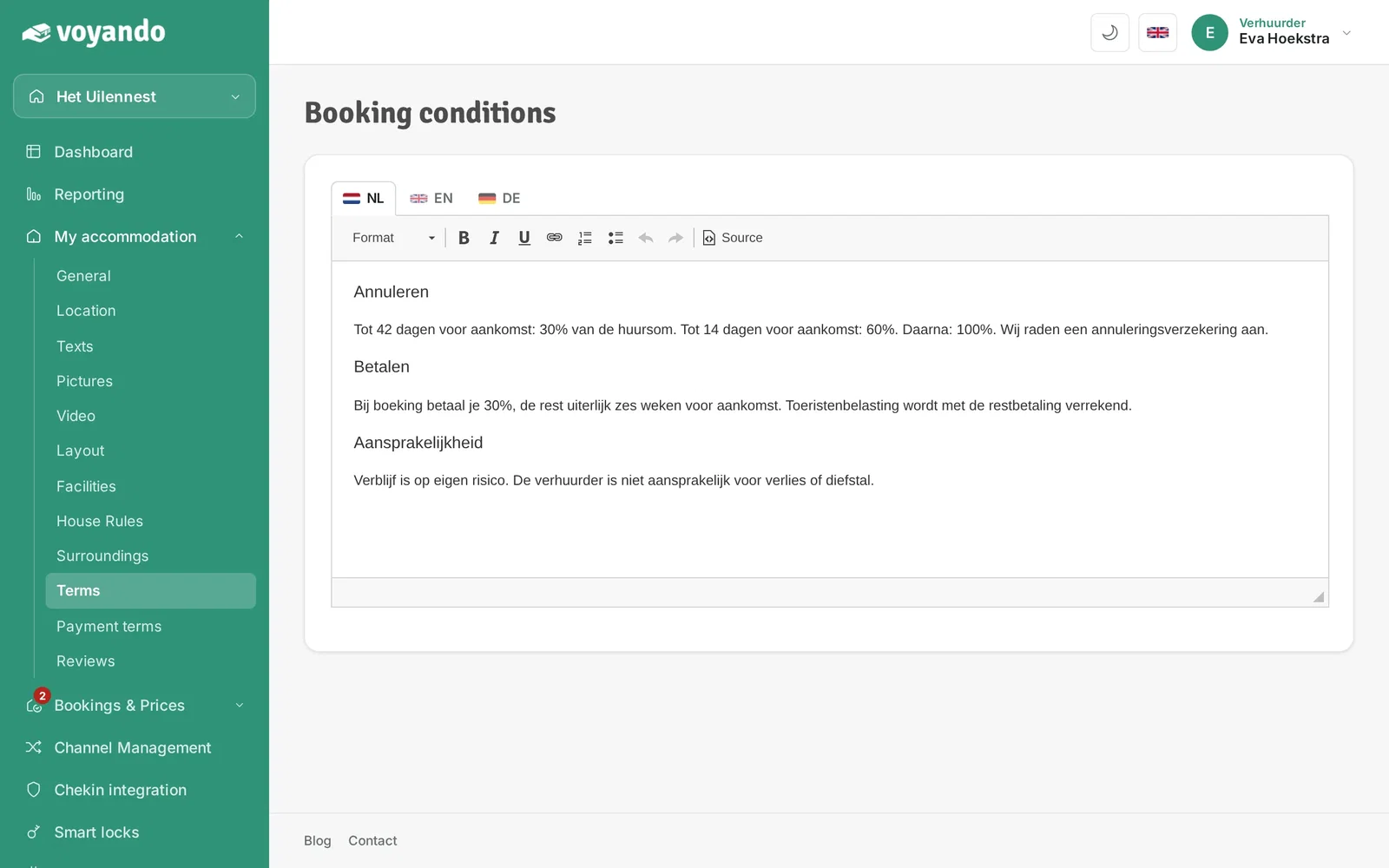
Step 4: Enter your booking terms and conditions here. Don't have any yet? You can find a free example on voyando.com.

-
Step 5: Click the flags to also enter the terms for every other language you offer.
-
Step 6: Click Save. The terms now appear on the booking page; guests who book through your website automatically agree to them.




