How can I change the check-in and check-out dates?
You can easily adjust the check-in and check-out dates for your standard rate or specific periods via the dashboard under ‘Bookings & Prices’.
s
Step by step · 9 steps
-
Step 1: Go to your dashboard.

-
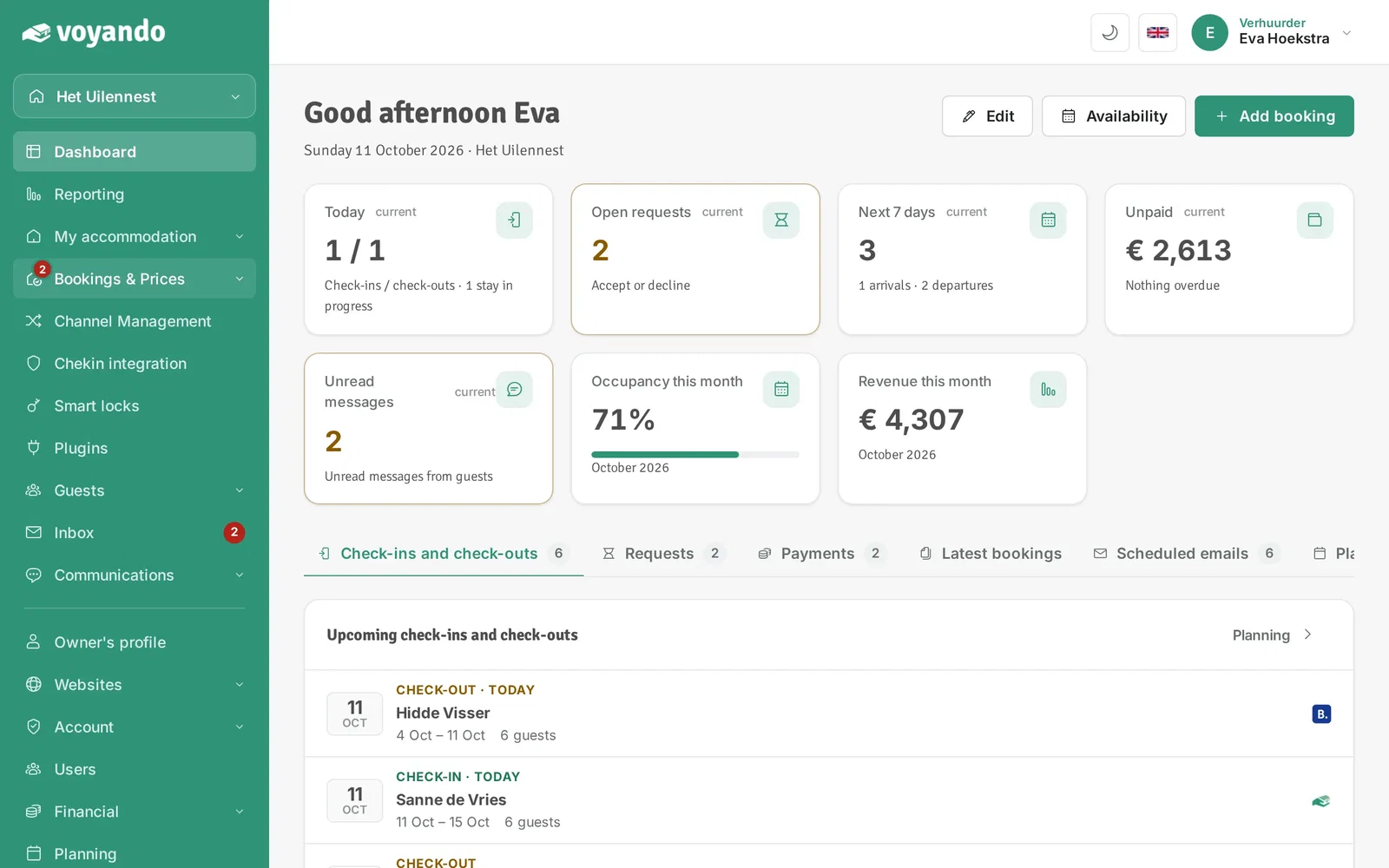
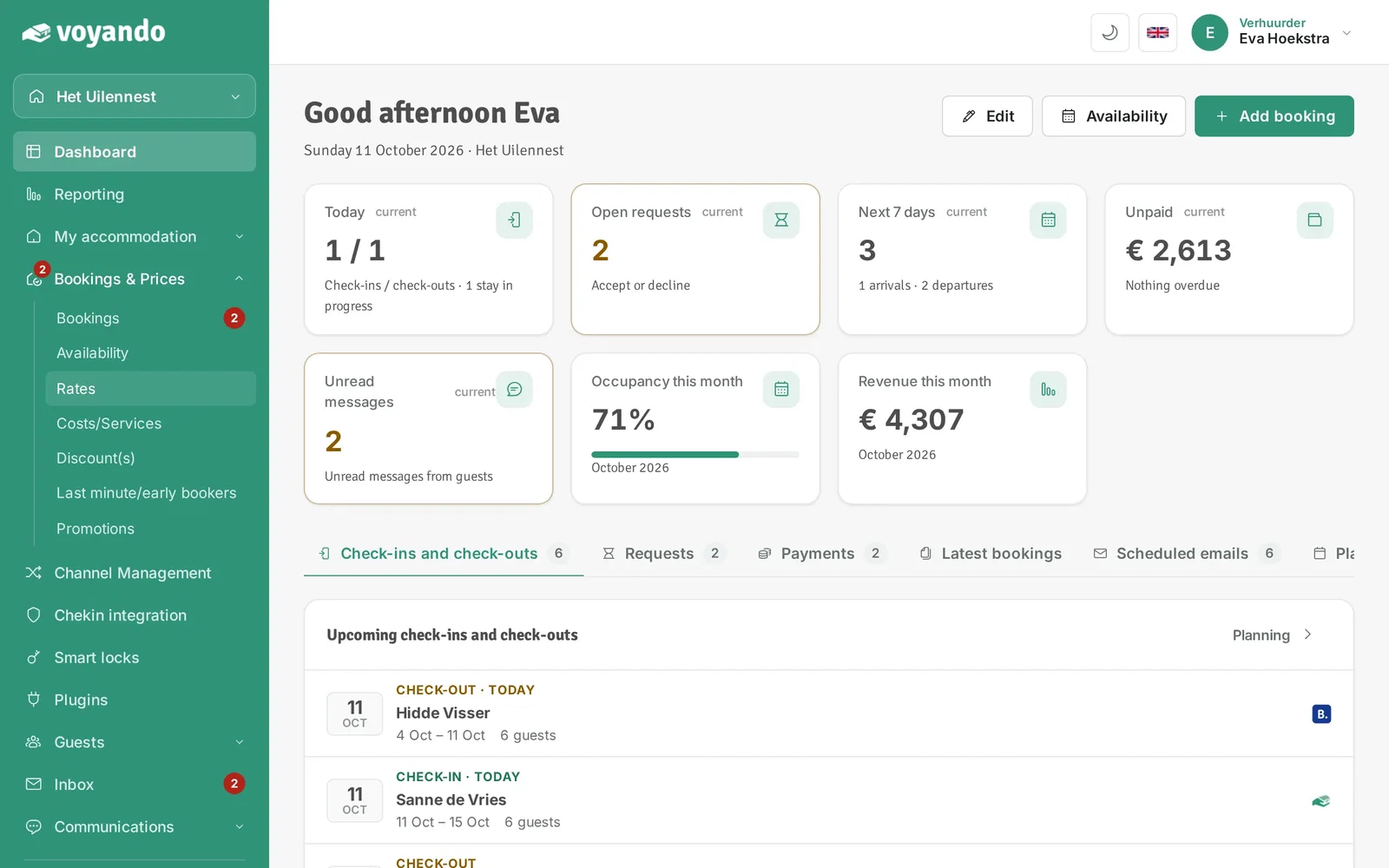
Step 2: Click Bookings & Prices in the menu.
-
Step 3: Click Rates.
-
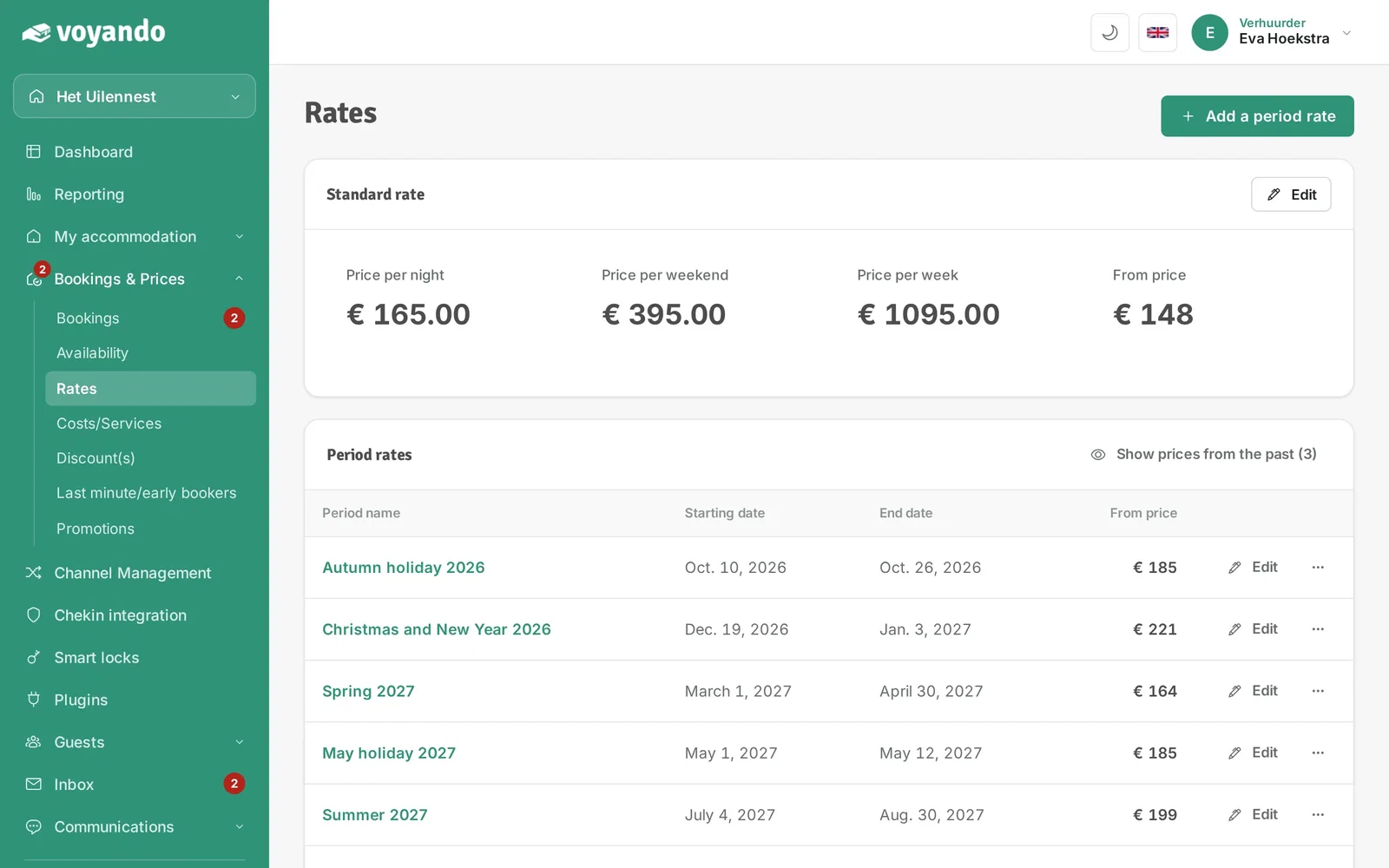
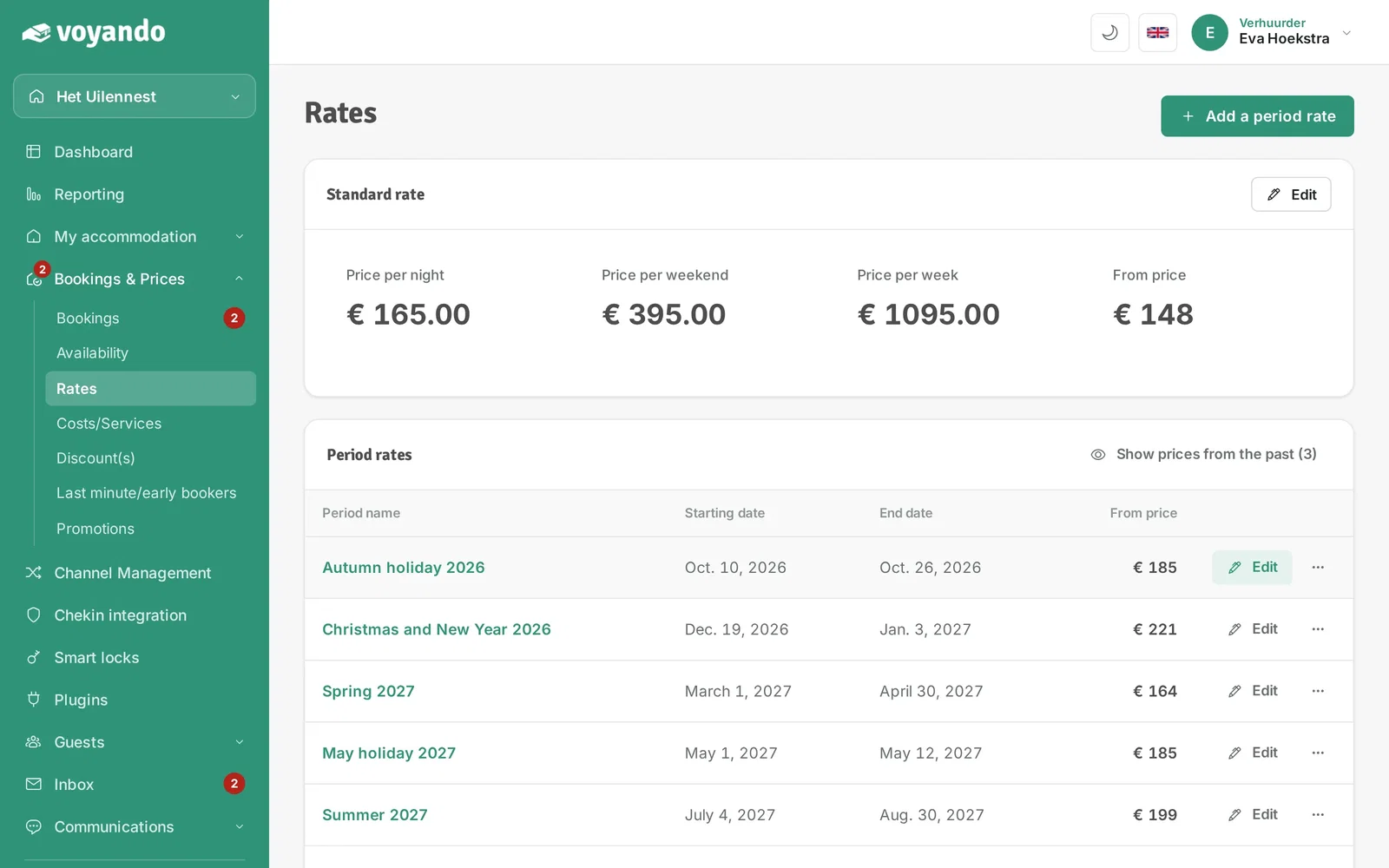
Step 4: Want to change the days of your standard rate? Click Edit next to Standard rate.
-
Step 5: For a specific period, first find or create the period rate. Then click Edit next to that period.
-
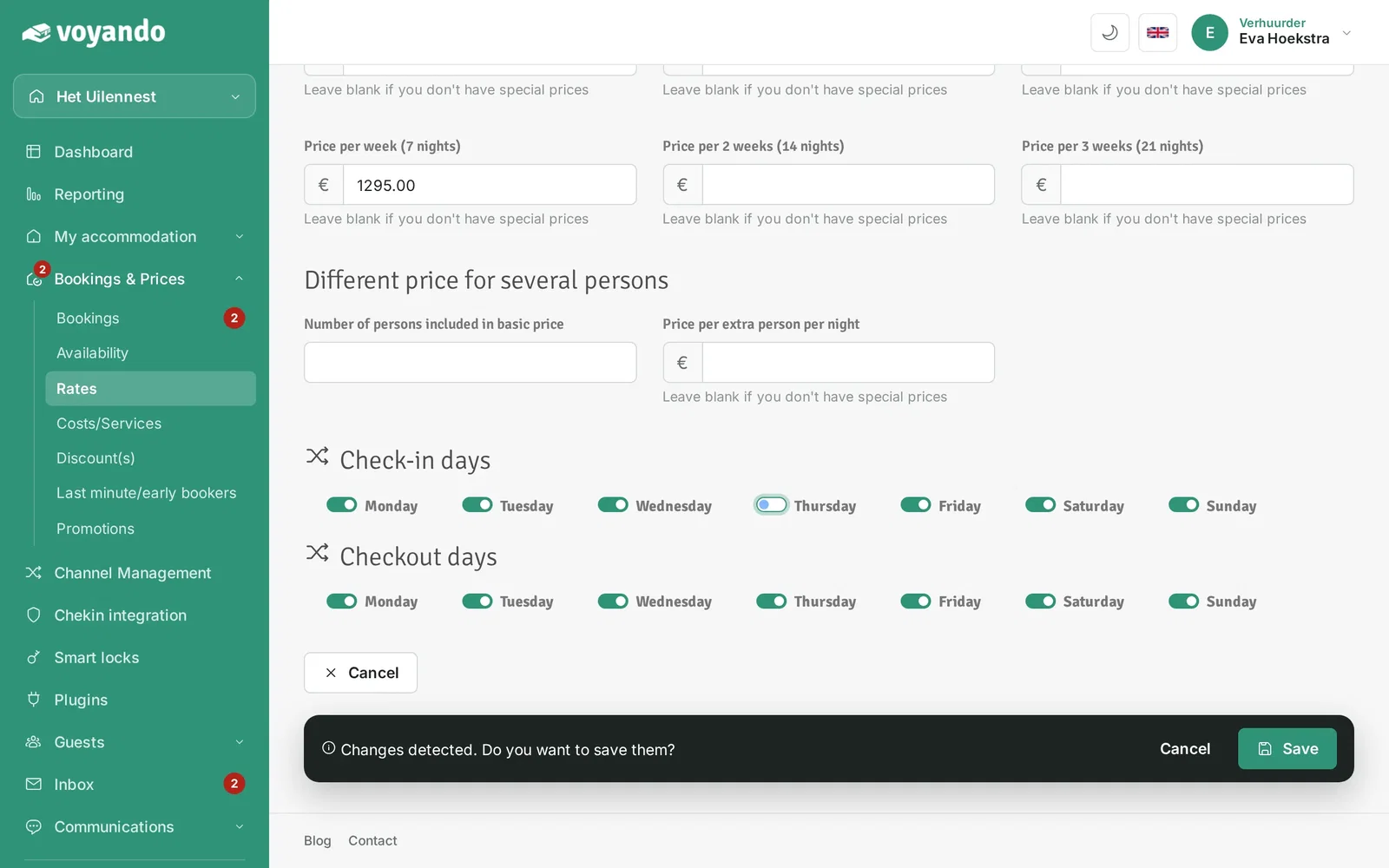
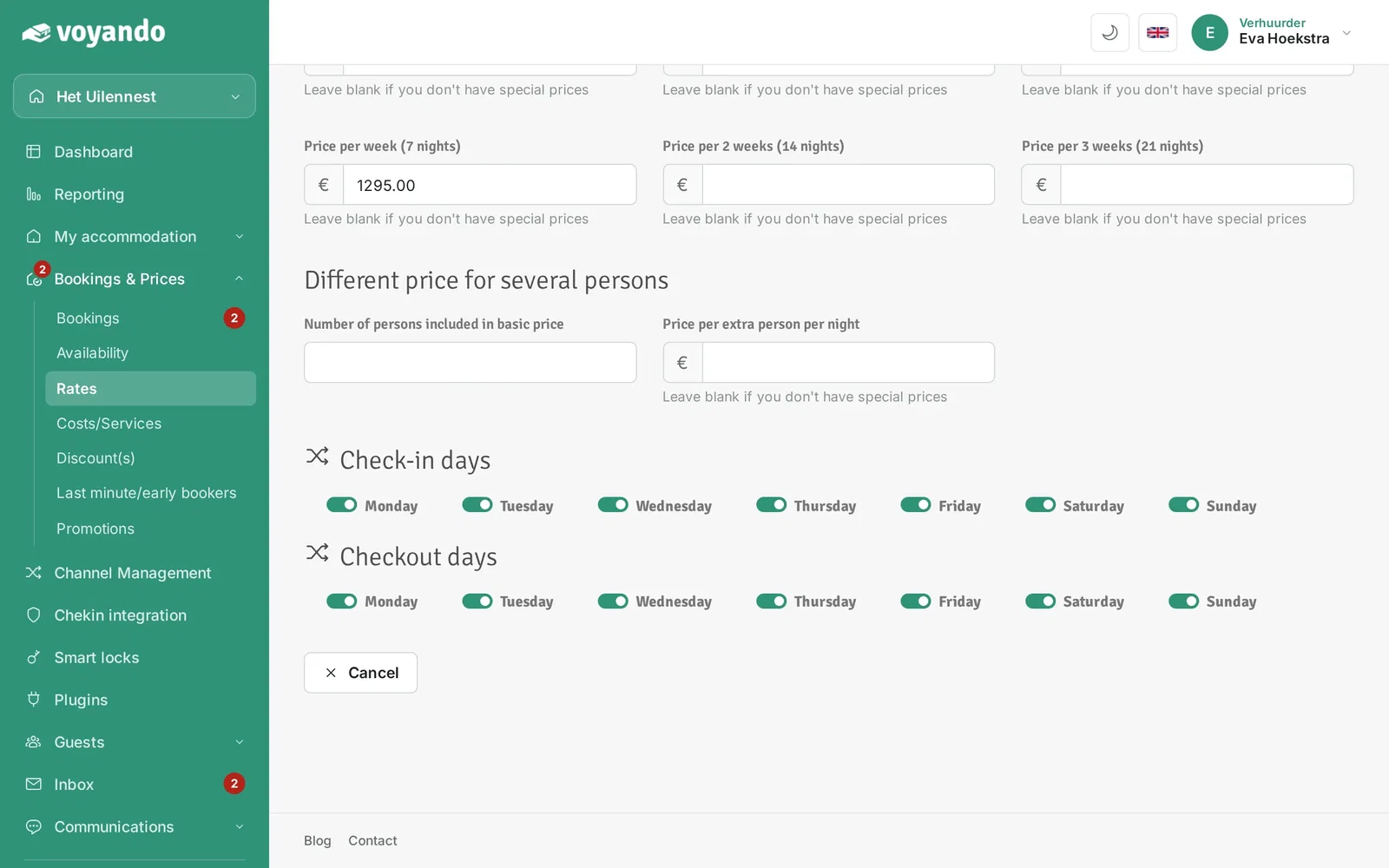
Step 6: At the bottom of the page, under Check-in days, switch on the days on which guests may arrive.
-
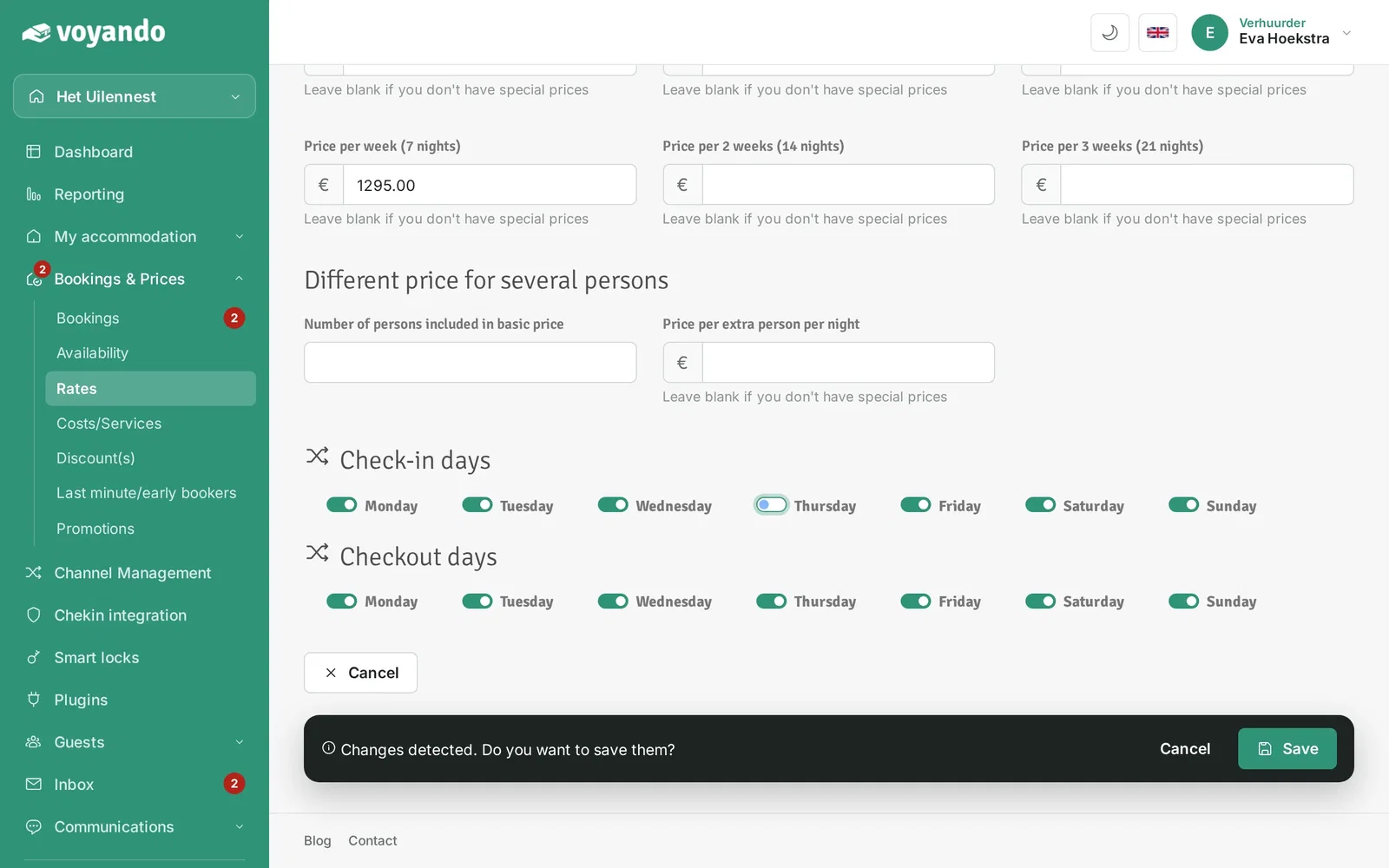
Step 7: Switch a day off, for example Thursday, if guests may not check in on that day.
-
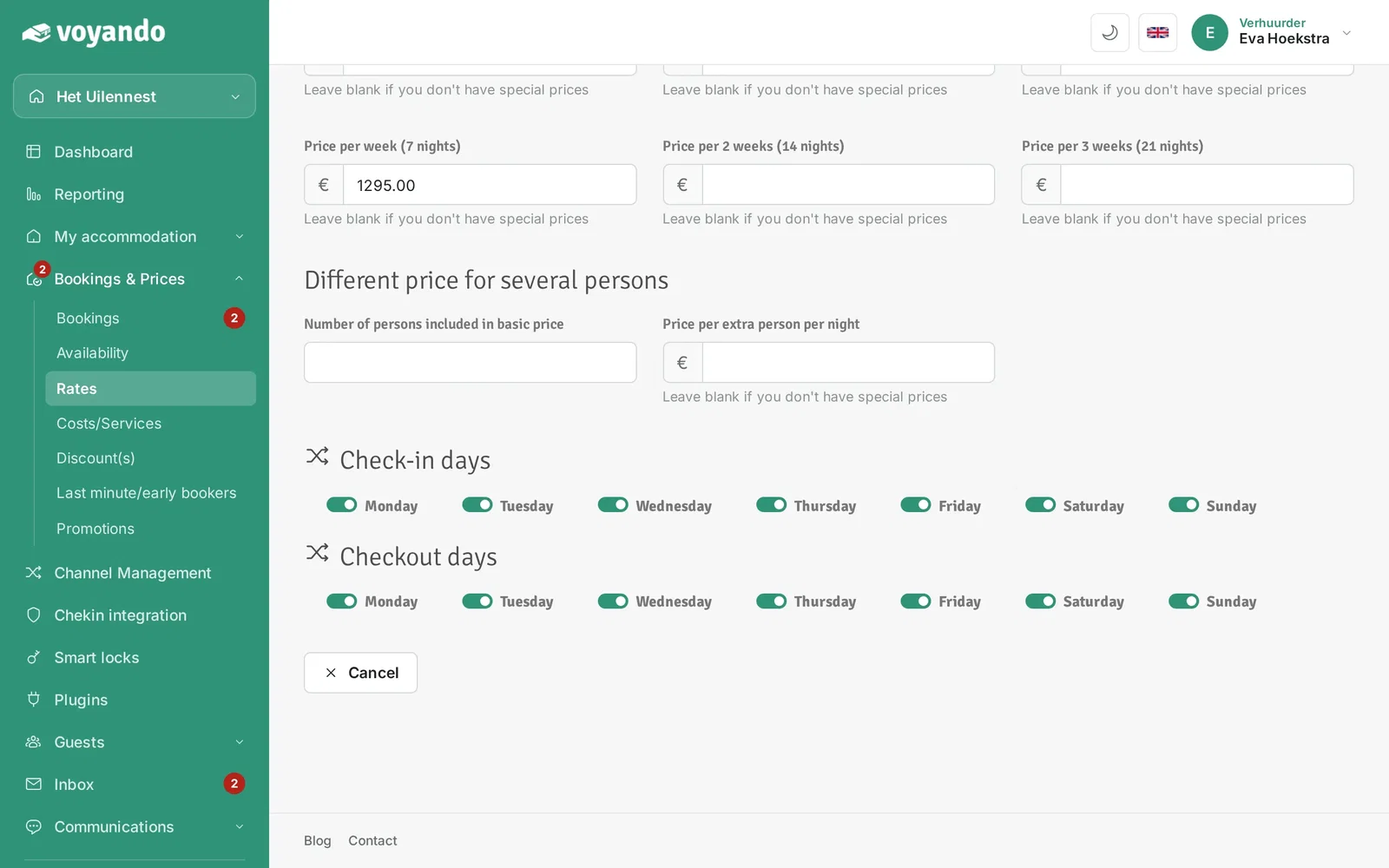
Step 8: Under Checkout days you do the same for the departure days.
-
Step 9: Click Save.