How do I block out an extra (cleaning) day in my calendar for a booking?
Simply book an extra cleaning day in your calendar by ticking the relevant option under your standard or periodic rates and saving your changes.
Step by step · 6 steps
-
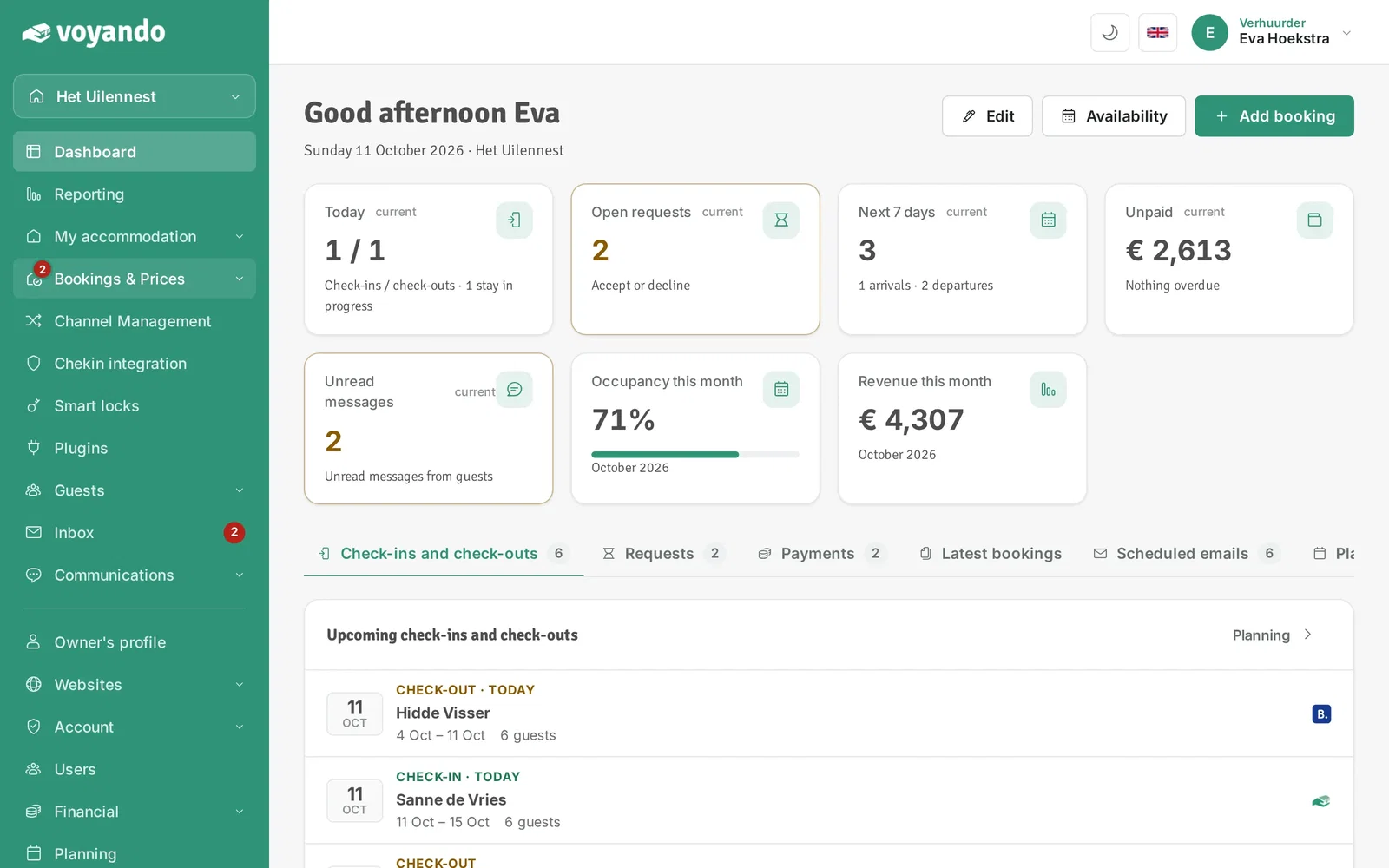
Step 1: Go to your dashboard.

-
Step 2: Click Bookings & Prices in the menu.
-
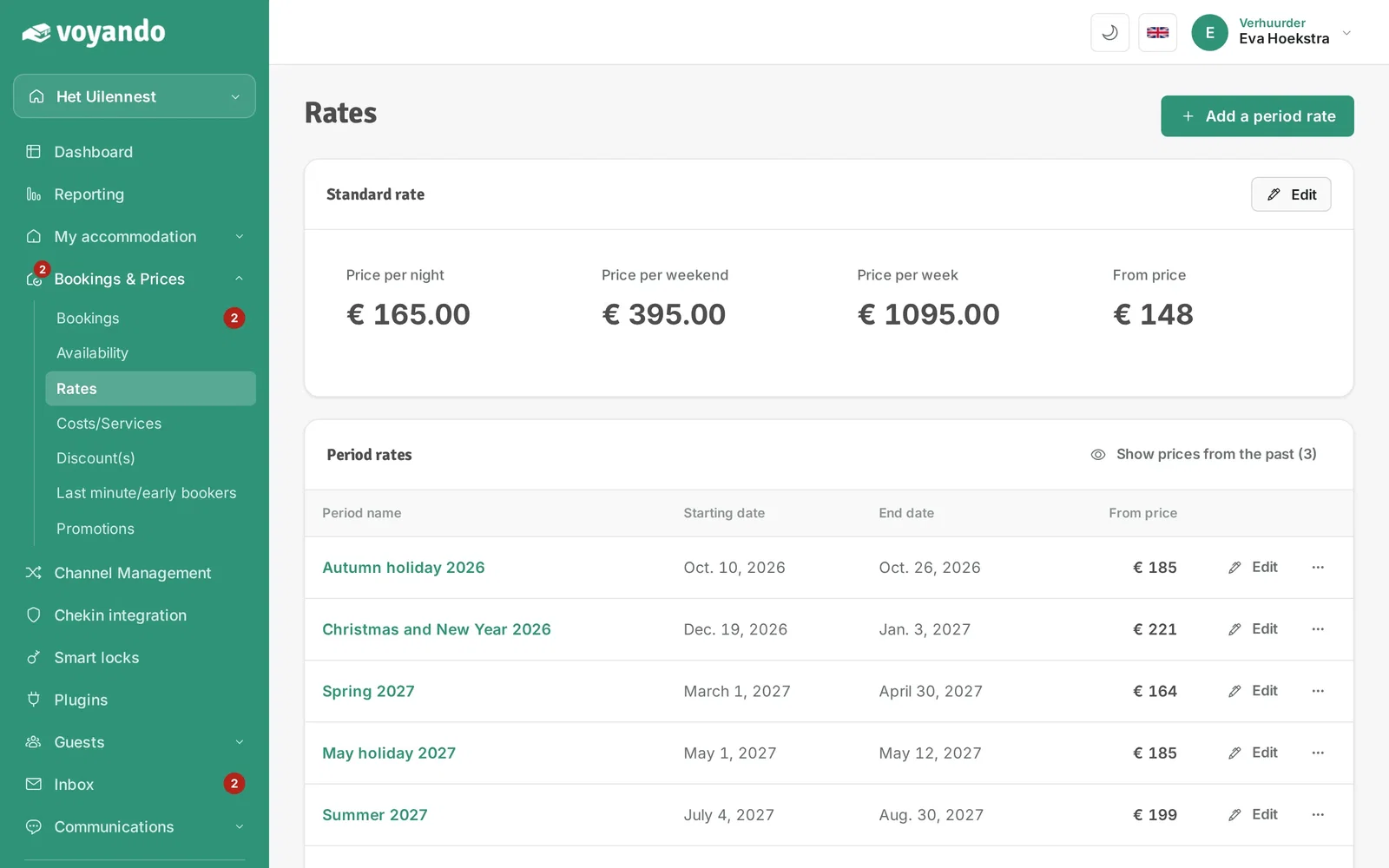
Step 3: Click Rates.

-
Step 4: Click Edit next to Standard rate.
-
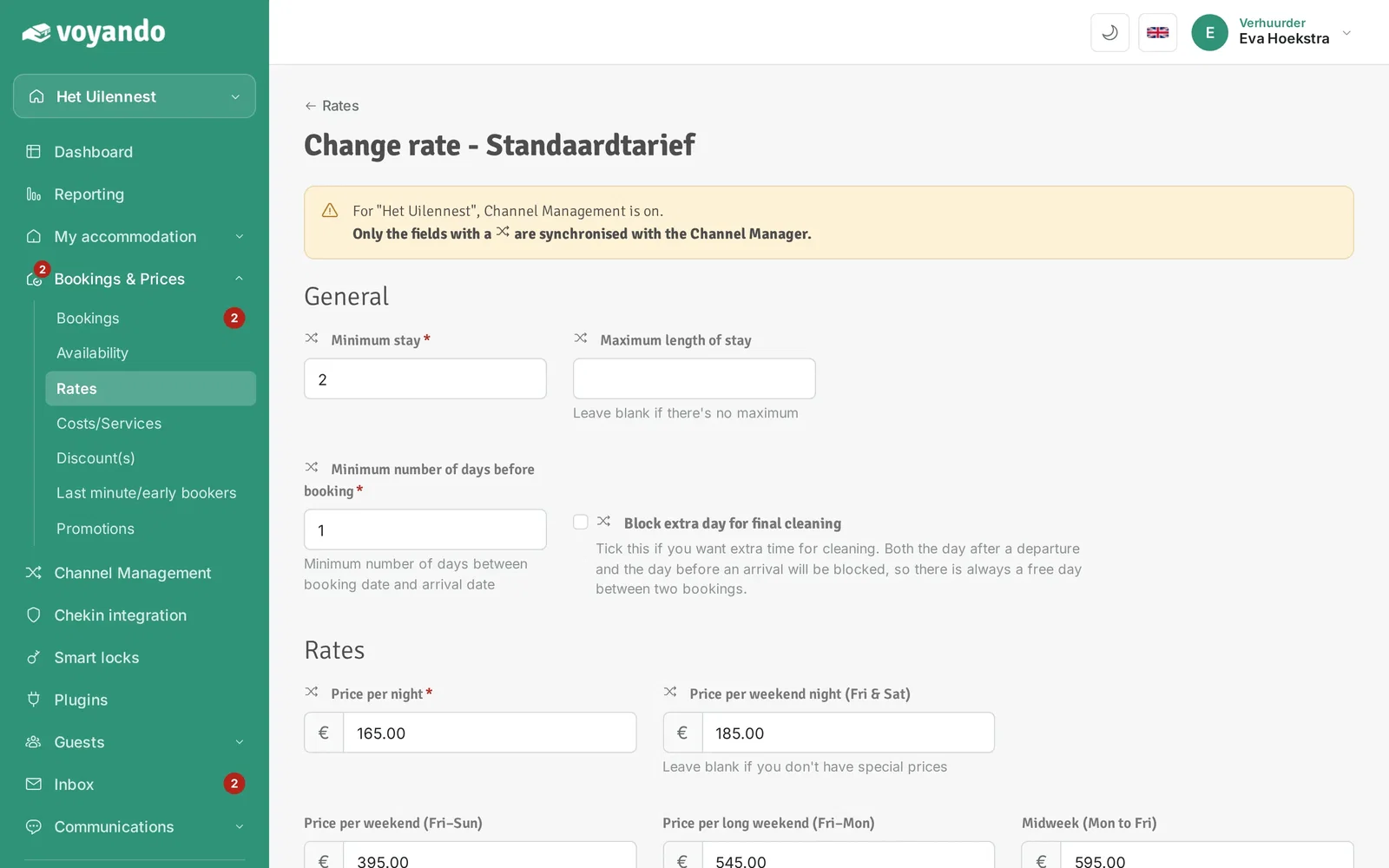
Step 5: Tick Block extra day for final cleaning. There will then always be a free day between two bookings.
-
Step 6: Click Save. If needed, repeat this for your period rates (Edit next to the period).




