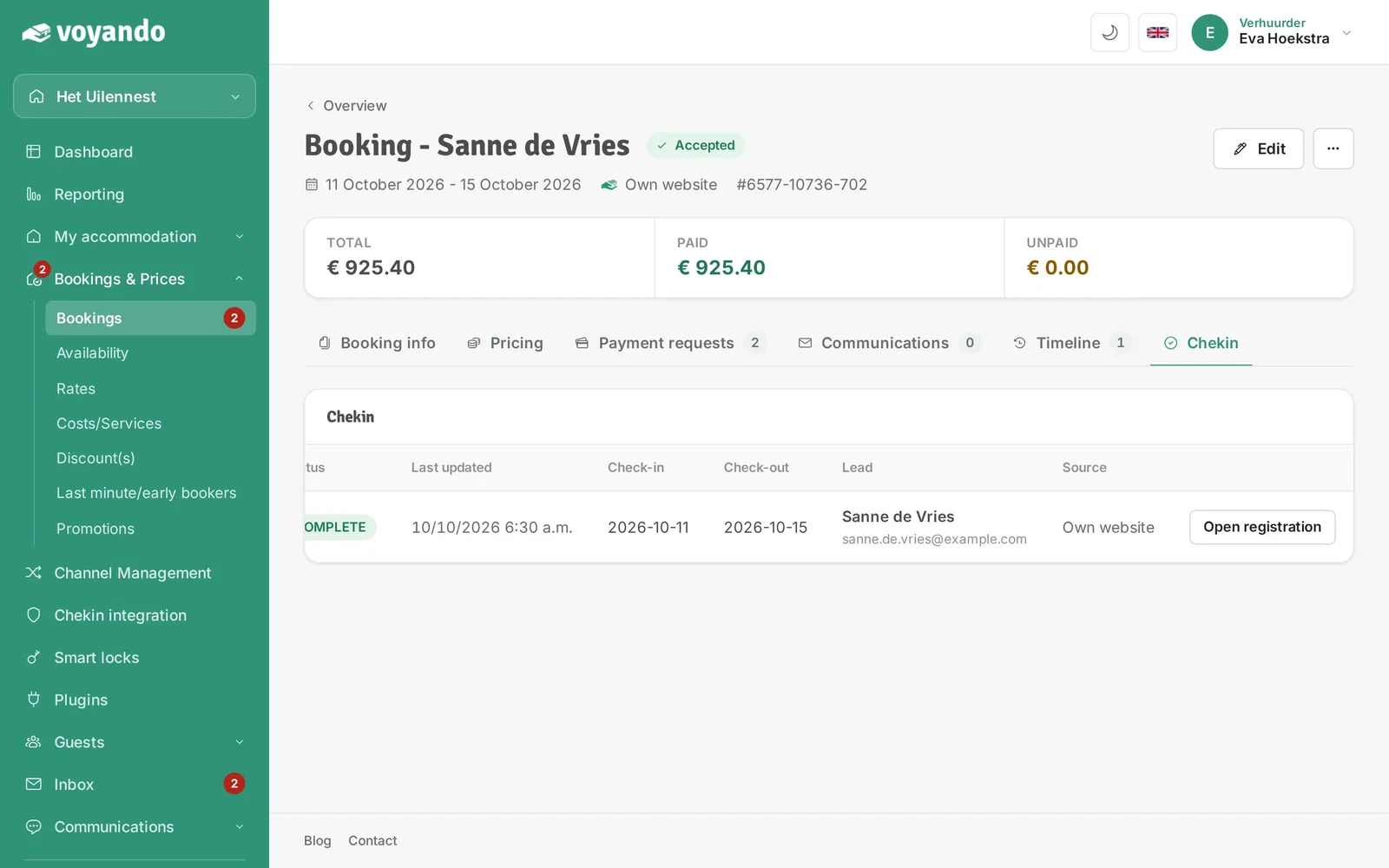
How do I generate a Chekin link?
Generate a check-in link via ‘Bookings and Prices’, click on ‘Communication’ and ‘Compose email’, and share the link with your guest so they can register.
Step by step · 8 steps
-
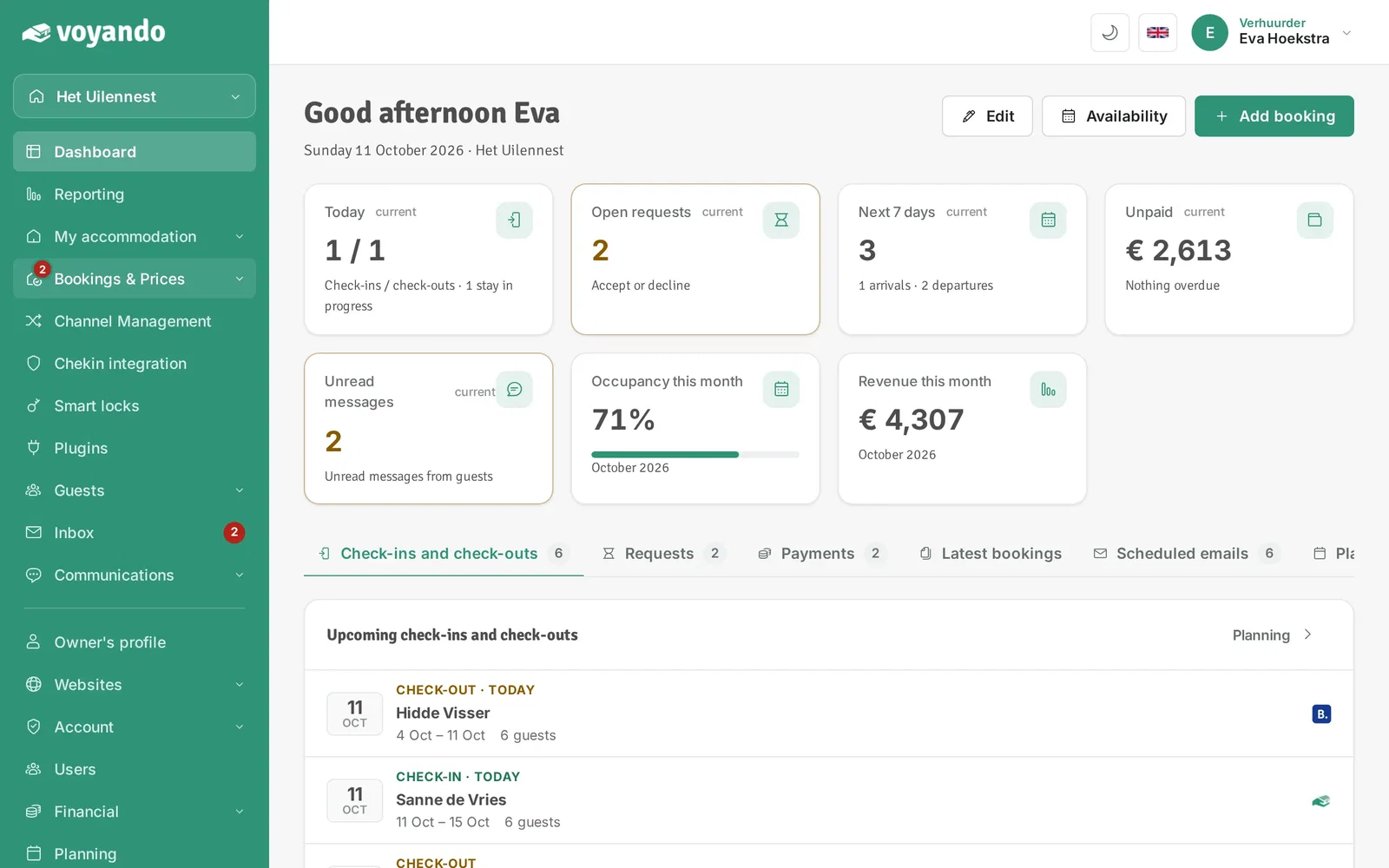
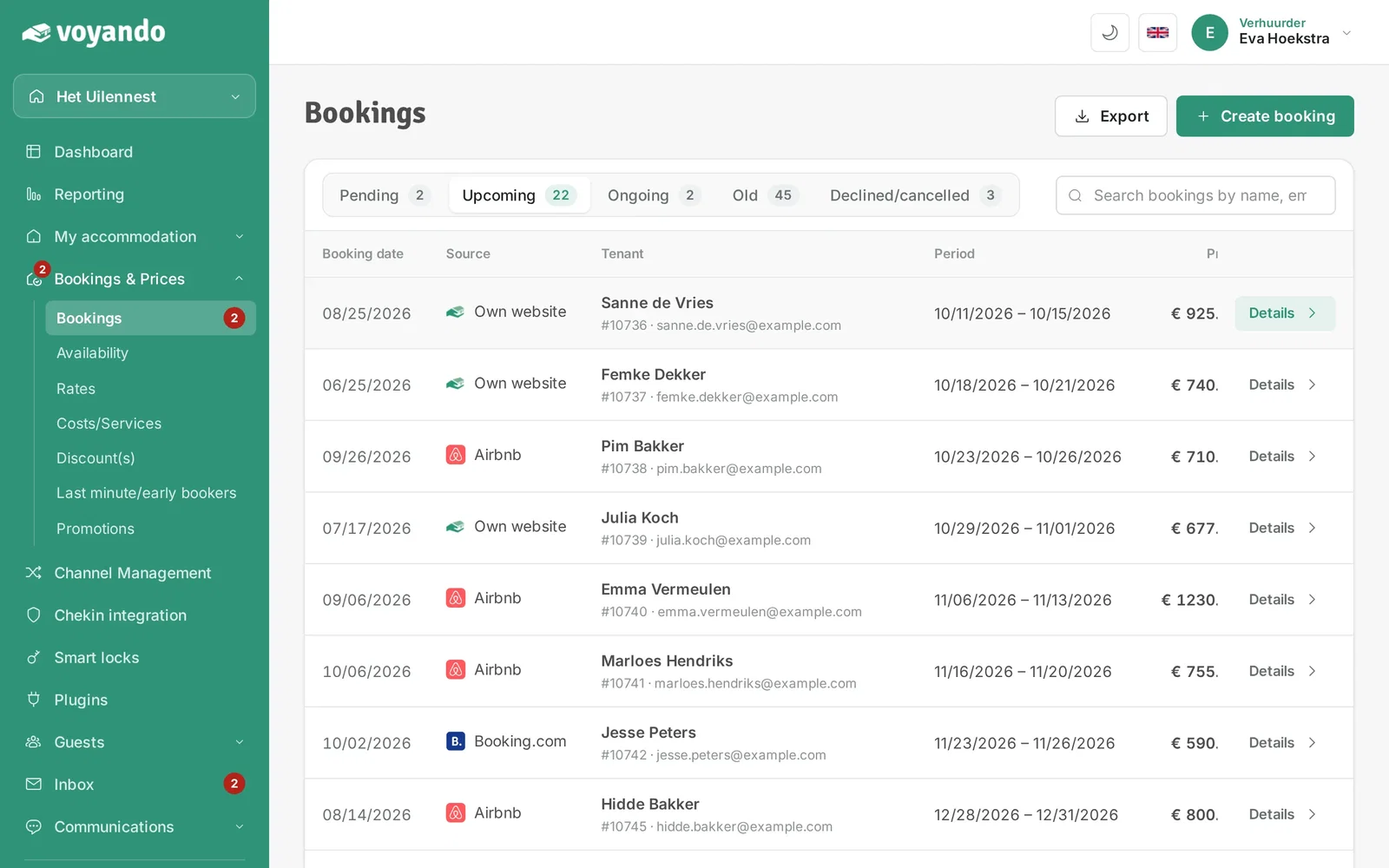
Step 1: Go to your dashboard.

-
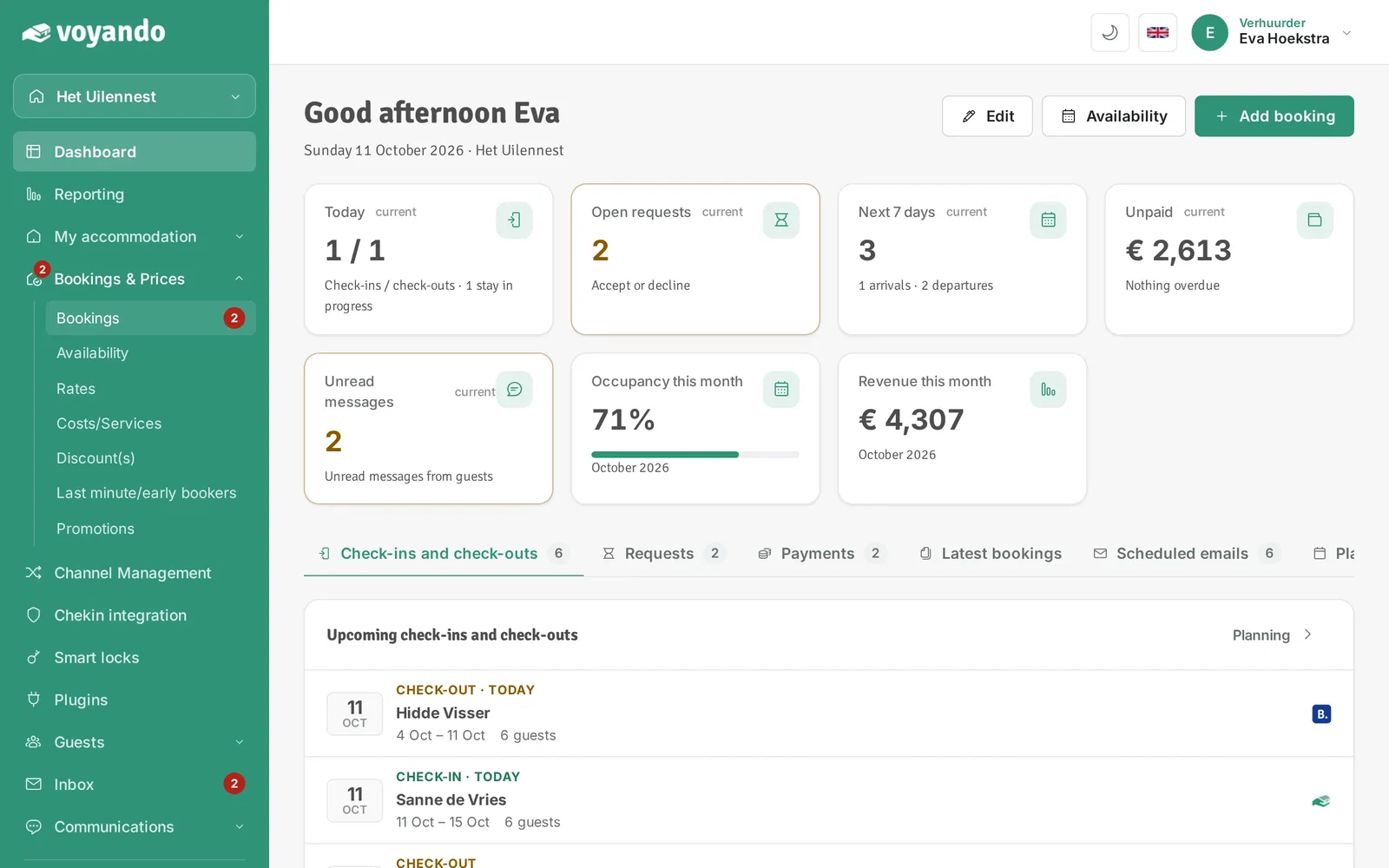
Step 2: Click Bookings & Prices in the menu.
-
Step 3: Click Bookings.
-
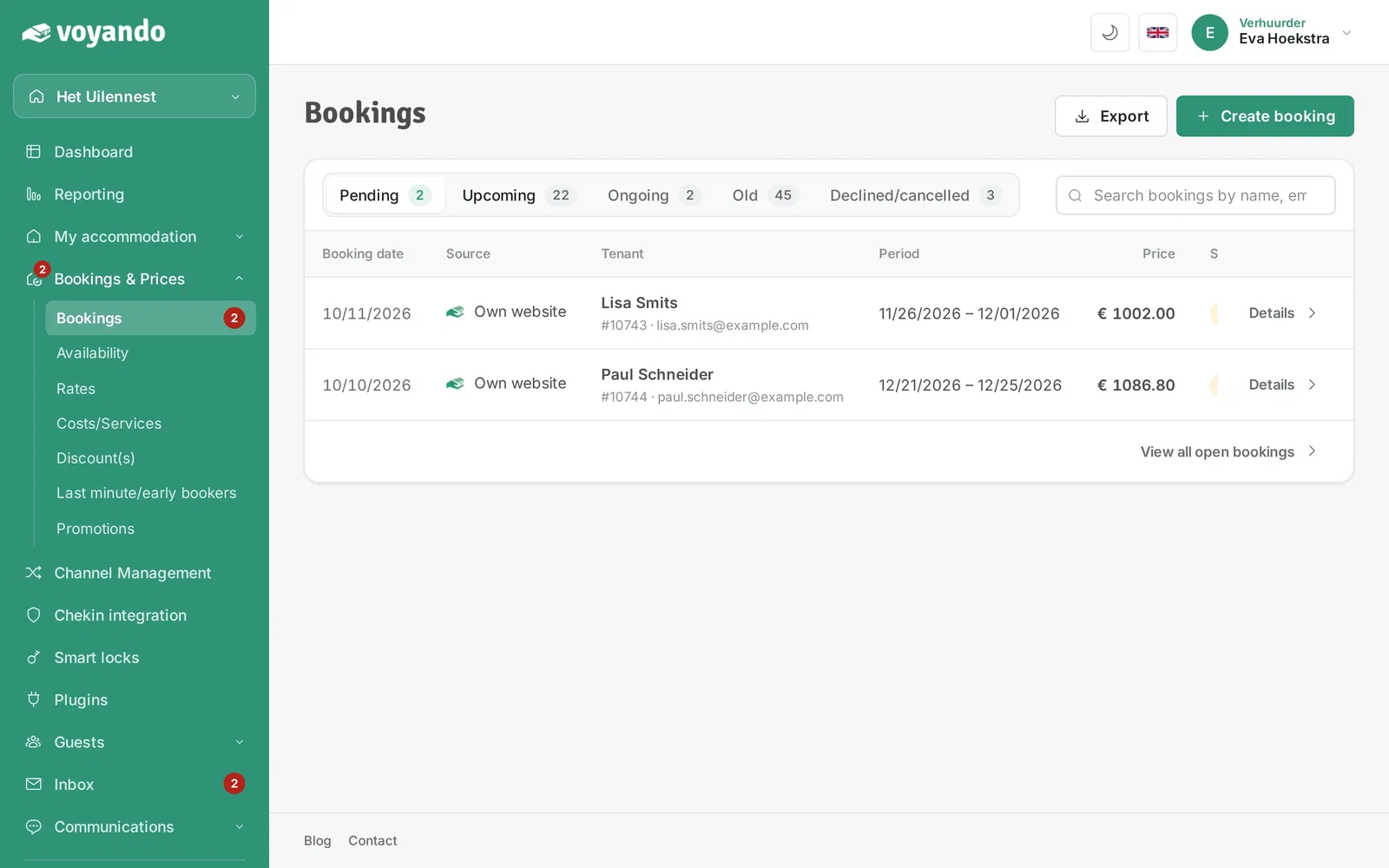
Step 4: Click Upcoming.
-
Step 5: Find the booking and click Details.
-
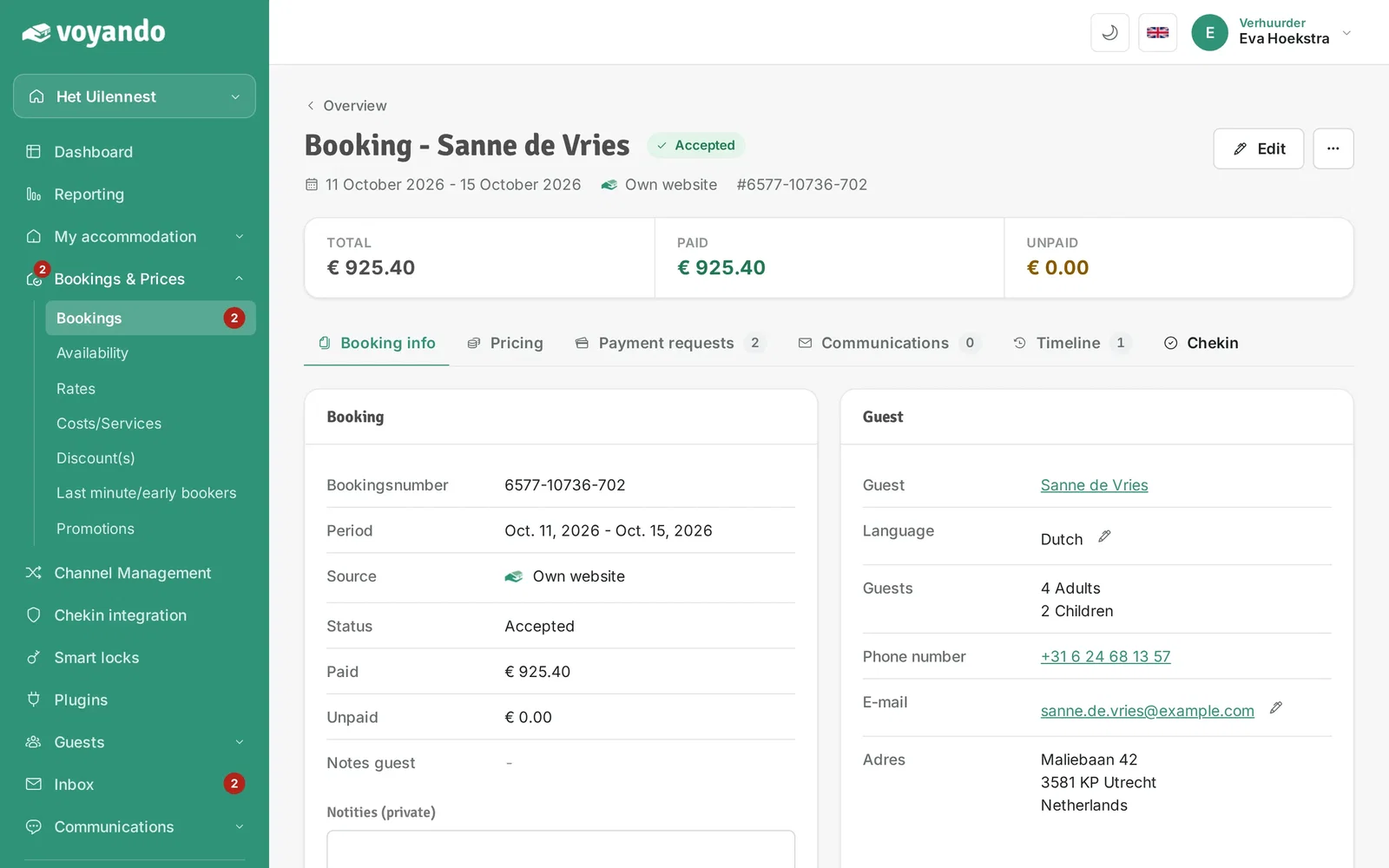
Step 6: Click the Chekin tab.
-
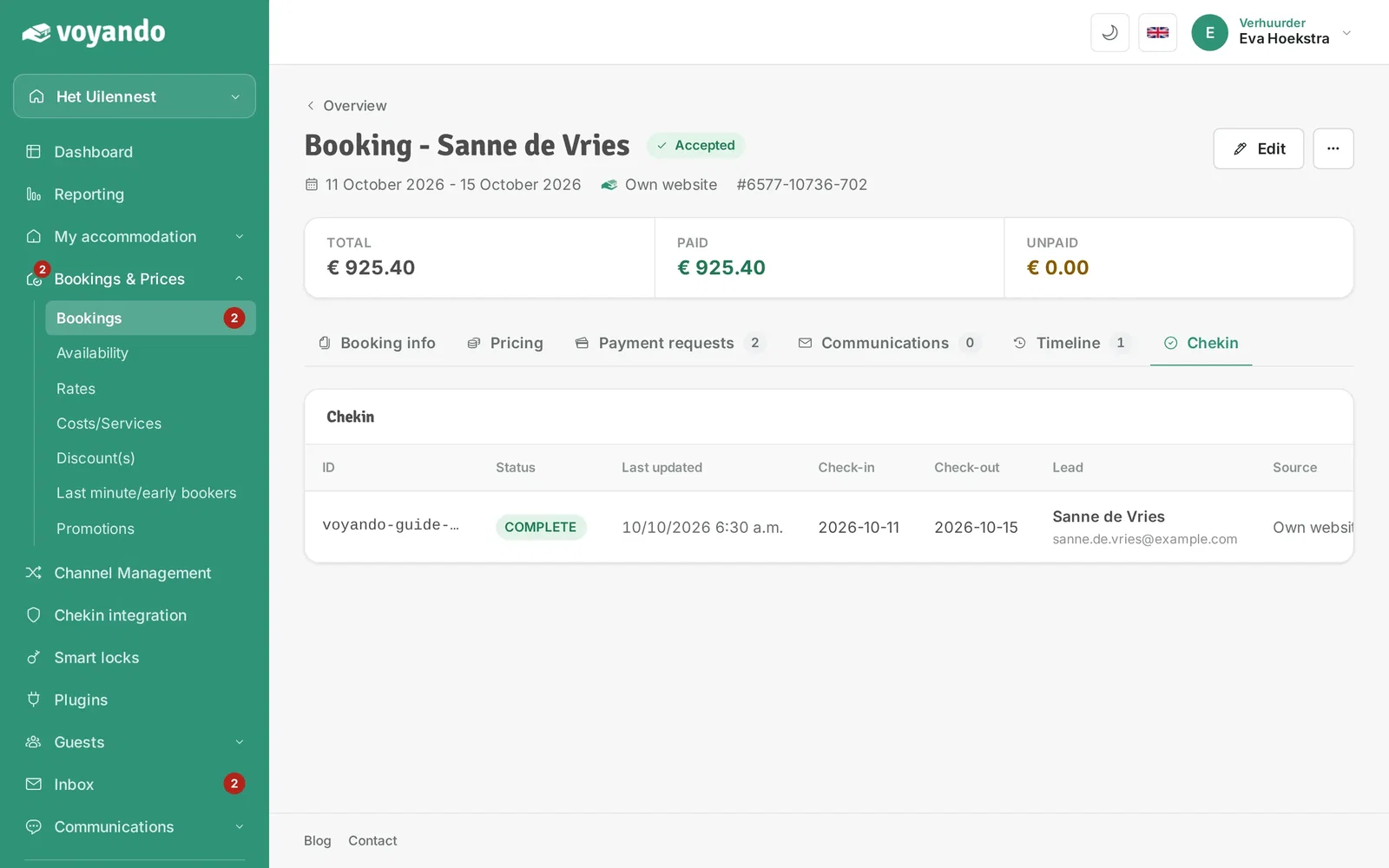
Step 7: Here you see the registration status for this guest.
-
Step 8: Open registration opens the guest's registration page. Copy the link (it contains /guest-registration/) and share it with your guest to complete the registration.