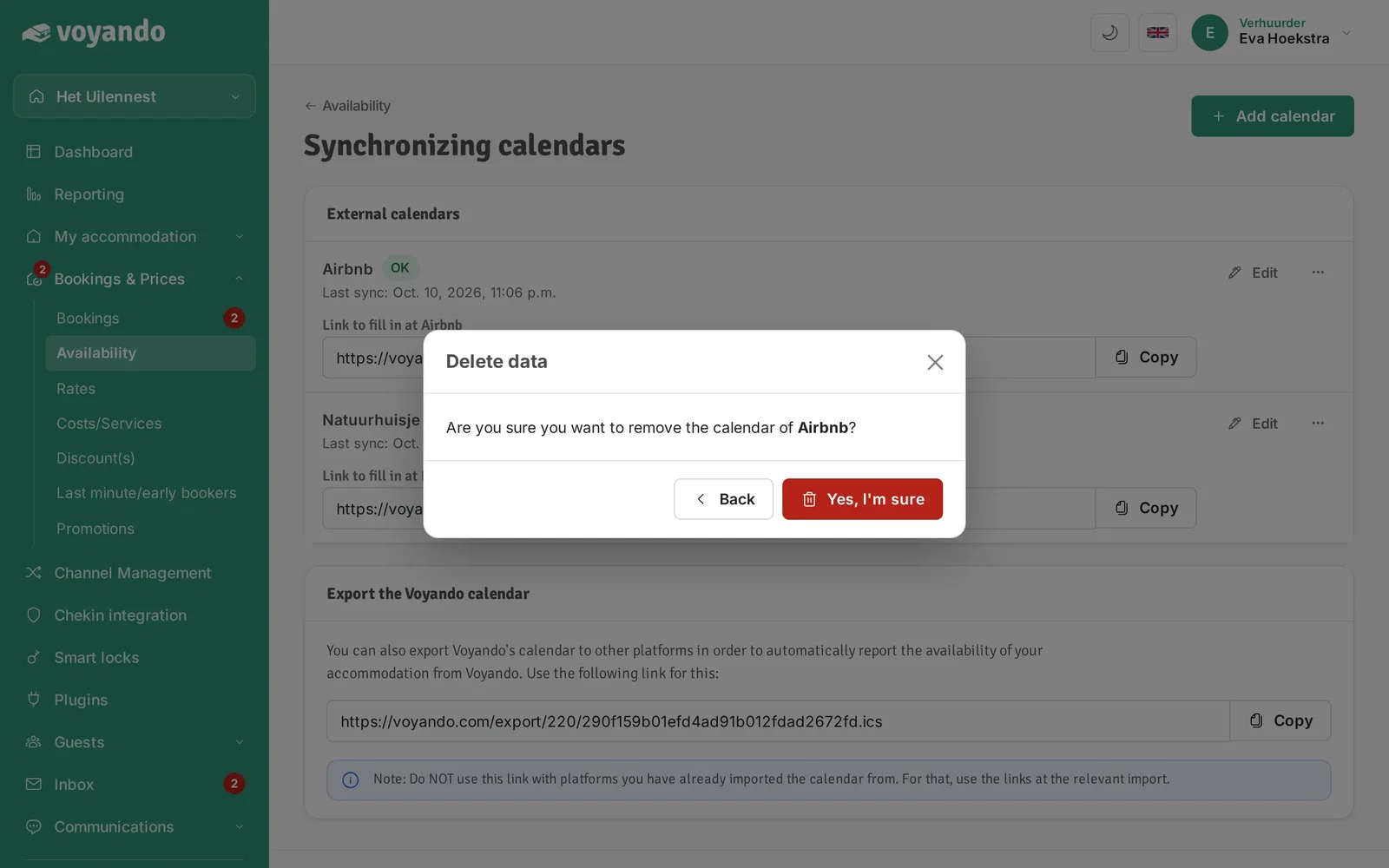
How do I remove an iCal link?
You can easily remove an iCal link via Bookings & Prices > Availability by selecting the link and confirming.
Step by step · 8 steps
-
Step 1: Go to your dashboard.

-
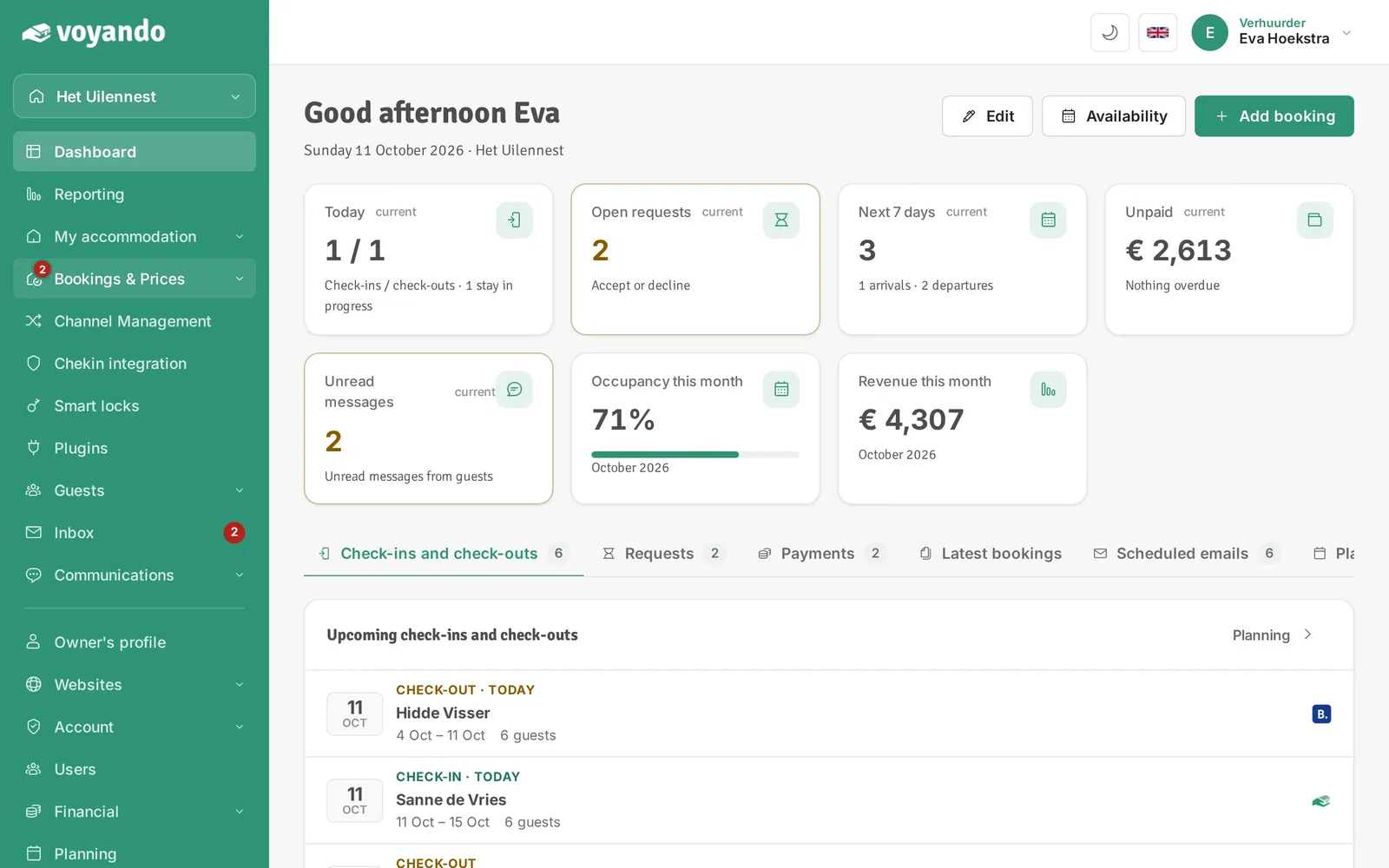
Step 2: Click Bookings & Prices in the menu.
-
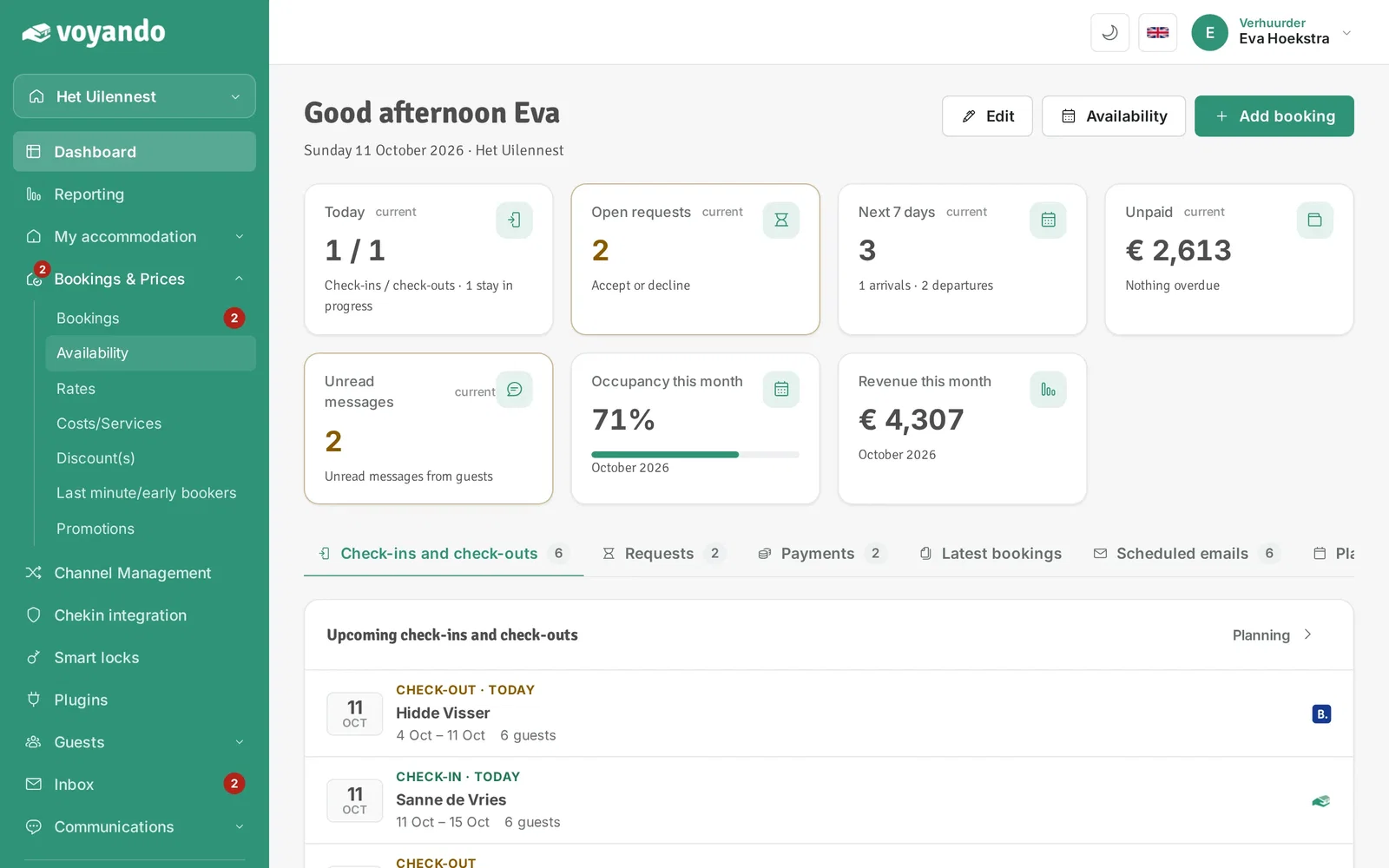
Step 3: Click Availability.
-
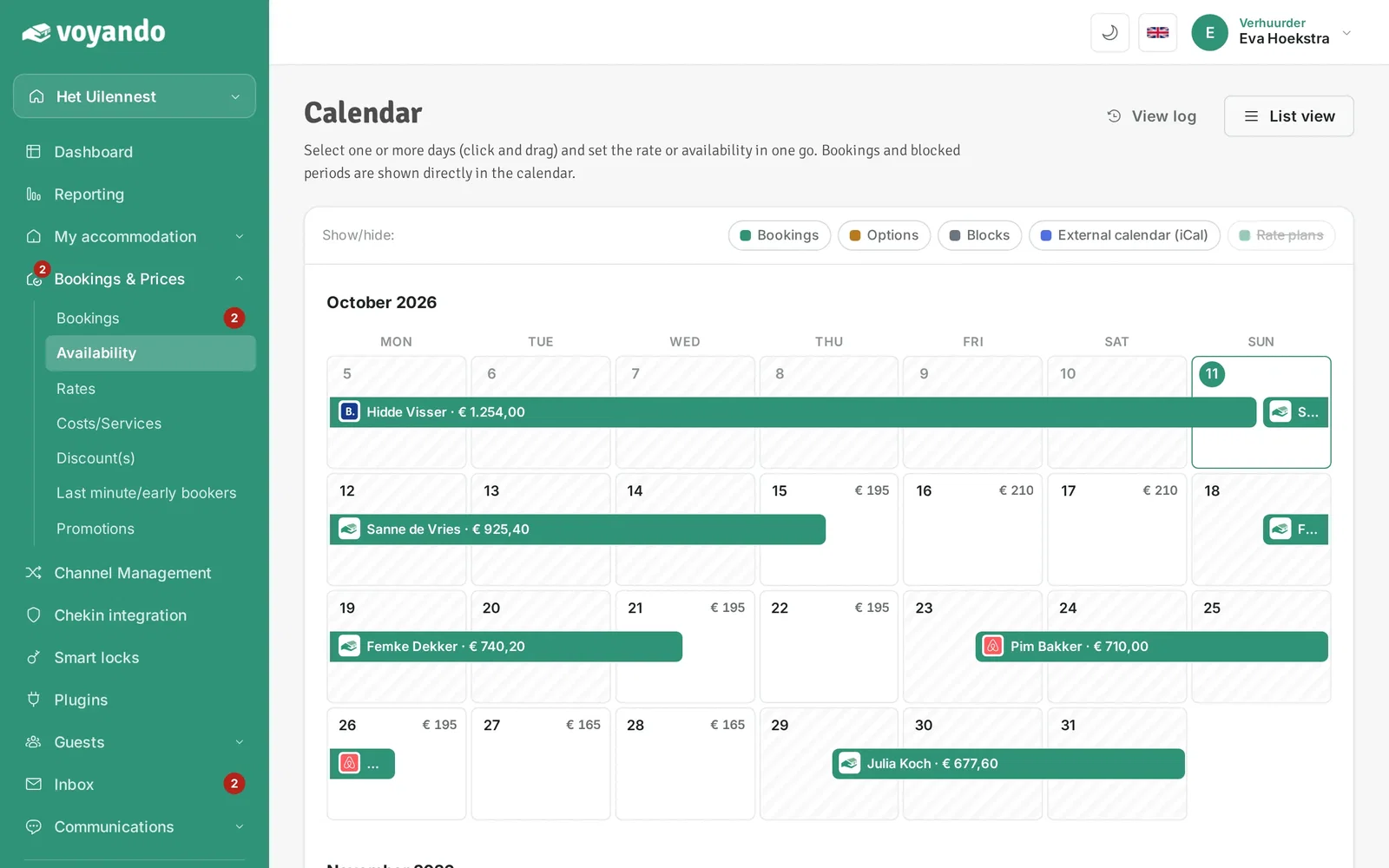
Step 4: Click List view.
-
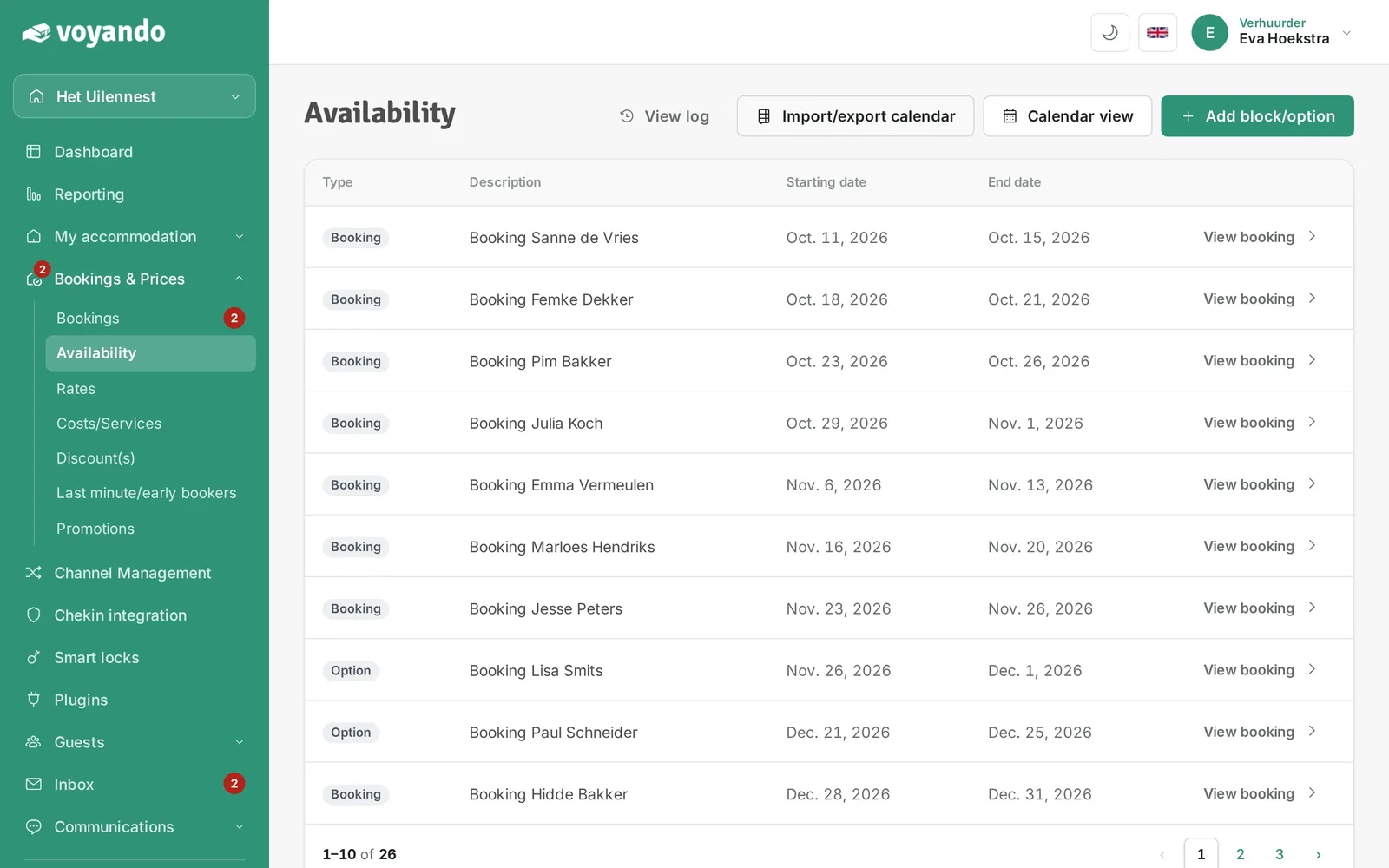
Step 5: Click Import/export calendar.
-
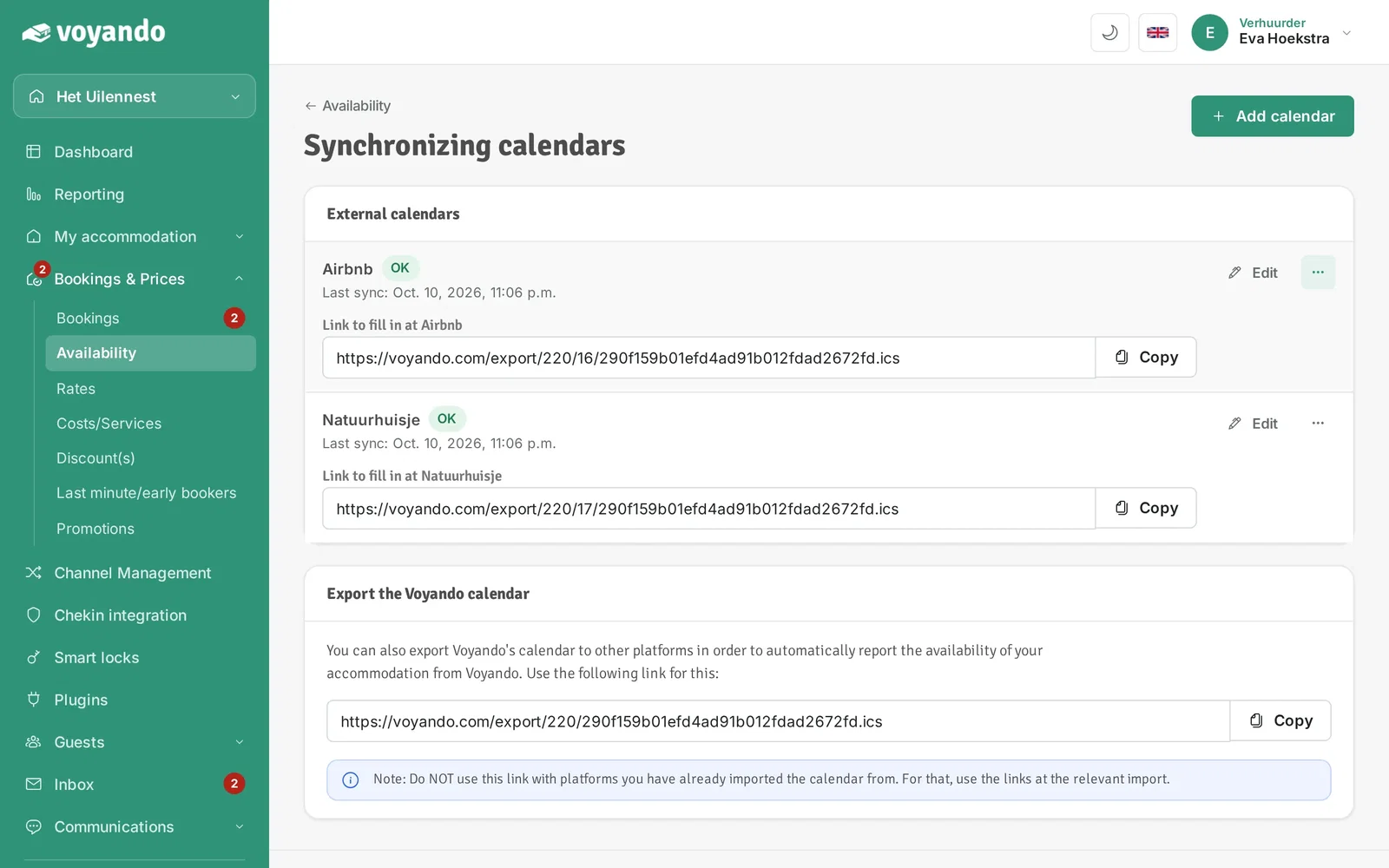
Step 6: Find the iCal link in question and click the three dots.
-
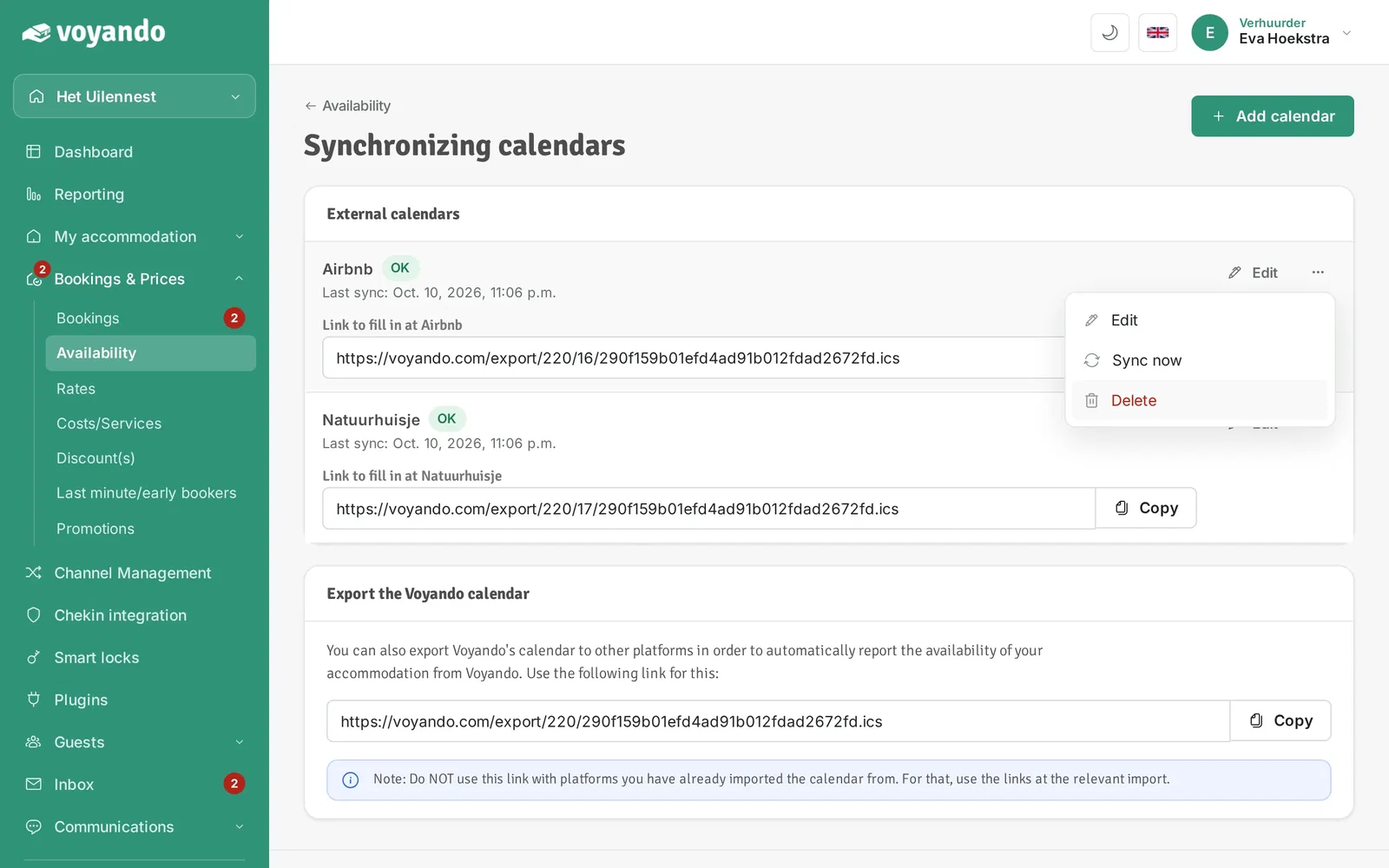
Step 7: Click Delete.
-
Step 8: Confirm with the red button. The blocks from this calendar then disappear from your calendar.