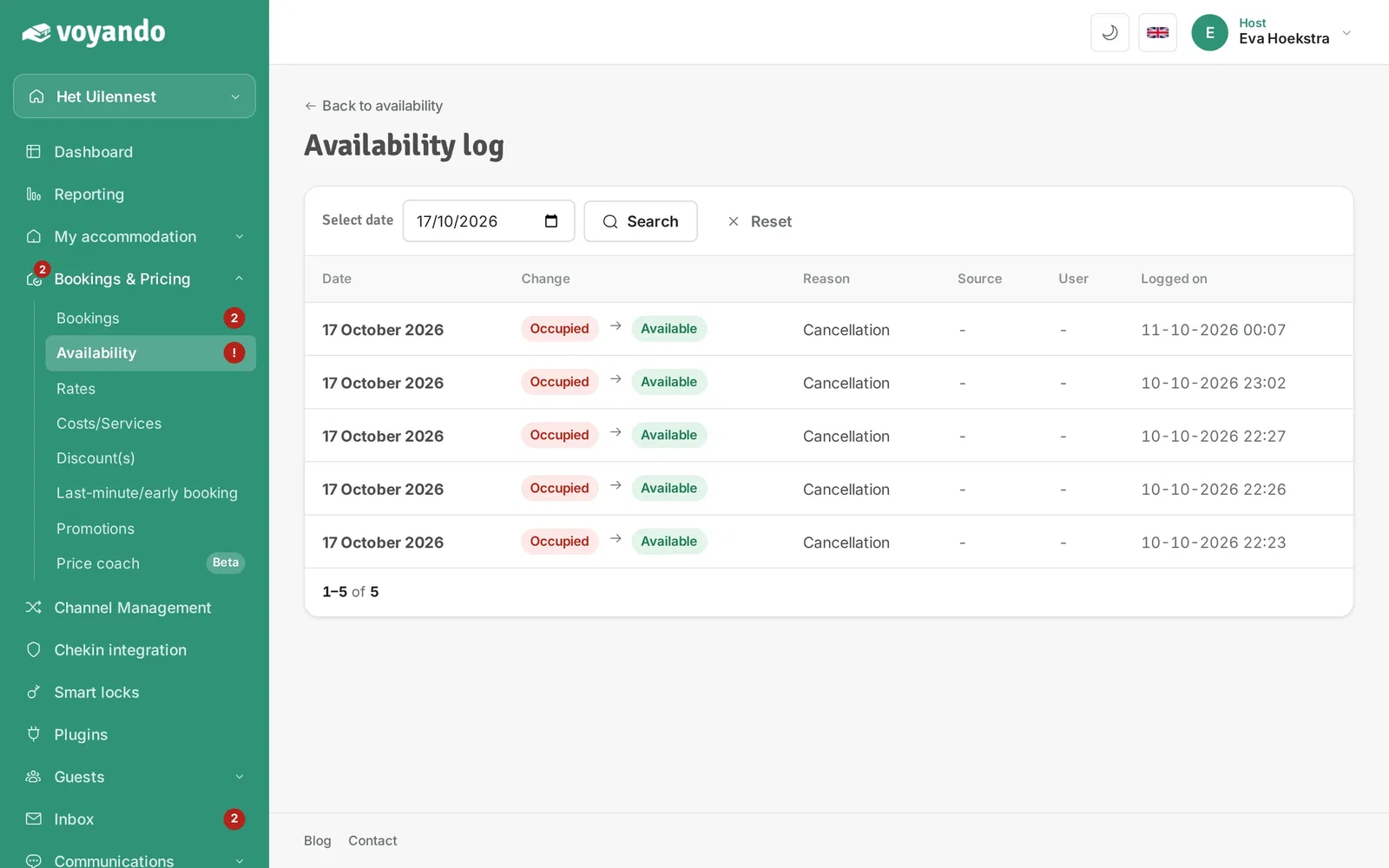
How can I view the history of calendar blocks?
Use the log in your Voyando dashboard to see when and by which source calendar blocks were created or released.
Step by step · 7 steps
-
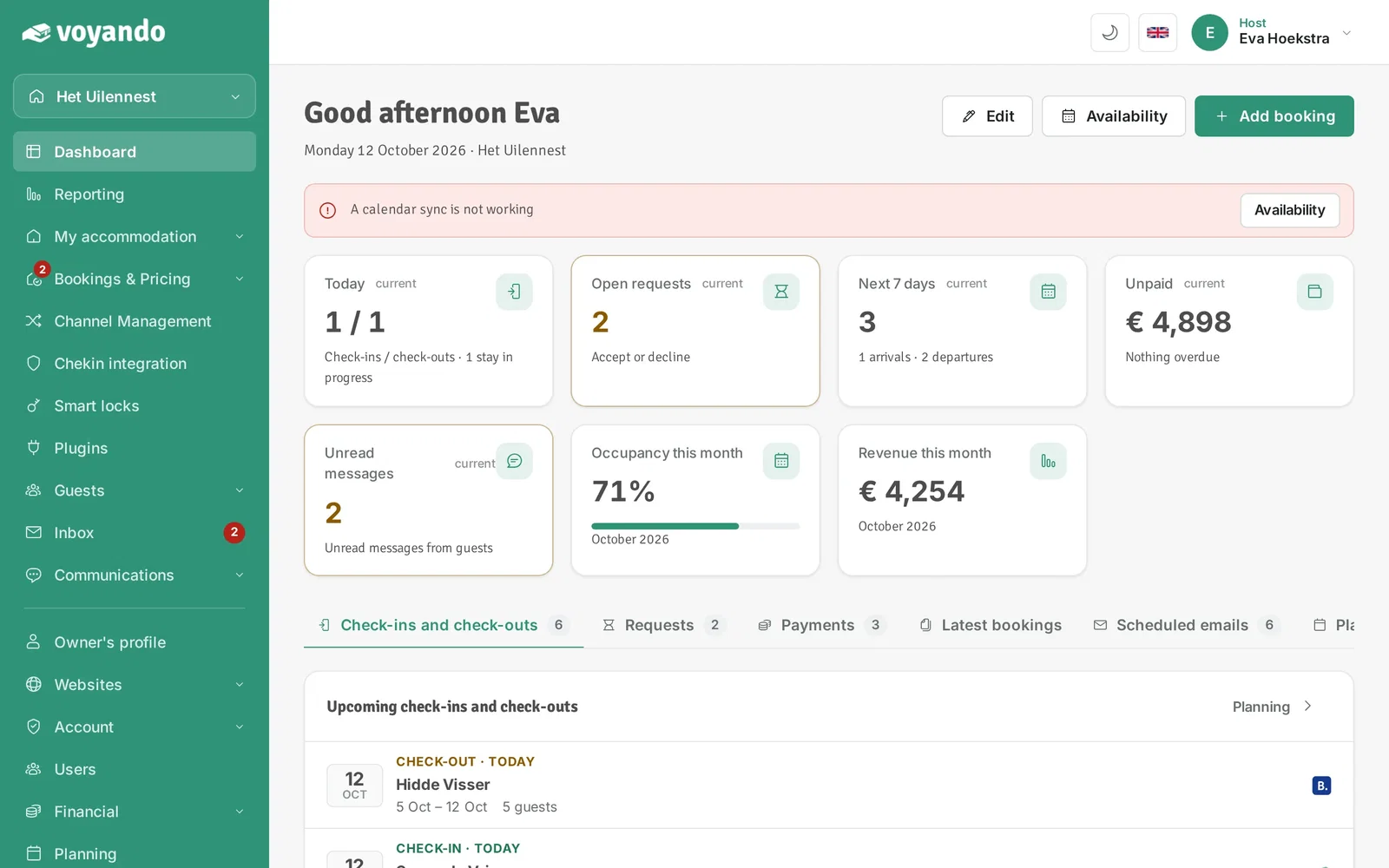
Step 1: Go to your dashboard.
-
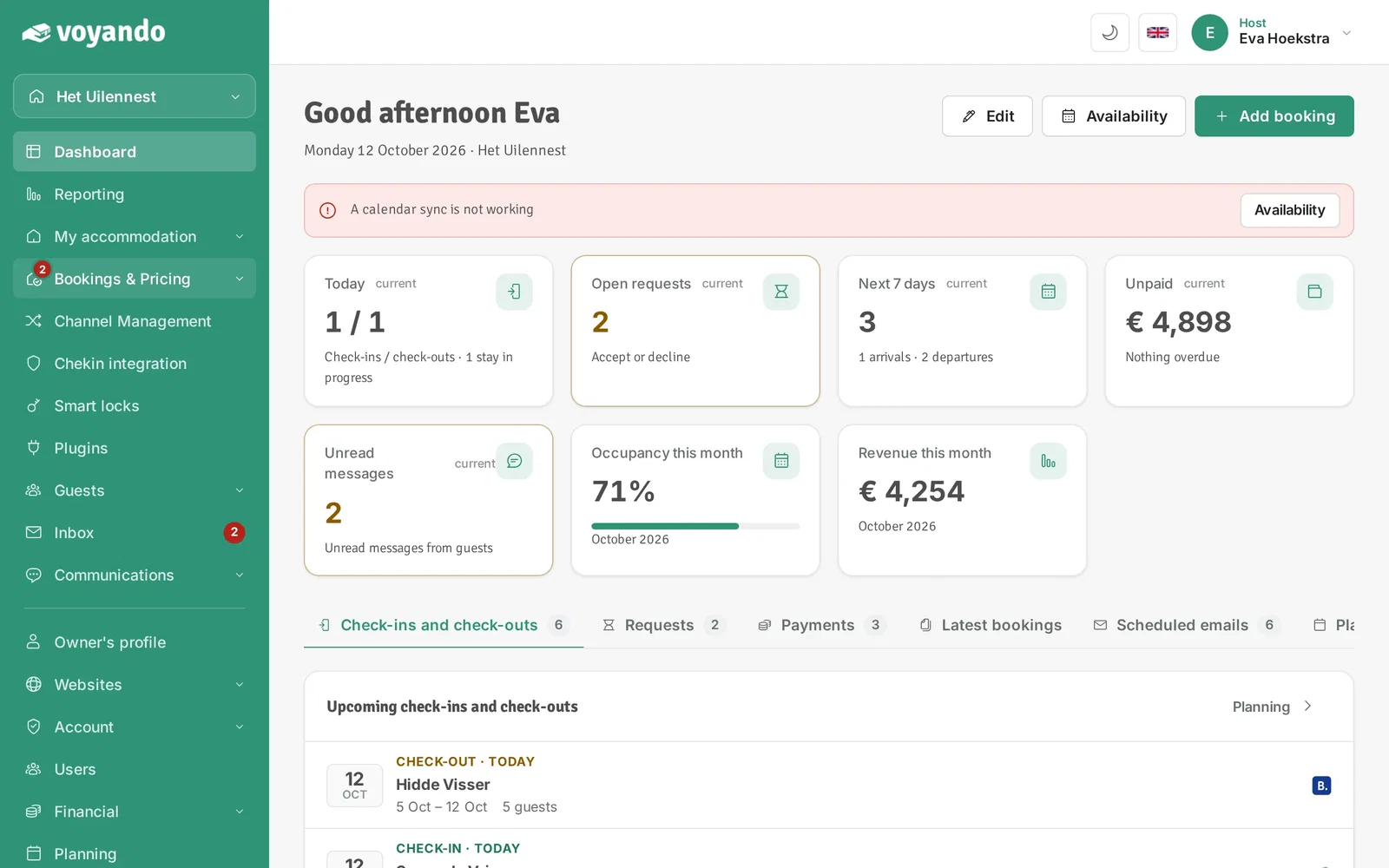
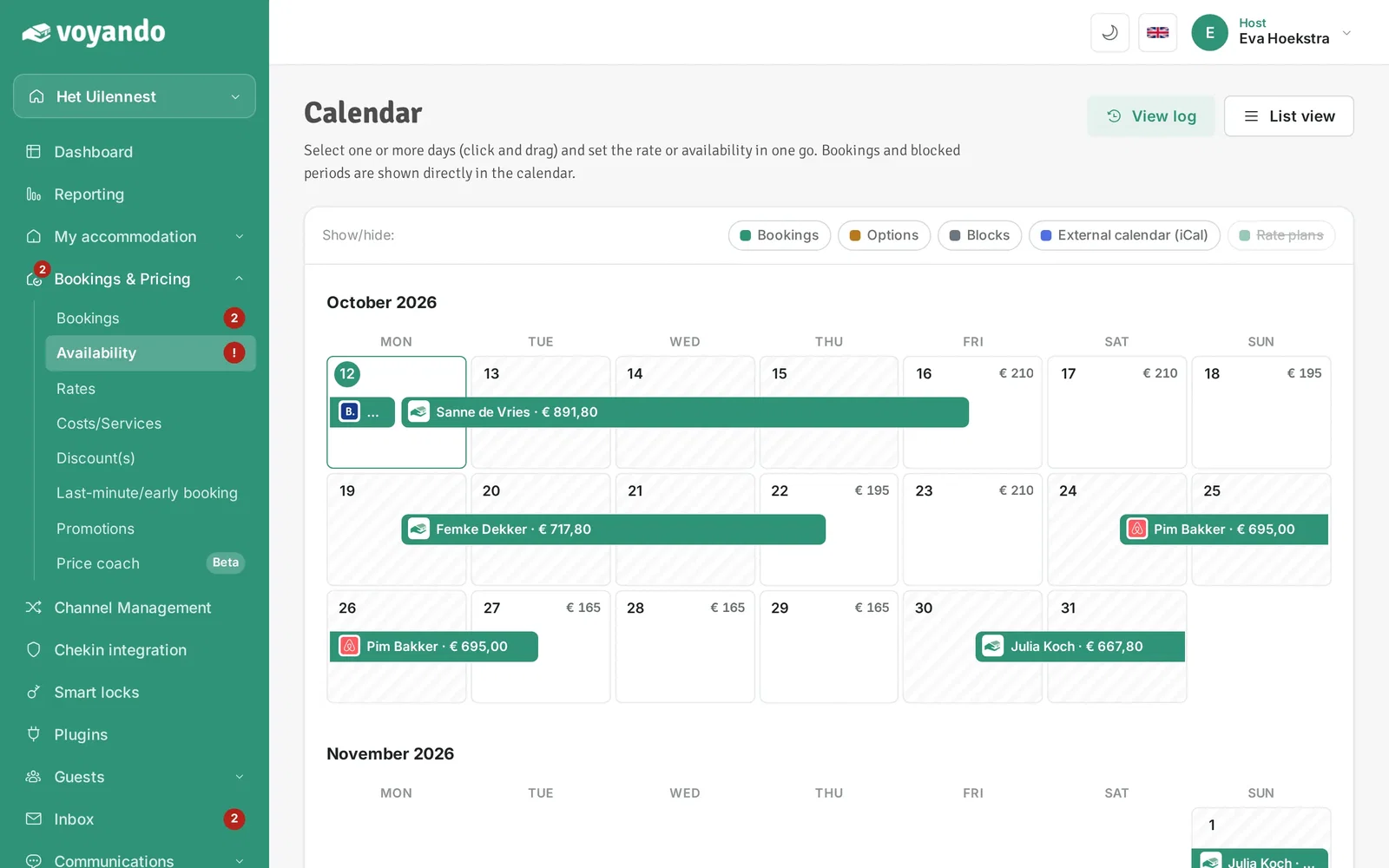
Step 2: Click Bookings & Pricing in the menu.
-
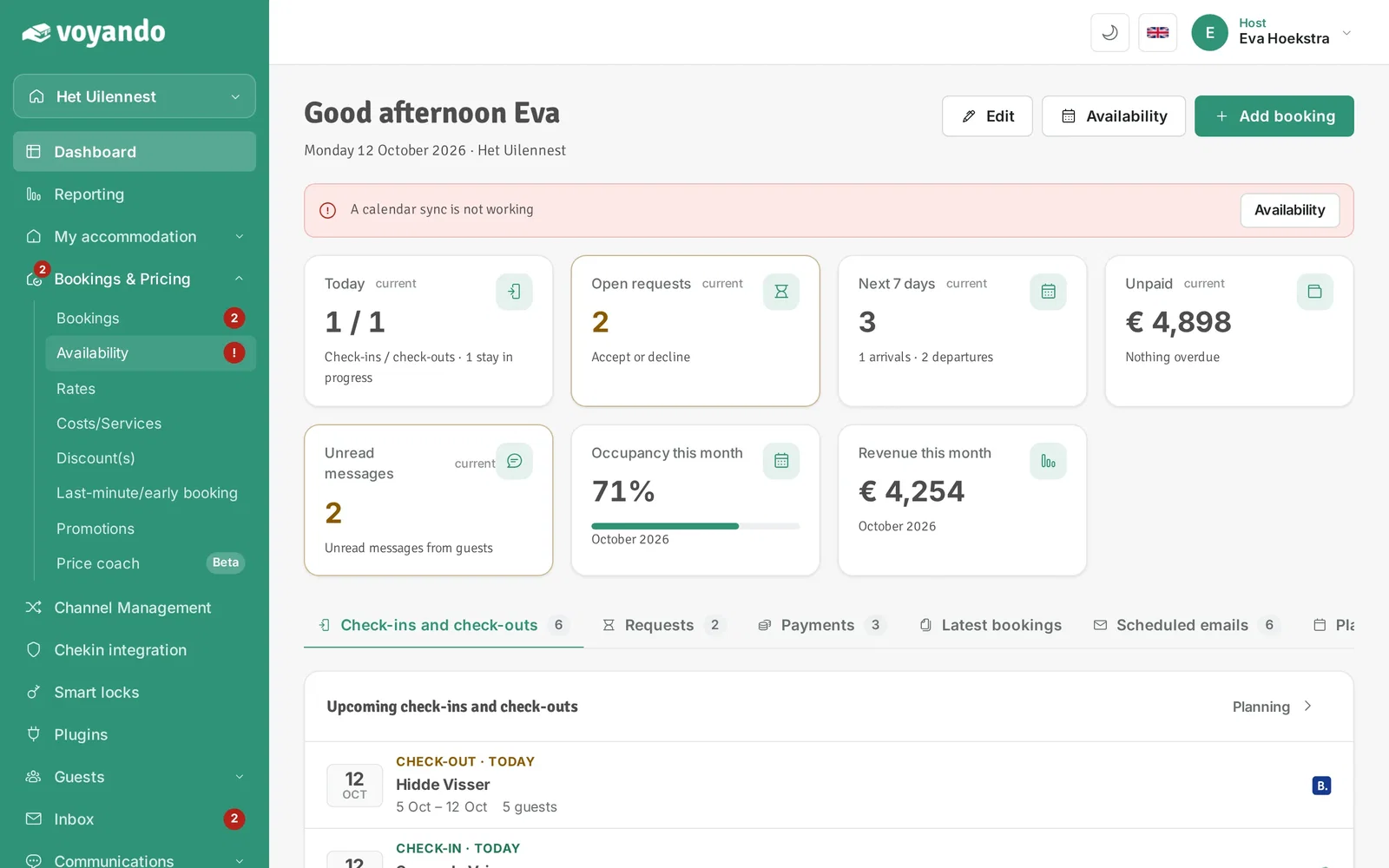
Step 3: Click Availability.
-
Step 4: Click View log.
-
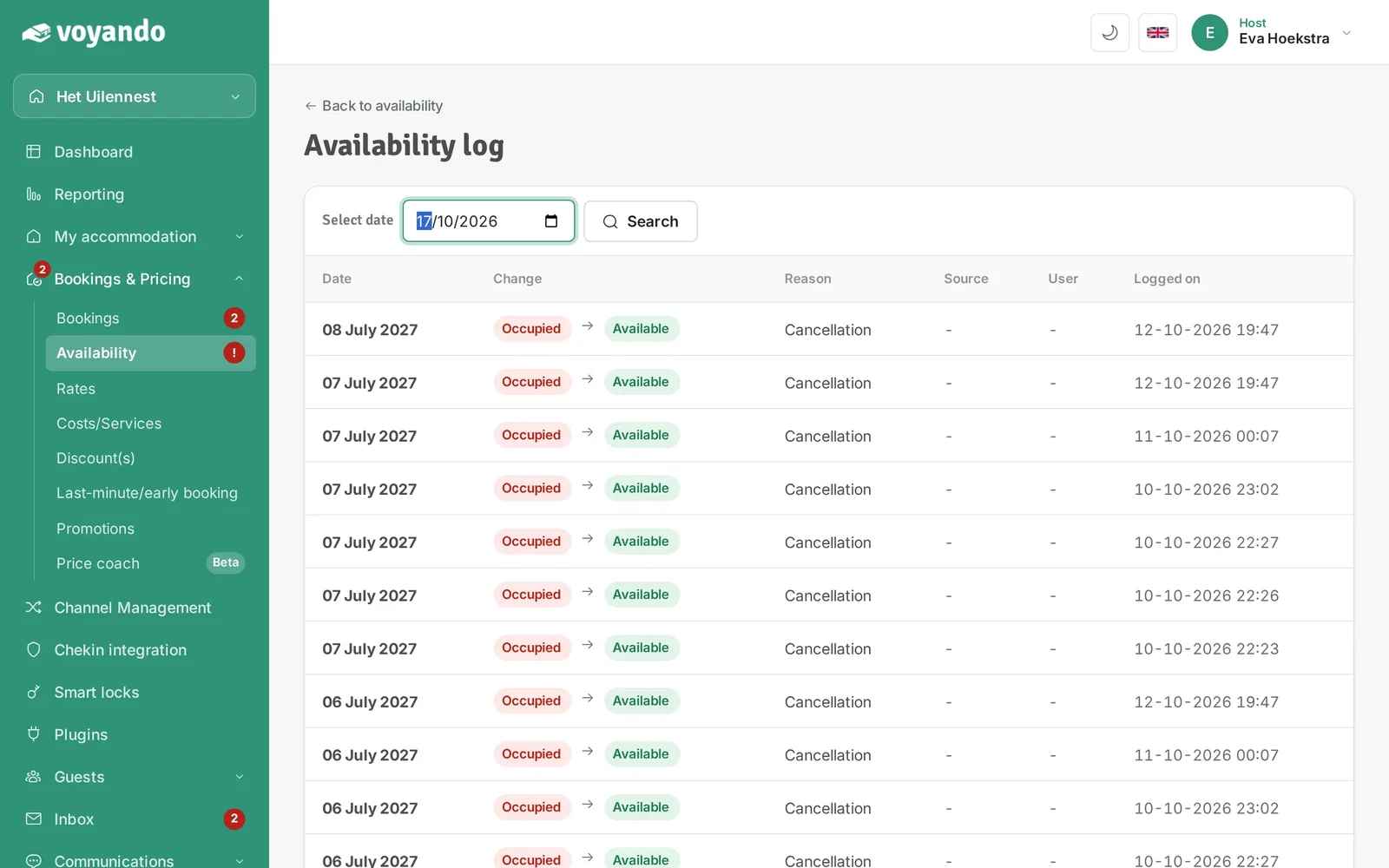
Step 5: Enter the date you want to check.
-
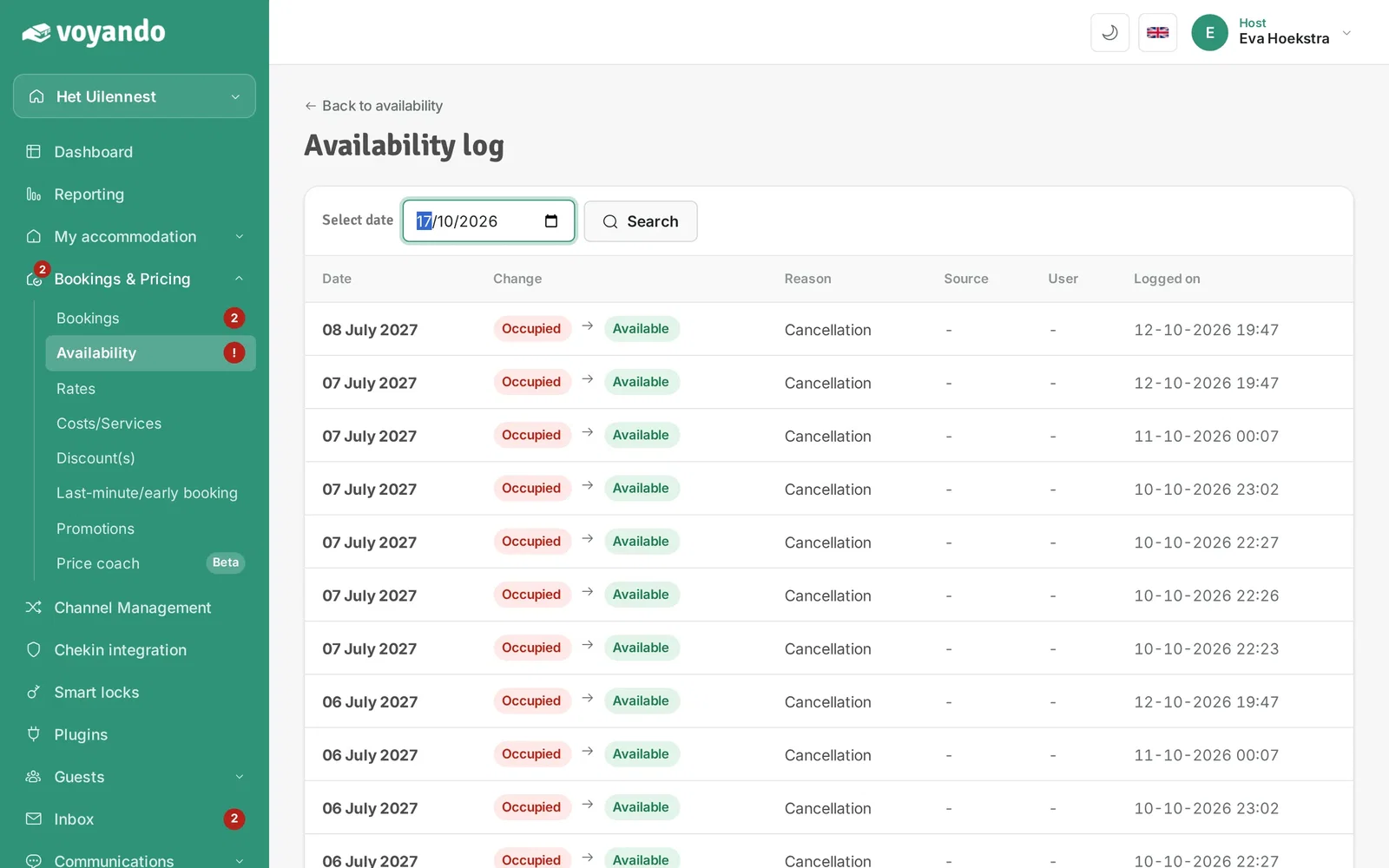
Step 6: Click Search.
-
Step 7: You see when the date was blocked and released again, and through which source. Without a source, the change came from your own website.