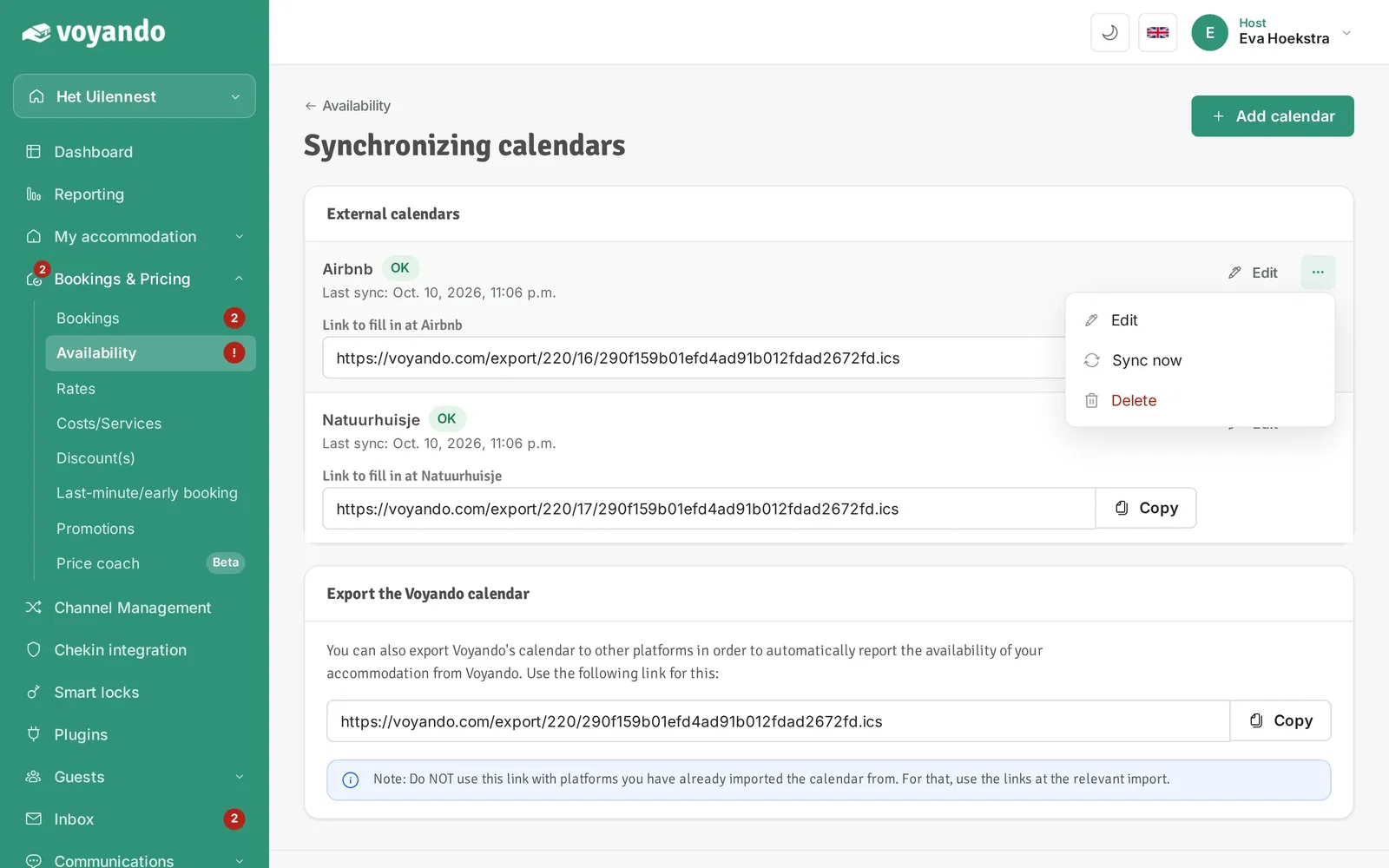
How do I sync an external calendar manually?
You can quickly synchronise your iCal link via the dashboard by going to Bookings & Prices and selecting the ‘Synchronise now’ option.
Step by step · 8 steps
-
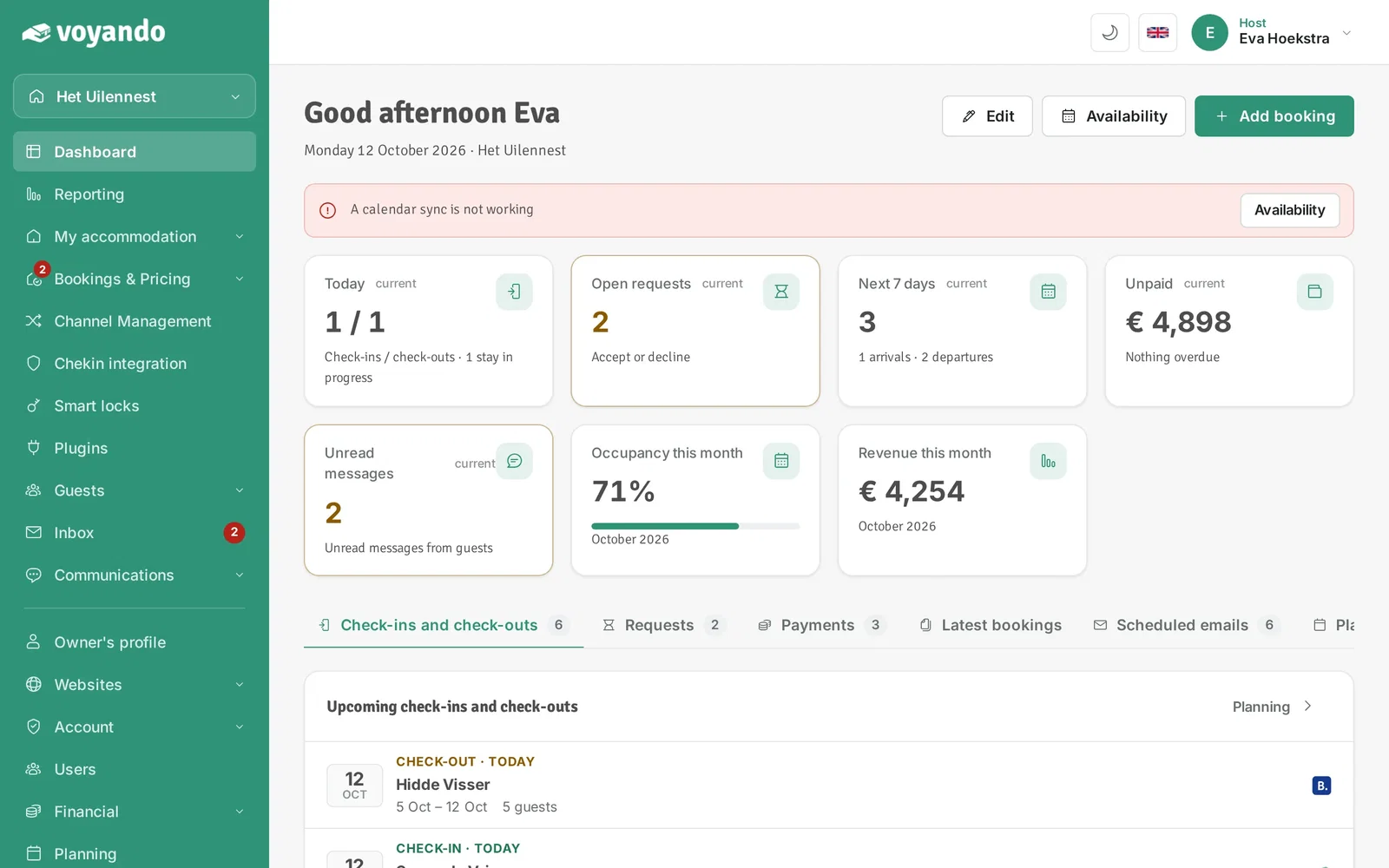
Step 1: Go to your dashboard.
-
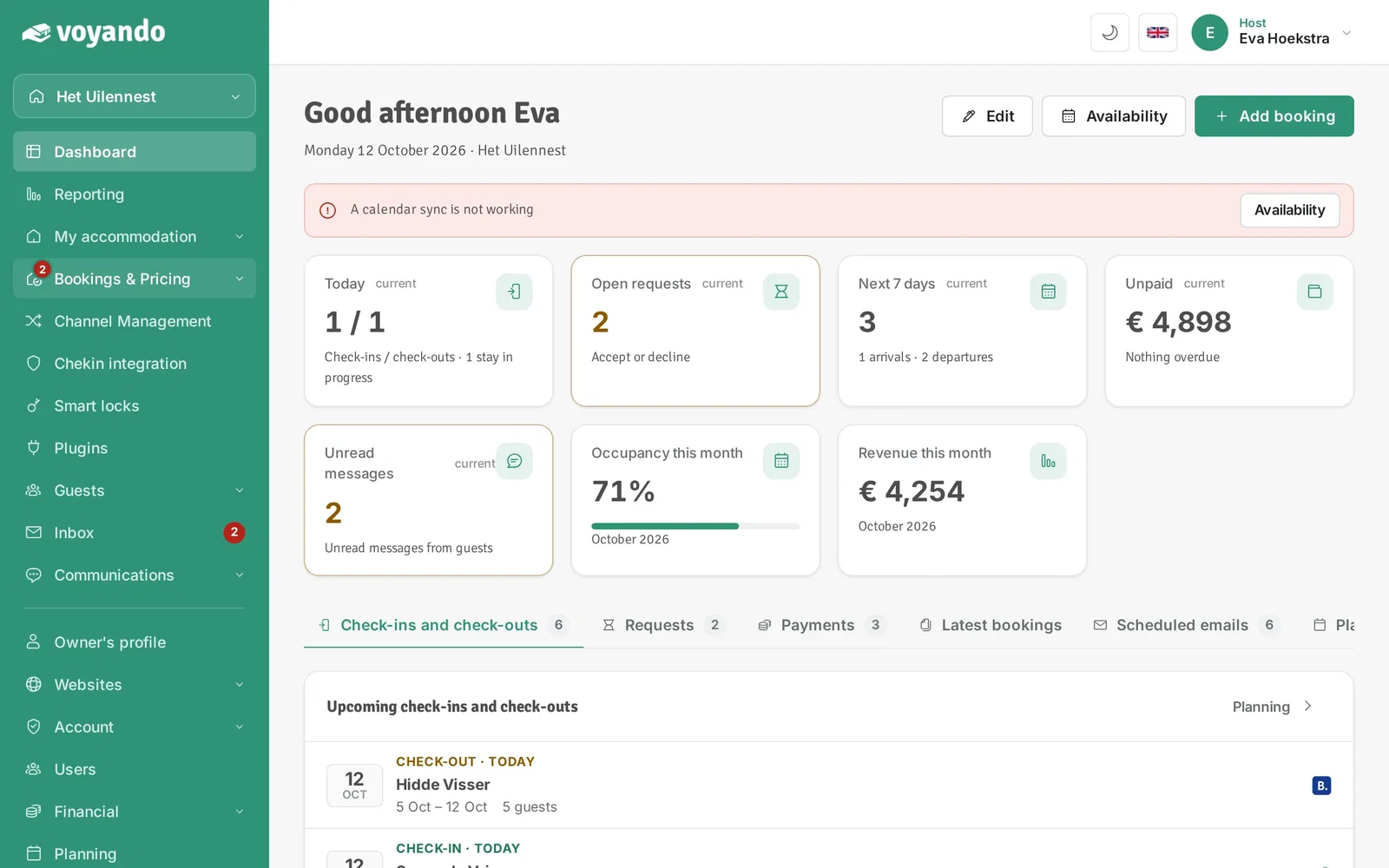
Step 2: Click Bookings & Pricing in the menu.
-
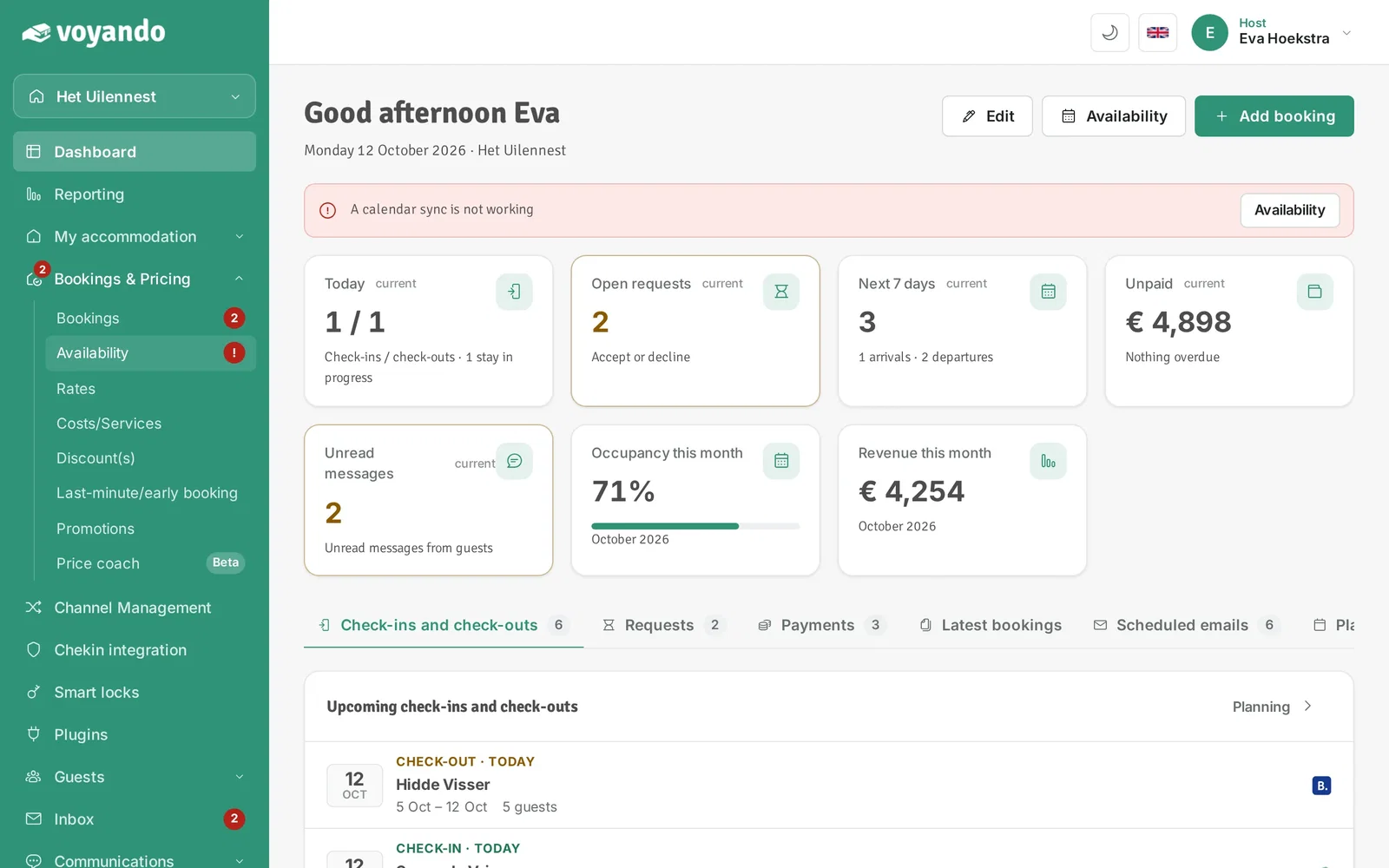
Step 3: Click Availability.
-
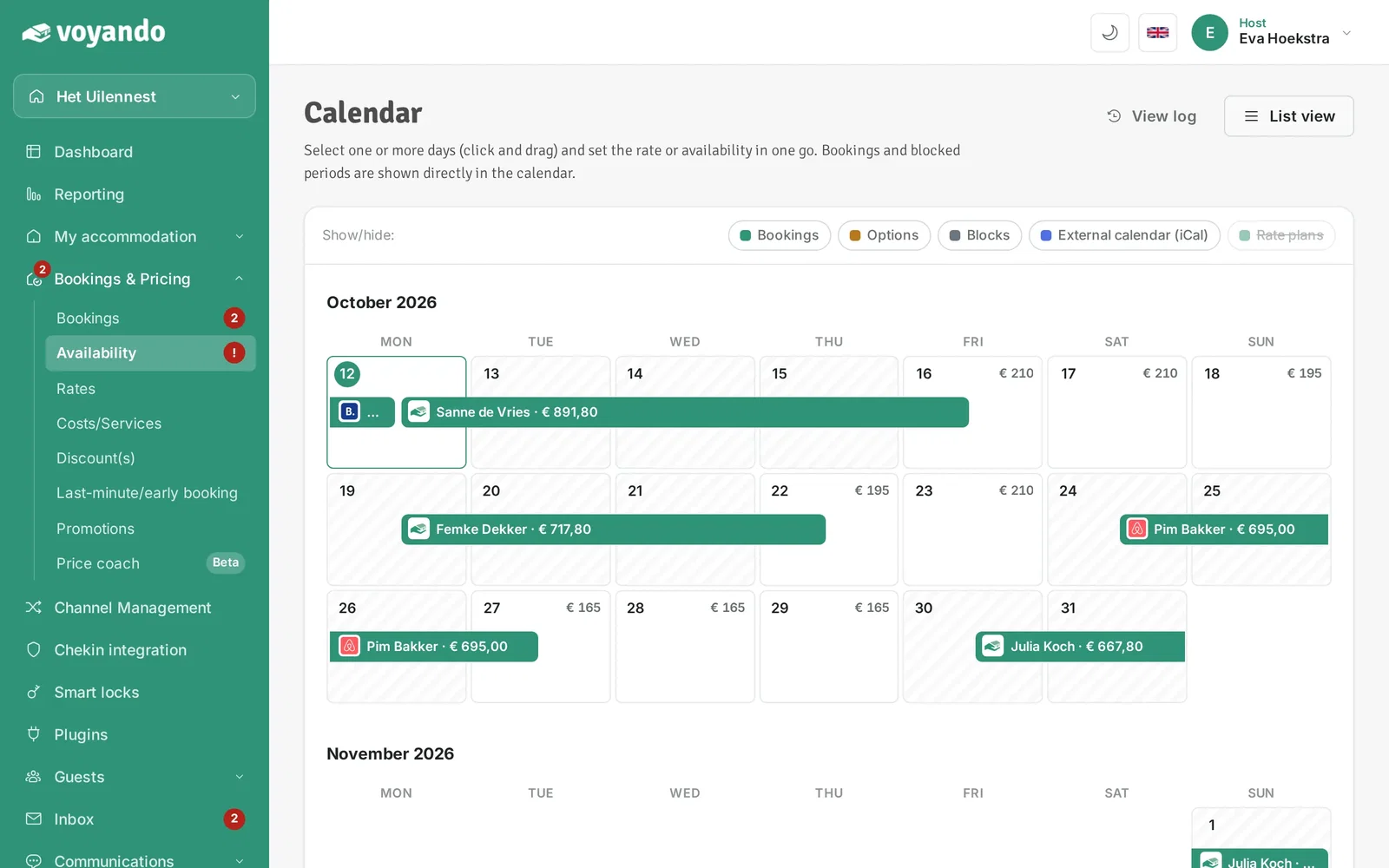
Step 4: Click List view.
-
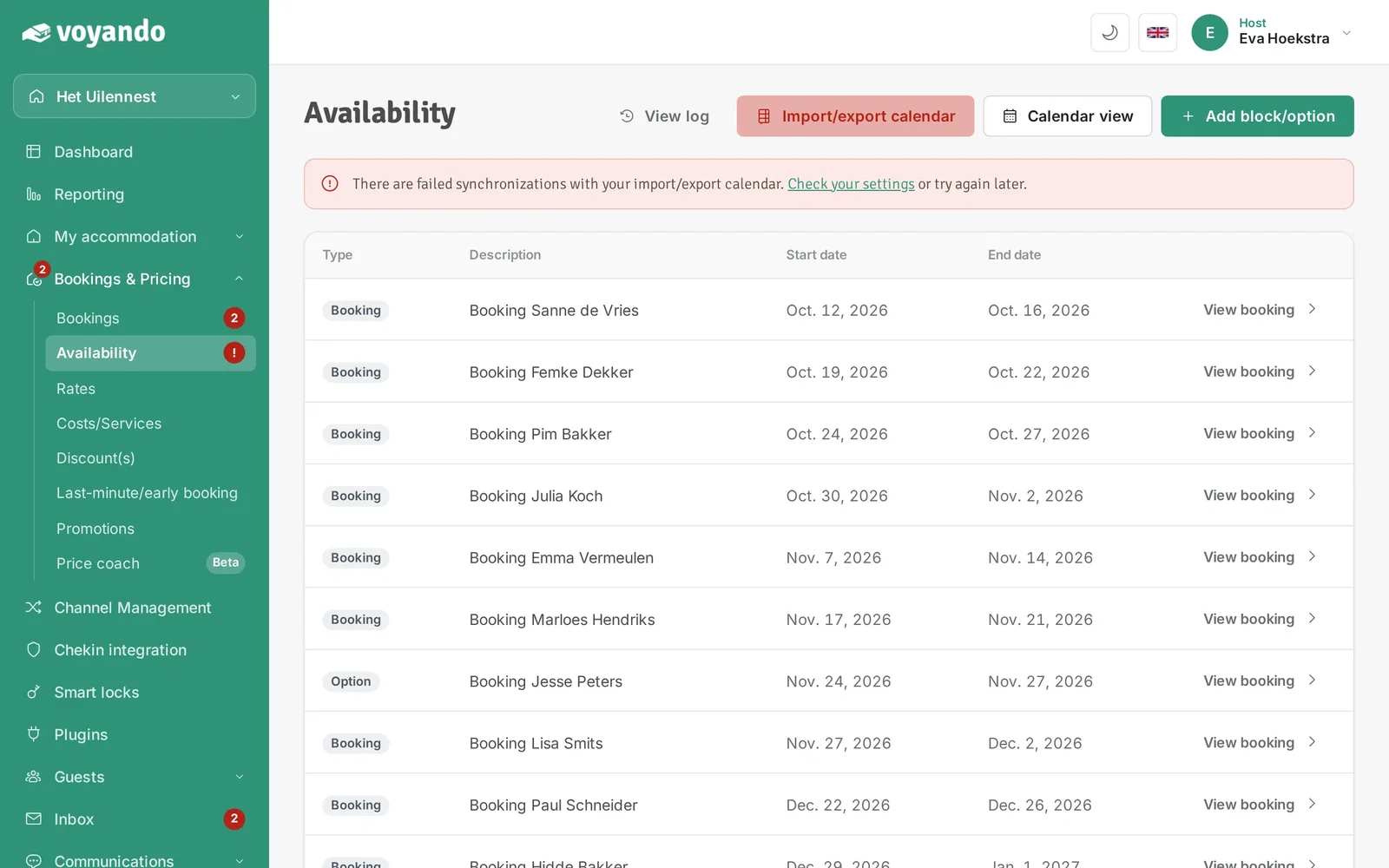
Step 5: Click Import/export calendar.
-
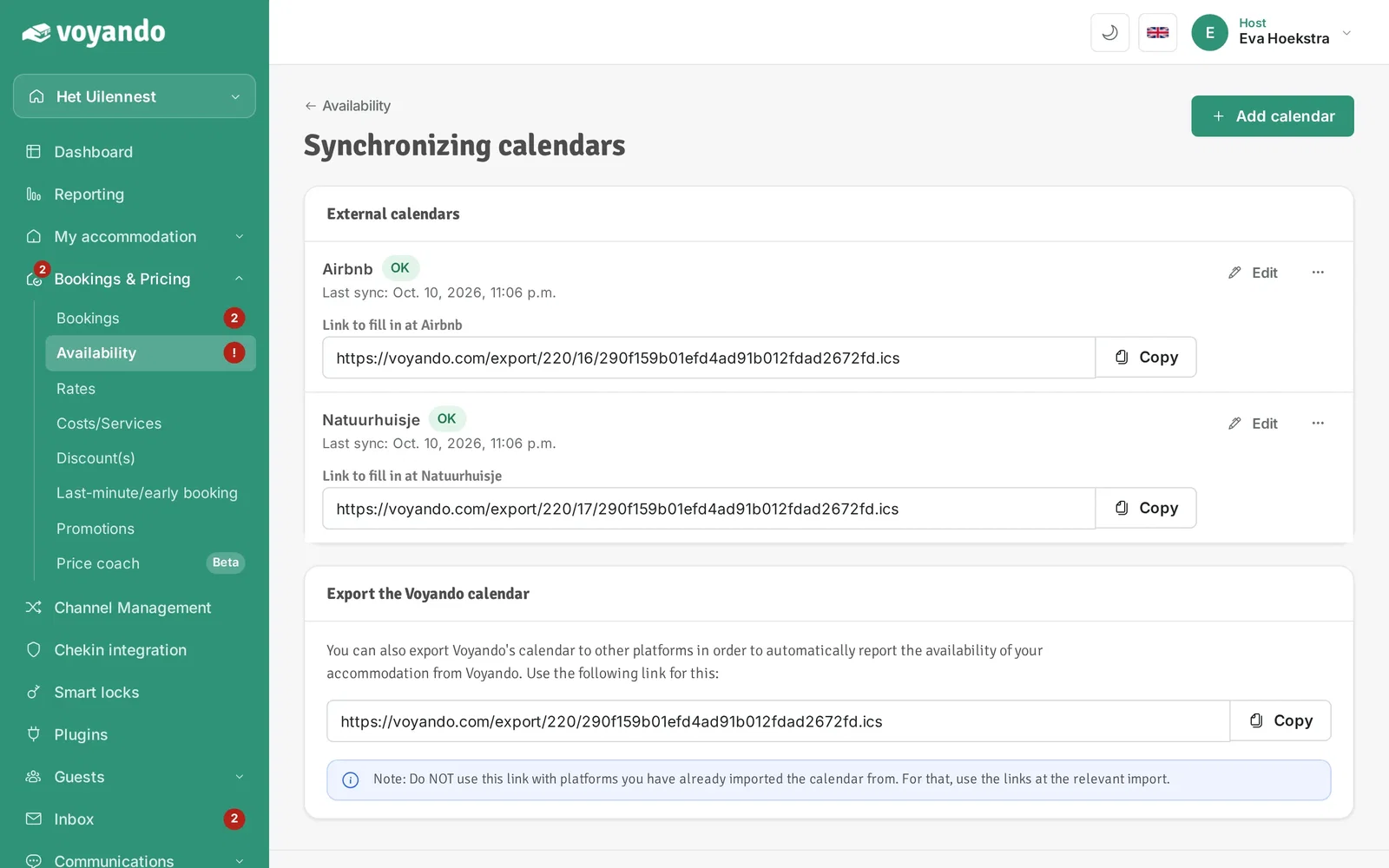
Step 6: Under External calendars you see the status and last sync of every linked calendar.
-
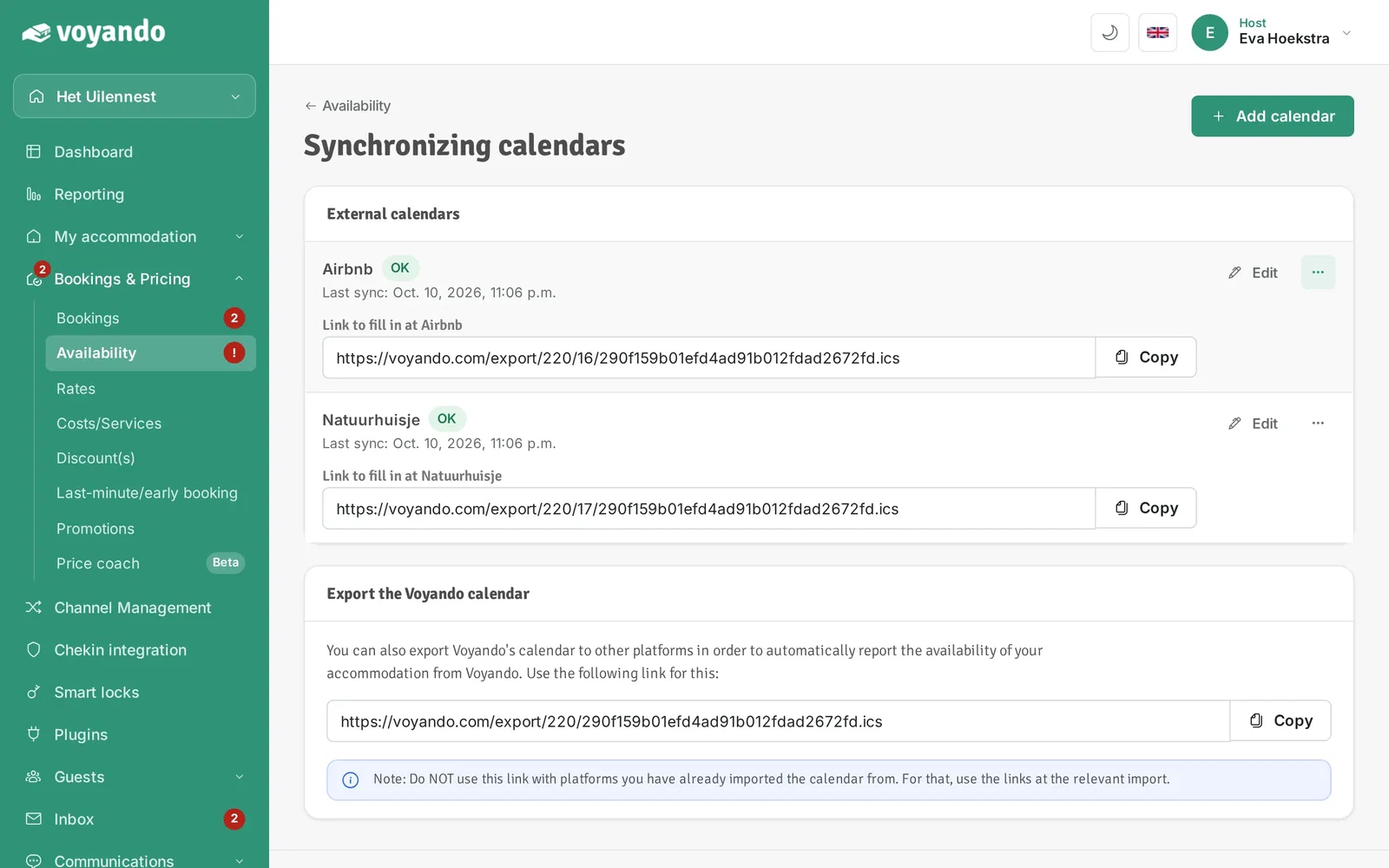
Step 7: Click the three dots next to the iCal link in question.
-
Step 8: Click Sync now. Voyando fetches the external calendar again right away.