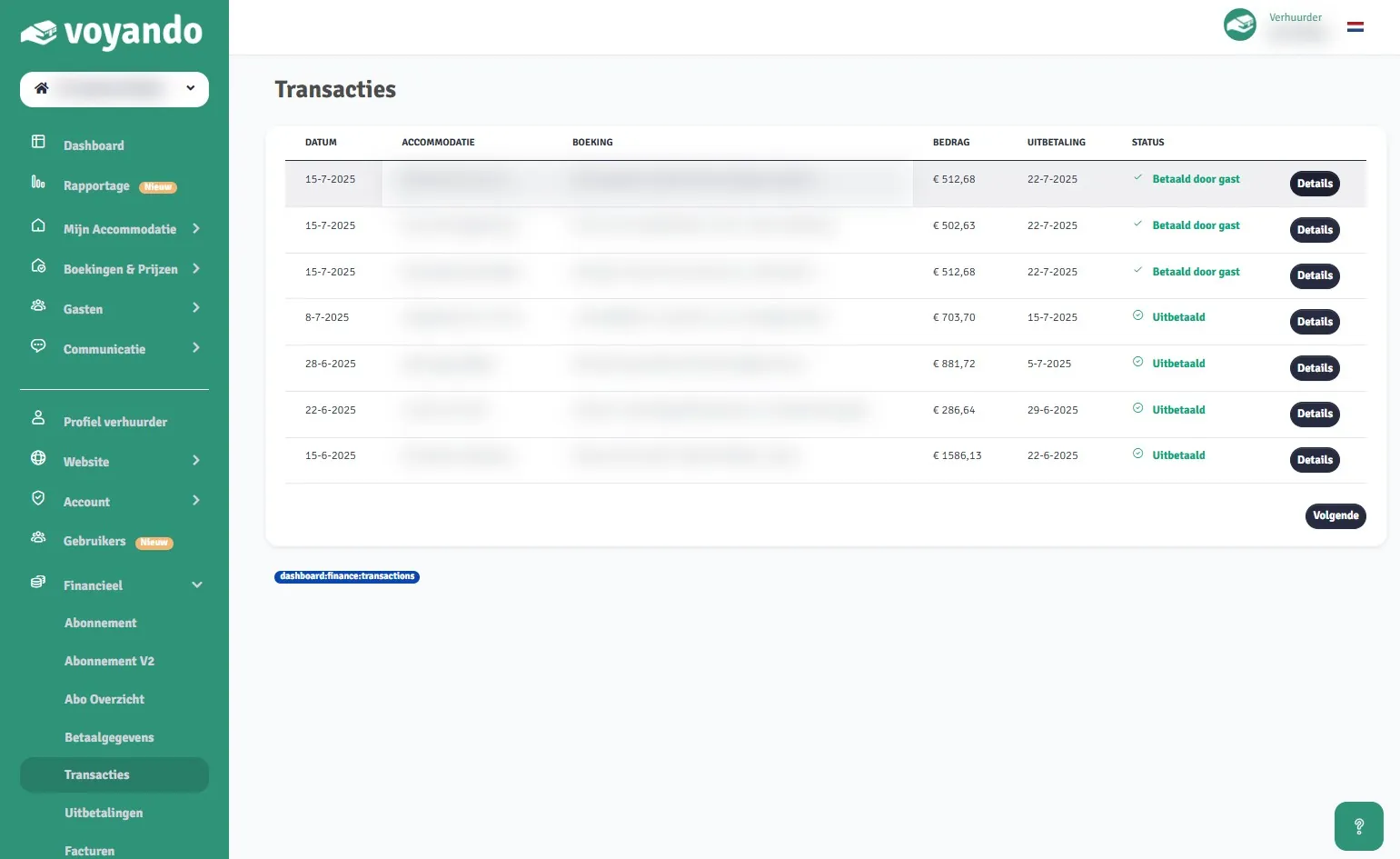
How can I tell when a payment will be paid out?
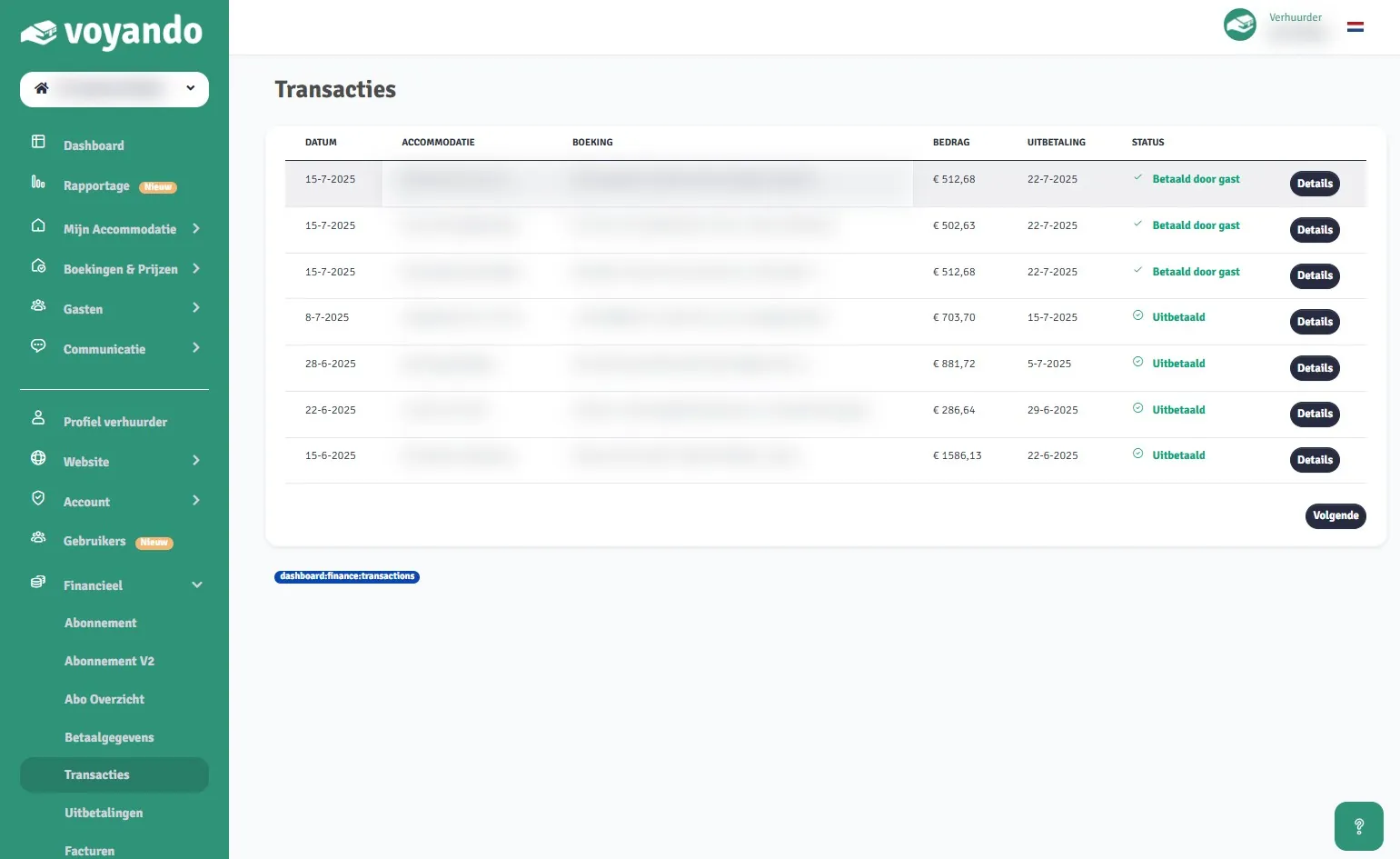
Check the dashboard to see when your guest has paid and when the payment will be made via ‘Transactions’ under ‘Finance’.
Step by step · 6 steps
-
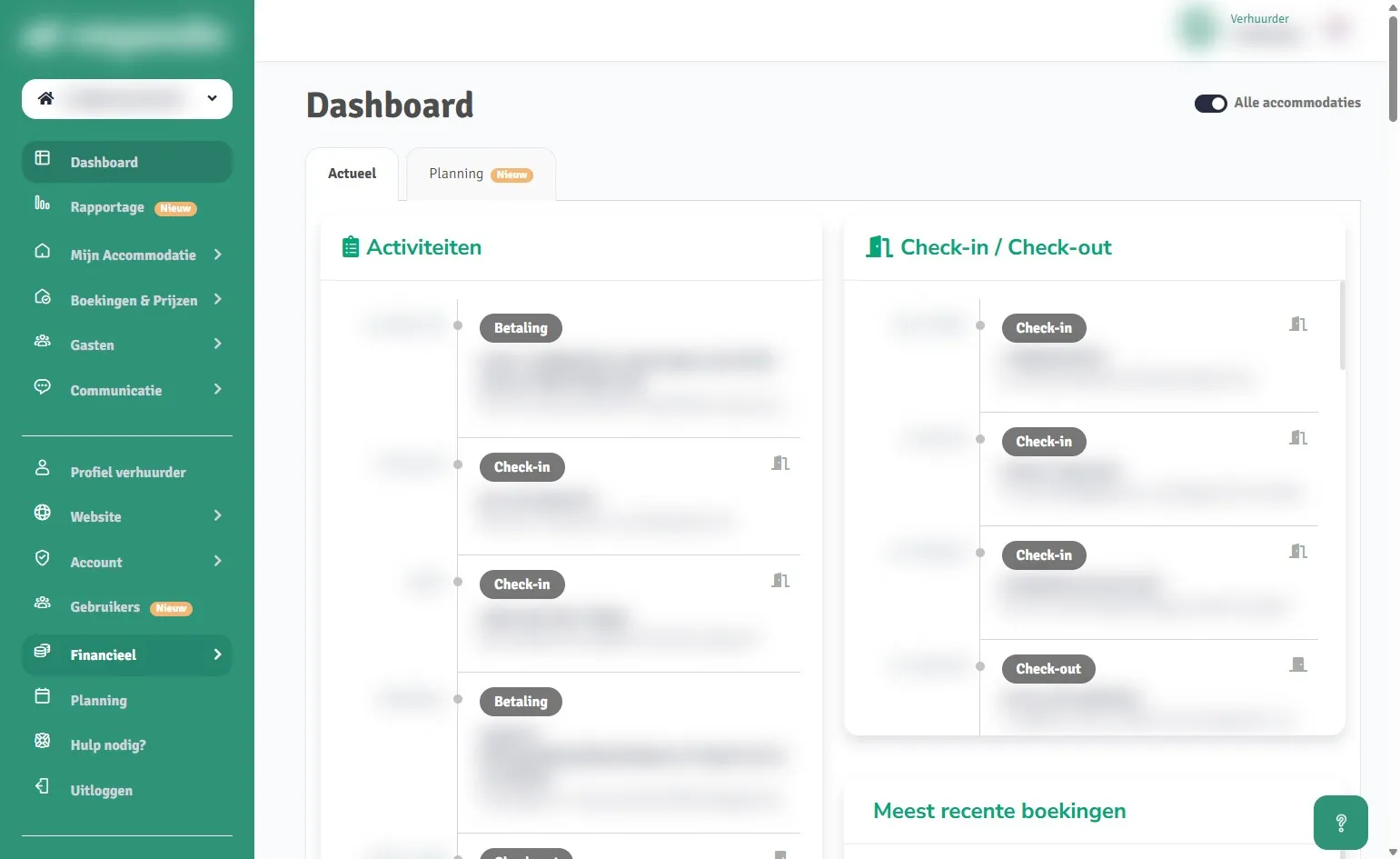
Step 1: Go to voyando.com/dashboard
-
Step 2: Click on Financial
-
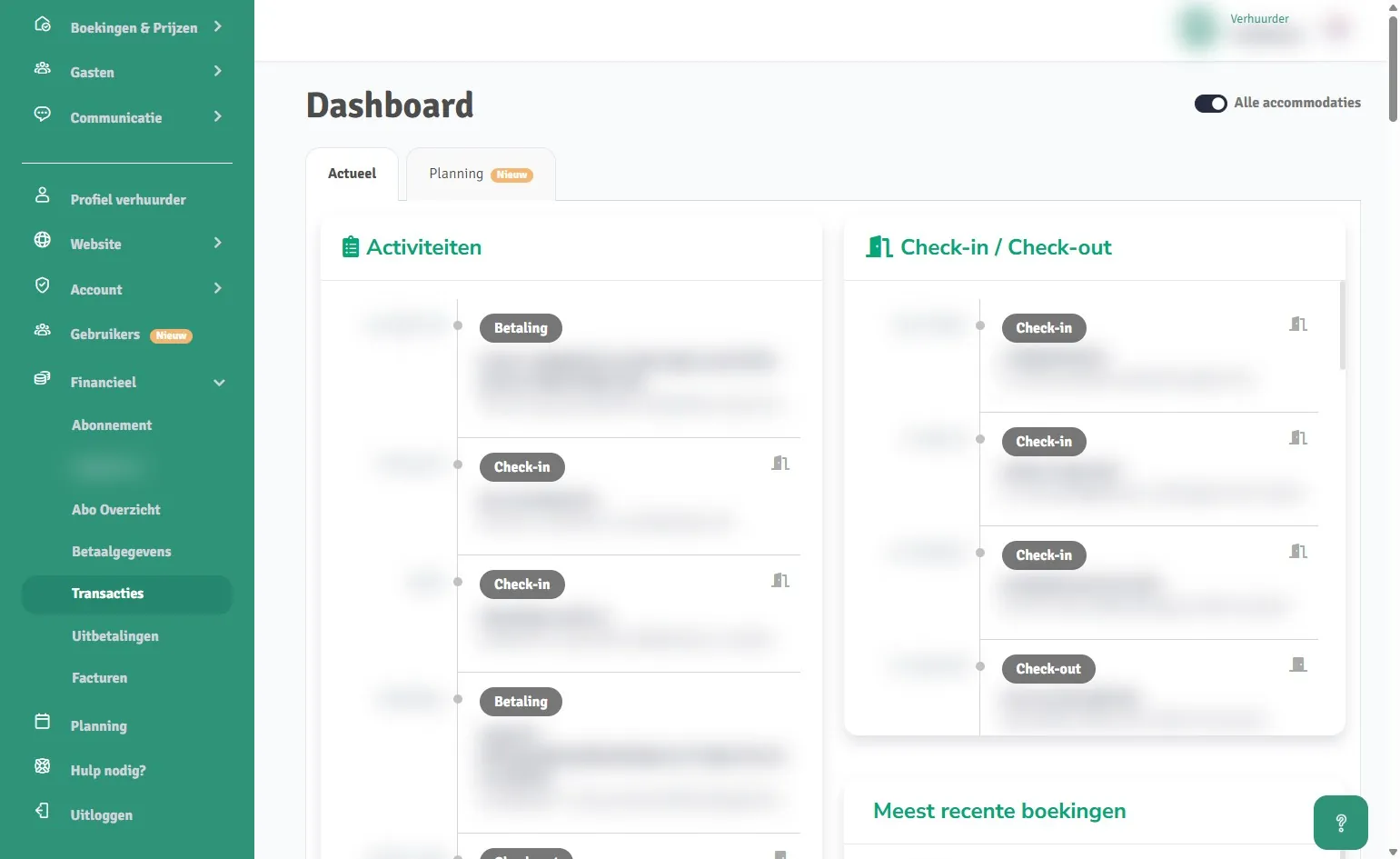
Step 3: Click on Transactions
-
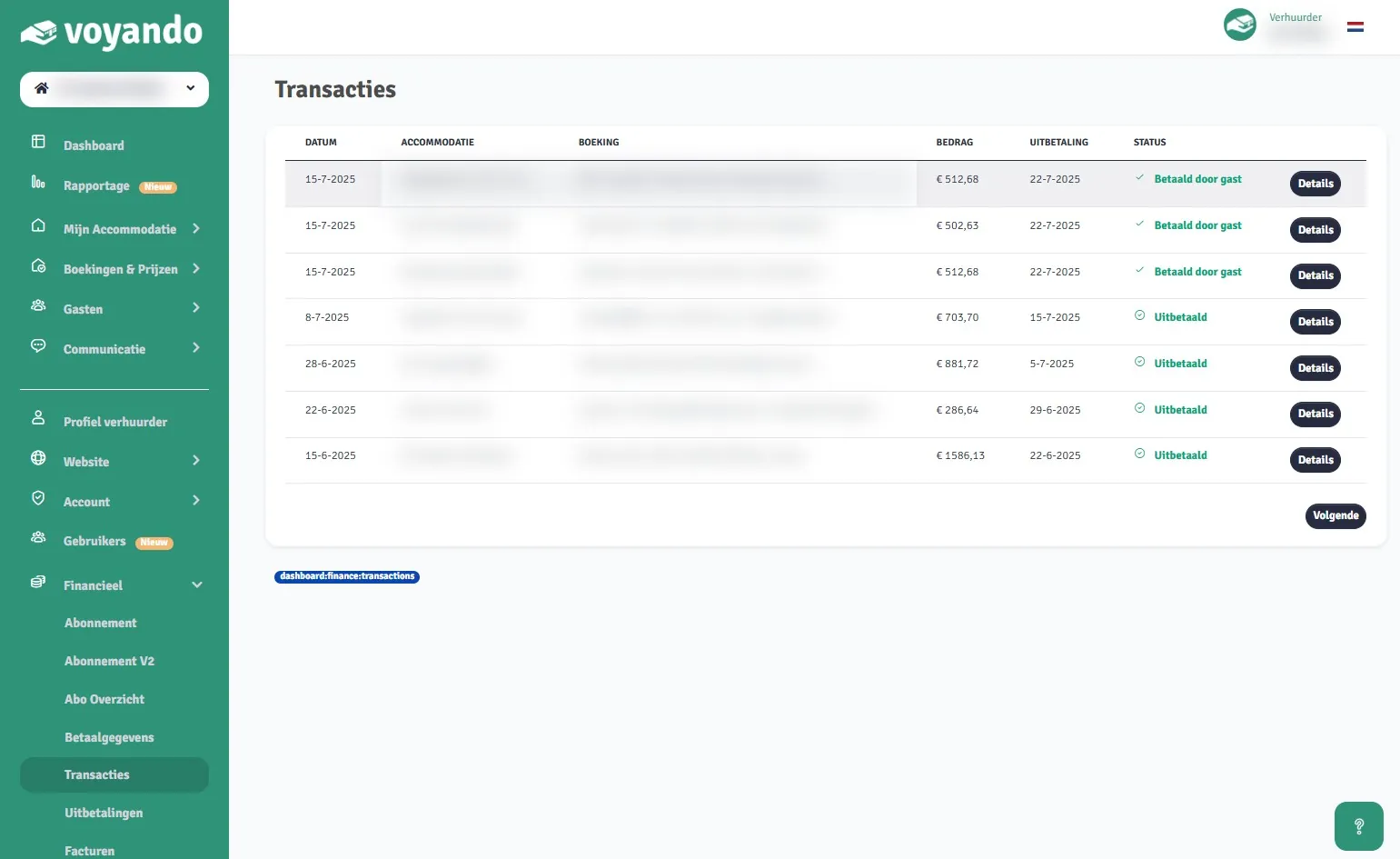
Step 4: In the ‘date’ column, you can see when your guest made the payment.
-
Step 5: In the ‘payment’ column, you can see when the payment will be made.
-
Step 6: If necessary, click on Details to view further information about the payment.