How do I set up direct debits?
Set up automatic payments by linking your payment details in Voyando to Stripe and selecting payment methods for your guests.
Step by step · 6 steps
-
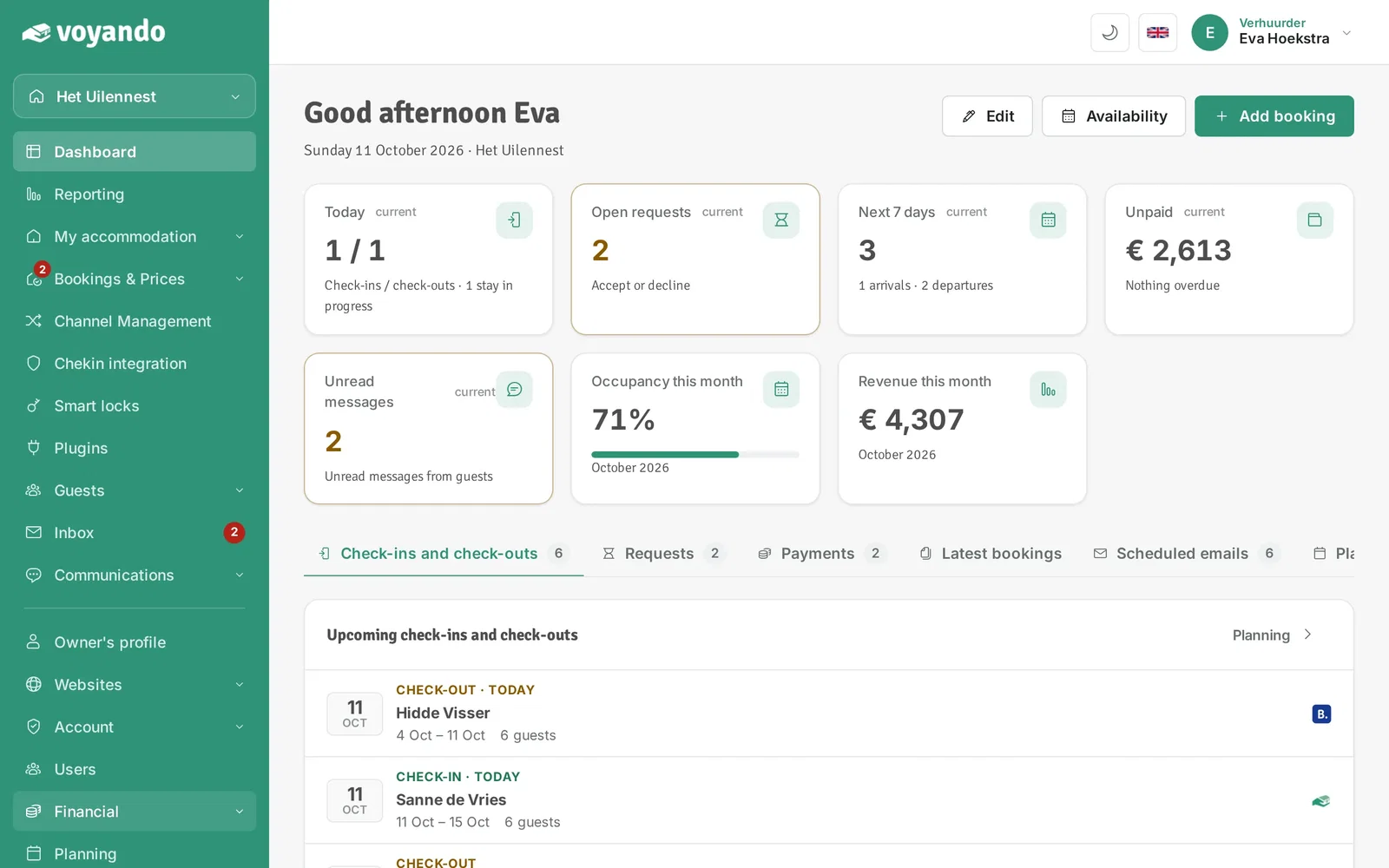
Step 1: Go to your dashboard.

-
Step 2: Click Financial in the menu.
-
Step 3: Click Payment details.

-
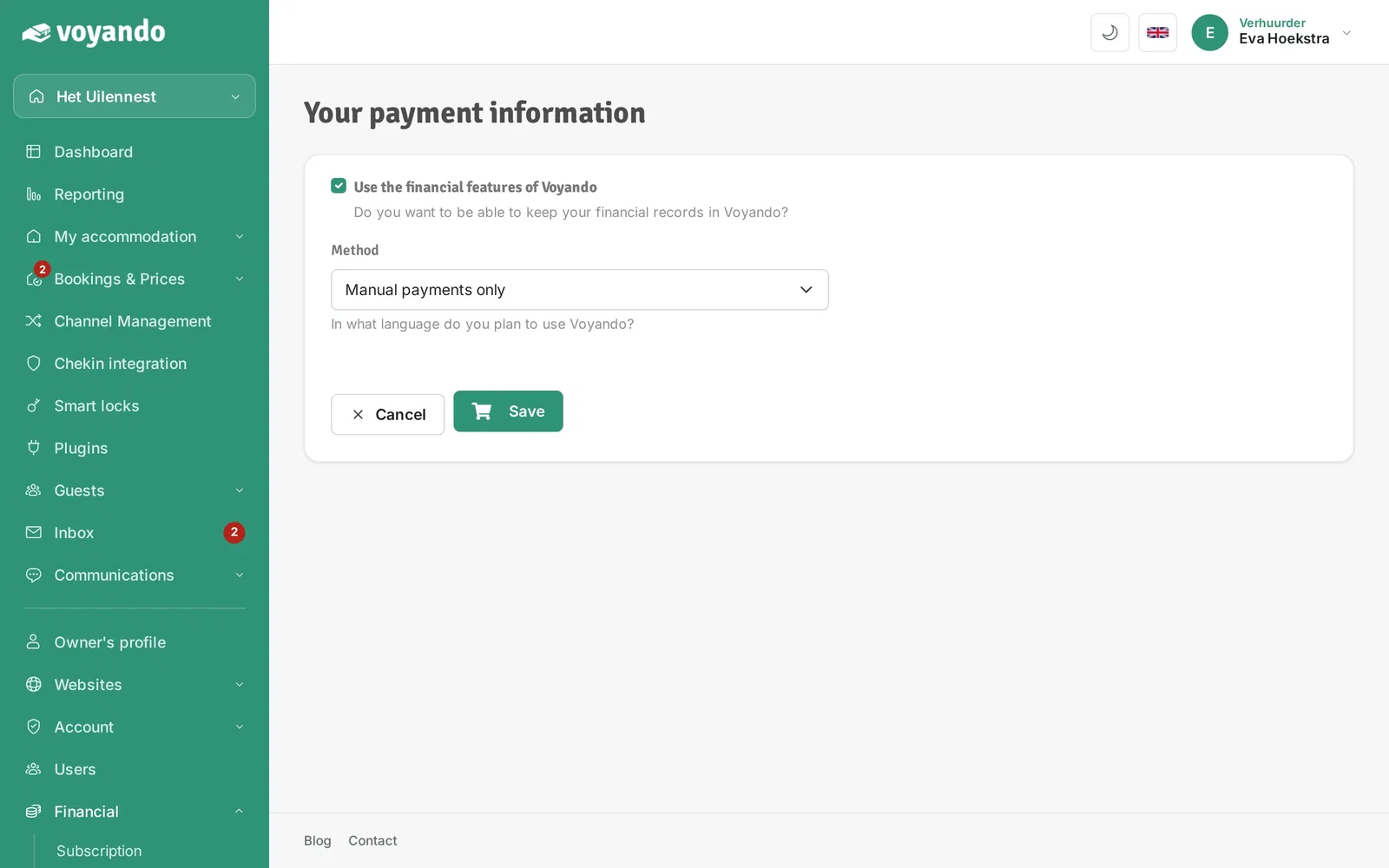
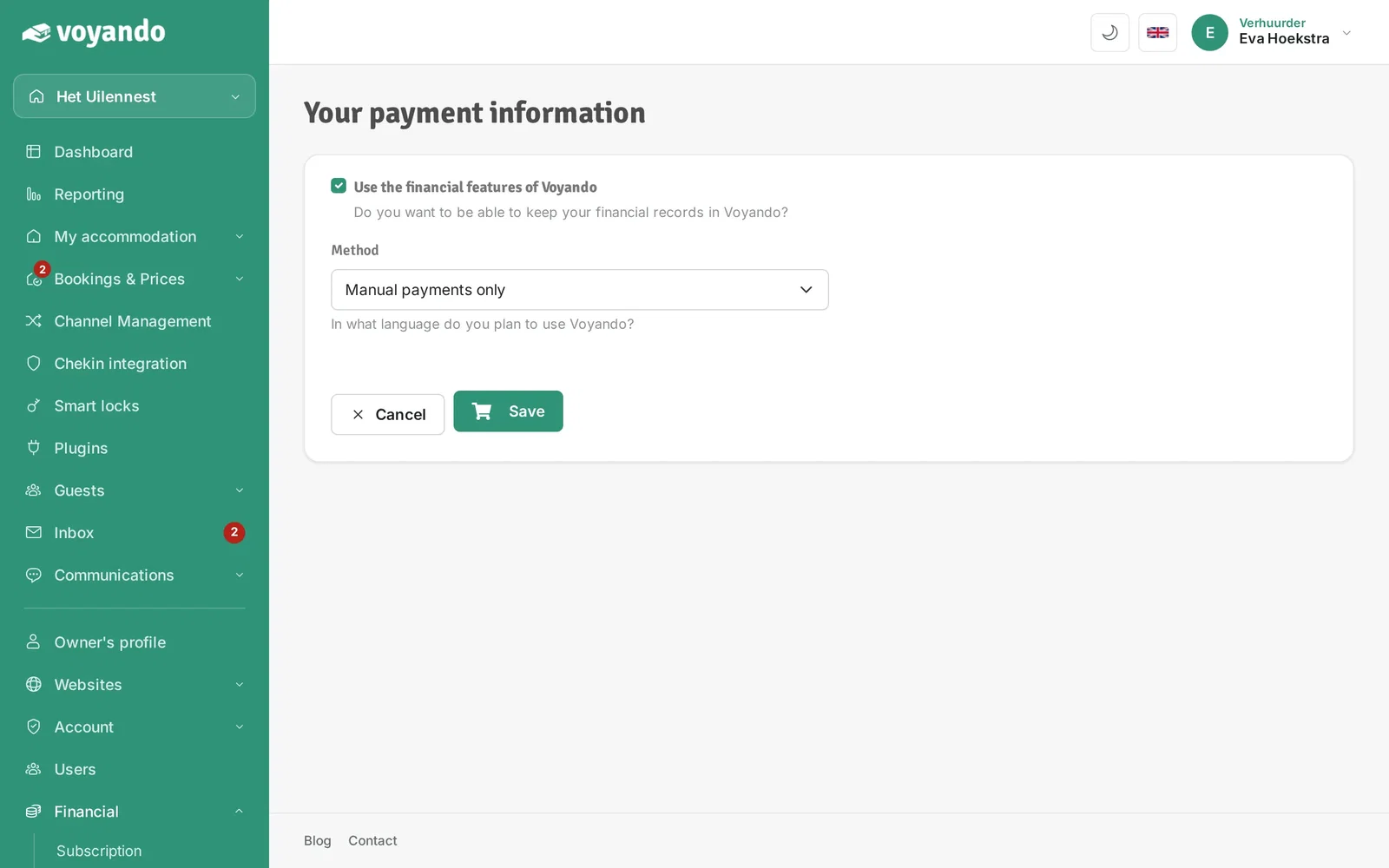
Step 4: Make sure Use the financial features of Voyando is ticked.
-
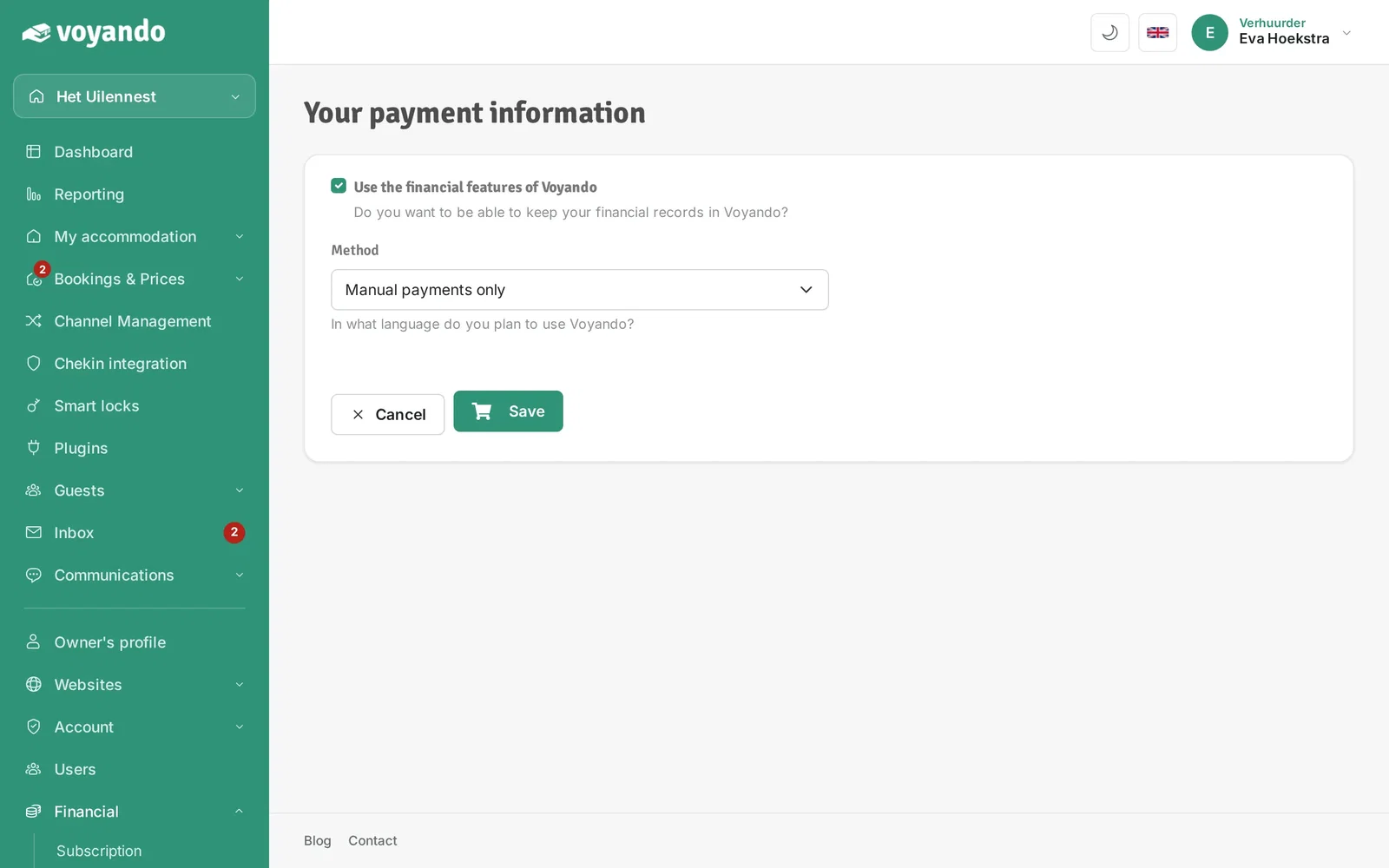
Step 5: Under Method, choose Use online payments (€2,- p/m extra). Your choice is saved right away.
-
Step 6: The payment methods then appear (see the fees per method on stripe.com/pricing), together with the Enable online payments button. Click it and complete the steps at Stripe: from then on payments are handled automatically.