How do I set my payment terms?
Easily set your deposit period, percentage and payment instalments so that guests pay on time and your administration runs smoothly.
Step by step · 12 steps
-
Step 1: Go to your dashboard.

-
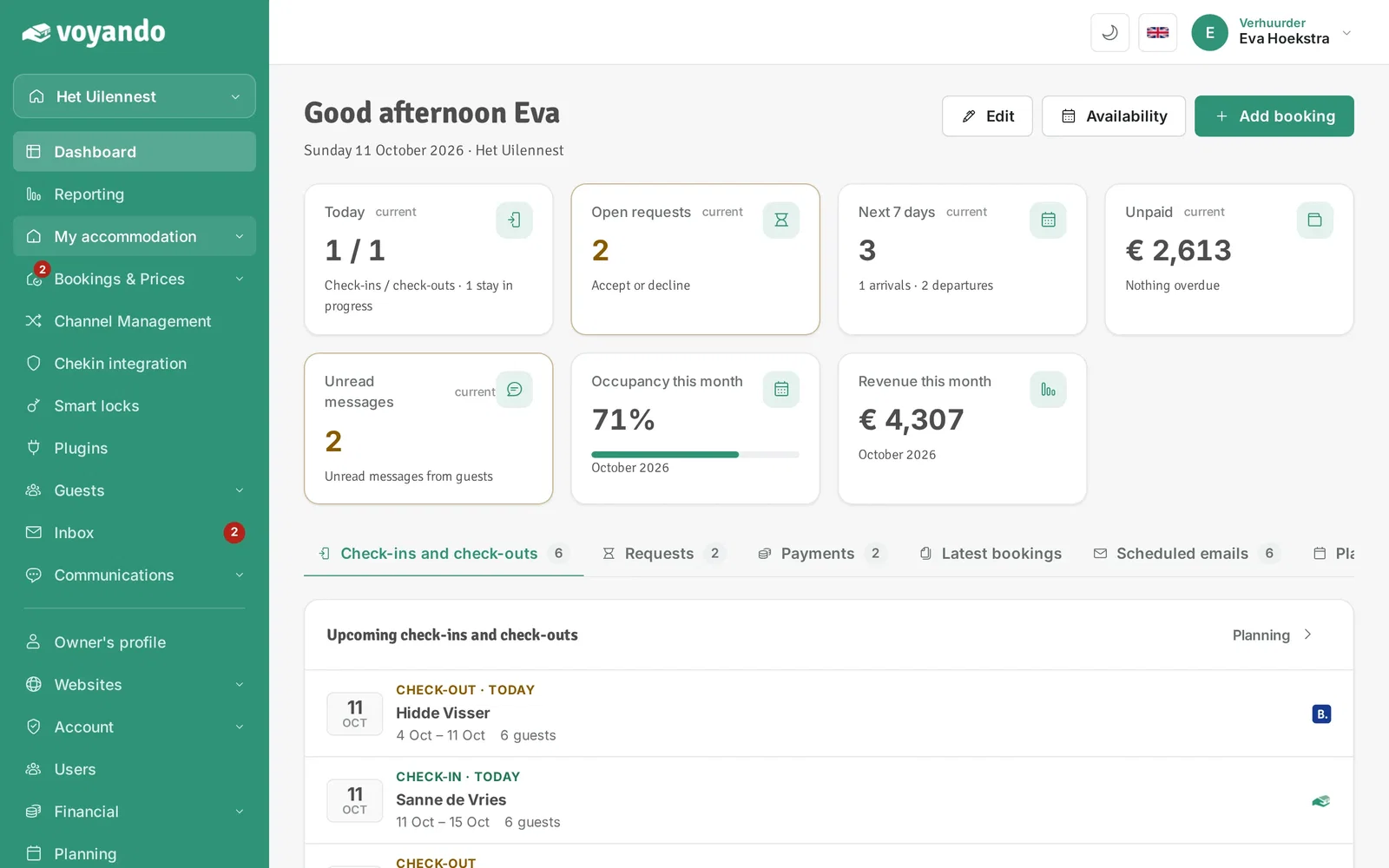
Step 2: Click My accommodation in the menu.
-
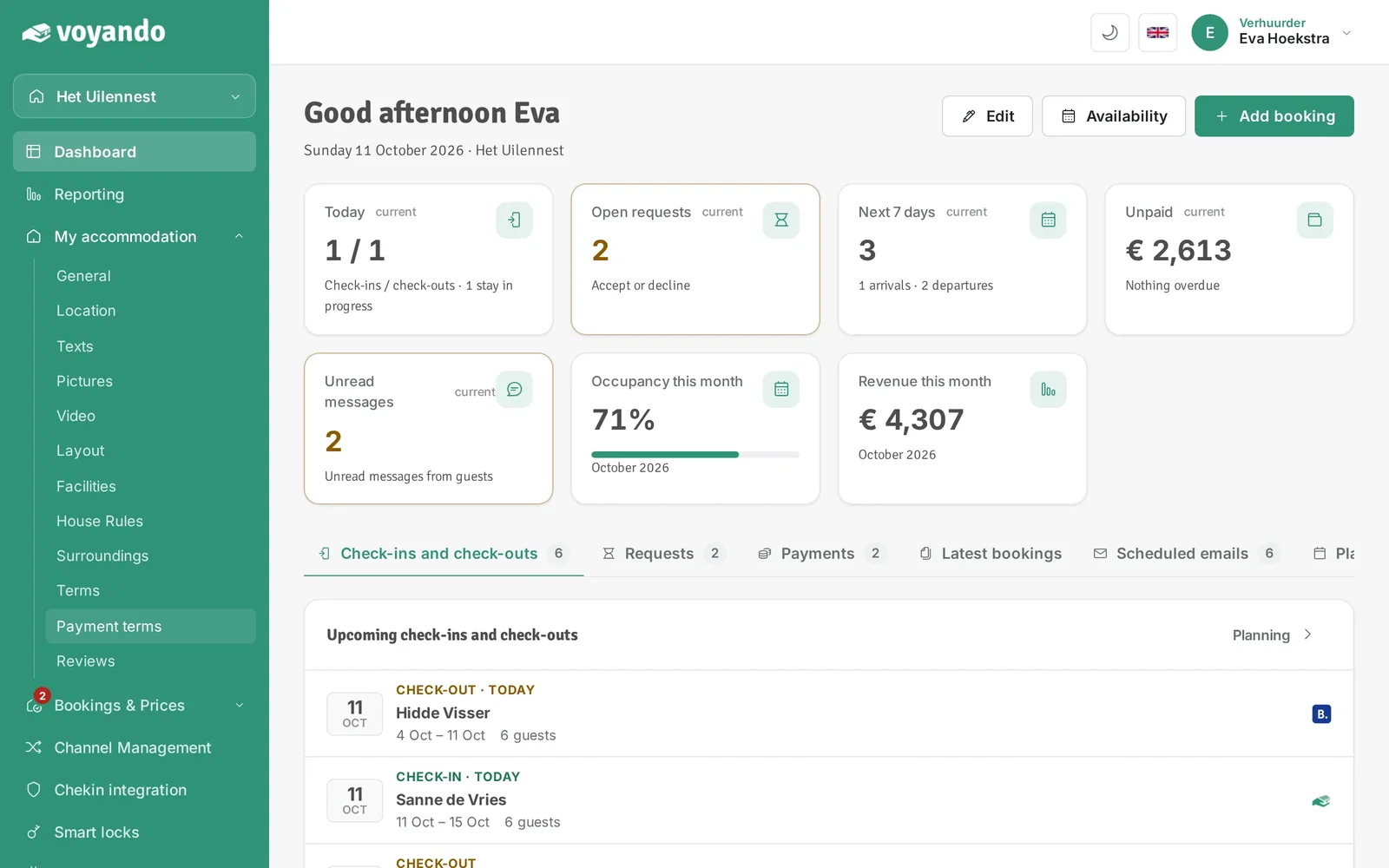
Step 3: Click Payment terms.
-
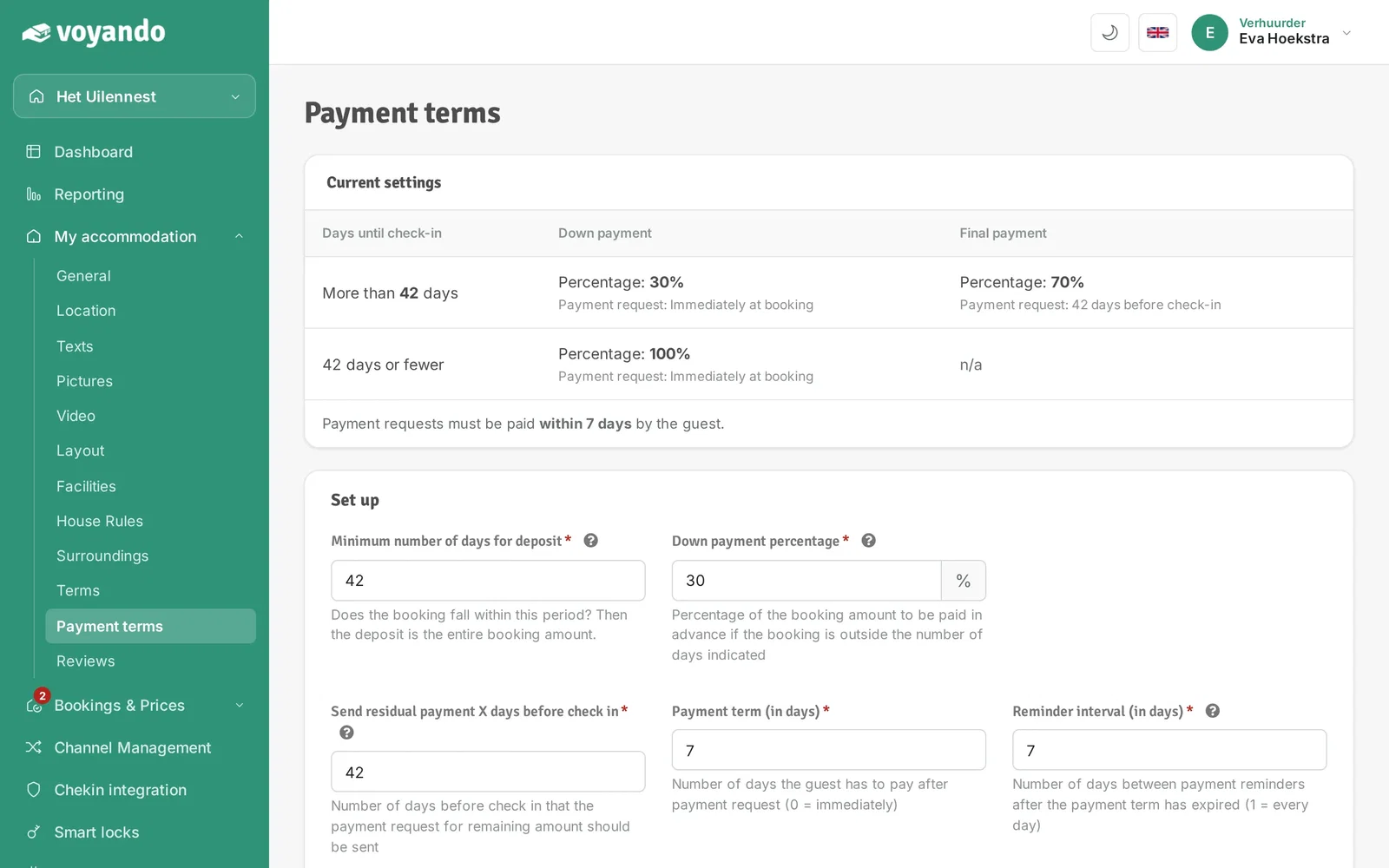
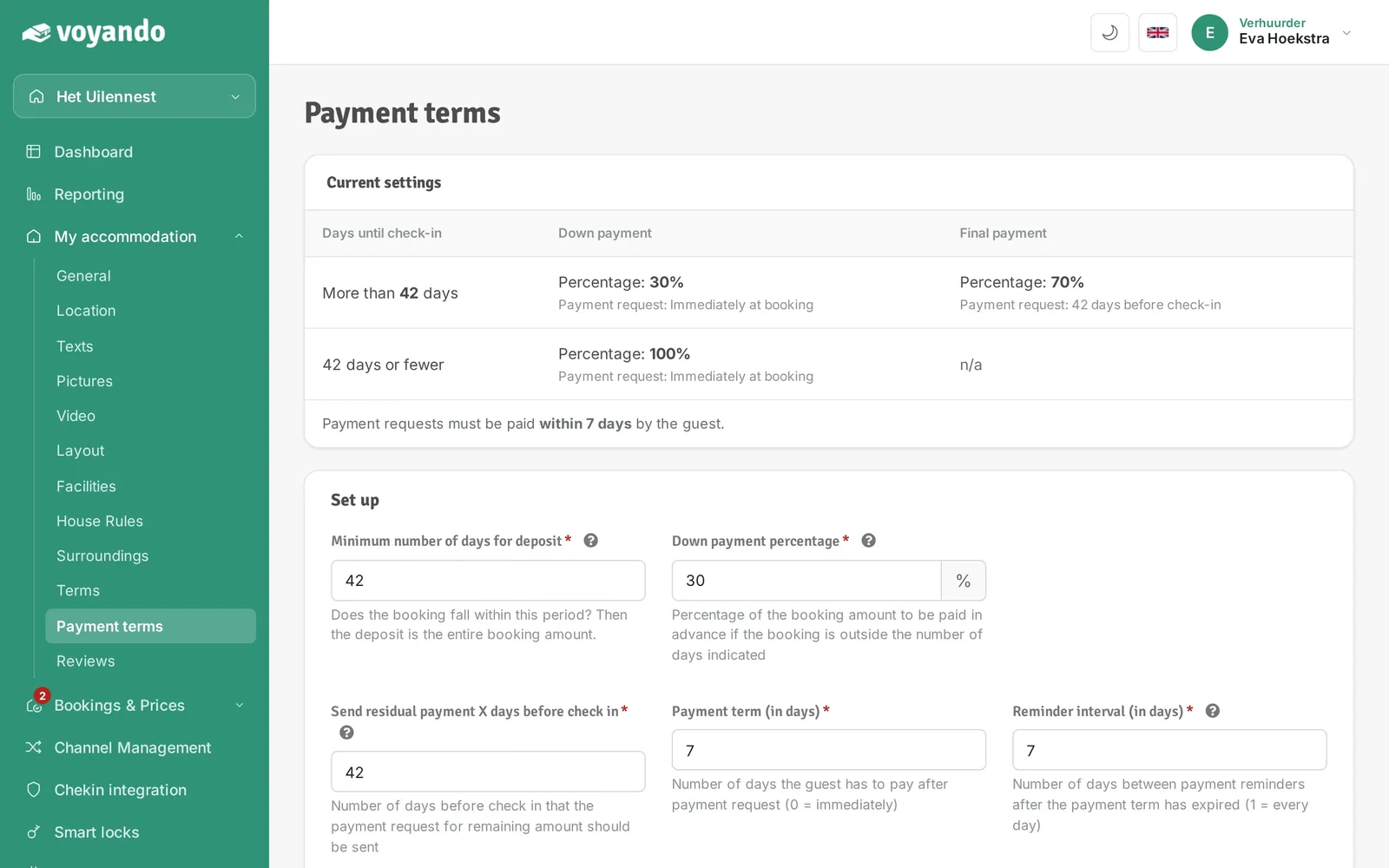
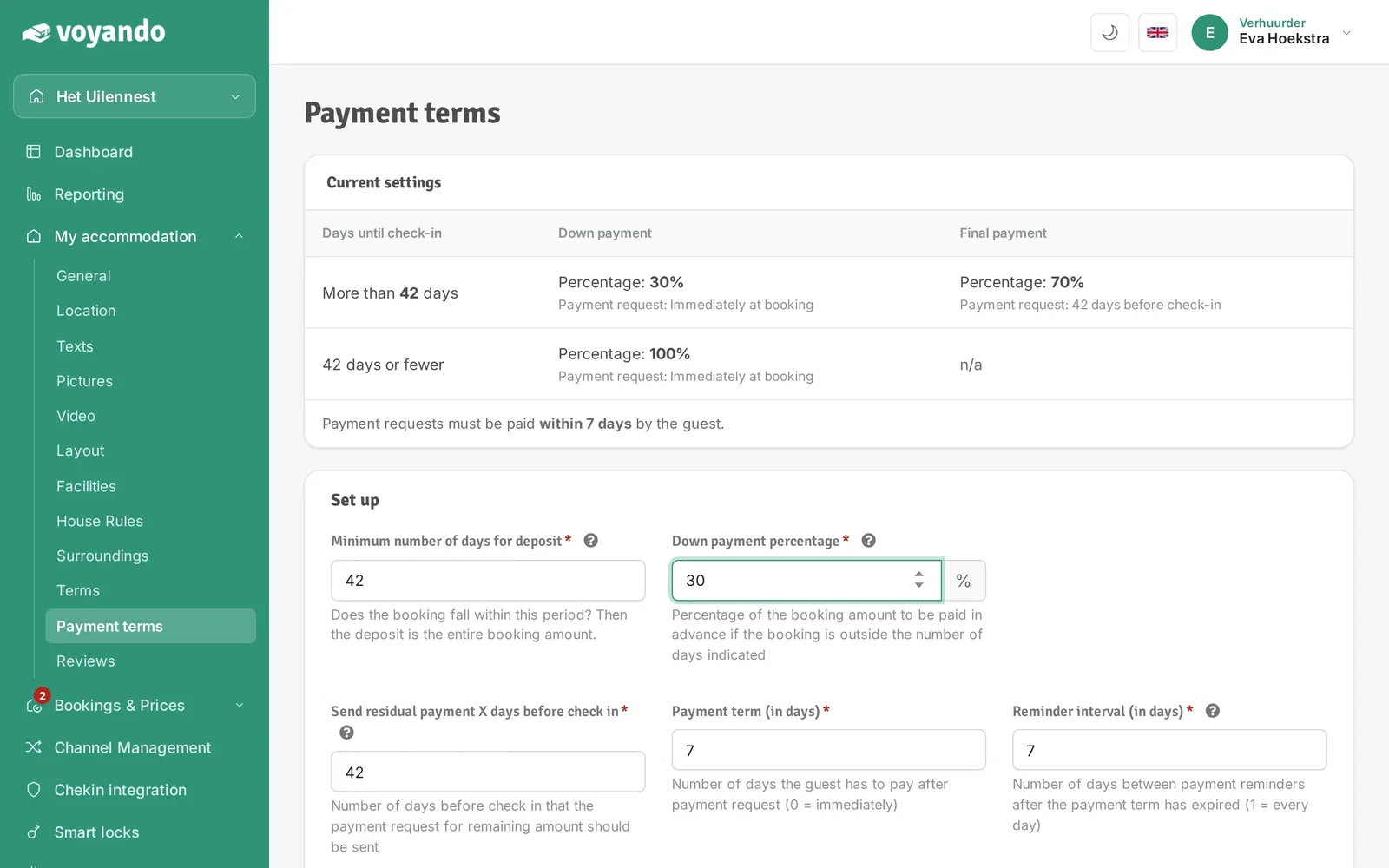
Step 4: At the top you see your current settings: when the down payment and the remaining payment are requested.
-
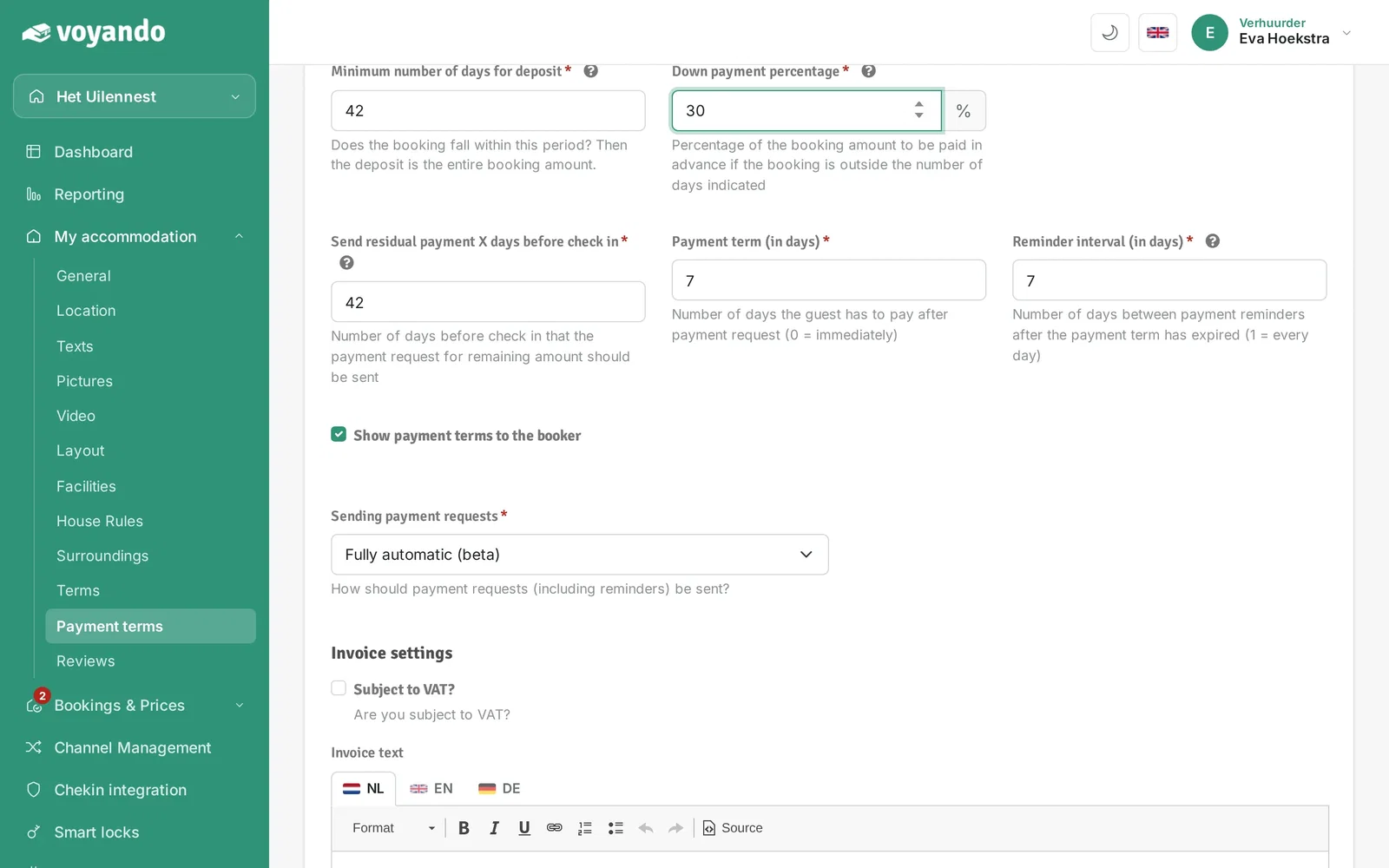
Step 5: Under Minimum number of days for deposit, enter the down-payment period. If the booking falls within this period, the guest pays the full amount at once.
-
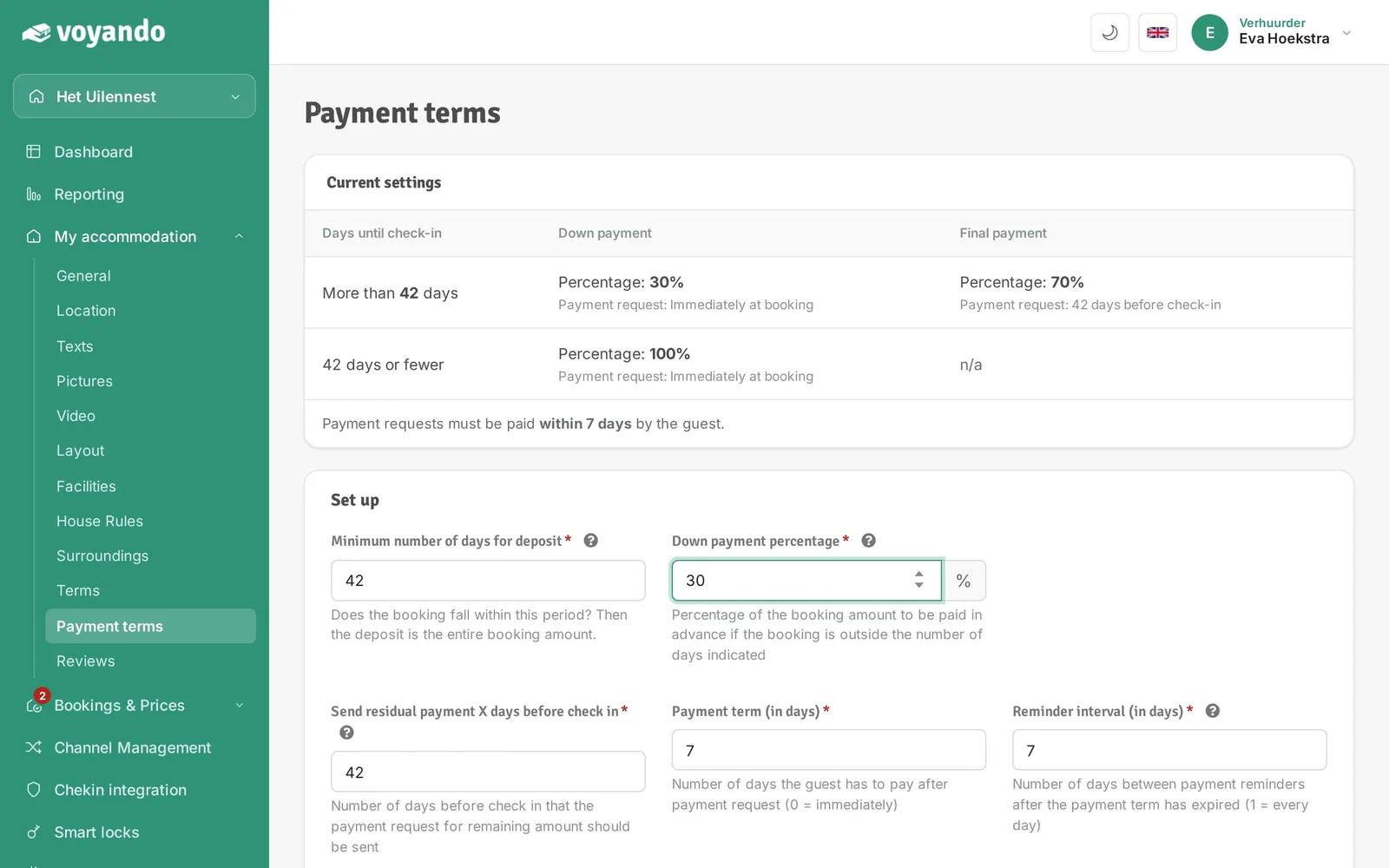
Step 6: Under Down payment percentage, enter the share of the booking amount that is paid as a down payment.
-
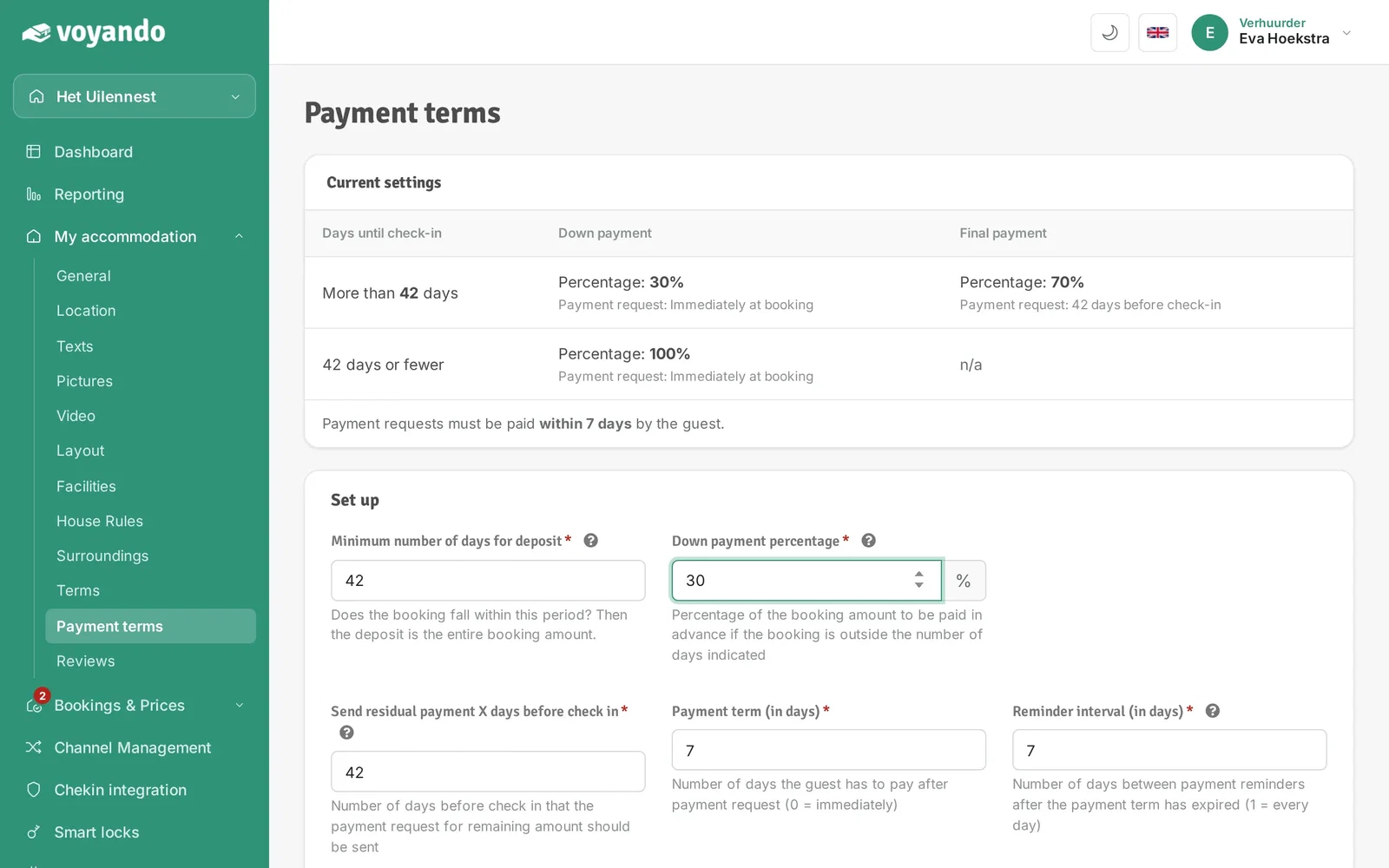
Step 7: Under Send residual payment X days before check in you choose how many days before arrival the request for the remaining amount is sent.
-
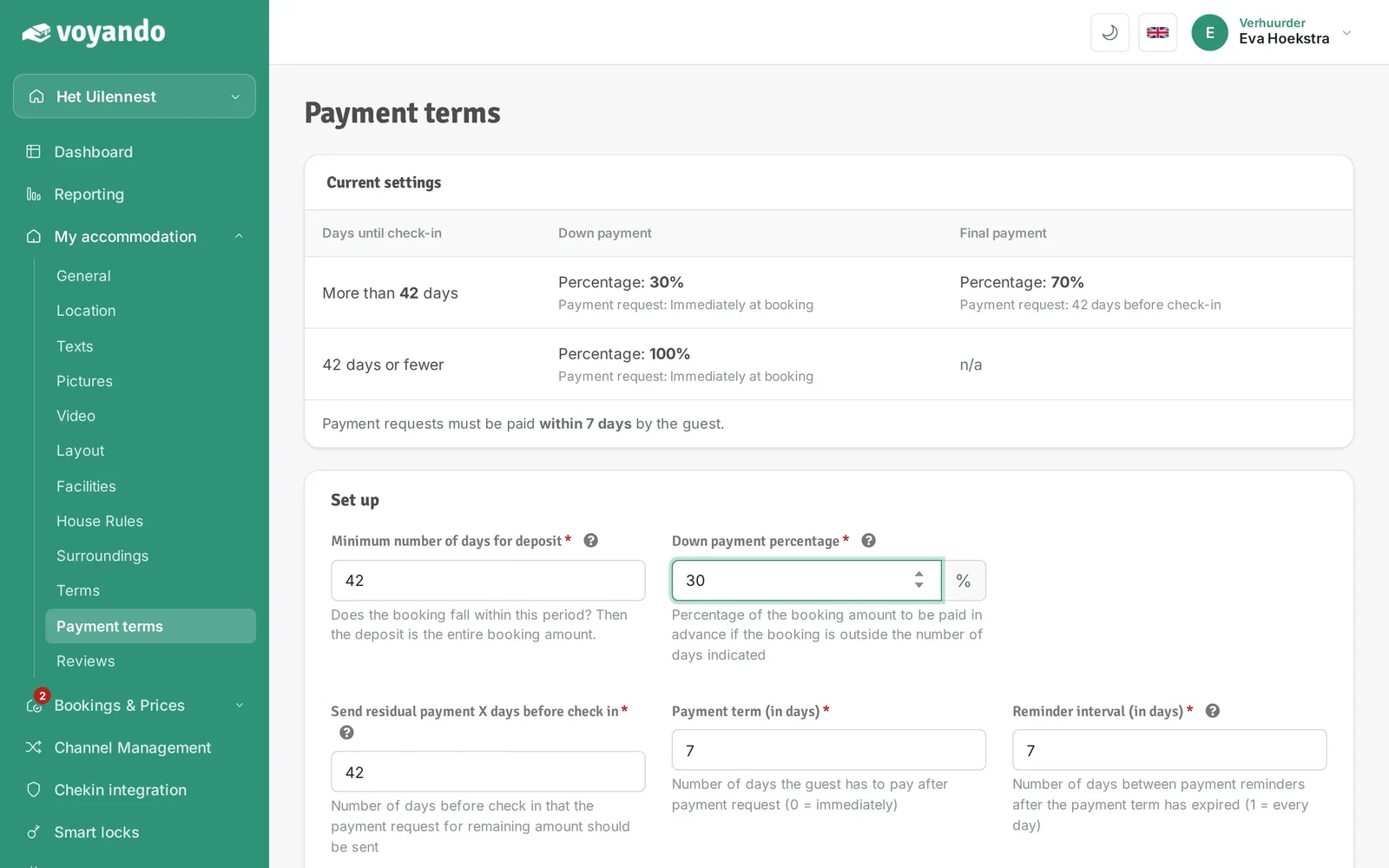
Step 8: Under Payment term (in days) enter how many days the guest has to pay (0 = immediately).
-
Step 9: Under Reminder interval (in days) choose how often a payment reminder is sent.
-
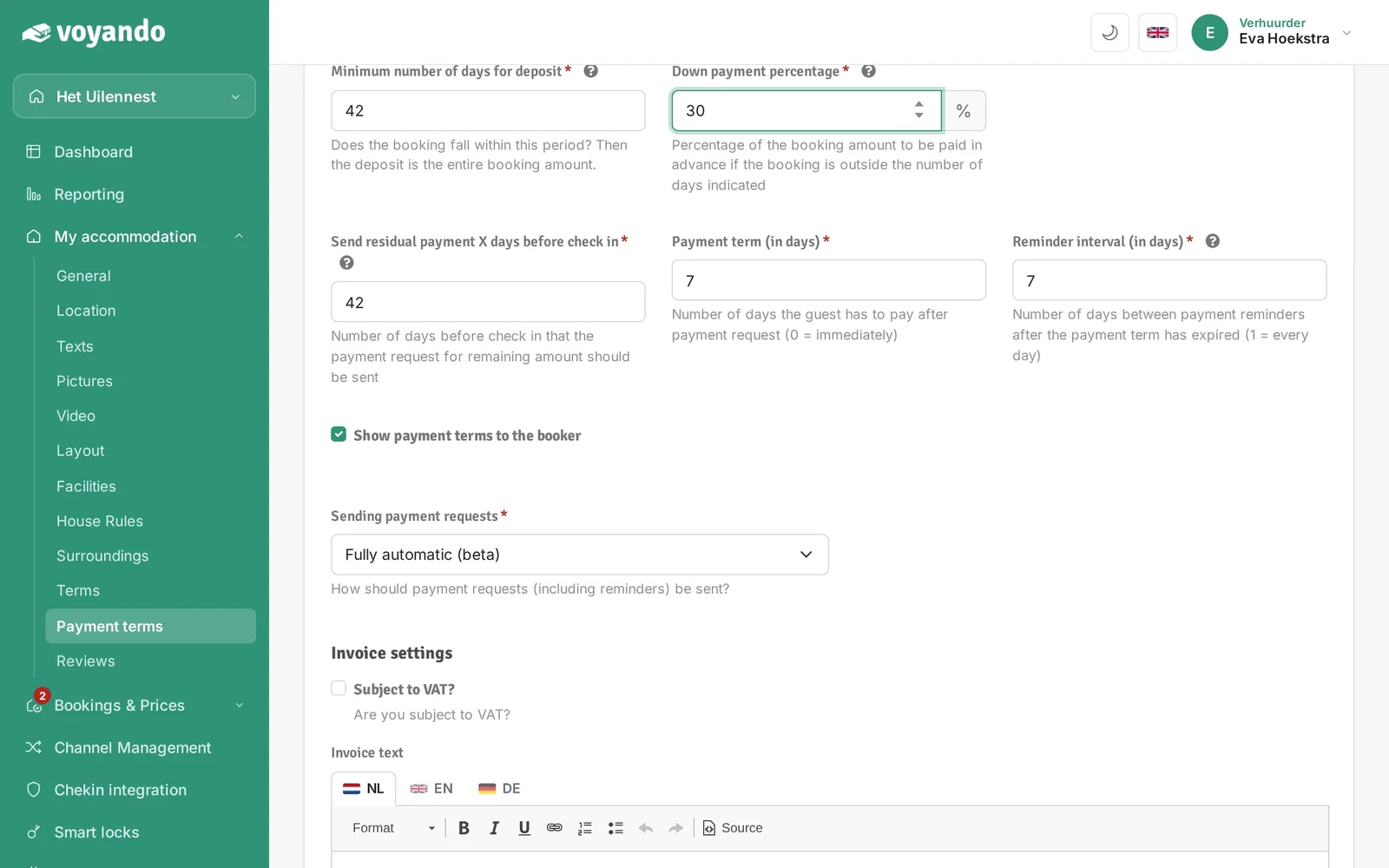
Step 10: Tick Show payment terms to the booker to show your guest the terms.
-
Step 11: Under Sending payment requests choose whether payment requests are sent automatically.
-
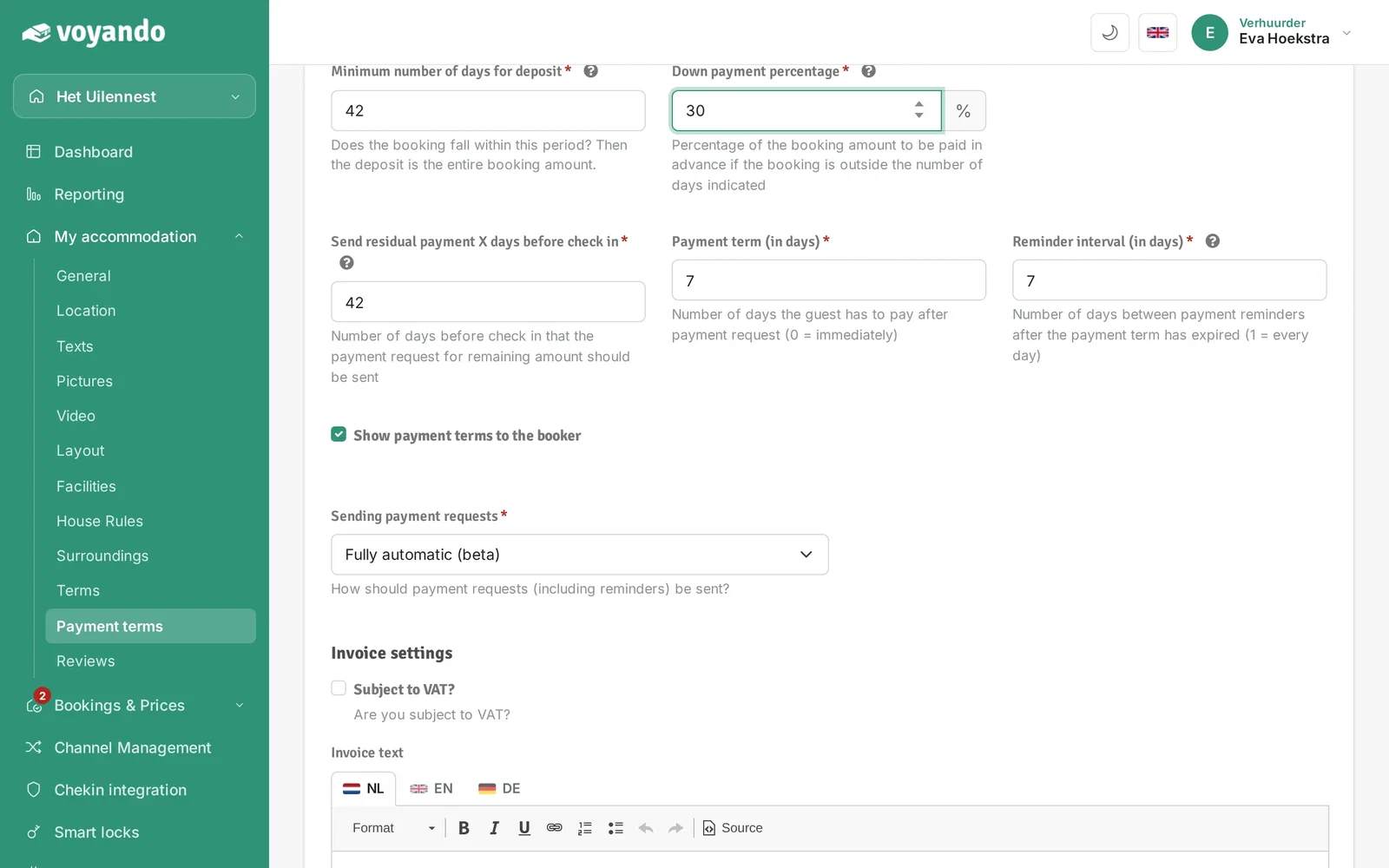
Step 12: Click Save.