How do I create a payment request?
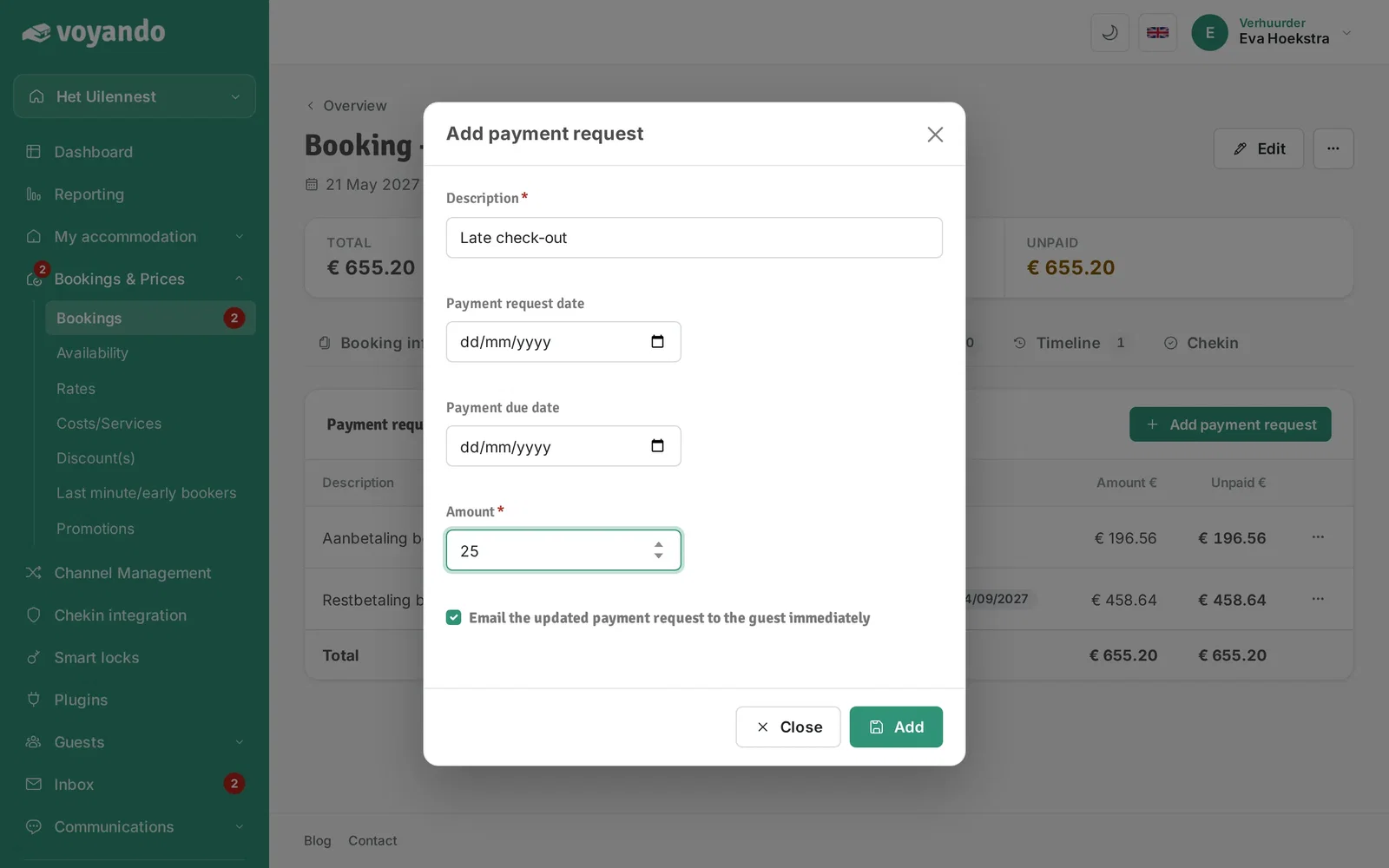
Simply create a payment request, set the description, amount and payment deadline, and send it automatically on the date of your choice.
Step by step · 12 steps
-
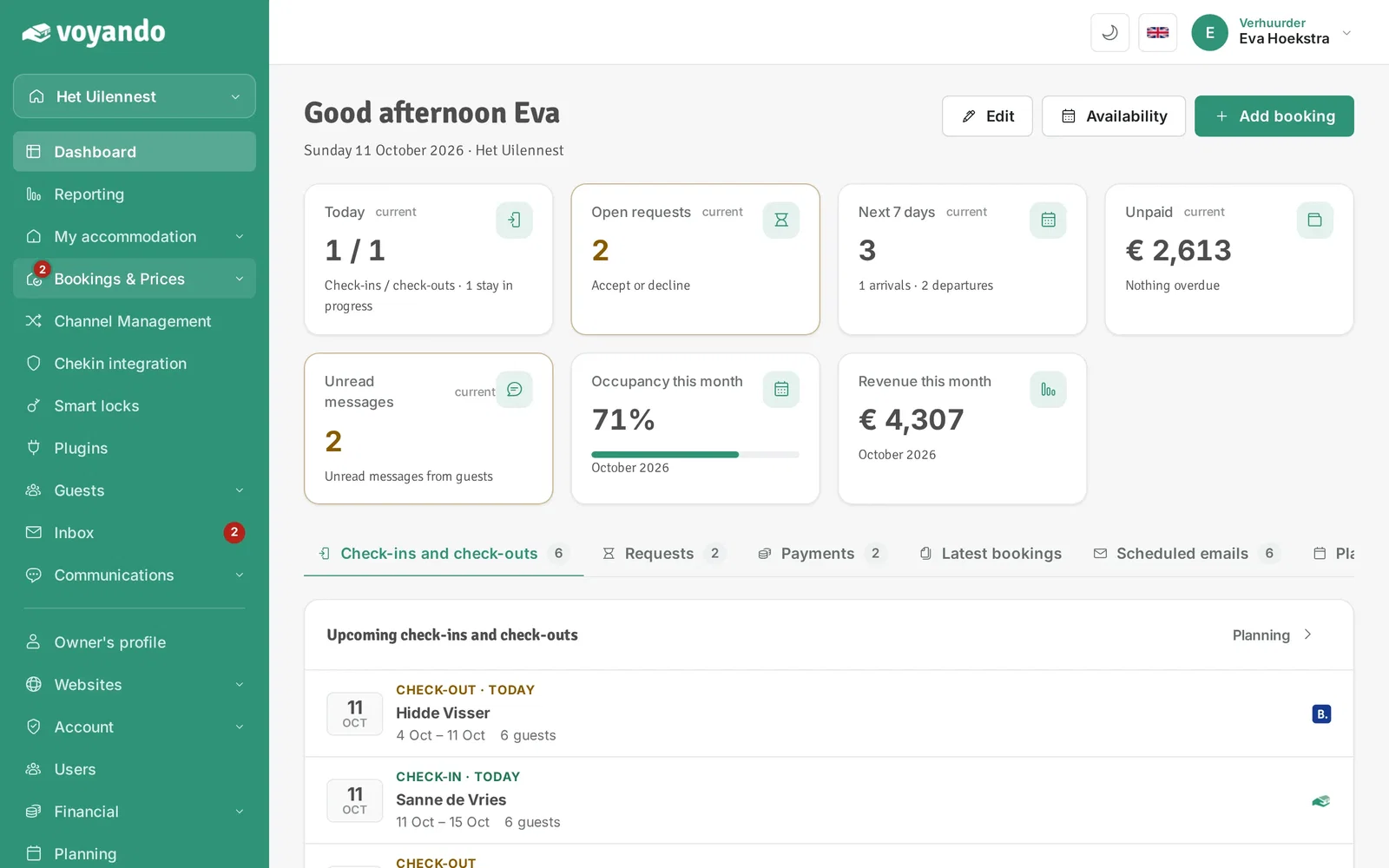
Step 1: Go to your dashboard.

-
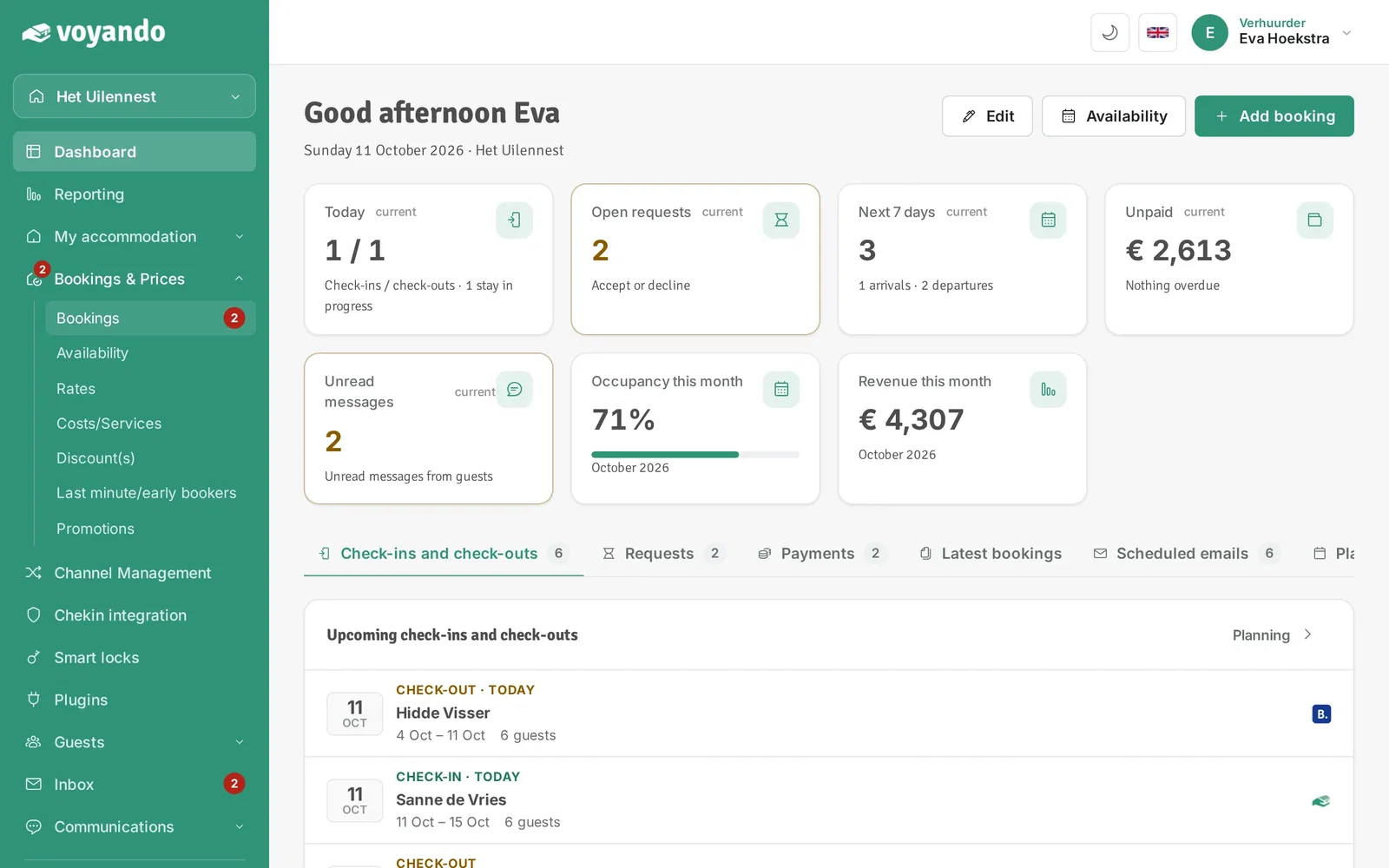
Step 2: Click Bookings & Prices in the menu.
-
Step 3: Click Bookings.
-
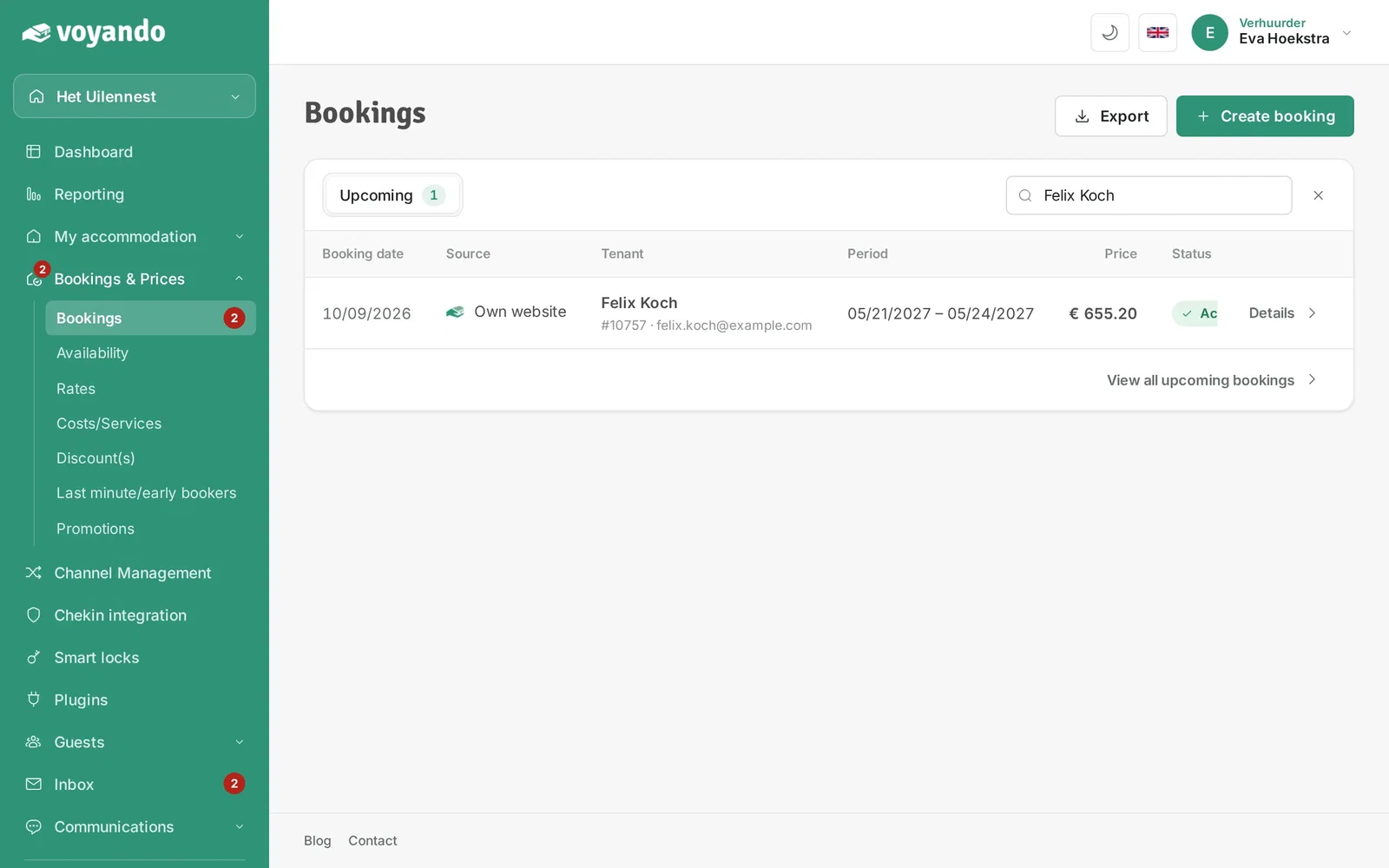
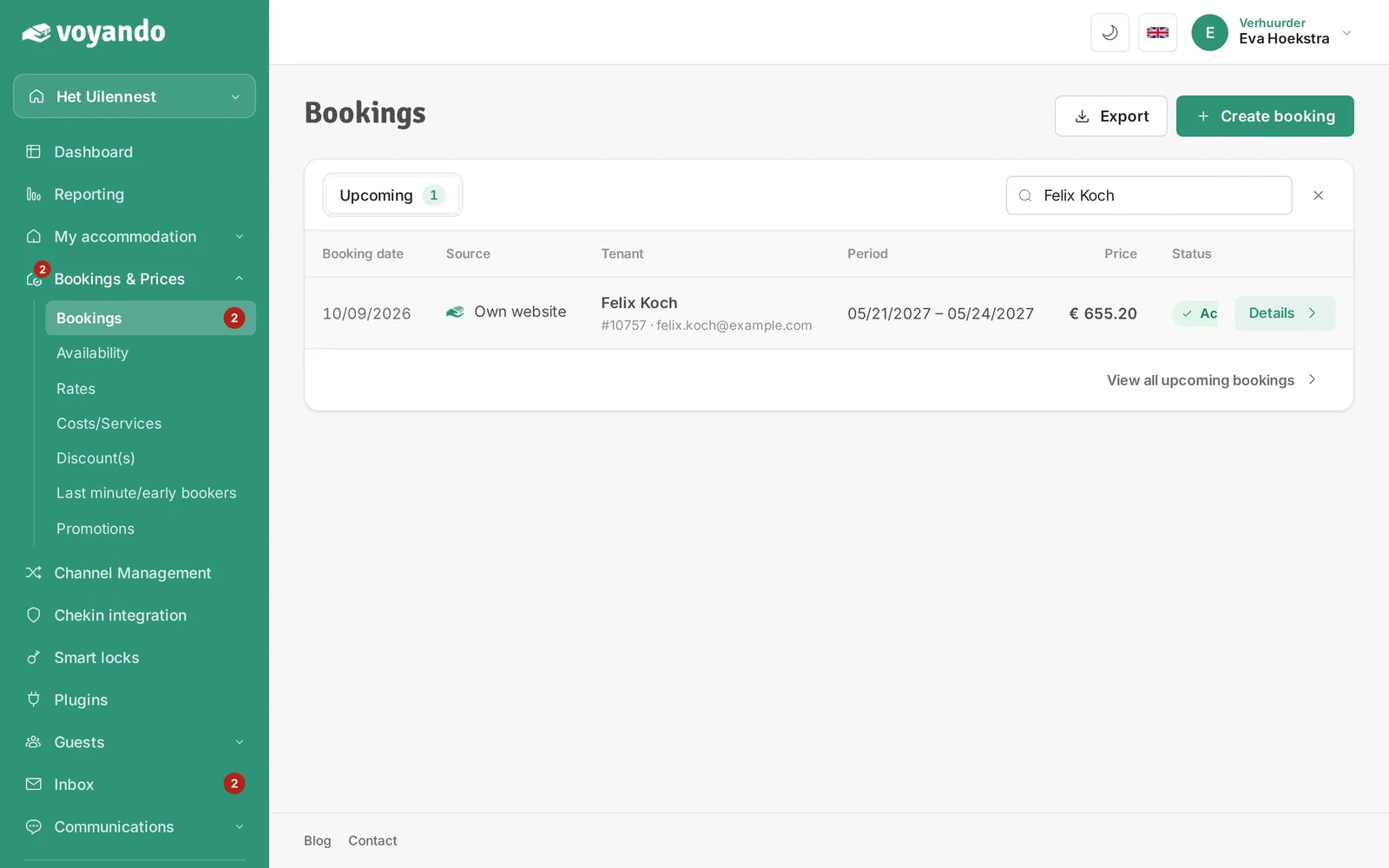
Step 4: Look up the booking you want to create a payment request for, for example by the guest's name.
-
Step 5: Click Details next to the booking.
-
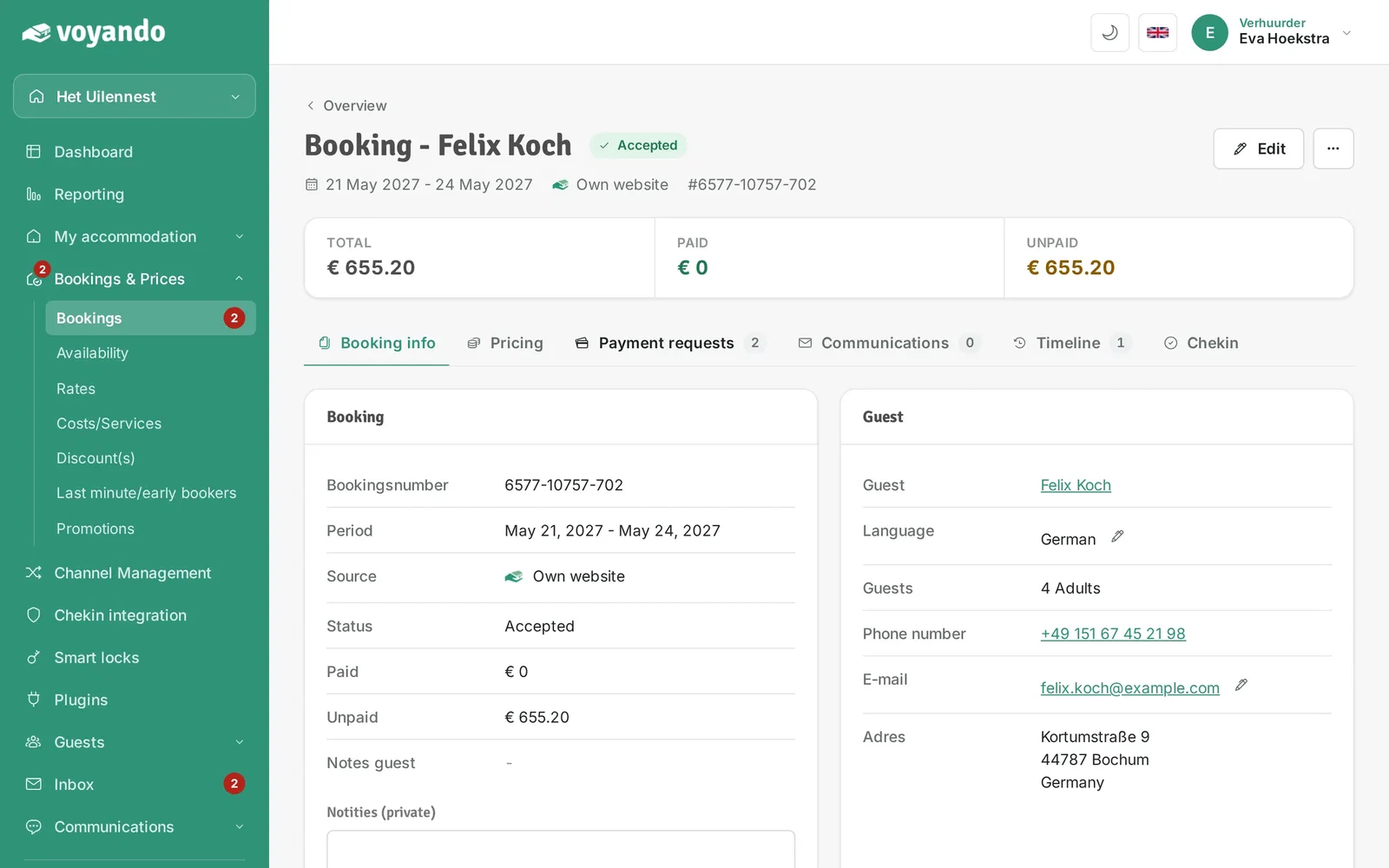
Step 6: Click the Payment requests tab.
-
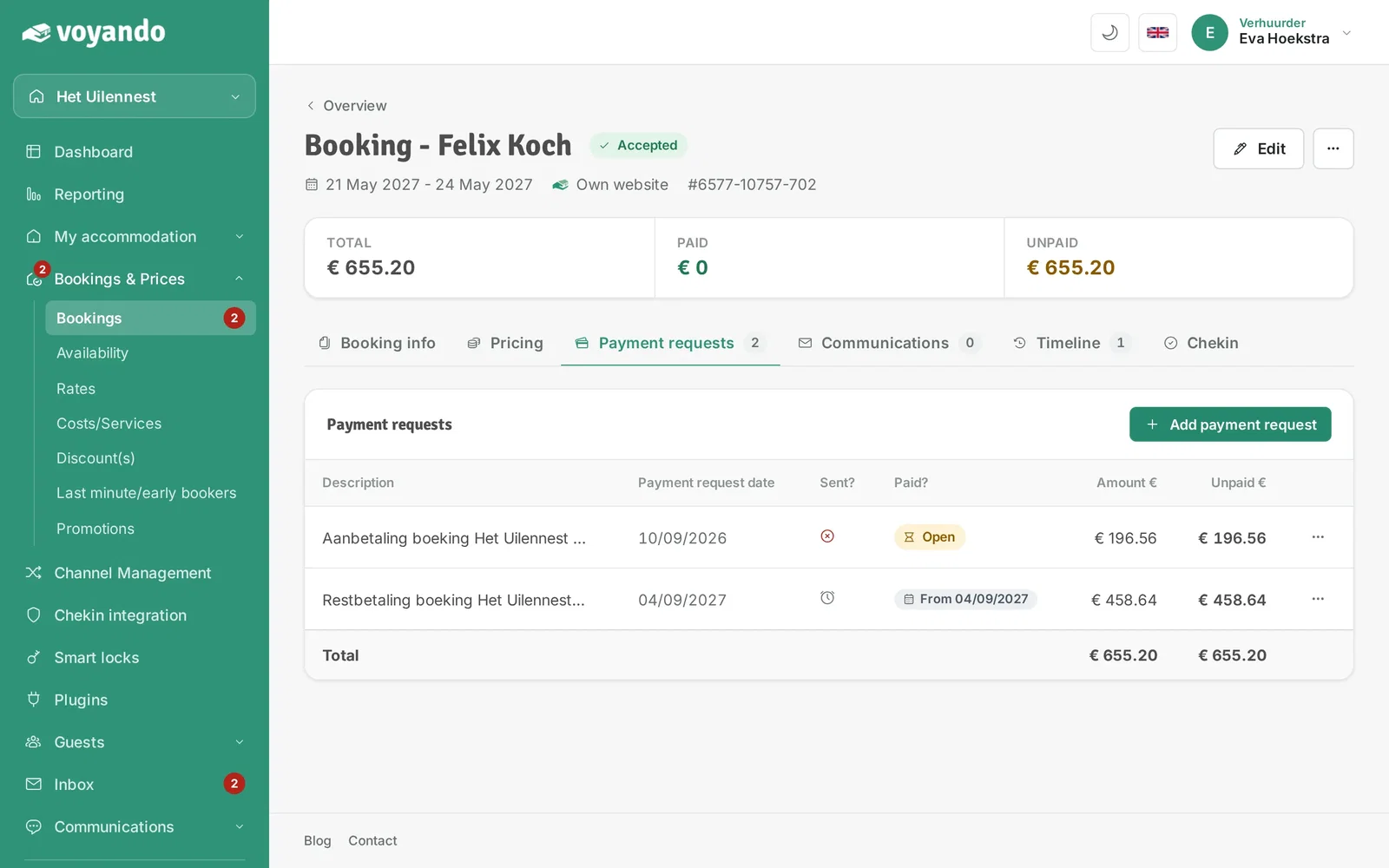
Step 7: Click Add payment request.
-
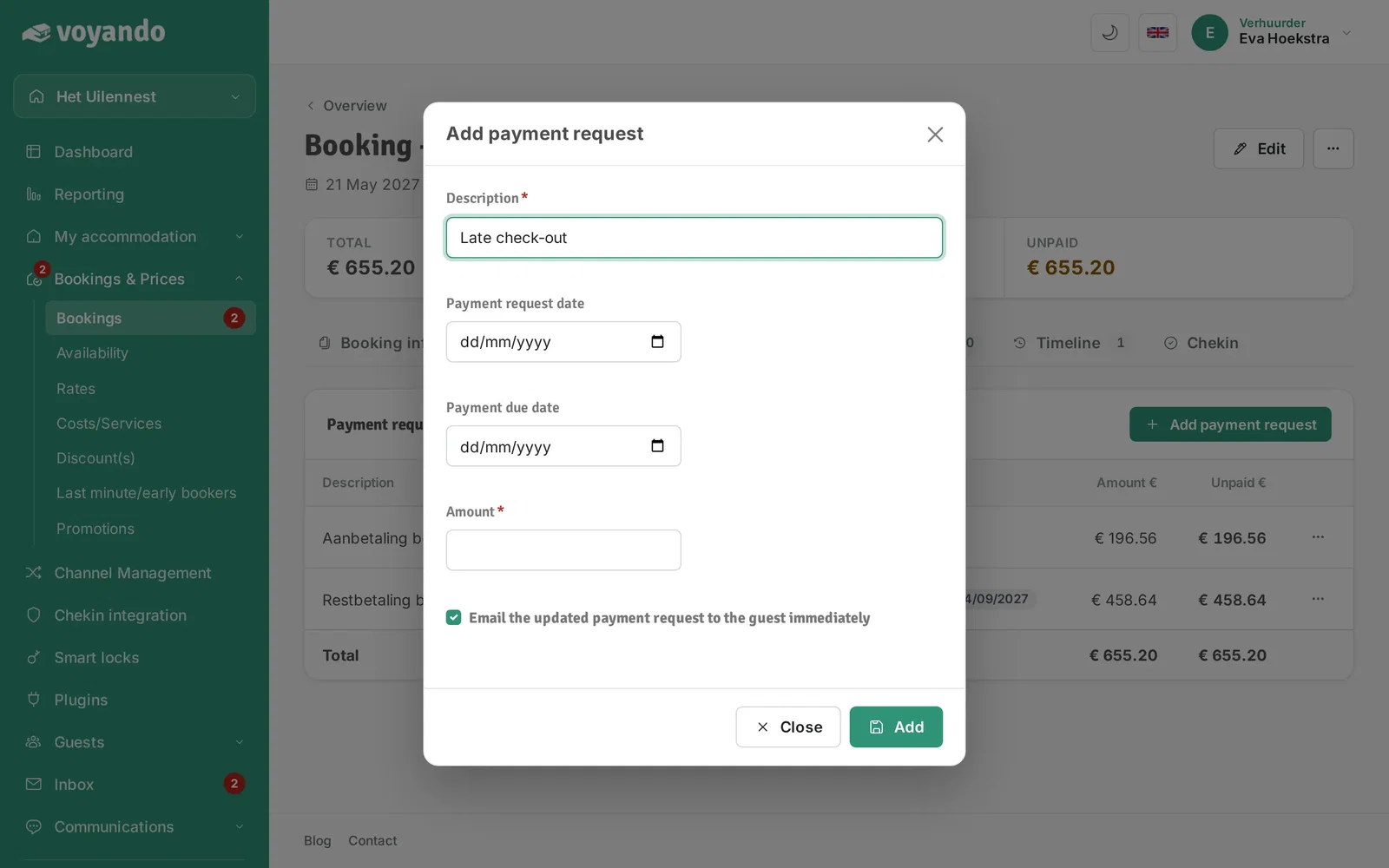
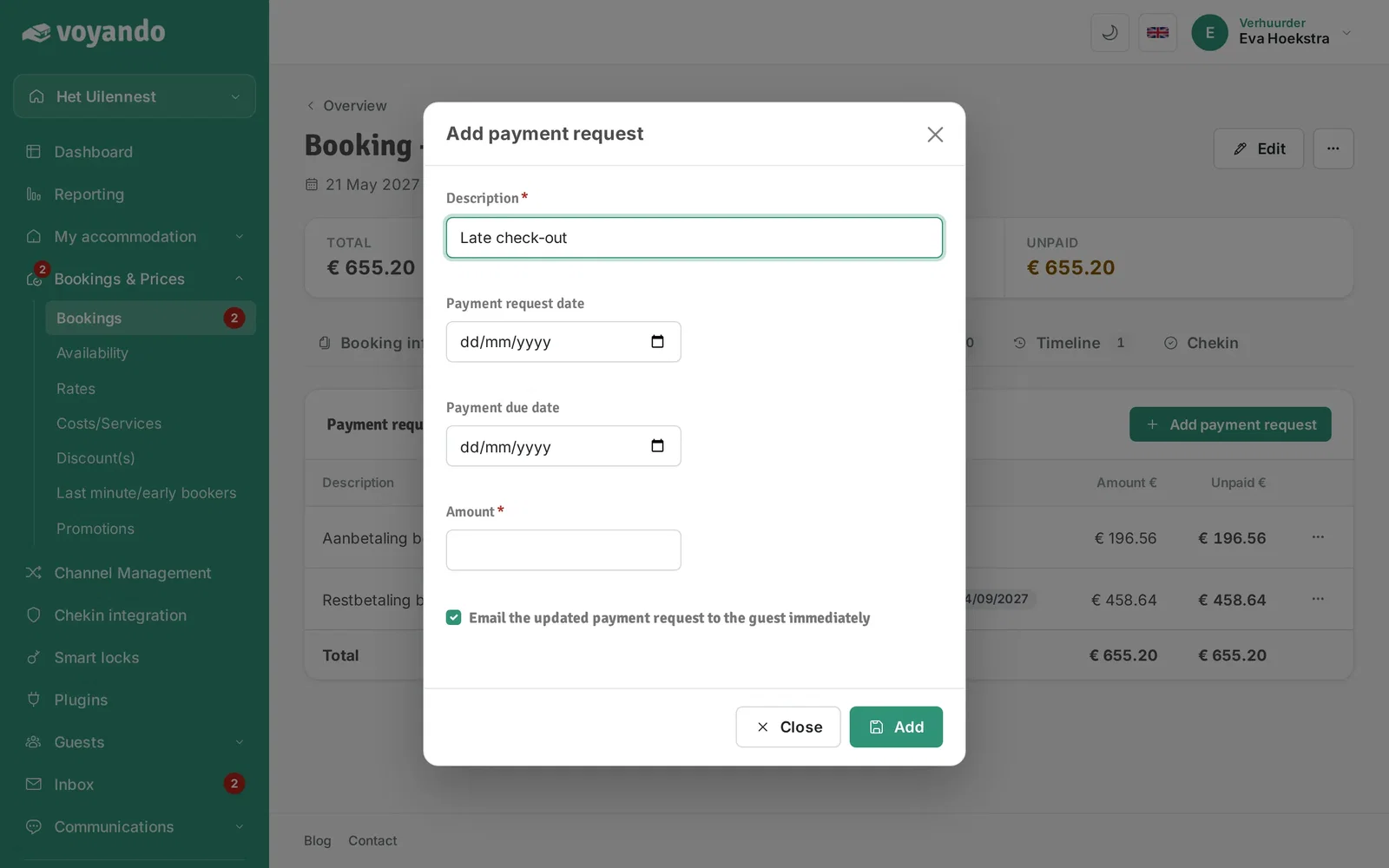
Step 8: Give the payment request a Description, so your guest knows what it is for.
-
Step 9: Under Payment request date, pick the date on which your guest receives the payment request.
-
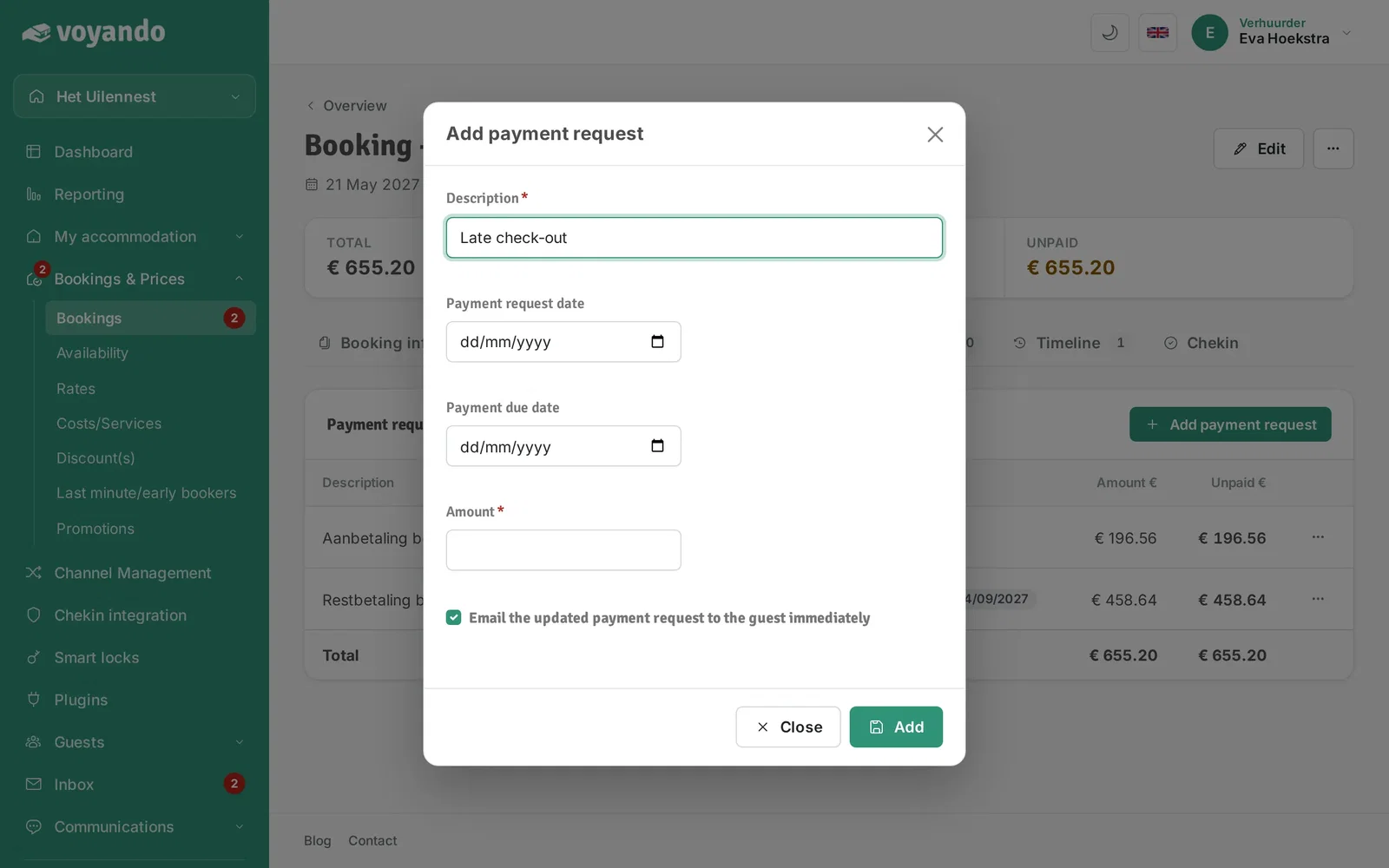
Step 10: Under Payment due date, pick the date by which it must be paid.
-
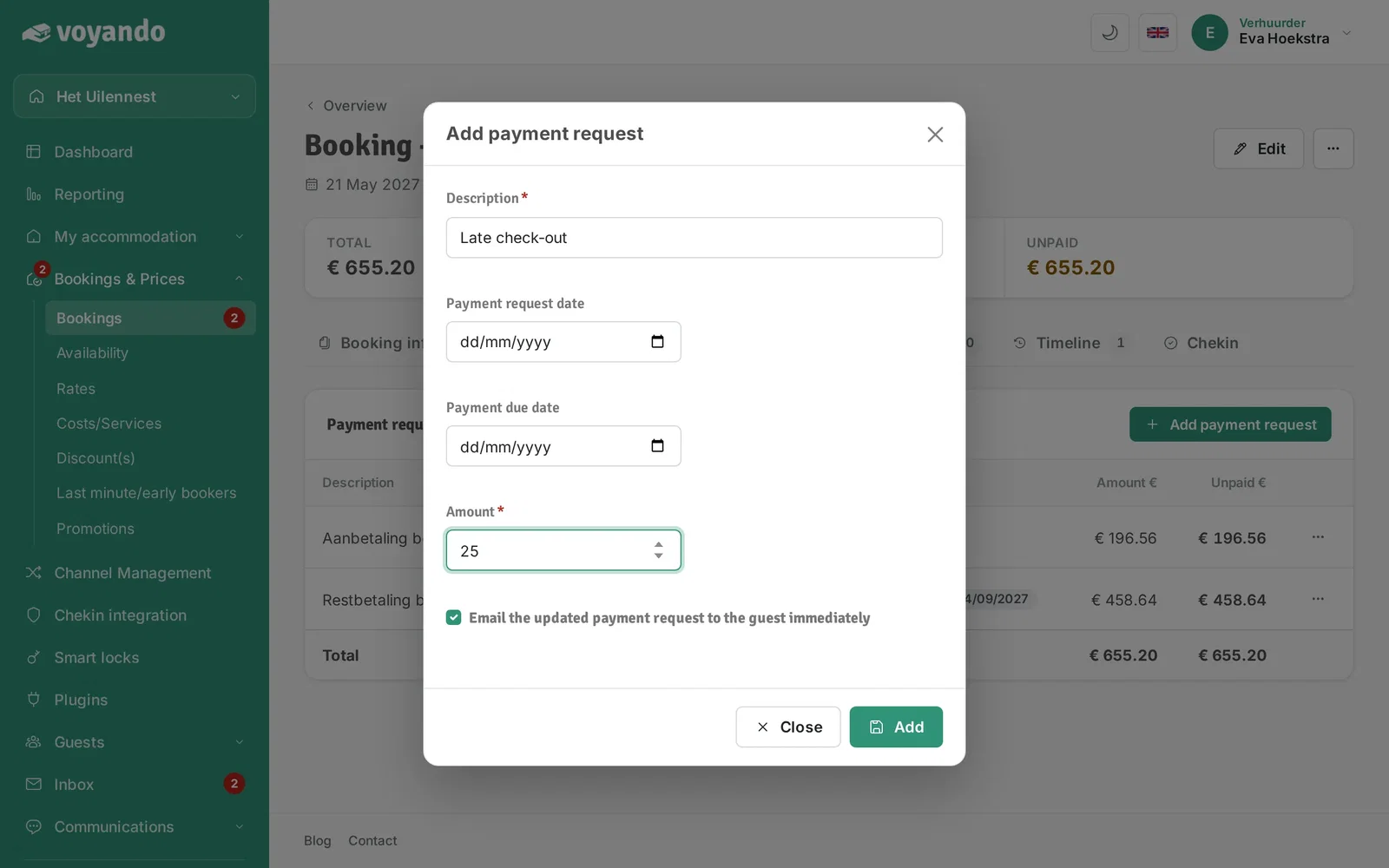
Step 11: Enter the amount under Sum.
-
Step 12: Click Add. The payment request is sent automatically on the chosen date.