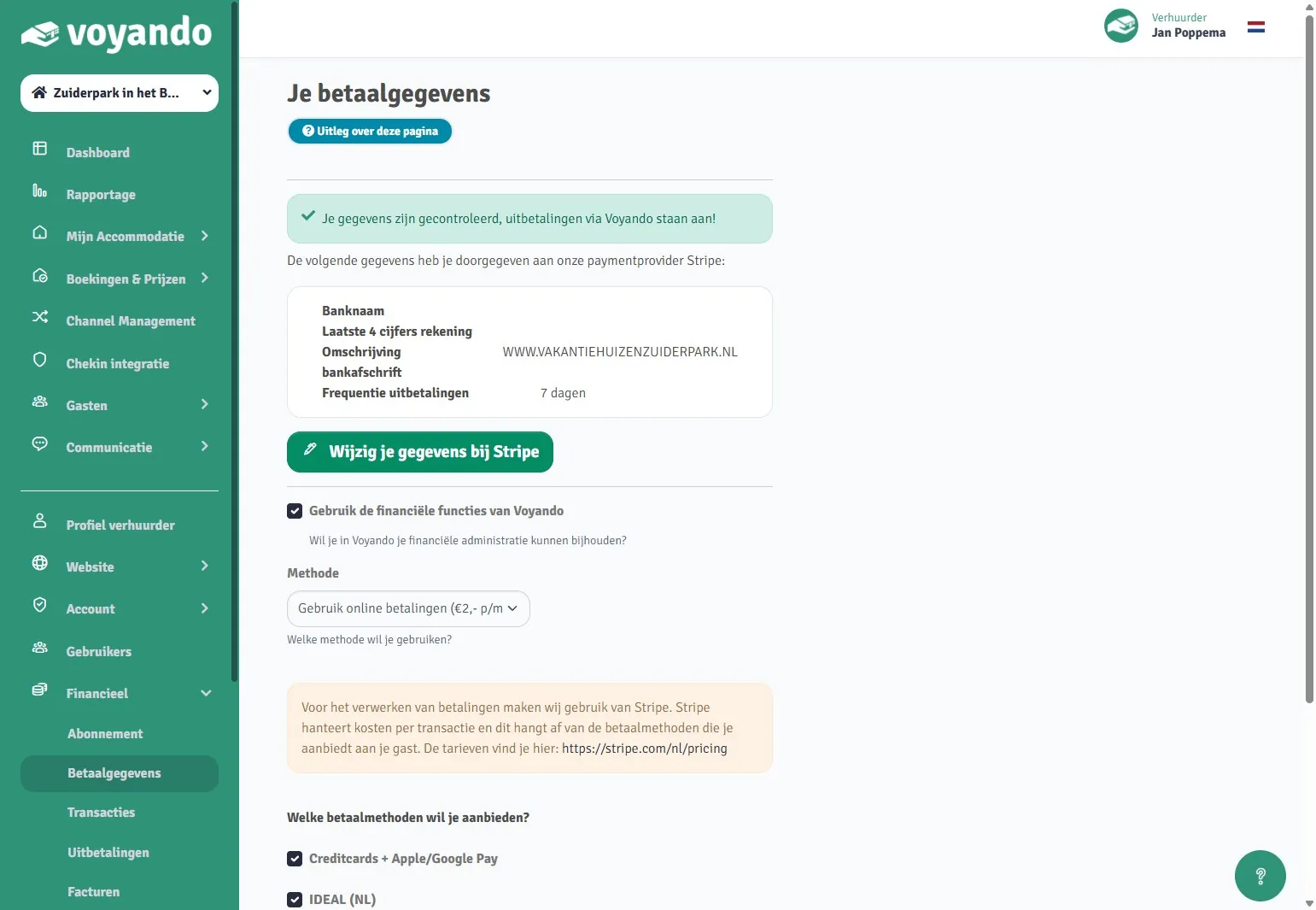
How do I change my bank details for receiving payments?
You can easily update your bank details for receiving payments via Stripe in the Voyando Financial dashboard. Follow the steps on the Stripe screen.
Step by step · 5 steps
-
Step 1: Please note: This guide shows you how to change your bank details with Stripe. These details are used solely for receiving payments. You can update the bank details used for your subscription payments here:
voyando.com/dashboard/financieel/subscription -
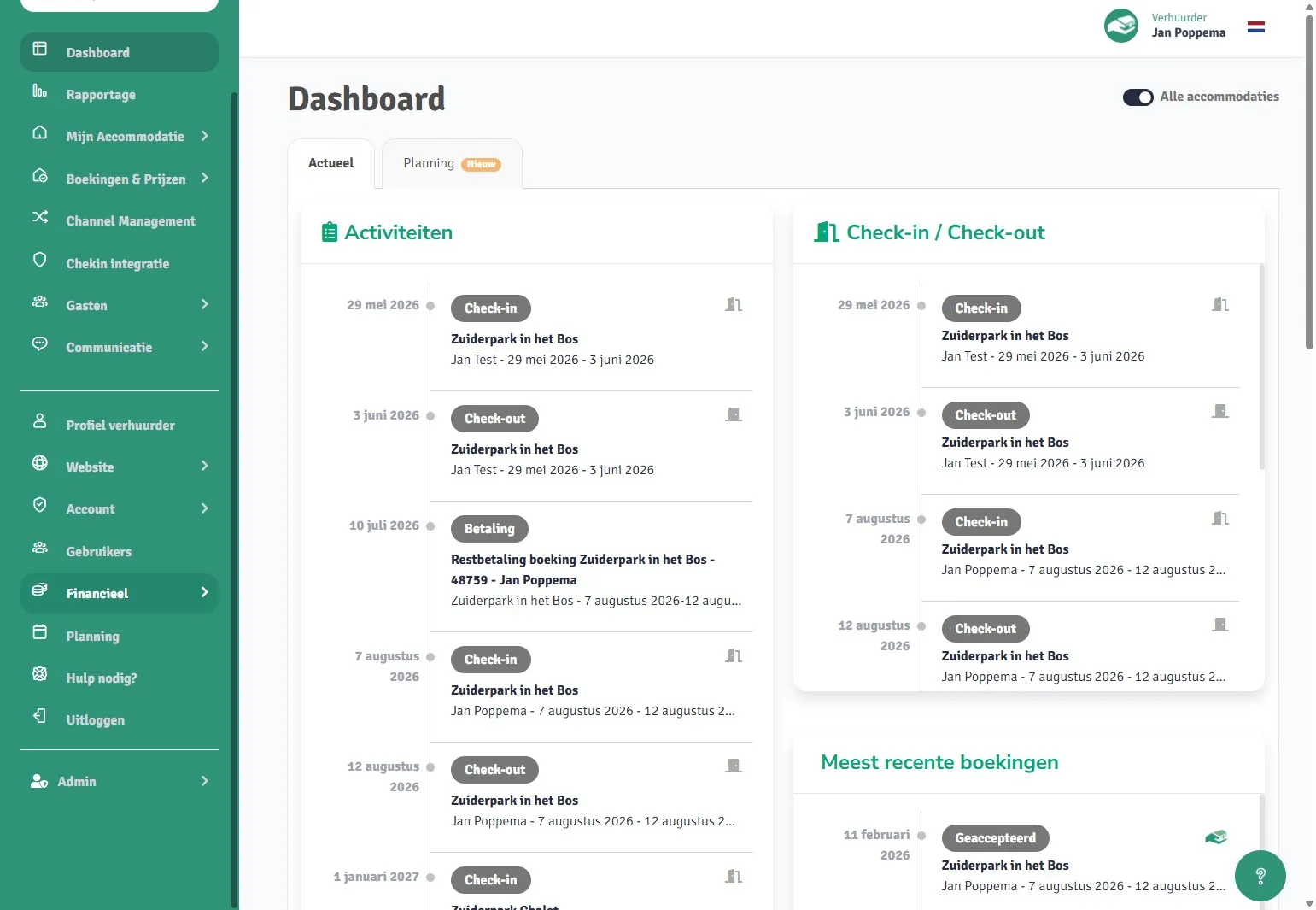
Step 2: Go to voyando.com/dashboard
-
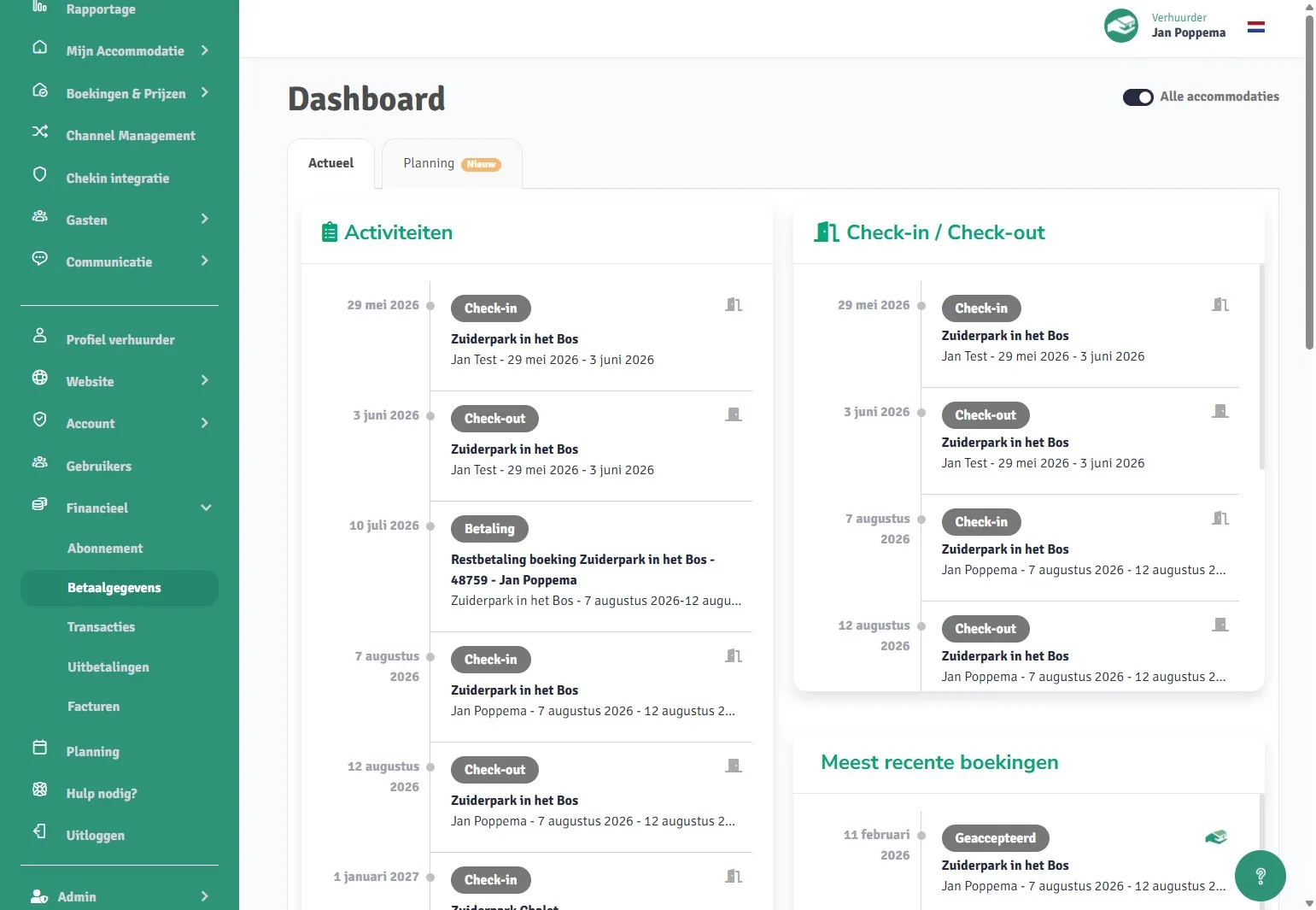
Step 3: Click on Finance
-
Step 4: Click on Payment details
-
Step 5: Click on ‘Update your details’ on Stripe. You will now be taken to a page provided by our partner, Stripe. Follow the steps to update your bank details for receiving payments.