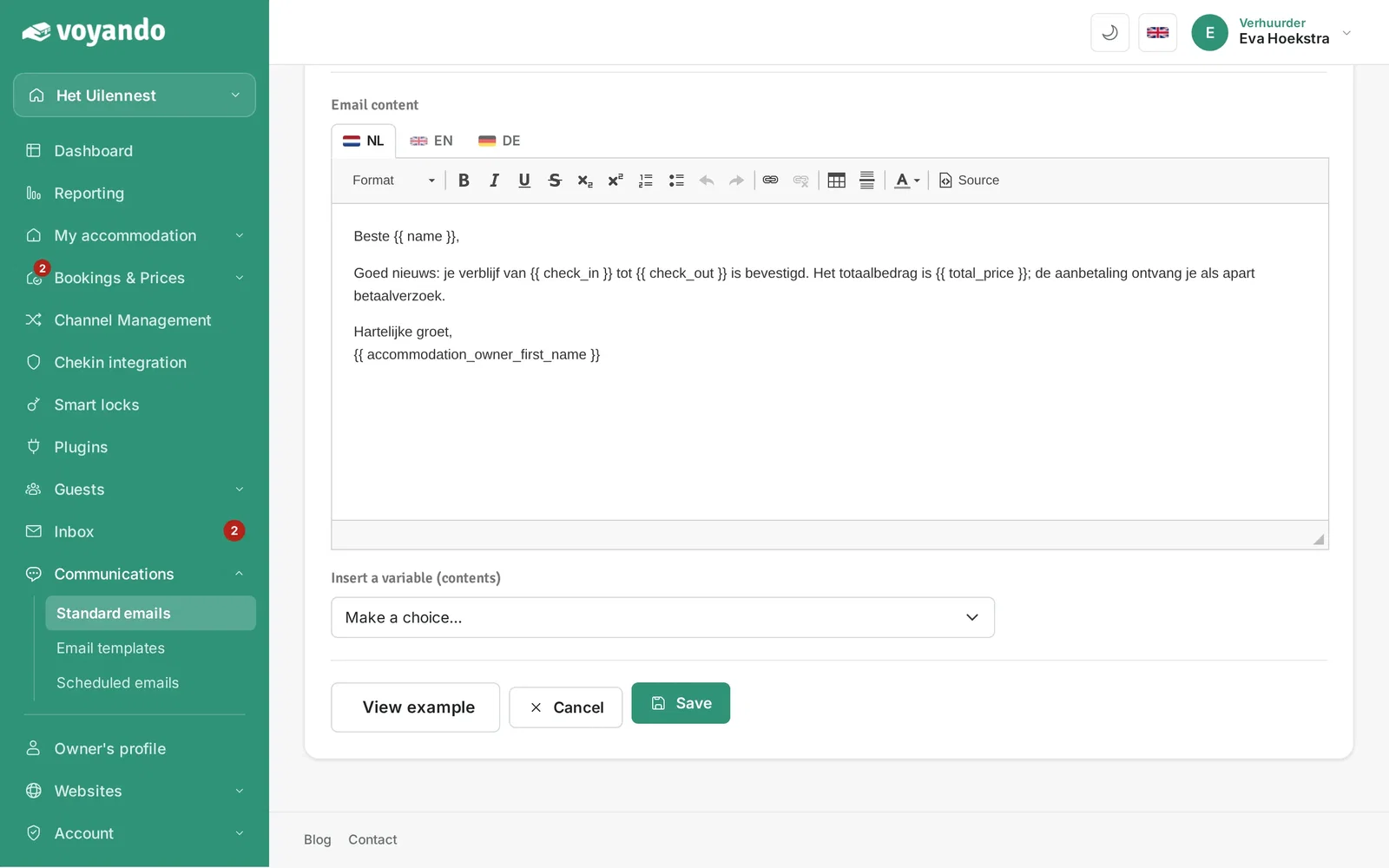
How do I customise the booking confirmation and payment request emails?
Easily customise the text and subject lines of your booking confirmation and payment request emails in multiple languages via the Voyando dashboard.
Step by step · 10 steps
-
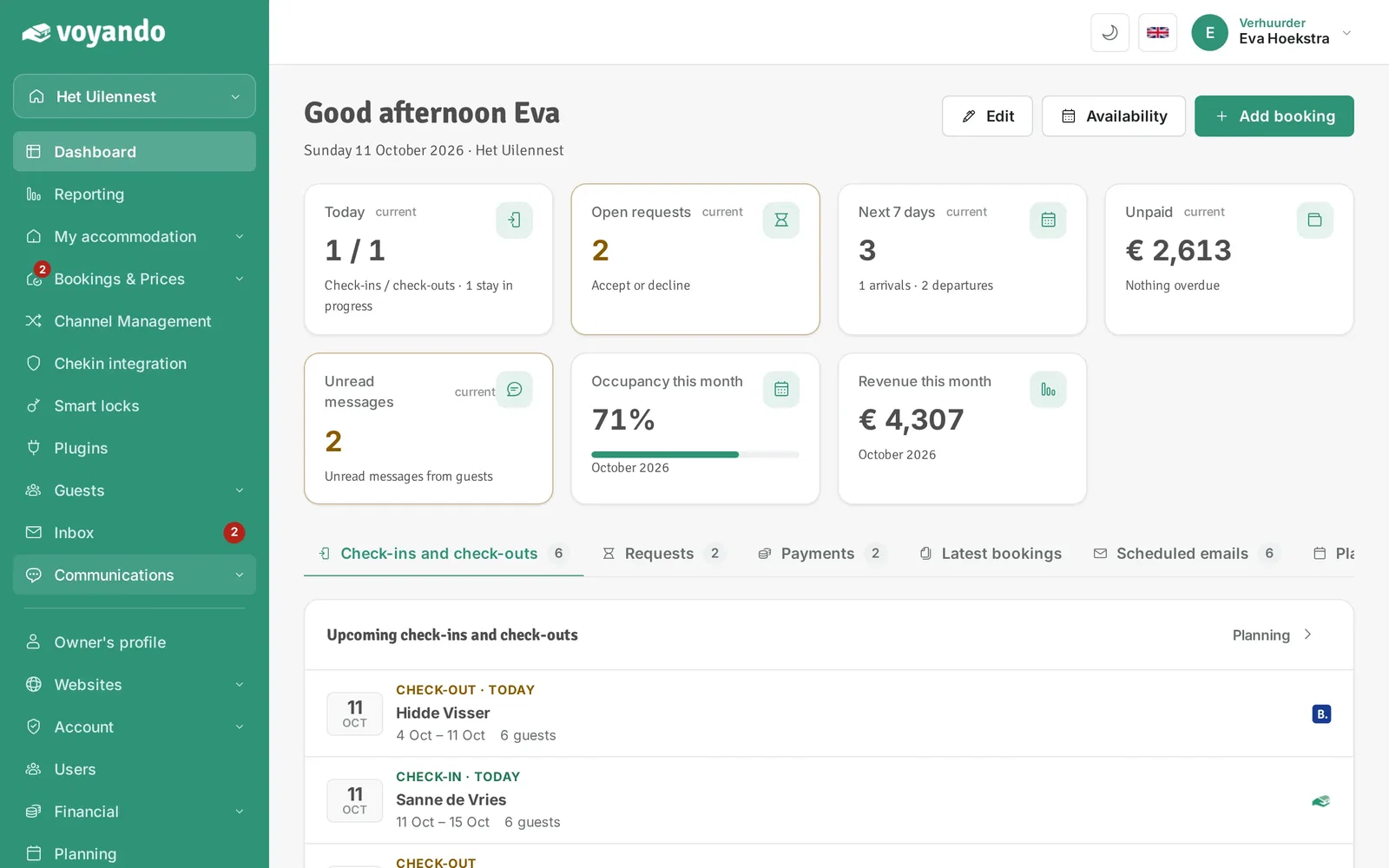
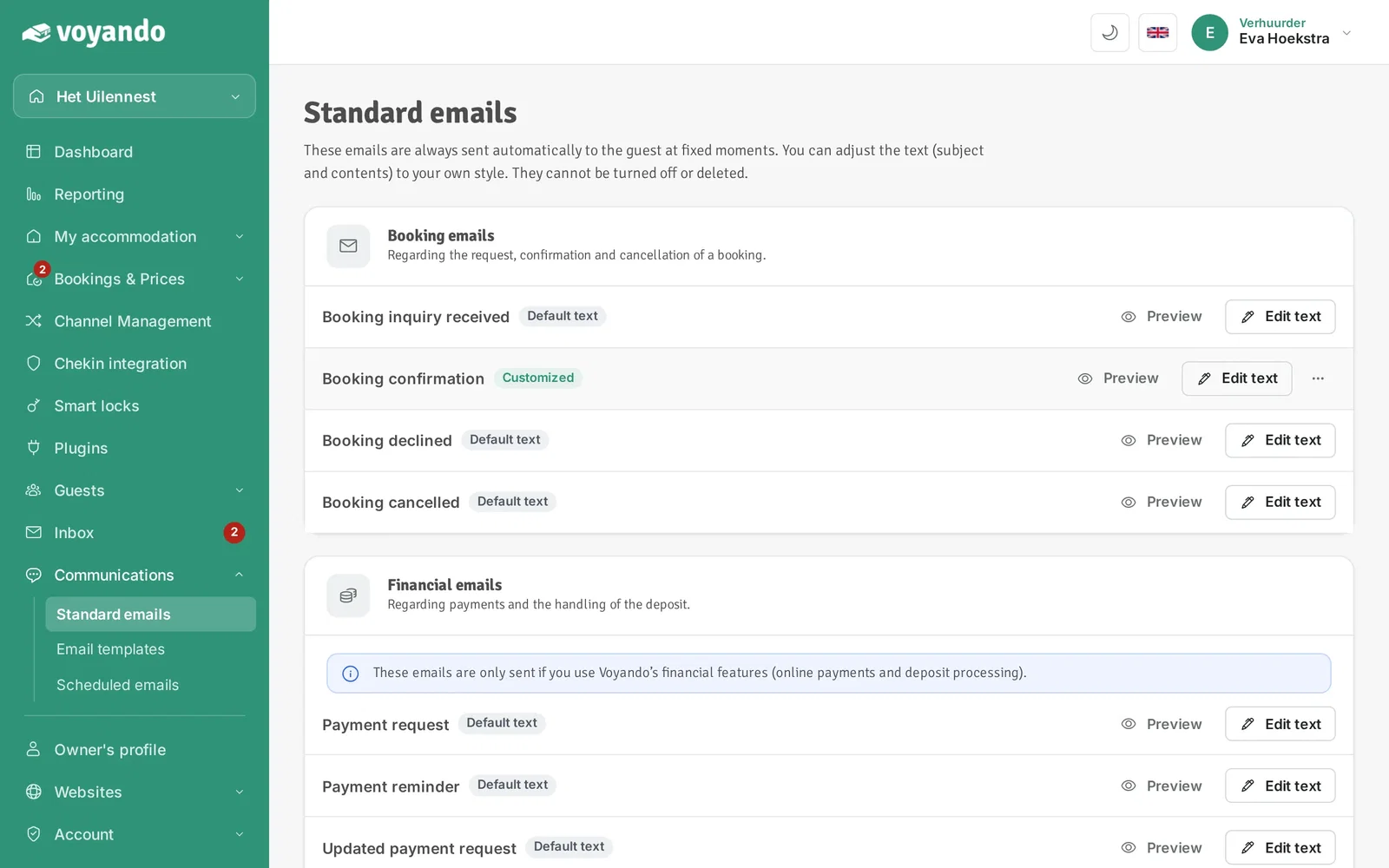
Step 1: Go to your dashboard.

-
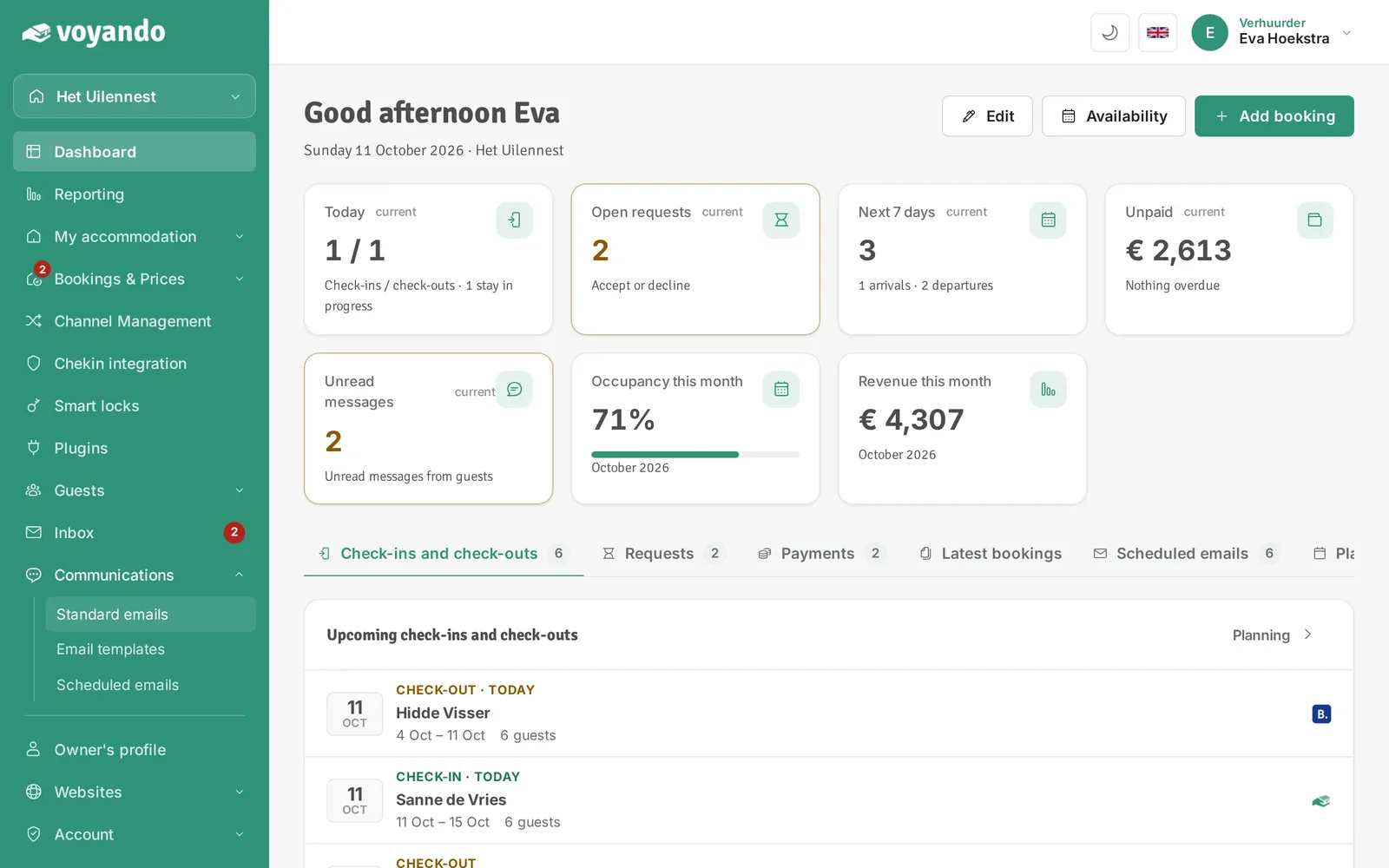
Step 2: Click Communications in the menu.
-
Step 3: Click Standard emails.
-
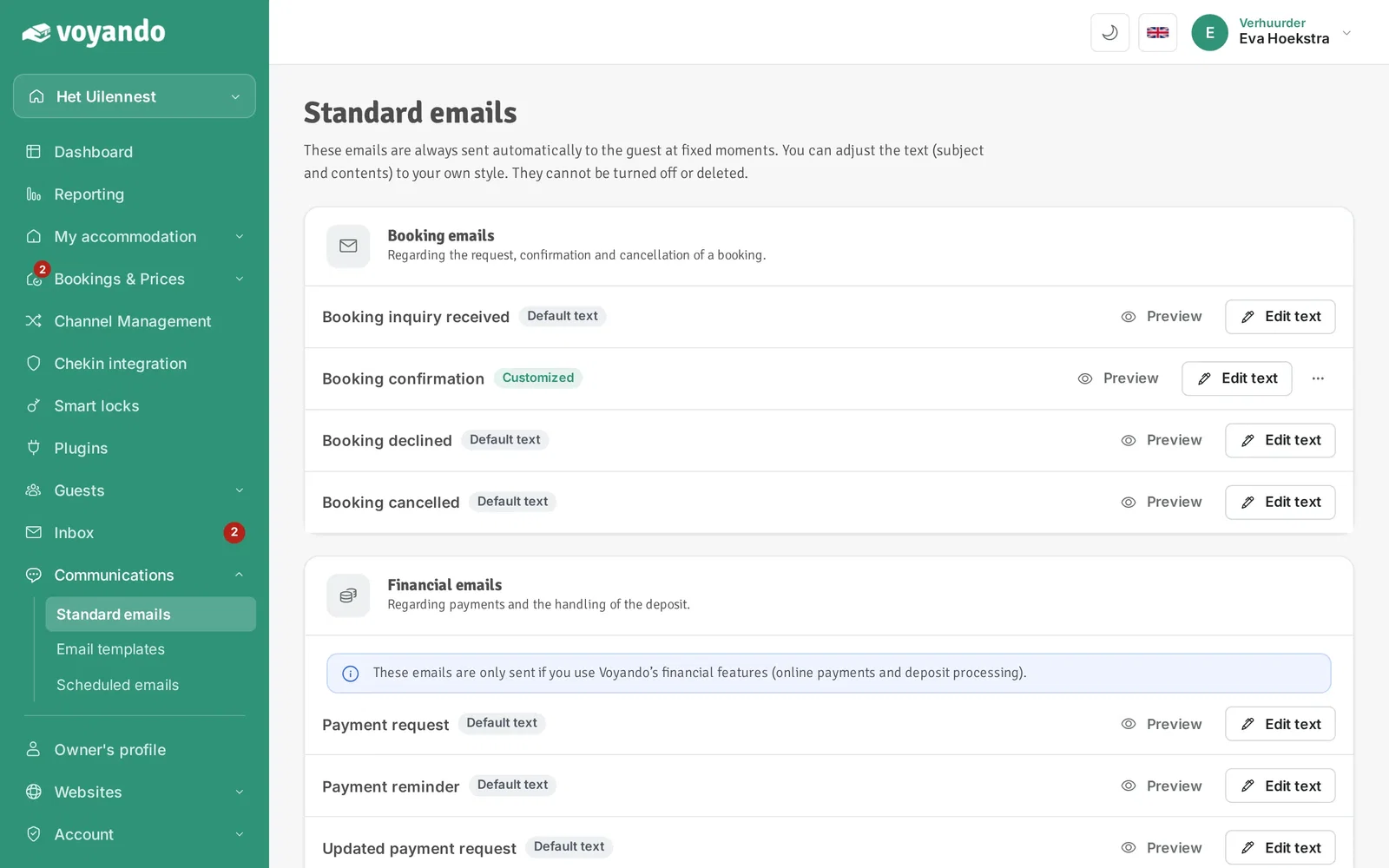
Step 4: Here you also find the Payment request email. You edit it in the same way.
-
Step 5: Click Edit text next to the Booking confirmation.
-
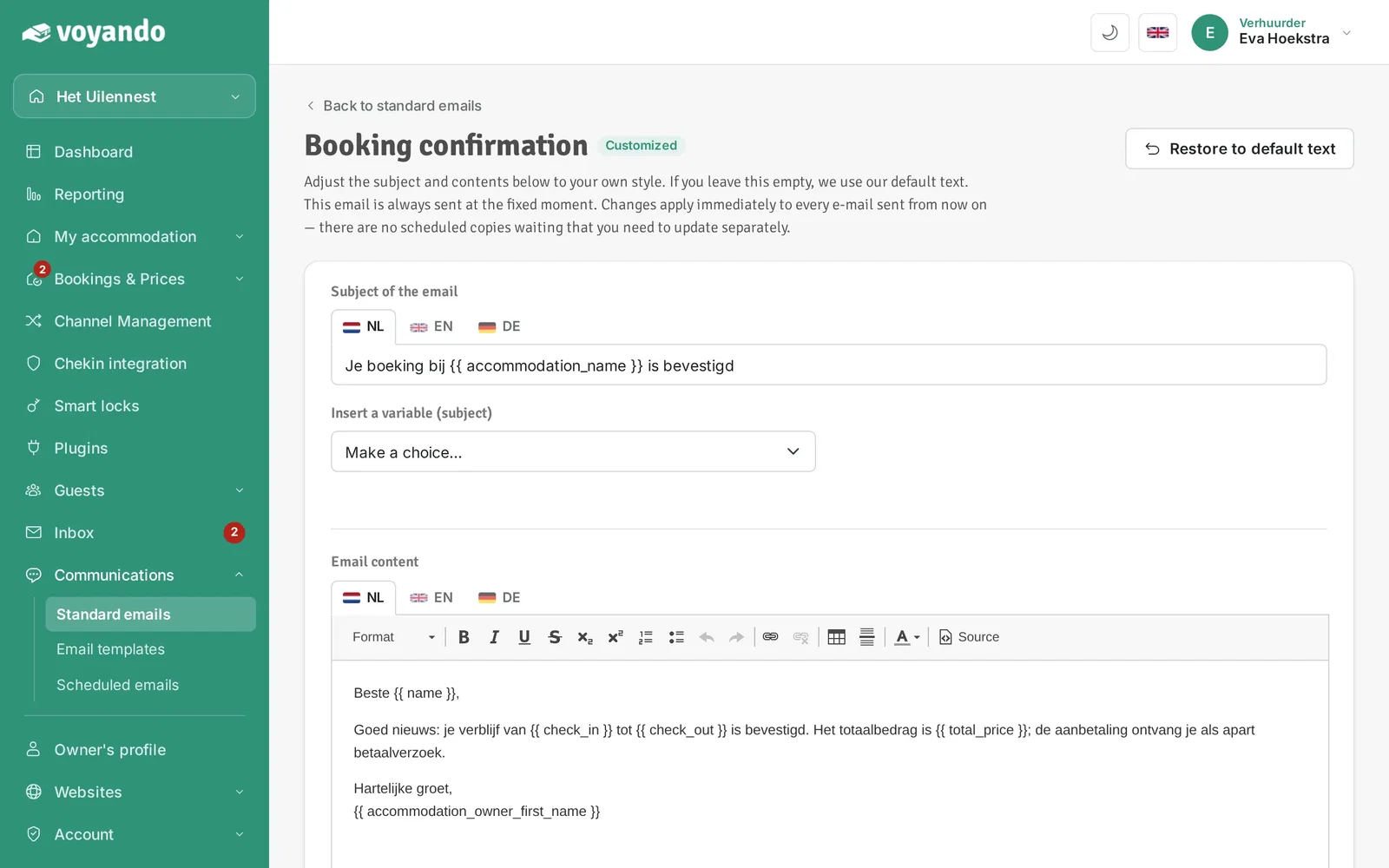
Step 6: Change the subject if needed.
-
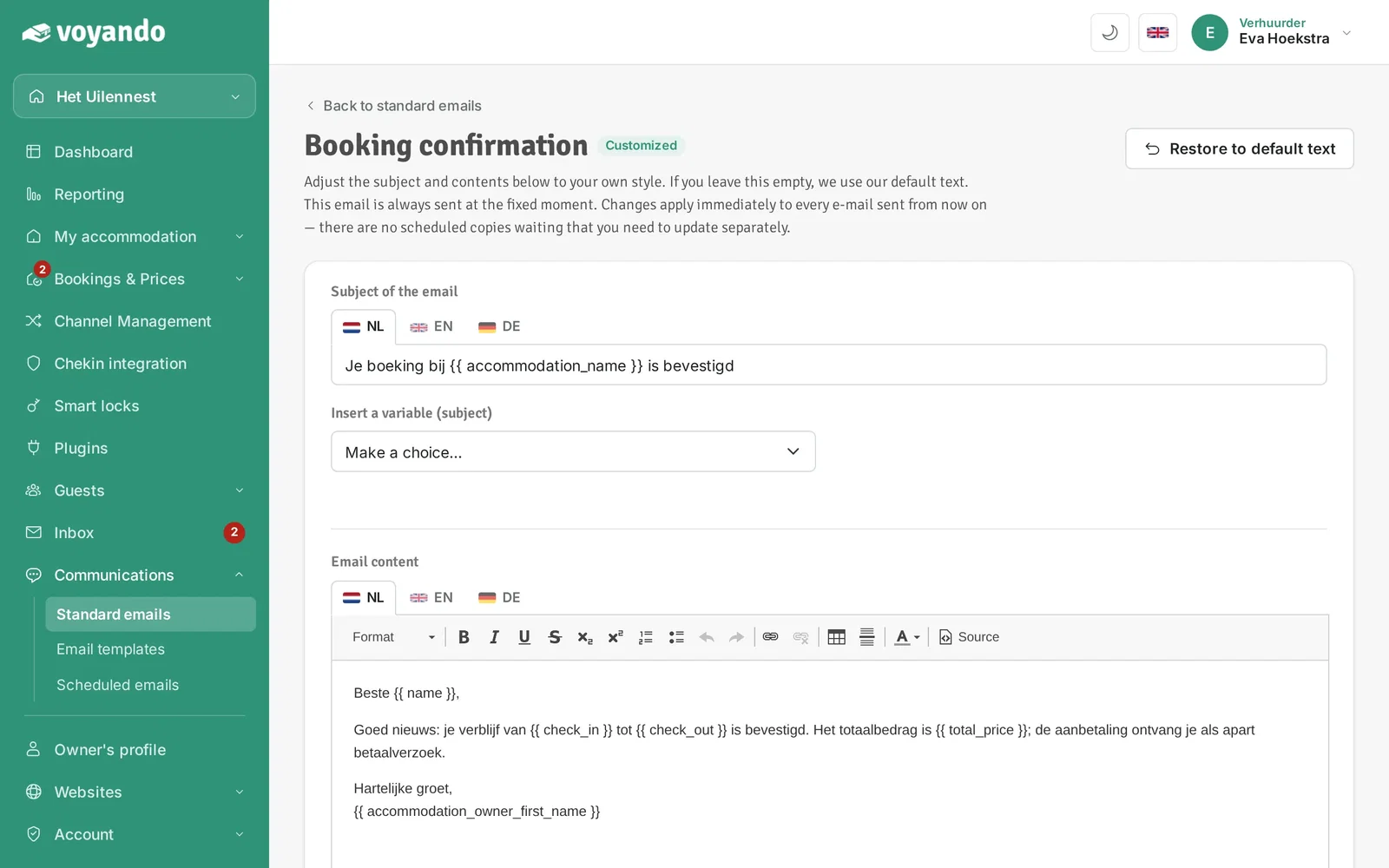
Step 7: Click a flag to edit the subject in another language.
-
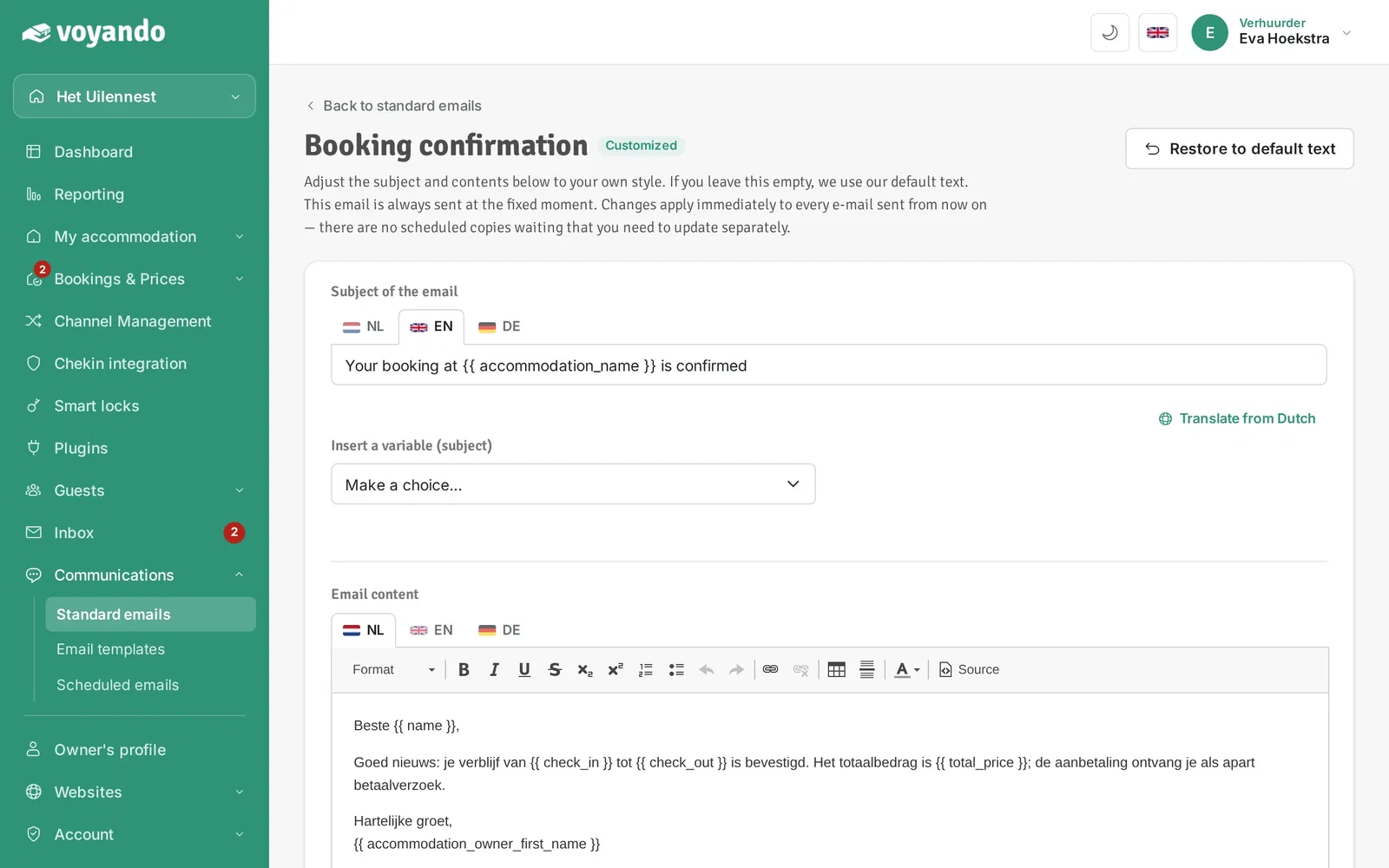
Step 8: Type the translation yourself or click Translate from Dutch.
-
Step 9: Change the content if needed, then translate it the same way for every language you offer.

-
Step 10: Click Save.