Skip to content
Channel Manager Everything about Channel Manager Airbnb listing for your holiday homeBooking.com listing for your holiday homeVRBO integration for international holiday rentalsGoogle Travel integration for holiday rentalsLink Airbnb to Booking.com
Website Everything about Website Website builder for your holiday homeVoyando with your own websiteSecure online payments for guests
Rental Management Everything about Rental Management Automatic emailsFull guest registrationCurrent prices and calendarSmart locksRental calendarReviews
Marketing Everything about Marketing Voyando app
Features Pricing Blog Help Sign in
Try free for 30 days Book an advice call

How do I enable or disable automatic acceptance of bookings?

4 steps Updated

In this article, you can find out how to enable or disable automatic booking acceptance. This setting only applies to bookings made via your own website and does not affect bookings received via the channel manager.

Step by step

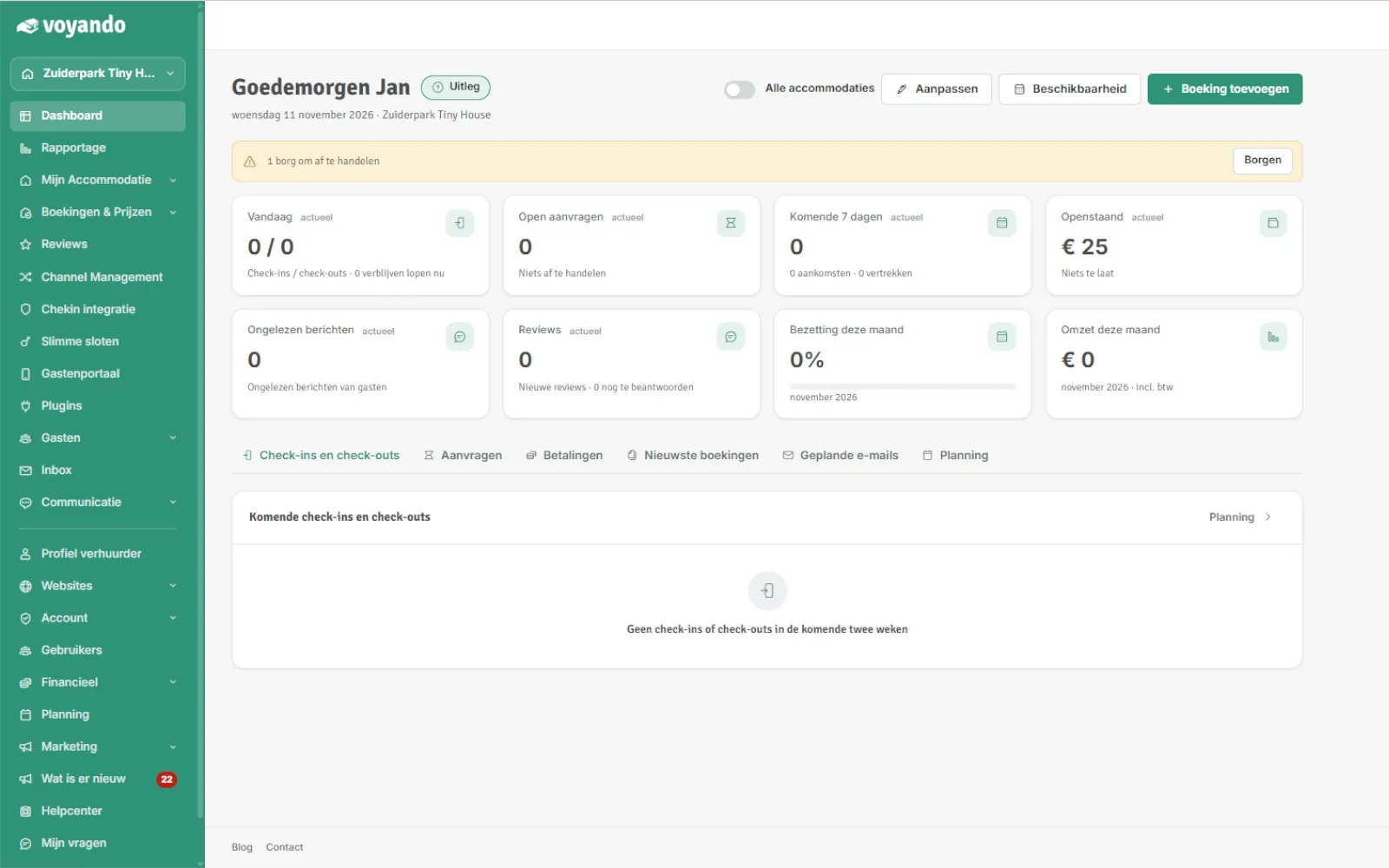
  1. Step 1: Click on My Accommodation

    How do I enable or disable automatic acceptance of bookings? – step 1: Click on My Accommodation
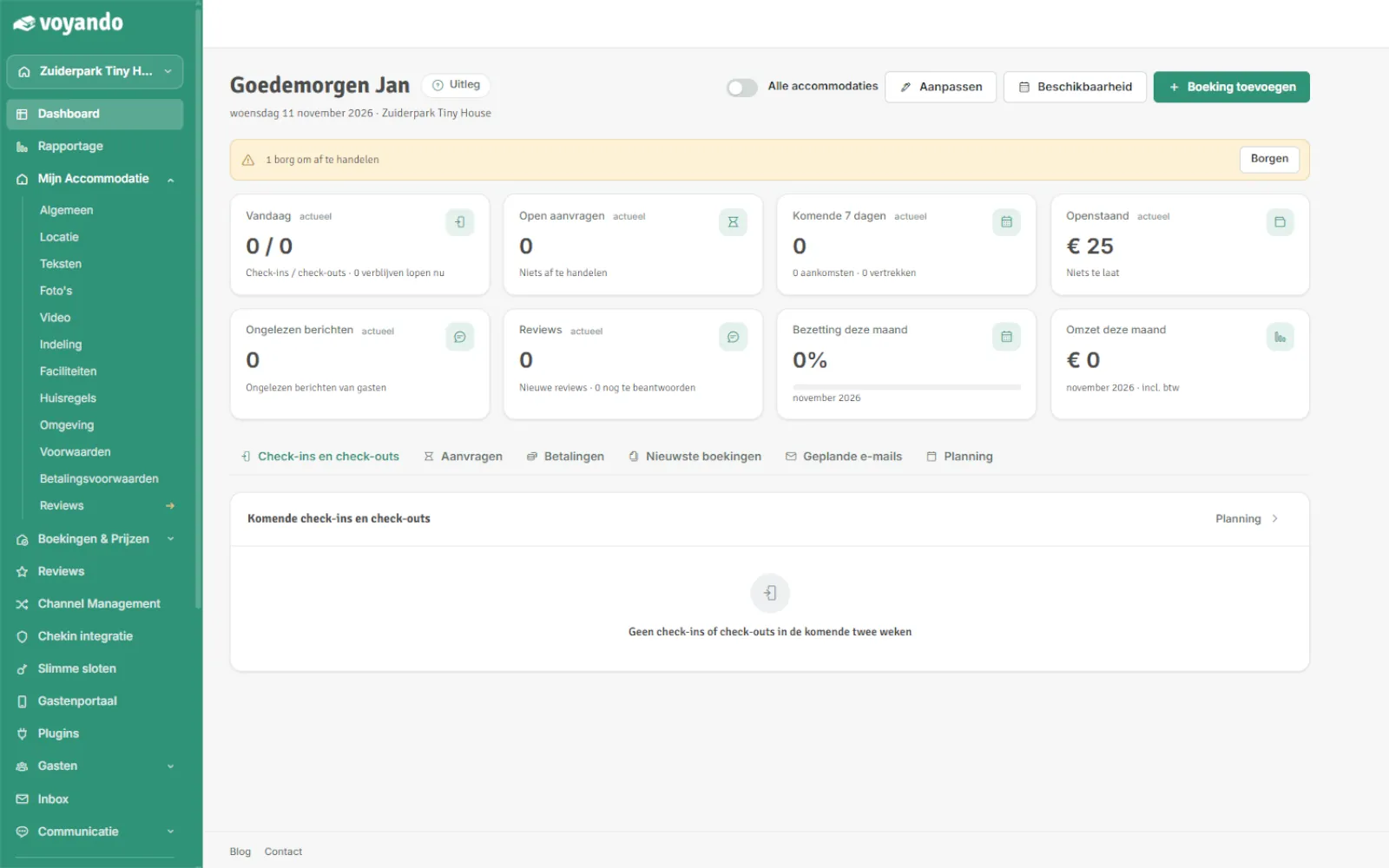
  2. Step 2: Click on General

    How do I enable or disable automatic acceptance of bookings? – step 2: Click on General
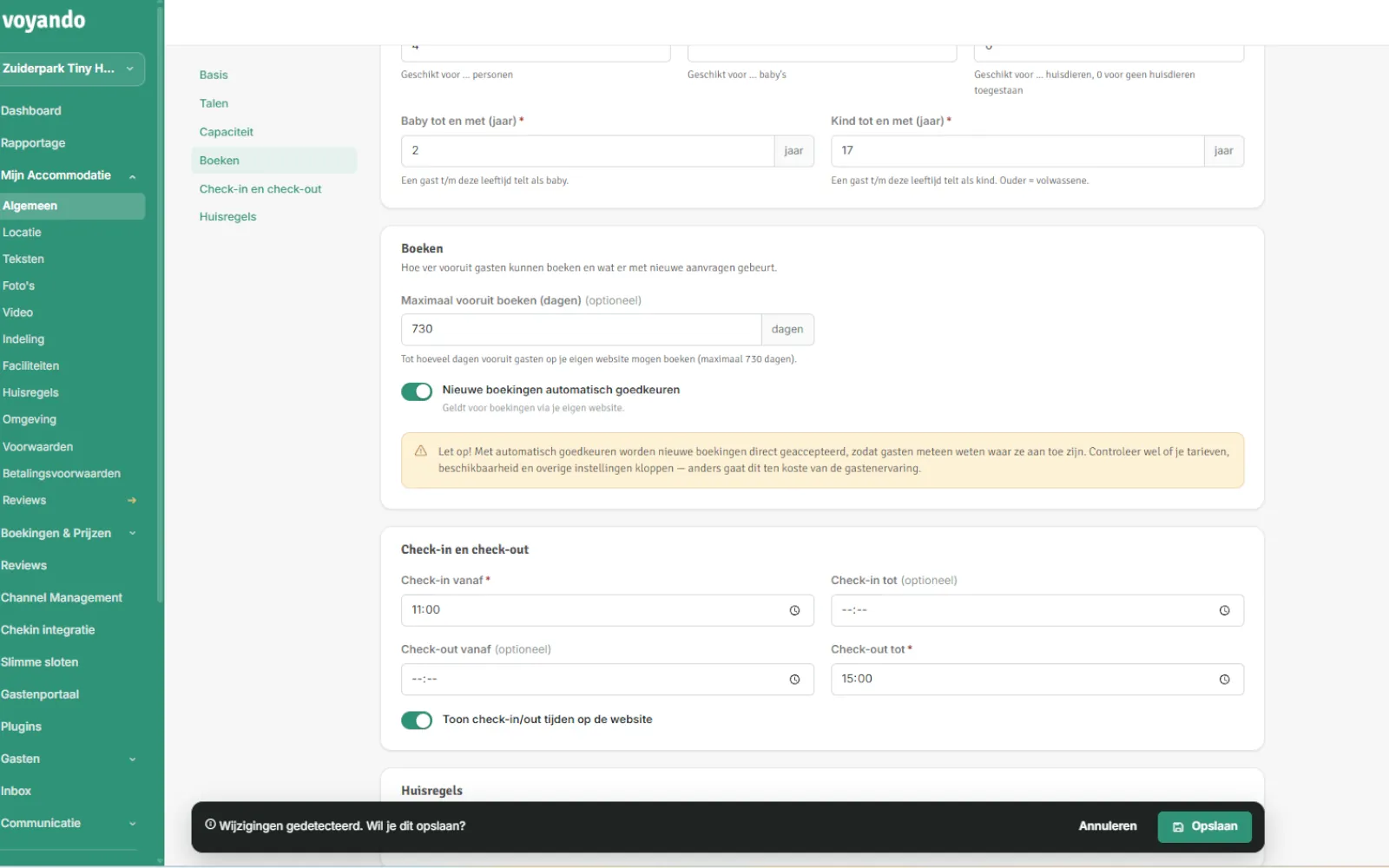
  3. Step 3: Toggle the switch next to Automatically approve new bookings on or off.
    How do I enable or disable automatic acceptance of bookings? – step 3: Toggle the switch next to Automatically approve new bookings on or off.
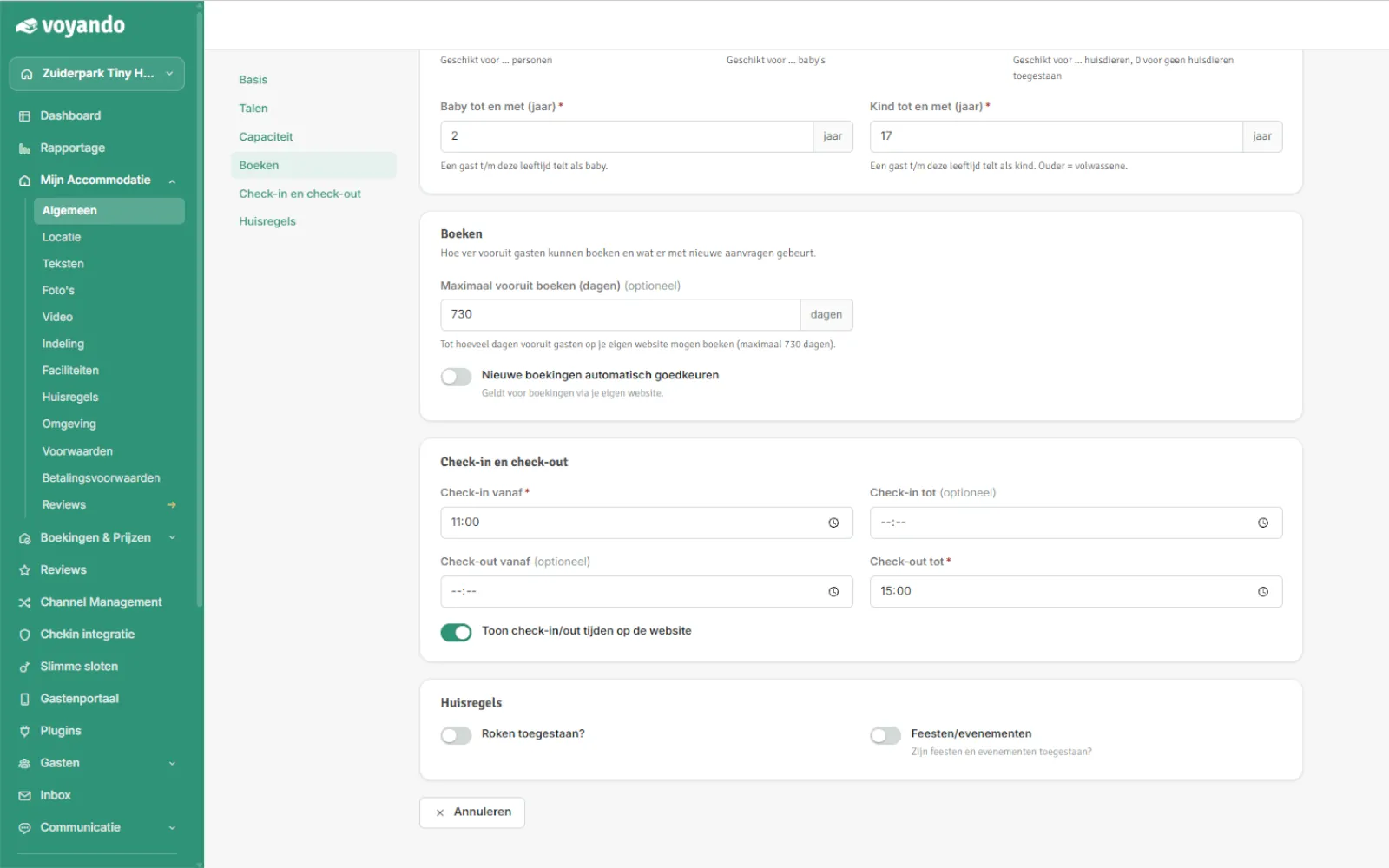
  4. Step 4: Click Save

    How do I enable or disable automatic acceptance of bookings? – step 4: Click Save
Try for free Demo
Watch the demo

Discover how easy managing your holiday home is

See in the demo how to handle bookings, payments, your website and channels in one place. Leave your e-mail address and start watching right away.

Or try Voyando right away 30 days free.