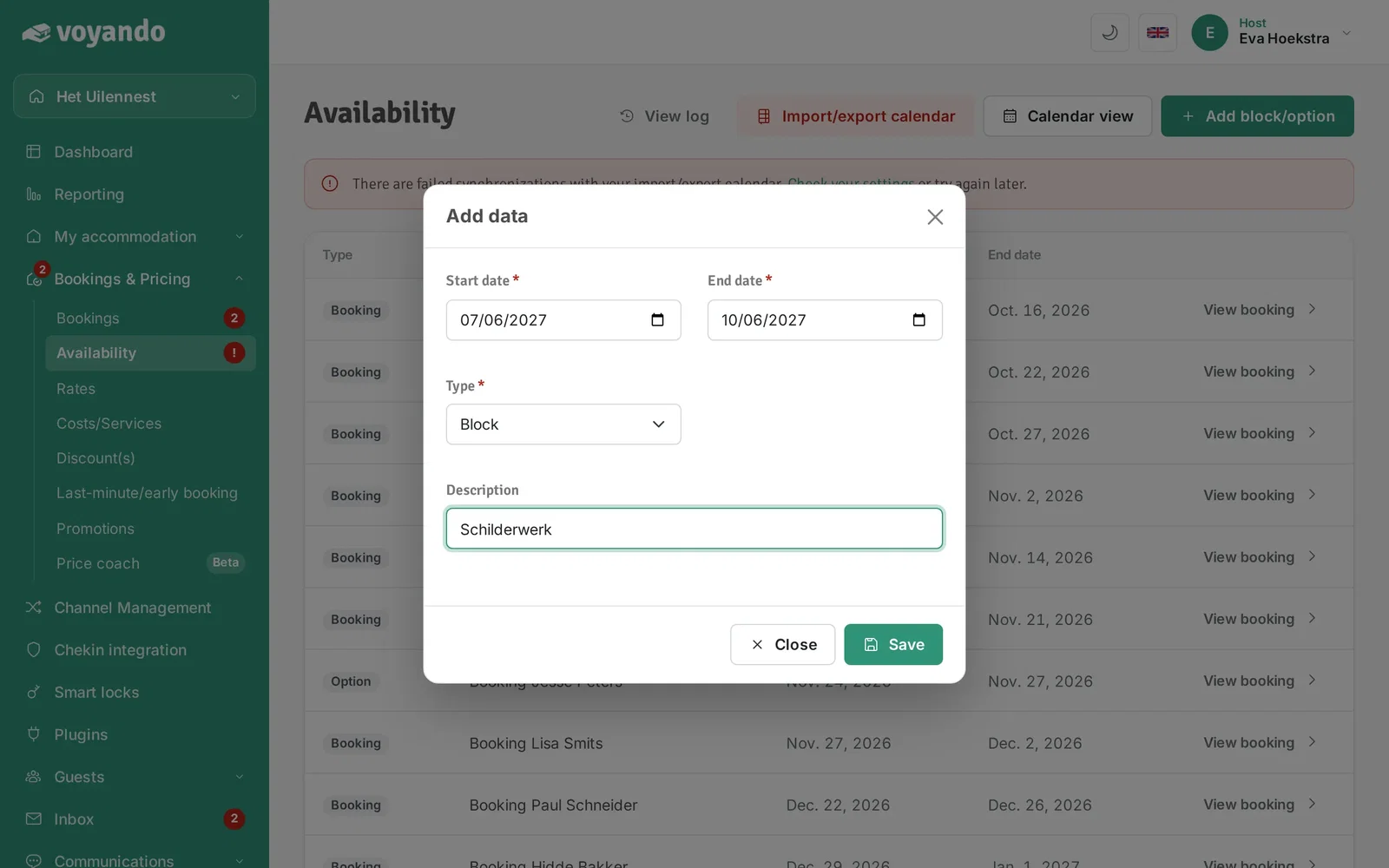
How do I add an option or block to my calendar?
You can easily add a booking or a blackout period to your calendar by entering the start and end dates and selecting the type via Bookings & Prices.
Step by step · 10 steps
-
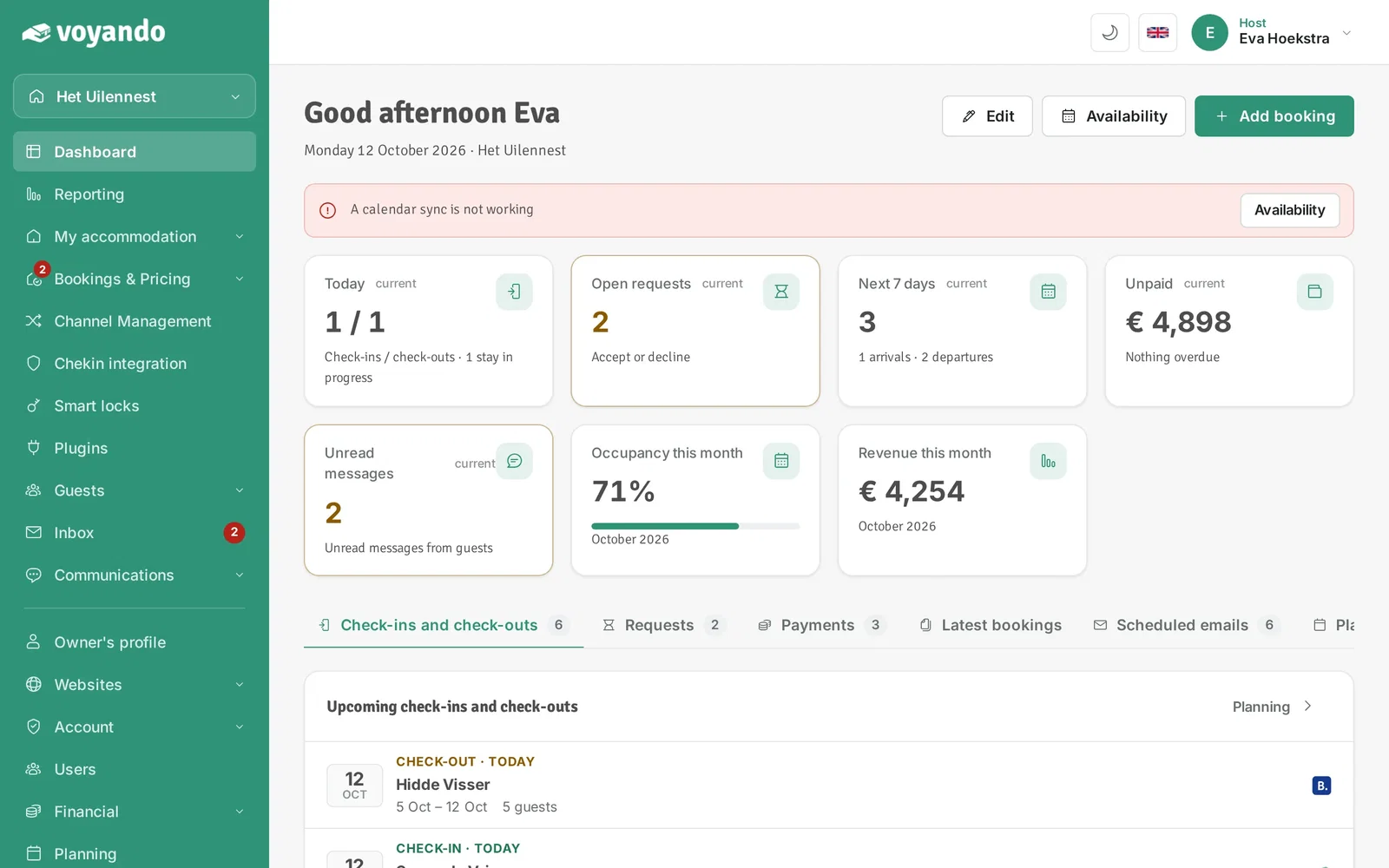
Step 1: Go to your dashboard.
-
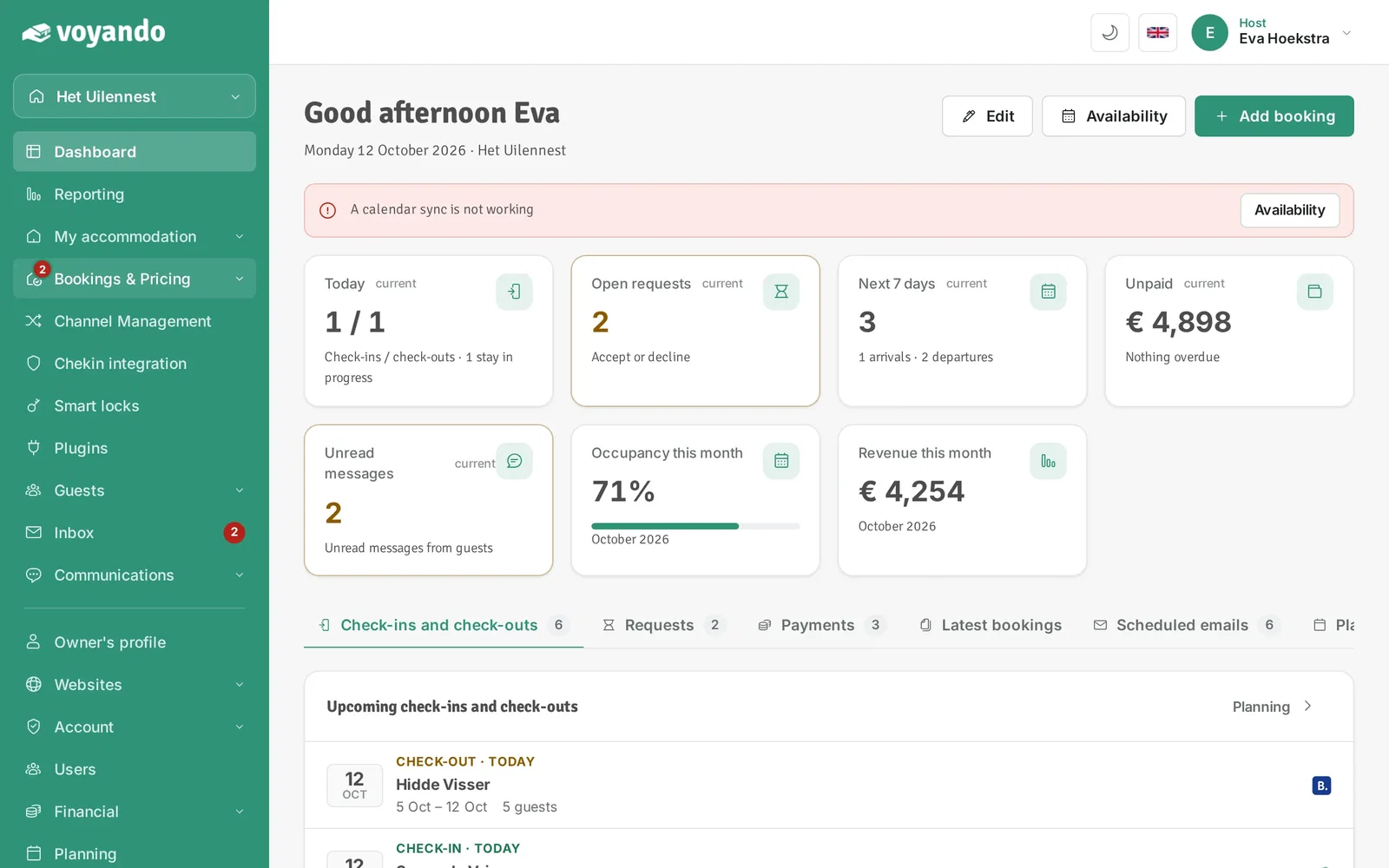
Step 2: Click Bookings & Pricing in the menu.
-
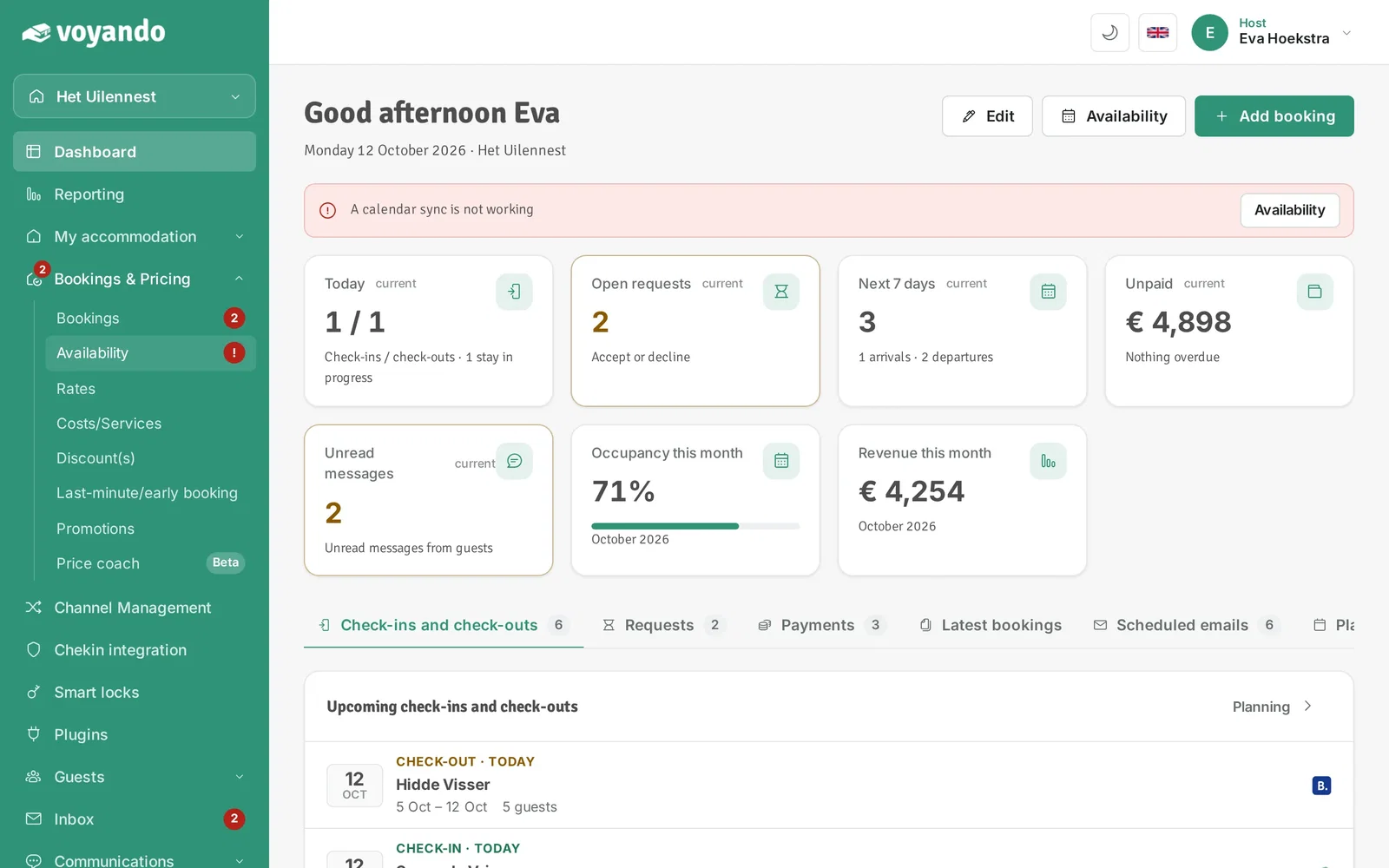
Step 3: Click Availability.
-
Step 4: Click List view. (In the calendar you can also select days by clicking and dragging.)
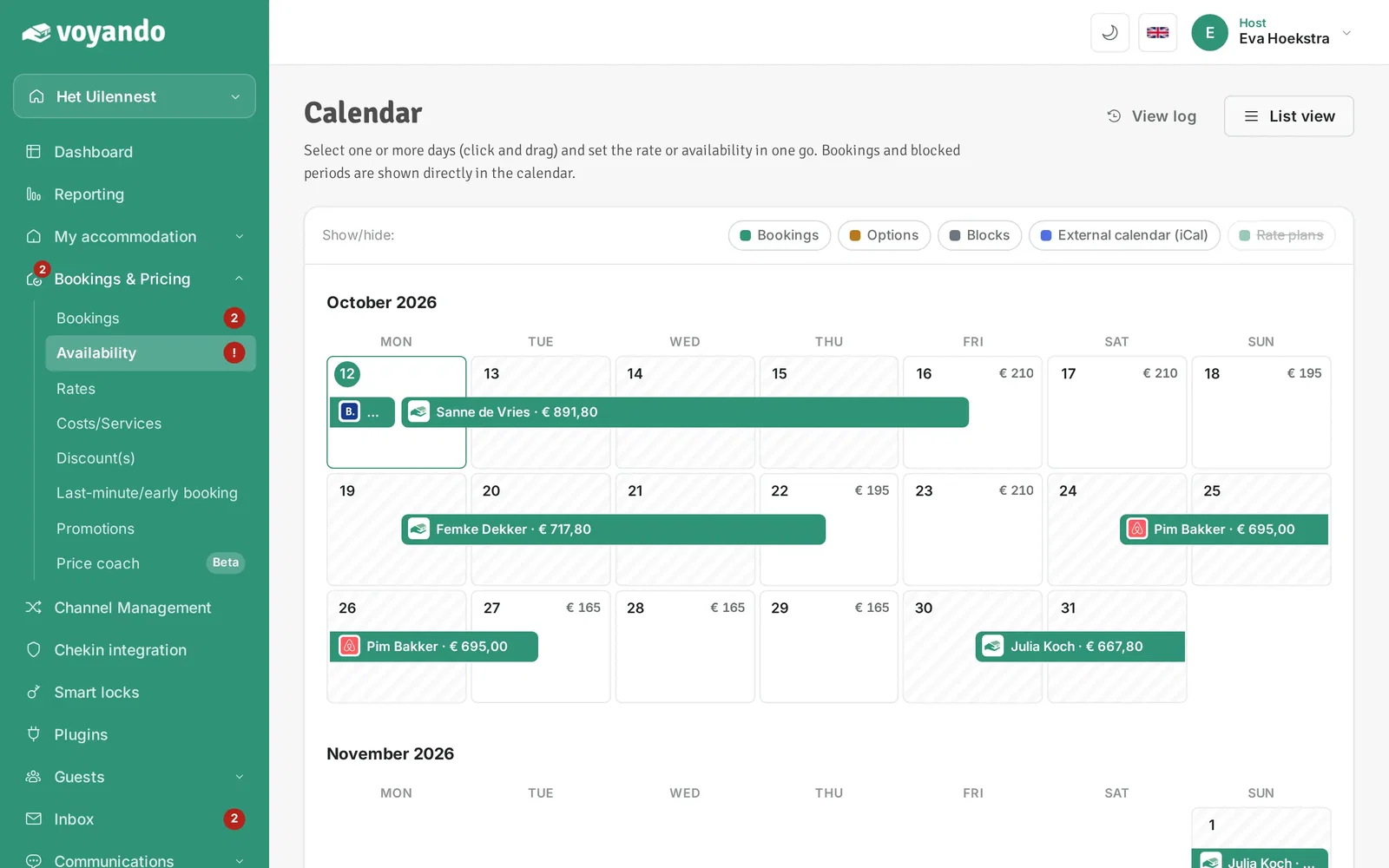
-
Step 5: Click Add block/option.
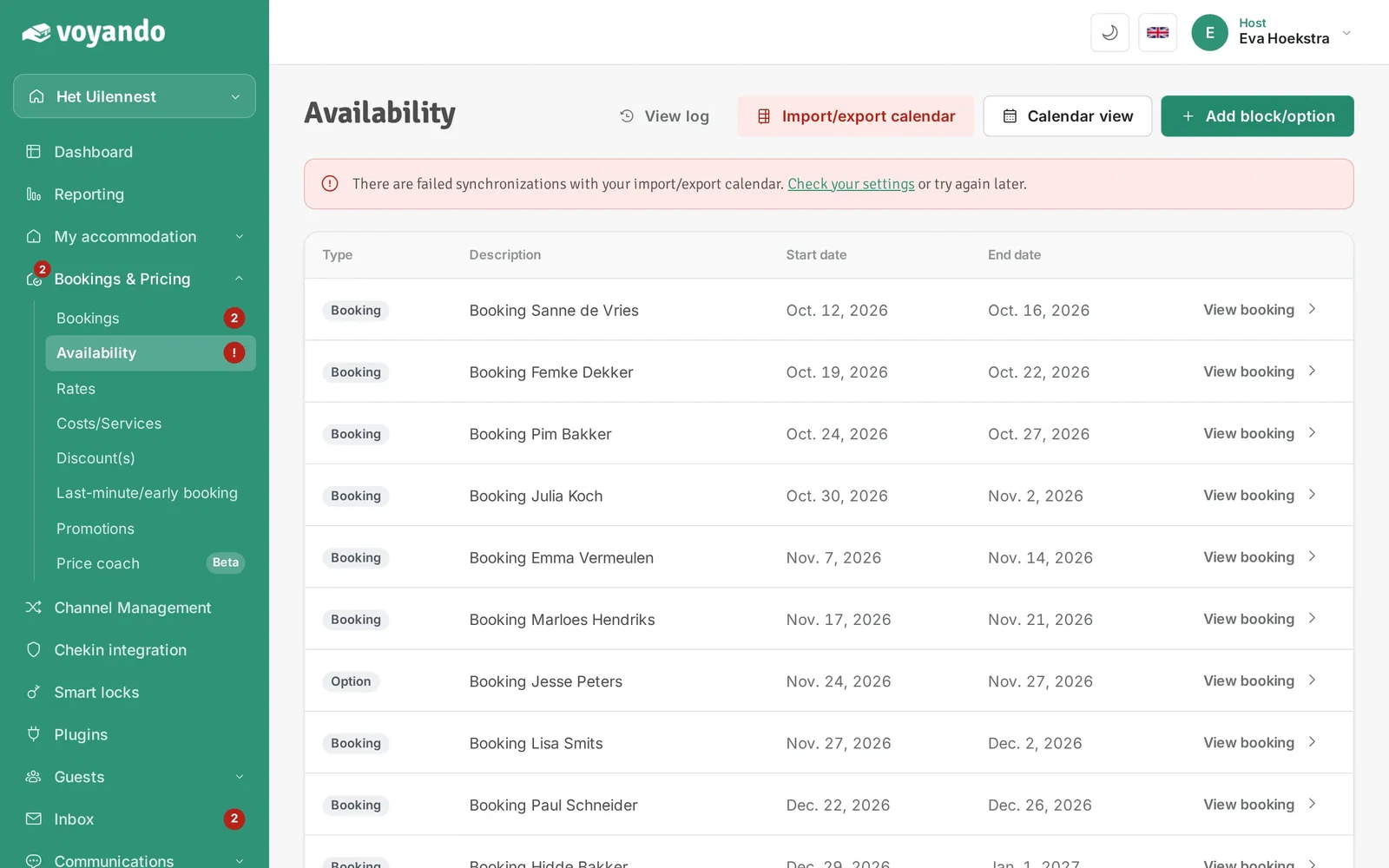
-
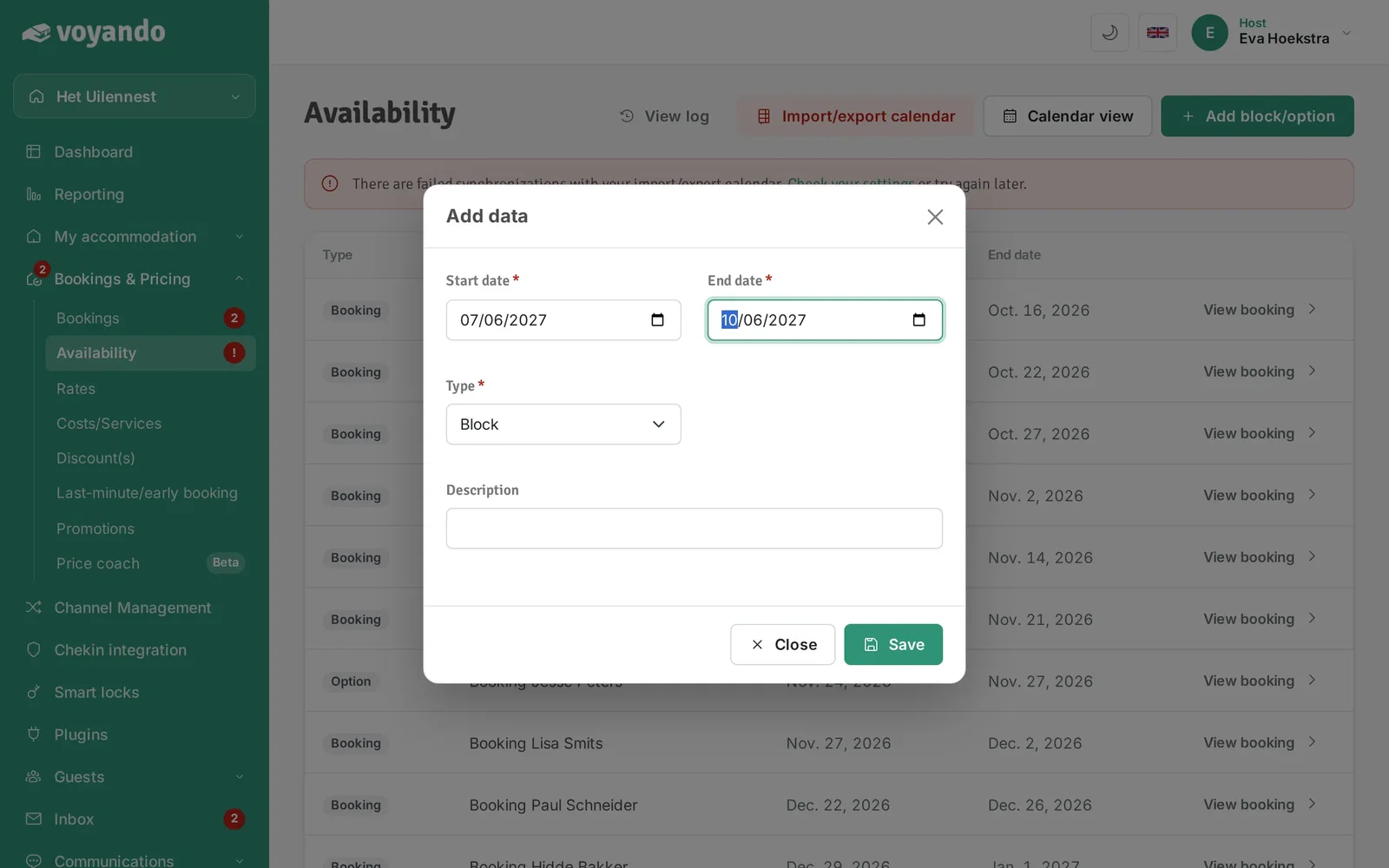
Step 6: Enter the Start date. The date is blocked from your check-in time.
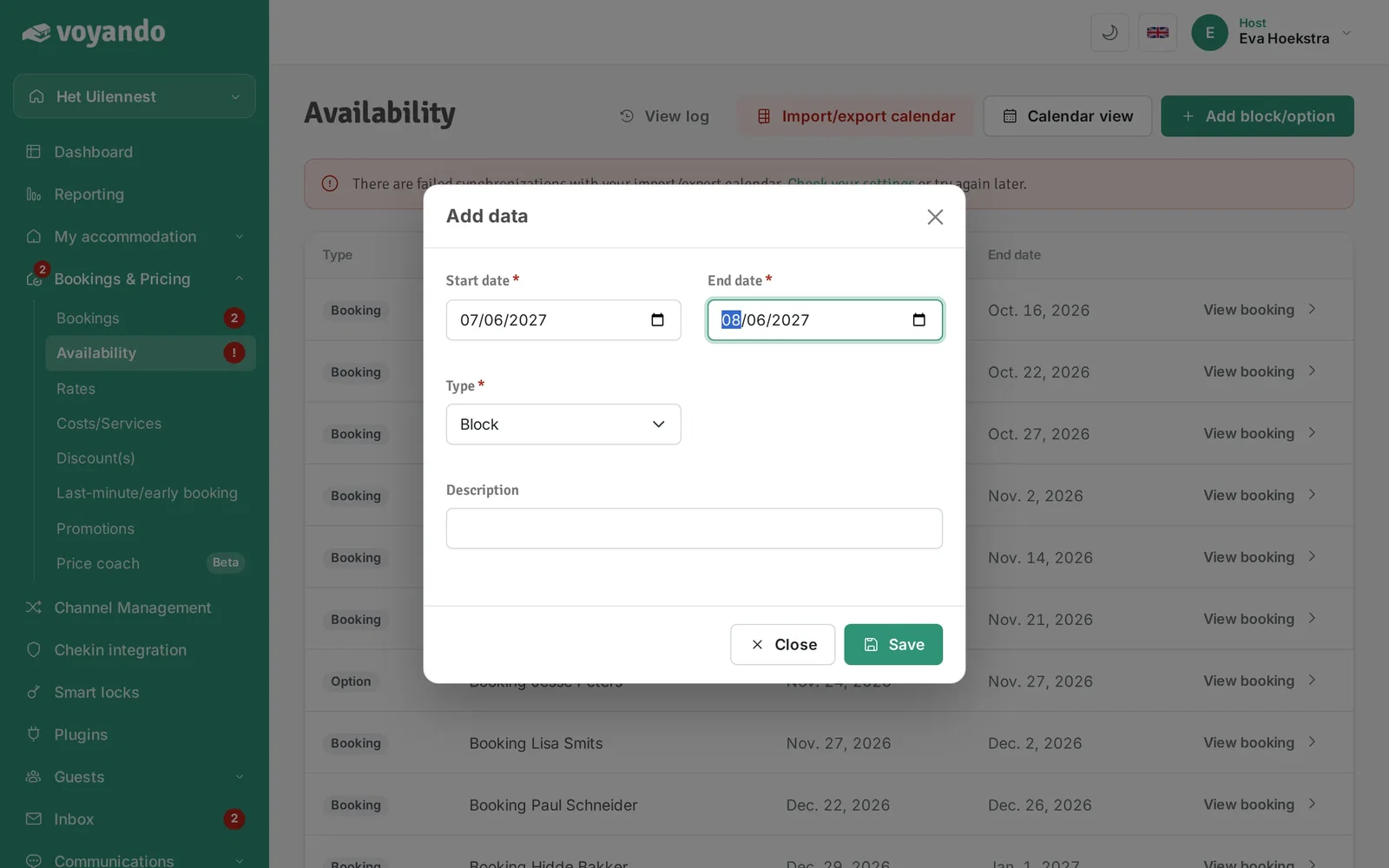
-
Step 7: Enter the End date. The date is blocked until your check-out time.
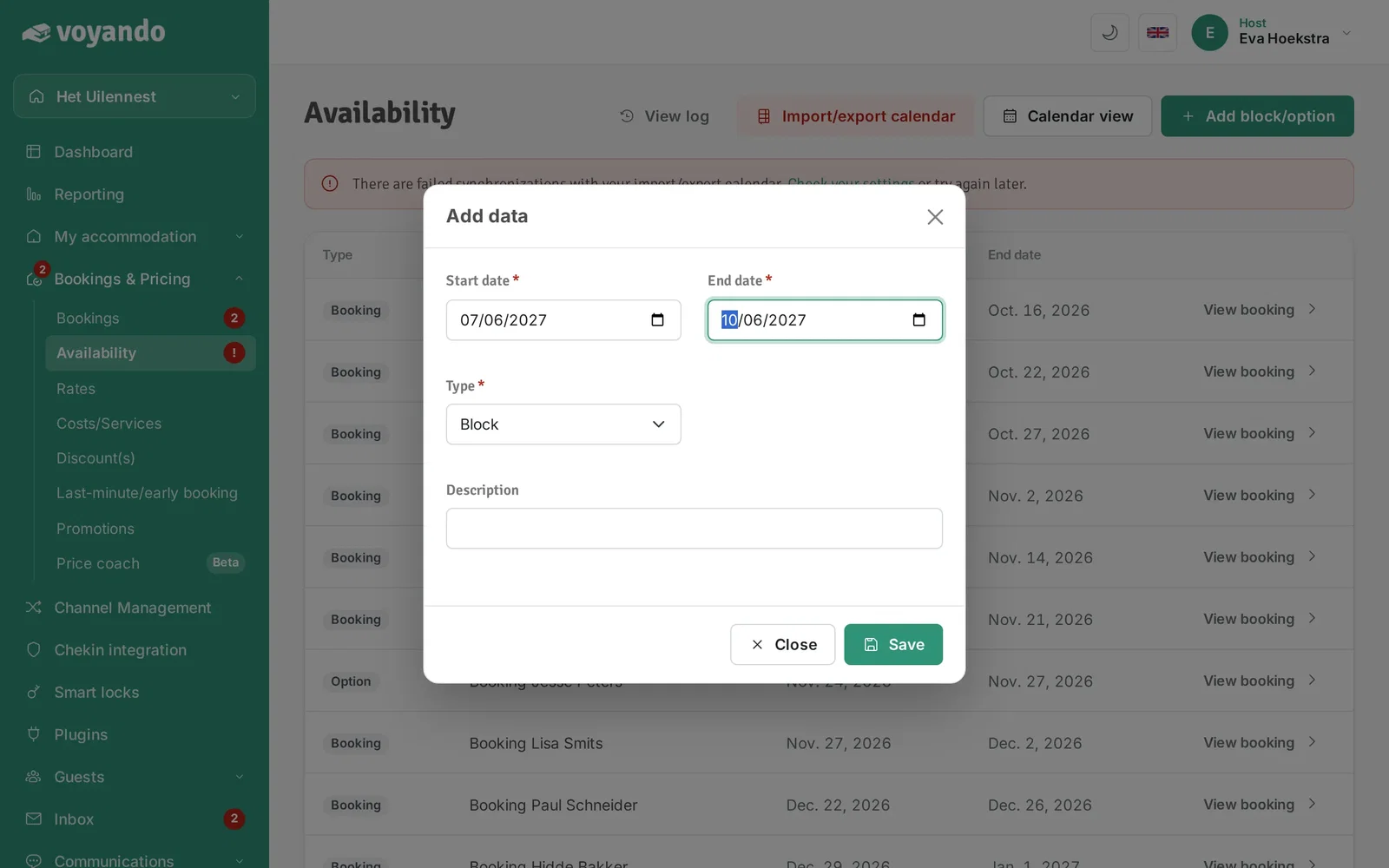
-
Step 8: Under Type, choose whether it is a Block or an Option.
-
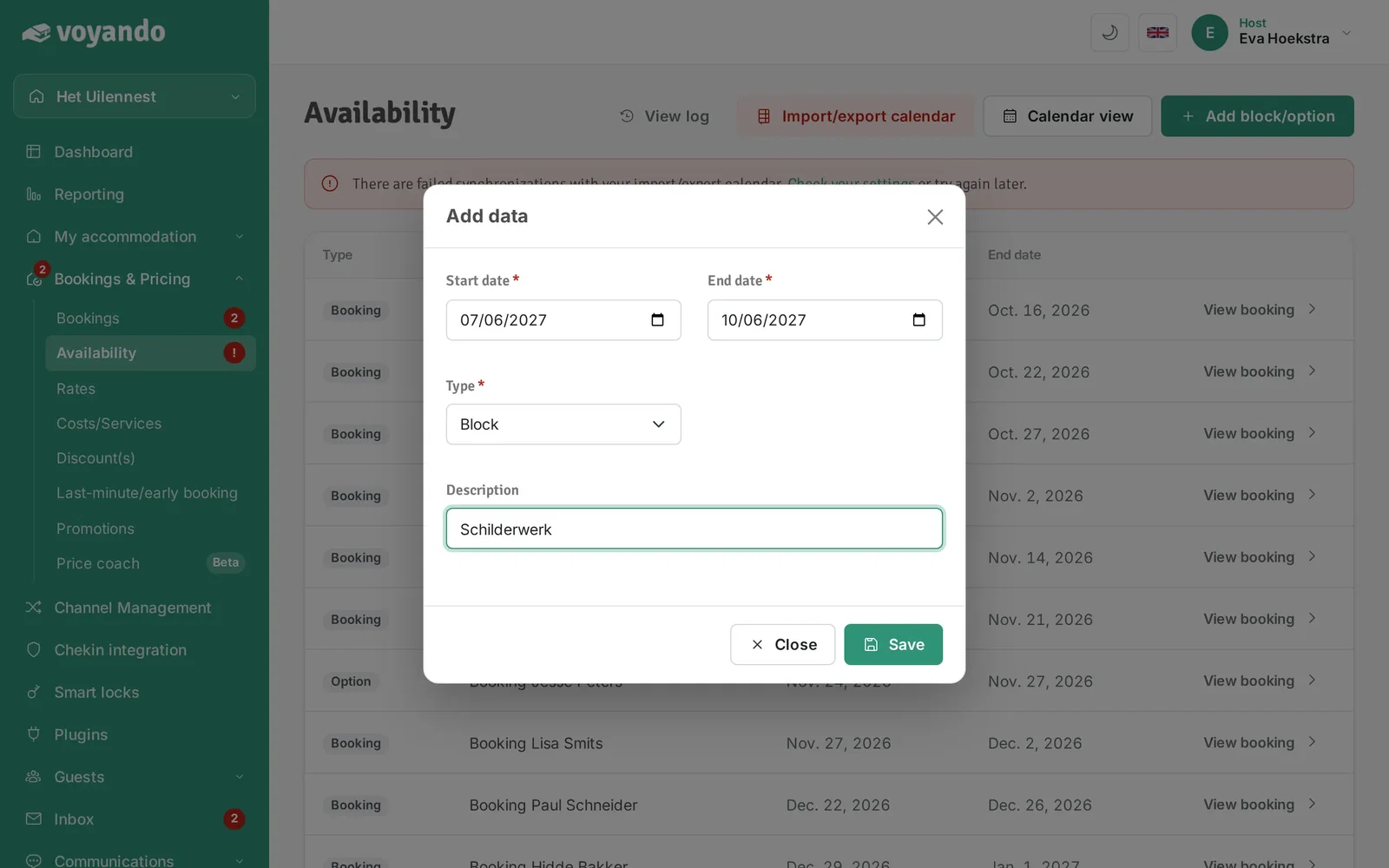
Step 9: Optionally add a Description.
-
Step 10: Click Save.