How do I block an extra cleaning day after a booking?

Simply book an extra cleaning day in your calendar by ticking the relevant option under your standard or periodic rates and saving your changes.

Bookings & calendar 6 steps Updated

Step by step · 6 steps

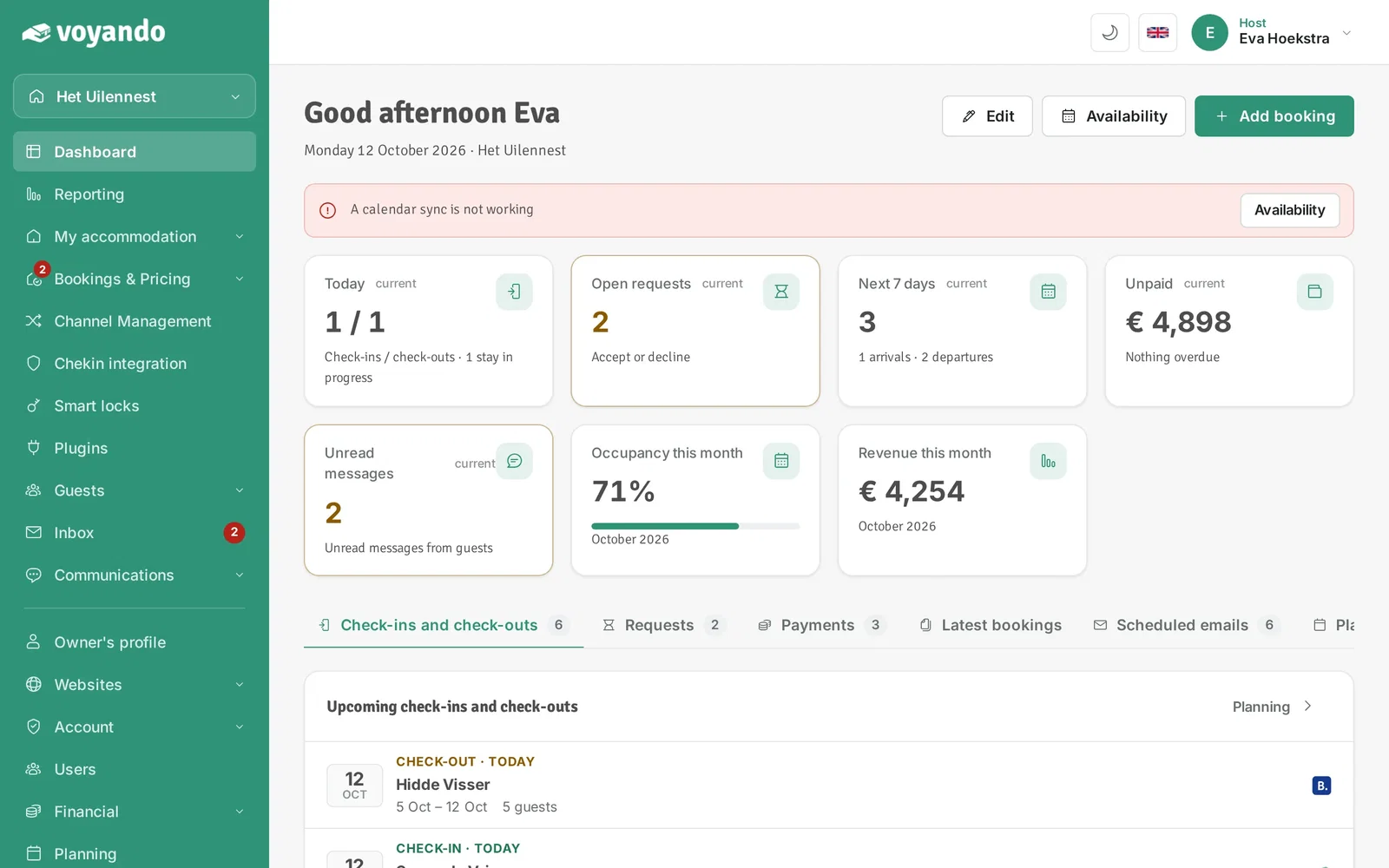
  1. Step 1: Go to your dashboard.

    How do I block an extra cleaning day after a booking? – step 1: Go to your dashboard.
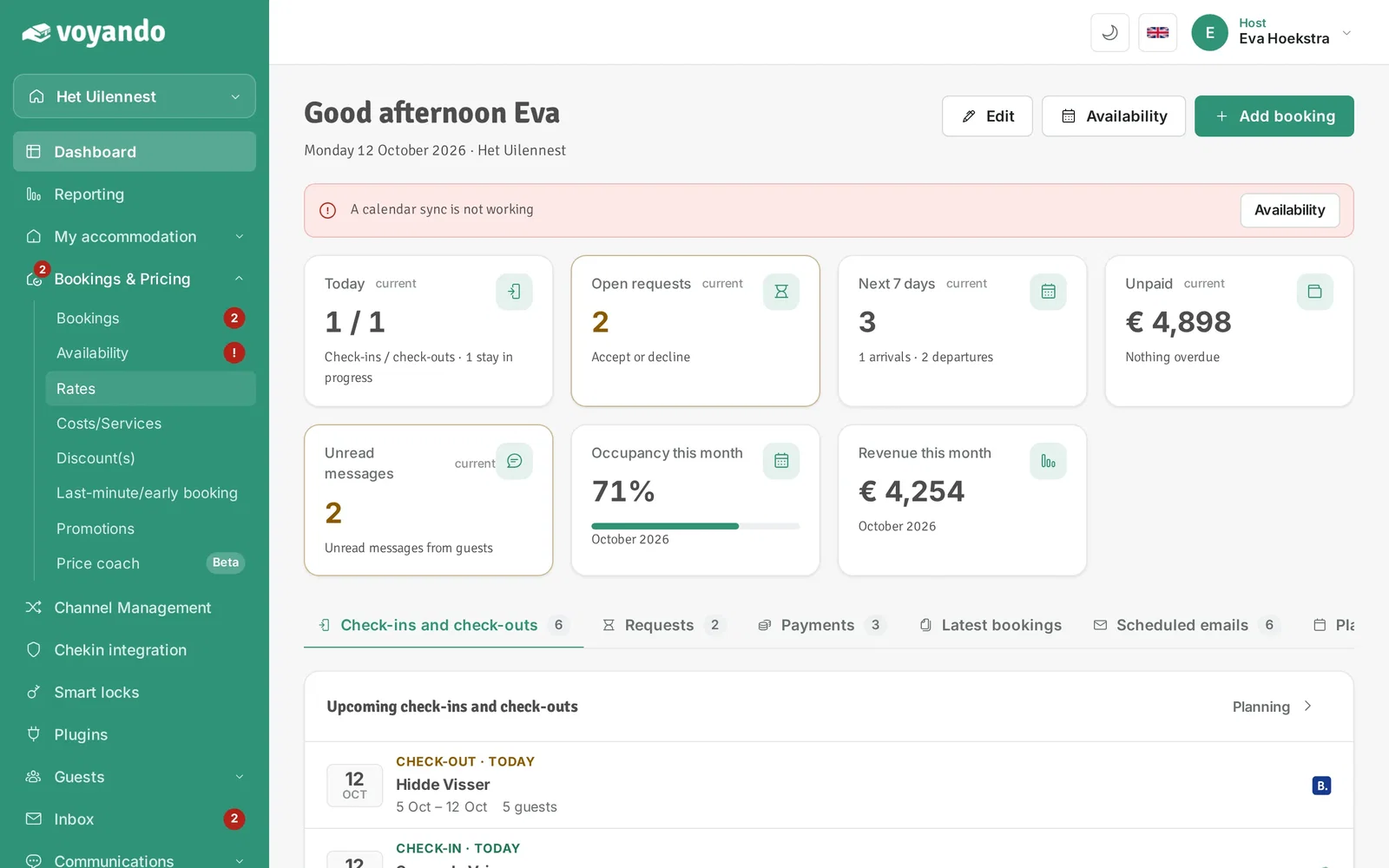
  2. Step 2: Click Bookings & Pricing in the menu.
    How do I block an extra cleaning day after a booking? – step 2: Click Bookings & Pricing in the menu.
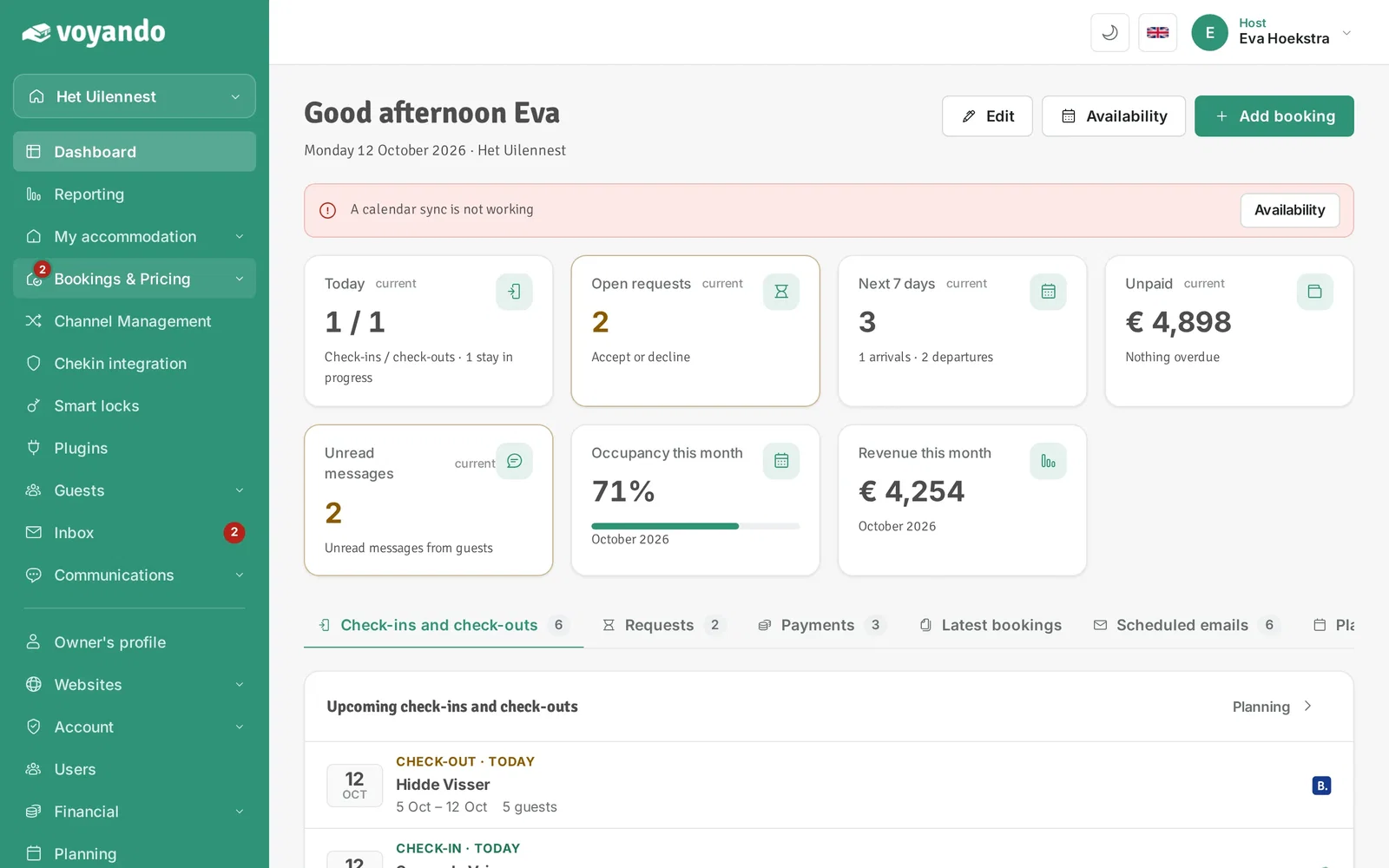
  3. Step 3: Click Rates.

    How do I block an extra cleaning day after a booking? – step 3: Click Rates.
  4. Step 4: Click Edit next to Standard rate.
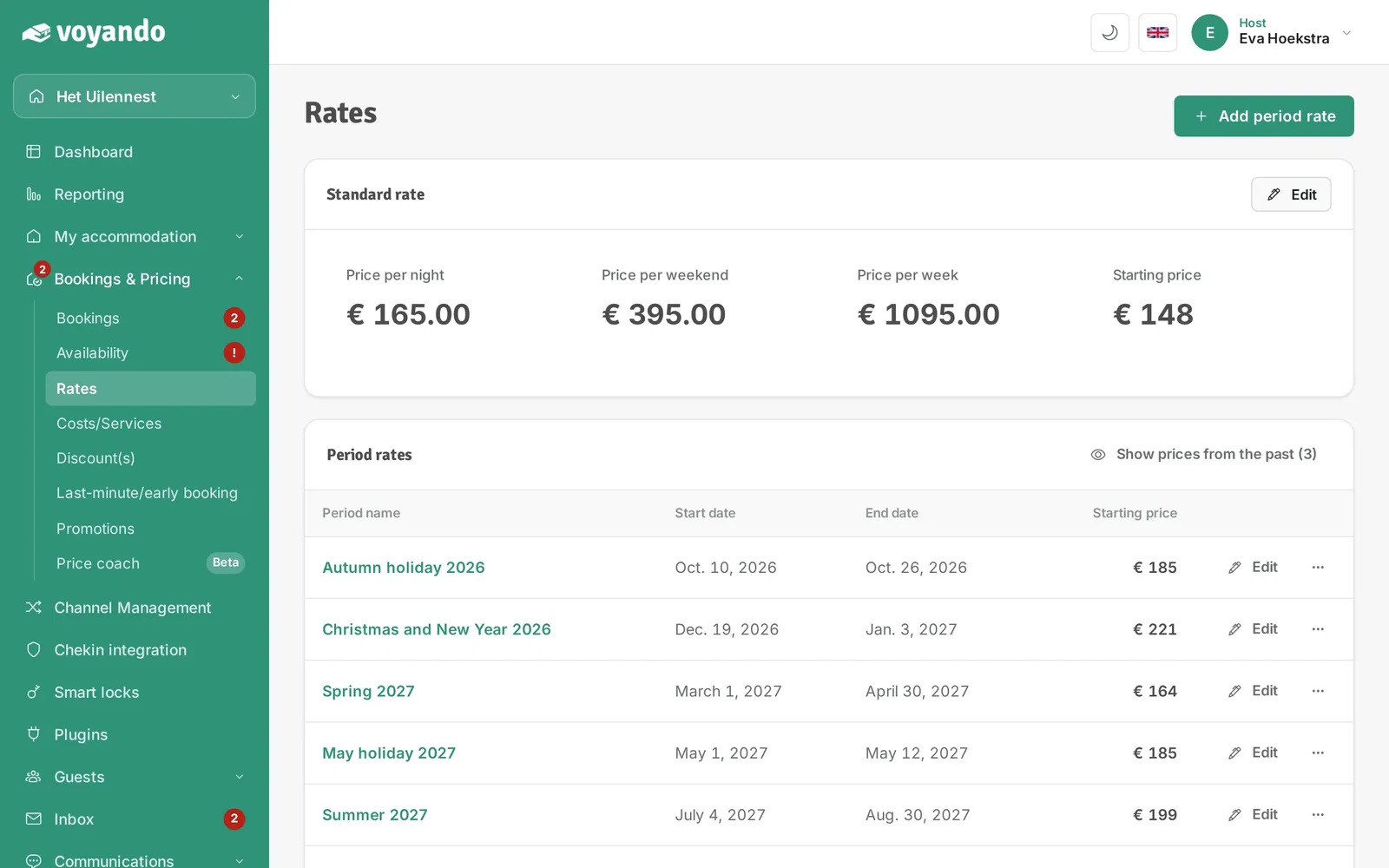
    How do I block an extra cleaning day after a booking? – step 4: Click Edit next to Standard rate.
  5. Step 5: Tick Block an extra day for final cleaning. There will then always be a free day between two bookings.
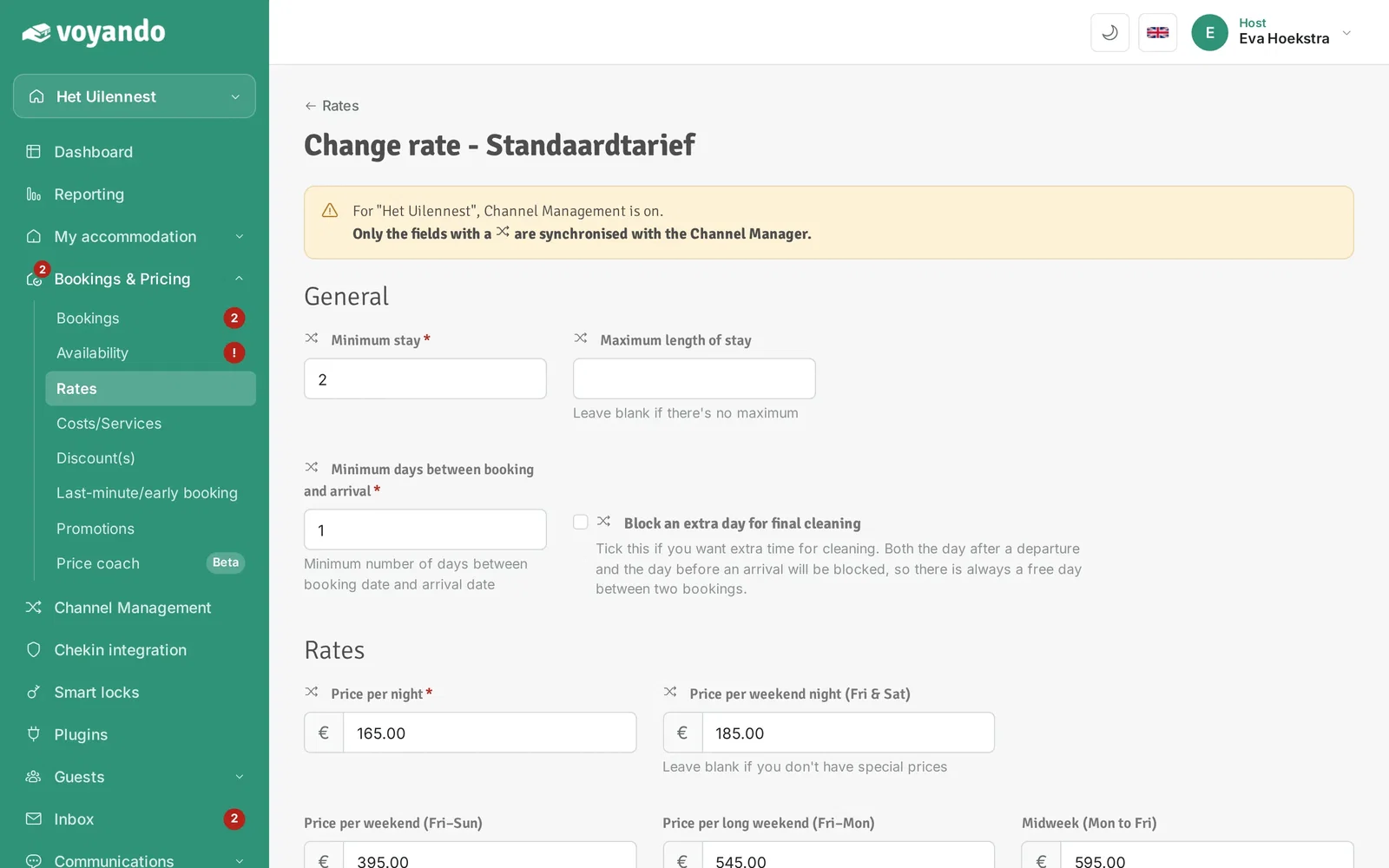
    How do I block an extra cleaning day after a booking? – step 5: Tick Block an extra day for final cleaning. There will then always be a free day between two bookings.
  6. Step 6: Click Save. If needed, repeat this for your period rates (Edit next to the period).
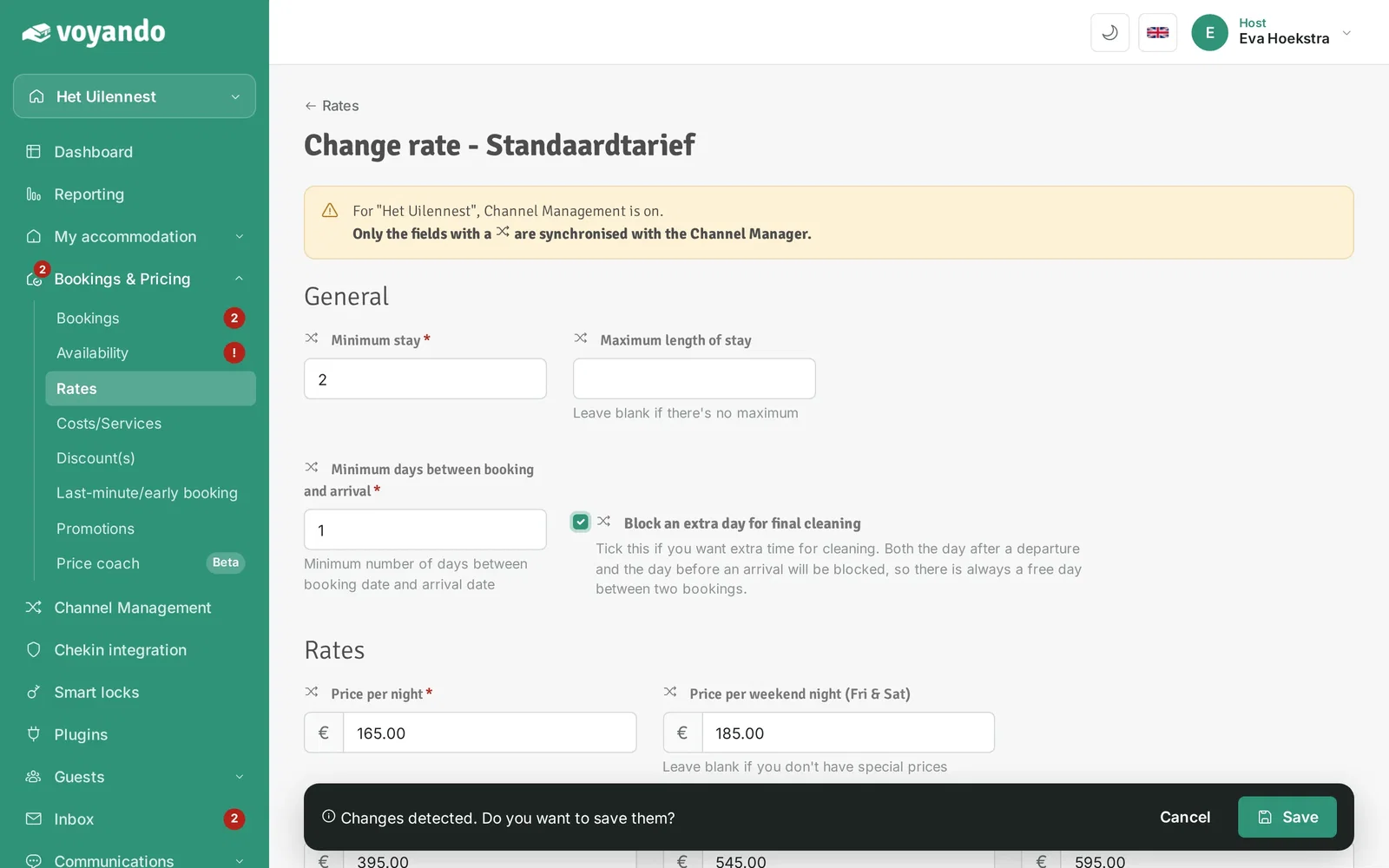
    How do I block an extra cleaning day after a booking? – step 6: Click Save. If needed, repeat this for your period rates (Edit next to the period).

Can’t find your answer here?

Our support team will be happy to help you. Please email us or call us on weekdays, and we’ll look into it with you.

USER REVIEWS

What hosts say about
their experience with Voyando

Veluwseboshuisjes.nl
★★★★★

"Everything runs automatically and my website is always up. No more hassle with separate systems or hiring people. It saves me so much time and it looks really professional."

A
Luxelandleven.nl
★★★★★

"Since then the payment process runs automatically and I no longer have to check manually whether payments have been made. That saves an enormous amount of work. You keep improving continuously, I really appreciate that."

JW
Jan Willem
Stellemaris.com
★★★★★

"With Voyando I have one clear system that always works. My communication with guests goes exactly the way I want and I don't have to do anything twice. And when I have questions, I get help from customer service right away."

F
Azurresidences.fr
★★★★★

"The backend is clear and works intuitively, without unnecessary features. Everything feels logical and stable. A reliable system that is truly built with the owner in mind."

M