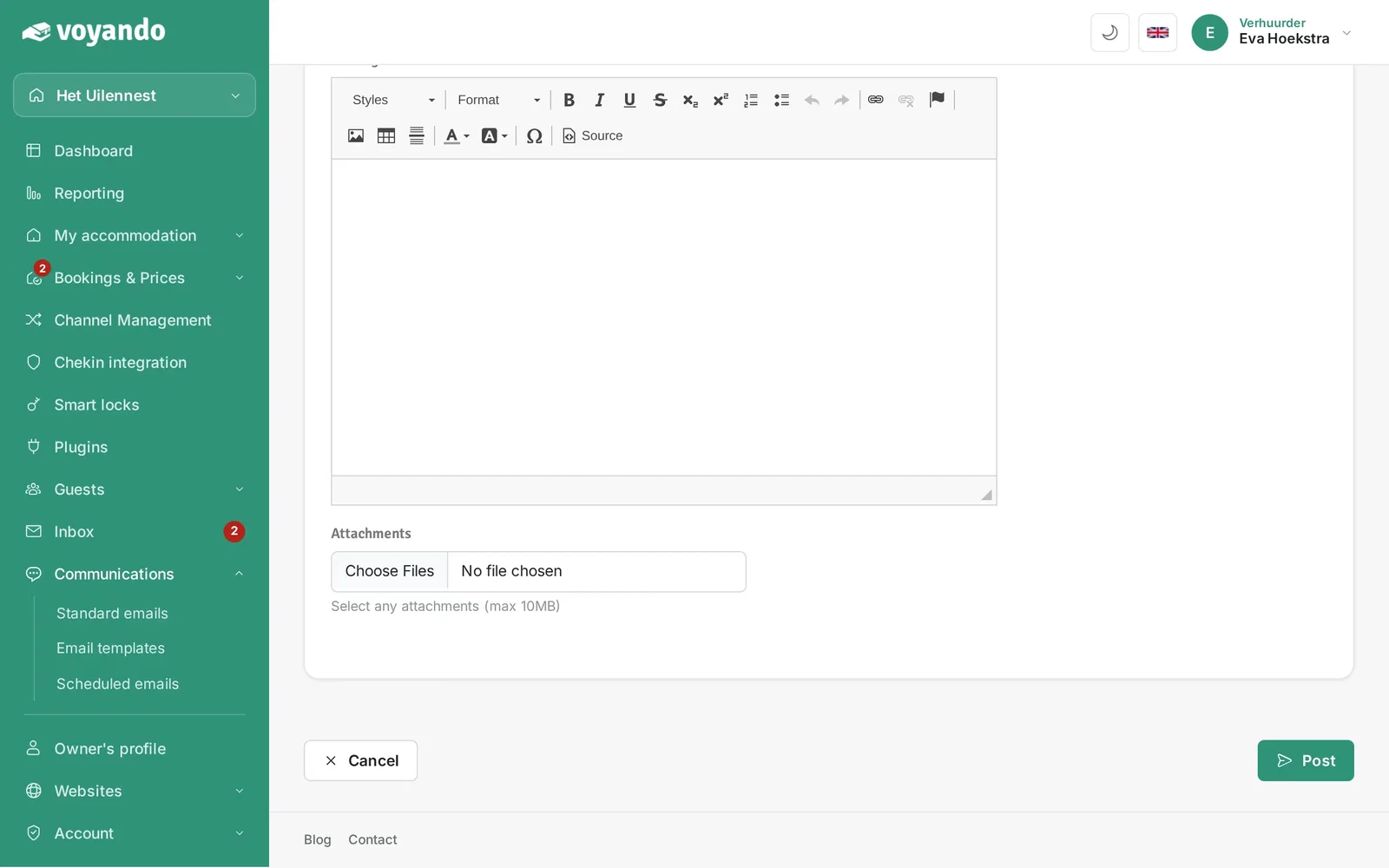
How can I send an email template manually?
Manually send an email template to guests via the dashboard by selecting a template, customising it and sending it.
Step by step · 13 steps
-
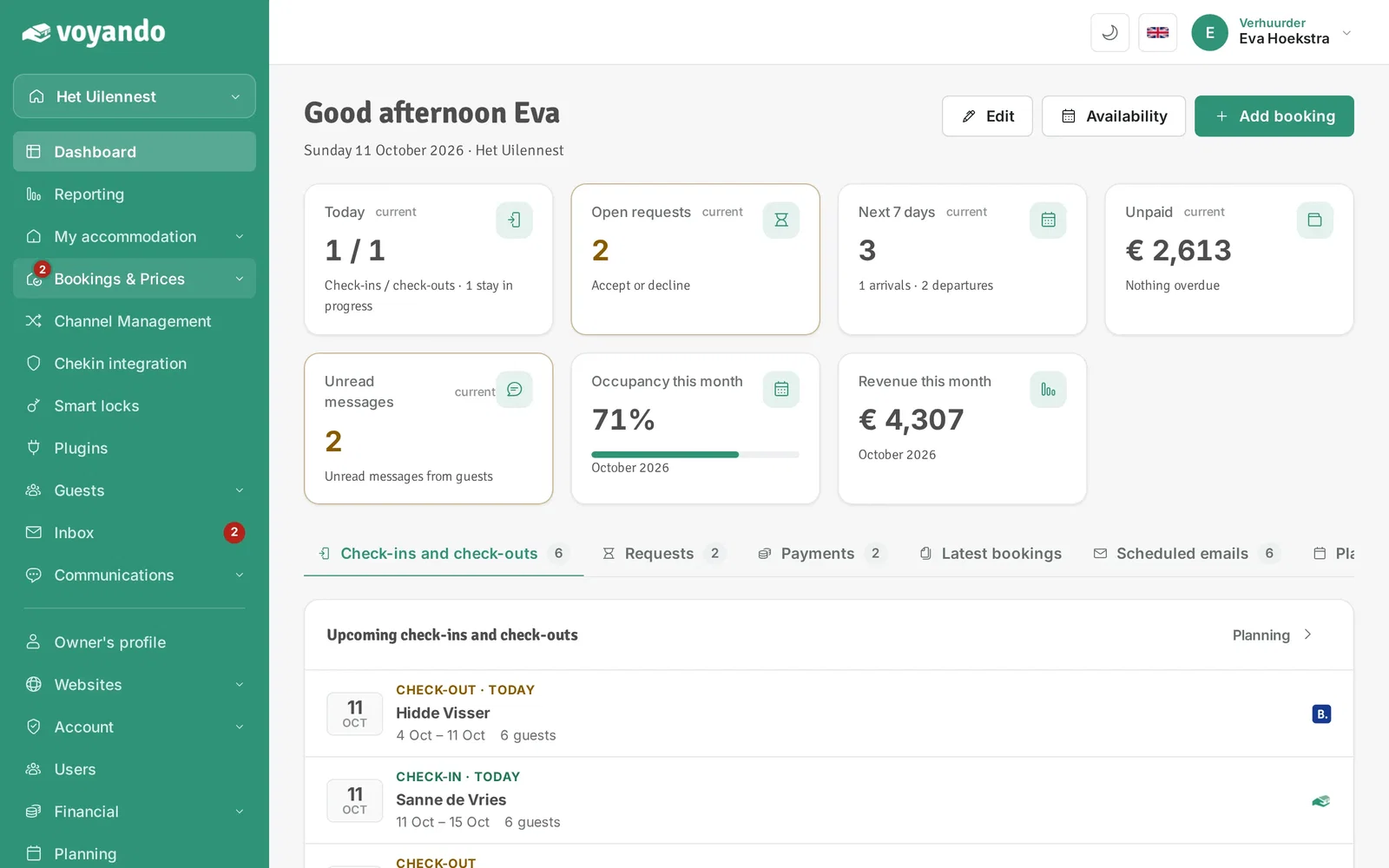
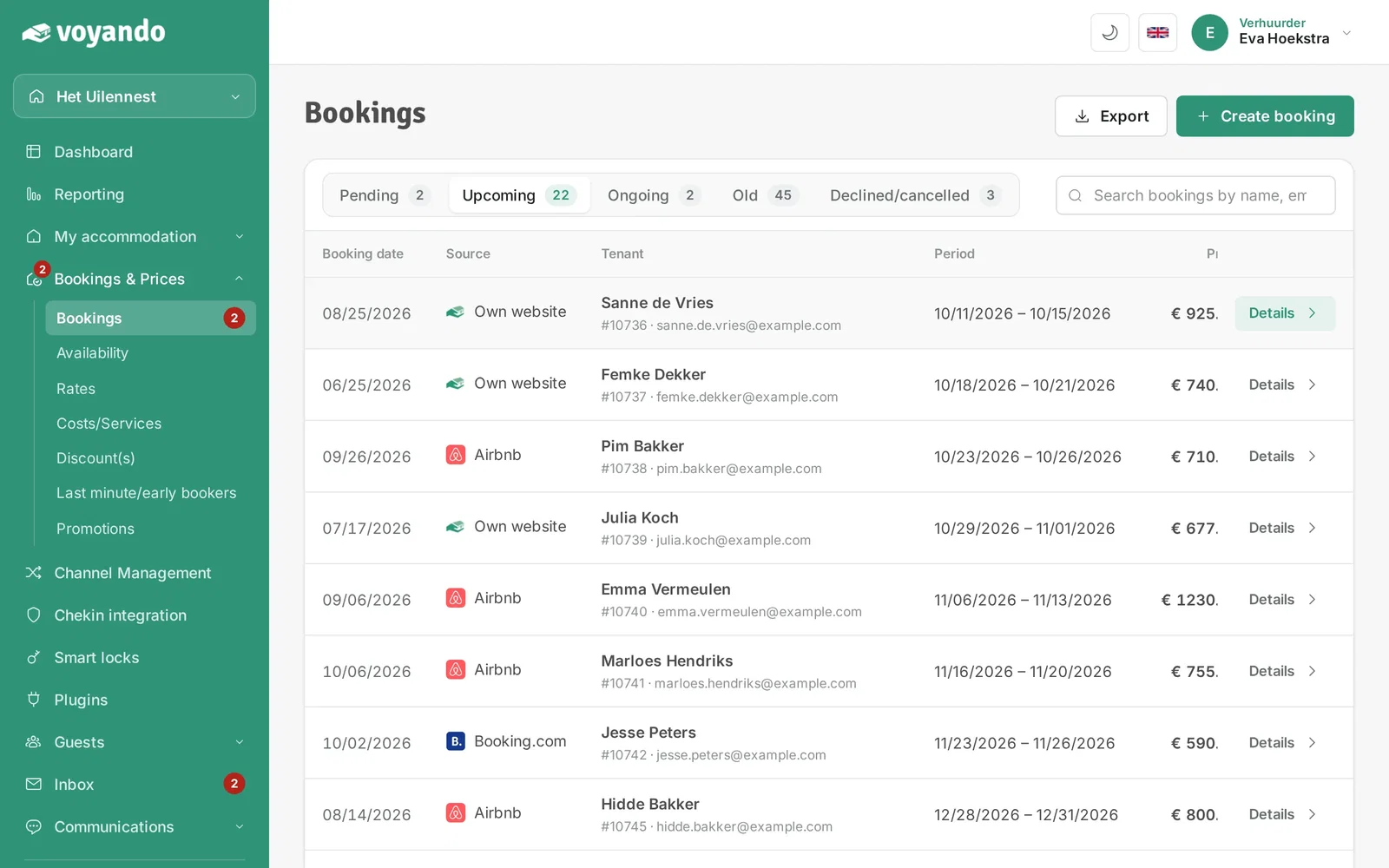
Step 1: Go to your dashboard.

-
Step 2: Click Bookings & Prices in the menu.
-
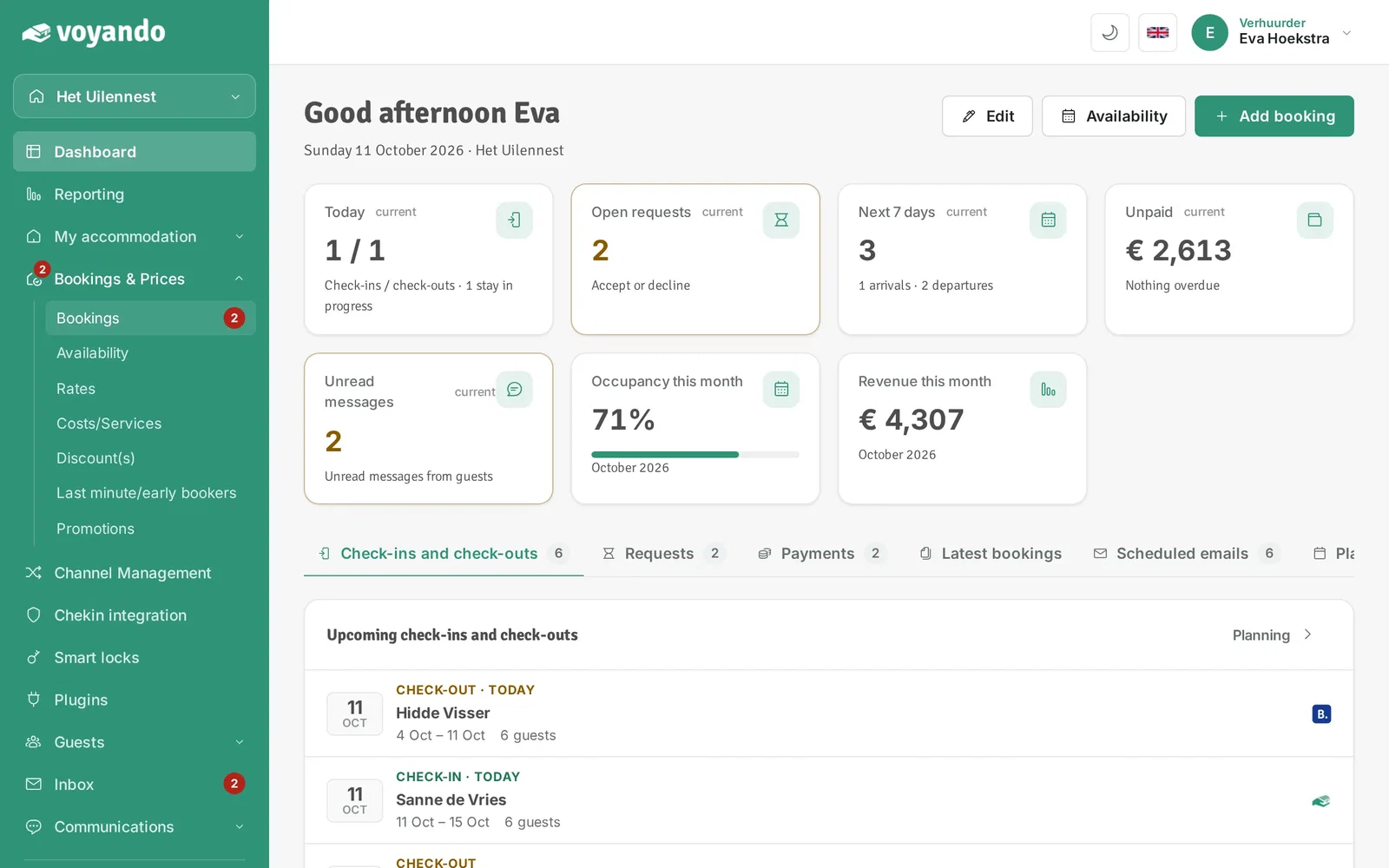
Step 3: Click Bookings.
-
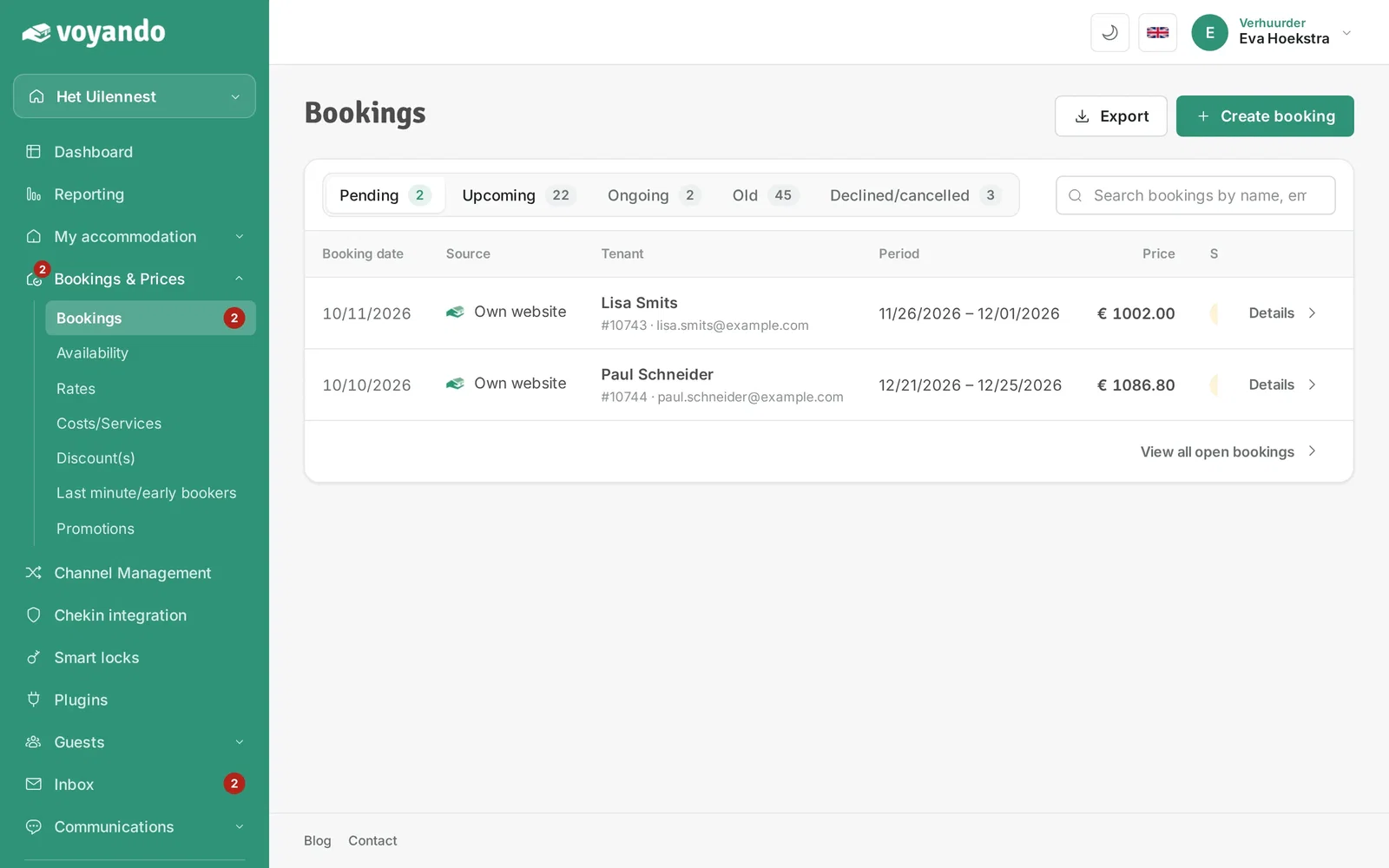
Step 4: Choose the tab with the right status, for example Upcoming.
-
Step 5: Click Details next to the booking.
-
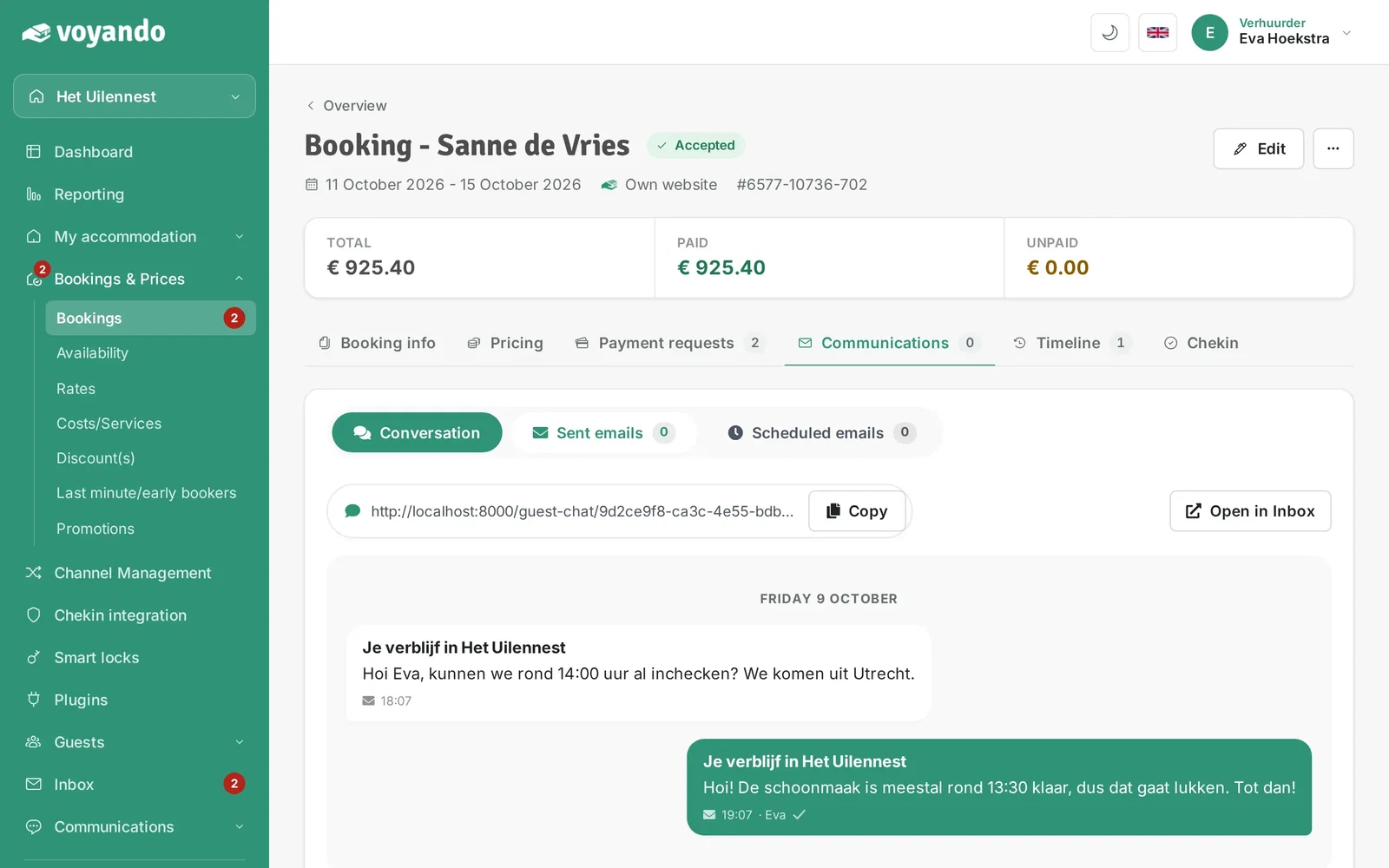
Step 6: Click the Communications tab.

-
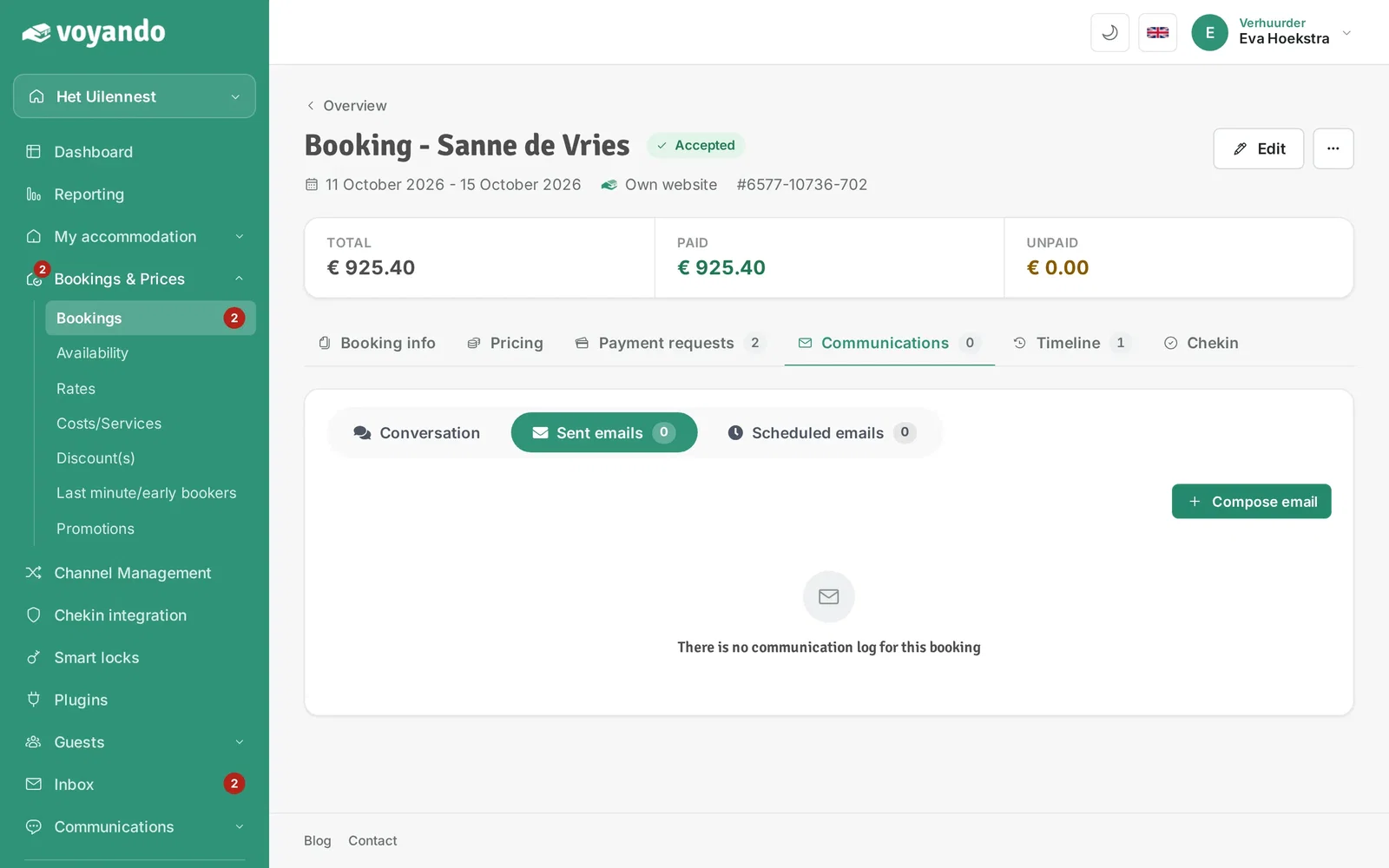
Step 7: Click Sent emails.
-
Step 8: Click Compose email.
-
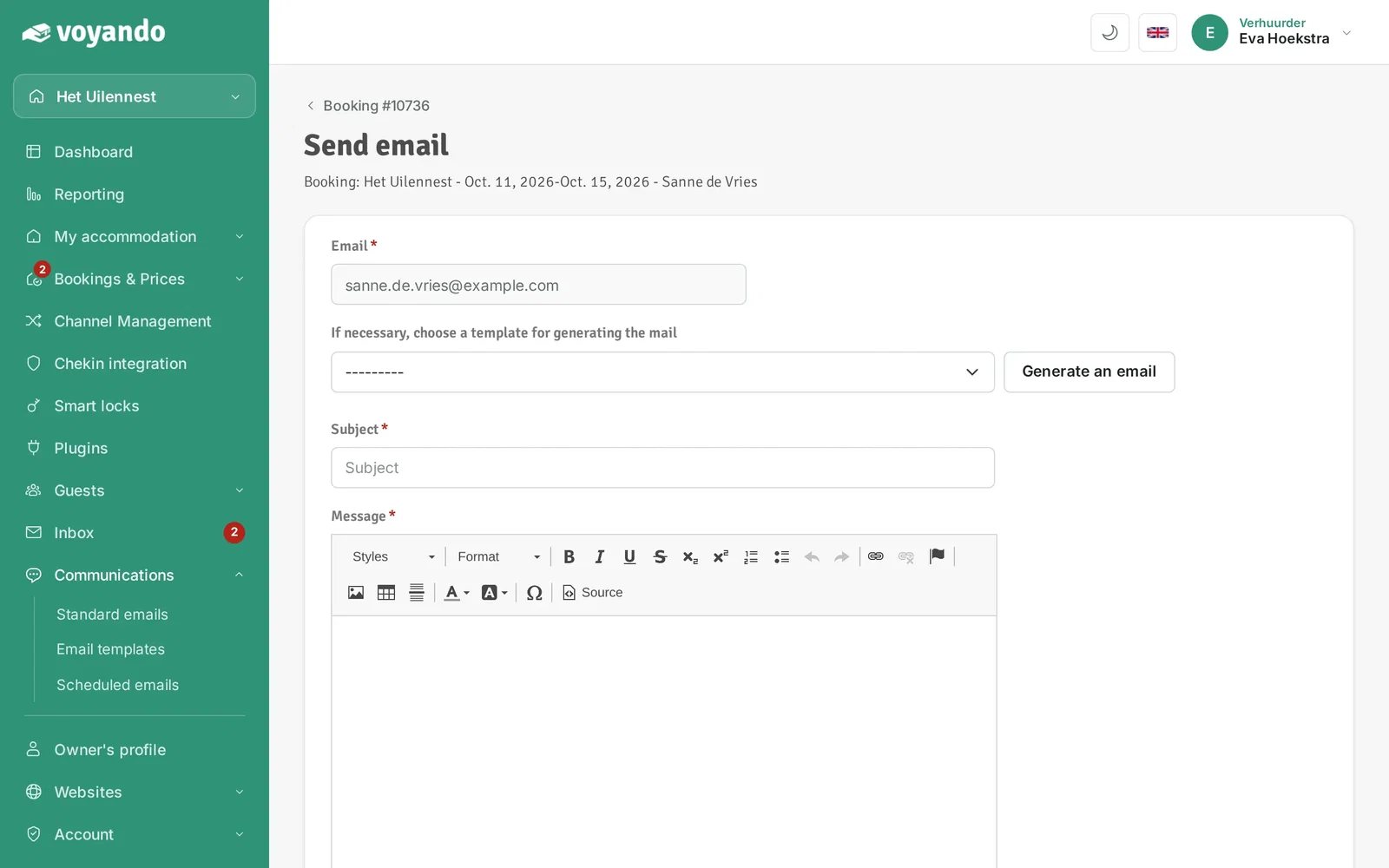
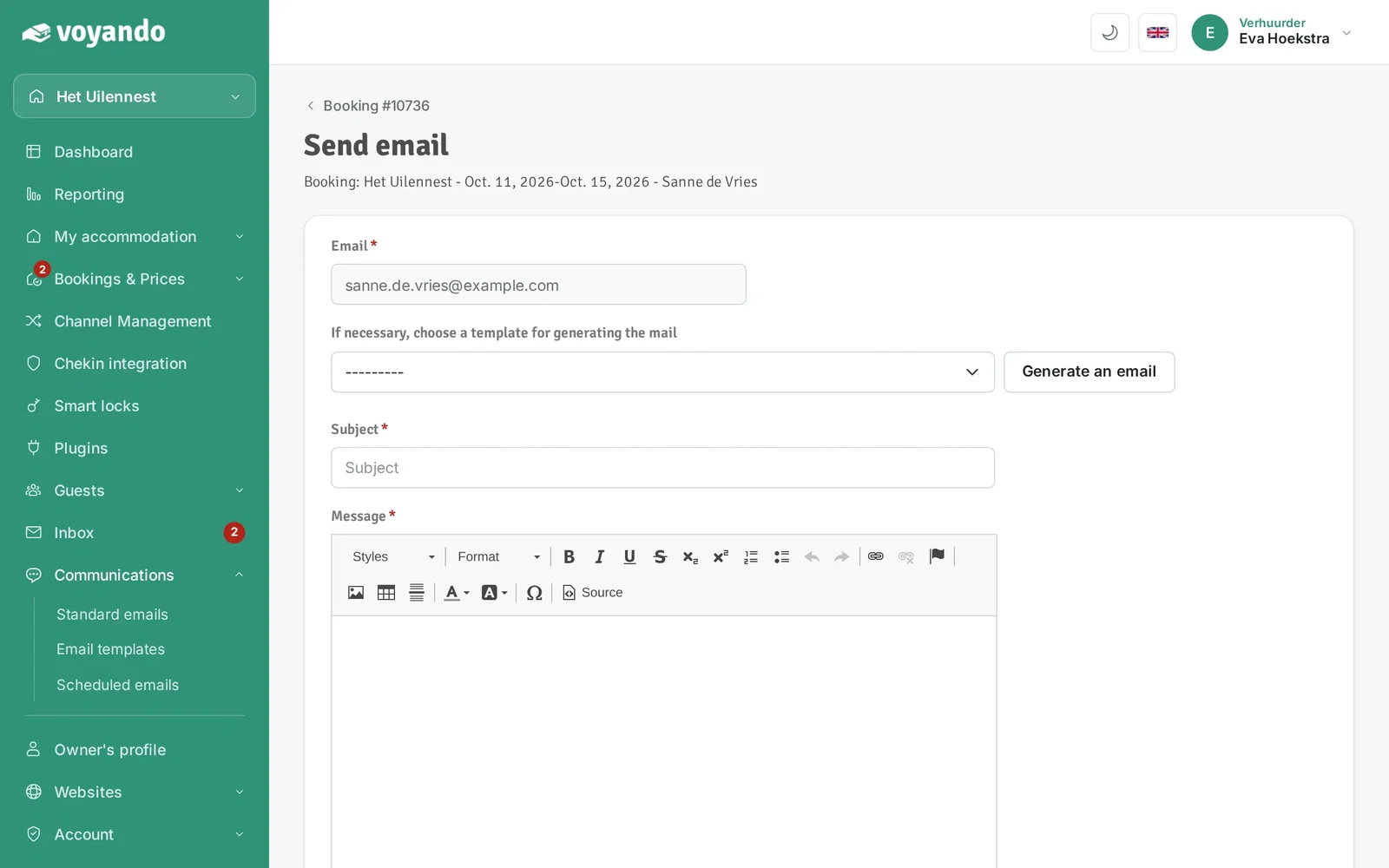
Step 9: Choose the email template you want to send, for example the review request.
-
Step 10: Click Genereer e-mail (generate email). The subject and text are filled in with this booking's details.
-
Step 11: Adjust the subject if needed.

-
Step 12: Adjust the text of the email if needed.

-
Step 13: Click Verzenden (send).