How can I set up automated emails for Booking.com guests?
Grant [email protected] permission on Booking.com and set up automatic emails for your Booking.com guests in the Voyando Dashboard.
Step by step · 8 steps
-
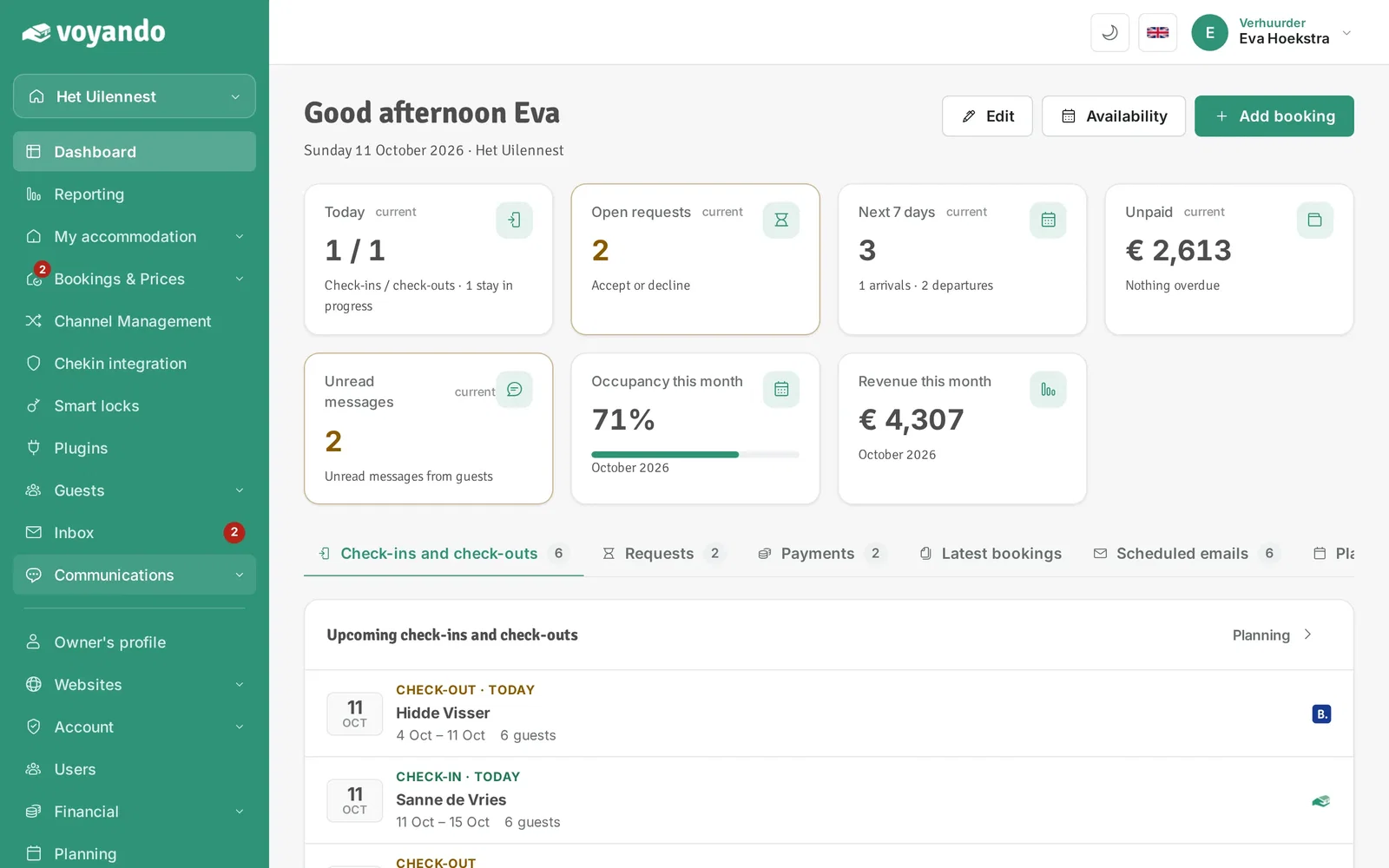
Step 1: Go to your dashboard.

-
Step 2: Click Communications in the menu.
-
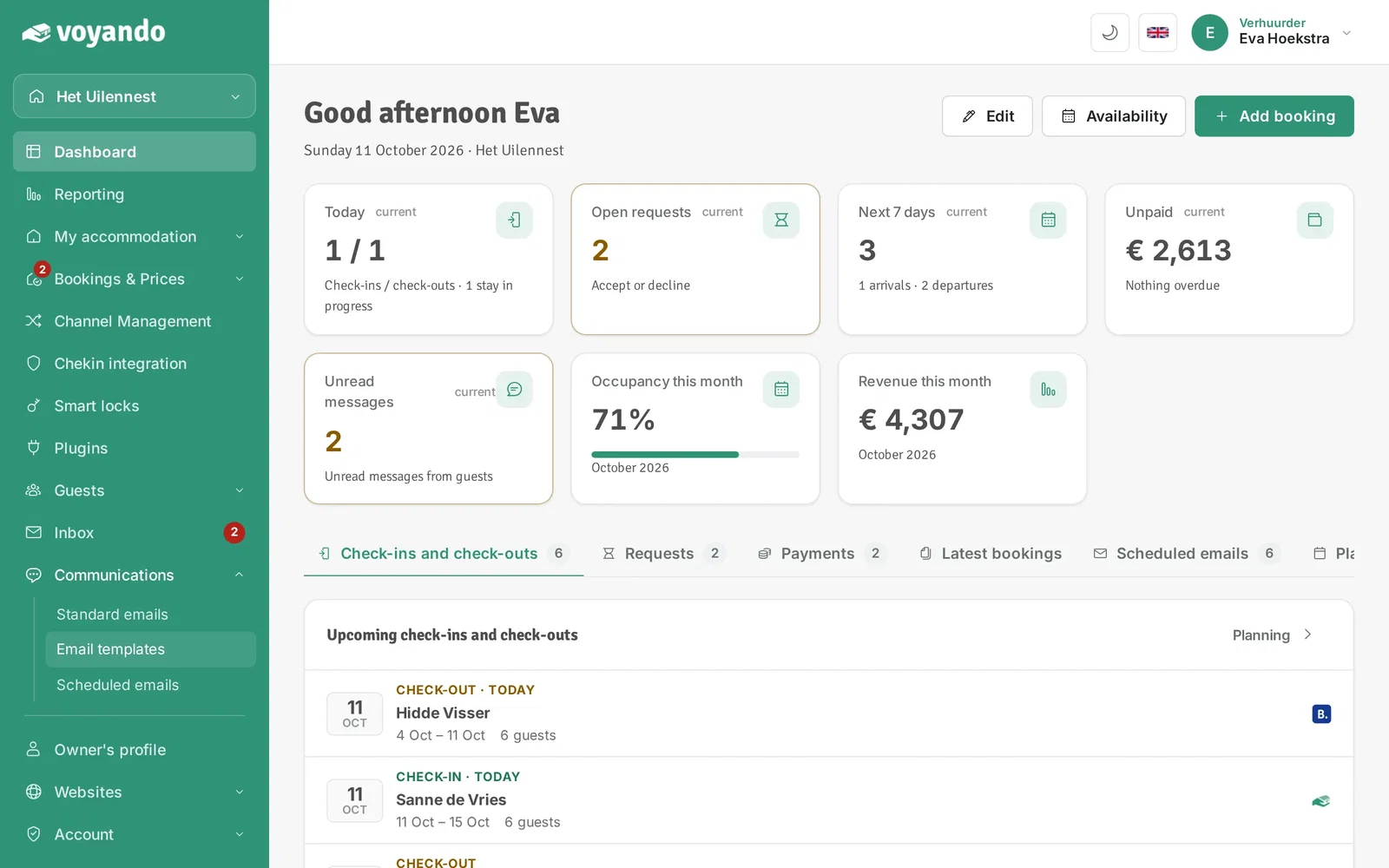
Step 3: Click Email templates.
-
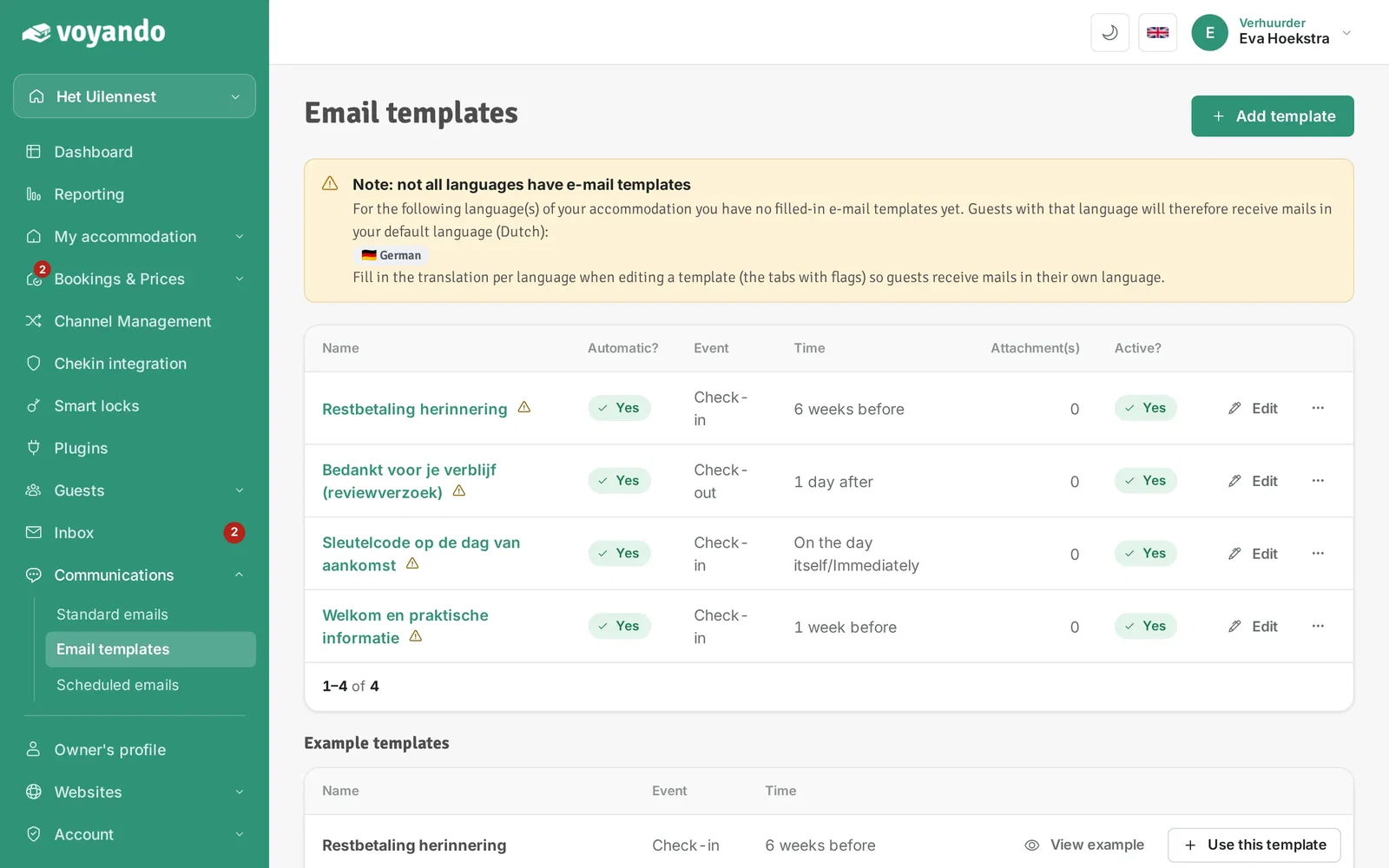
Step 4: First, in Booking.com: in the Extranet, under Property > Messaging preferences > Security settings, allow the address [email protected]. Then set up your email templates here.
-
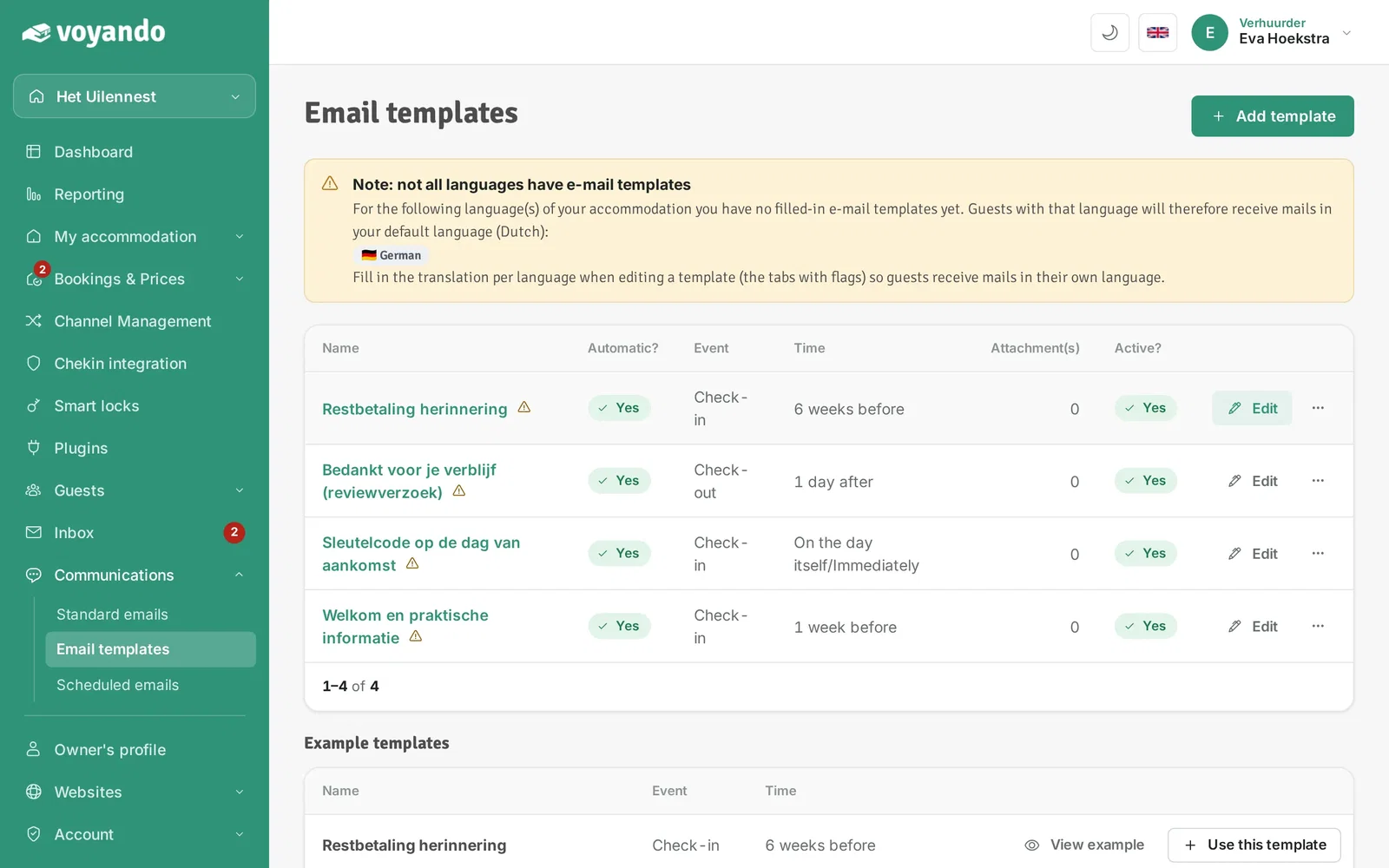
Step 5: Create a new template or click Edit next to an existing one.
-
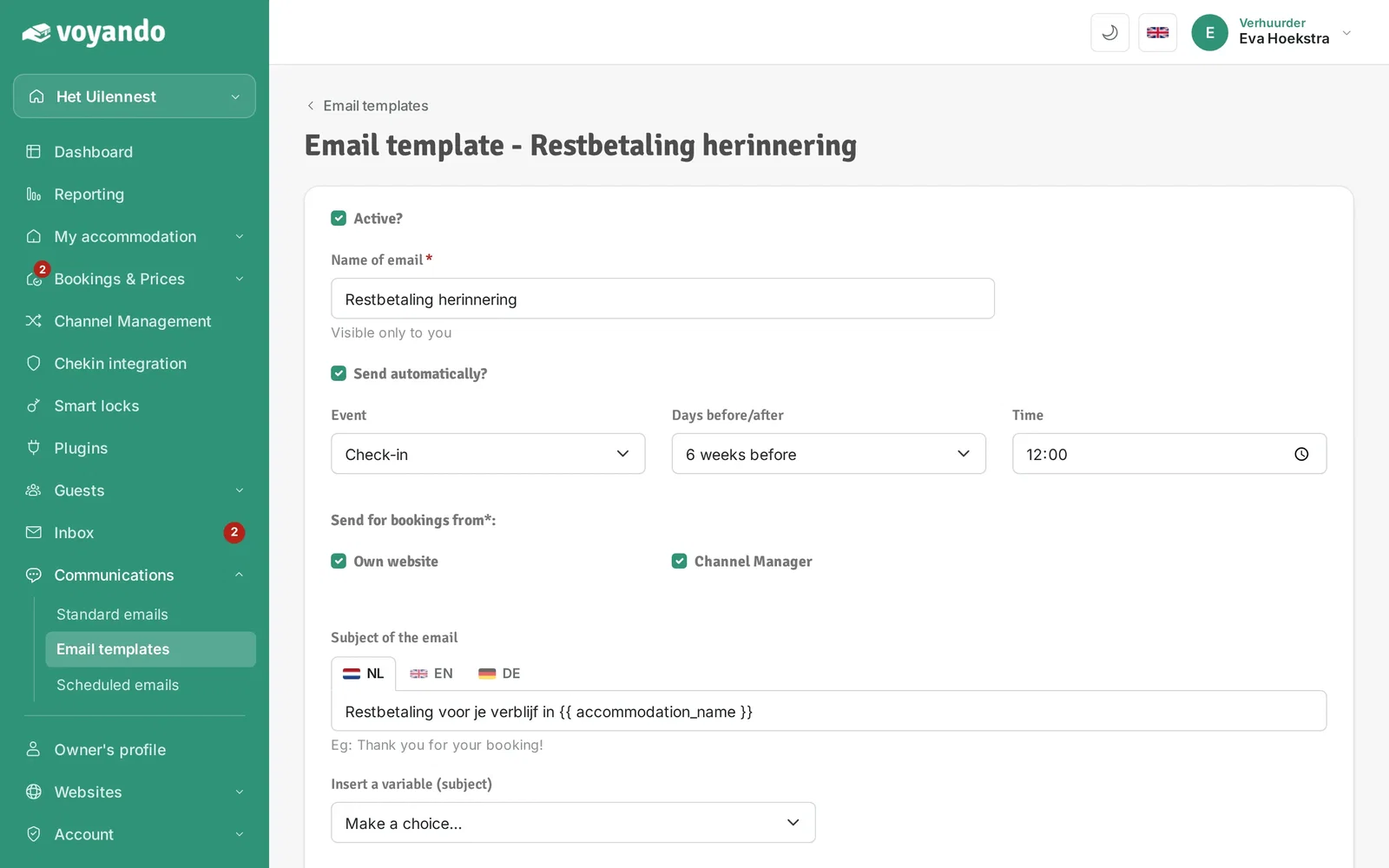
Step 6: Make sure Channel Manager is ticked under Send for bookings from. The email then also goes to Booking.com guests.
-
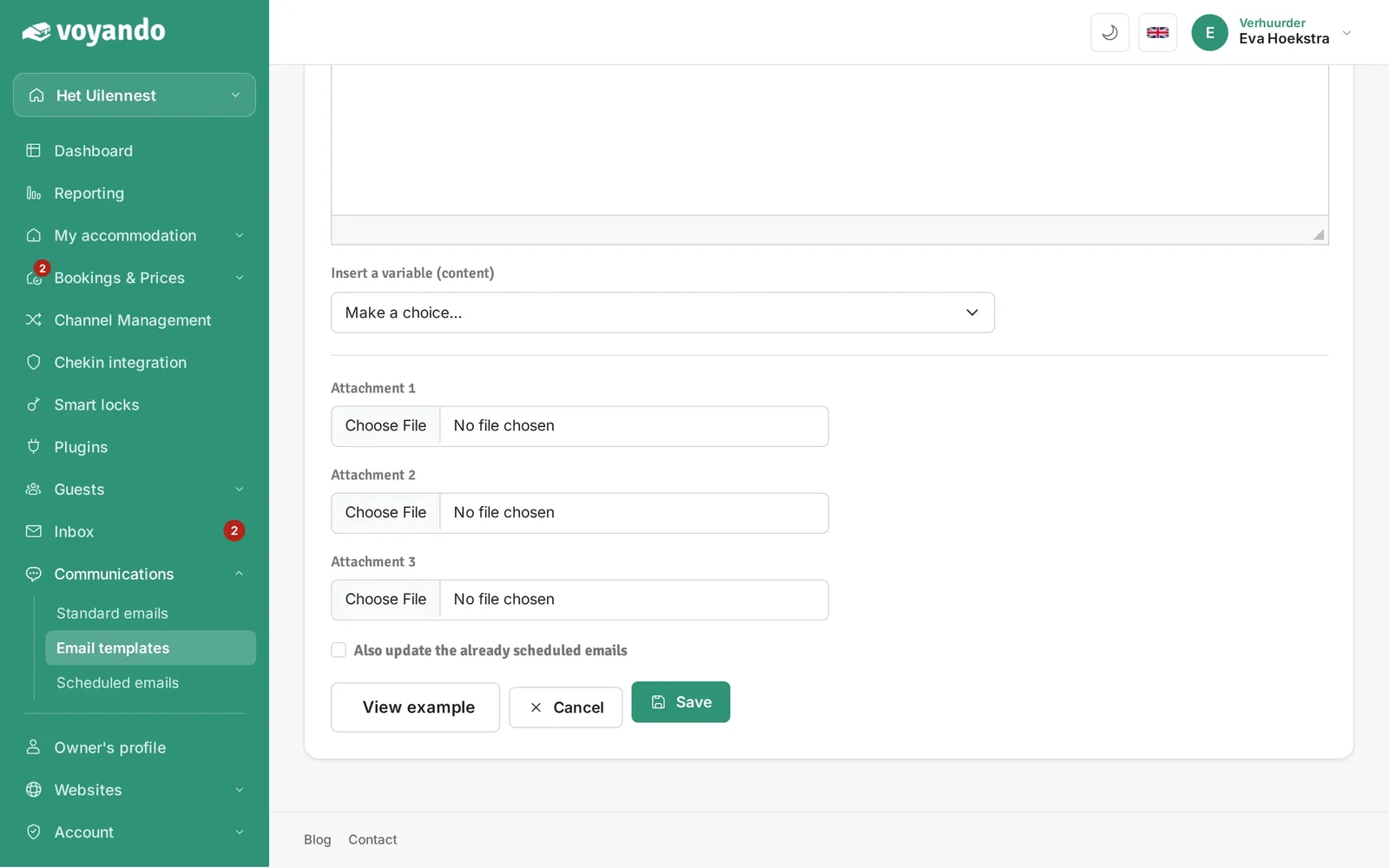
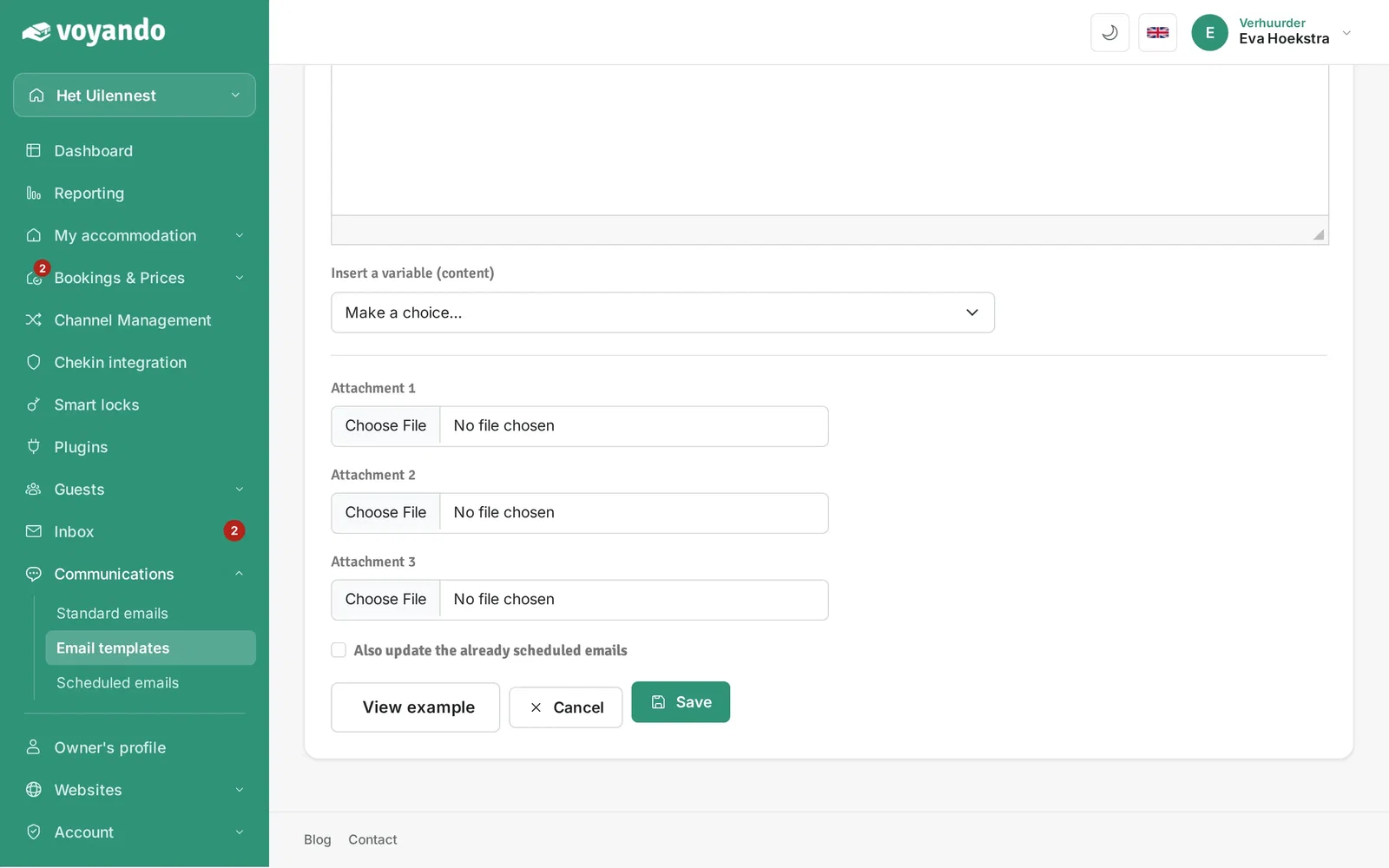
Step 7: Already have Booking.com bookings? Tick Also update the already scheduled emails so the email is scheduled for those bookings too.
-
Step 8: Click Save.