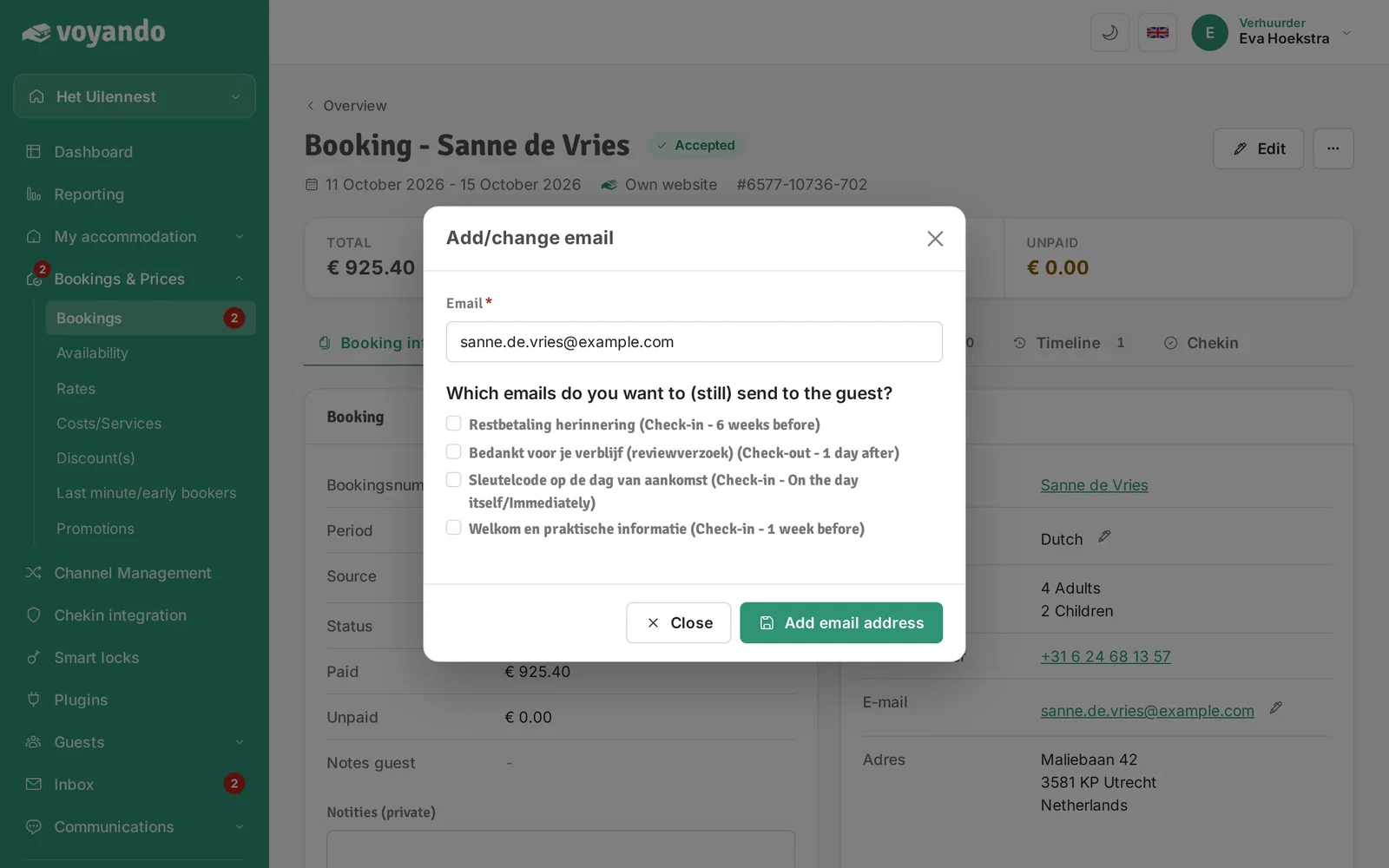
How do I set up an automatic email?
You can easily set up automatic emails for your guests by editing their email addresses and selecting the messages you want to send.
Step by step · 8 steps
-
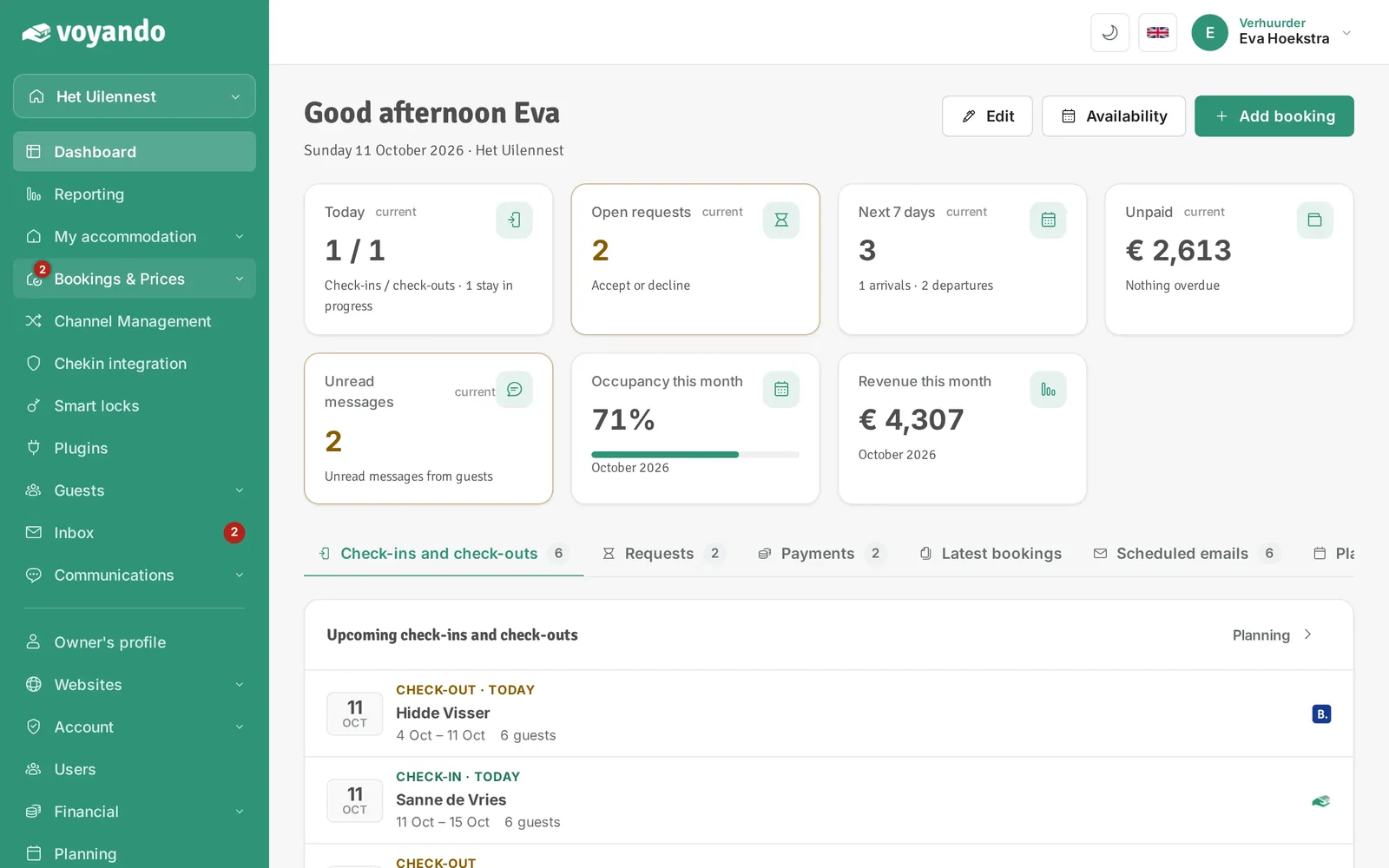
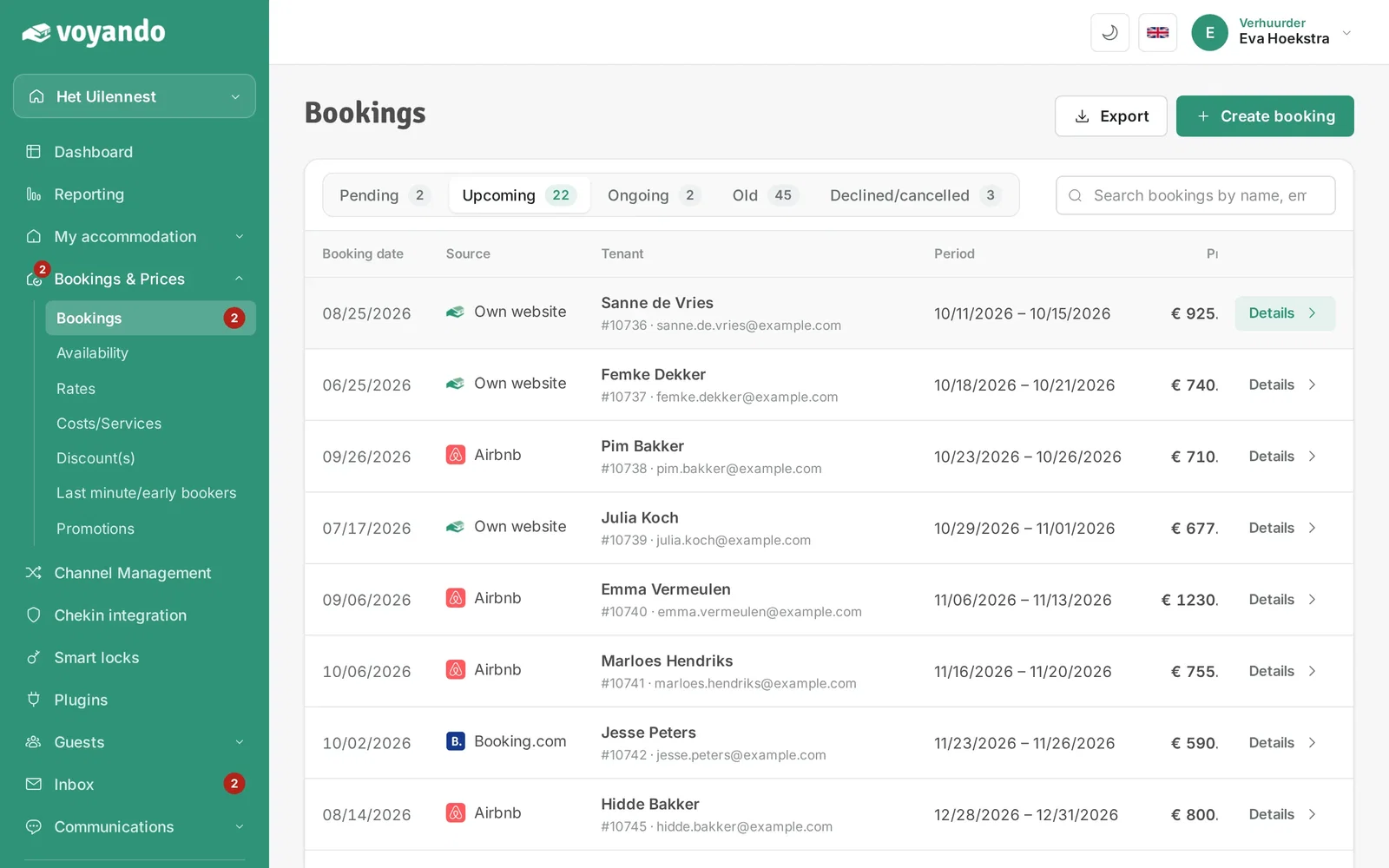
Step 1: Go to your dashboard.

-
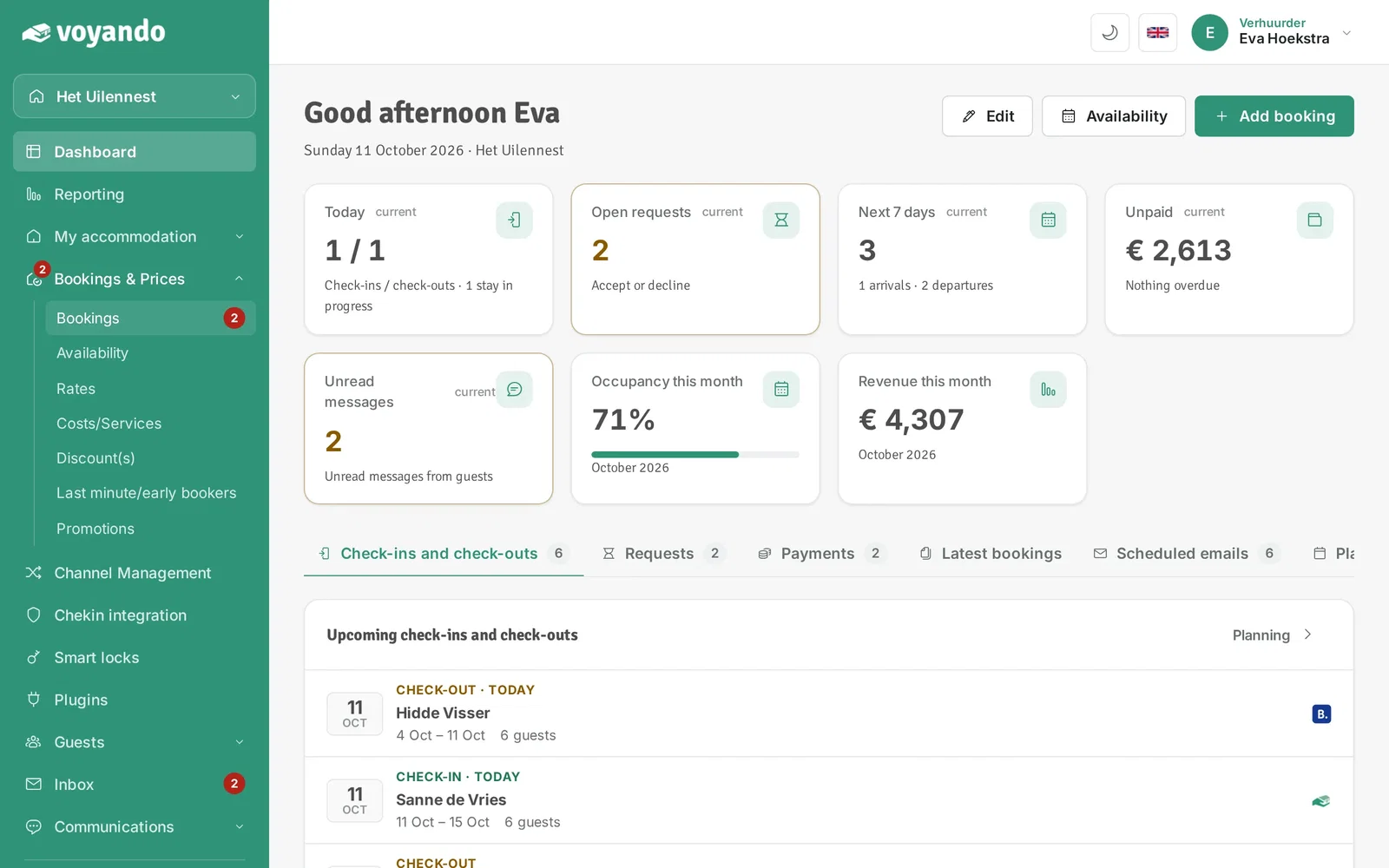
Step 2: Click Bookings & Prices in the menu.
-
Step 3: Click Bookings.
-
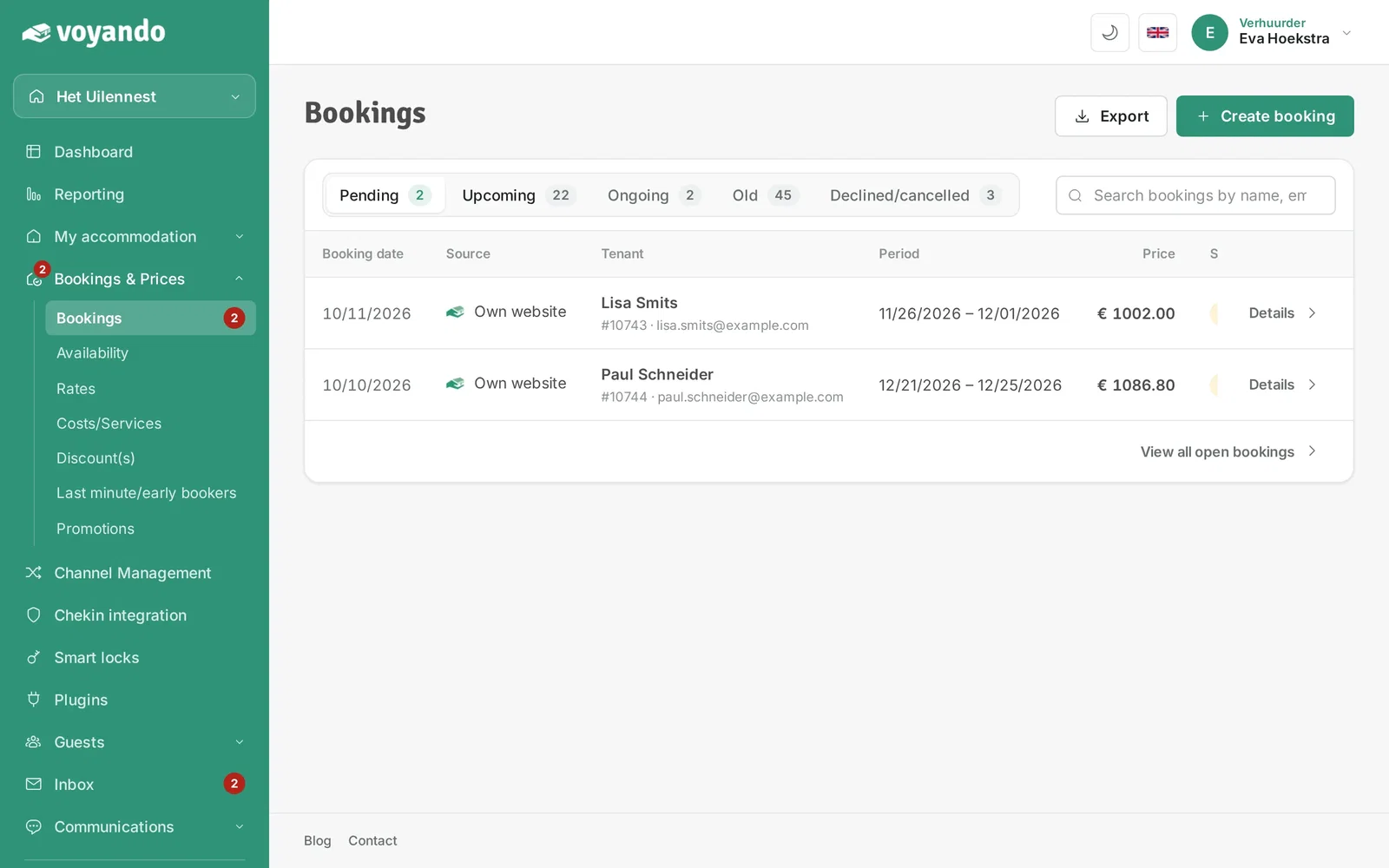
Step 4: Choose the tab with the right status, for example Upcoming.
-
Step 5: Click Details next to the booking.
-
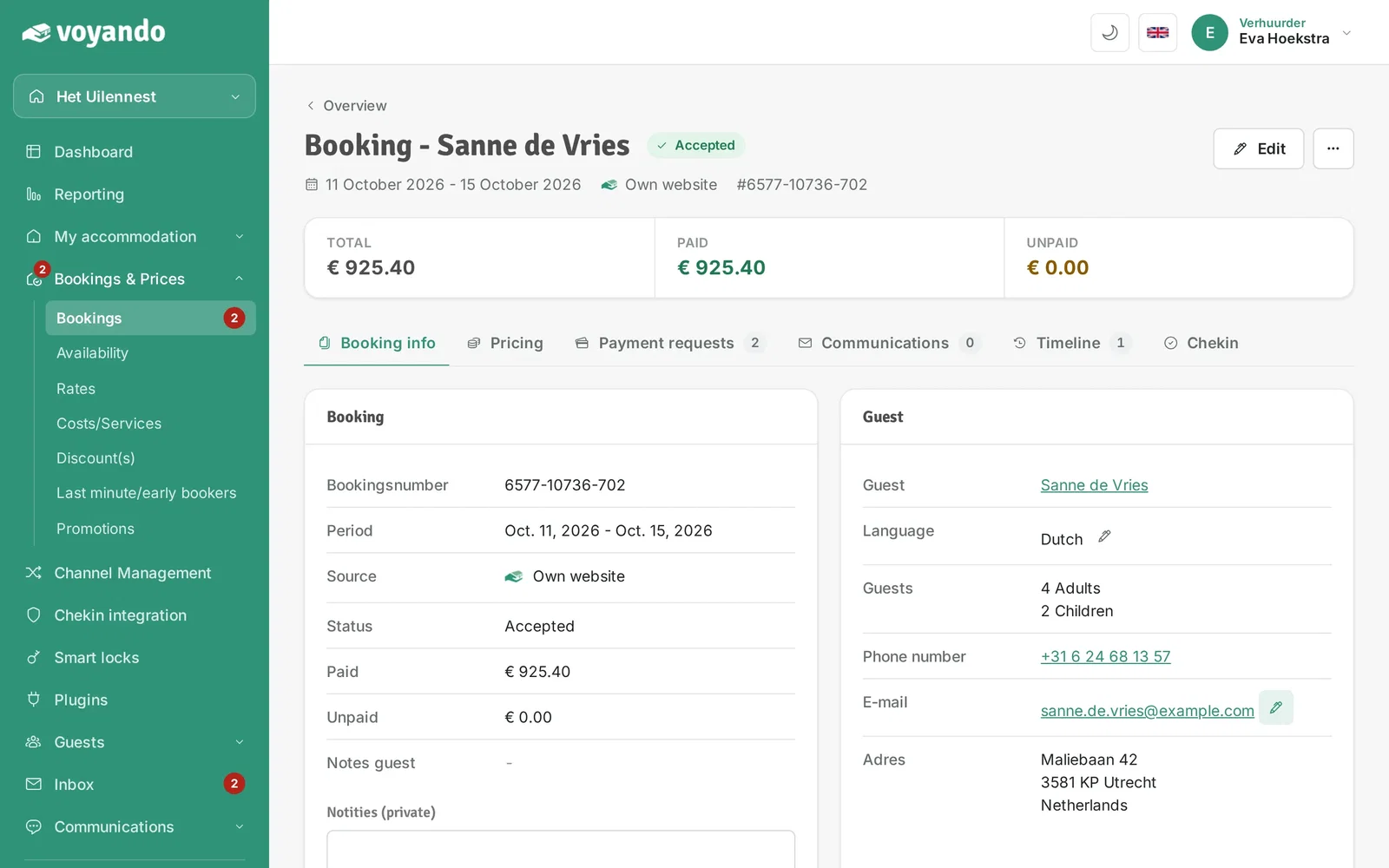
Step 6: Click the pencil icon next to the guest's address under Email.
-
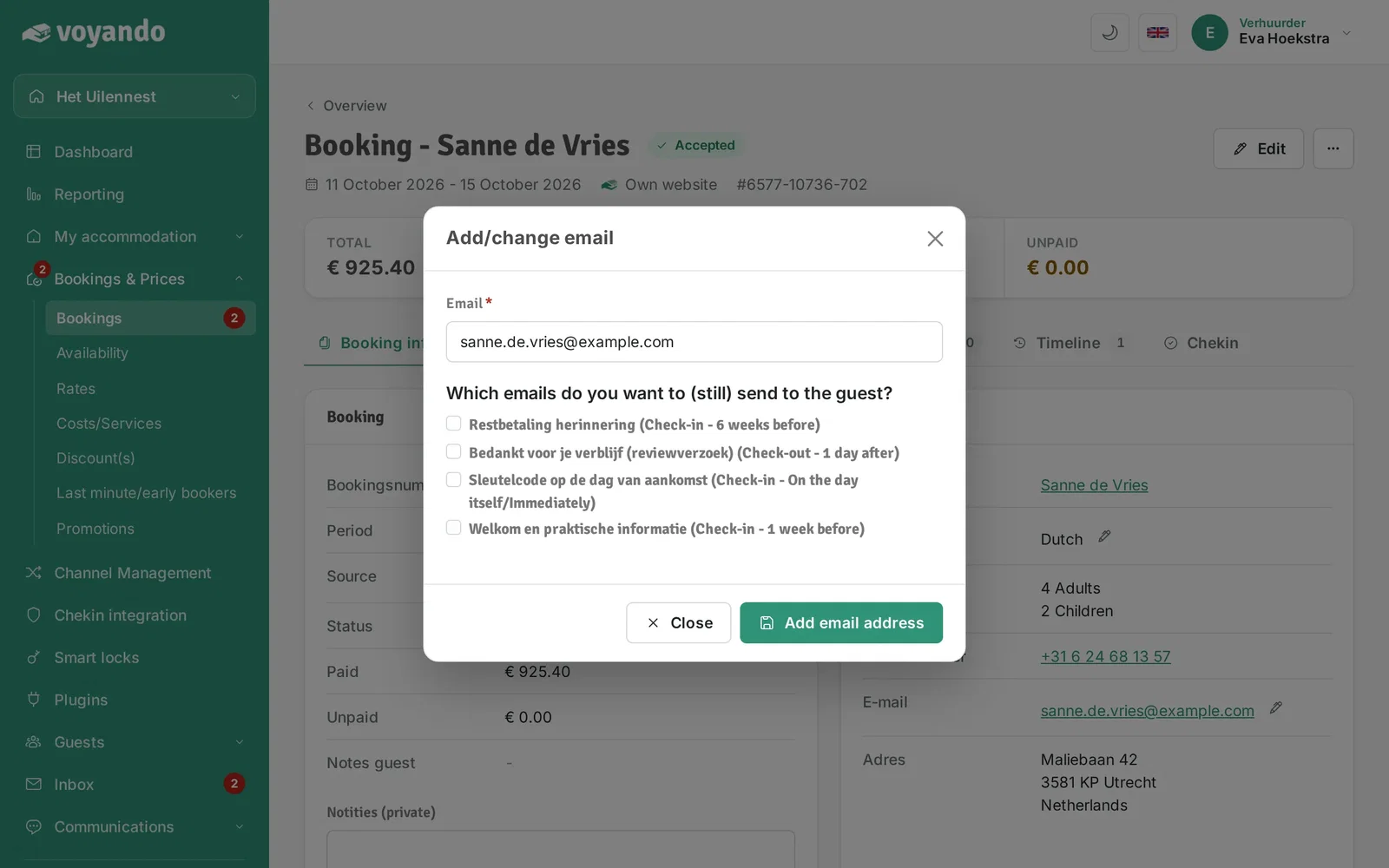
Step 7: Tick the emails you want to schedule for this guest.
-
Step 8: Click Add email address to save.