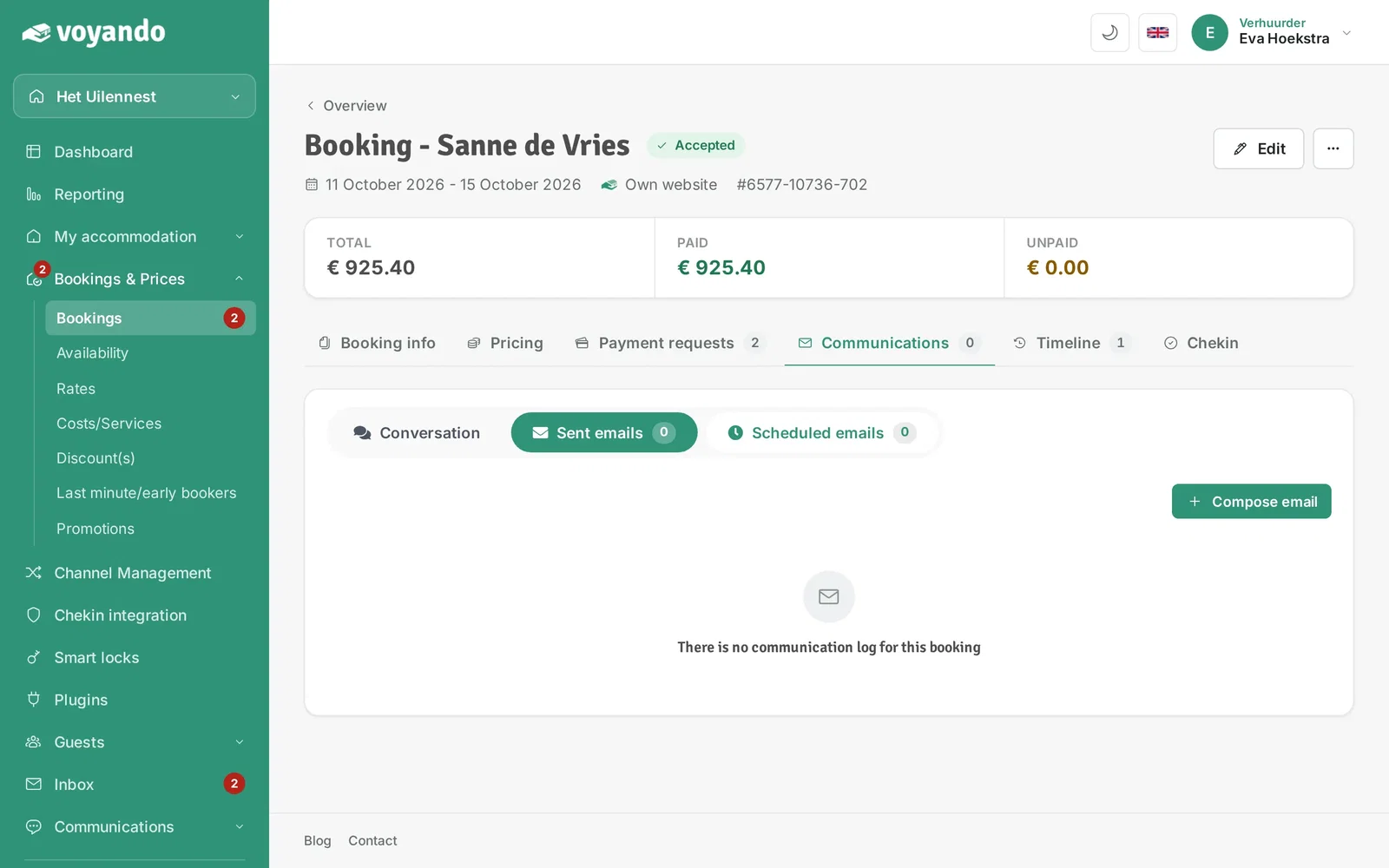
Where can I see which emails have been sent to a guest?
View the emails you’ve sent to a guest via ‘Bookings’, ‘Details’ and ‘Communication’ in your Voyando dashboard.
Step by step · 9 steps
-
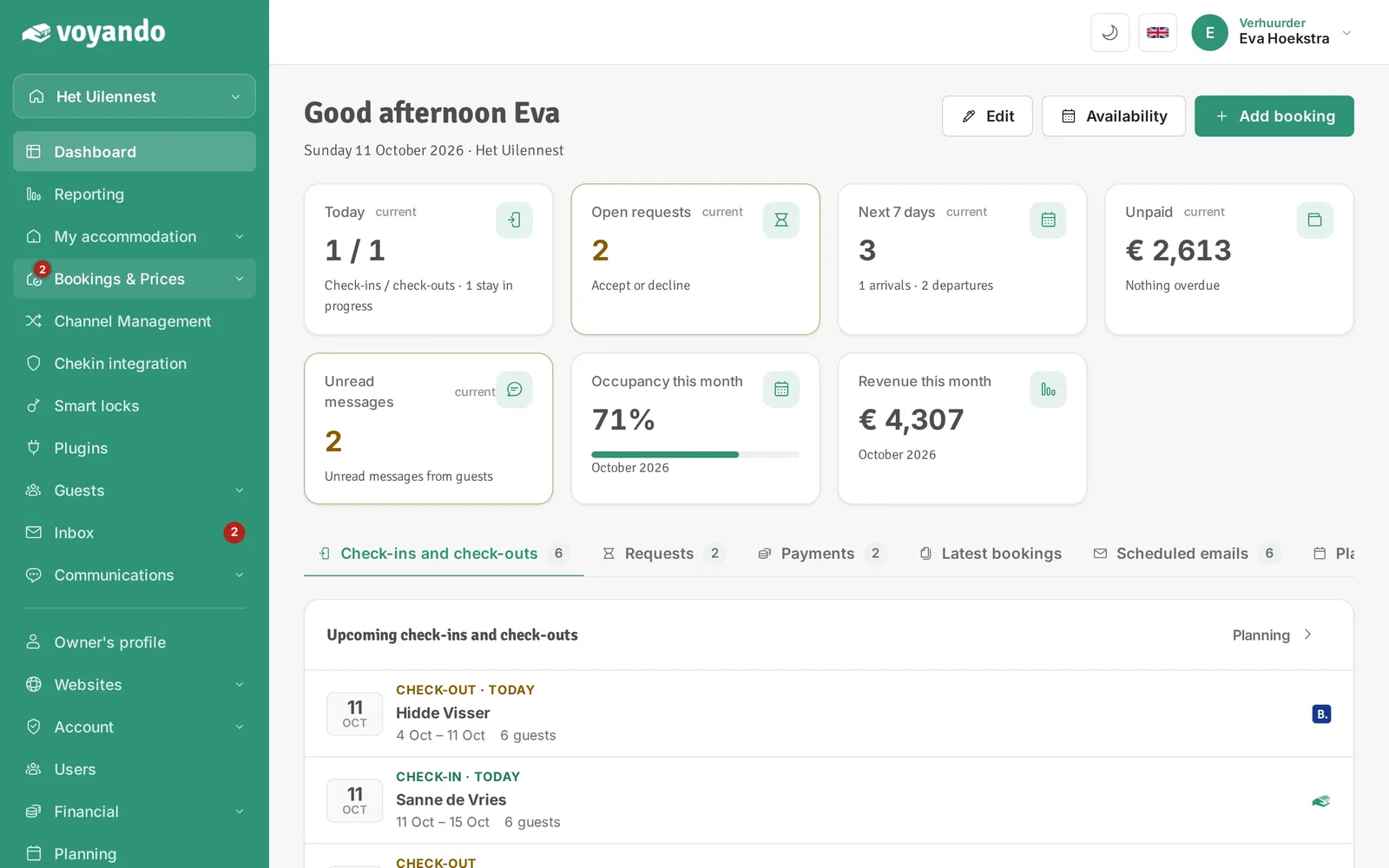
Step 1: Go to your dashboard.

-
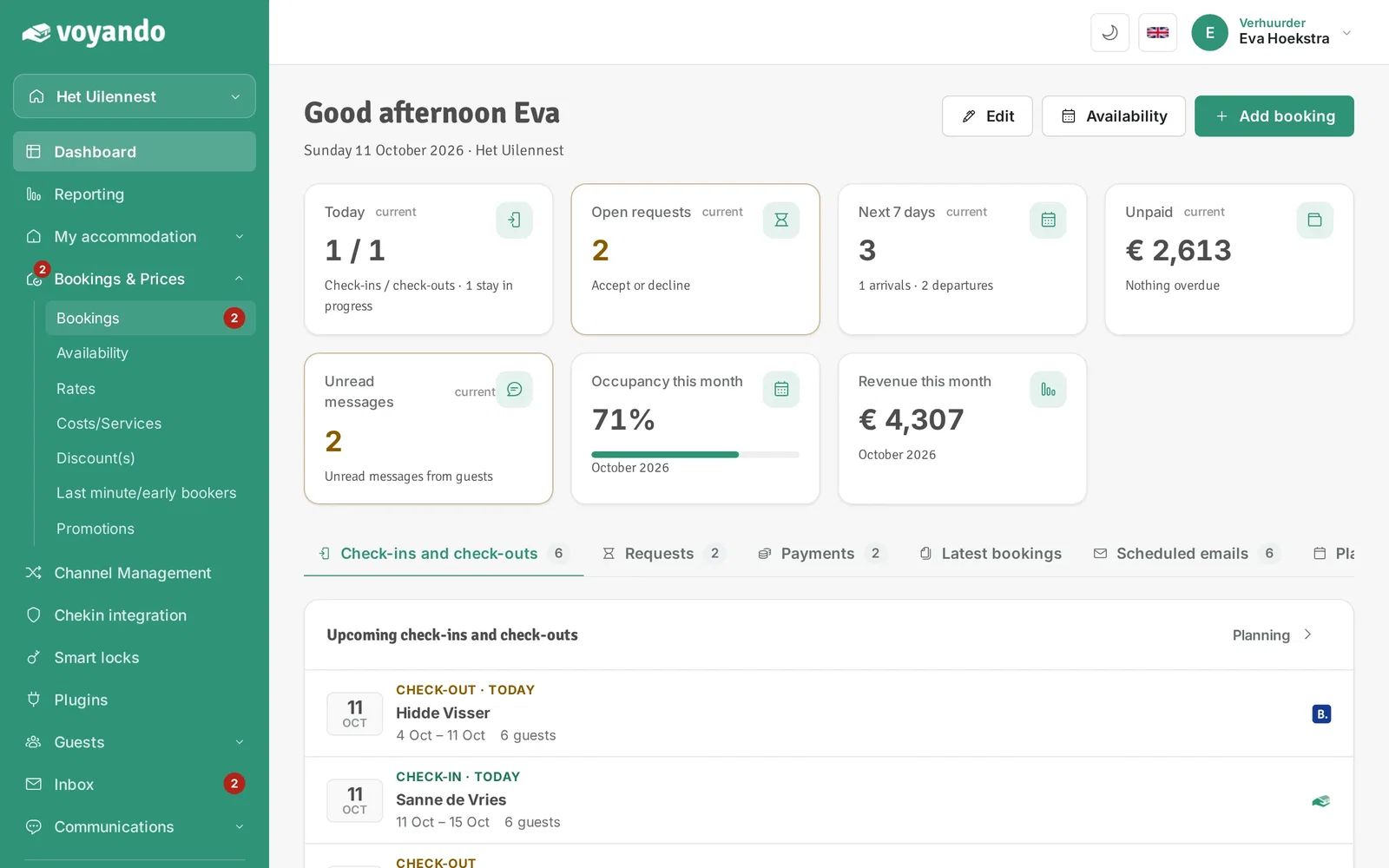
Step 2: Click Bookings & Prices in the menu.
-
Step 3: Click Bookings.
-
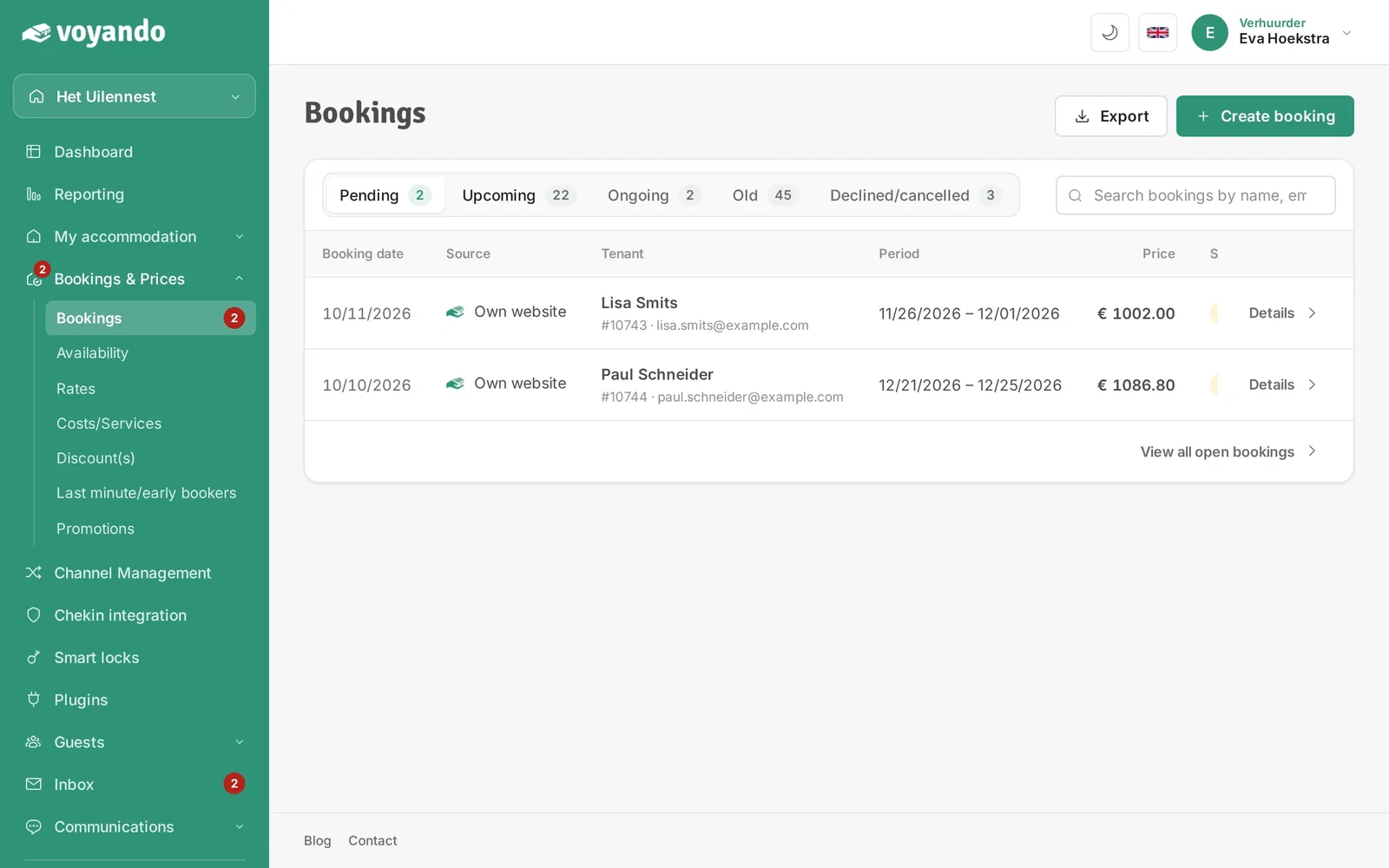
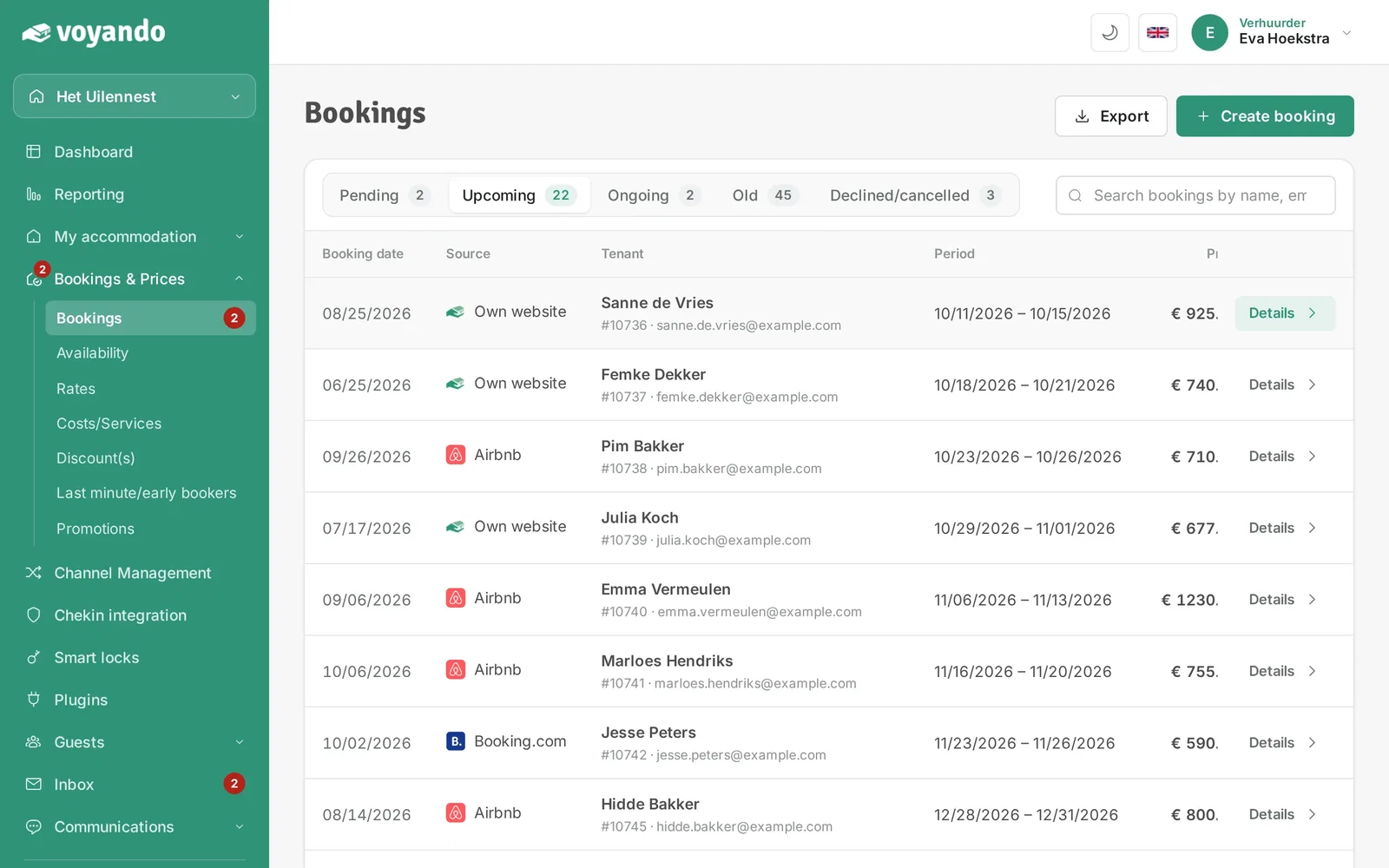
Step 4: Choose the tab with the right status, for example Upcoming.
-
Step 5: Click Details next to the booking.
-
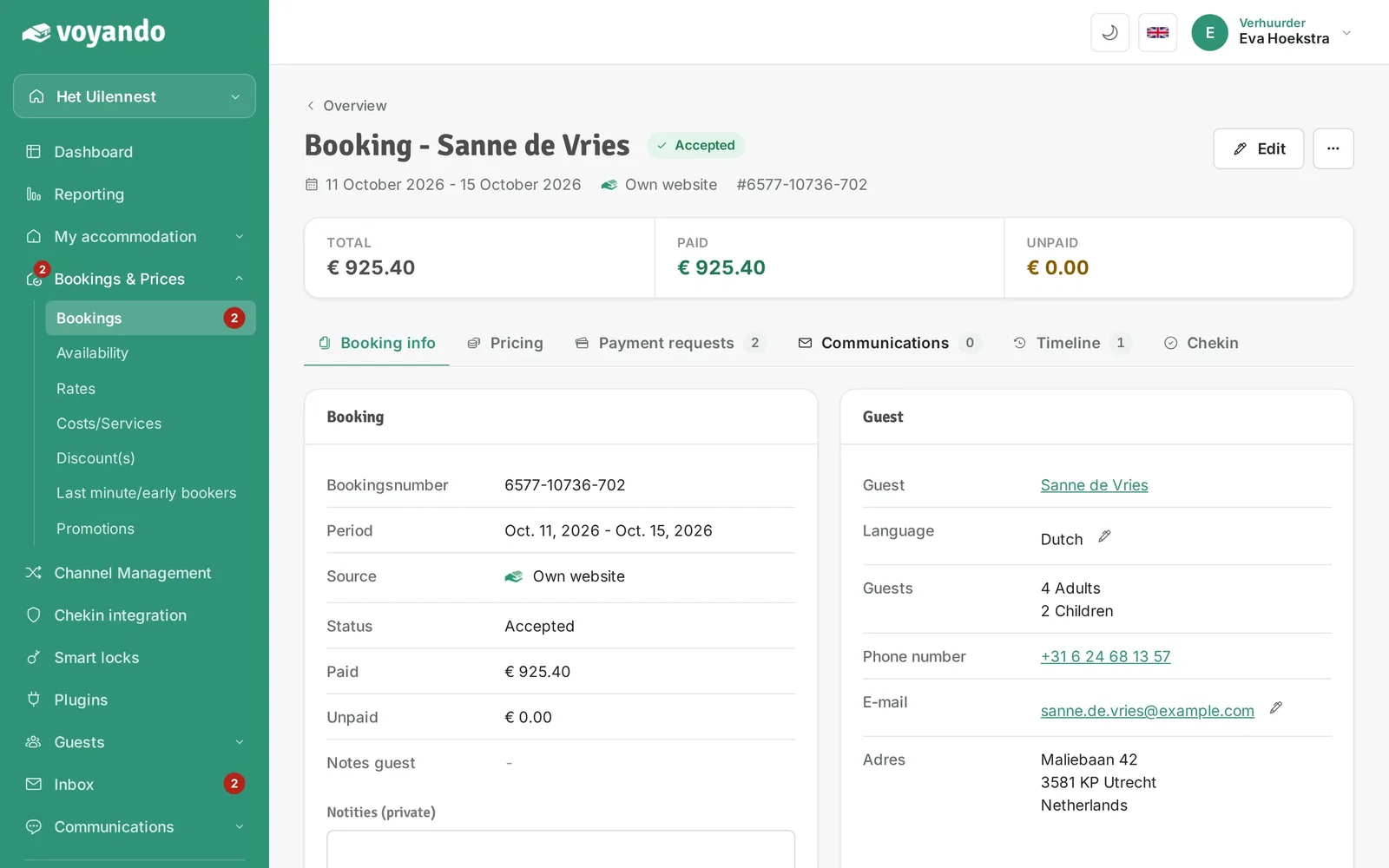
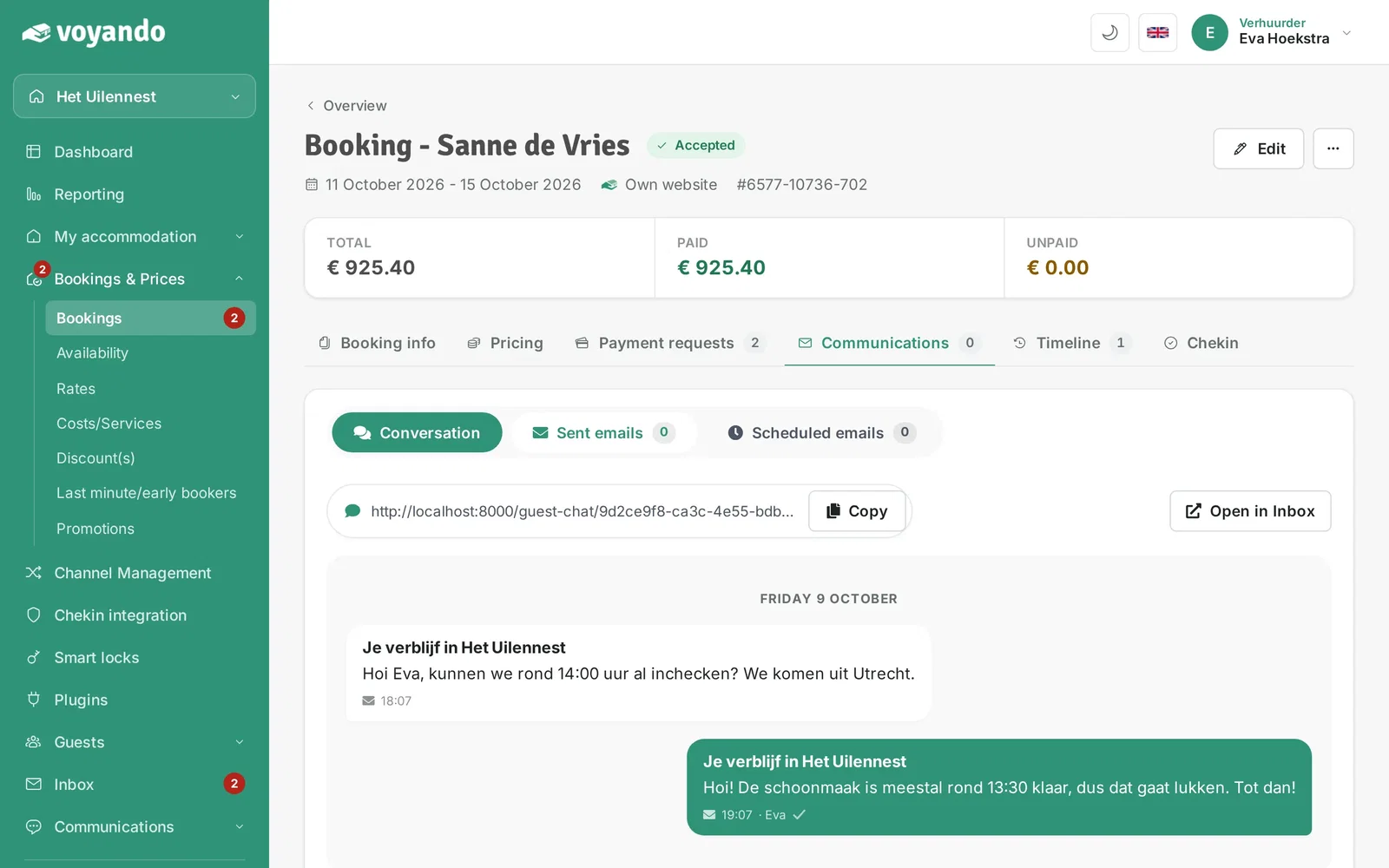
Step 6: Click the Communications tab.
-
Step 7: Click Sent emails.
-
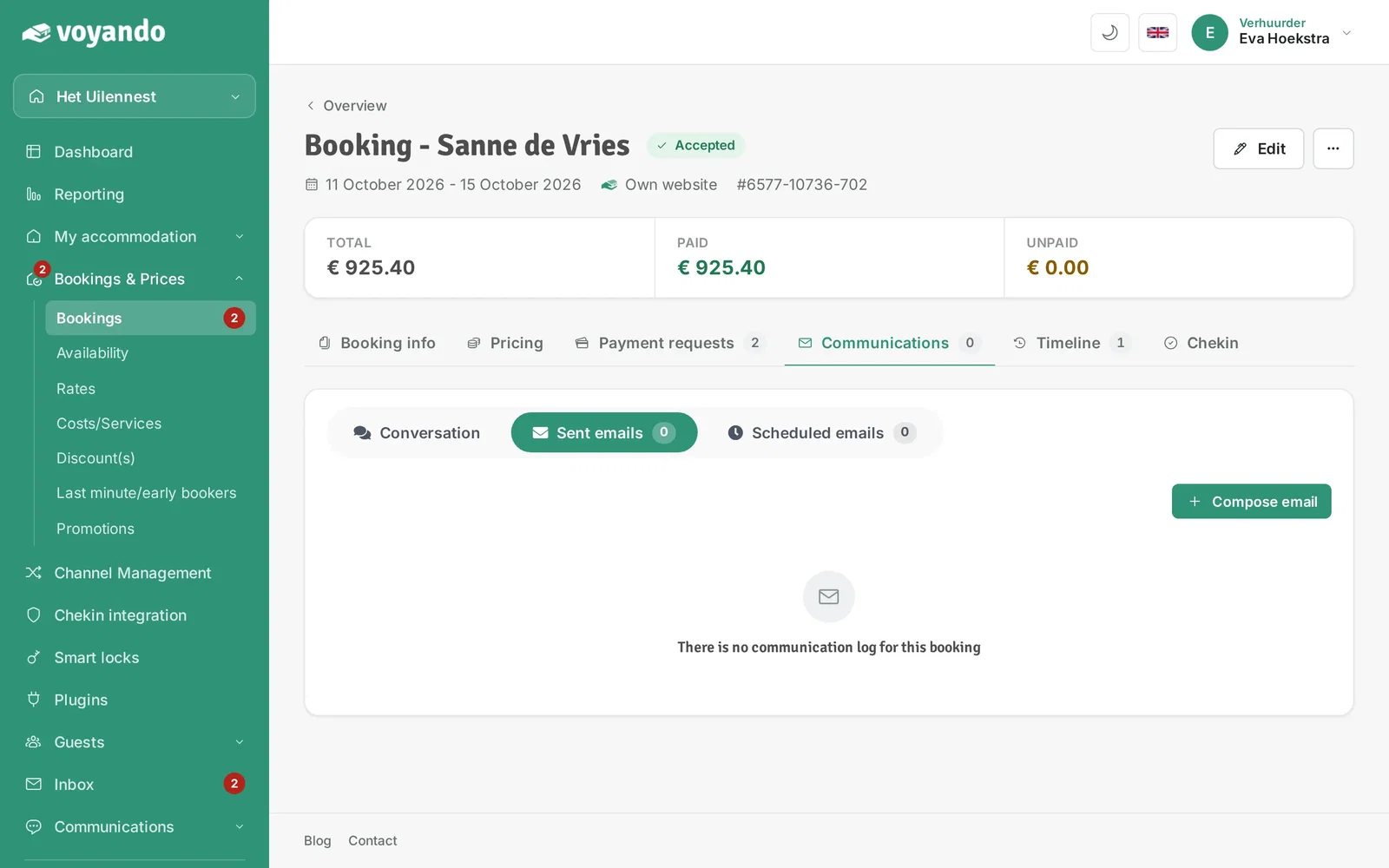
Step 8: Here you see every email sent to the guest, with its status. Click View email next to an email to open it.
-
Step 9: Under Scheduled emails you see which emails the guest will still receive.