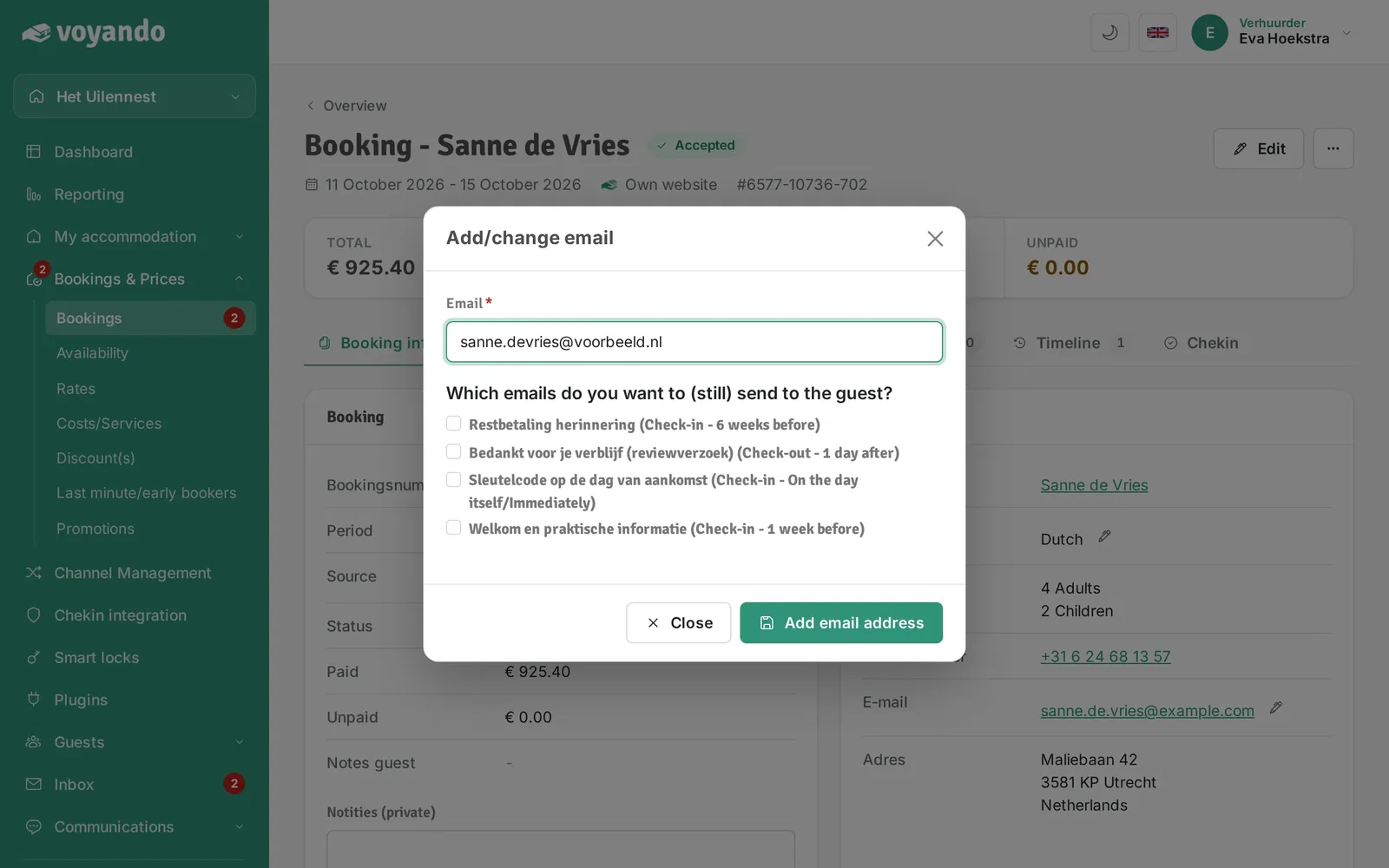
How do I change a guest’s email address?
You can update a guest’s email address via ‘Bookings’ in your dashboard by clicking the pencil icon next to ‘Email’ and saving the change.
Step by step · 9 steps
-
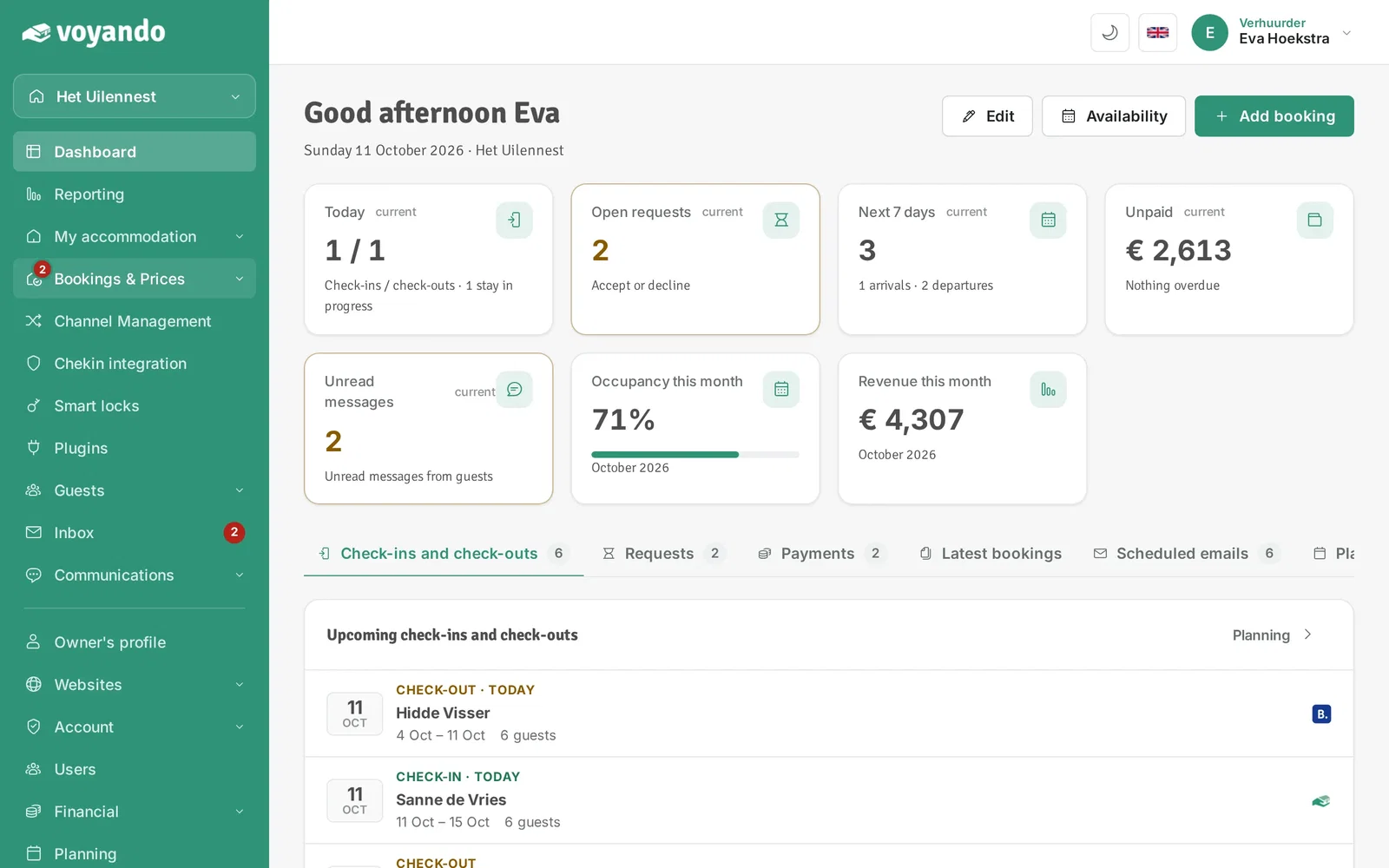
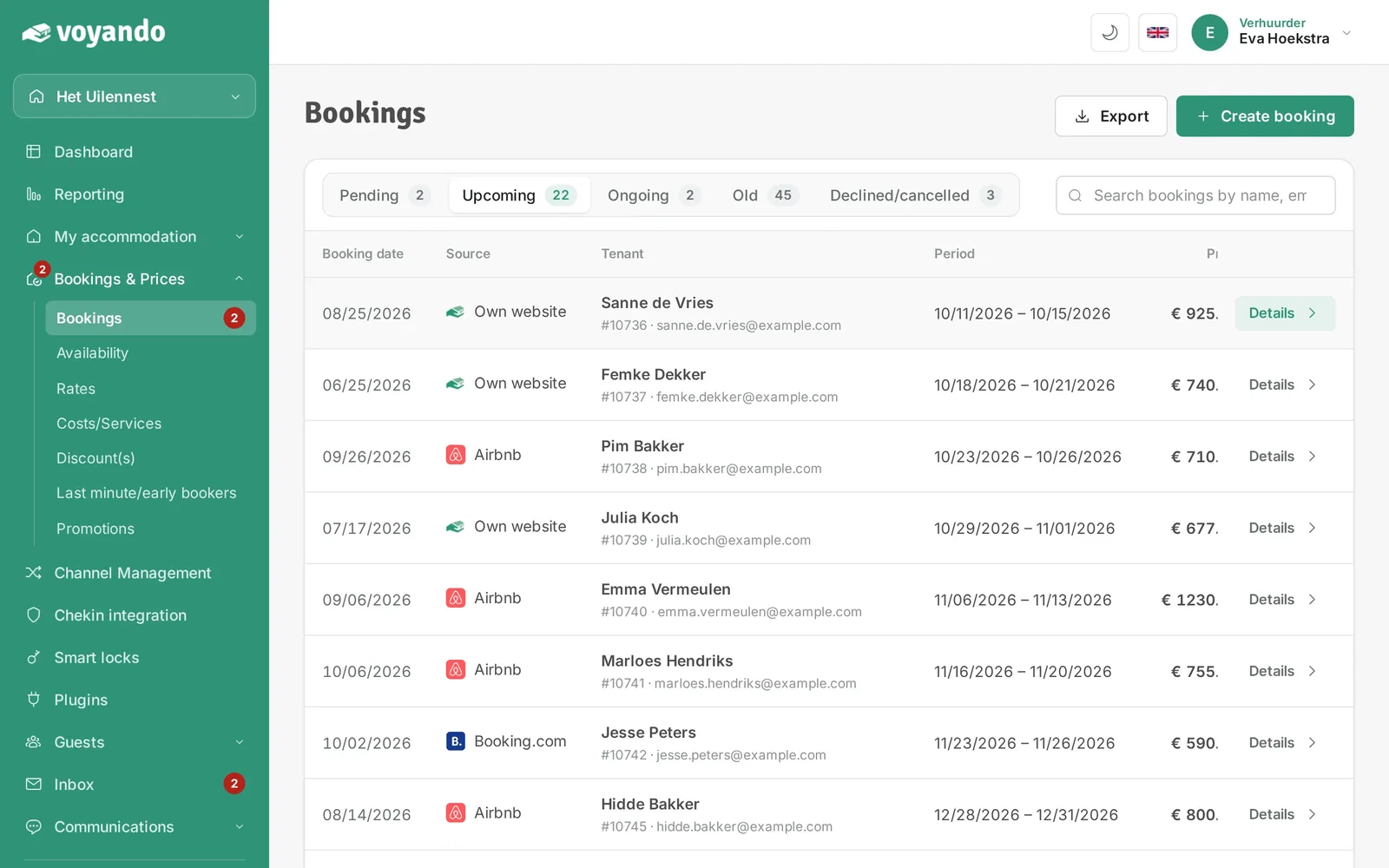
Step 1: Go to your dashboard.

-
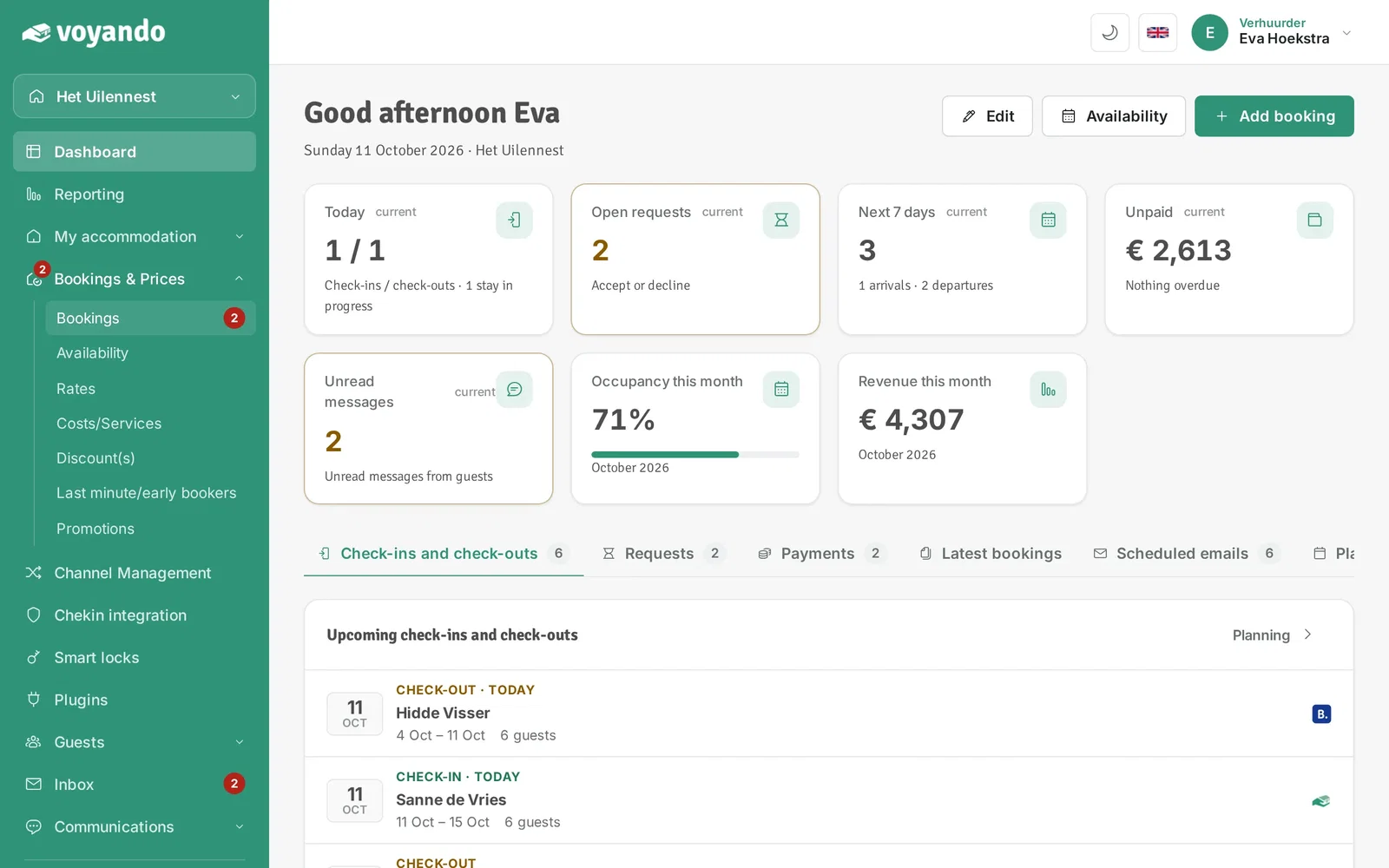
Step 2: Click Bookings & Prices in the menu.
-
Step 3: Click Bookings.
-
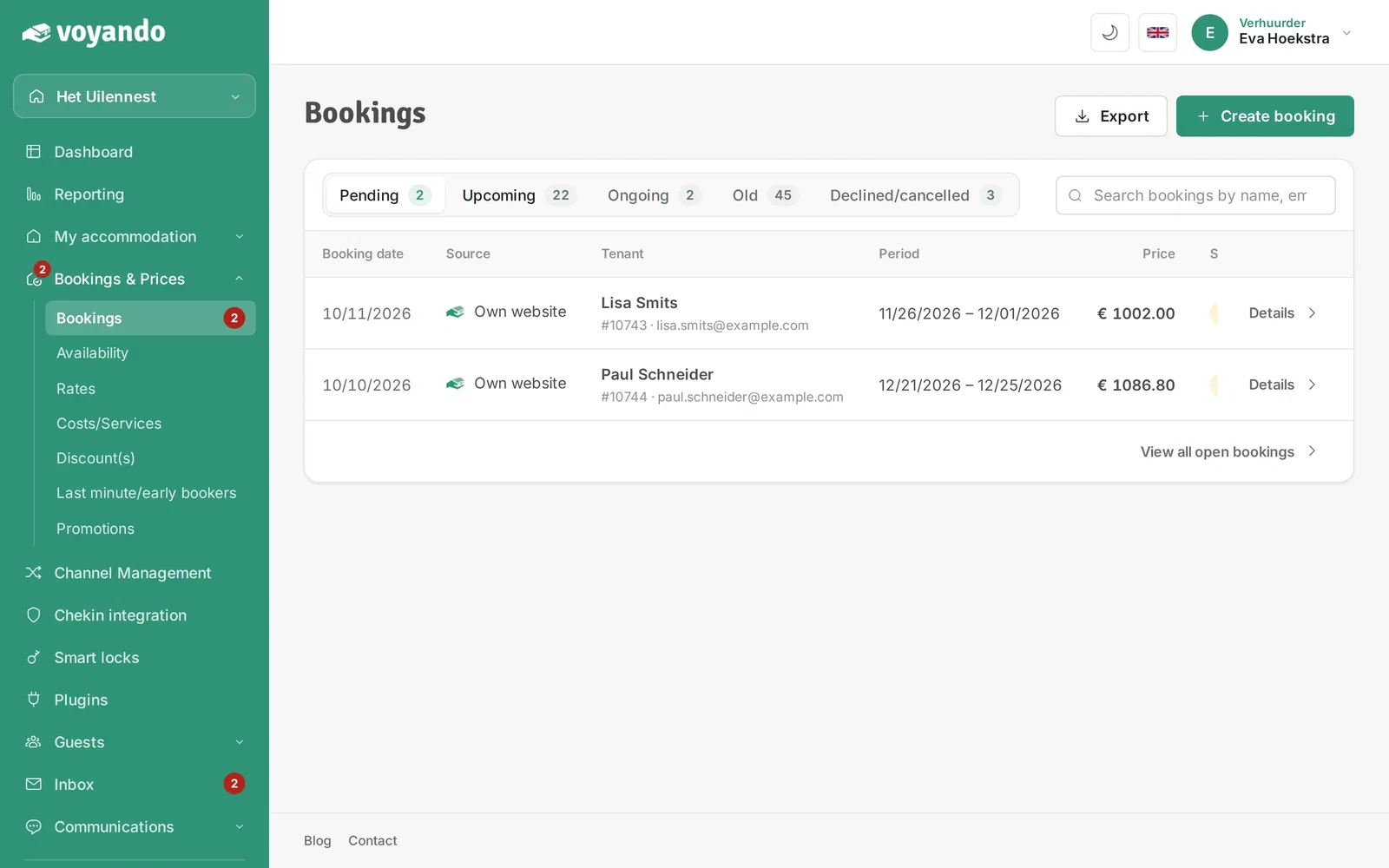
Step 4: Choose the tab with the right status, for example Upcoming.
-
Step 5: Click Details next to the booking.
-
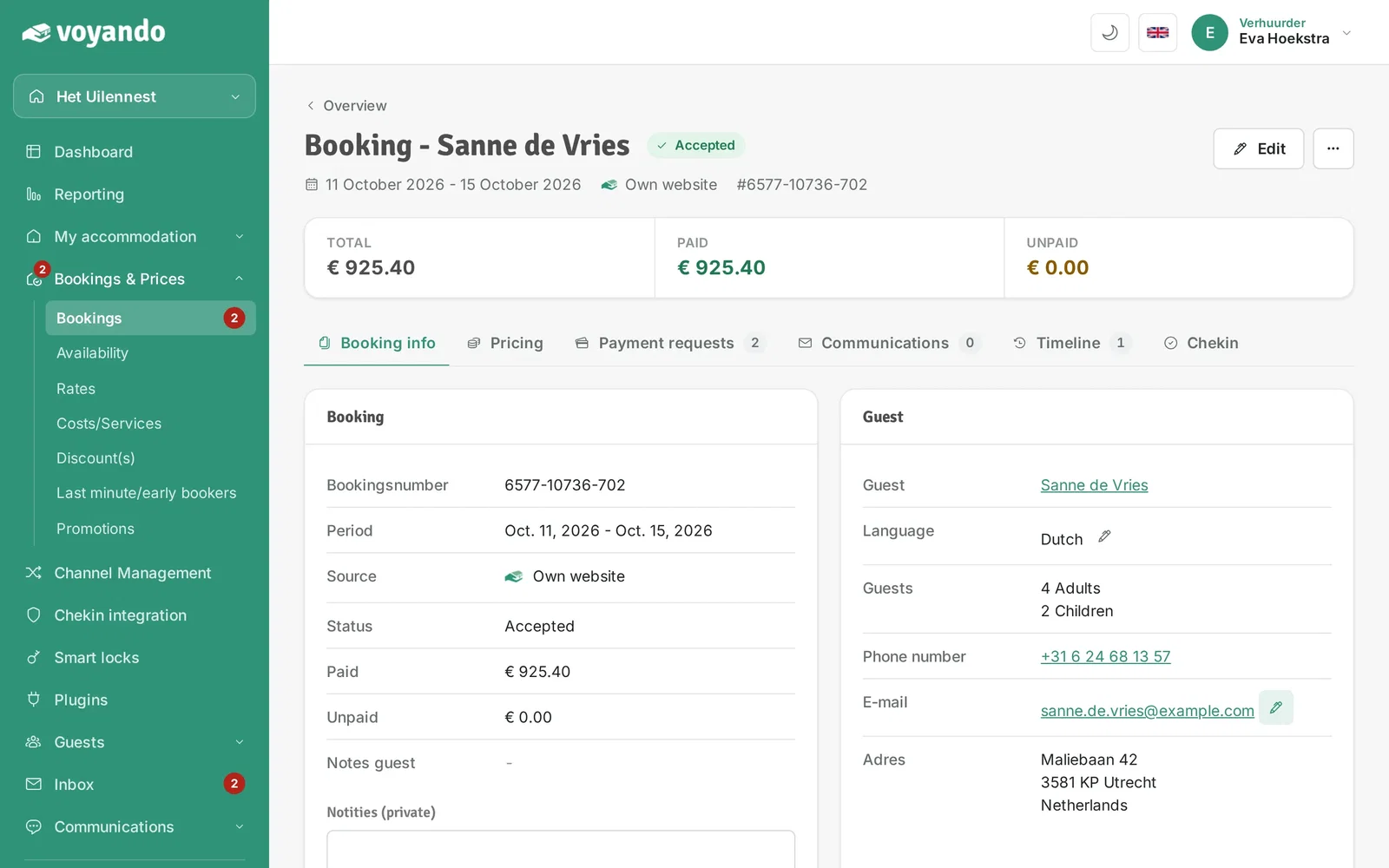
Step 6: Click the pencil icon next to the guest's address under Email.
-
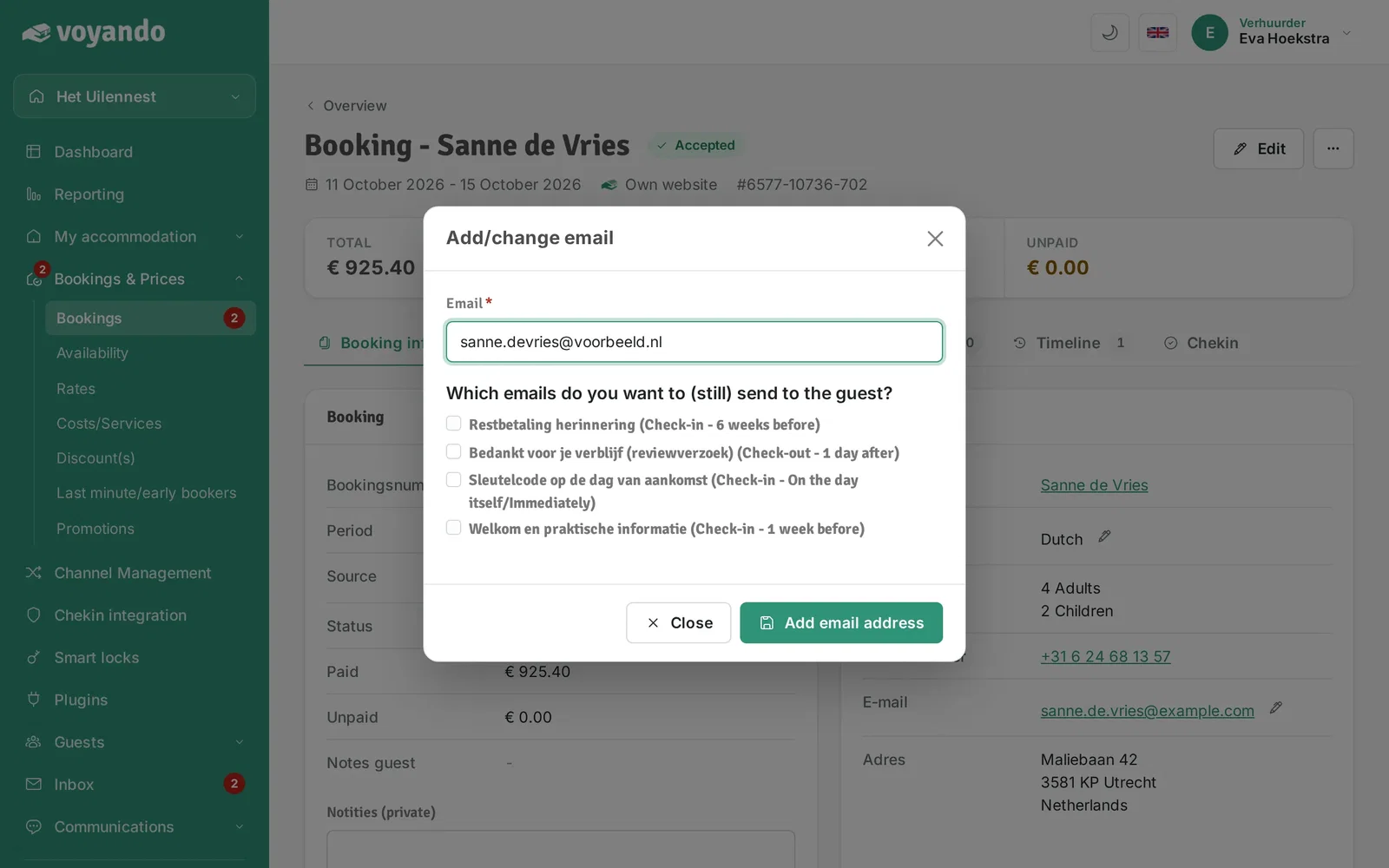
Step 7: Change the email address.
-
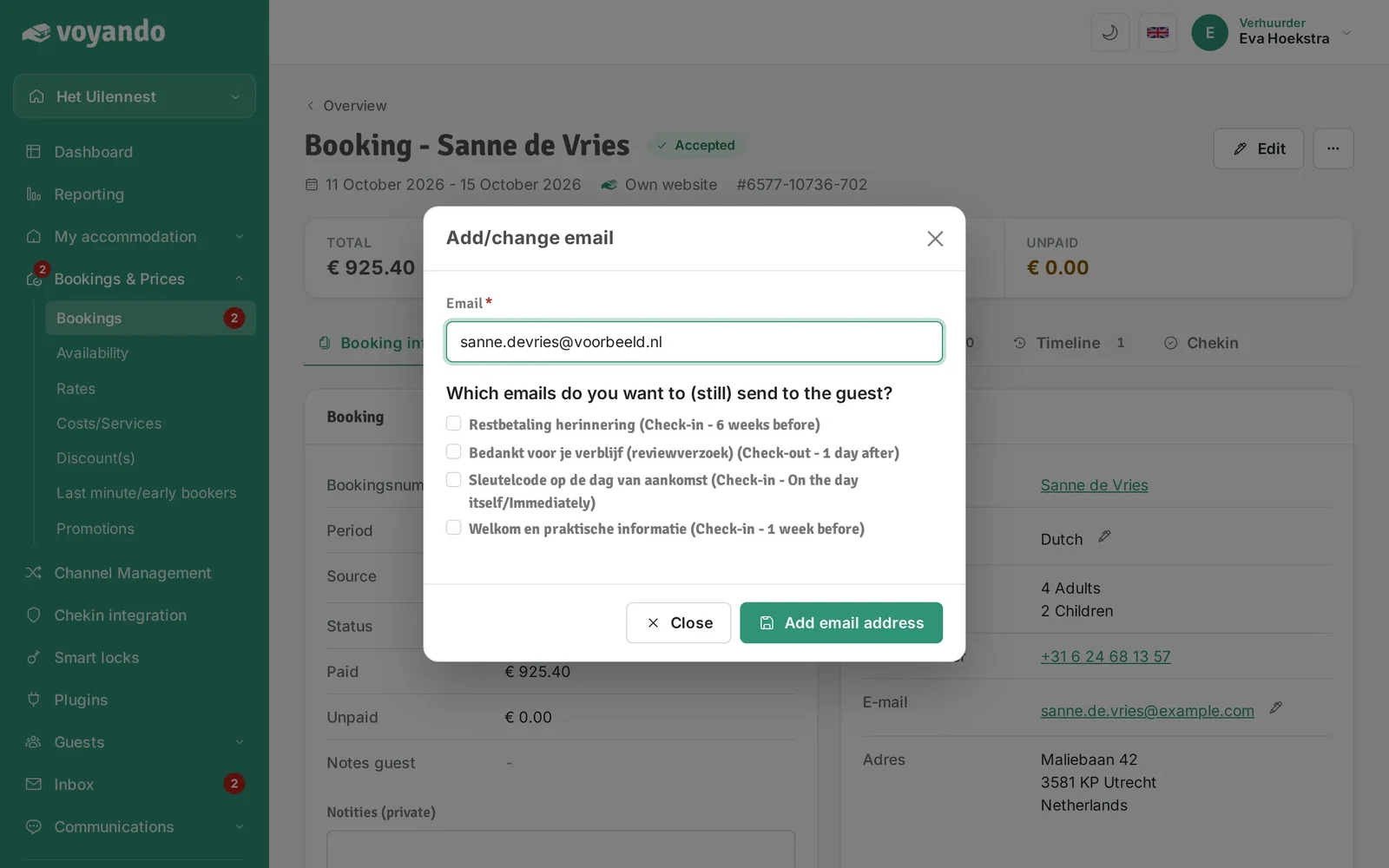
Step 8: Tick the emails that should still go to the new address.
-
Step 9: Click Add email address to save.