How do I refund the security deposit automatically?
Set this up in Voyando so that the deposit is automatically refunded for bookings made via your own website. This applies only to new bookings.
Step by step · 6 steps
-
Step 1: The automatic refund of the deposit only applies to bookings made via your own website. Was the booking made via a platform? If so, please contact the relevant platform to discuss the options for refunding the deposit.
-
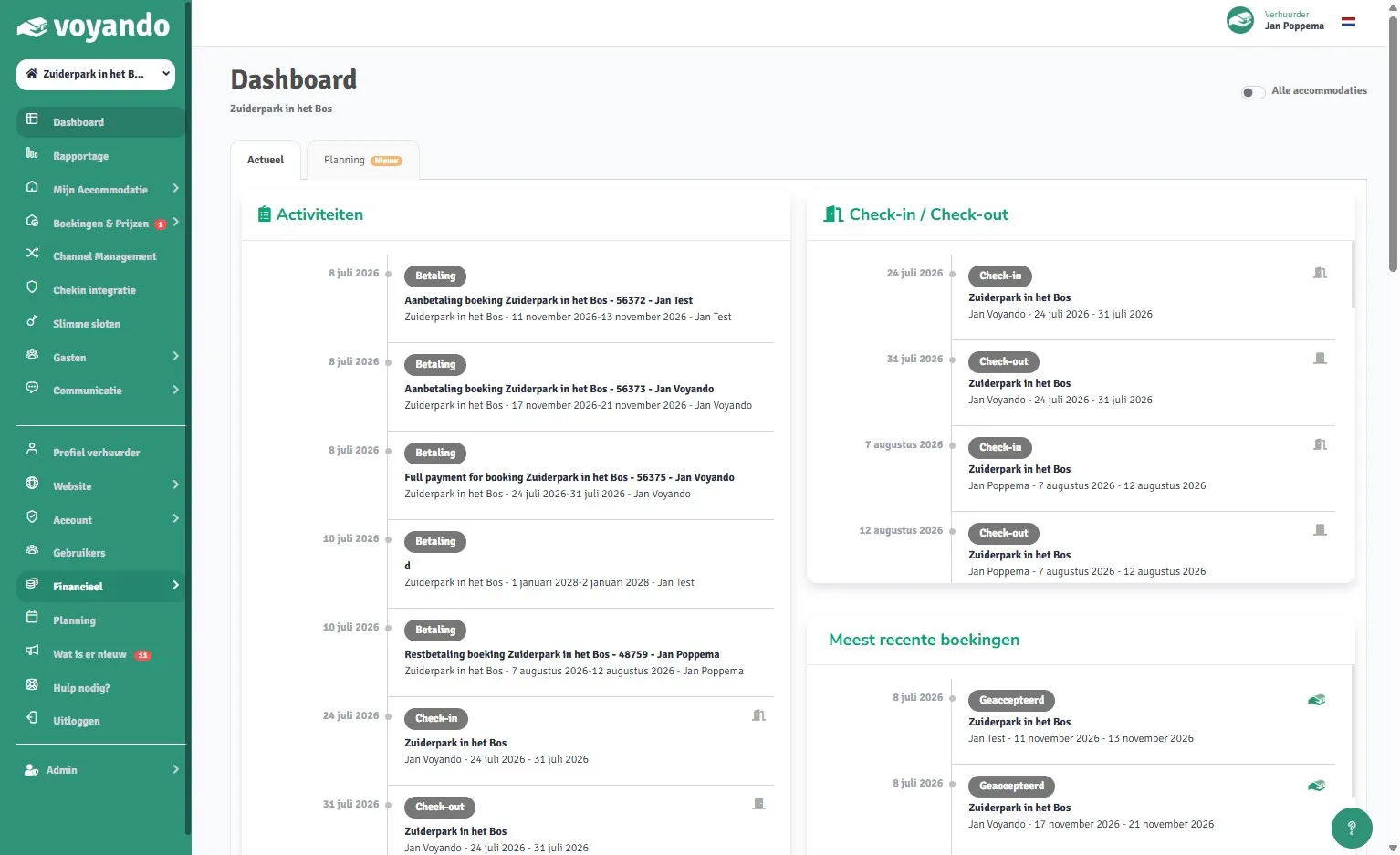
Step 2: Go to voyando.com/dashboard
-
Step 3: Click on Financial
-
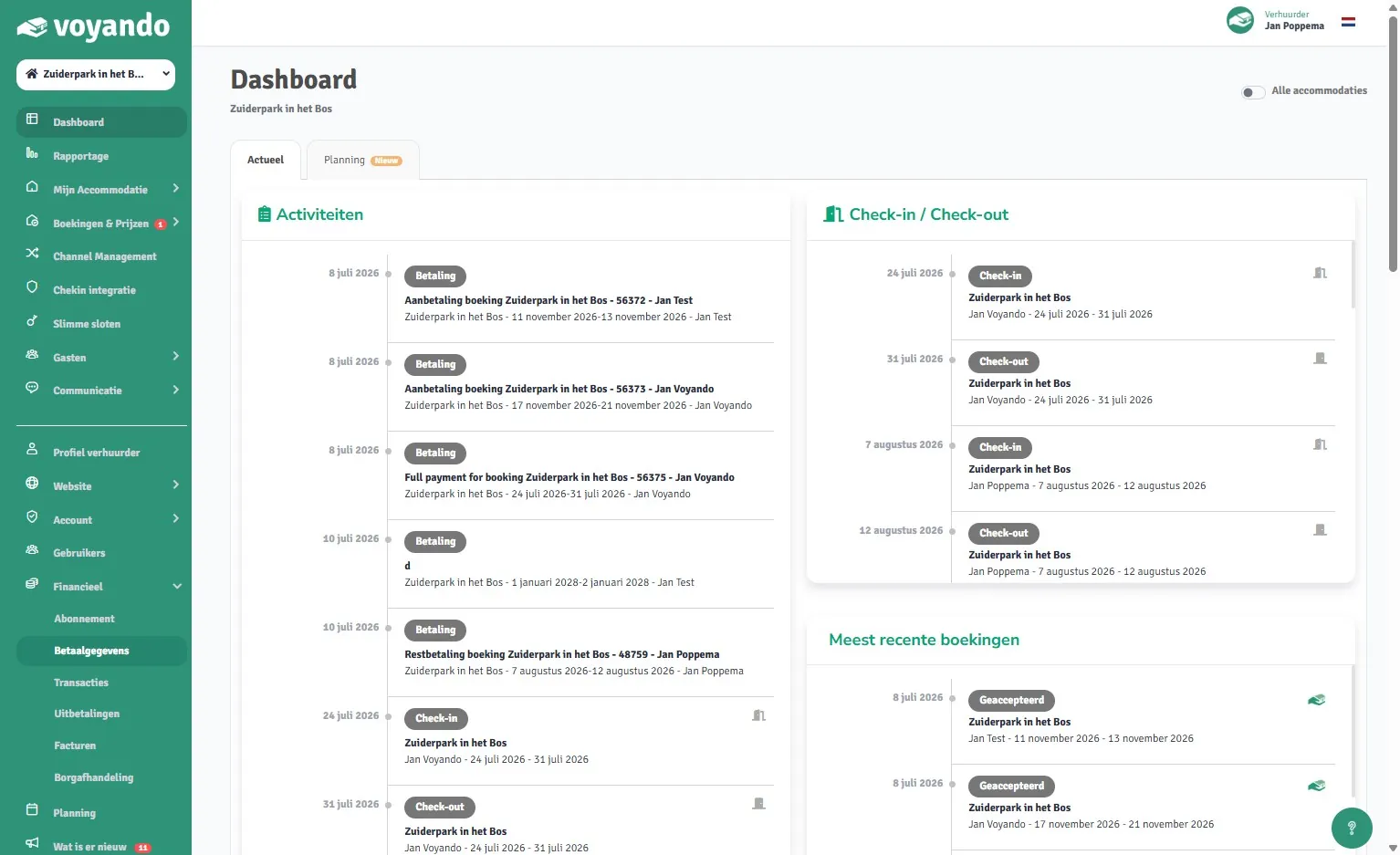
Step 4: Click on Payment details
-
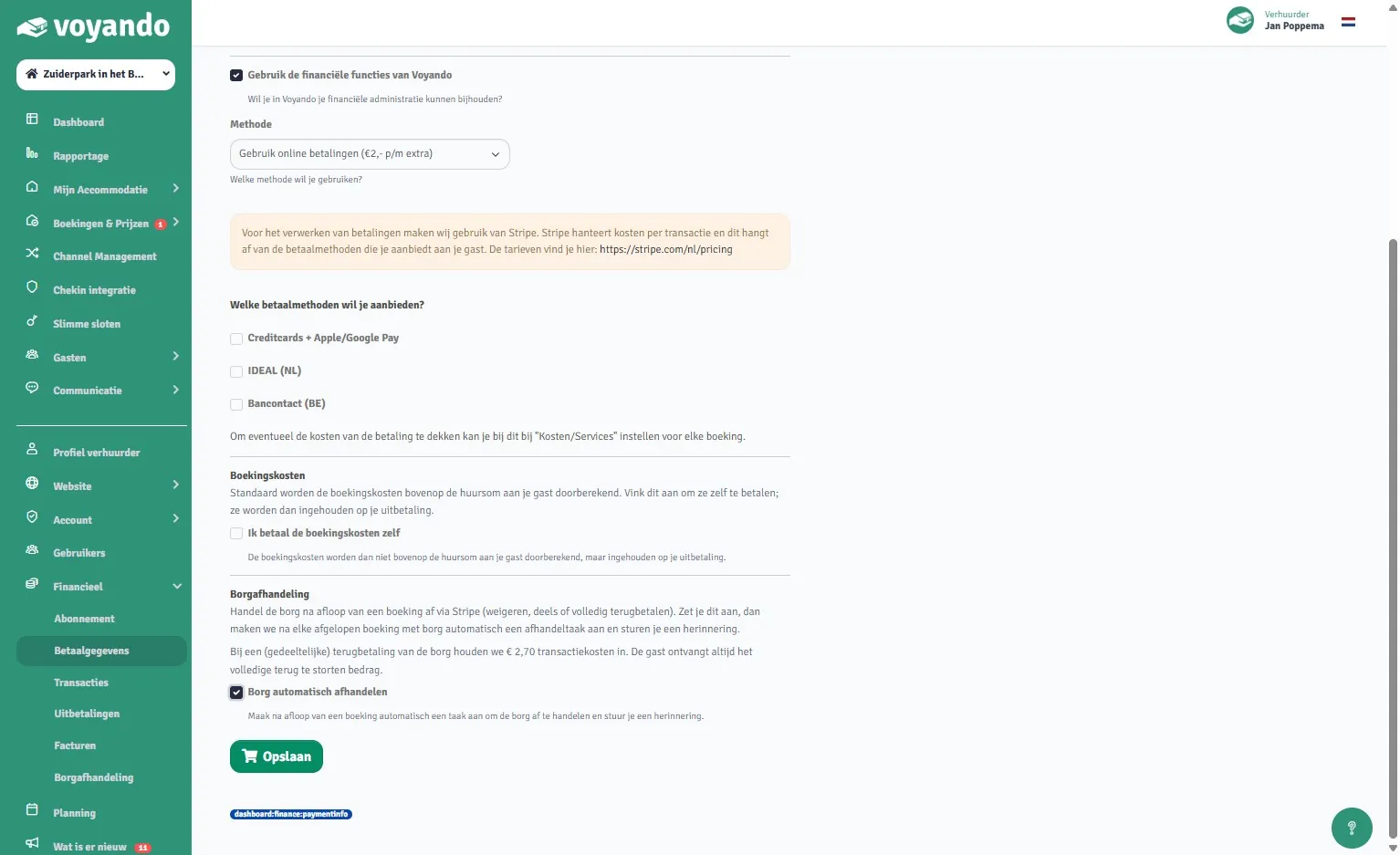
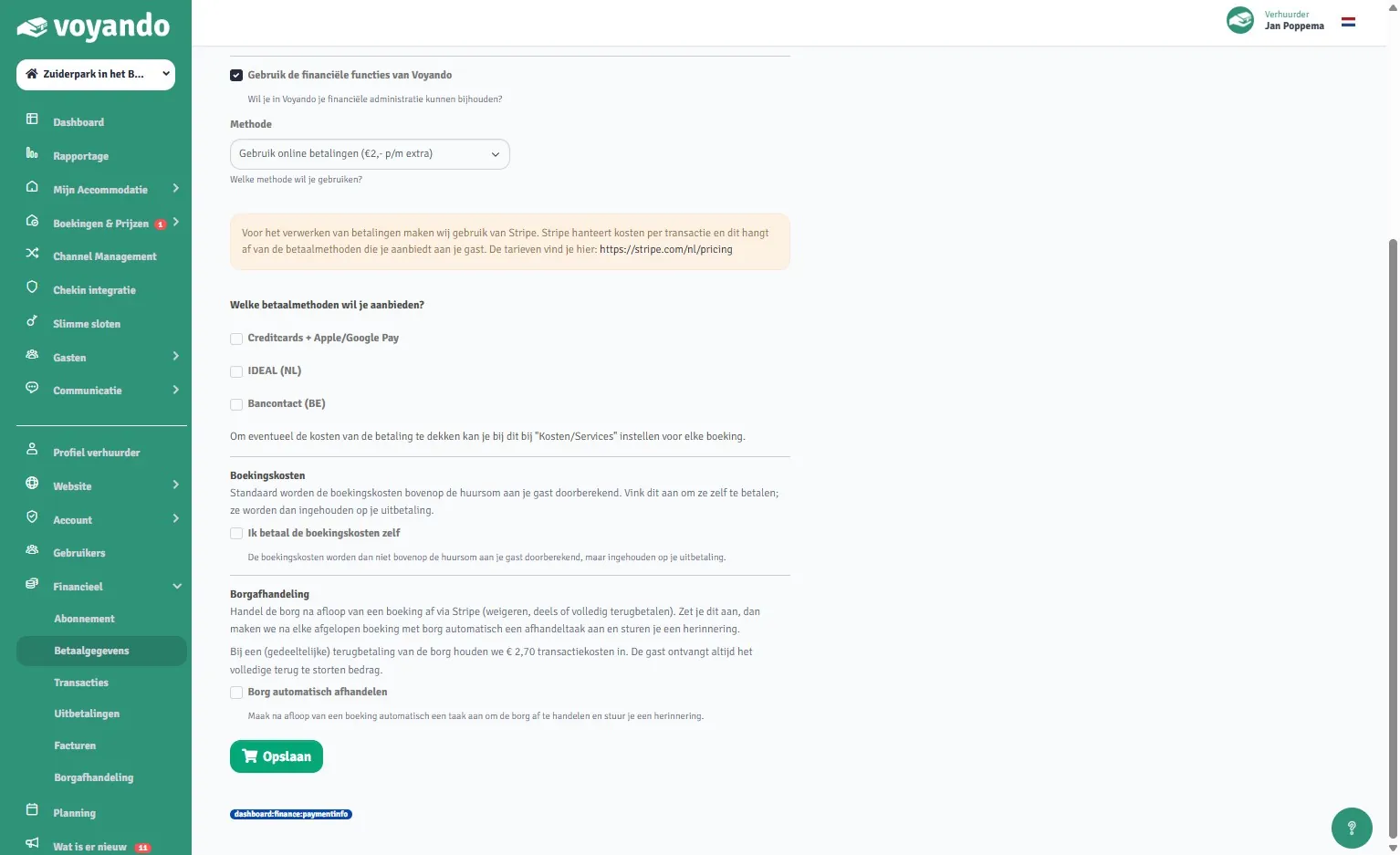
Step 5: Tick the ‘Process deposit automatically’ box.
-
Step 6: Click Save. This setting applies only to new bookings and cannot be applied retrospectively to existing bookings.