How do I set up automatic payments?
Stop chasing payments by hand. Switch on online payments and guests pay online with the payment methods you choose, so you no longer have to check who has paid. Read more about safe online payments for guests.
Step by step · 6 steps
-
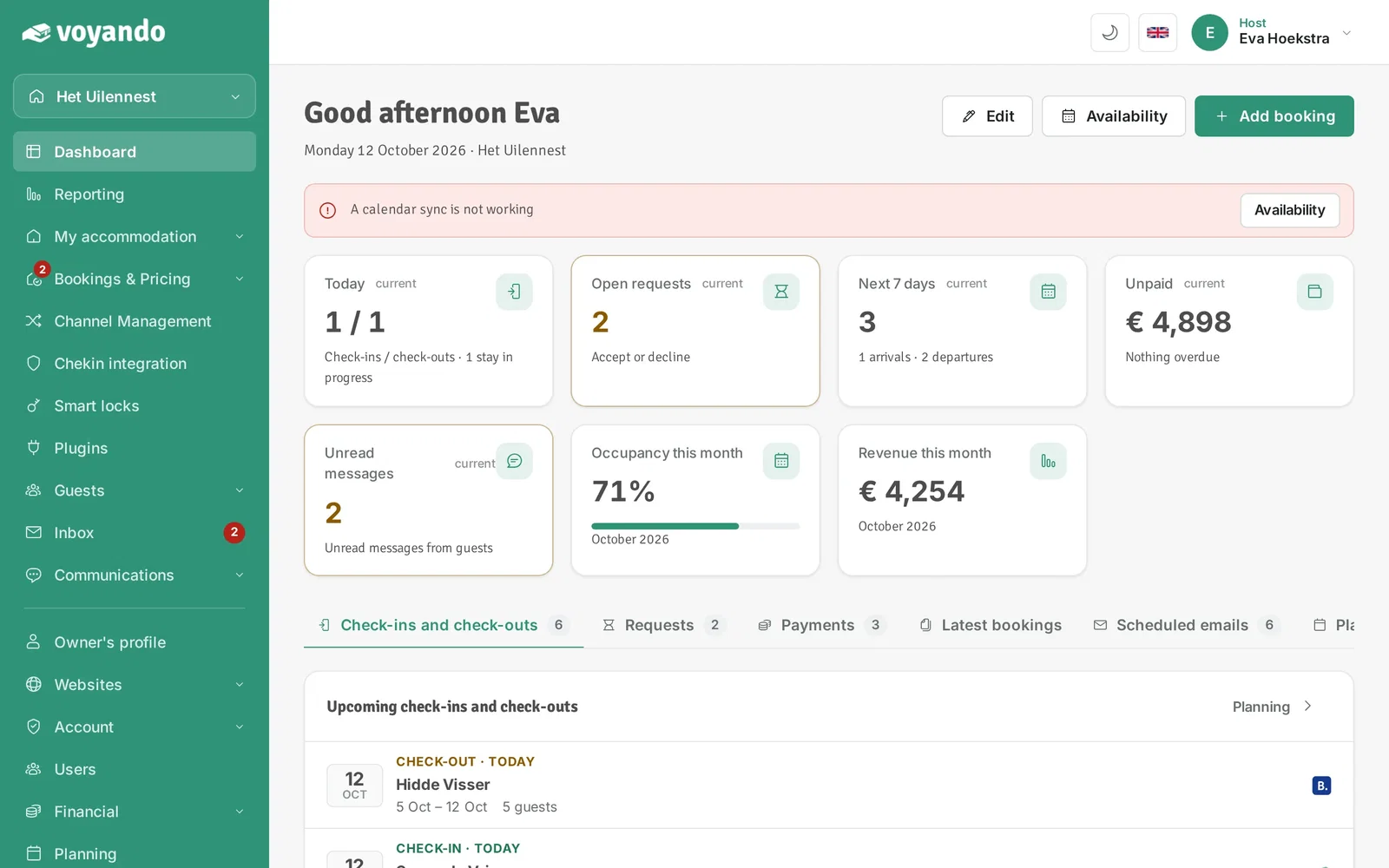
Step 1: Go to your dashboard.
-
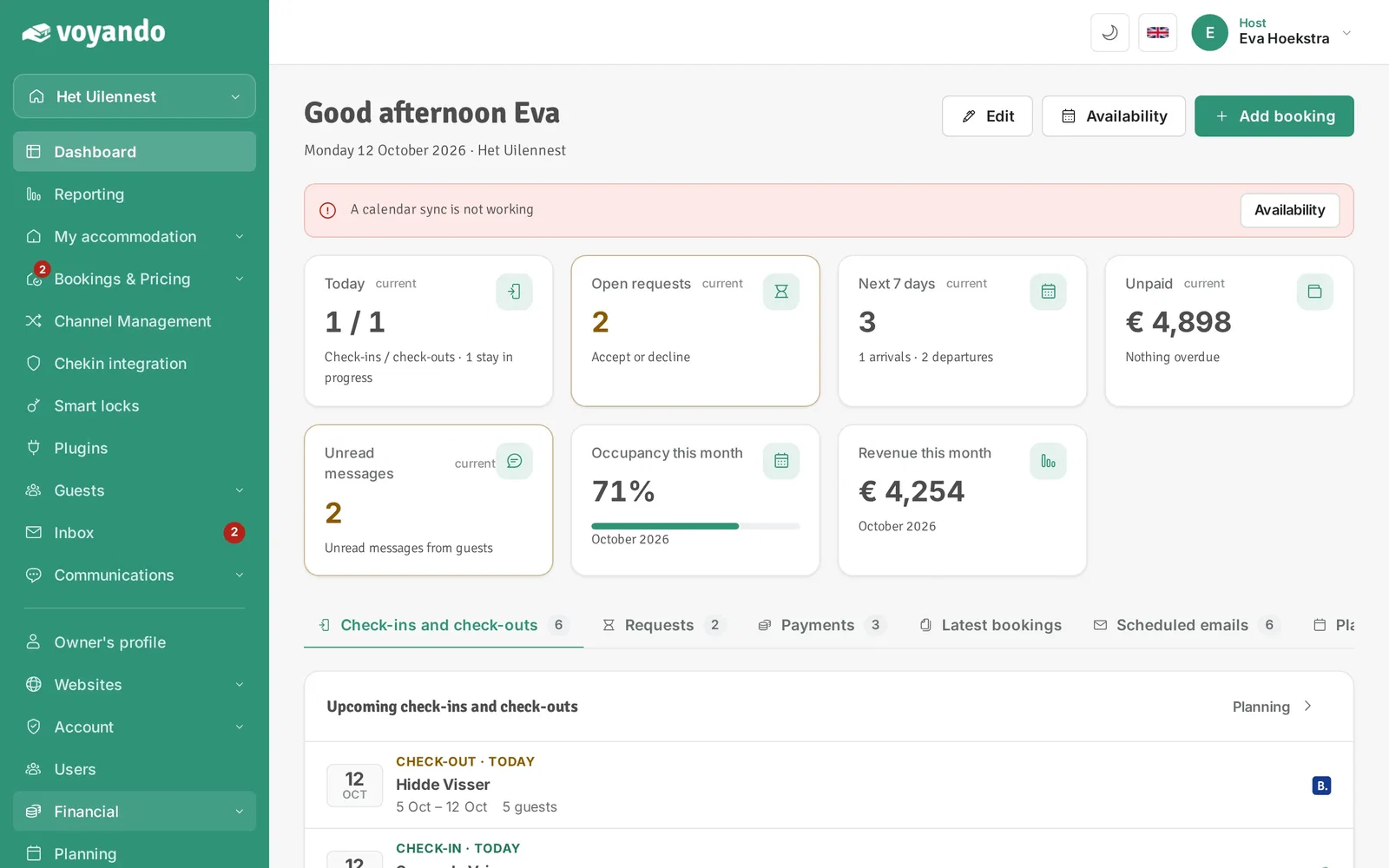
Step 2: Click Financial in the menu.
-
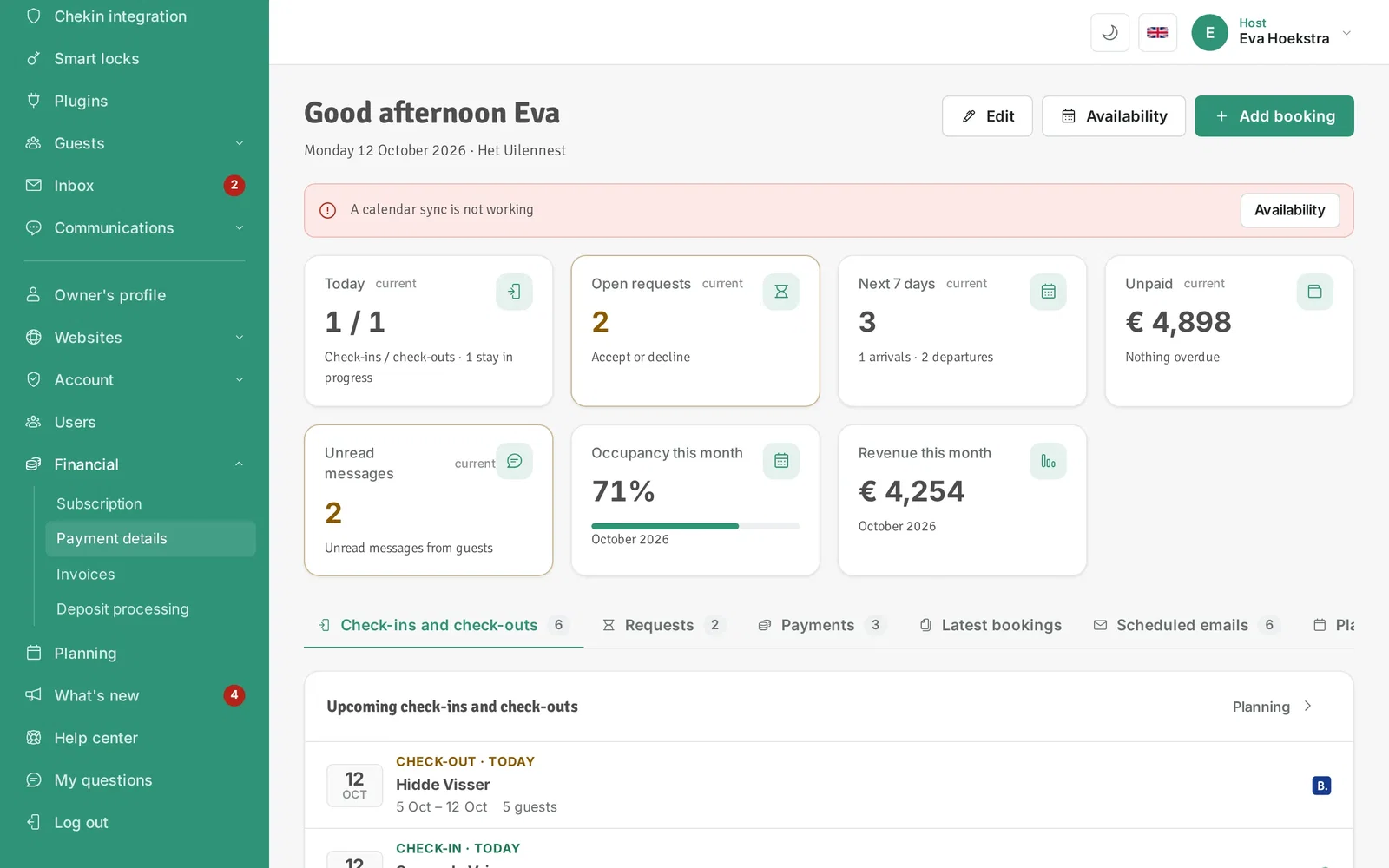
Step 3: Click Payment details.
-
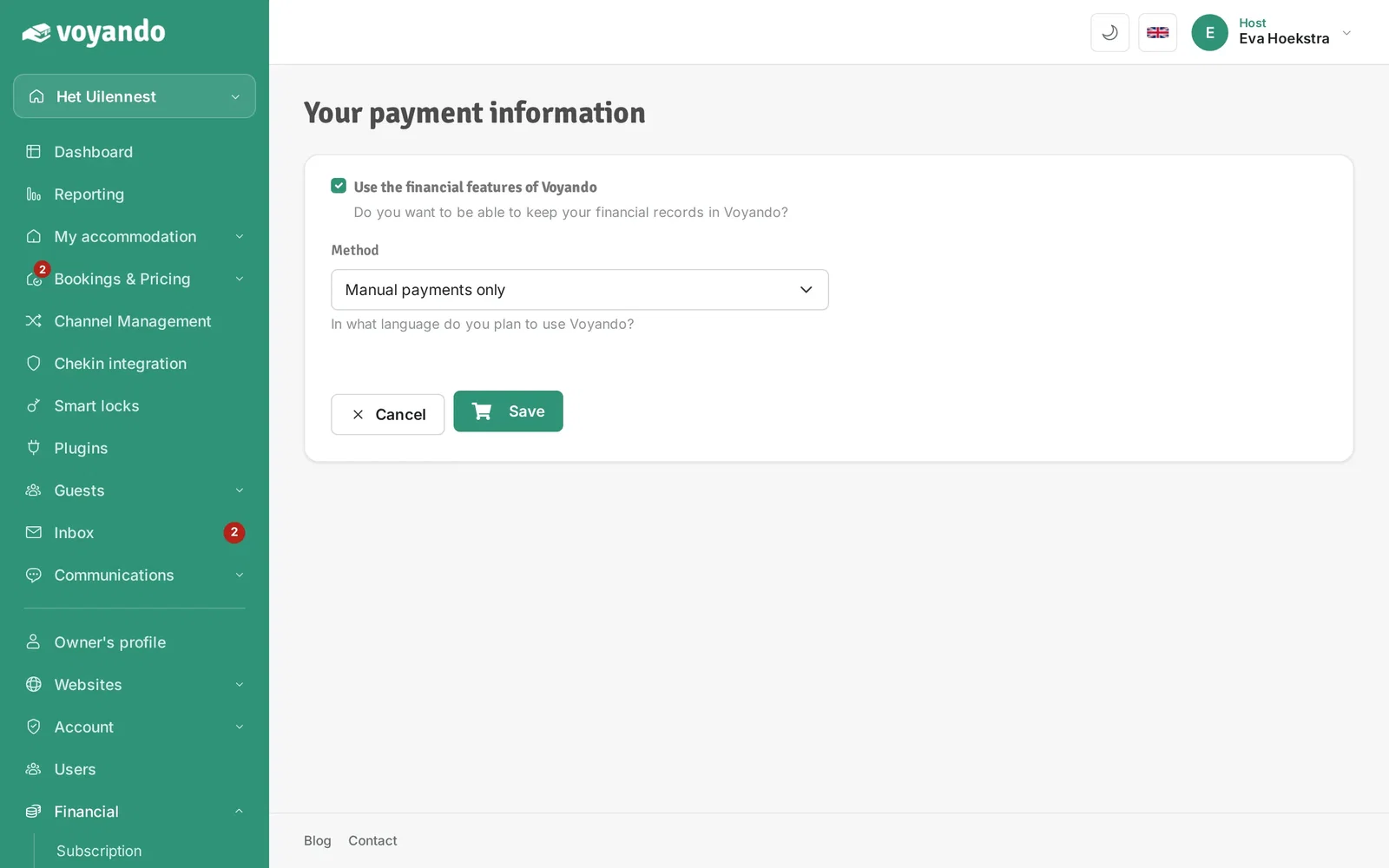
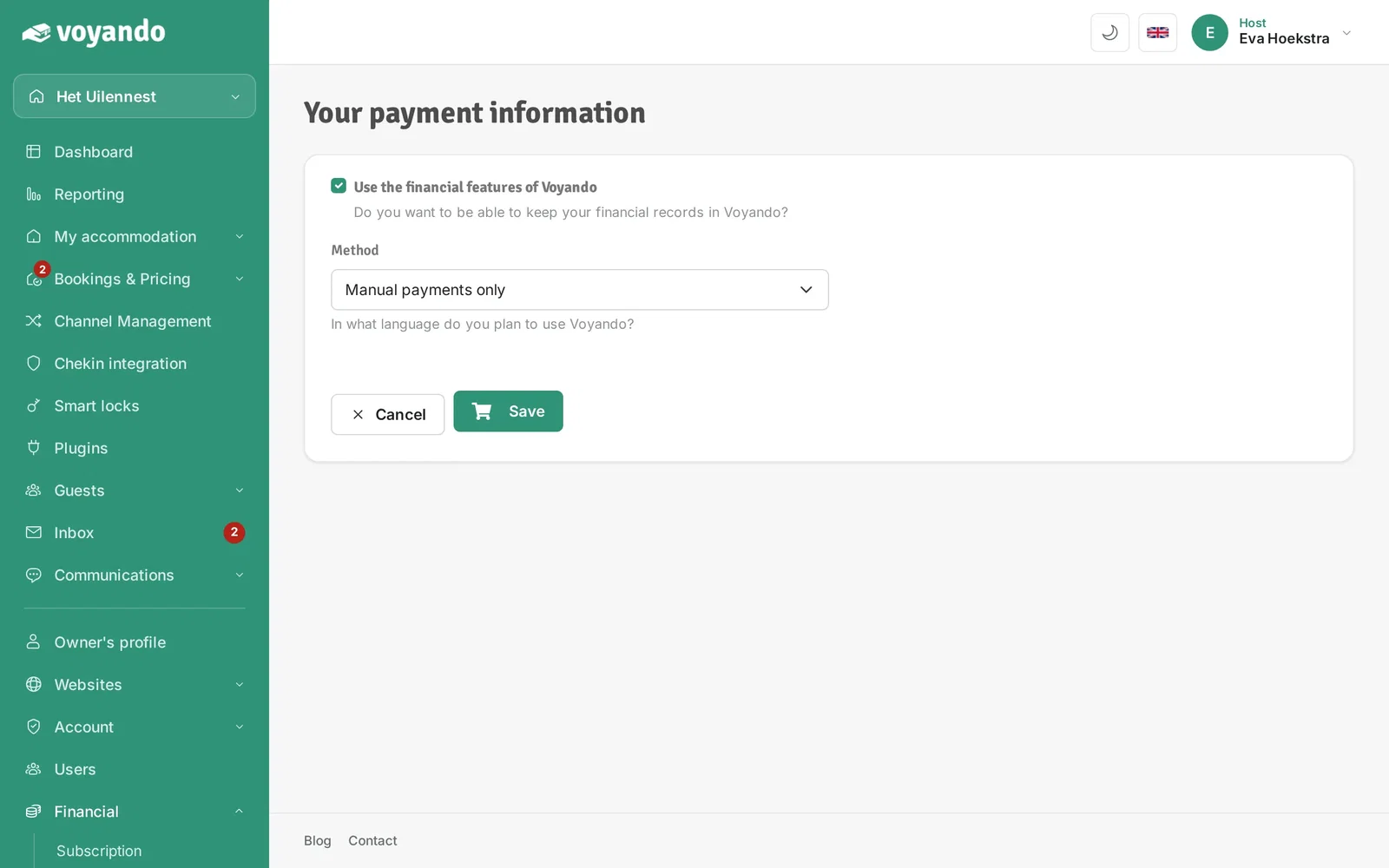
Step 4: Make sure Use the financial features of Voyando is ticked.
-
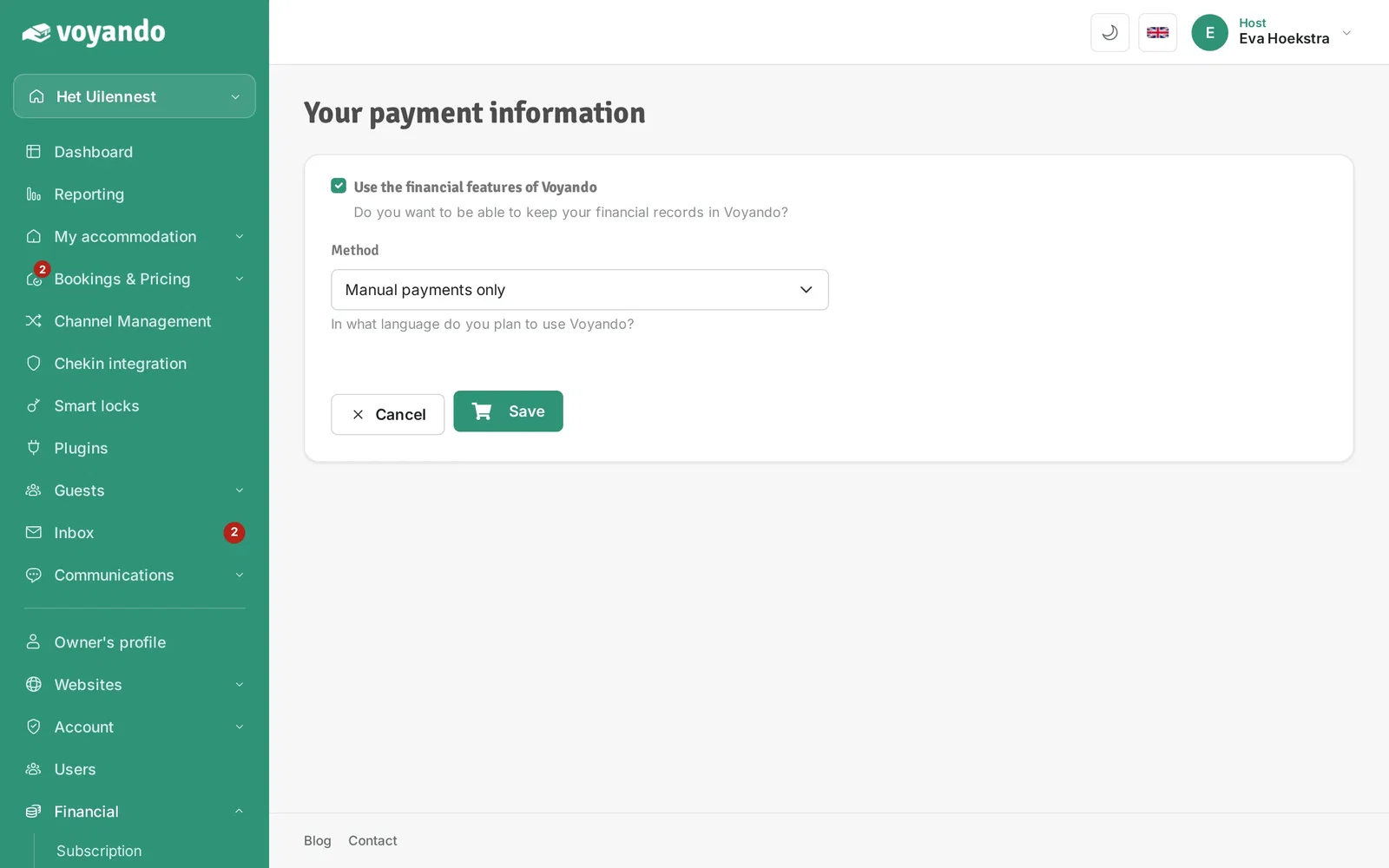
Step 5: Under Method, choose Use online payments (€2 extra per month). Your choice is saved right away.
-
Step 6: The payment methods then appear (see the fees per method on stripe.com/pricing), together with the Enable online payments button. Click it and complete the steps at Stripe: from then on payments are handled automatically.