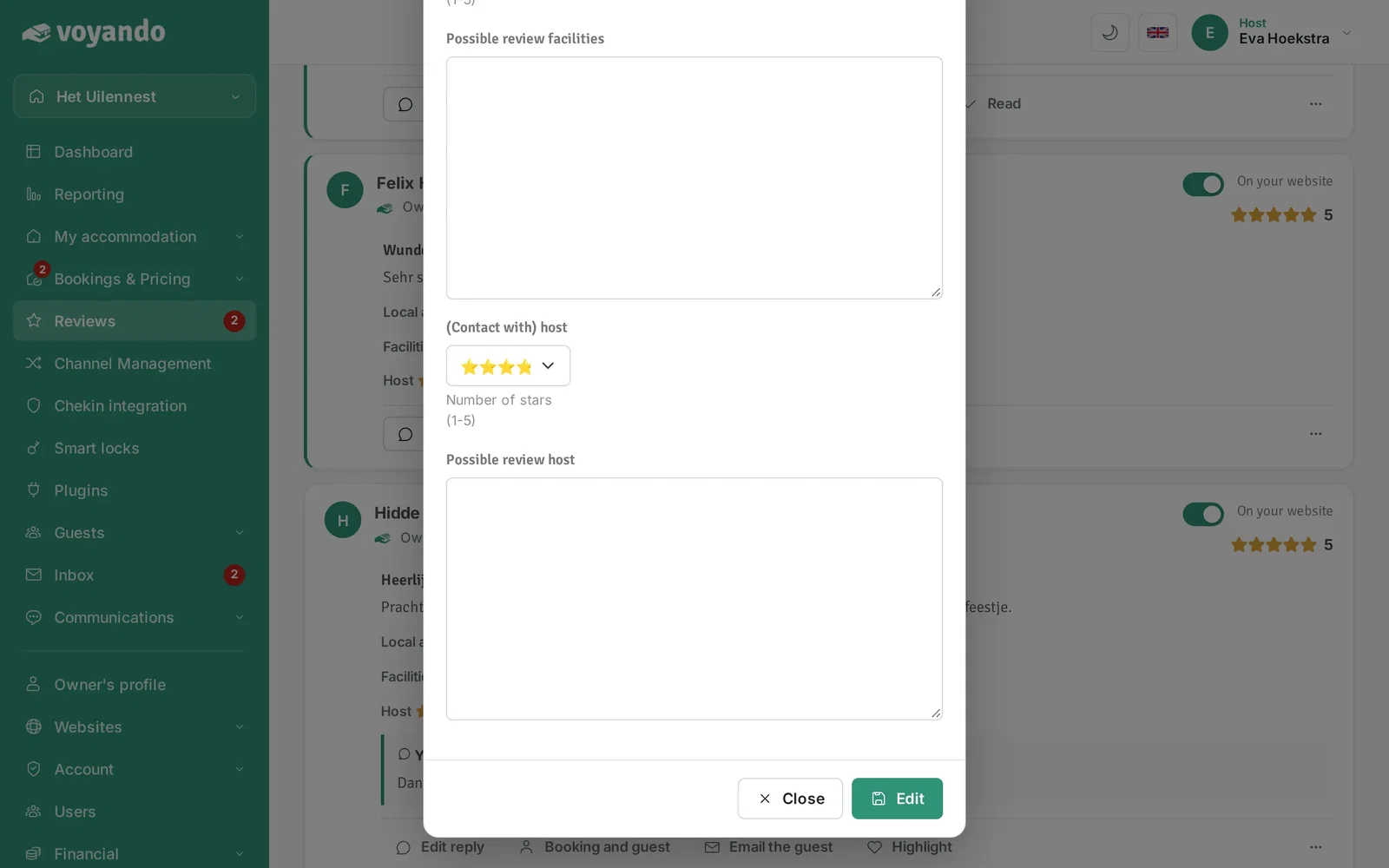
Change the name, headline and text of a review through the three dots next to the review under Reviews. Reviews from Booking.com and Airbnb cannot be changed.
Step by step
-
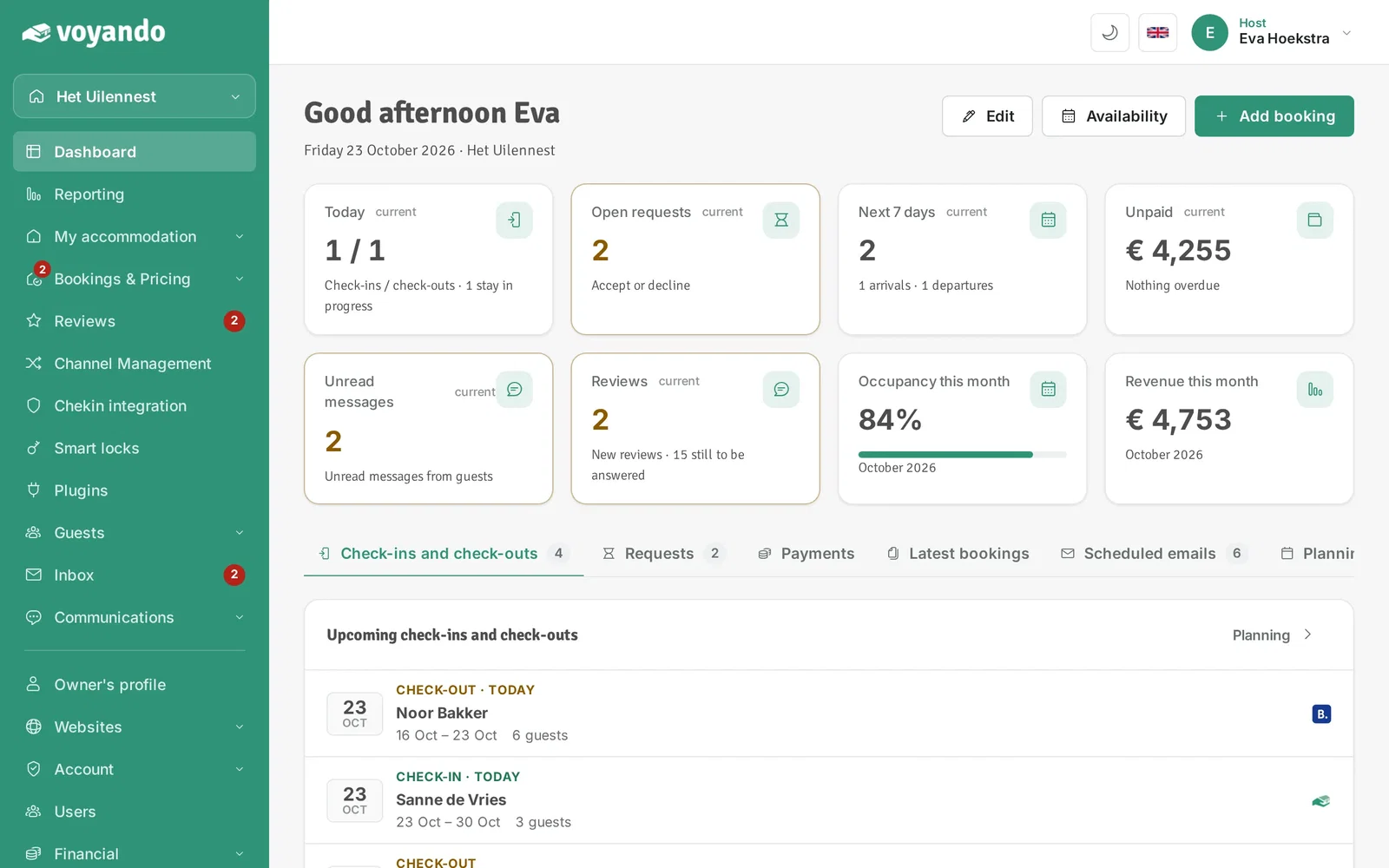
Step 1: Go to your dashboard.
-
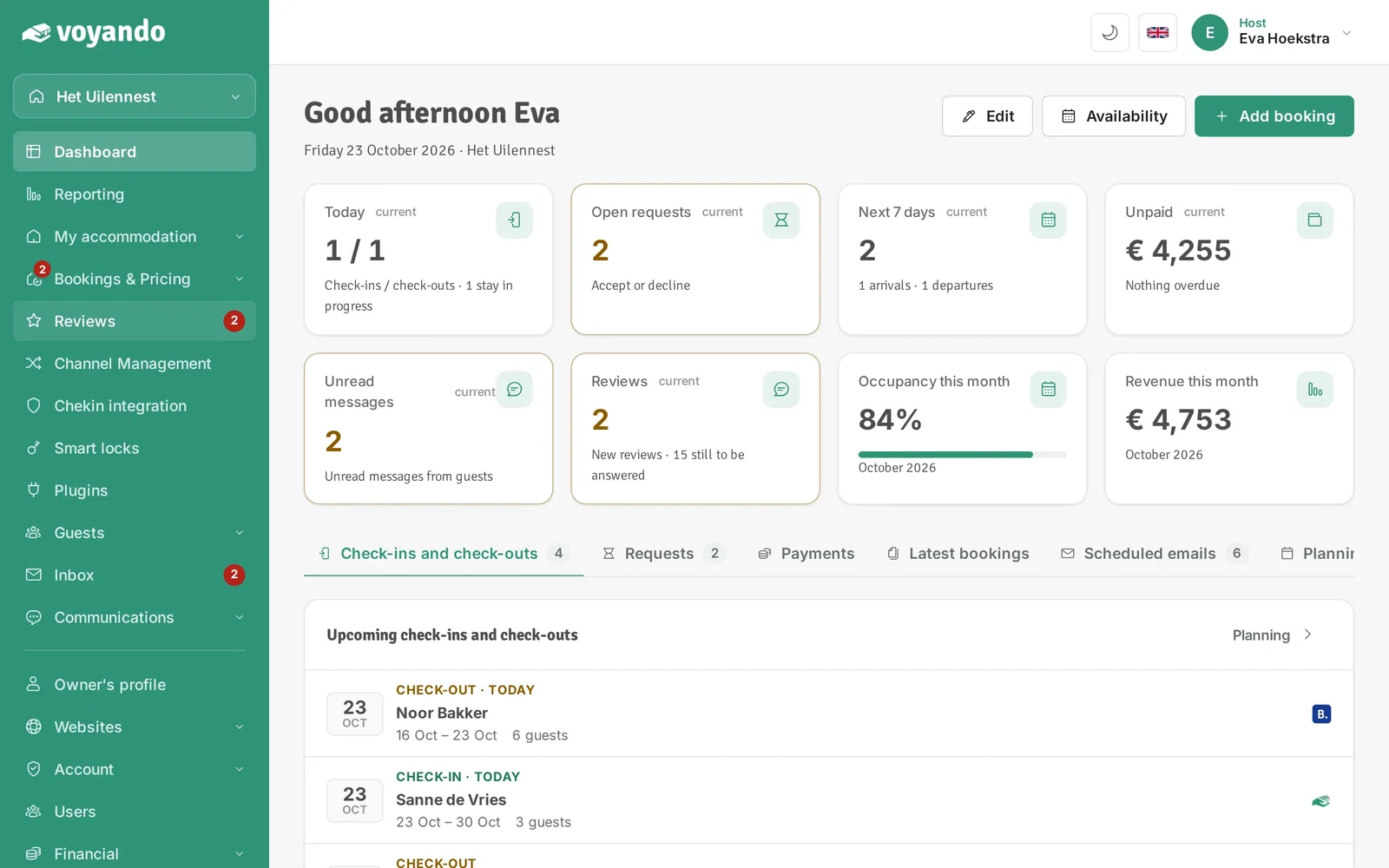
Step 2: Click Reviews in the menu.
-
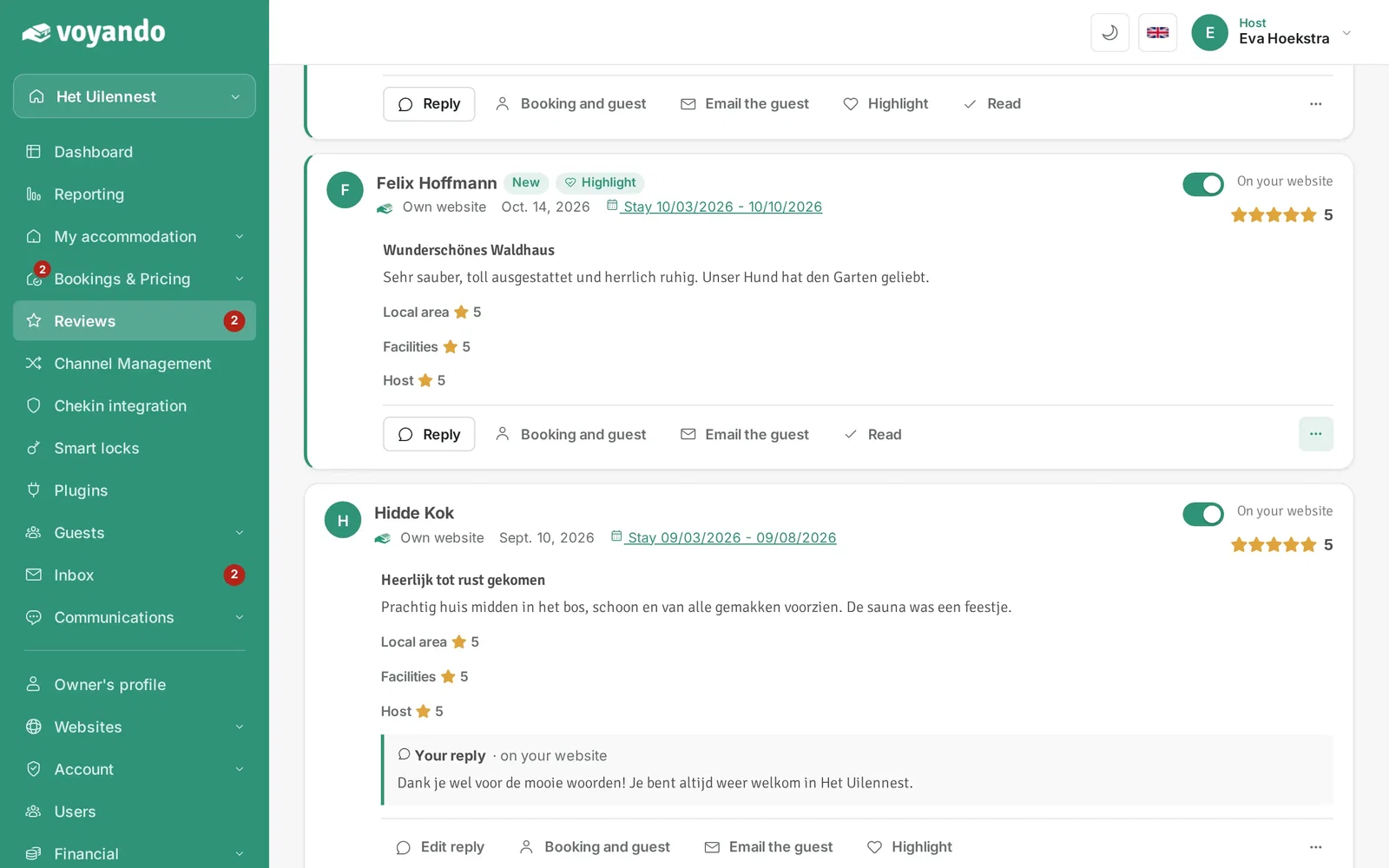
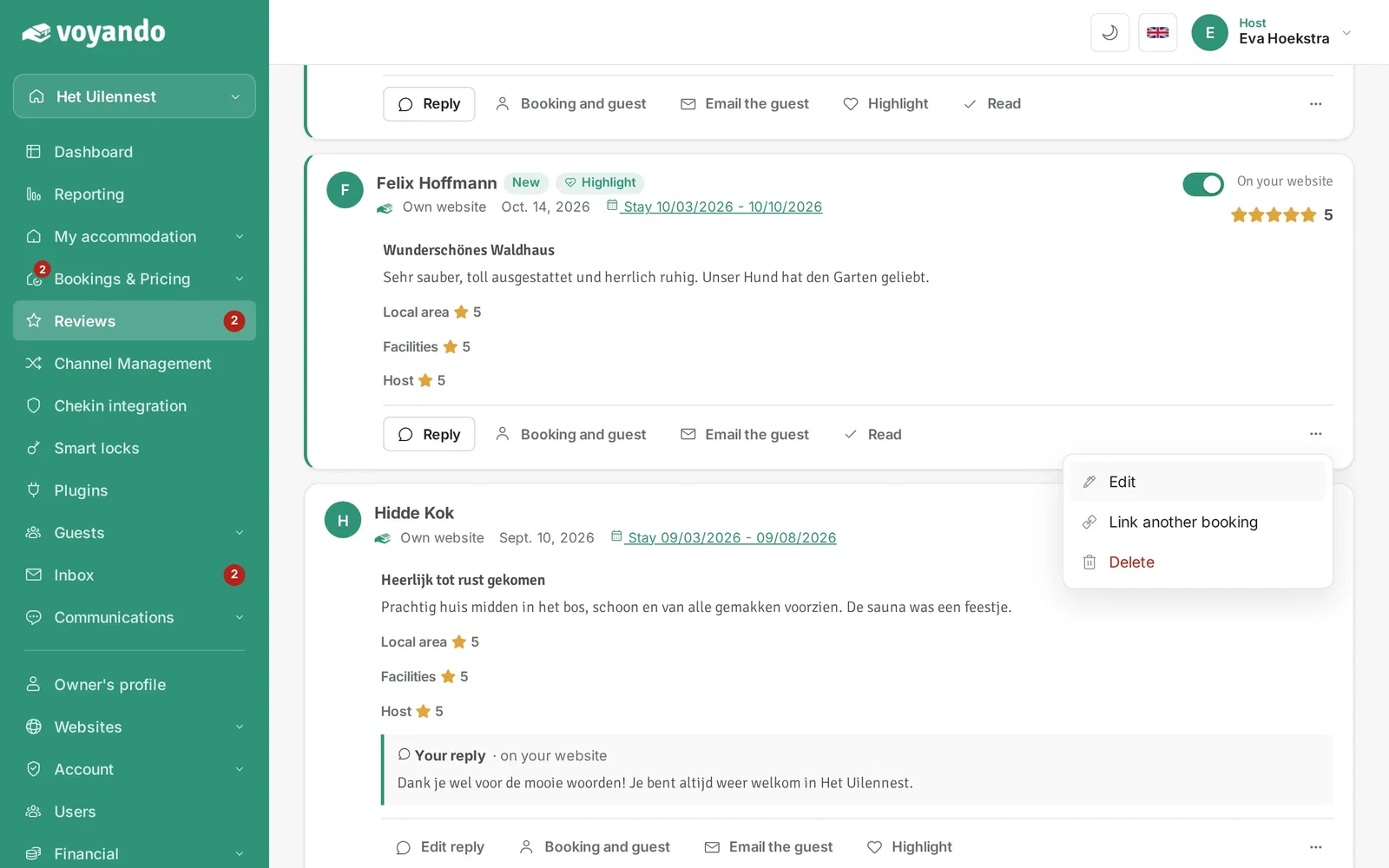
Step 3: Click the three dots next to the review.
-
Step 4: Click Edit.
-
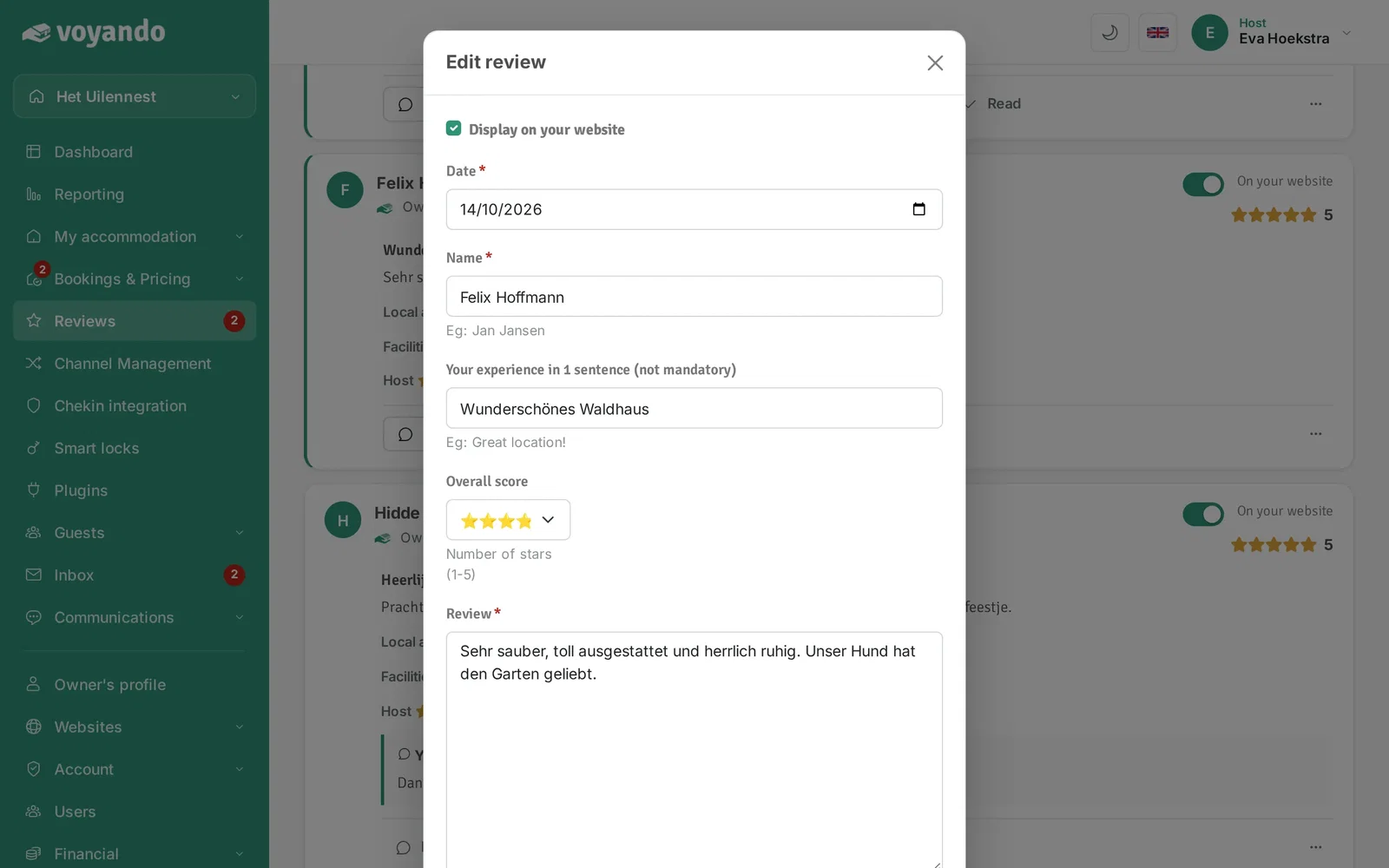
Step 5: If needed, change the guest's name under Name.
-
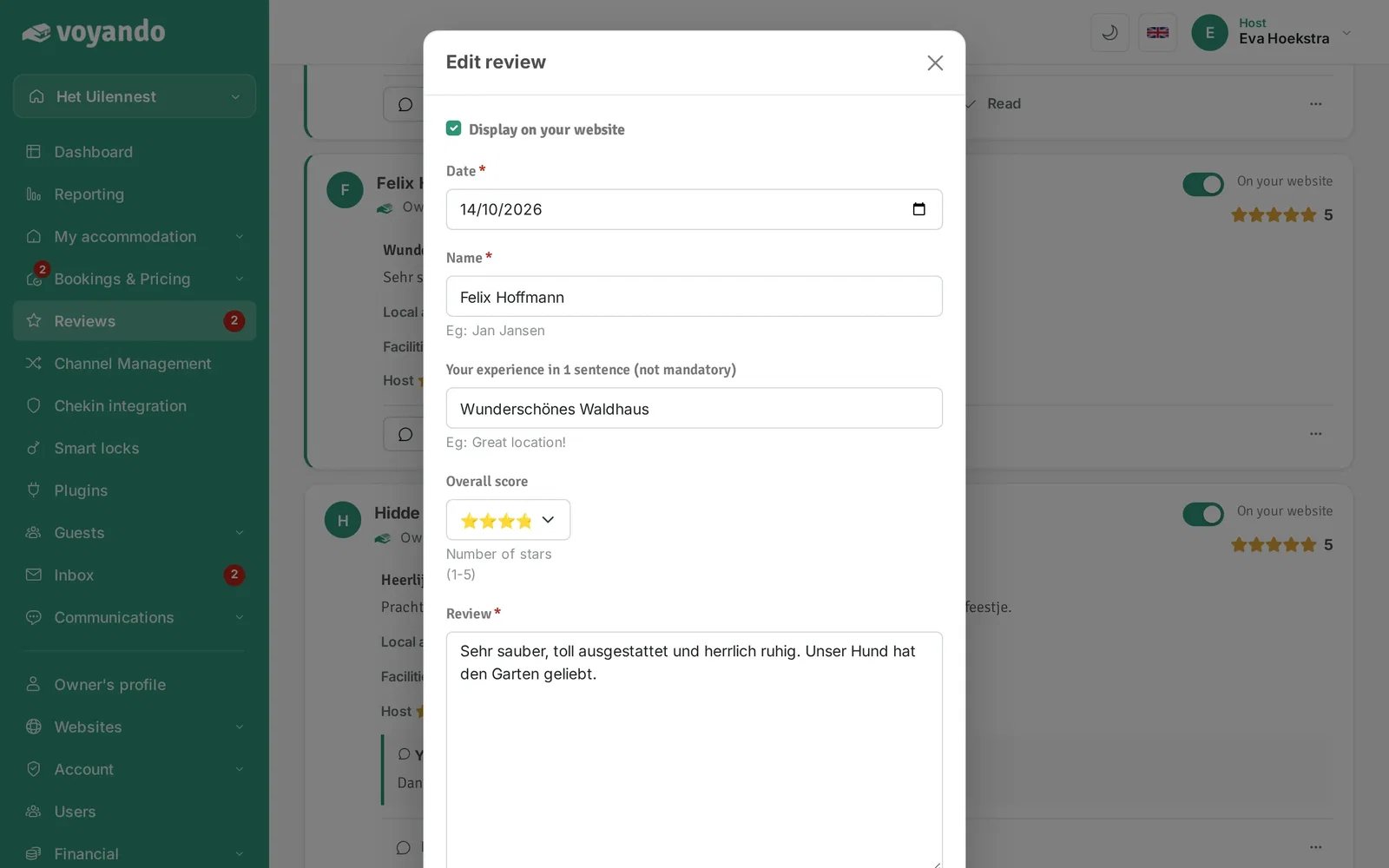
Step 6: If needed, change the one-sentence summary of the review here.
-
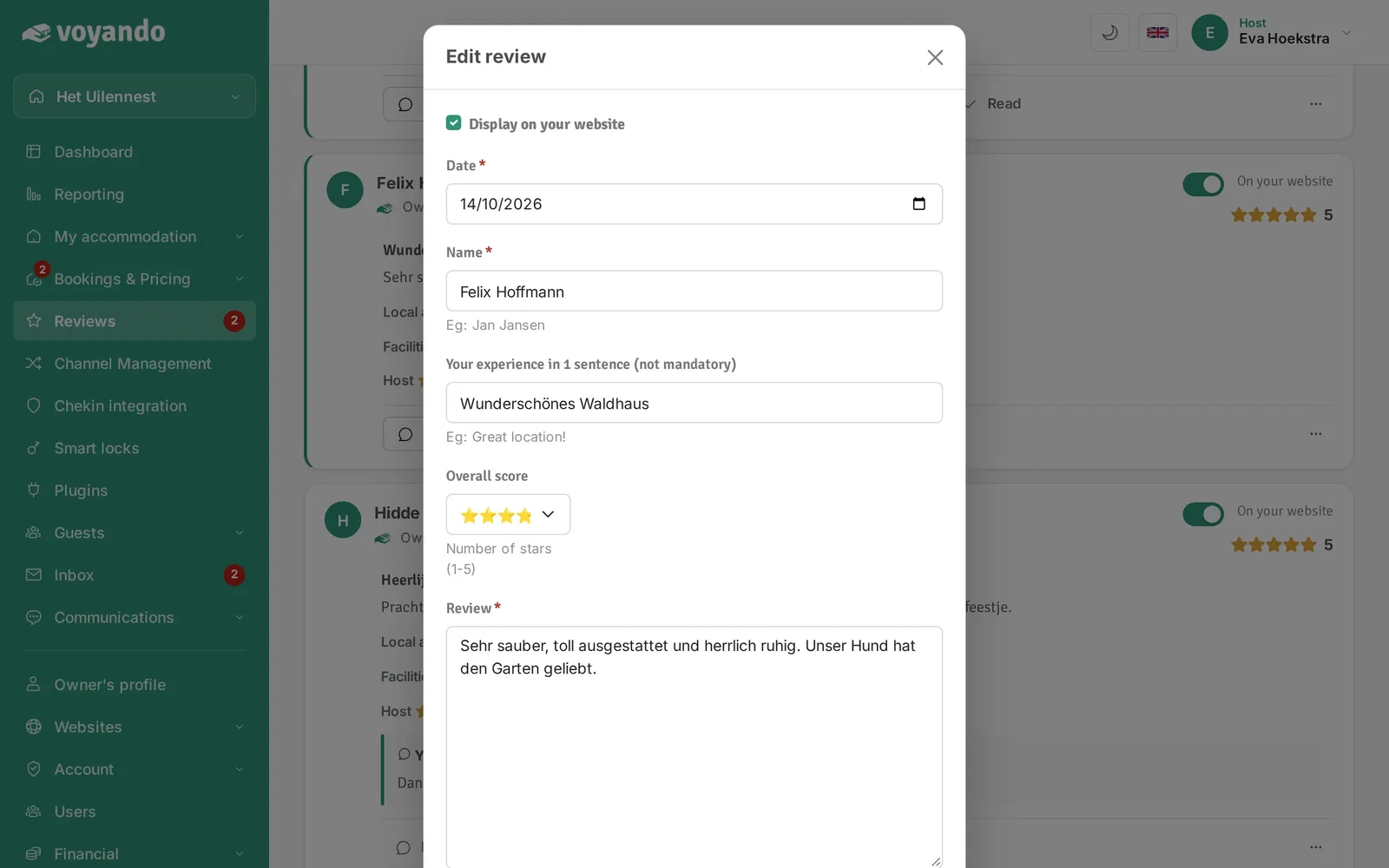
Step 7: If needed, change the text of the review here. Reviews from Booking.com and Airbnb cannot be changed; we show them as the guest wrote them.
-
Step 8: Click Change to save your changes.