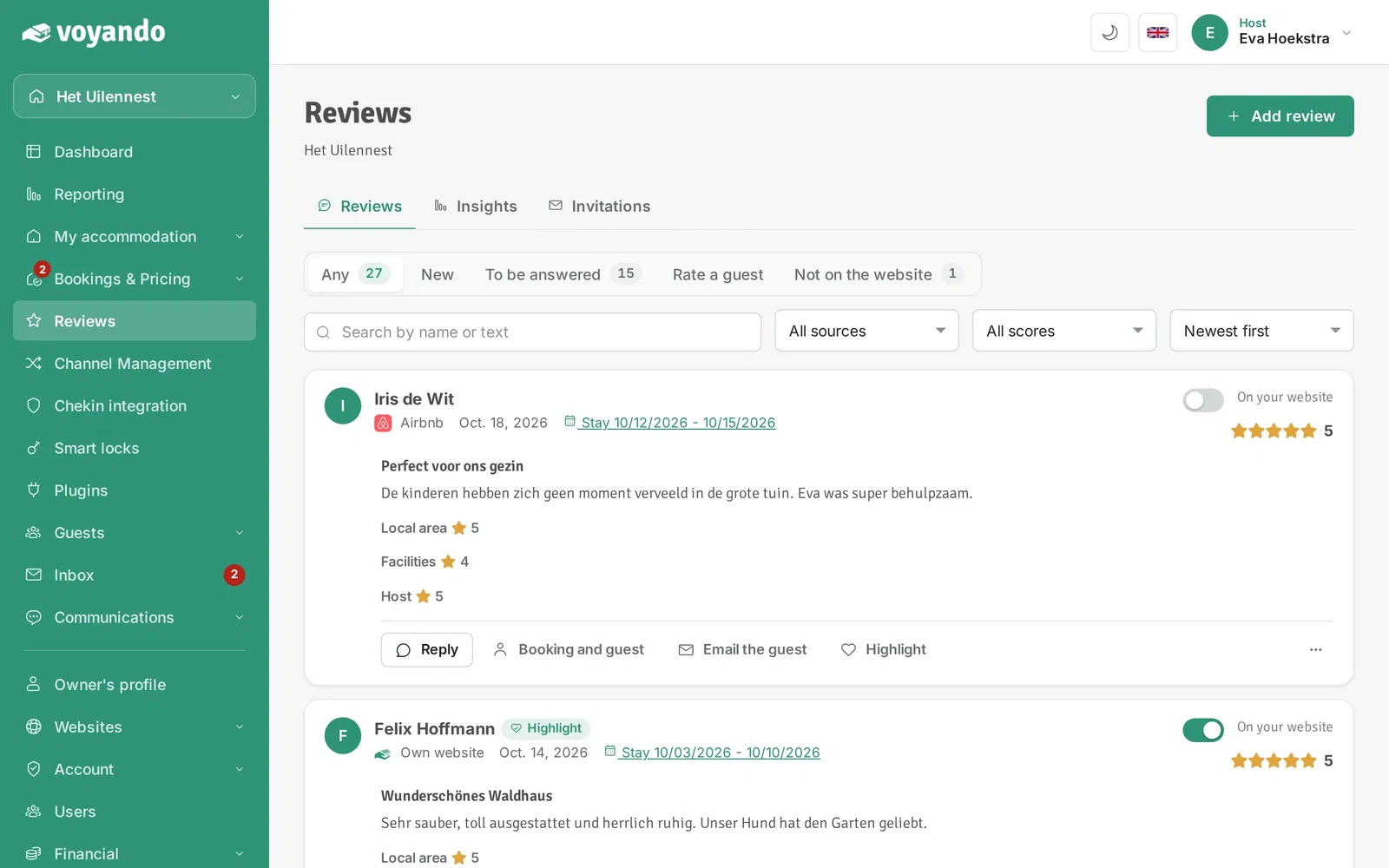
Make a review your top review with the Highlight button under Reviews. The top review is shown prominently on your website.
How and where the top review appears on your website is explained in "How do I display a featured review on my website?".
Step by step
-
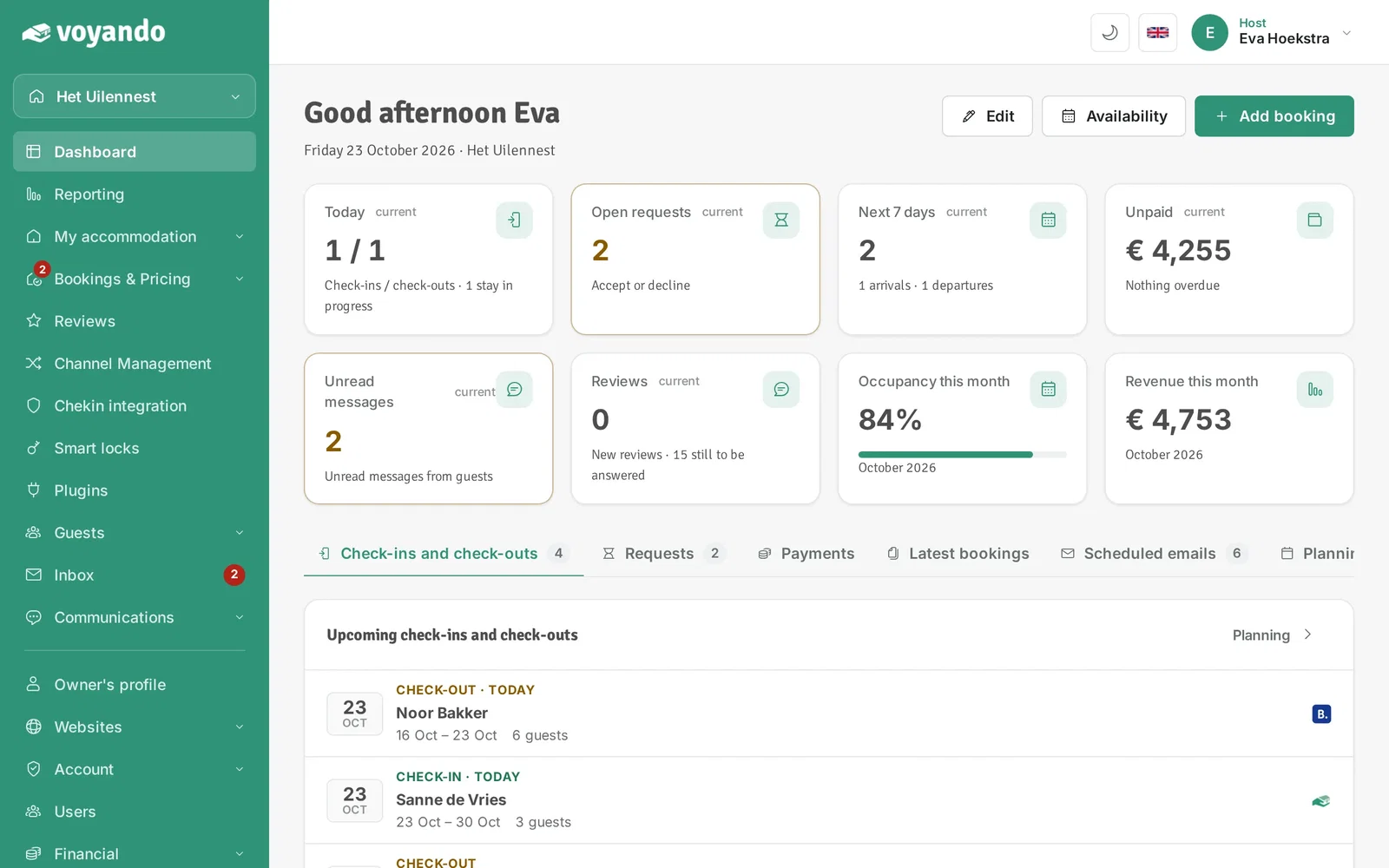
Step 1: Go to your dashboard.
-
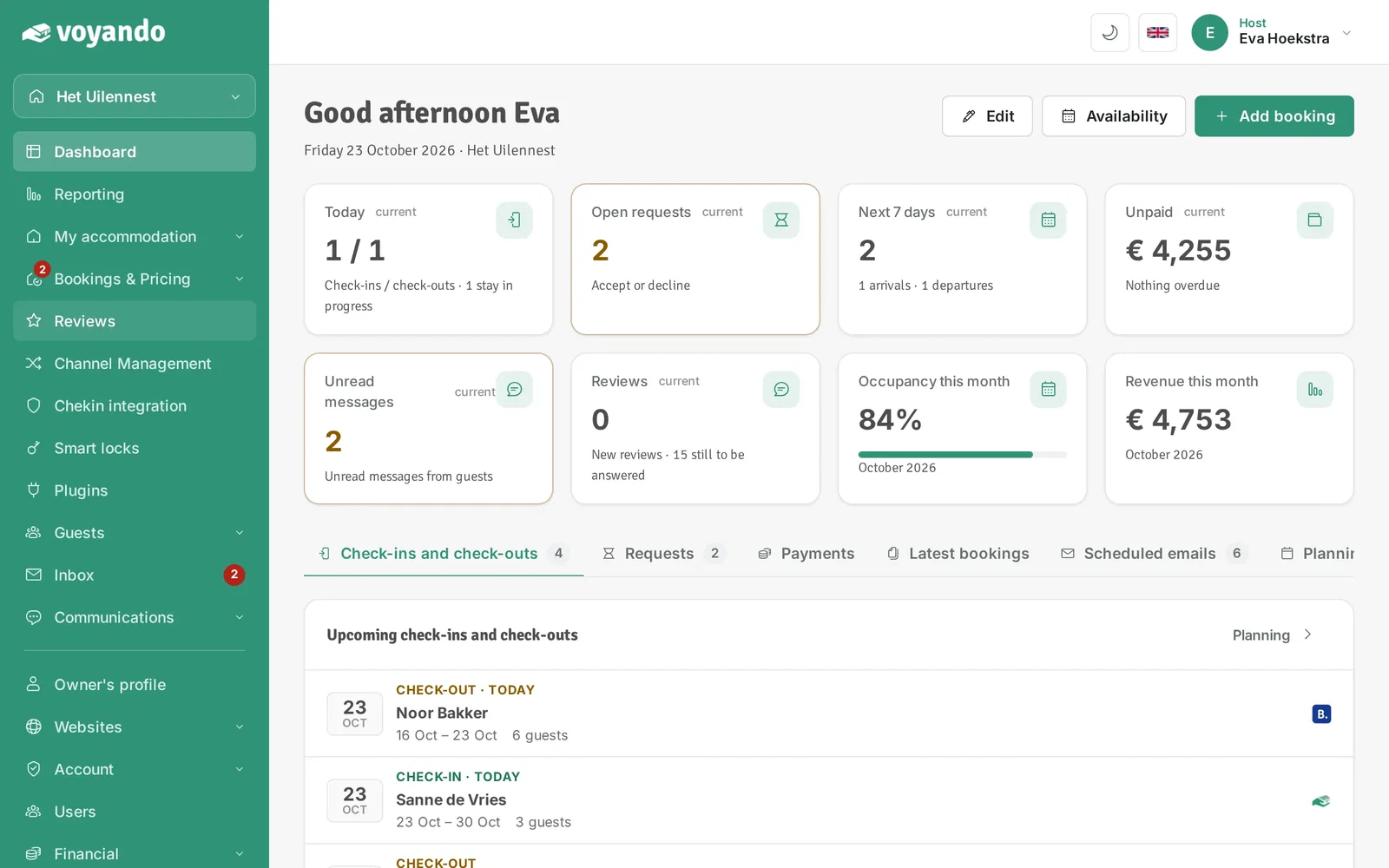
Step 2: Click Reviews in the menu.
-
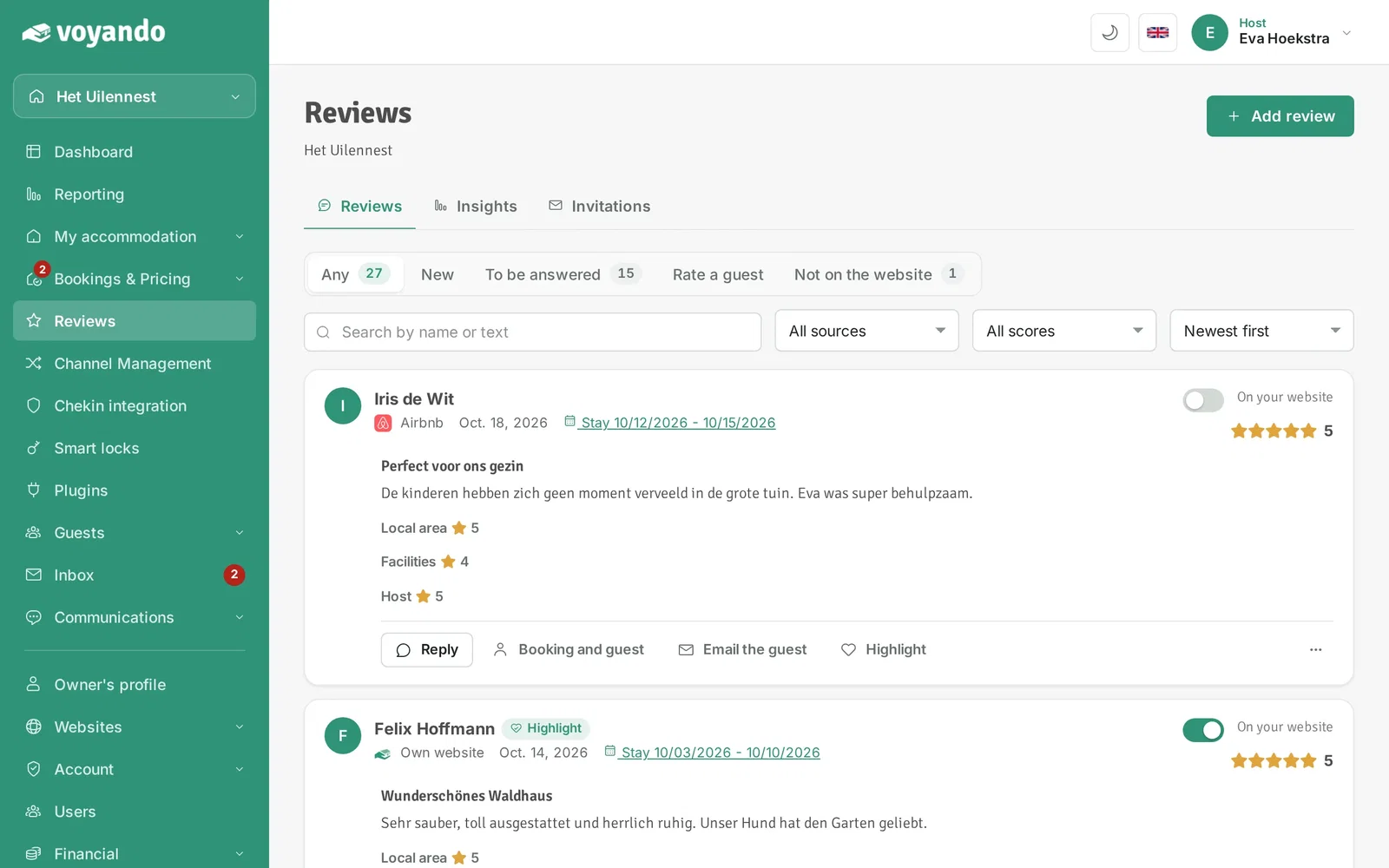
Step 3: The review labelled Highlight is your top review. It is shown prominently on your website.
-
Step 4: Want a different top review? Click Highlight next to that review. You have one top review per accommodation; the previous one is replaced. No top review anymore? Click Highlight off next to the top review.