Reviews from earlier guests help new guests decide. With an automatic review request, every guest gets an e-mail with a personal review link after their stay, without you having to remember it. Read more about marketing for your holiday home.
Tip: under Reviews › Invitations you see for every departed guest whether the review request was sent and whether a review came in. Guests who do not respond get a reminder from there with one click.
Step by step
-
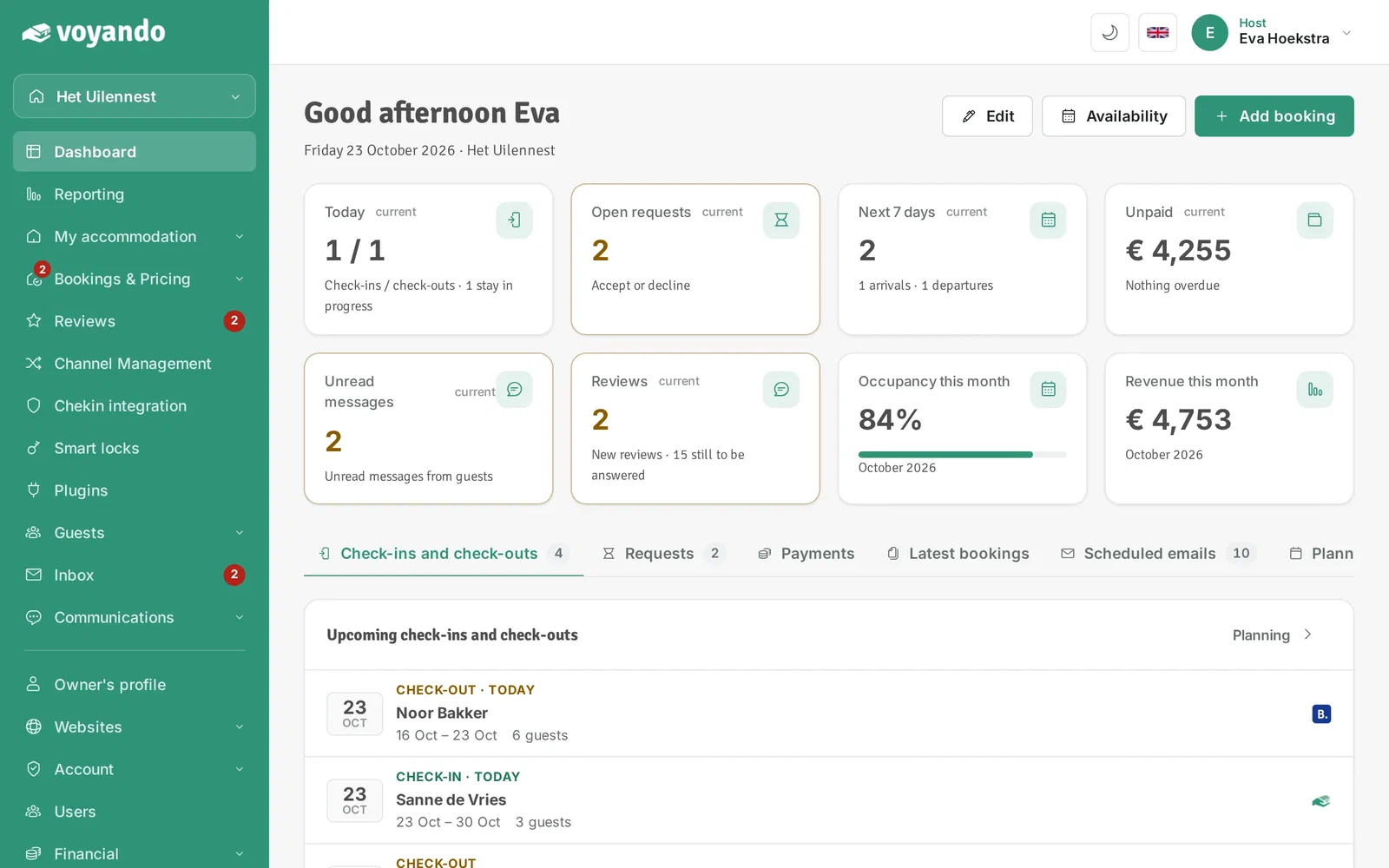
Step 1: Go to your dashboard.
-
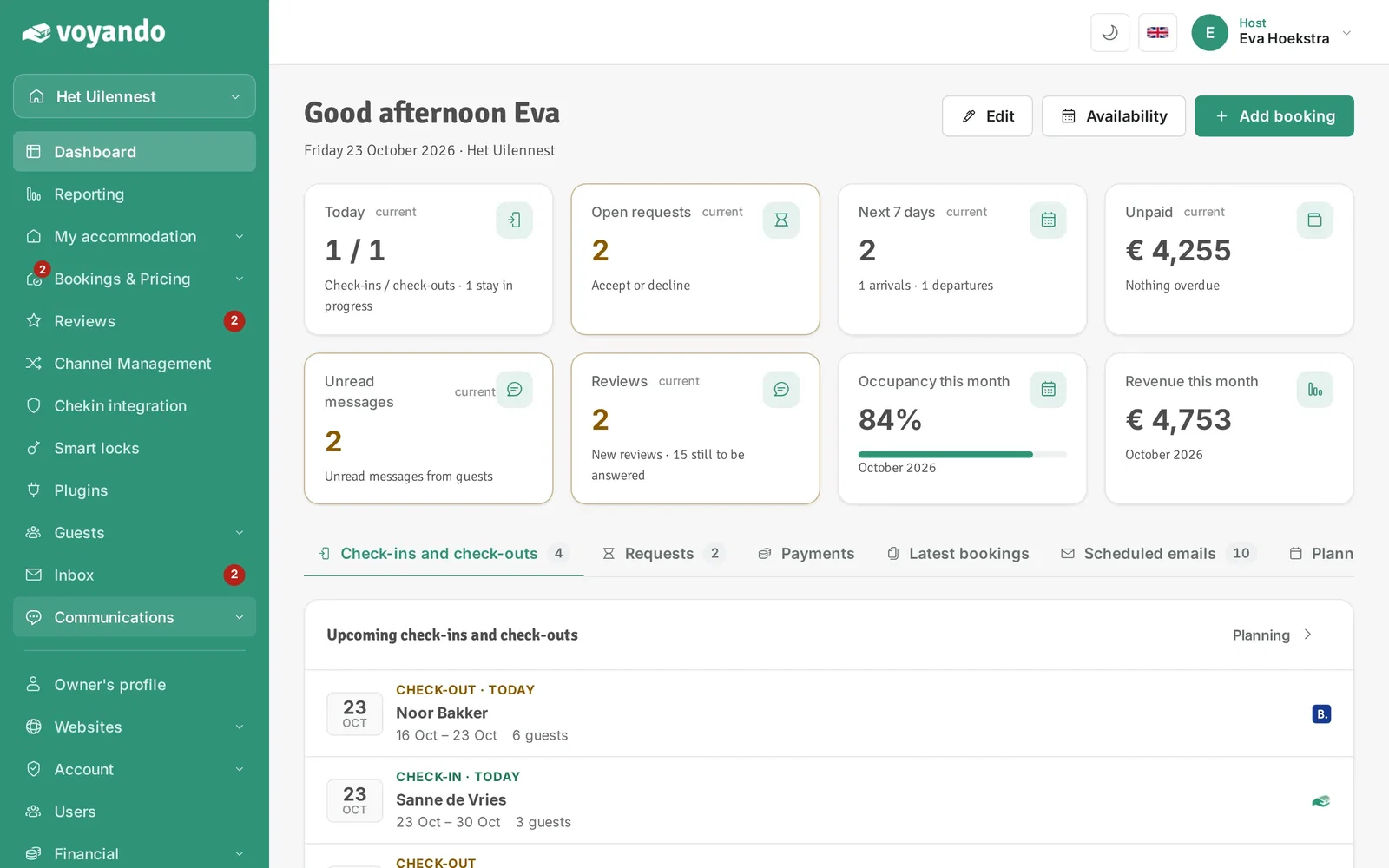
Step 2: Click Communications in the menu.
-
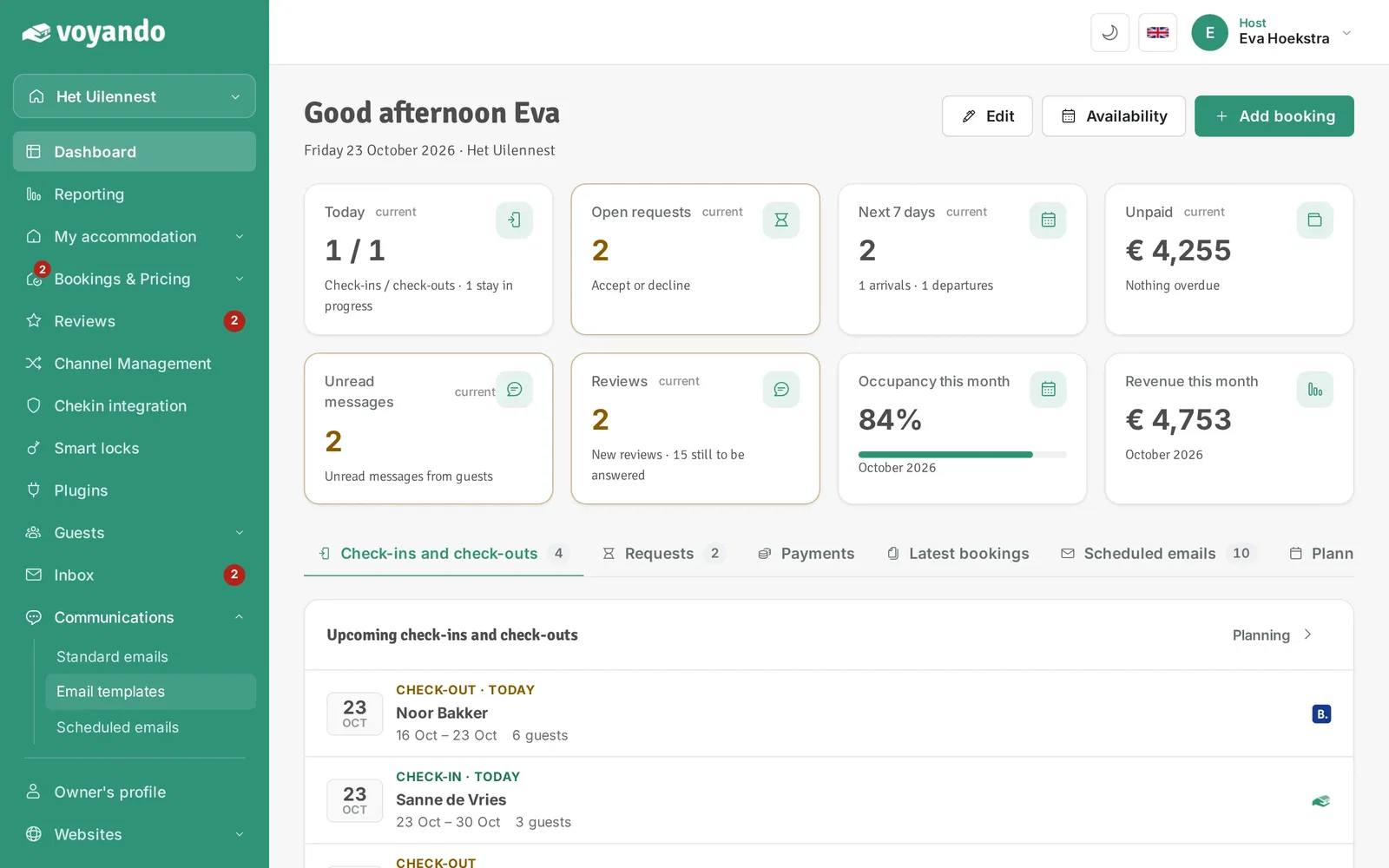
Step 3: Click Email templates.
-
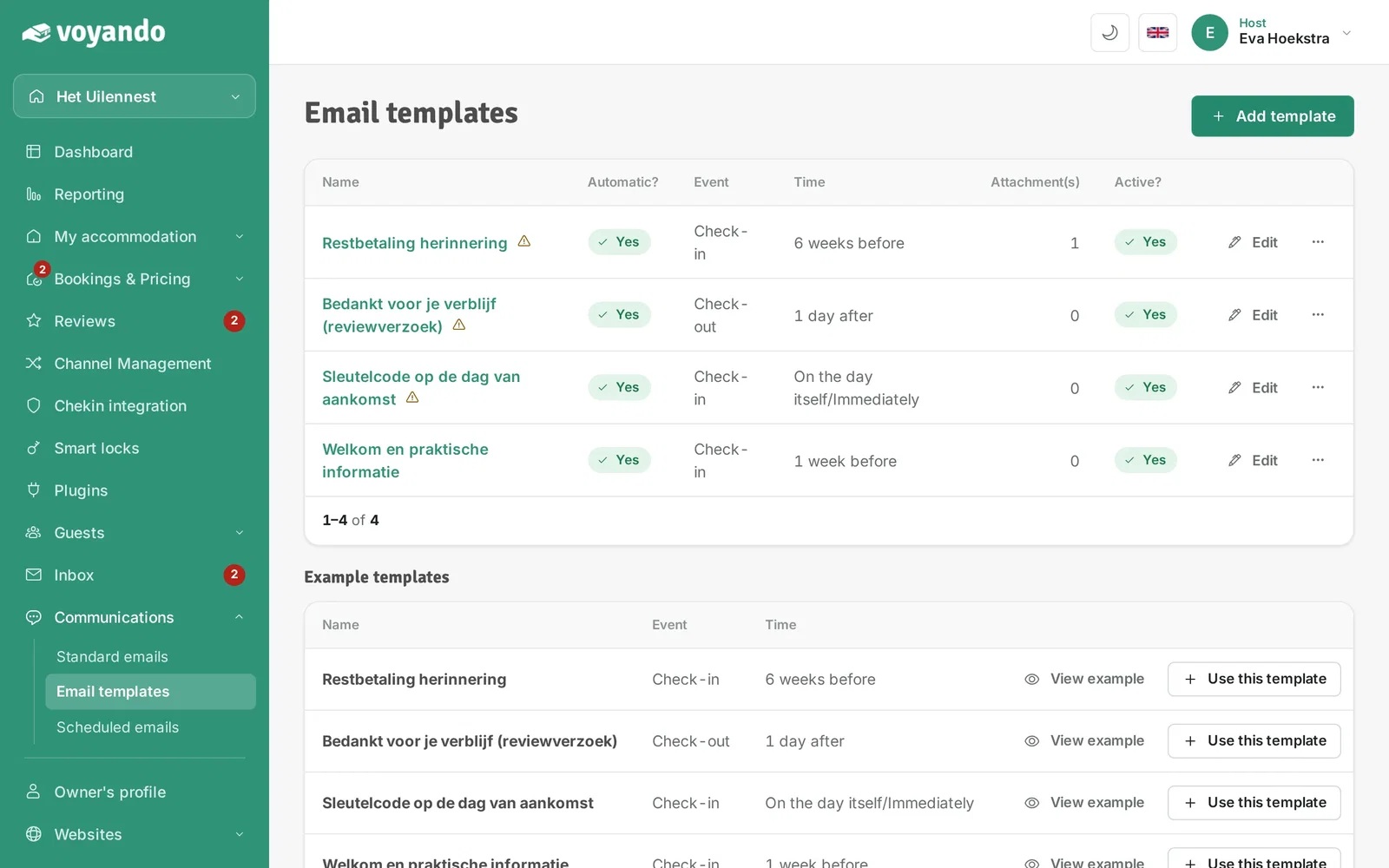
Step 4: Click Add template.
-
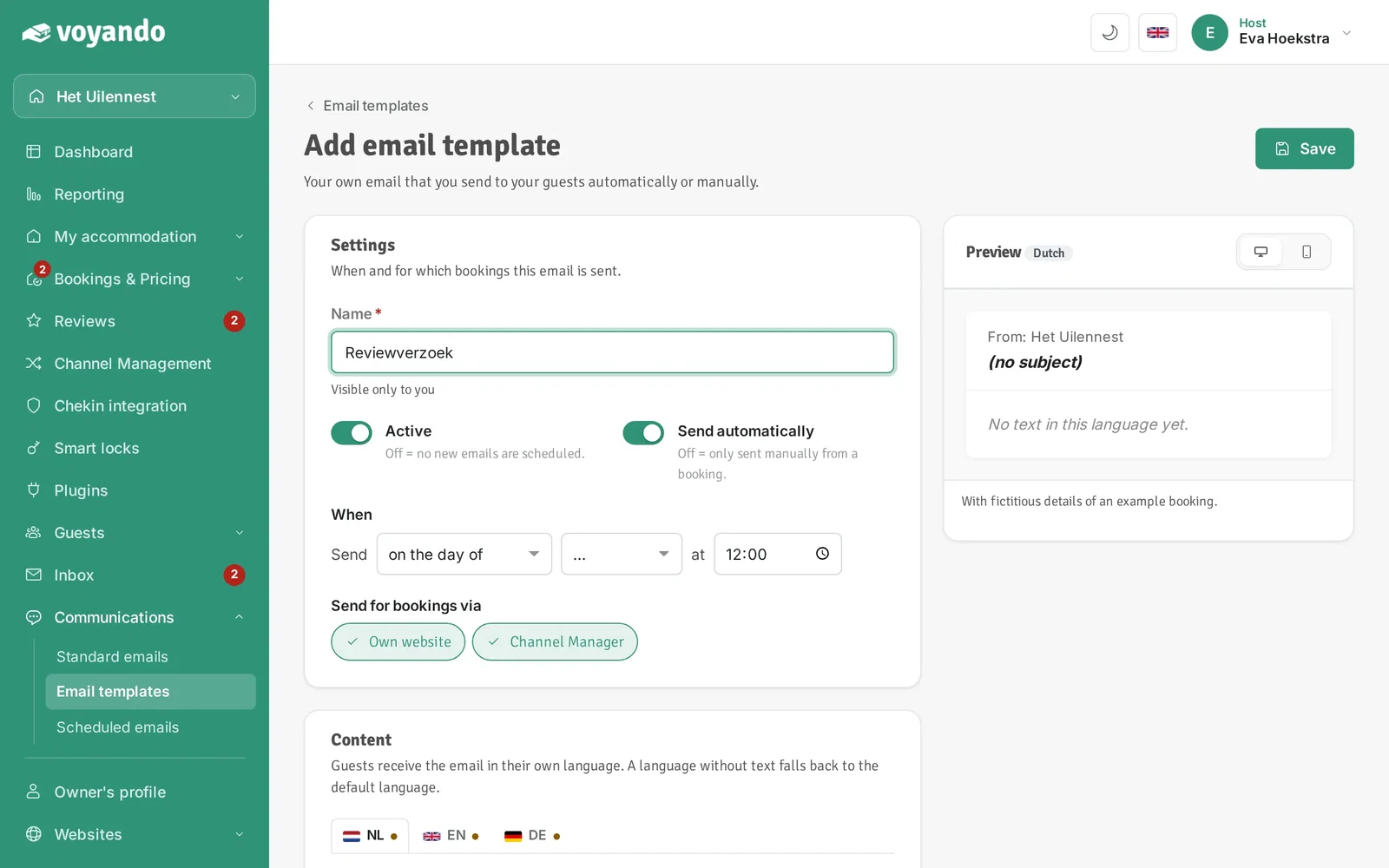
Step 5: Give the template a name under Name. Only you see this name, guests don't.
-
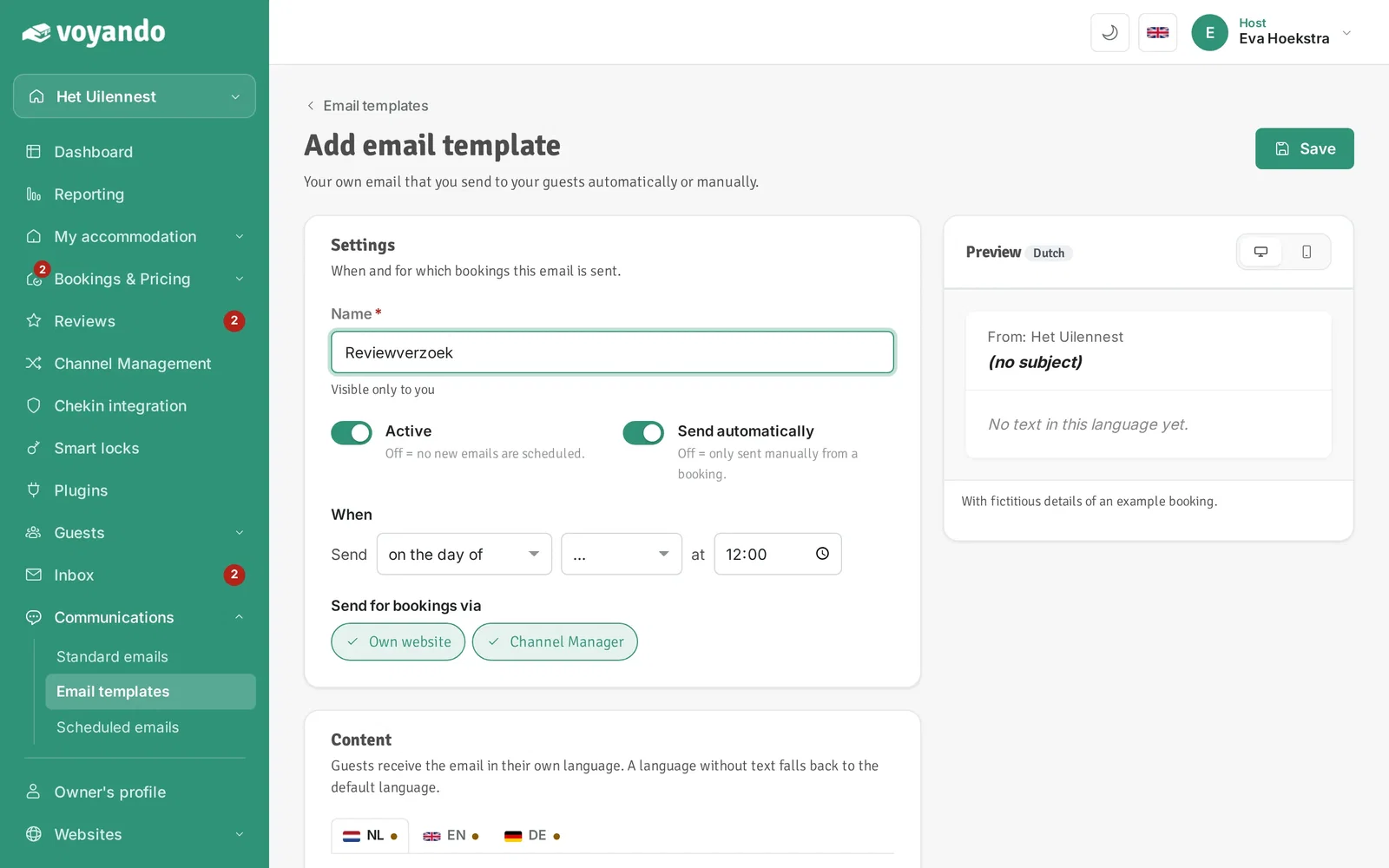
Step 6: Under When, set when the request is sent, for example: Send 1 day after check-out at 10:00.
-
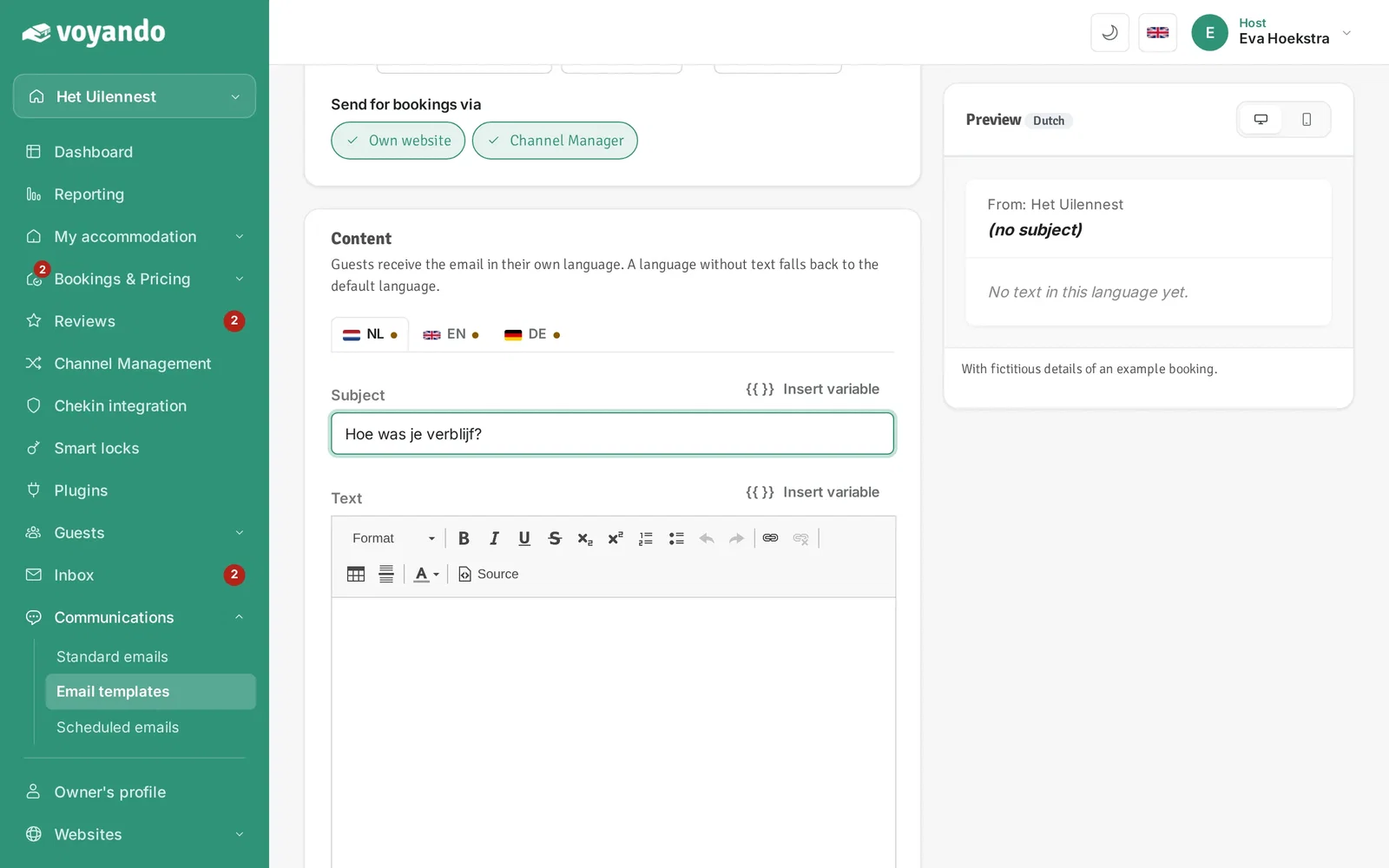
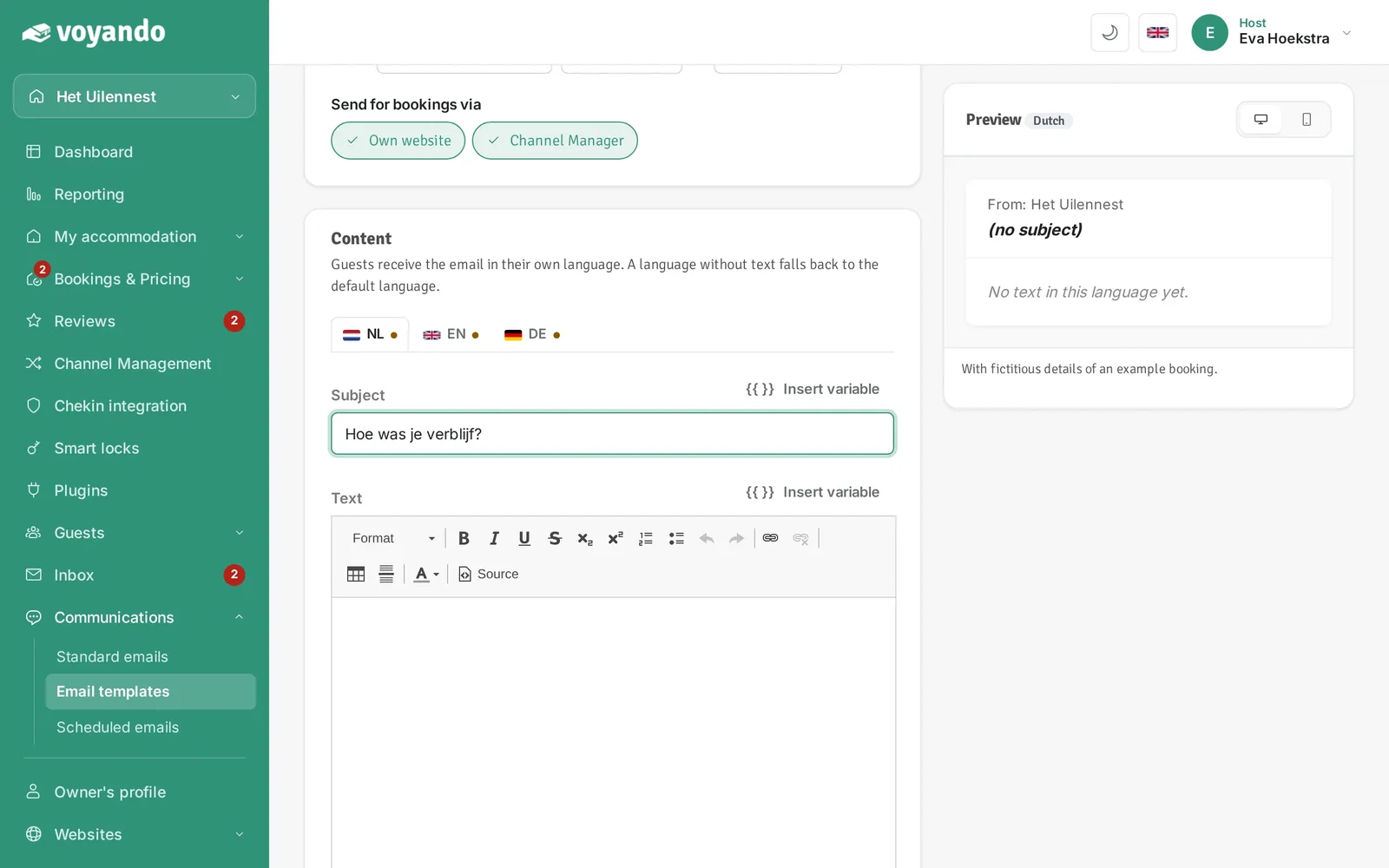
Step 7: Enter the Subject.
-
Step 8: Optionally pick a variable via Insert variable next to the subject, such as the guest's name. It is filled in automatically for each booking.
-
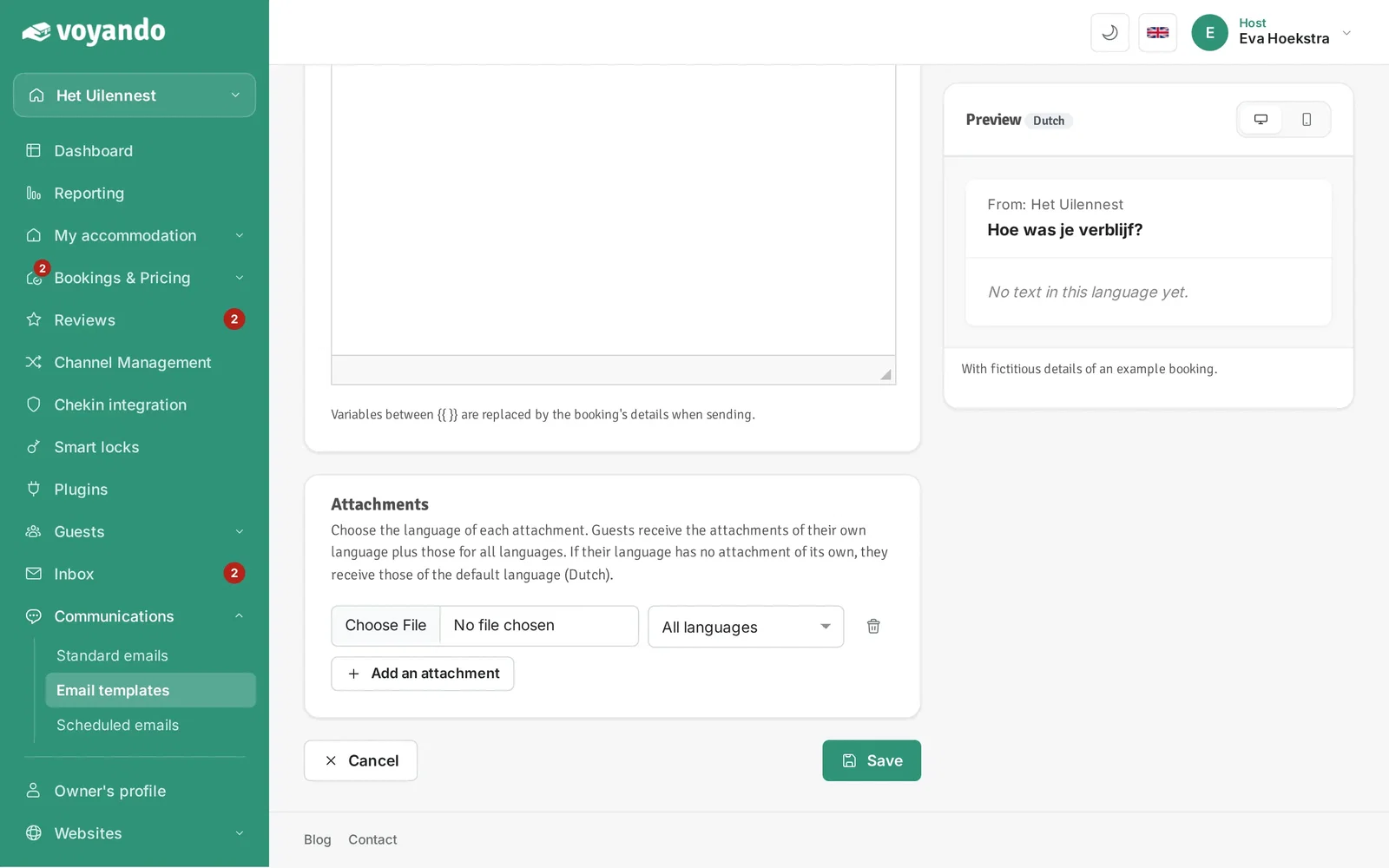
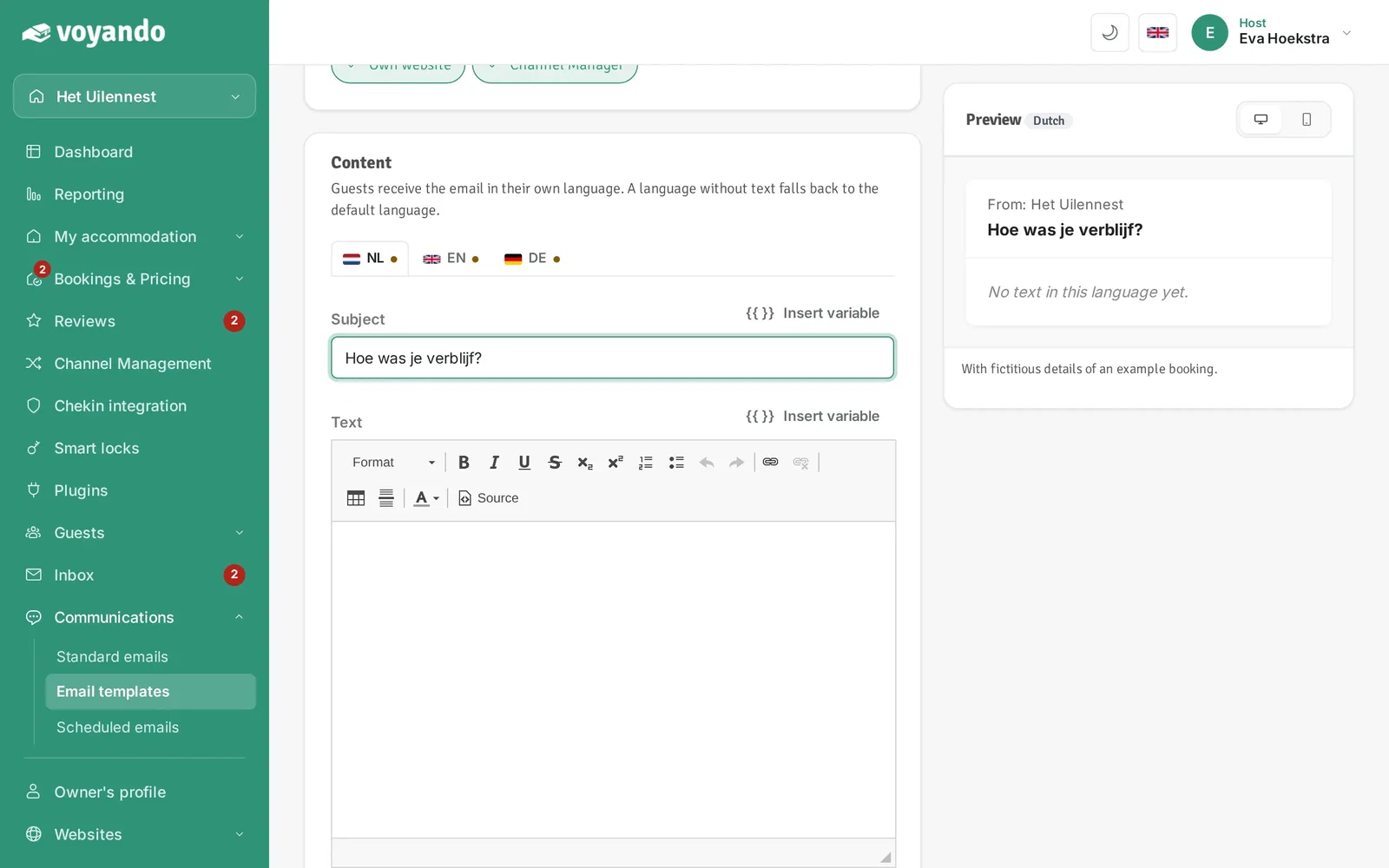
Step 9: Write the text of the email. On the right you immediately see what it looks like.
-
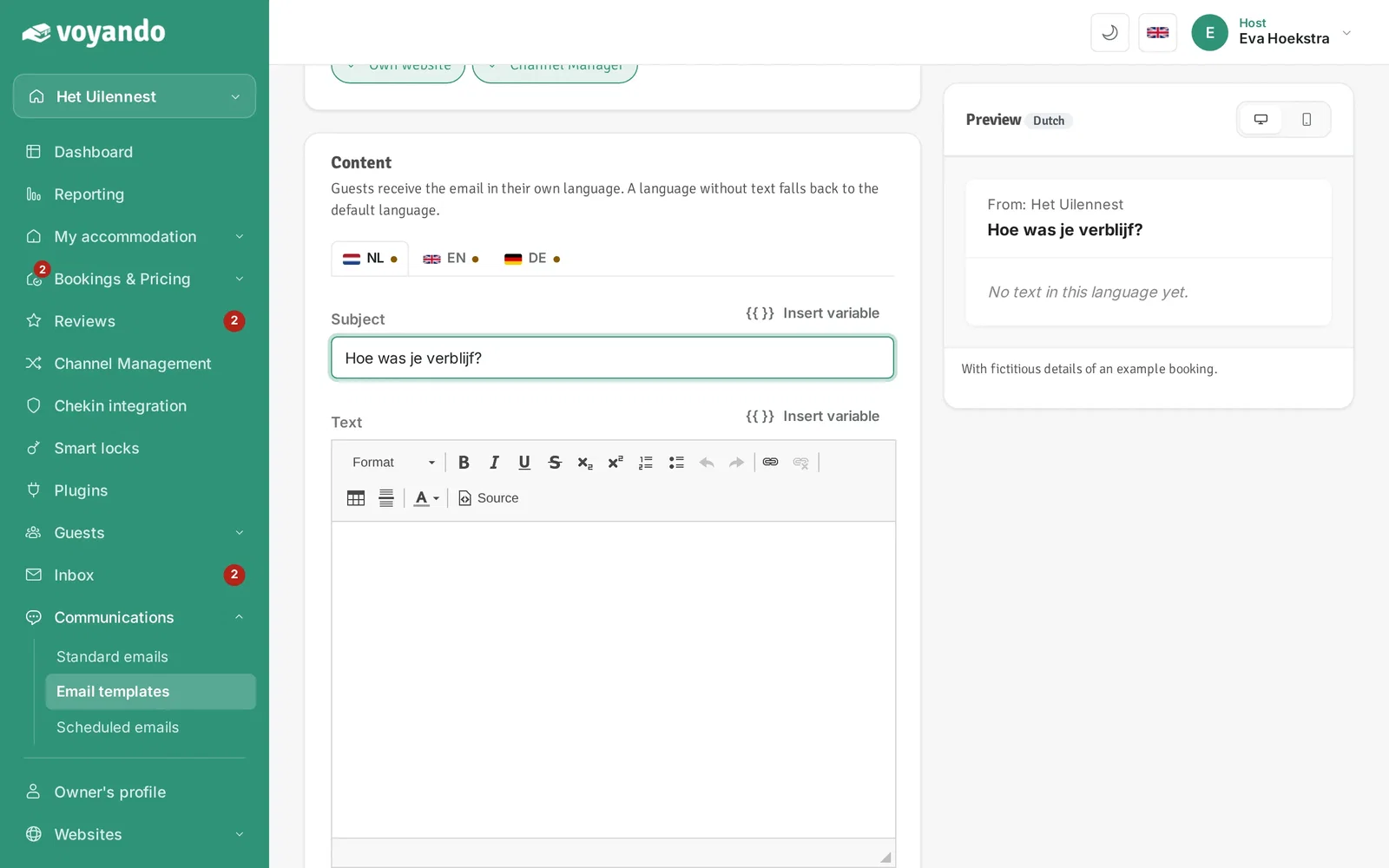
Step 10: Put the cursor where the review link should go and pick the review link ({{ review_link }}) via Insert variable next to the text. The guest then lands right on the review form.
-
Step 11: Click Save.