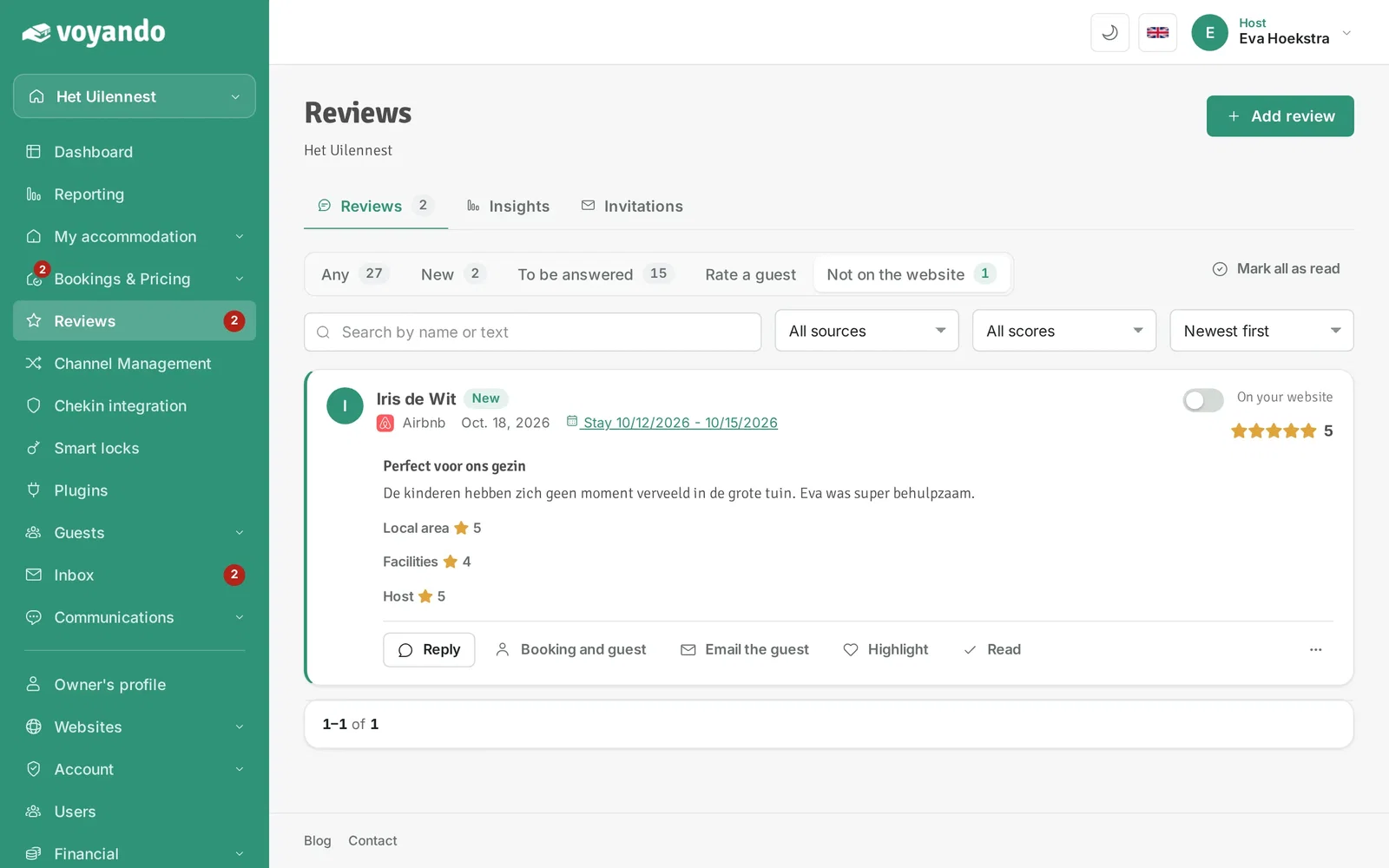
New reviews, especially those from Booking.com and Airbnb, are not on your website straight away: you decide that yourself. Read more about managing reviews with Voyando.
Step by step
-
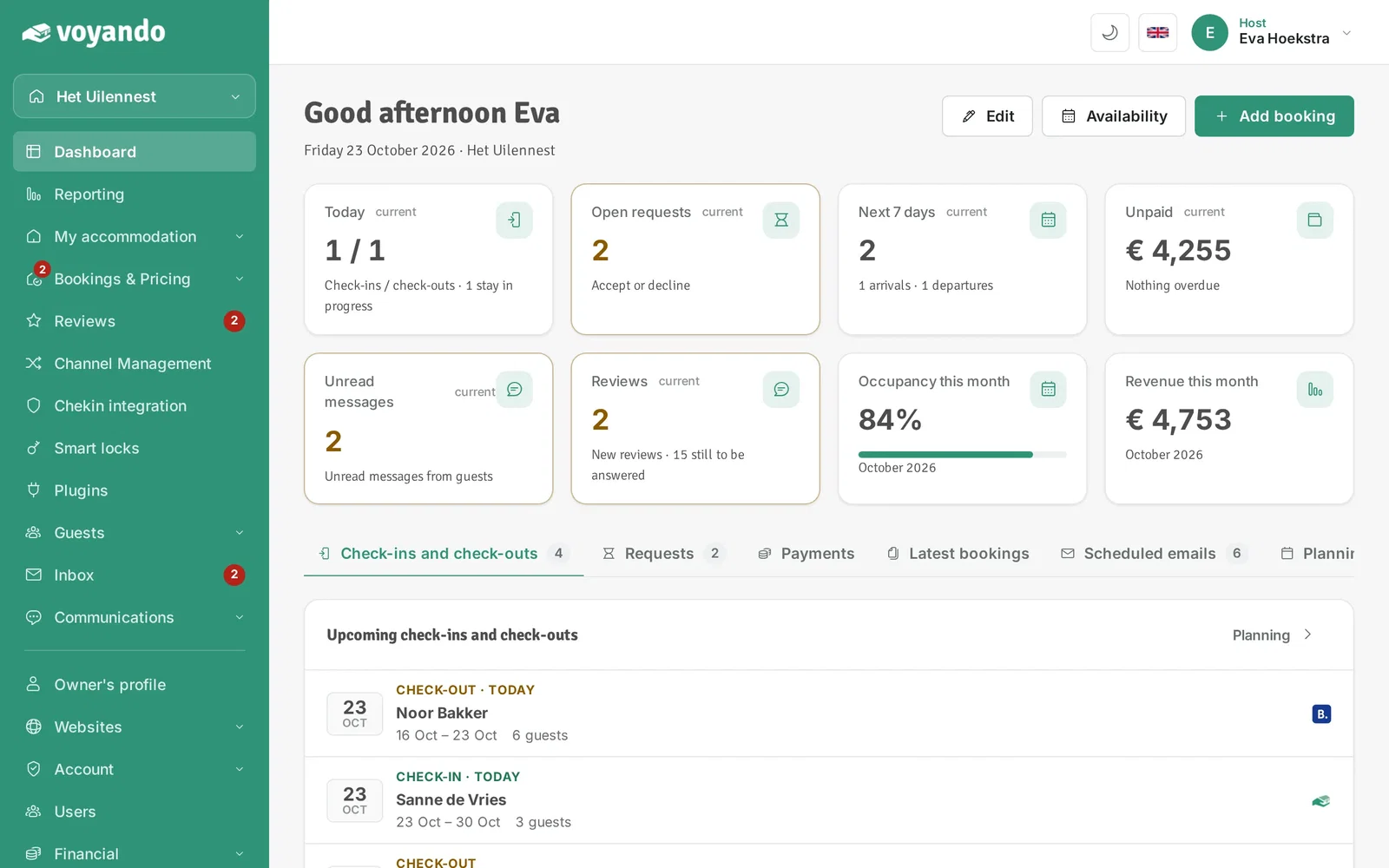
Step 1: Go to your dashboard.
-
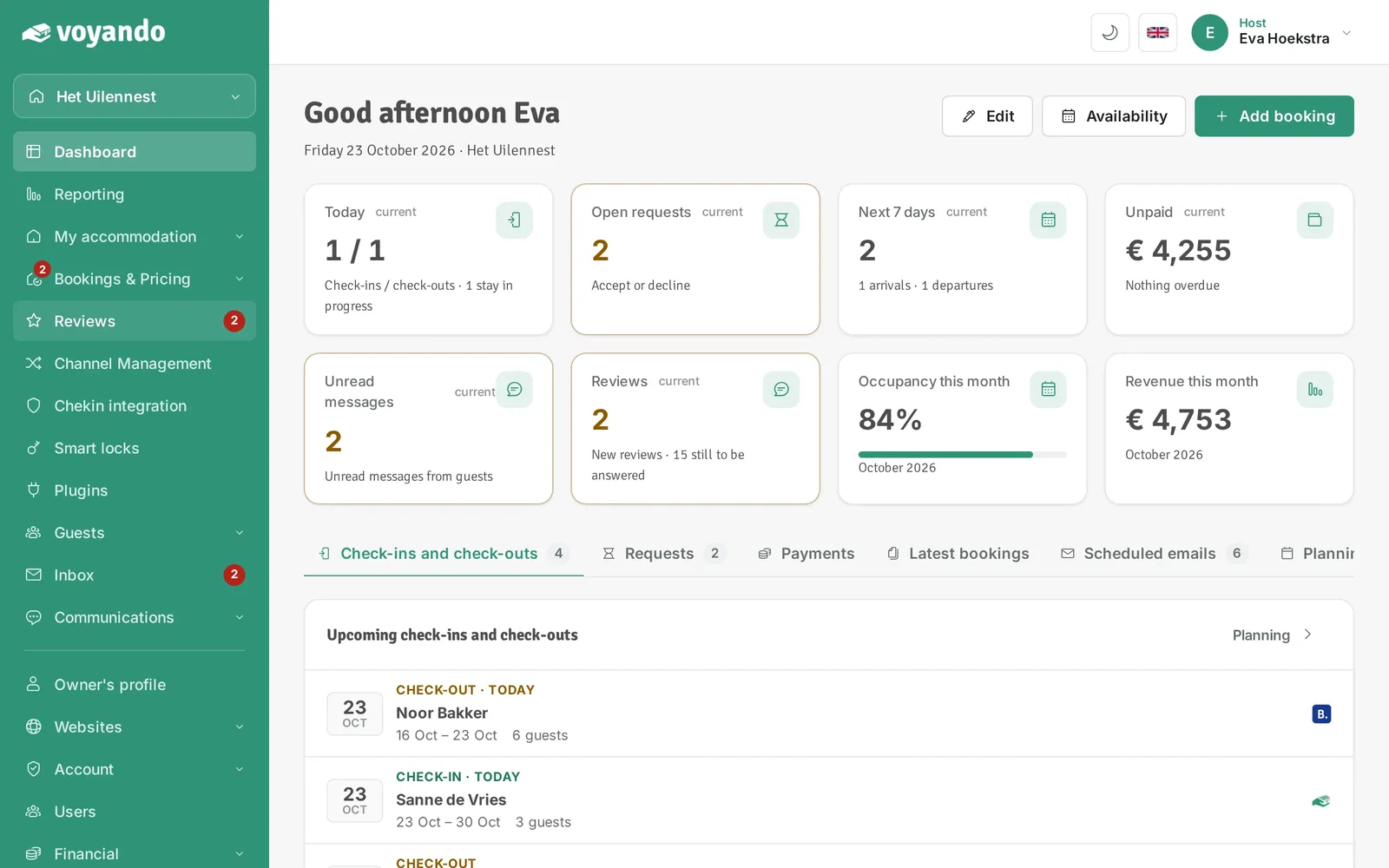
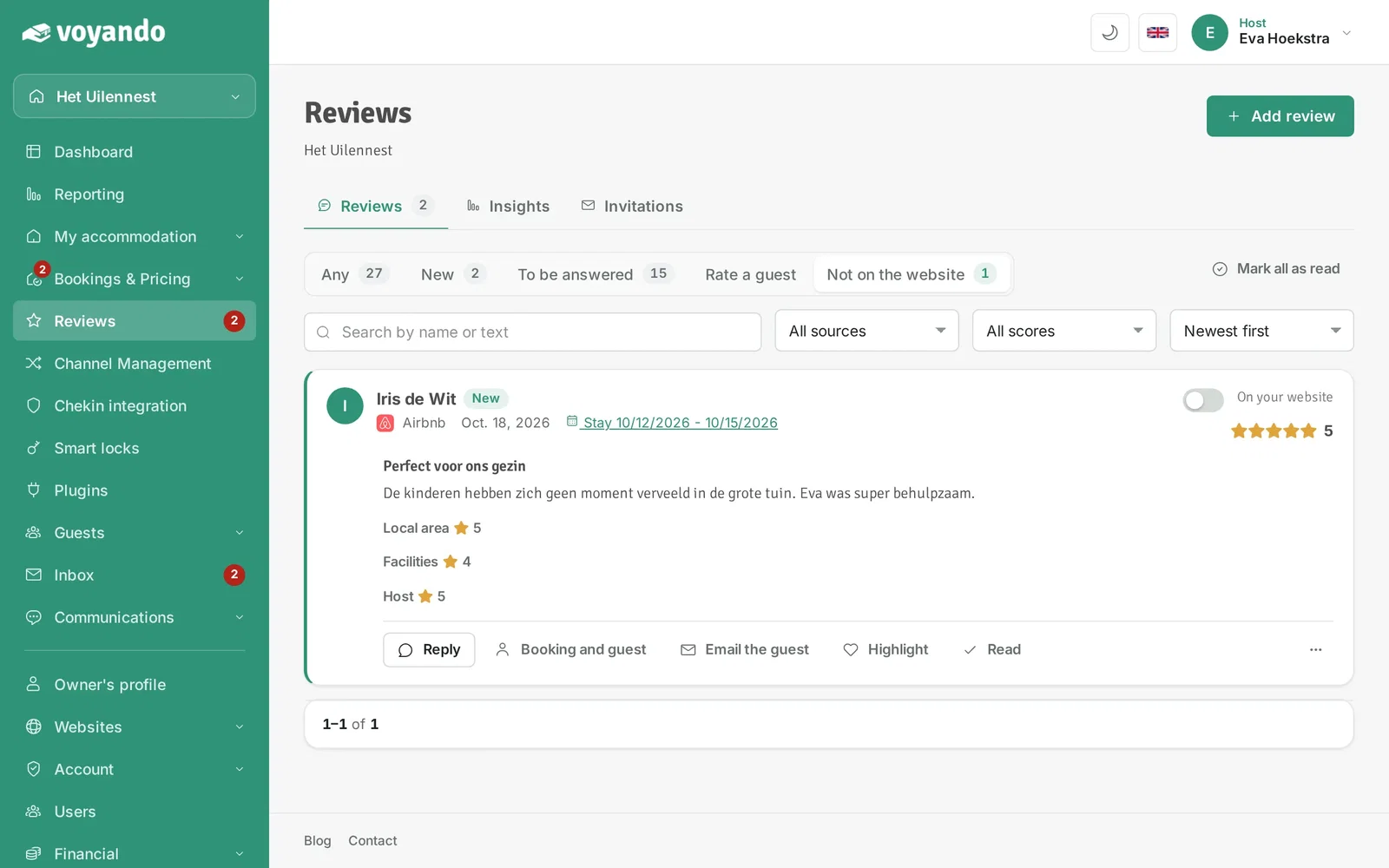
Step 2: Click Reviews in the menu. The number shows how many new reviews there are.
-
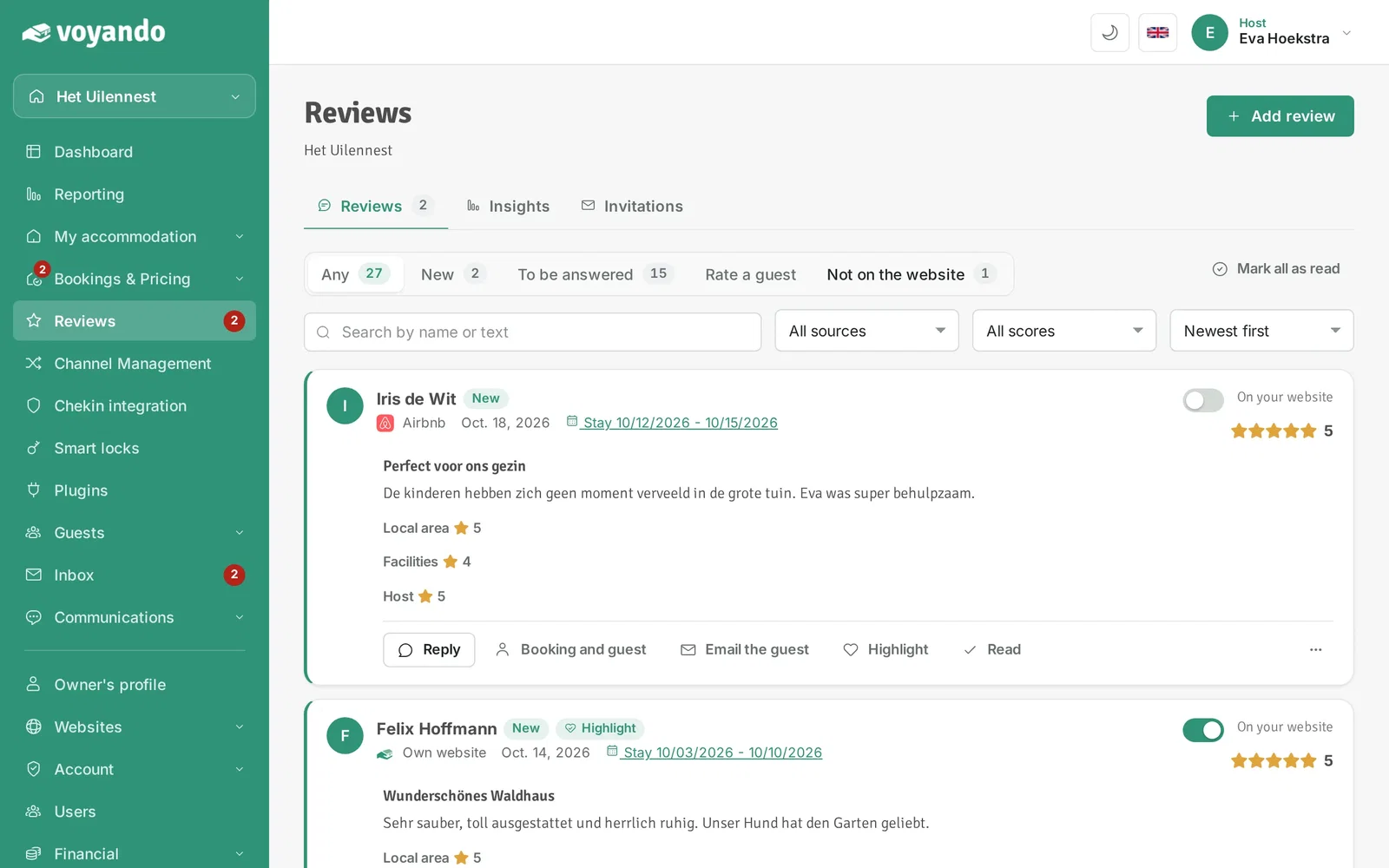
Step 3: Open the Not on website tab. It lists the reviews that are not on your website yet, such as new reviews from Booking.com and Airbnb.
-
Step 4: Read the review. You see the full text and the scores per category.
-
Step 5: Switch on On your website. The review then appears on your website right away. Switch it off to take the review off your website again.