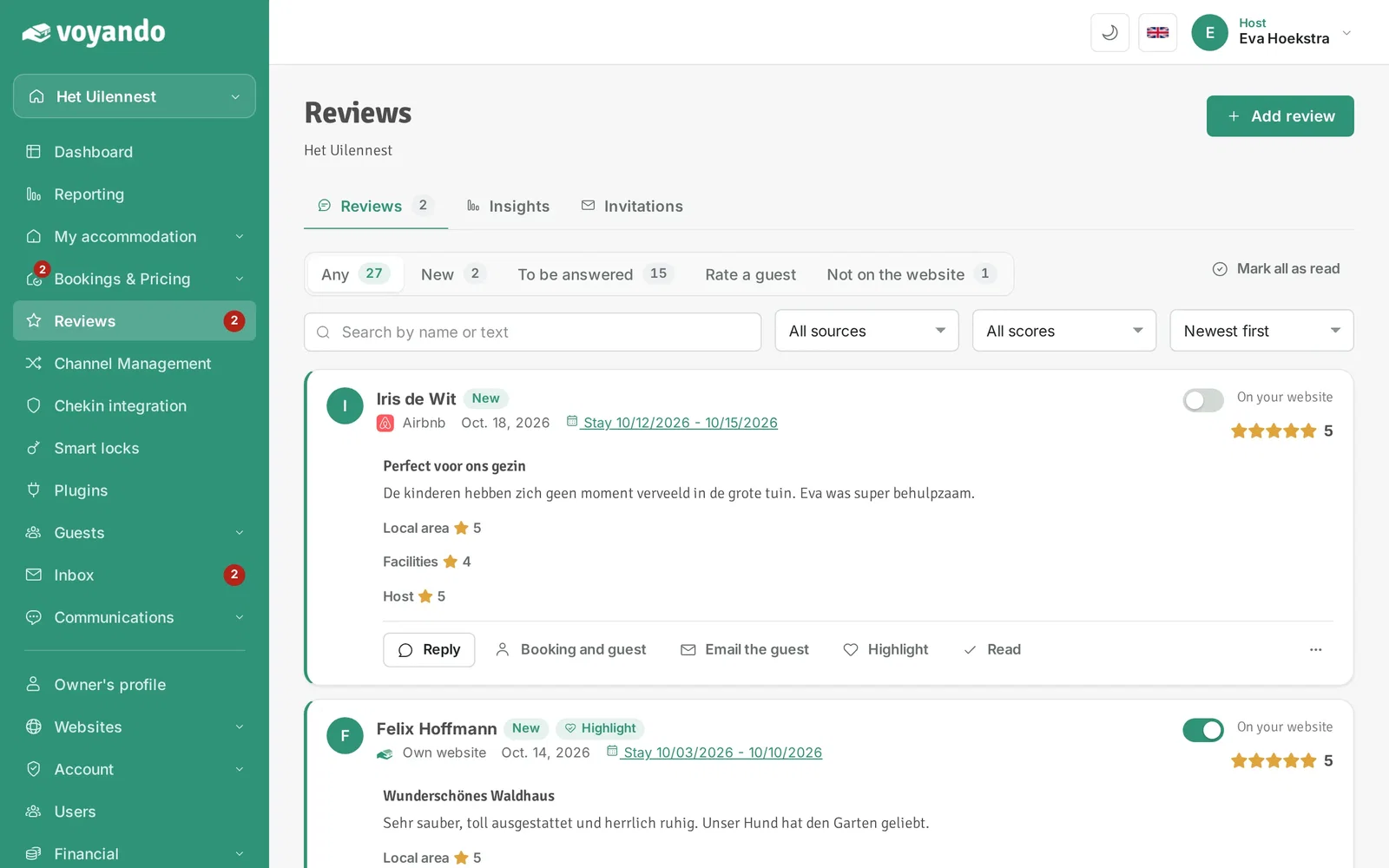
All your reviews are in one place, including those from Booking.com and Airbnb. Read more about managing reviews with Voyando.
Good to know
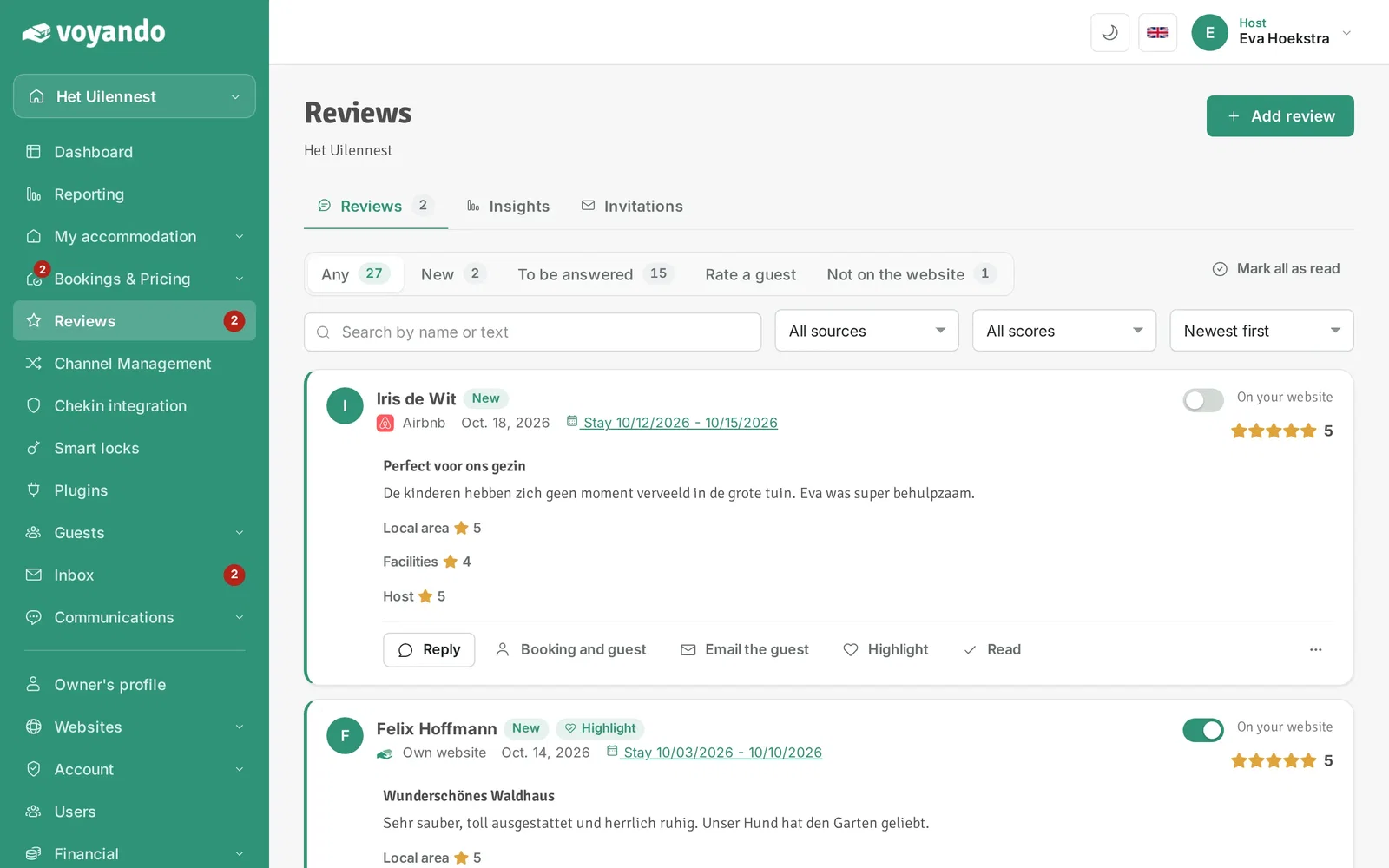
- The number next to Reviews in the menu is the number of new reviews.
- Do you have several accommodations? You see them all together; top right you pick one accommodation.
- Reviews from Booking.com and Airbnb come in through the channel manager when reviews are switched on there. They are not on your website at first: you decide that yourself.
Step by step
-
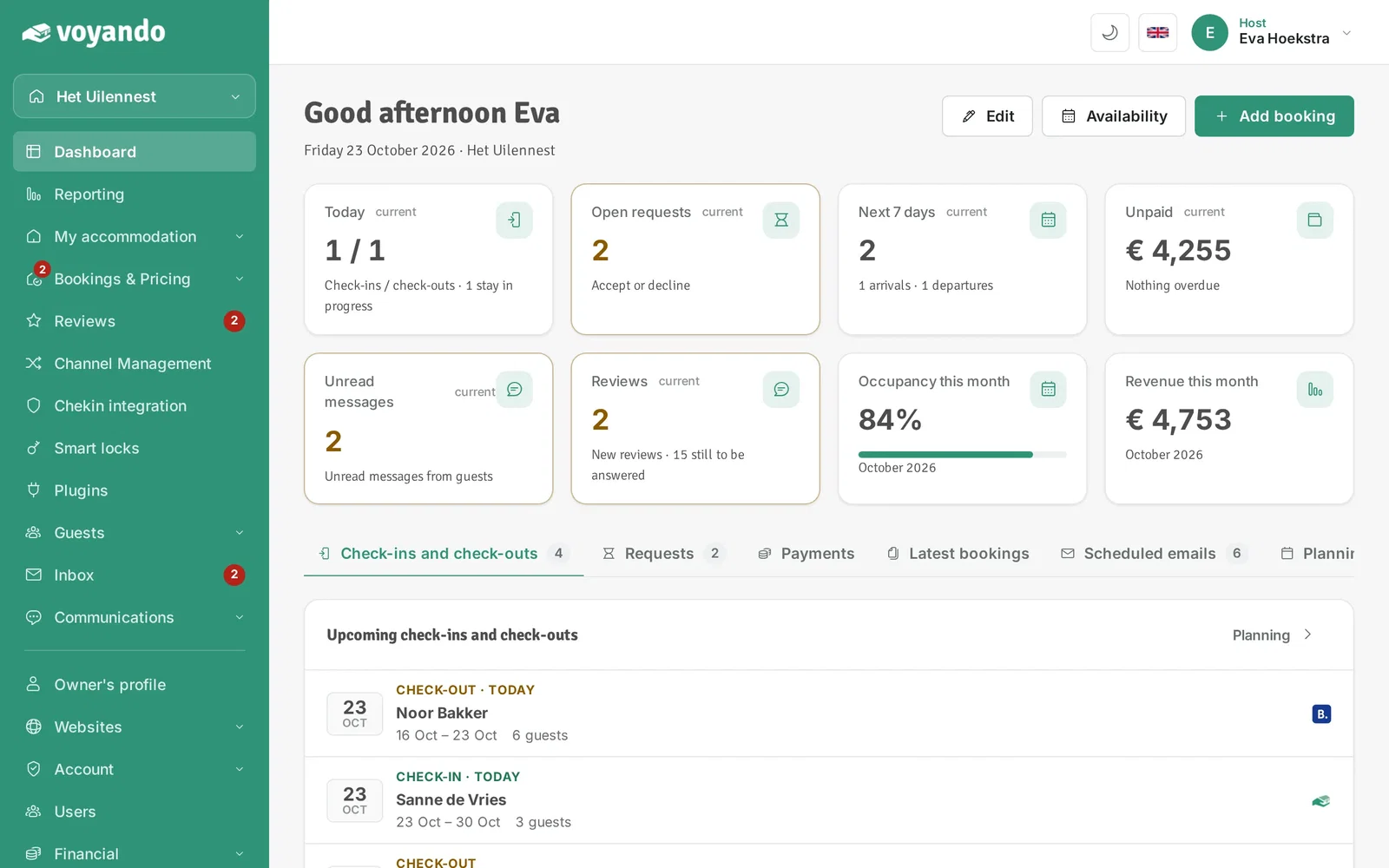
Step 1: Go to your dashboard.
-
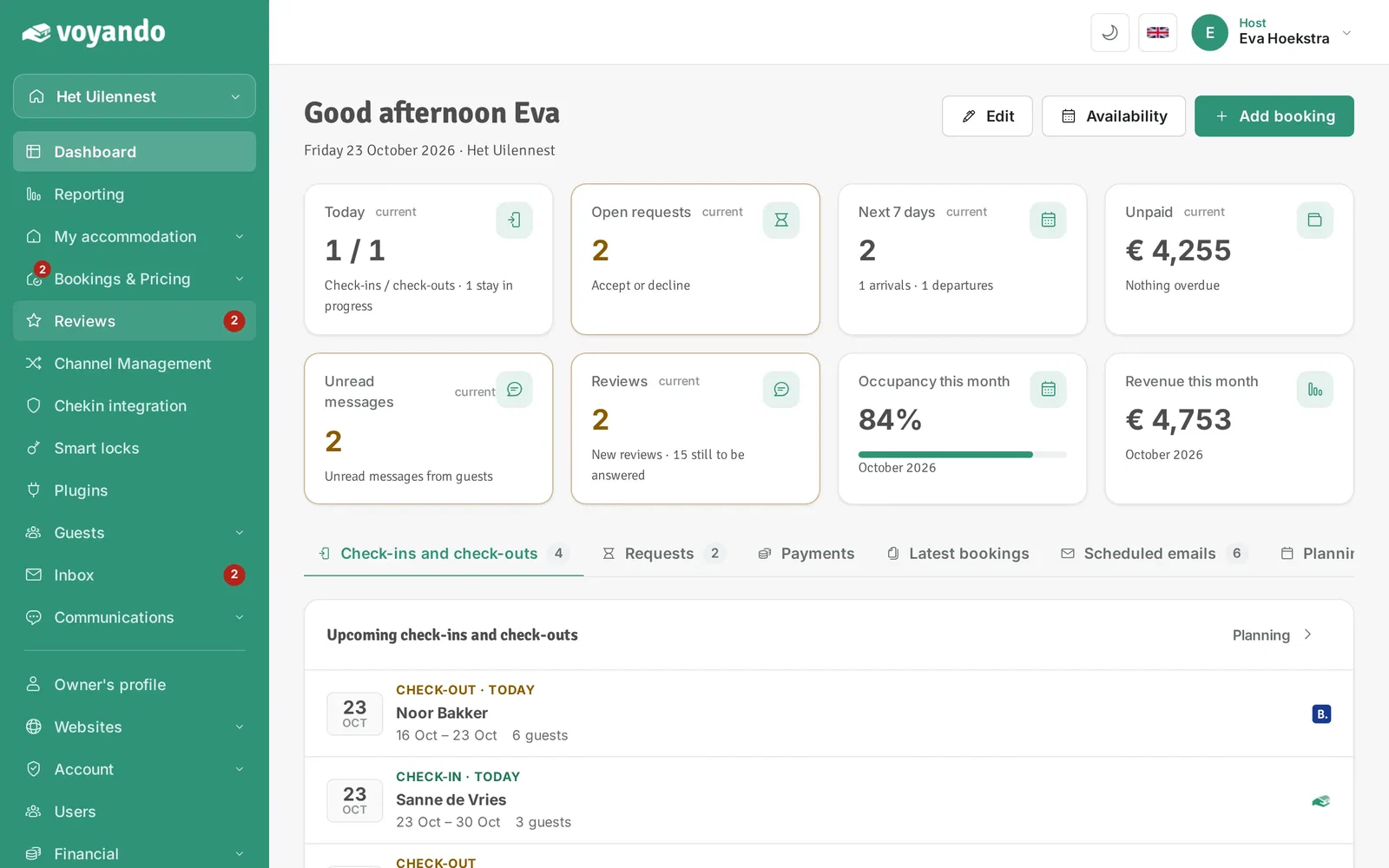
Step 2: Click Reviews in the menu. The number shows how many new reviews there are.
-
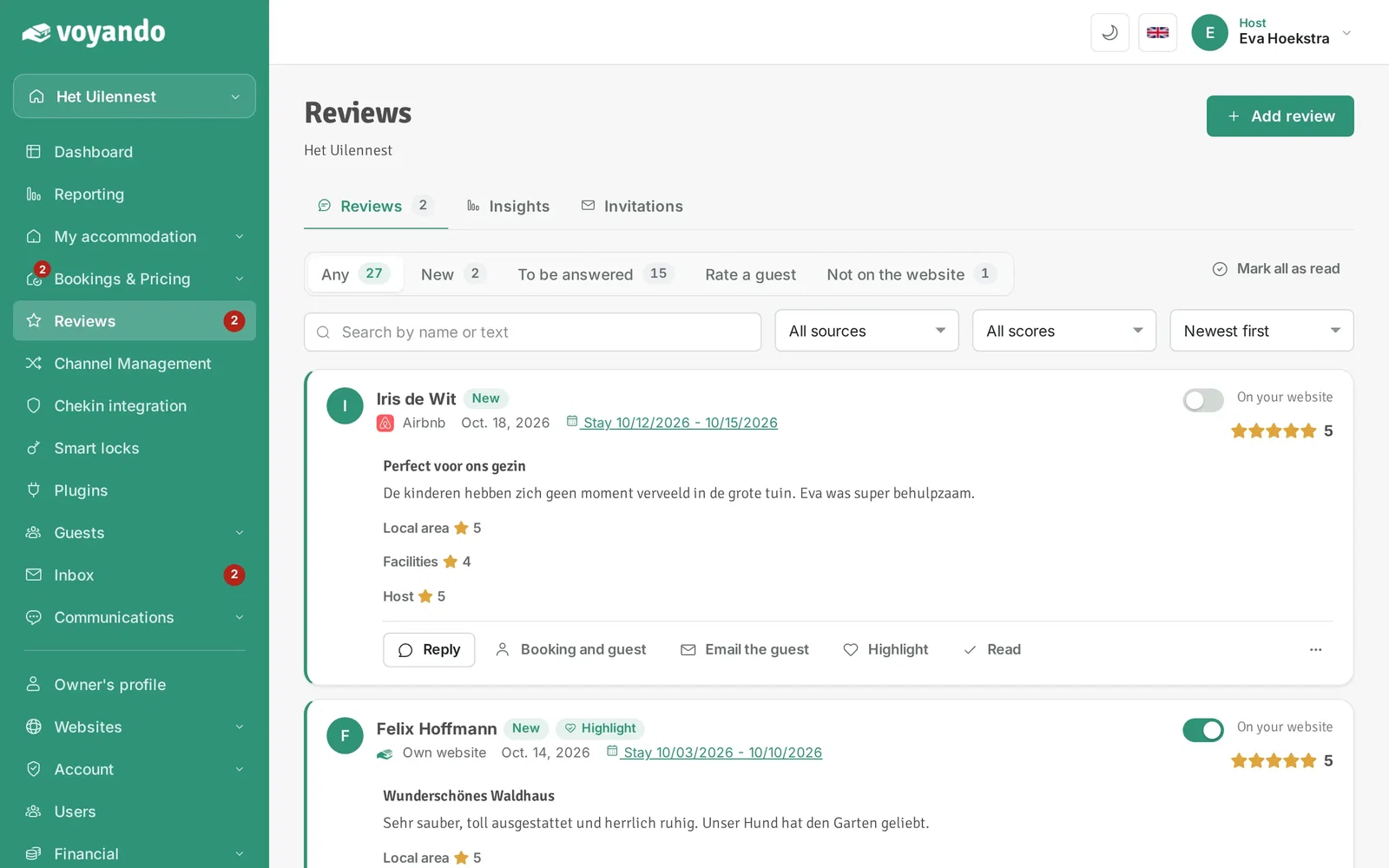
Step 3: At the top you switch between Reviews (all reviews), Insights (your scores) and Invitations (asking guests for a review).
-
Step 4: Filter by status. New are reviews you have not seen yet, To be answered are reviews without your reply and Not on the website are reviews your website does not show.
-
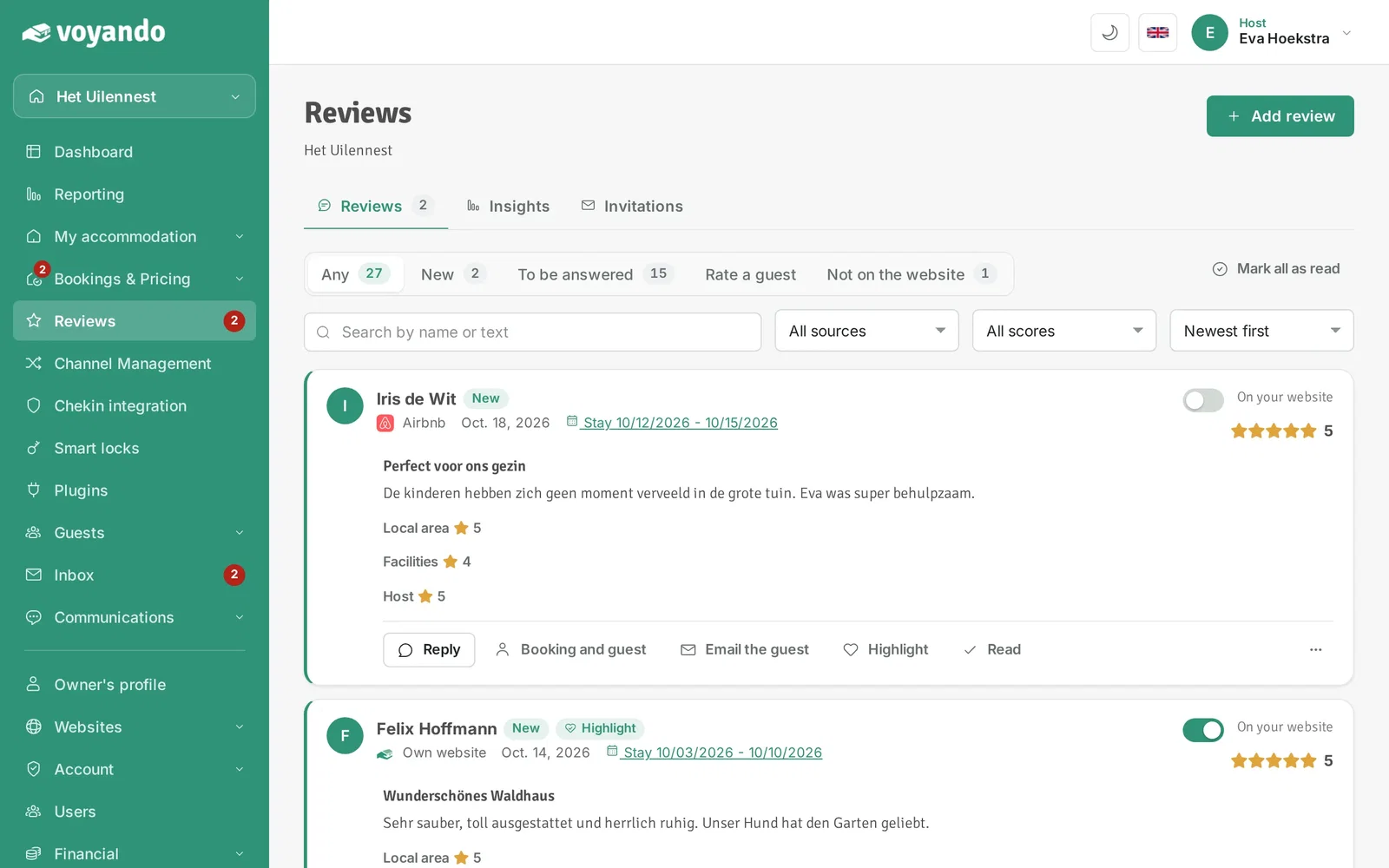
Step 5: Search by name or text, or filter by source (your own website, Booking.com, Airbnb) and score.
-
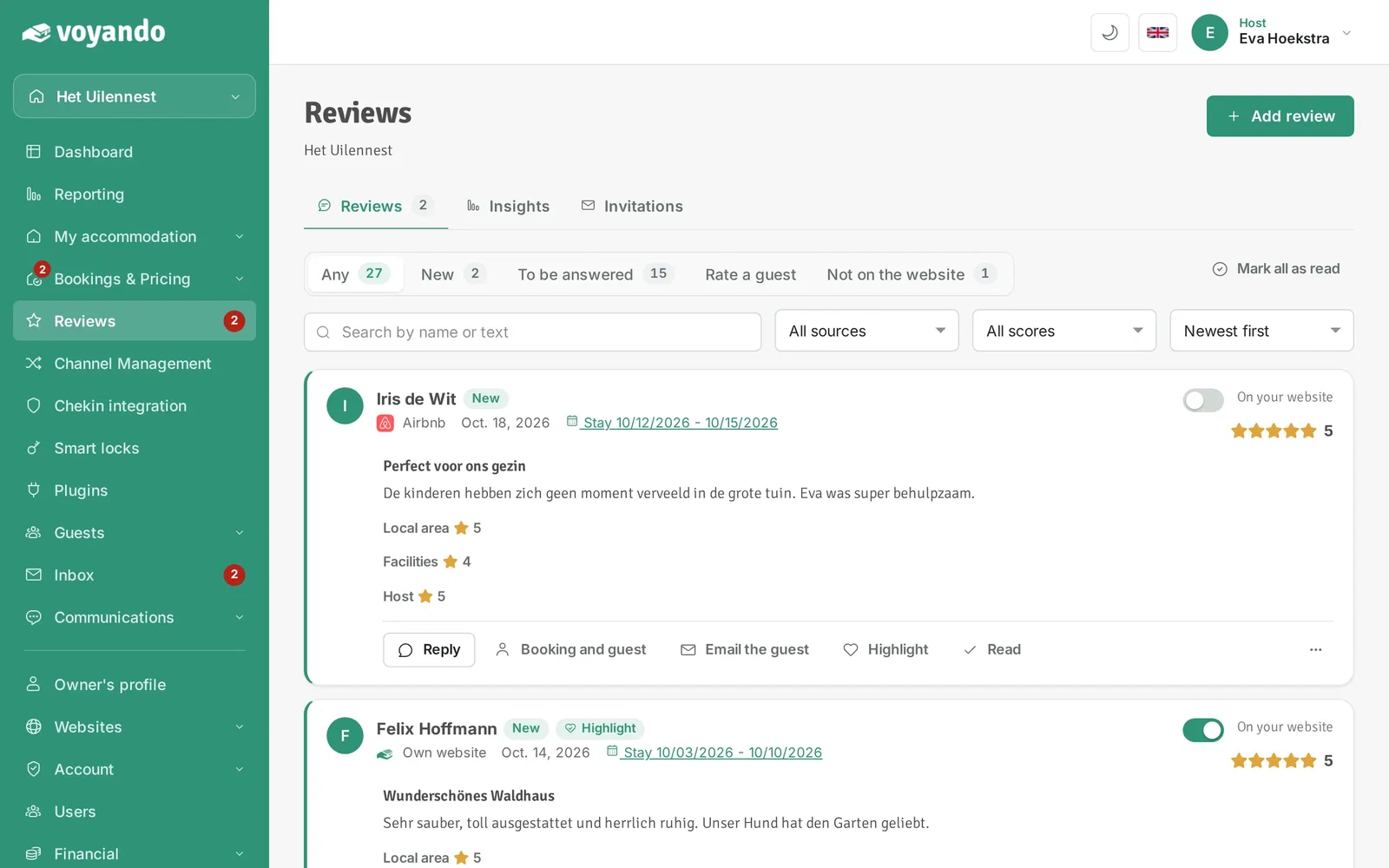
Step 6: Each review is a card with the full text, the scores per category, your reply and the guest's stay.
-
Step 7: Below the review you reply, open the booking, email the guest or make it your top review. Read removes the New label.